Best AI Video Tools for YouTube Shorts Creators in 2026
YouTube Shorts is not a place where creators can spend three weeks polishing one perfect video and call it a strategy. The platform rewards speed, clarity, repeatable formats, and strong hooks. A great Short usually does one thing quickly: it surprises, teaches, entertains, demonstrates, or makes the viewer curious enough to watch again.
That is why AI video tools are becoming so useful for Shorts creators. They do not just help people make random visual experiments. Used well, they help creators build a repeatable production system. You can turn an idea into a script, a character, a visual scene, a voiceover, a short animation, a product demo, or a music-driven clip much faster than a traditional video workflow.
But not every AI video tool is good for YouTube Shorts. Some tools are excellent for cinematic experiments but too slow for daily content. Some are fun for memes but weak on character consistency. Some create realistic video but require careful prompting. Some are useful for image-to-video, while others are better for editing or talking characters.
The best choice depends on the type of Shorts channel you want to build. A faceless education channel has different needs from an anime story channel. A TikTok Shop-style product channel needs different tools from a music visualizer channel. A recurring character comedy series needs consistency more than anything else.
This guide breaks down the best AI video tools for YouTube Shorts creators in 2026 and shows how to use Elser AI as the center of a practical short-form video workflow.
What YouTube Shorts Creators Actually Need
A Shorts creator does not just need a video generator. A Shorts creator needs a content engine.
That engine usually includes idea generation, scripting, visual creation, character design, image-to-video animation, editing, captions, audio, and publishing. The goal is not simply to make one attractive clip. The goal is to create a repeatable format that can produce many clips without losing quality.
For example, an AI anime Shorts channel may need consistent characters, vertical scenes, emotional expressions, and short story beats. A product Shorts channel may need accurate product visuals, fast hooks, and multiple ad variations. A faceless educational channel may need simple visual metaphors, captions, voiceover, and clean pacing. A music channel may need animated visuals that match rhythm and mood. A comedy channel may need expressive characters and quick reactions.
This is why many creators fail with AI video at first. They generate beautiful clips, but the clips do not become a channel. They have no recurring format, no consistent visual identity, and no production rhythm.
Before choosing tools, decide your format. Are you making AI animal comedy? Anime explainers? Product demos? Mini horror stories? Music videos? Character reactions? Educational Shorts? Once the format is clear, the tool choices become much easier.
Elser AI: Best All-in-One Workflow for AI Shorts
Elser AI is a strong fit for Shorts creators because it supports the kind of multi-step workflow short-form content actually requires. You can create characters, generate visuals, turn images into videos, test prompt variations, and build recurring content styles without starting from zero every time.
This matters most when you are building a series. A one-off AI clip can be anything. A Shorts channel needs recognizability. Viewers should start to remember your character, your style, your format, or your visual world. If your host character changes face every episode, the channel feels unstable. If your product videos all look unrelated, the brand feels weak. If your anime Shorts change style constantly, viewers may not connect them as one series.
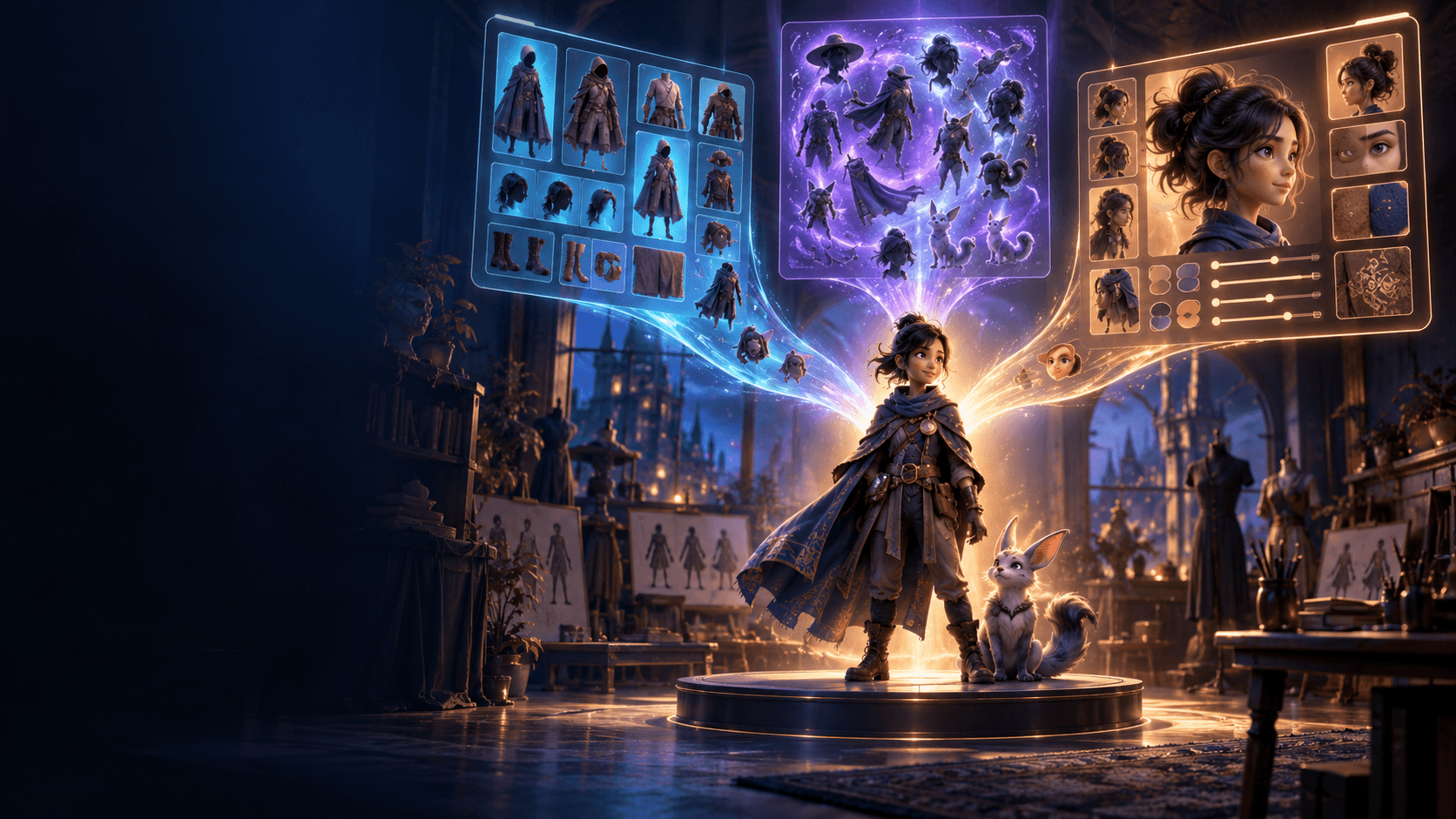
Elser AI helps creators build around reusable assets. You can create a character reference, generate scenes around that character, test different actions, and keep the same visual direction across multiple Shorts. This is useful for anime hosts, animal mascots, virtual influencers, product spokespersons, story characters, and branded social content.
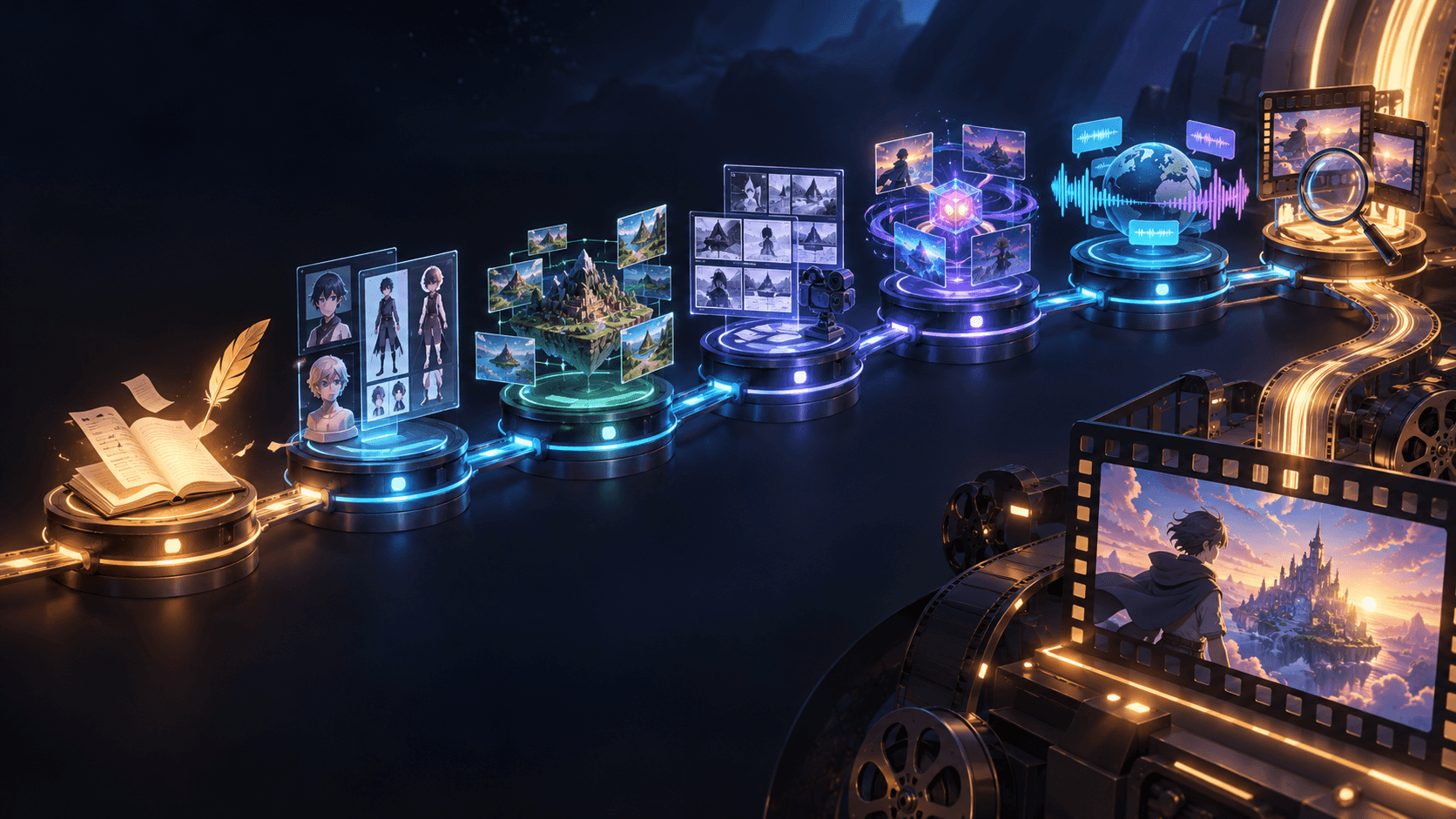
A practical Elser AI YouTube Shorts workflow might look like this: first, choose a recurring format. Then create a character or upload a reference image. Next, write a 15–30 second script with a clear hook. Break the script into three or four short scenes. Generate vertical video clips for each scene. Add captions, music, and pacing in your editing workflow. Publish, study retention, and reuse the format with a new topic.
That repeatable structure is where AI video becomes valuable. It stops being a novelty and becomes a production system.
Runway: Strong for Cinematic Shorts and Visual Storytelling
Runway is a strong option for creators who care about cinematic quality, mood, camera movement, and story-driven visuals. If your Shorts are more like mini trailers, fashion films, sci-fi scenes, surreal visual hooks, or dramatic story moments, Runway can be very useful.
For YouTube Shorts, cinematic polish can be powerful in the first two seconds. A strong opening shot can stop the scroll. A mysterious hallway, a close-up of a character, a dramatic product reveal, or an atmospheric fantasy scene can make viewers curious.
However, cinematic tools need direction. A beautiful shot without a clear concept may not perform. Shorts are not only about visuals; they are about viewer retention. If the viewer does not understand what is happening quickly, they leave.
Runway is best used when you already know the scene’s purpose. For example, instead of asking for “a cinematic sci-fi video,” ask for “a vertical close-up of a young explorer discovering a glowing device, slow push-in, tense expression, dark blue lighting, designed as the opening hook for a 20-second YouTube Short.” The more specific the role of the shot, the more useful the output becomes.
Google Veo: Strong for Realistic Video and Audio-Driven Shorts
Veo-style tools are especially interesting for Shorts creators because audio is becoming increasingly important in AI video. A clip with realistic ambience, dialogue, sound effects, or music can feel much more complete than a silent visual.
For YouTube Shorts, this is useful in several formats: realistic skits, product demos, mini documentaries, educational scenes, cinematic moments, and dialogue-based videos. If you are making a realistic AI scene, matching audio can help sell the moment.
That said, realistic video also has a downside. Viewers are very sensitive to realism. If a realistic human face looks slightly wrong, if a hand movement is unnatural, or if the scene feels almost real but not quite, the viewer may notice immediately. Stylized formats like anime, cartoon, comic, or mascot videos can sometimes be more forgiving and more repeatable.
For many Shorts creators, the best approach is to use realism when it supports the concept and use stylized AI video when consistency and speed matter more.
Kling AI: Strong for Motion, Anime, and Dynamic Visual Hooks
Kling AI is popular among creators who want strong motion, dramatic camera movement, and visually energetic clips. For YouTube Shorts, that can be a major advantage because motion often drives attention.
Anime action scenes, fantasy clips, dynamic product reveals, music visuals, dance-style motion, and cinematic camera moves can all work well in a Shorts format. The key is not to overload the prompt. A Short should usually focus on one clear action.
Instead of asking for a character to run, fight, jump, transform, cry, and fly in the same clip, build a sequence. One shot shows the character turning around. One shot shows the glowing object. One shot shows the reaction. One shot shows the reveal. This gives you cleaner outputs and better editing control.
Kling-style tools are especially useful when the first second needs strong motion. But for recurring Shorts, you still need character consistency. Use stable references, clear identity prompts, and controlled scene design.
Pika: Strong for Fast Social Experiments
Pika is useful for creators who want playful, fast, trend-based video ideas. Not every Short needs to be cinematic or deeply controlled. Some Shorts work because they are funny, strange, visually surprising, or built around a simple transformation.
For trend-driven creators, speed matters. If a format is popular this week, waiting too long can make the idea stale. Tools like Pika can be helpful for quick experiments, visual effects, swaps, short transformations, and social-first content.
The best way to use a fast creative tool is to test hooks. Do not assume one idea is enough. Try multiple openings, multiple visual jokes, or multiple transformations. The first two seconds of a Short are often more important than the last ten.
Pika-style workflows are especially useful for meme-like product content, reaction visuals, quick image-to-video tests, and playful creator experiments. For serious brand consistency, review outputs carefully.
Tools for Scripts, Hooks, and Structure
Even with the best AI video generator, a weak idea will still produce a weak Short.
The script should be short, direct, and built around retention. Most Shorts need a strong first line, a quick setup, a payoff, and sometimes a loop. The viewer should understand the premise almost immediately.
A good hook might be:
“I turned one photo into a full product ad.”
“This AI character stayed consistent across five scenes.”
“Most AI videos fail because of this one prompt mistake.”
“I made an anime Short without drawing a single frame.”
“This is how one product image becomes three ads.”
Notice that each hook creates curiosity and promises a result. That is better than starting with a slow introduction like “In today’s video, I’m going to talk about…” Shorts do not have patience for long warmups.
For an Elser AI-centered workflow, the script can be extremely simple:
Hook: “I turned this single image into an anime scene.”
Setup: “First, I locked the character design.”
Action: “Then I animated three short shots.”
Payoff: “The face stayed consistent across the whole clip.”
CTA: “Try your own character in Elser AI.”
This structure is easy to repeat, and repeatability is what makes a Shorts channel scalable.
Tools for Consistent Characters
If your Shorts channel uses recurring characters, consistency is not optional. It is part of your brand.
A recurring anime host, a talking animal, a product mascot, a virtual influencer, or a comedy character needs to look recognizable from episode to episode. Viewers build familiarity through repeated visual cues: face shape, hairstyle, outfit, colors, expression style, and personality.
The workflow should start with a character reference. Use the same identity prompt across scenes. Keep the outfit stable. Avoid changing the style too often. Break actions into short clips. Review each output before moving forward.
Elser AI fits this use case because it supports character-centered creation. You can create or upload a character, animate different scenes, and reuse the visual identity across multiple Shorts. This is especially important if you want to build a series instead of posting disconnected AI experiments.
A useful identity block is:
“Use the same character from the reference image. Preserve the exact face, hairstyle, outfit, body proportions, color palette, and art style. Do not change the character’s identity between shots.”
Use that block again and again. Consistency comes from repetition.
Tools for Product Shorts
Product Shorts are one of the most practical AI video opportunities. A product photo can become a short video ad, a product reveal, a lifestyle clip, or a demo-style scene. For ecommerce sellers, this means more content from fewer assets.
The rule is simple: keep the product accurate. Do not let the AI redesign the product. If the logo changes, the label melts, or the shape becomes inaccurate, regenerate with stronger product-lock instructions.
A good product Shorts prompt:
“Create a vertical 9:16 product video from the reference image. Keep the product shape, color, logo, label, packaging, and material exactly the same. Use a quick but smooth reveal, bright social media background, and clean space for captions. The video should feel clear, modern, and suitable for YouTube Shorts.”
In Elser AI, you can create several versions from the same product image: a clean product hero, a TikTok-style reveal, a lifestyle version, and a feature-focused demo. That gives you more chances to find a video that performs.
Tools for Lip Sync and Talking Characters
Talking character Shorts are effective because they combine personality with information. A character can explain a product, tell a joke, react to news, teach a concept, or narrate a story.
For AI talking characters, the key is not only lip sync. You also need stable identity, readable expression, clear audio, and a script that does not drag. A talking character with perfect lip sync but boring writing will still lose viewers.
Good talking character formats include anime hosts, mascot explainers, virtual product guides, comedy reaction characters, educational narrators, and storytime characters.
Keep the script tight. Use short sentences. Make the character expressive but not chaotic. If you are building a recurring host, preserve the same face, outfit, voice style, and visual framing.
A Repeatable YouTube Shorts Workflow with Elser AI
The strongest AI Shorts workflow is not complicated, but it should be disciplined. Start by choosing one format. For example: “An anime host explains one AI video tip in 20 seconds.” Then create the recurring host character in Elser AI. Keep a stable reference image. Write a short script with a direct hook. Break the script into three scenes: hook close-up, visual example, final takeaway. Generate each scene in vertical 9:16 format. Add captions and sound. Publish. Then repeat the same format with a new topic.
This is much better than making a totally different style of video every day. A channel grows when viewers understand what to expect and want more of it.
You can use the same framework for product videos, comedy skits, animal characters, music visuals, or mini anime stories. The details change, but the production logic stays the same: stable format, strong hook, clear visual, short runtime, repeatable workflow.
Prompt Template for YouTube Shorts
“Create a vertical 9:16 AI video for YouTube Shorts. Use the same character or product from the reference image. Preserve the exact identity, design, color palette, proportions, and visual style. The scene shows [specific action]. Camera: [simple camera movement]. Mood: [emotion]. Leave clean space for captions. The video should be clear, engaging, and easy to understand in the first two seconds. No identity changes, no product warping, no style drift.”
Example:
“Create a vertical 9:16 AI video for YouTube Shorts. Use the same anime host from the reference image. Preserve her face, short blue hair, yellow hoodie, round glasses, and clean anime style. She points at a glowing screen and looks surprised. Camera slowly pushes in. Bright studio background, fun educational mood. Leave clean space for captions. No character identity changes, no outfit changes, no face distortion.”
Final Thoughts
The best AI video tools for YouTube Shorts creators in 2026 are not just the tools with the most impressive demos. They are the tools that help you publish consistently.
Use cinematic tools when you need atmosphere. Use realistic video tools when realism and audio matter. Use motion-focused tools for dynamic hooks. Use playful tools for fast trend experiments. Use Elser AI when you want a practical all-in-one workflow for characters, product videos, anime scenes, image-to-video clips, and repeatable short-form content.
If you are starting from zero, do not try to create a masterpiece first. Create one format, one character or product style, and one 20-second Short. Then make ten variations.
That is how AI video becomes a channel instead of a one-time experiment.