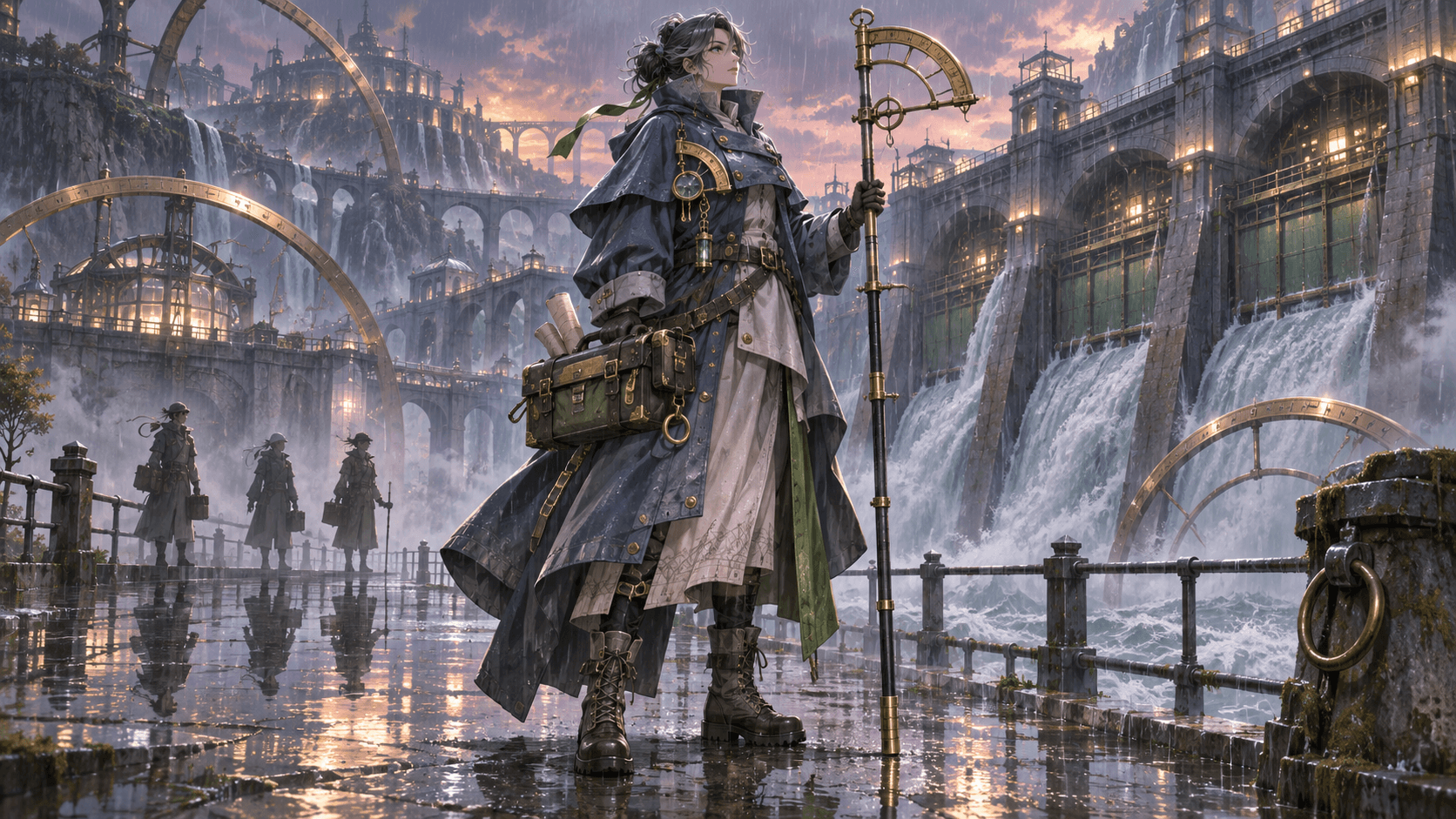
How to Create a D&D Character Portrait with an AI OC Maker
To create a useful D&D character portrait, translate the character sheet into visible choices: species traits, class function, background experience, current equipment, personality, and campaign setting. Do not paste every rule or inventory item into the prompt. Prioritize what other players should recognize at the table.
Elser AI OC Maker can explore fantasy character concepts from text, tags, and an optional permitted reference. The resulting image is a visual aid, not an official Dungeons & Dragons asset or a substitute for game rules.
Unofficial fan-use notice: Elser AI is not affiliated with or endorsed by Wizards of the Coast. Dungeons & Dragons and related marks belong to their respective owners. Check current fan-content, platform, campaign, and commercial-use rules before publishing or selling work.
Begin with the campaign, not the portrait style
Ask the Dungeon Master what kind of world and tone the campaign uses. Official D&D character-creation guidance recommends discussing the game and expectations before building the character. A heroic high-fantasy campaign, gothic investigation, comic adventure, and survival-focused frontier produce different visual assumptions.
Write down geography, technology, typical equipment, social context, and any themes to avoid. A character should look as though they can enter the campaign’s first location, not as though they were generated for an unrelated setting.
Decide what the portrait must communicate
A small token portrait needs a clear face and silhouette. A character-sheet portrait can show upper-body costume and one prop. A full-body reference can explain equipment, movement, and scale. Choose the output before writing the prompt.
List three things another player should understand immediately. For example:
- trained wilderness guide rather than courtly archer;
- cautious and observant rather than aggressive;
- uses weathered practical equipment rather than ornate ceremonial gear.
Everything else is supporting detail.
Translate class into activity, not costume shorthand
Class describes capabilities and play patterns, but characters within a class can look very different. Instead of “generic rogue armor,” identify how this character solves problems. Do they climb, disguise themselves, study locks, negotiate, scout, or fight at range? Show the tools, posture, and clothing that support those actions.
A wizard’s visual identity might come from field notebooks, protected spell components, weatherproof storage, or careful hand posture—not necessarily a pointed hat. A fighter’s equipment should reflect fighting method, maintenance, and campaign resources rather than maximum ornament.
Use official rules to confirm actual equipment and capabilities. Do not let an image generator invent rules, bonuses, spells, or legal character options.
Make species traits readable but character-specific
Record canonical physical traits from the rules you are using, then decide which traits matter in the selected framing. Avoid exaggerating a trait until it becomes a stereotype or conflicts with the table’s interpretation.
Species is not personality. Two characters of the same species can differ in body, age, grooming, movement, clothing, and culture. Build individuality through background and choices rather than treating ancestry as a complete design.
If your character uses homebrew material, label it clearly and obtain the DM’s approval before presenting the portrait as the campaign reference.
Turn background into wear, tools, and habits
Background is often the richest visual source. A former sailor may use familiar knots, distribute weight for unstable footing, and maintain equipment against moisture. A scholar may protect notes and writing tools but still adapt to travel. A noble living incognito may wear practical clothes with one unconscious sign of expensive tailoring.
Follow the method in How to Turn an OC Backstory Into Visual Character Design: convert history into present evidence rather than illustrating every event.
Keep equipment accurate to the current character
Choose the few items that define play. Verify weapon type, shield, focus, armor, instrument, pack, and significant story object against the character sheet. Decide where each is carried and whether it should be visible.
Image generators commonly merge straps, hands, weapons, and small accessories. Inspect equipment manually. A visually impressive sword is not useful if it has an impossible grip or the character does not own it.
Create separate images for major equipment changes. Do not continually edit the canonical portrait without recording which campaign level or story state it represents.
Write a focused D&D portrait prompt
Use this order:
- adult/minor status and broad physical description;
- campaign-compatible species traits;
- class expressed through activity and equipment;
- background evidence;
- personality through pose and expression;
- palette, framing, and neutral presentation.
Example:
Adult fantasy ranger and former river pilot; alert compact stance, weathered face, practical layered marsh clothing in reed green and mud brown; shortbow unstrung across the back, rope coil with precise sailor knots, waterproof map tube at left hip; one clean silver family clasp hidden inside the collar; calm watchful expression; chest-up character portrait with uncluttered background.
Open Elser AI OC Maker, select a suitable aspect ratio, and test two or three directions. If you upload a reference, use one you are permitted to use and describe the decisions you want preserved.
Crop and test the portrait for actual table use
D&D Beyond currently documents JPG, PNG, or GIF for custom portraits, recommends 150 by 150 pixels, and sets a maximum file size of 3 MB. Requirements can change, so verify them before upload.
At a small crop, the face should remain readable and no important prop should be cut into an unrecognizable shape. Keep the background simple. Test both circular and square crops if the portrait will appear in multiple tools.
Save a higher-resolution master separately. A small token should not become the only surviving character reference.
Check rights, consent, and table boundaries
Do not use another player’s photo or artwork as a reference without permission. Avoid generating a portrait that imitates a living artist’s distinctive style. Review the AI service’s current terms, campaign platform rules, and any fan-content rules that apply.
If the portrait represents a real-world culture, disability, religion, or identity, research the depiction rather than relying on fantasy shorthand. A session-zero conversation can help align themes and boundaries, but it does not replace thoughtful design.
Make the whole party readable as a group
Before everyone commissions or generates unrelated portraits, agree on framing, background treatment, broad rendering style, and intended crop. This produces a coherent party page without forcing the characters into matching uniforms.
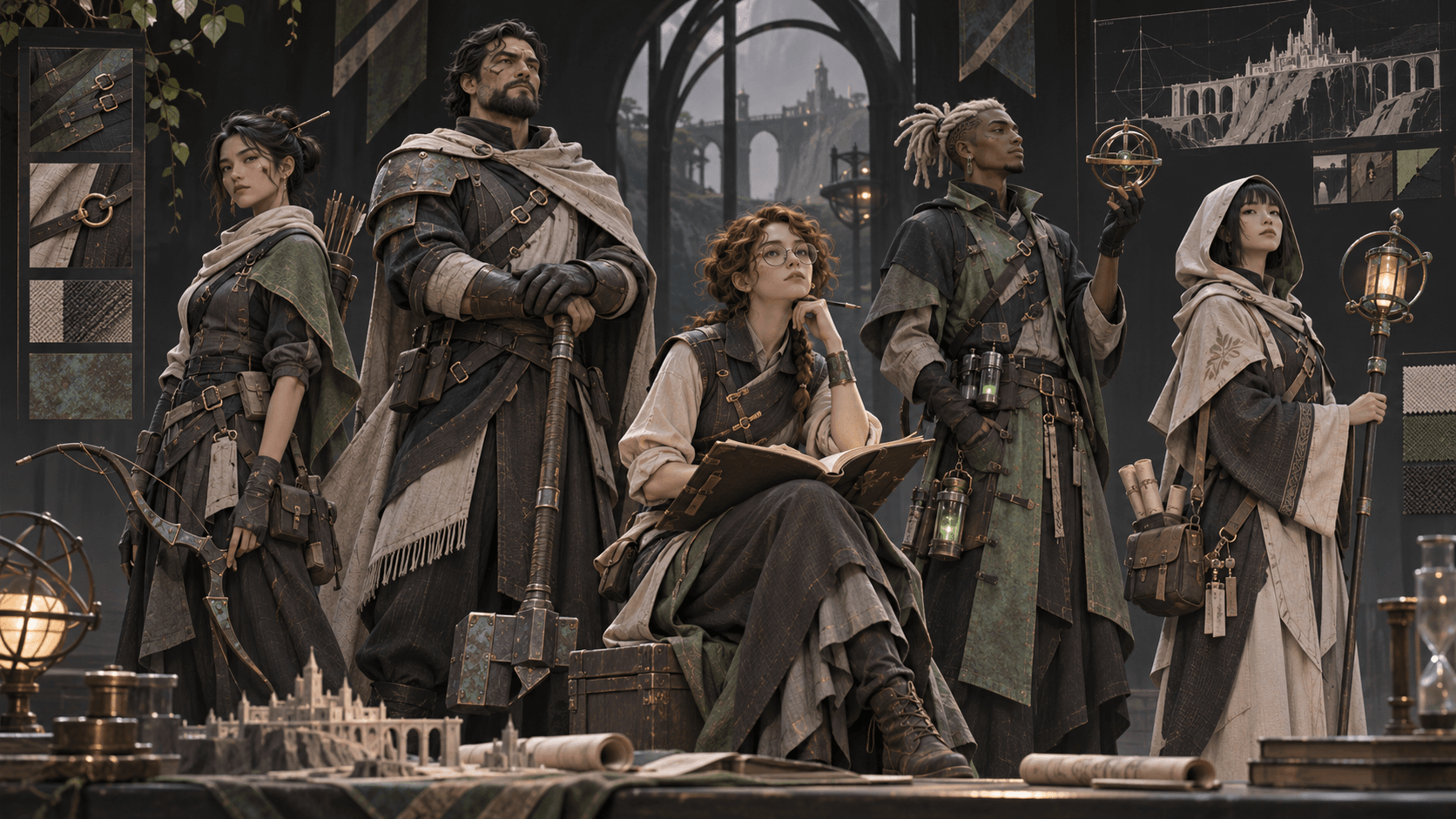
Create a scale lineup and check that each member has a distinct silhouette, value pattern, and role-defining object. Repeated hooded cloaks, dark leather, and three-quarter poses can make different characters look interchangeable. Preserve individuality through posture and equipment while using campaign-wide presentation rules.
If one player does not want AI-generated art, respect that decision. A party can combine commissioned art, player drawings, licensed tokens, and text-only references as long as credits and permissions are clear. Do not feed another player’s commissioned portrait into an image system without both the player’s and artist’s permission.
Version the portrait as the campaign changes
Record the session or level range represented by the image. Major equipment changes, injuries, allegiances, or time jumps may justify a new version; ordinary inventory changes do not require repainting the portrait. Keep the original file and date rather than overwriting history.
When generating an update, specify only the verified changes and compare the face, species traits, body, and signature equipment against the approved version. A new cloak should not silently change age or identity. Share revised art with the table before replacing the campaign token, especially when the image could reveal a secret story development.
Make a portrait that supports play
The best D&D portrait helps the table remember who the character is and how they approach the world. It does not need to display every item or power. Generate a clear concept with Elser AI OC Maker, verify it against the current sheet, then export a crop that remains readable during play.
Frequently asked questions
Can I use an AI portrait on D&D Beyond?
D&D Beyond supports custom portrait uploads that meet its current file requirements. You remain responsible for rights, service terms, and acceptable-use rules.
Should the portrait show every weapon and item?
No. Show the equipment that communicates role or story. Too many items reduce readability and increase generation errors.
Can an AI OC maker build my D&D character sheet?
An image tool creates visual concepts, not validated rules. Use the official rules and an approved character builder for mechanics.
How do I make the portrait match the rest of the party?
Agree on campaign tone, framing, background simplicity, and broad rendering approach. Keep individual silhouettes, palettes, and roles distinct.