How to Create Consistent Character Videos From Photos
Creating one character video from a photo is easy. Creating five videos where the character still looks and sounds like the same person is the real challenge.
That is the problem behind most photo-to-video workflows. The first clip looks good. The second changes the face slightly. The third changes the outfit. The fourth gives the character a different voice. By the time you have enough clips for a short story, the character feels like a group of cousins playing the same role.
Consistent character videos require more than image animation. You need a repeatable identity system: a clean reference photo, locked visual traits, controlled prompts, short shot design, voice consistency, and a review process before publishing.
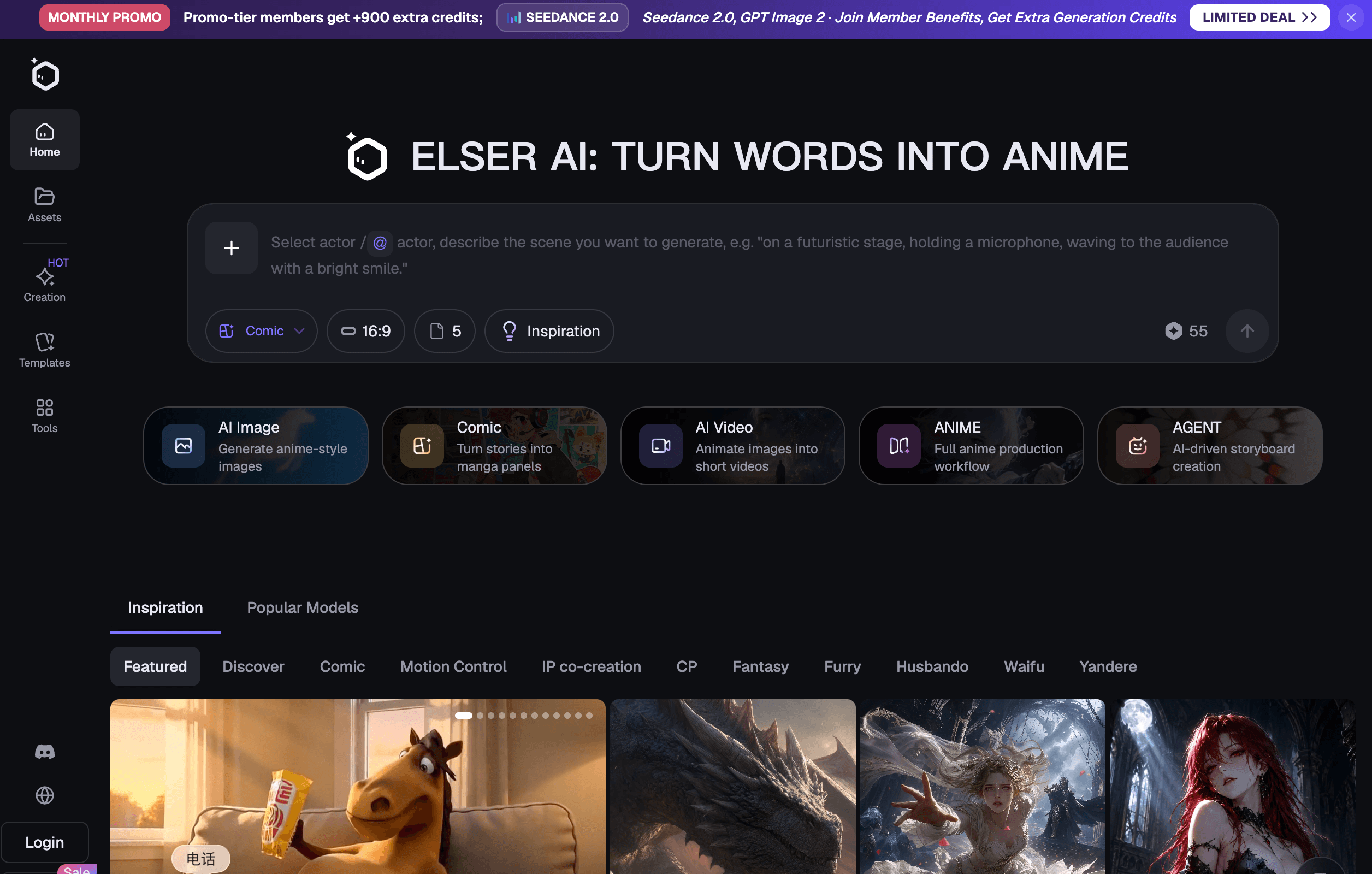
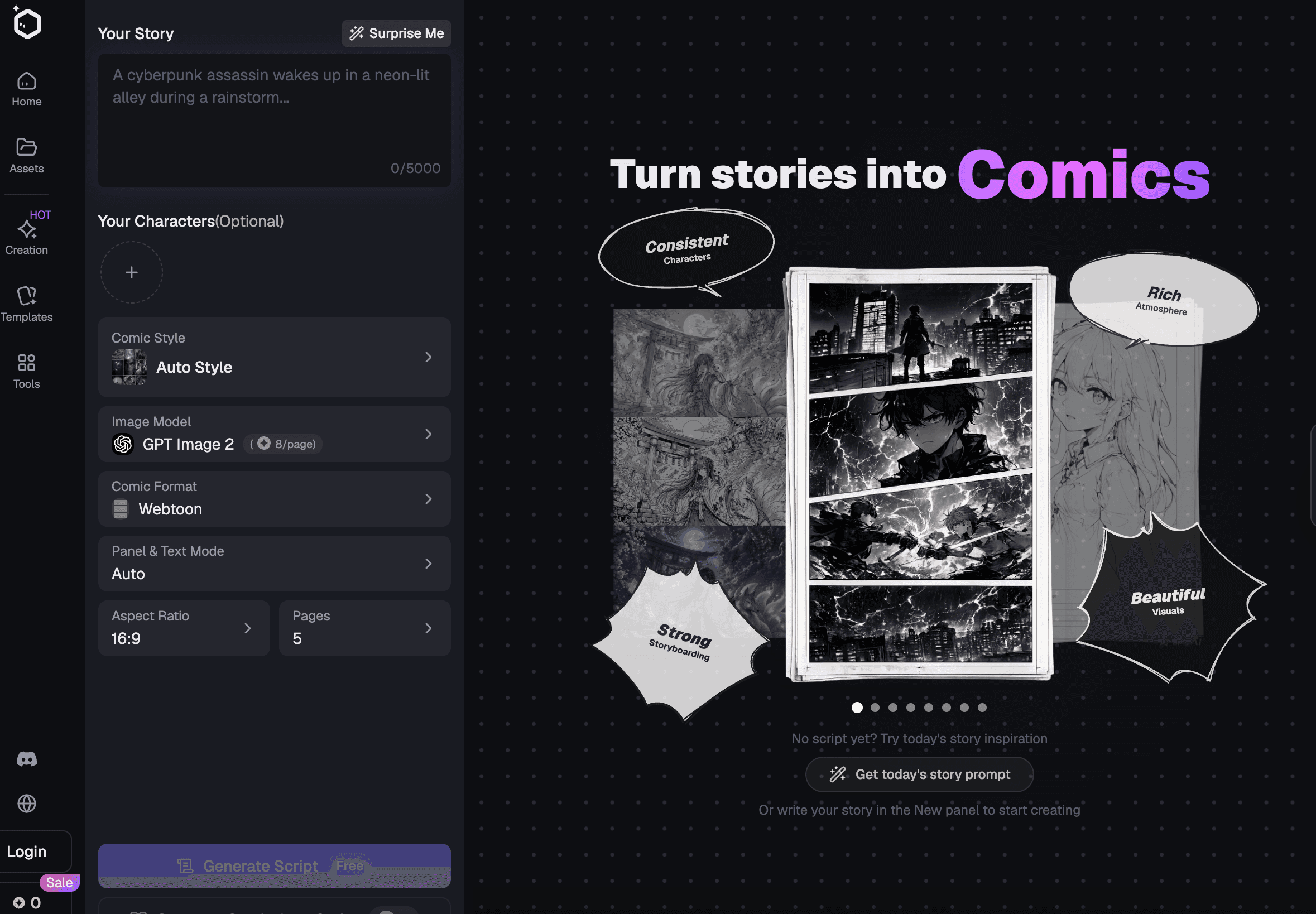
Elser AI is built for this kind of workflow because it brings together photo-to-video animation, AI character generation, storyboards, video models, voice cloning, lip sync, music, sound effects, and video enhancement. That makes it easier to turn one photo into a recurring character rather than a one-off clip.
Treat the Photo as a Character Reference, Not Just an Input
The photo is not merely the first frame. It is the identity anchor.
Before generating video, decide which details must never change. For a human-style portrait, that may include face shape, hairstyle, age impression, outfit, color palette, and expression style. For an anime character, it may include eye design, hair silhouette, clothing shape, line art, and signature accessory. For a product mascot or fictional character, it may include proportions, colors, logo placement, and personality.
Write a character lock before generating:
“Keep the same face, hairstyle, outfit, body proportions, color palette, and overall character identity. Do not add new accessories or change the apparent age.”
That sentence should appear in every important prompt.
But text is not enough. Use the photo consistently as a visual reference. If you create additional still frames, compare them to the original before animating. A wrong still frame will become a wrong video.
Elser AI is useful here because you can build the character around the photo, create additional references, and move into storyboard and video without losing the project context. For recurring content, this is much better than uploading the same image into unrelated tools every time and hoping the output matches.
Create a Small Reference Pack From One Photo
One photo is often not enough for long-term consistency. But you can use it to build a small reference pack.
Start with the original photo. Then create or approve a few controlled variations:
Front-facing clean reference.
Three-quarter view.
Medium shot.
Full-body or wider version, if needed.
Neutral expression.
One emotional expression.
One alternate scene with the same identity.
The goal is not to redesign the character. The goal is to help AI understand the character from more than one angle.
For anime-style characters, include a clean still with the full outfit visible. Outfit drift is one of the fastest ways to lose consistency. For talking characters, include a close-up where the mouth area is clear. For action videos, include enough body information for the model to understand posture and proportions.
Inside Elser AI, this reference-building stage can feed directly into image-to-video generation and storyboards. You can approve the character before making several clips, which reduces wasted generations.
A good rule: never create the final video sequence from an untested single reference. Test the character in two or three simple scenes first.
Design Videos as Short Controlled Shots
Long generations are where character consistency often breaks.
If you ask one photo to become a 20-second scene with walking, talking, turning, background changes, hand gestures, and camera movement, you are asking the model to invent too much. The more it invents, the more the character drifts.
Instead, build videos from short controlled shots.
A consistent character video sequence might use:
A three-second close-up.
A four-second medium shot.
A three-second reaction.
A five-second movement shot.
A final title or voice moment.
Each shot should have one main action.
For example:
“Character blinks and looks down.”
“Character turns slightly toward the light.”
“Character walks forward slowly.”
“Character says one short line.”
“Camera pushes in as the background lights turn on.”
This is much more reliable than asking for a complete mini movie from one prompt.
Elser AI’s storyboard tools help because you can organize these shots before generating. That is important for consistency. When each shot has a purpose, you can check whether the character still matches before spending effort on voice, lip sync, music, or final enhancement.
Keep Voice and Face in the Same Identity System
For talking character videos, consistency is not only visual.
A character also needs a stable voice. If the face stays the same but the voice changes from soft narrator to energetic influencer to dramatic movie trailer voice, the audience will feel the inconsistency even if they cannot explain it.
Create a voice profile:
Pitch.
Speaking speed.
Emotional tone.
Accent or pronunciation style.
Energy level.
Pause pattern.
Typical sentence length.
For example:
“This character speaks calmly, with short sentences, dry humor, and a slight pause before emotional lines.”
Then keep that voice profile across clips.
Elser AI’s voice cloning and lip sync workflow is a strong conversion point here. You can animate the character from a photo, generate or reuse a voice, apply lip sync to close-up speaking shots, and keep voice identity connected to the visual character.
For best results, record or generate the voice first. Then animate the speaking shot around that audio. Do not create a random moving-mouth clip and try to force dialogue into it afterward.
Also, use lip sync selectively. Close-ups and medium shots work best. Wide shots, profile views, fast action, and covered mouths are not ideal.
Build a Repeatable Prompt Template
Consistency improves when your prompts are structured.
Use the same template for every shot:
Character identity.
Shot type.
Action.
Camera movement.
Environment.
Style.
Continuity restrictions.
Example:
“Medium close-up of the same character from the reference photo, same face, hairstyle, outfit, body proportions, and color palette. The character turns slightly toward camera and blinks once. Slow camera push-in. Soft evening room light, clean cinematic style. Keep identity stable, no new accessories, no outfit change, no age change.”
For anime:
“Clean 2D anime video of the same character from the reference image, same eye design, hair silhouette, outfit, line art, and color palette. The character looks toward camera as hair moves gently in the wind. Slow push-in. Preserve anime style, no photorealistic texture, no costume changes.”
This template keeps the model focused. You can change the action and location while preserving identity.
In Elser AI, this becomes easier because the prompt works alongside project assets like character references, storyboards, voice, sound, and video enhancement. You are not starting from zero with every new clip.
Review Like a Continuity Editor
The final step is not generation. It is rejection.
A video can look beautiful and still fail consistency. Before publishing, compare each clip to the original photo or character reference.
Check face shape, hairstyle, outfit, body proportions, color palette, accessories, age impression, voice, lip sync, and personality. Then check whether the movement fits the character. A calm character should not randomly perform exaggerated gestures unless that is the joke. A serious anime hero should not suddenly smile like a commercial presenter unless the story supports it.
If one shot is wrong, regenerate that shot. Do not let one attractive wrong clip enter the final sequence. In recurring character content, every published video teaches the audience what the character is supposed to look and sound like.
Elser AI can help reduce drift by keeping the creative workflow connected, but the creator still needs to decide what becomes canon.
That is the mindset shift: you are not just animating photos. You are managing a character.
Final Takeaway
To create consistent character videos from photos, treat the photo as an identity anchor. Build a small reference pack. Use short controlled shots. Keep voice and face in the same system. Reuse a prompt template. Review every output before publishing.
Elser AI is a strong choice because it supports the full recurring-character workflow: photo-to-video animation, character generation, storyboards, AI video models, voice cloning, lip sync, music, sound effects, and enhancement.
A single photo can become more than one moving image.
With the right workflow, it can become a character viewers recognize from video to video.
Create consistent character videos from photos with Elser AI.