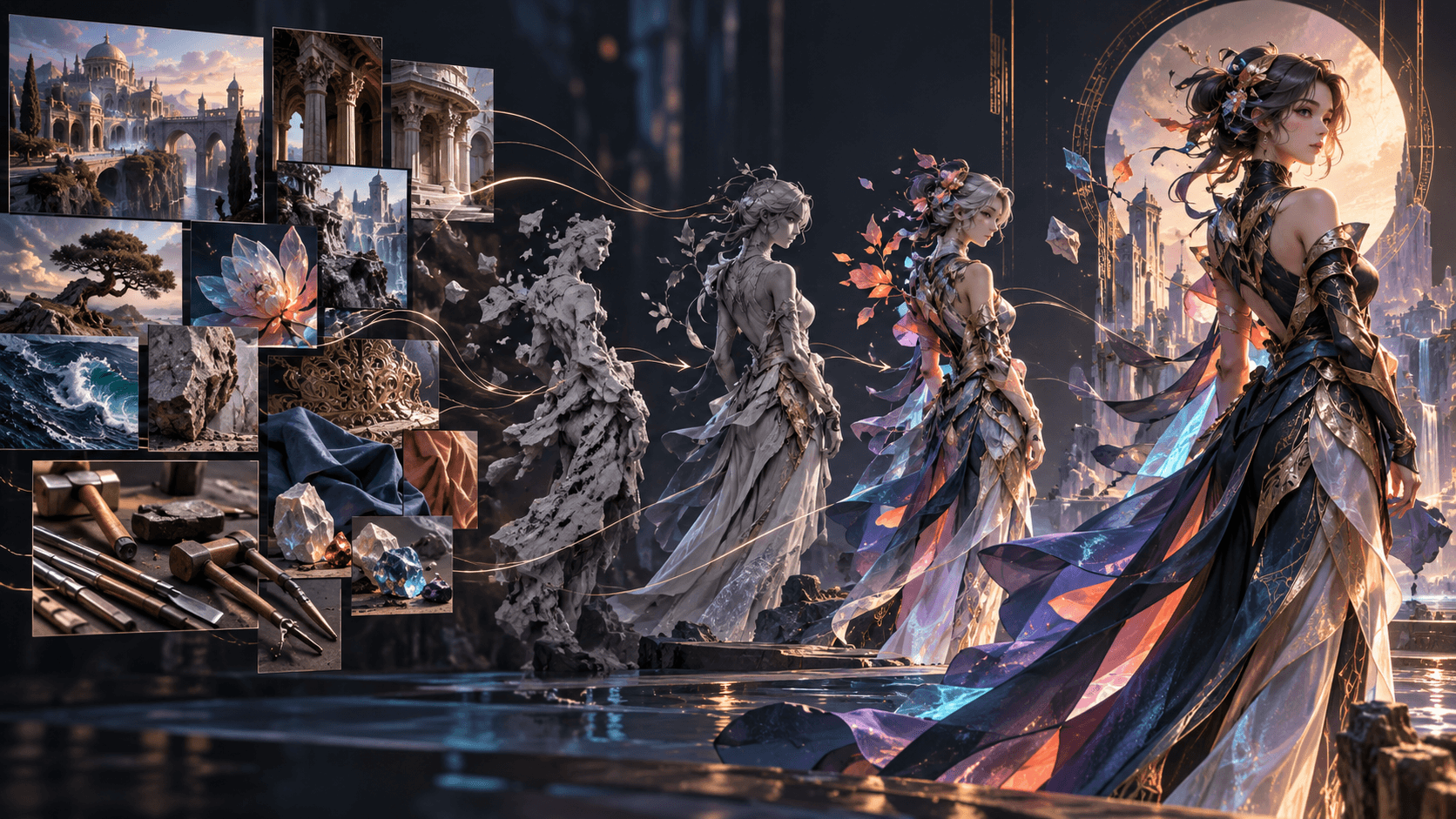
How to Create Your Own Anime Character with AI
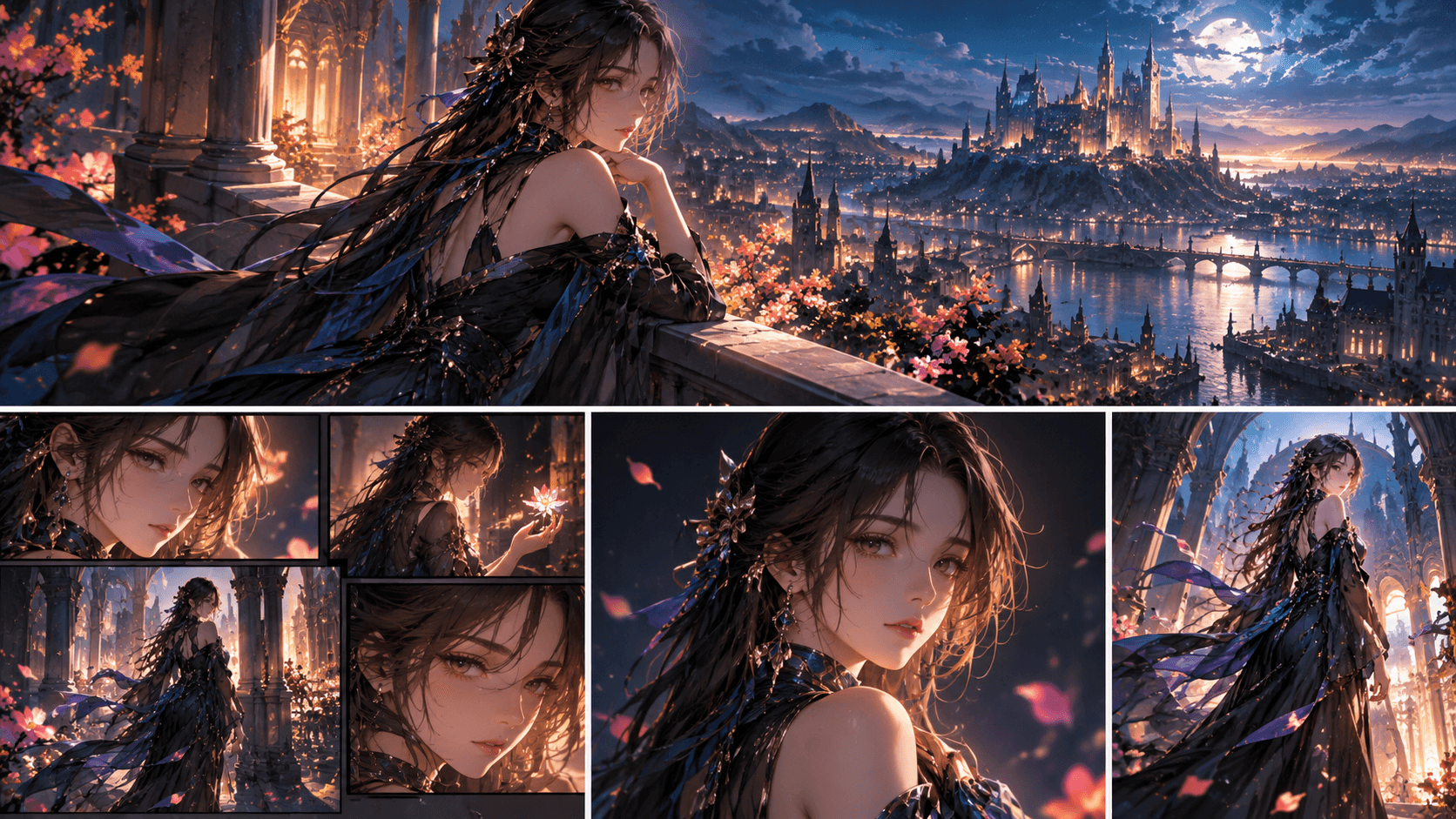
Creating your own anime character with AI is one of the fastest ways to move from generic output to a real creator identity. A strong character is not just a face. It is a mix of silhouette, personality, costume logic, color language, and repeatable visual traits.
If you want the character to survive beyond one image, you need a system. That means defining who the character is, what they look like, what emotional tone they carry, and how you will reuse them across later scenes.
Quick Answer
To create your own anime character with AI:
1. define the role
2. design the silhouette
3. lock personality and outfit logic
4. build reusable reference images
5. prepare the character for later scenes
Step 1: Define the Role First
Is the character a hero, rival, guide, villain, or comic-relief figure? The role shapes every later visual decision.
A strong role helps you decide:
- posture
- facial energy
- costume style
- color palette
- signature prop or detail
Without that role, many AI-generated characters look attractive but generic.
Step 2: Build the Silhouette
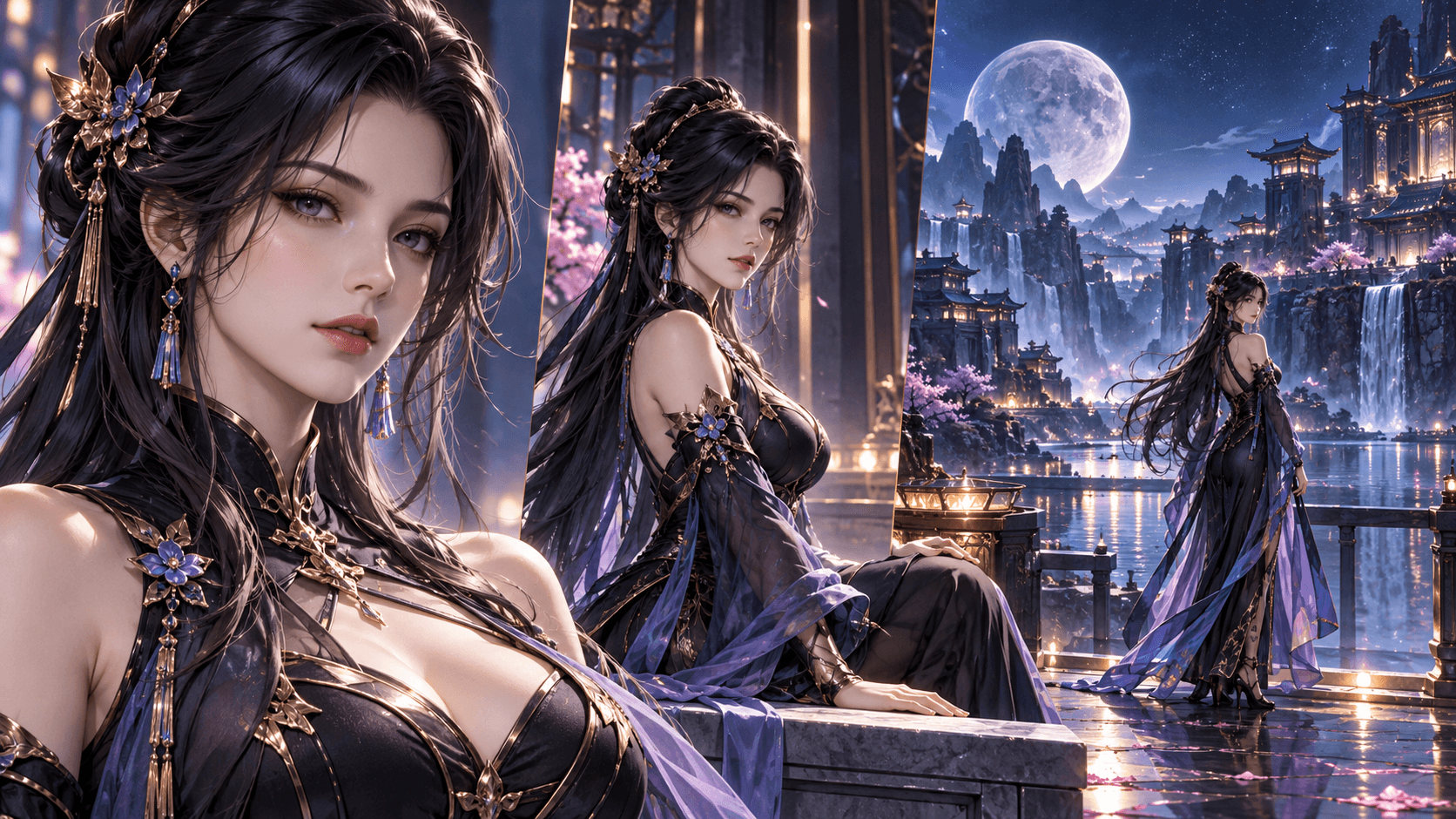
A memorable anime character should be readable even before the face appears in detail. Hair shape, clothing outline, accessories, and body language matter here.
This is why an [anime OC maker] can be so useful. It keeps the design closer to anime conventions and character readability instead of producing a random portrait.
Step 3: Lock Personality and Tone
Is the character calm, intense, warm, playful, cold, or dramatic? Emotional direction is what makes the design feel intentional rather than random.
At this stage, also decide:
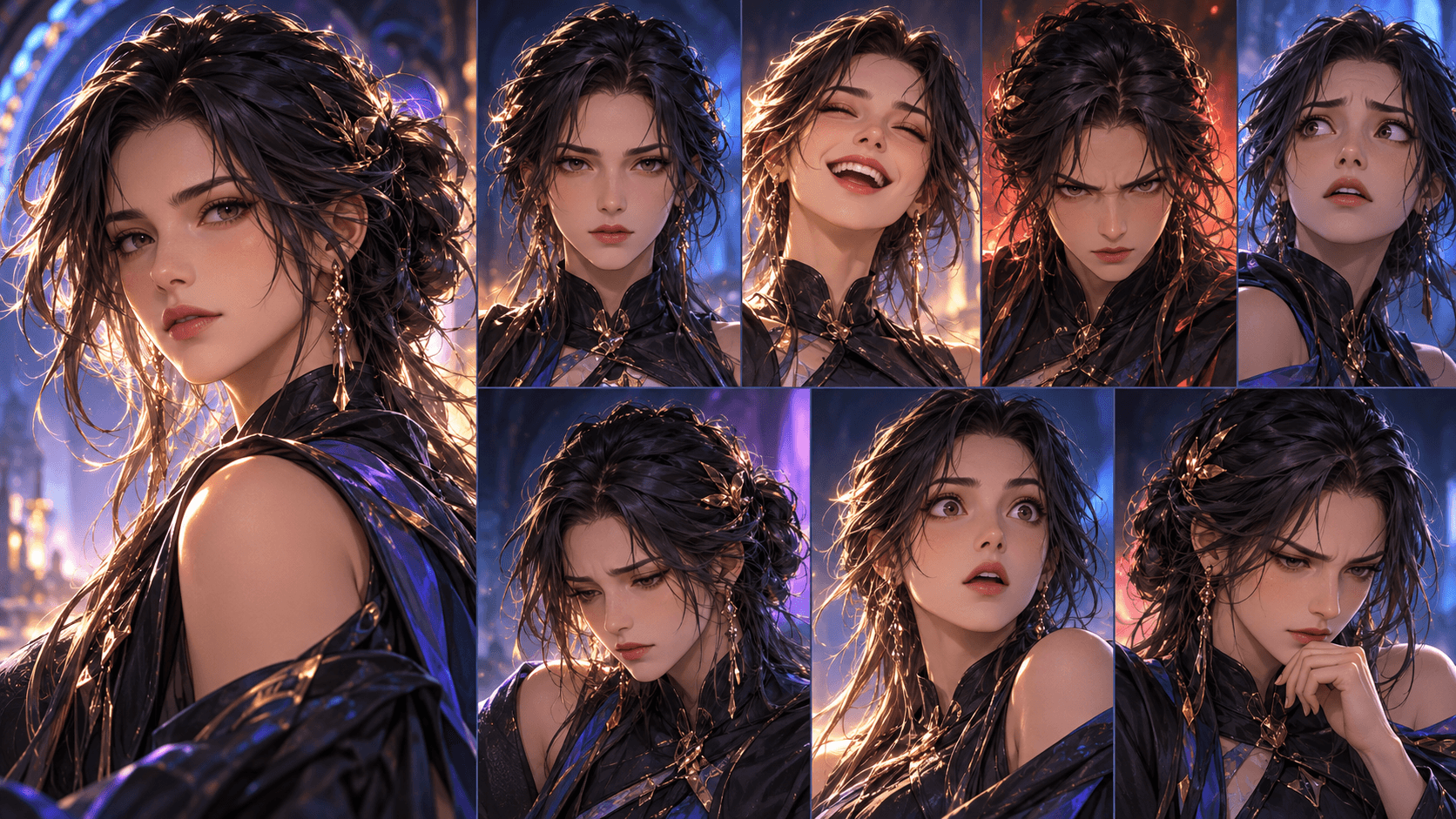
- what expression range fits the character
- how polished or messy the design should feel
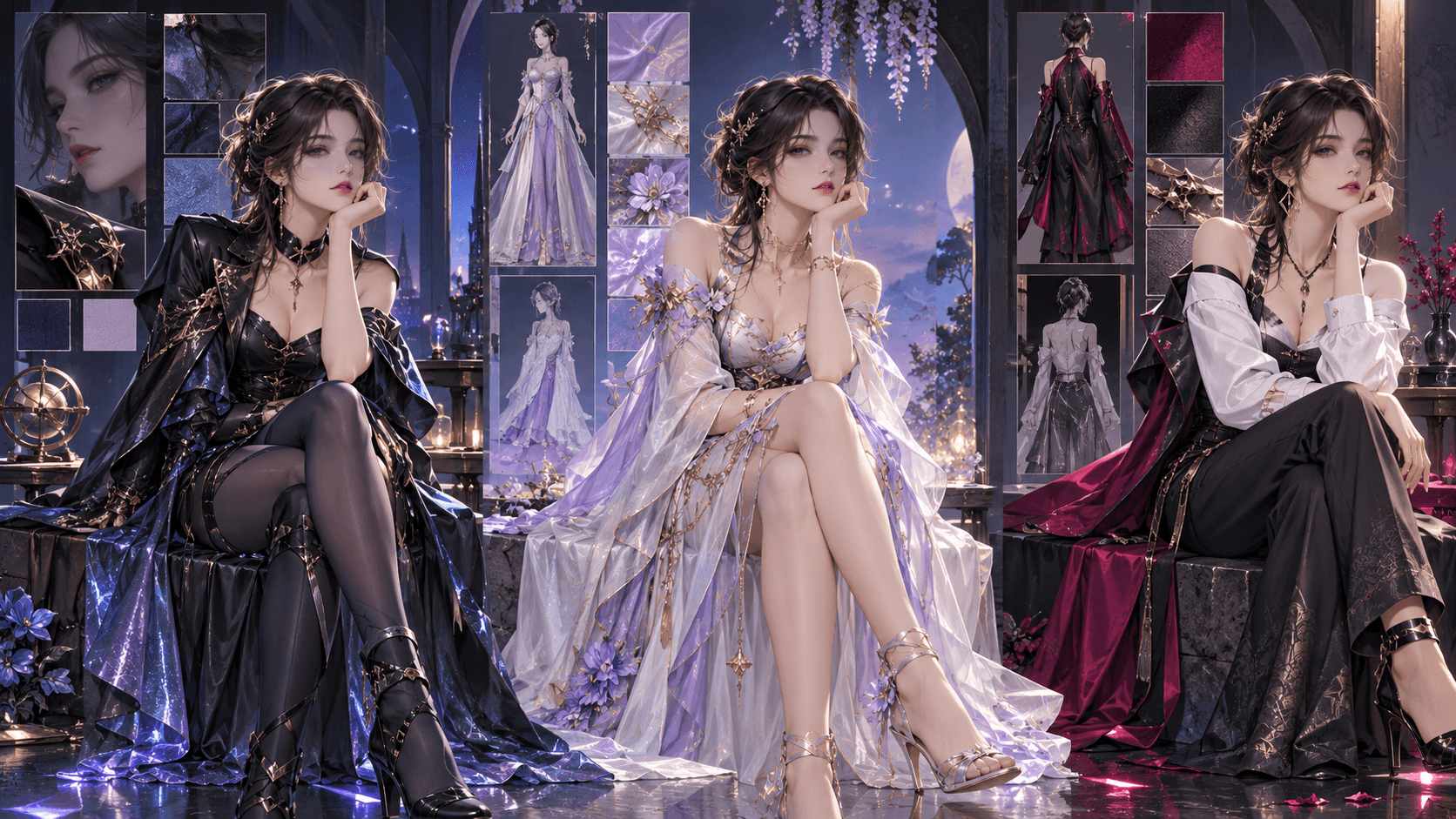
- whether the costume should feel heroic, casual, mysterious, or world-specific
If you want more flexibility beyond anime-first outputs, a broader [AI character maker] can help you explore the design space before you lock the final version.
Step 4: Build a Reusable Reference Pack
One portrait is not enough if you want to reuse the character later. Create at least:
- one neutral version
- one expressive version
- one action-ready version
- one closer portrait for facial consistency
If you plan to animate the character later, align the reference set with your broader [AI anime generator] workflow from the start.
Step 5: Prepare the Character for Scenes
A good character design is not only visually strong. It is also reusable. Before you move into story content, decide:
- what the character looks like from multiple angles
- what details can never change
- which traits are flexible from scene to scene
If the character is meant for story videos, planning those scene roles in an [AI Storyboard Generator](https://www.elser.ai/ai-storyboard-generator) can help you preserve identity before animation starts.
A Simple Character Design Framework
If you want a faster decision process, define the character in this order:
1. role in the story
2. silhouette and body language
3. outfit logic
4. emotional tone
5. signature detail
That order usually produces stronger results than starting from random hairstyle experiments.
What to Reuse Later
If you want the character to survive into future scenes, keep a reusable record of:
- approved outfit details
- approved color palette
- signature facial traits
- emotional range
That record is what turns one cool image into a long-term creator asset.
Common Mistakes to Avoid
- designing only the face and ignoring silhouette
- changing outfit logic too often
- making the character visually detailed but emotionally empty
- keeping only one usable reference image
- trying to animate the character before the design is stable
FAQ
What makes an anime character memorable?
Strong silhouette, clear personality, and a few repeatable visual traits.
How many reference images do I need?
Three to five stable references are usually enough for reuse.
Can I animate the same character later?
Yes, and the results are usually much better when the reference set is stable first.
Should I make the character before I write scenes?
Usually yes. A clearer character design makes later storyboarding and scene generation much easier.
If you want a character you can reuse across scenes, start with [Elser AI] and open the anime OC maker or AI character maker workflow that fits your style.