How to Make Animated Videos with AI: A Beginner Workflow
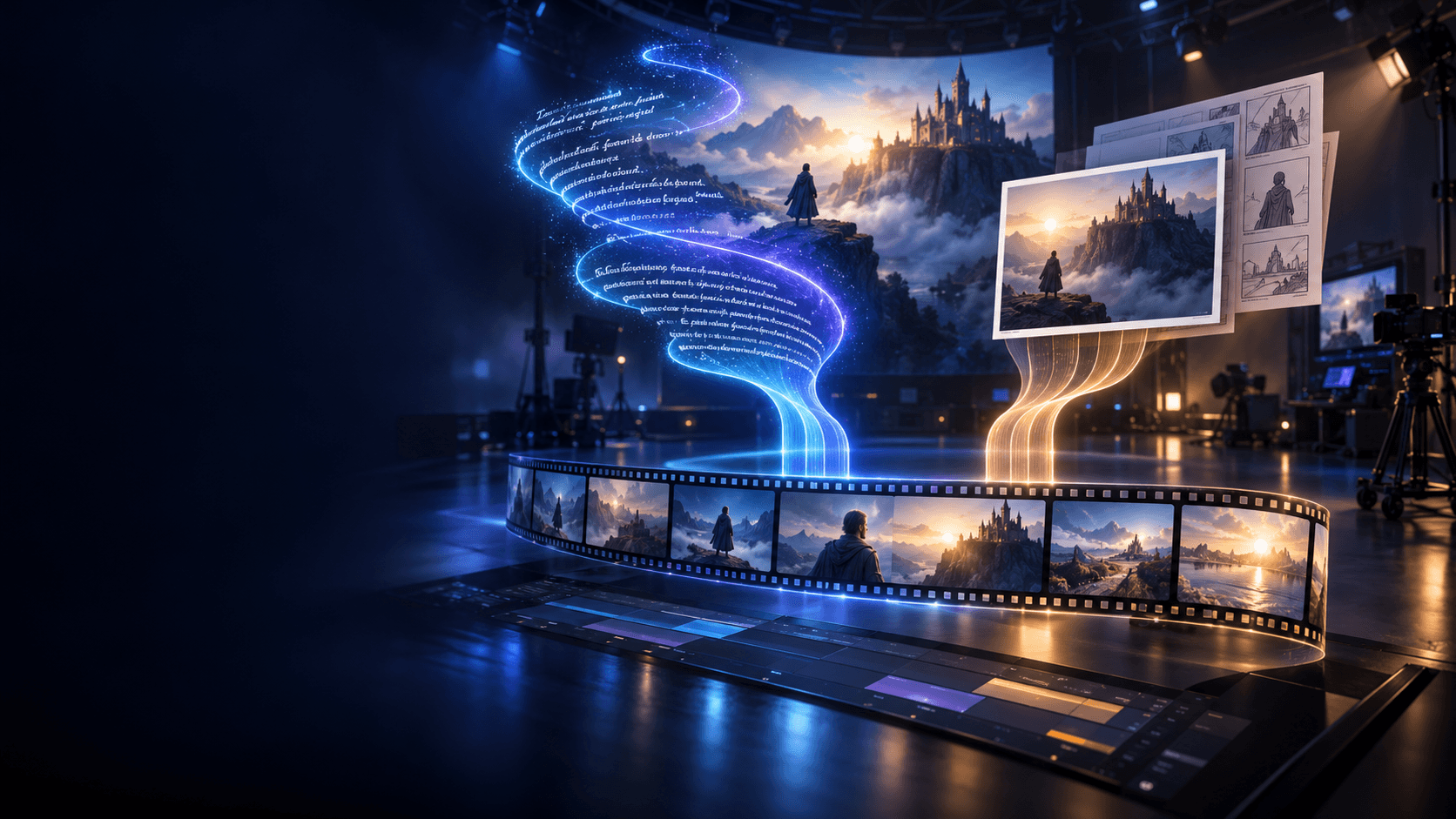
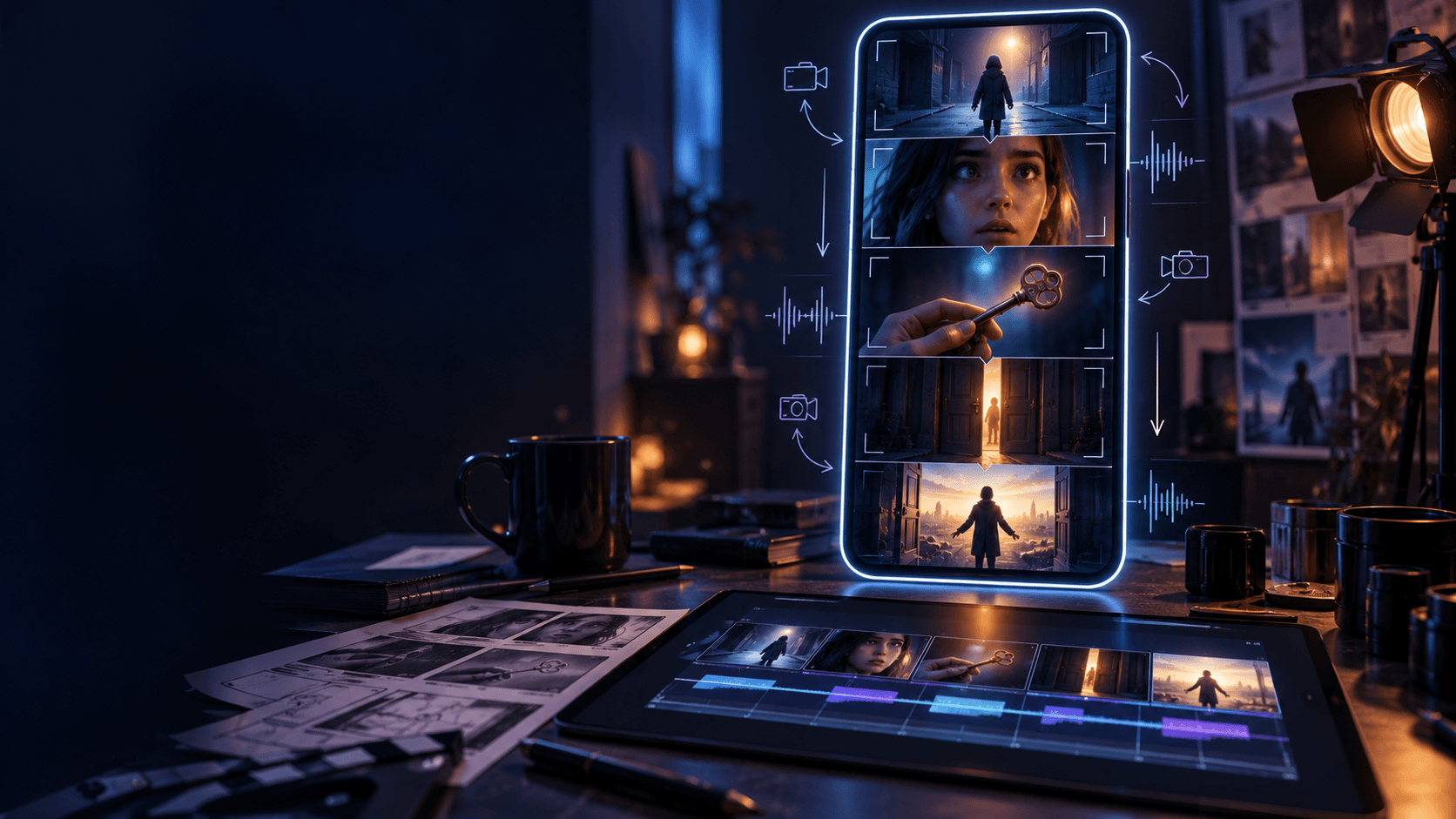
If you want to make animated videos with AI, the biggest mistake is treating the whole process like one prompt. Most good results come from a simple workflow: decide what happens, build the look, generate the strongest still frames, animate only the winners, and then polish the timing. That is why broad animation workflows usually perform better inside a structured platform like Elser AI than inside a random one-shot generation process.
Quick Answer
The easiest way to make animated videos with AI is:
1. choose one short scene or idea
2. lock the visual style
3. generate reference frames
4. animate the strongest stills
5. edit timing, sound, and sequence flow
If you are new to the space, start with a fifteen-second teaser, a character intro, or a short mood scene instead of trying to make a full story immediately.
What You Need Before You Start
You do not need a full studio pipeline, but you do need a clean setup:
- one short concept
- one clear visual direction
- one subject or main character
- a rough target runtime
- a simple idea of what each shot should do
The smaller the scope, the easier it is to finish something worth publishing.
Step 1: Start With a Clear Scene Idea
Do not begin with effects. Begin with intent. What is the clip supposed to do? Is it a teaser, an emotional beat, a fight moment, or a transformation scene? A short idea like “a lone warrior crossing a rainy street at night” is enough to define mood, framing, and motion.
If you are not sure whether the idea is strong enough, test it against three questions:
- can you summarize the scene in one sentence?
- can you imagine the opening shot immediately?
- does the scene have one emotional purpose?
If the answer is no, simplify it further. AI animation almost always improves when the scene becomes more specific, not more ambitious.
Step 2: Build the Visual Base
Before you animate anything, define the look of the scene. If you need a general creation pipeline, start from an [AI video generator] workflow. If the project is more image-led, choose one strong still image and reuse the same descriptors instead of starting over every time.
At this stage, lock:
- visual style
- color mood
- subject design
- environment direction
- camera mood
This is the difference between “I generated a clip” and “I built a sequence.”
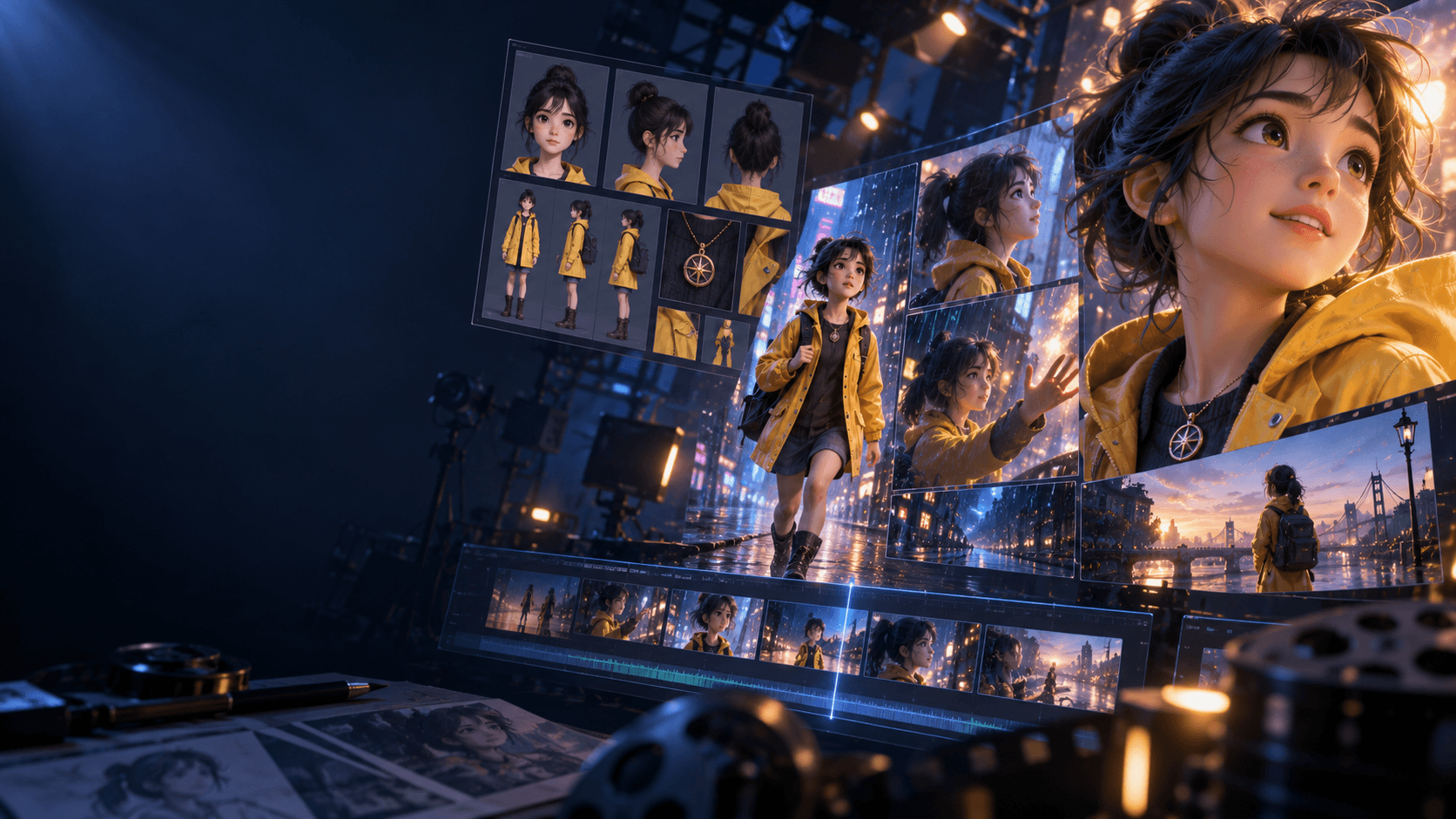
Step 3: Create Better Key Frames
Weak stills create weak animation. Your first job is not to generate more clips. It is to pick better frames. Ask:
- Does the shot match the idea?
- Is the subject readable?
- Does the lighting feel consistent?
- Does the composition look stable?
If the answer is no, fix the still image first.
Step 4: Animate Only the Best Frames
Once the key frames are good enough, move them into an [AI image animator] workflow. This is where beginners often overdo motion. Short, readable movement usually looks better than trying to force too much action into one shot.
Good first motions:
- slow push-ins
- subtle head turns
- cloth or hair movement
- one clear action beat
If you want a good beginner rule, keep each motion goal simple enough that you can explain it in one line. “Wind moves the hair while the camera pushes in” is much easier to control than “the character spins, attacks, jumps, and lands while the camera circles.”
Step 5: Add Timing and Sound
The difference between a demo and a finished clip is often rhythm. Cut earlier. Let pauses breathe. Use sound to support motion. An [AI sound effect generator] can help when you want footsteps, ambience, transition hits, or simple atmosphere to make the sequence feel more intentional.
Common Mistakes
- treating the whole video like one prompt
- animating weak stills
- changing style too often
- overloading shots with too much motion
- skipping the edit pass
Who This Workflow Is Best For
This workflow works especially well for:
- solo creators
- YouTube storytellers
- anime and stylized video makers
- short-form creators who want more control than one-click generation
If your goal is a long narrative piece, this workflow is still useful, but you should move into a storyboard-first pipeline much earlier.
FAQ
What is the easiest animated video to make with AI?
A short teaser, mood scene, or character intro is usually the easiest place to start because it keeps the scope small.
Do I need drawing skills to make animated videos with AI?
No. Strong planning and better source frames matter more than drawing ability for most beginner workflows.
What tool matters most for this workflow?
For beginners, the biggest quality jump usually comes from better stills and cleaner motion, not from more effects.
If you want a cleaner creation pipeline, start with [Elser AI] and move into the image-animation workflow when your strongest frames are ready to move.