How to Make Better AI Animation: 11 Fixes for Smoother Results
Most creators do not need more AI. They need better decisions. If your clips look floaty, chaotic, or inconsistent, the problem is usually not that you picked the wrong tool. It is that the planning, key-frame selection, or pacing was weak before the final render.
The 11 Fastest Fixes
1. reduce motion complexity
2. use a stronger reference frame
3. keep one stable style direction
4. decide the shot purpose before generation
5. center the subject when testing motion
6. stop changing costume and silhouette details
7. animate key frames, not random generations
8. shorten weak shots earlier
9. use sound to add perceived weight
10. test motion in short segments
11. build consistency before scale
Why Most AI Animation Looks Weak
The most common problem is ambition. Too much camera movement, too much body motion, too many changing visual details, and too little structure. Better AI animation usually comes from choosing less and controlling it better.
Another common problem is unclear shot intent. If you do not know whether a shot is supposed to establish mood, show action, or carry emotion, the animation often looks impressive for a second and forgettable right after.
Fix 1: Improve the Still Image First
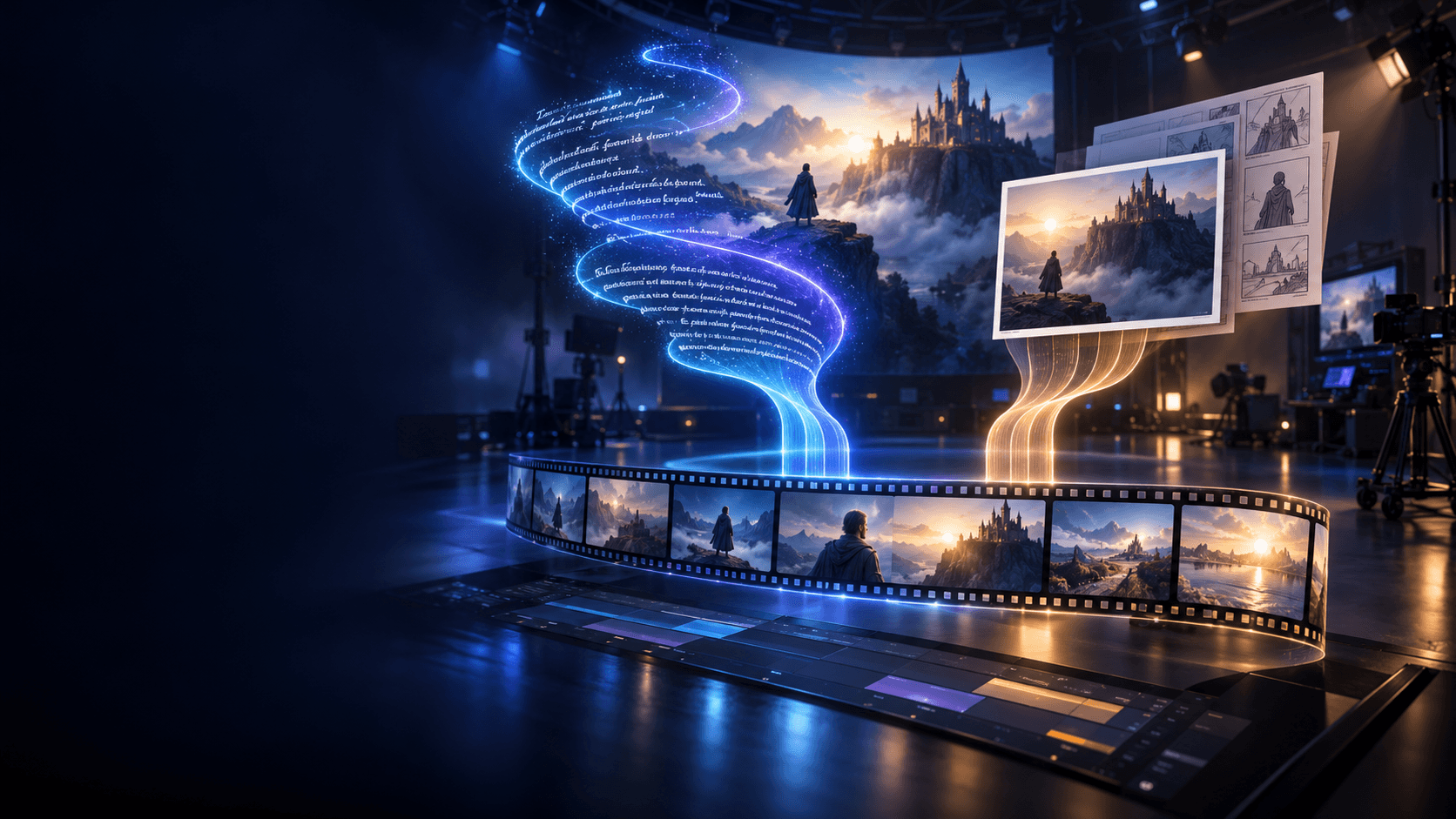
Animation quality usually starts with source quality. If the still frame is weak, motion will not save it. Use a stronger [AI image animator] workflow only after the source image is already clear, readable, and stylistically stable.
Fix 2: Give Each Shot a Job
Ask what the shot is for:
- establishing the scene
- showing reaction
- carrying one motion beat
- setting mood
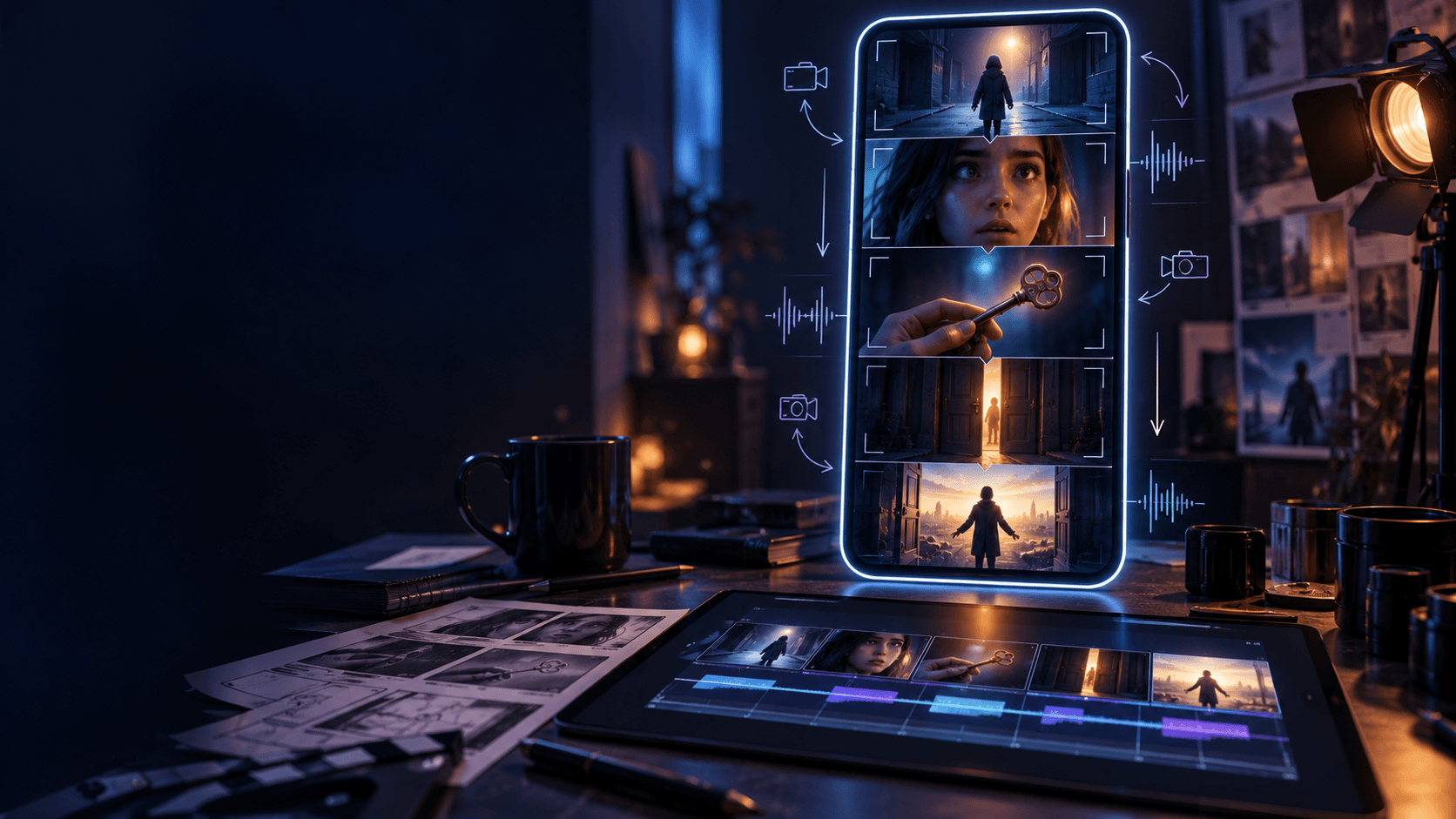
That is where an [AI Storyboard Generator] helps. Once the job of the shot is clear, you make better generation choices.
Fix 3: Stop Rebuilding the Subject Every Time
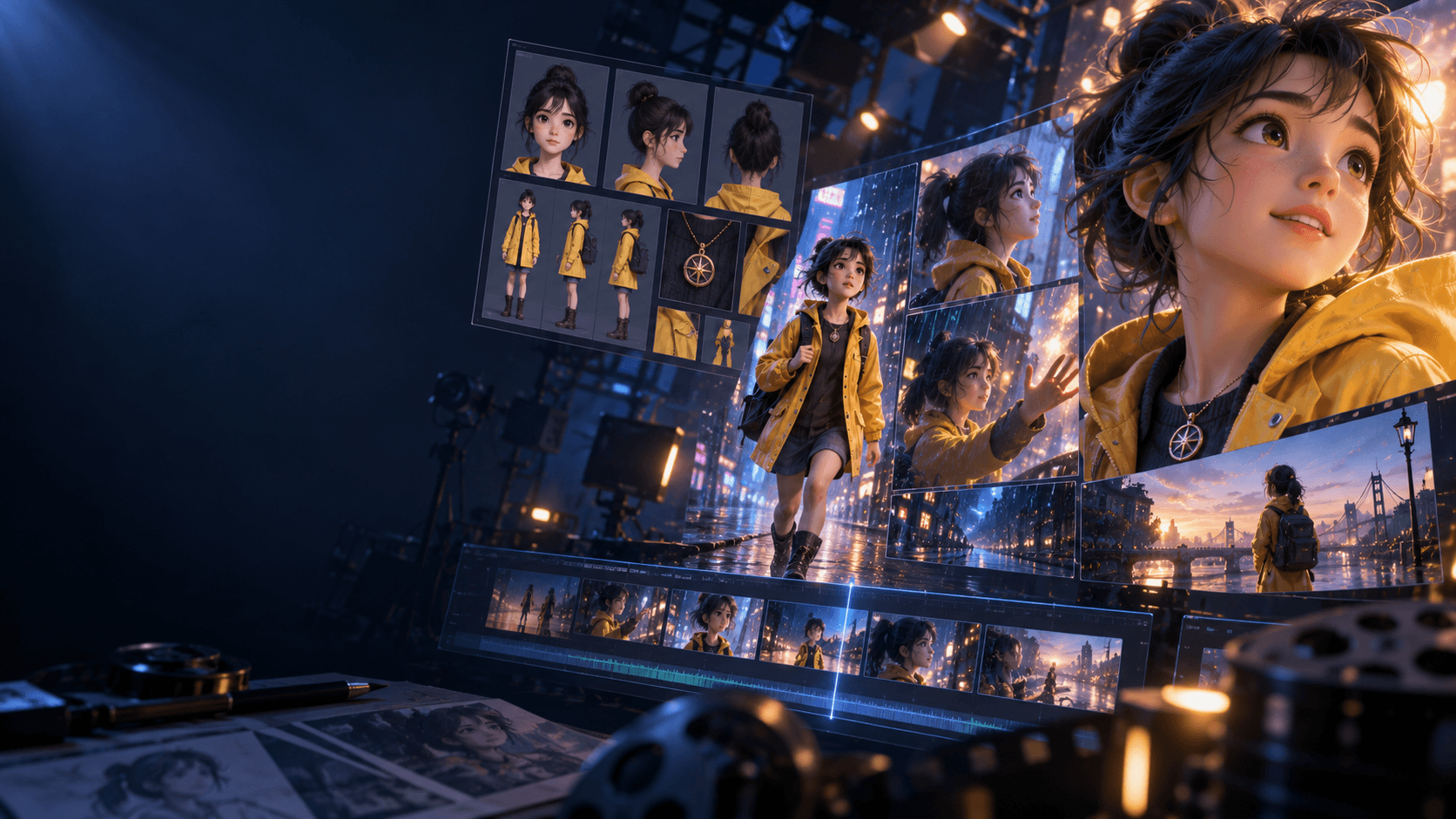
If the subject changes too much from clip to clip, quality drops fast. Use a stable character or subject pipeline with Elser AI so the animation feels like part of one sequence instead of many unrelated tests.
Fix 4: Use Audio as a Quality Multiplier
Pacing and sound can make a decent clip feel deliberate. Even a short impact sound or ambience layer from an [AI sound effect generator] can improve perceived weight.
Fix 5: Shorten Earlier Than You Think
Many weak AI shots are not bad because the image is bad. They are bad because the clip lasts too long. If the moment has already delivered its purpose, cut it. Stronger editing often improves perceived quality more than one more generation attempt.
Fix 6: Separate Tests From Final Shots
Do not test style, motion, camera movement, and narrative continuity all at once. Test one variable at a time. Then rebuild the final shot with the best lessons from each test. That workflow usually creates cleaner results than trying to solve everything in a single pass.
Fix 7: Use a Real Review Checklist
Before you accept a shot, ask:
- is the subject readable?
- is the movement believable?
- does the shot match its job?
- does it belong with the rest of the sequence?
If one answer is no, fix that layer first instead of asking for “better quality” in general.
When Quality Usually Improves Fastest
Quality improvements usually come fastest when you:
- simplify the shot
- lock the subject
- test motion in short segments
- storyboard the sequence before scaling
That is why tools like the AI Storyboard Generator and a more stable subject workflow often improve results faster than endlessly rewriting prompts.
FAQ
What is the fastest way to improve AI animation?
Reduce motion complexity and choose better source frames before you animate.
Does prompting fix everything?
No. Better prompting helps, but planning, pacing, and key-frame selection are just as important.
Should I start with short clips or long clips?
Short clips. They help you improve quality before you scale up.
If your next goal is cleaner motion instead of more motion, use [Elser AI] and refine the clip inside its image-animation workflow.