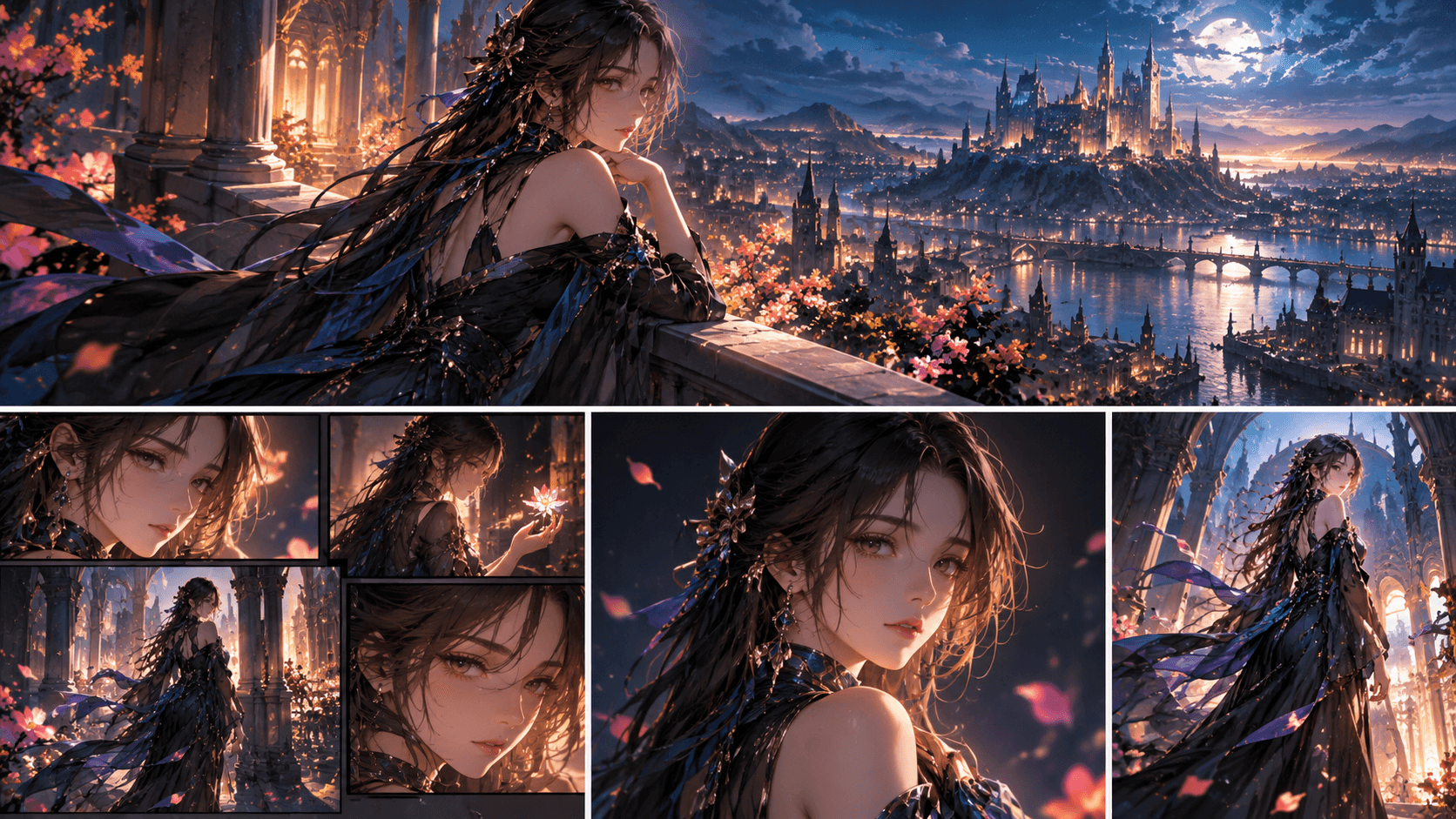
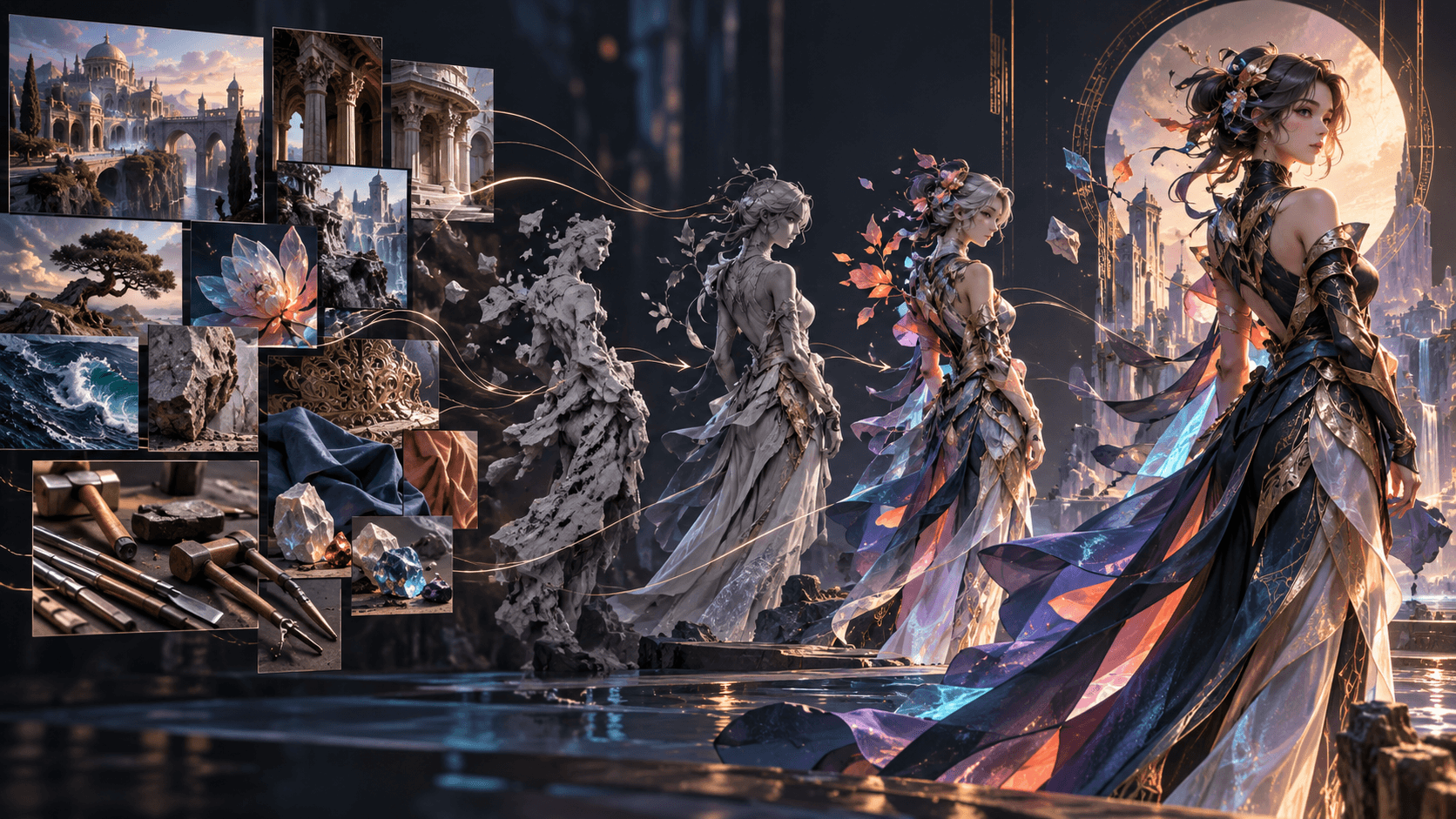
How to Turn One Idea into a Viral AI Comic Drama with Elser AI
Elser AI can turn a sentence into an editable production path, but no platform can guarantee virality. The practical goal is a pilot viewers understand quickly, remember and want to continue. This tutorial uses Elser’s Start from One Idea route to build that pilot.
Our starting sentence is: A delivery rider discovers that every package contains an object from tomorrow.
Enter an Idea Elser Can Stage
Open the Elser anime/movie workflow and choose Start from One Idea. Do not enter only the genre. Give Elser a character, visual event, rule and ending:
Create a 60-second vertical AI comic-drama pilot.
An exhausted bicycle courier receives packages containing objects from tomorrow.
Rule: every object disappears at midnight with the change it caused.
Episode object: a cracked child's bicycle bell.
Tone: urban mystery with restrained emotion.
Use one protagonist, one child and two locations.
End with a new package addressed to the courier herself.
Start this prompt in Elser AI, but treat the generated script as a proposal.
Edit the Generated Storyline for Retention
Elser automatically segments the story and lets you add, delete or edit scenes. Label each scene by its job:
- Hook: water leaks upward from the package.
- Rule clue: the bell carries tomorrow’s date.
- Objective: find the child before an accident.
- Payoff: the courier prevents it.
- Cost: the rescue begins disappearing at midnight.
- Next question: another package carries the courier’s name.
Delete explanation that repeats these images. If the ending is only a narrator promising more, replace it with a visual change.
Configure Settings for the Target Feed
Choose 9:16 for vertical distribution, then select a current model, cinematic comic style, approximate shot duration and voiceover direction. Keep the pilot between six and eight shots.
Use a recognizable palette: reflective yellow for the courier, violet-blue for future objects and ordinary sodium streetlight for the present. This allows a viewer to recognize the supernatural rule even without sound.
Create a Thumbnail-Readable Character
In Character Settings, generate the courier:
Original female bicycle courier, 27,
angular oval face, short dark hair, reflective yellow rain cape,
square black delivery backpack, red bicycle-bell charm,
weary but alert, practical movements, no fantasy costume.
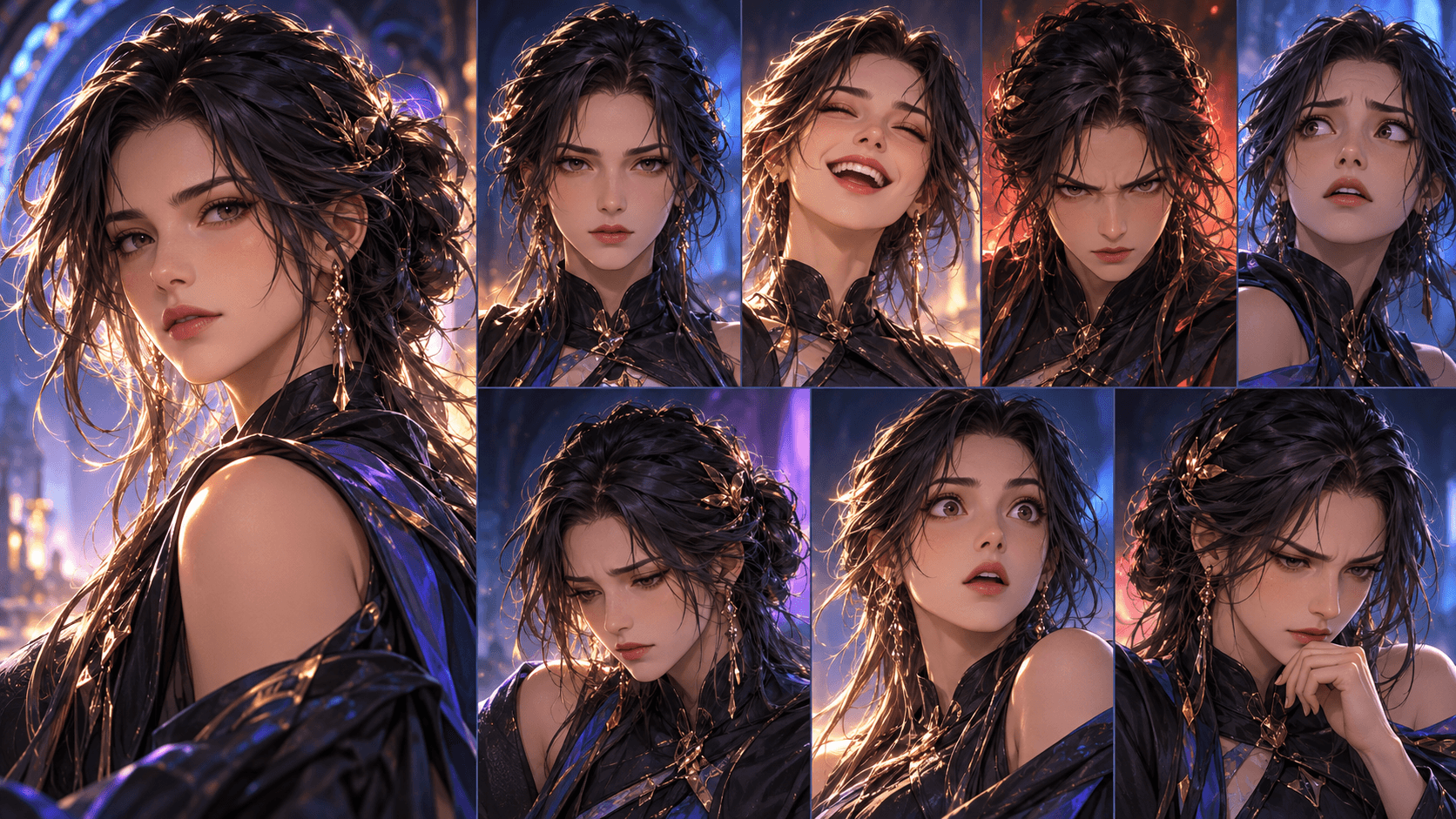
Approve and save the asset. Test it at portrait, medium and full-body scale. The yellow cape and square backpack should remain identifiable in small vertical frames.
Compare Auto Storyboard and Storyboard Studio
Use Auto Storyboard to see Elser’s fastest visual interpretation. If it communicates the premise clearly, refine it. If it hides the object or compresses the cost, rebuild the crucial shots in Storyboard Studio.
The bell needs an insert. The midnight cost needs a locked shot that visibly changes. The final package needs a readable address added cleanly during editing if generated text is unreliable.
Before using more generations, play the Elser storyboard without dialogue. If a new viewer cannot explain the rule, fix the panels first.
Generate Motion Only Where Story Changes
Create movement for upward water, the near accident, the photograph fading and the new package arriving. Leave reaction shots restrained.
Use the approved courier character and rainy alley frame.
She lifts the cracked red bell; water droplets rise from it.
Her eyes follow the droplets. Slow push-in, four seconds.
Keep clothing, backpack, face and street layout unchanged.
Review alternatives in sequence. A spectacular clip that changes the character or confuses the rule should not enter the cut.
Finish the Pilot in Elser Final Cut
Arrange scenes in Final Cut, trim dead time and confirm the hook occurs immediately. Add a distinctive bell sound, wet-street ambience, short dialogue, restrained music and subtitles. Let music stop at midnight so the visual cost lands.
Export one pilot and test comprehension, memory and continuation intent. Do not generate a season before the premise works.
Turn the Premise into a Testable Viewer Promise
“A girl gains a strange power” is an idea, but not yet a viewer promise. A stronger version states who, disruption, choice and consequence: “A debt collector can erase one memory from anyone she touches, but her first target remembers the future.” This gives Elser concrete material for character design, storyboard action and an episode-ending reversal.
Before entering the prompt, write three reasons a specific viewer would continue: they want the answer to a question, the result of a dangerous choice, or the completion of an emotional pattern. Do not confuse those reasons with vague spectacle. A polished image may earn a pause; unresolved cause-and-effect earns the next scene.
Build Three Hook Variants in Elser
Keep the episode body fixed and test three openings at storyboard level:
- Outcome first: show the impossible result, then cut back.
- Rule first: show a strange limitation being enforced.
- Character first: show a morally difficult choice without context.
For each version, use the same saved character assets and settings. Change only the first two or three shots, otherwise you will not know what caused a stronger response. A practical Elser prompt for the outcome-first board is:
Vertical opening, no title card. Close-up of an intact red thread tied around Aya's finger. Cut to the same finger with the thread burned away. Aya looks toward someone off-screen and says, “You weren't supposed to remember.” Preserve her canonical face, black raincoat and silver ring.
Judge the variants on immediate comprehension, curiosity and visual readability at phone size. The “most cinematic” version is not automatically the best opening.
Connect the Hook to the Payoff
The first image creates a contract. If the hook shows a forbidden door, the episode must reveal why opening it matters, even if the larger mystery remains. In the Elser Storyline, label the hook question and the minimum episode answer. Then check that the storyboard contains visual evidence for both. This prevents click-driven openings that feel unrelated to the rest of the story.
Use Final Cut to trim explanation before cutting reaction. Viewers often need less setup than creators expect and more time to register a consequence. Let key expressions breathe; accelerate repeated movement or travel.
Measure the Pilot Without Pretending Virality Is Guaranteed
No generator guarantees distribution. Track metrics tied to creative decisions: first-three-second hold for the opening, completion rate for pacing, rewatches for dense clues, and next-episode clicks for the final promise. Pair quantitative signals with comments that reveal confusion. If viewers ask “Who is that?” fix character introduction; if they ask “What happens next?” the open loop may be working.
Change one variable per new cut. Replacing the hook, music, duration and caption style simultaneously makes the result impossible to learn from. Use Elser to create controlled revisions of the opening or storyboard, then keep a simple version log.
When the premise, hook and payoff are aligned, produce the controlled pilot in Elser AI. Registration is the next practical step only after you have a testable creative hypothesis—not because any tool can promise a viral outcome.
Package the Export Around the Same Promise
The title, cover frame and opening shot should describe the same dramatic question. Choose the cover from an approved Elser storyboard image that remains understandable at small size, then write a title about the conflict—not a list of AI tools. Captions should clarify dialogue or necessary context, not narrate every visible action. After publishing, preserve the exact Elser project version associated with the result so any retention change can be traced to a creative decision.
Also review the export on an actual phone with sound both on and off. Confirm that the face, central prop and caption remain readable behind common interface overlays. If the hook only works on a desktop monitor, return to the storyboard and simplify the composition before publishing another version.
FAQ
Can Elser AI generate from one sentence?
Yes. The current workflow supports Start from One Idea and expands it into editable scenes before character and storyboard stages.
Which storyboard mode should I use?
Auto Storyboard is fastest for discovery. Storyboard Studio is better for directing the hook, clue and final reveal.
Can Elser make a video viral?
No platform can guarantee that. Elser can accelerate production; the creator still owns concept clarity, selection and distribution.
Conclusion
The Elser workflow turns a single idea into concrete approval points: generated Storyline, Settings, reusable Cast, directed Storyboard and Final Cut. Build one clear rule, one emotional cost and one visual next-episode question. Create the pilot in Elser AI and validate it before scaling.