What Is AI Animation? A Beginner-Friendly Guide for Creators
What Is AI Animation?
AI animation is the process of using artificial intelligence to create animated visuals, characters, scenes, motion graphics, or videos from text prompts, images, sketches, character designs, product photos, storyboards, or other creative inputs.
In traditional animation, artists create movement frame by frame or use software rigs, keyframes, timelines, and manual editing. AI animation changes the workflow. Instead of drawing or keyframing every movement manually, creators can describe what they want, upload a reference image, provide a character design, or use an existing visual asset, then let an AI system generate motion.
This does not mean AI animation removes creativity. It changes where creativity happens. Instead of spending most of the time on technical animation labor, creators spend more time defining ideas, characters, style, motion, camera language, story structure, and editing direction.
For example, a creator can start with a still anime character and generate a short clip where the character blinks, turns toward the camera, and smiles. A brand can upload a product photo and create a short animated product ad. A teacher can turn a diagram into an educational animation. A musician can turn cover art into a looping music visual. A comic artist can animate a panel into a short video teaser.
That is AI animation: using AI to turn static or written creative ideas into motion.
How AI Animation Works
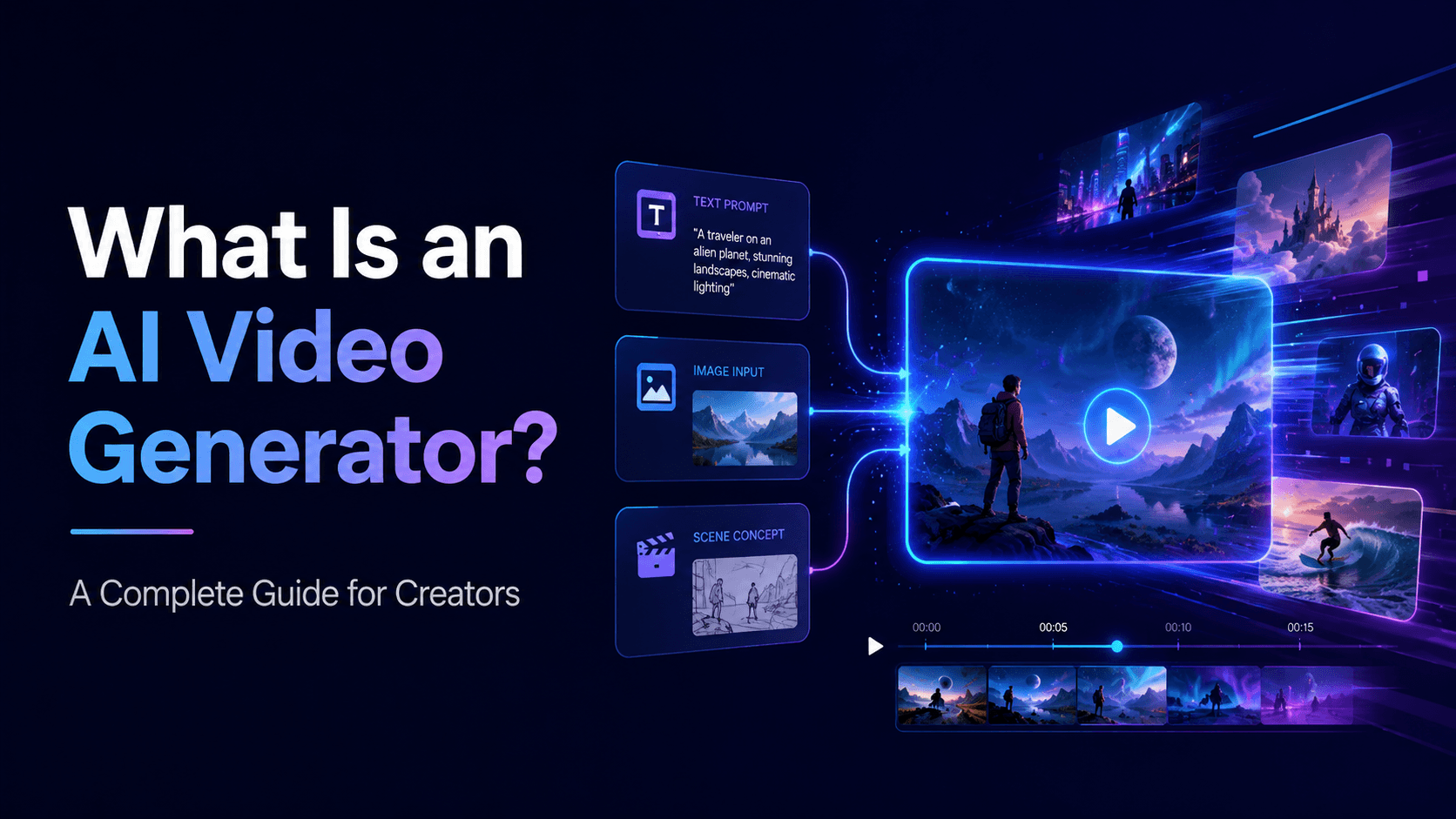
AI animation usually begins with an input. That input can be text, an image, a video reference, a character sheet, a storyboard, a product photo, or a combination of these.
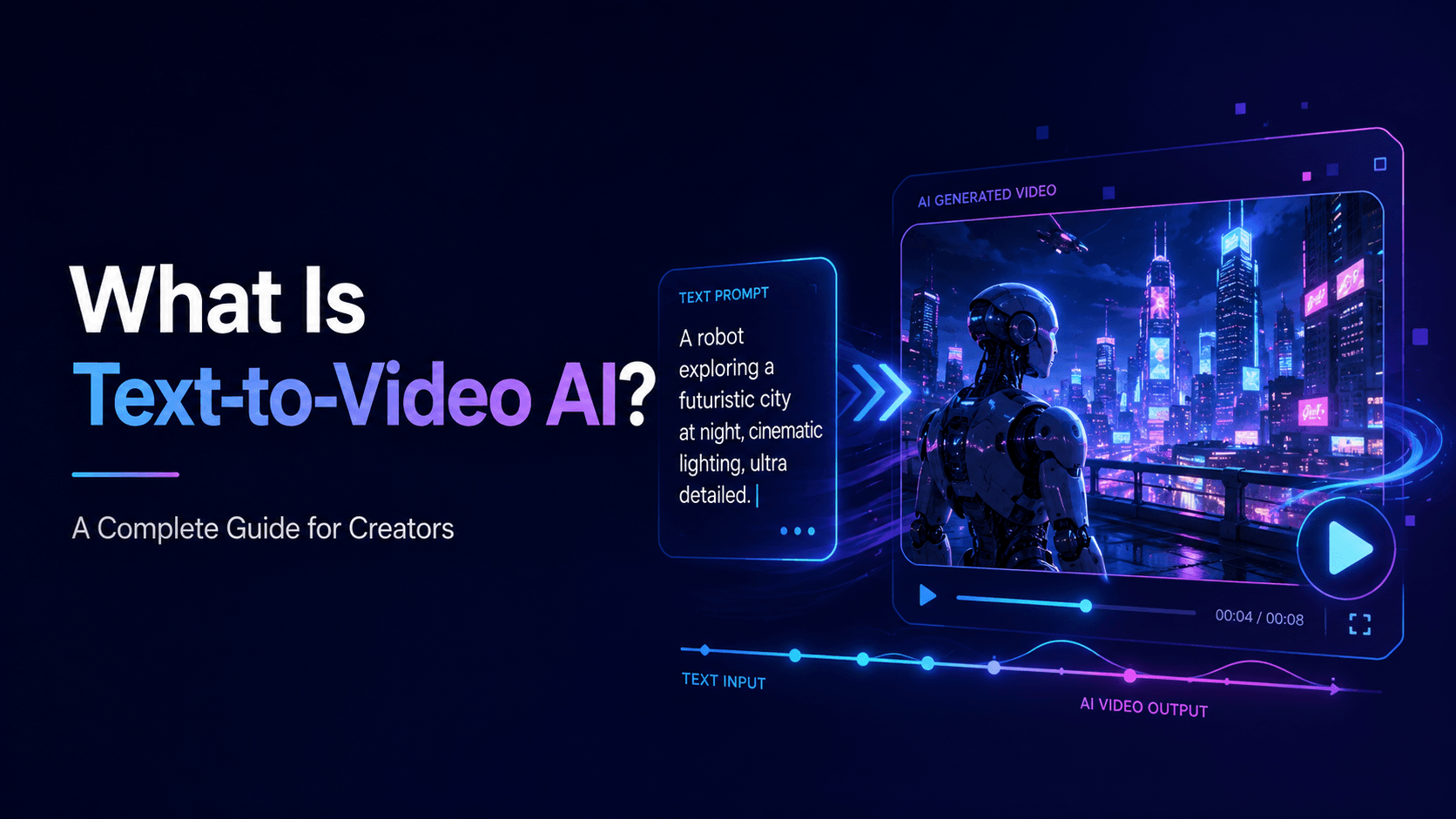
A text prompt might say:
“Create a short anime-style animation of a young inventor in a warm workshop, proudly presenting a tiny robot on a table. Camera slowly pushes in. Cozy lighting, expressive cel-shaded style.”
An image-to-video input might start with a still character illustration and ask the AI to animate it:
“Animate this image with subtle motion. The character blinks, hair moves slightly, and the camera slowly pushes in. Preserve the exact face, outfit, hairstyle, and art style.”
The AI model interprets the input and generates video frames that create the illusion of movement. Depending on the tool, the creator may control duration, aspect ratio, camera movement, style, motion intensity, reference images, and other details.
The output is usually a short video clip. Creators can then edit clips together, add music, voiceover, captions, sound effects, transitions, or final branding.
This is why AI animation is often best understood as a workflow, not a one-click solution. A creator still needs to decide what the animation should communicate, how long it should be, what style it should use, and how it fits into the final video.
Common Types of AI Animation
AI animation can take many forms.
One common type is text-to-video animation, where the creator writes a prompt and the AI generates motion from scratch. This is useful for concept scenes, story ideas, cinematic clips, fantasy environments, and short-form content.
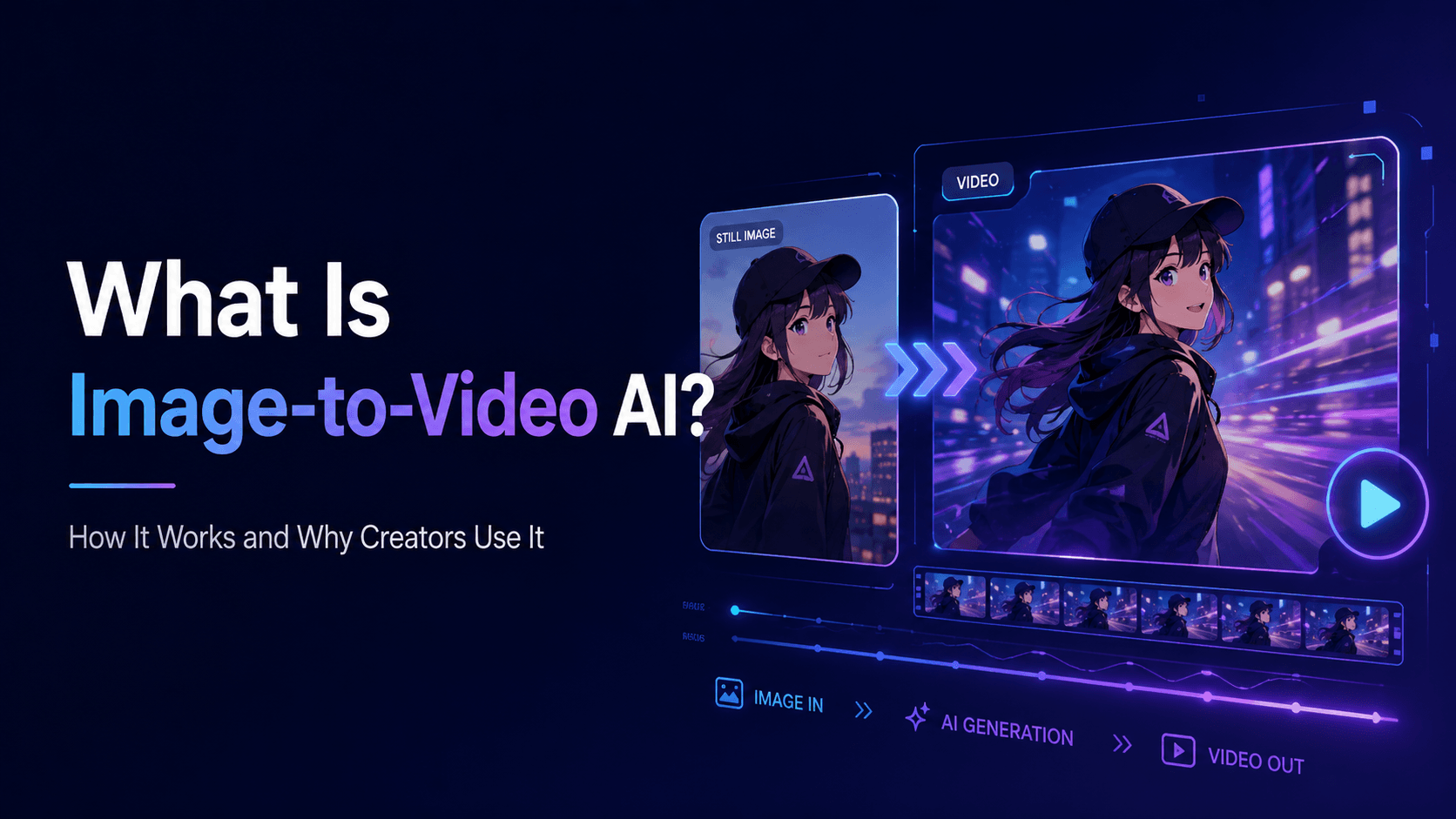
Another type is image-to-video animation, where the creator uploads an image and uses AI to animate it. This is often more controllable because the source image already defines the character, product, style, or composition. Many creators use image-to-video for anime characters, comic panels, product photos, album covers, app screenshots, and social media visuals.
A third type is character animation, where the focus is preserving a specific character while adding motion. This can include blinking, talking, walking, reacting, posing, or performing.
A fourth type is AI motion graphics, where AI helps generate animated text, abstract visuals, transitions, interface-style videos, product reveals, or educational explainers.
There is also AI-assisted animation, where creators use AI for part of the process but still edit, arrange, and refine manually. This is often the most practical approach for professional work.
What Can You Create with AI Animation?
AI animation can be used for many creative and commercial projects.
Creators use it for YouTube Shorts, TikTok videos, Instagram Reels, anime clips, music videos, character intros, comic trailers, product ads, app promos, educational videos, game trailers, real estate promos, travel videos, and visual storytelling.
For example, an anime creator might design an original character, then use AI animation to create short emotional scenes for a mini episode. A product marketer might upload one product image and create several ad variations. A teacher might create a 20-second animation explaining photosynthesis. A musician might animate album art for a music visualizer. A game developer might turn concept art into a teaser trailer.
This flexibility is one reason AI animation is growing so quickly. It gives smaller creators access to motion content that previously required more time, budget, and technical skill.
AI Animation vs Traditional Animation
AI animation and traditional animation are not the same.
Traditional animation gives artists precise frame-by-frame control. It is ideal when exact movement, style, and timing are required. It is also the foundation of many professional animation pipelines.
AI animation is faster and more accessible, but it can be less predictable. The AI may change character details, distort hands, shift art style, or create motion that does not match the creator’s intention. This is especially true when prompts are vague or references are weak.
The best way to think about it is not “AI animation replaces traditional animation.” Instead, AI animation expands what more people can make. It is especially useful for concept testing, social videos, short promotional clips, visual experiments, and rapid content production.
Professional creators can also combine both approaches. They may use AI to generate rough motion concepts, background animations, teaser clips, or draft scenes, then refine them manually.
Why Character Consistency Matters in AI Animation
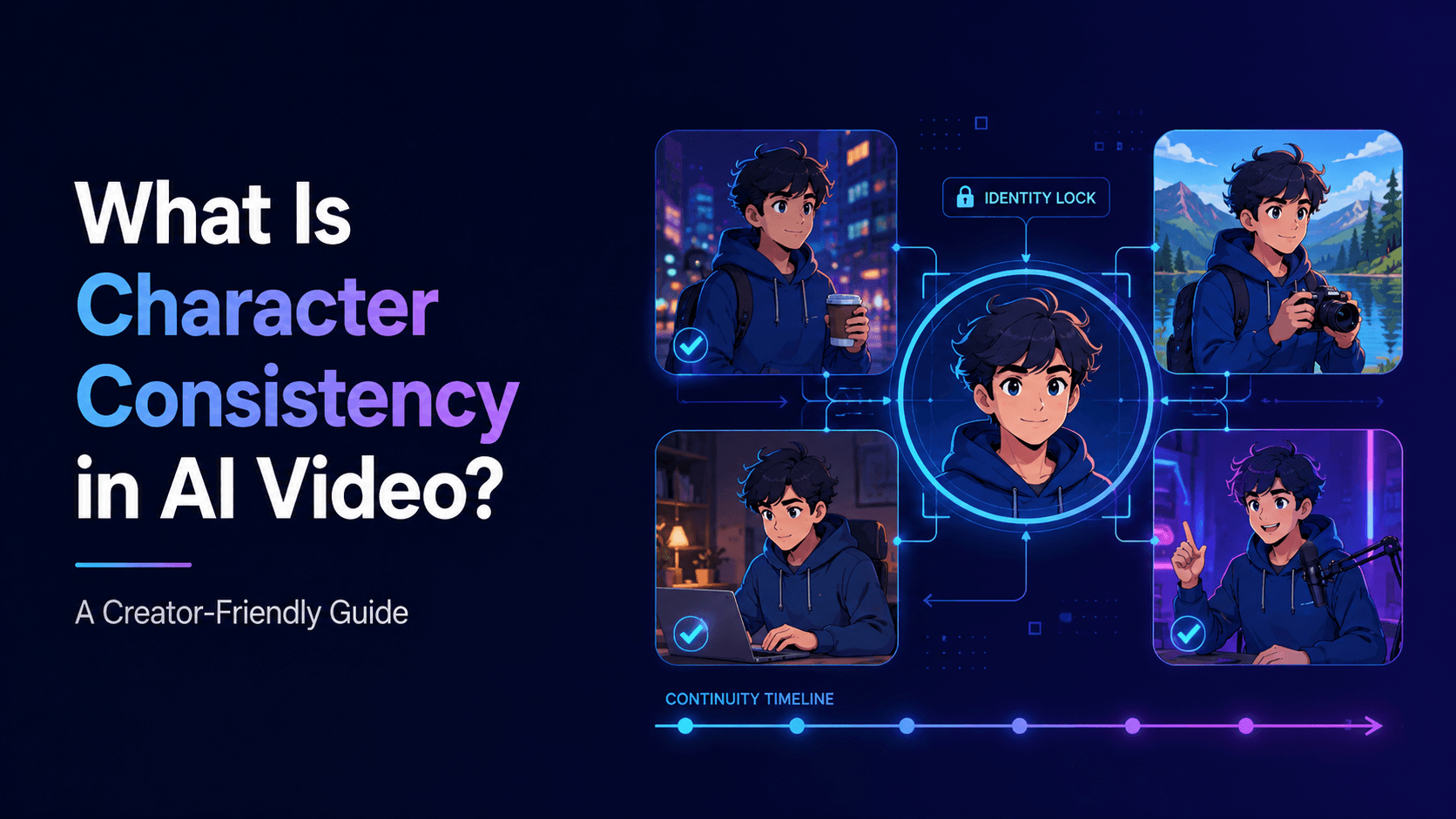
One of the biggest challenges in AI animation is character consistency. If a character changes face, outfit, hairstyle, or body shape between scenes, the animation feels unstable.
This matters for anime, story videos, virtual influencers, mascots, branded characters, comic adaptations, and recurring YouTube Shorts. Viewers need to recognize the same character across multiple clips.
To improve consistency, creators should use strong reference images, fixed character descriptions, clear identity prompts, and controlled motion. Instead of writing a new character description for every scene, reuse a stable identity block.
For example:
“Use the same anime character from the reference image. Preserve the exact face shape, eye color, hairstyle, outfit, body proportions, color palette, and cel-shaded art style. Do not change the character identity.”
Tools like Elser AI are useful because they help creators work from visual references and generate animated scenes around those references. If you want to create a recurring AI character, start with a strong character image, then generate simple motion tests before building a full video.
How Elser AI Helps with AI Animation
Elser AI helps creators turn ideas, images, characters, and prompts into animated video content. Instead of starting from a blank screen, you can upload or create a visual asset — such as an anime character, product photo, comic panel, app screenshot, or story image — and use AI animation to bring it to life.
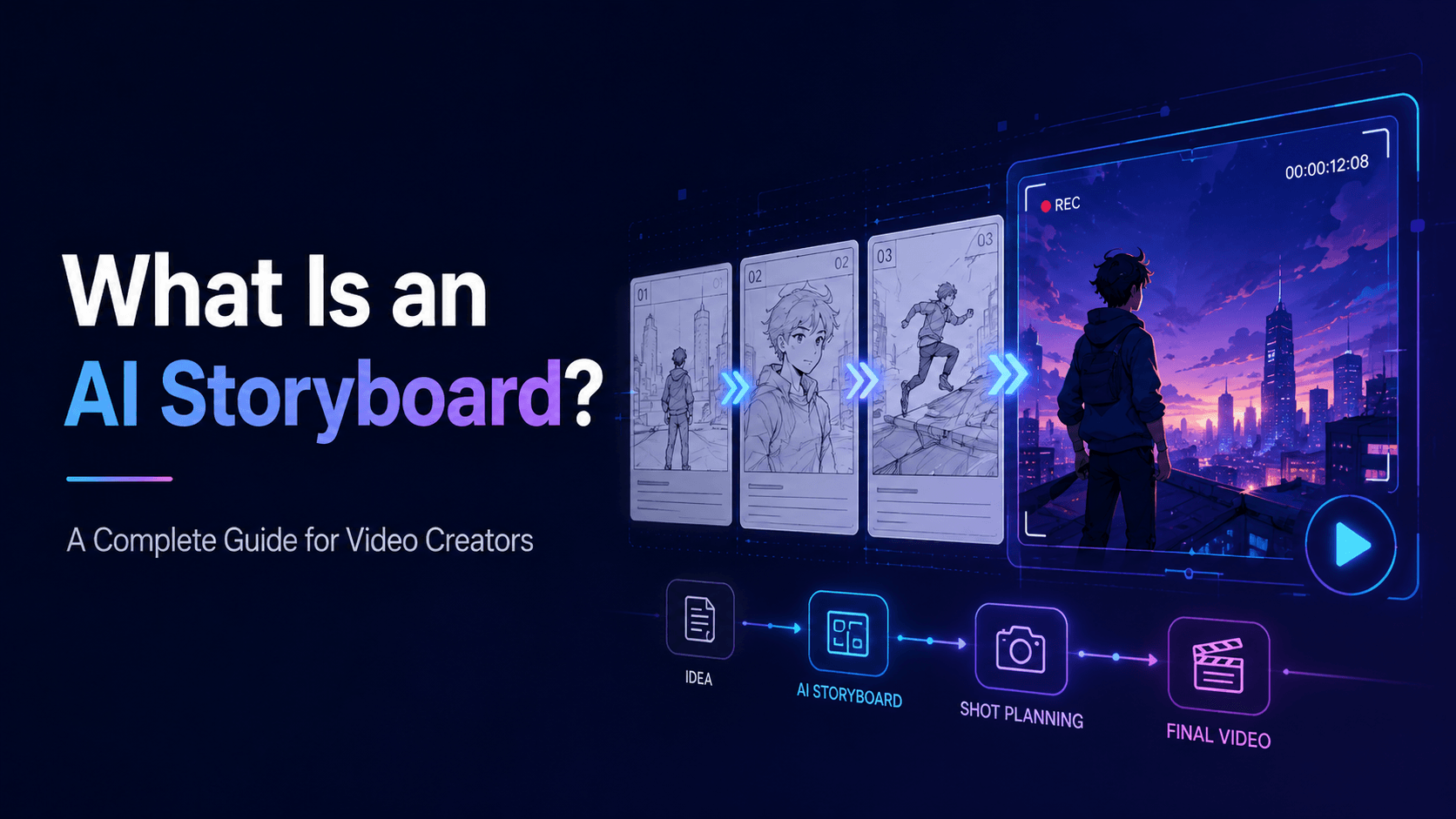
For creators, the practical workflow is simple:
Start with one clear idea.
Create or upload a strong visual reference.
Write a controlled prompt.
Generate a short animation.
Review the output.
Refine the prompt.
Create variations.
Edit the strongest clips into final content.
This workflow is useful for anime videos, product ads, music visuals, educational clips, YouTube Shorts, TikTok content, and more.
If you are new to AI animation, register on Elser AI and start with one image. Ask for subtle motion first: blinking, camera push-in, light movement, hair movement, product rotation, or background atmosphere. Once you understand how the tool responds, you can create more complex animations.
A Simple AI Animation Prompt Template
Use this structure:
“Create a [format] AI animation of [subject]. The subject [specific action]. Camera: [movement]. Lighting: [style]. Visual style: [art style]. Preserve [important details]. Avoid [unwanted changes].”
Example:
“Create a vertical 9:16 AI animation of a cute anime cat detective standing in a cozy room. The cat slowly looks down at a glowing clue on the floor, blinks, and reacts with surprise. Camera: low-angle medium close-up with a slow push-in. Lighting: warm desk lamp, soft shadows, cozy mystery mood. Preserve the cat’s face markings, outfit, fur pattern, body shape, and cel-shaded anime style. Avoid distorted hands, face changes, outfit changes, or style drift.”
This kind of prompt gives the AI more useful direction than simply saying “make an animated cat.”
Final Thoughts
AI animation is a new way to create motion from ideas, prompts, images, and visual references. It can help creators make anime clips, product videos, educational explainers, music visuals, social content, comic trailers, and more.
The best results come from clear direction. Define the subject, protect important details, control motion, choose the right style, and review the output carefully.
If you want to start creating AI animation, begin with Elser AI. Register, upload one image or create one character, and generate your first short animated clip. AI animation becomes much more powerful when you treat it as a repeatable creative workflow rather than a random one-click experiment.