What Is Image-to-Video AI? How It Works and Why Creators Use It
What Is Image-to-Video AI?
Image-to-video AI is a type of AI video generation that turns a still image into a moving video.
Instead of starting from only text, image-to-video AI begins with a visual input. That input might be a product photo, anime character, comic panel, app screenshot, real estate image, travel photo, album cover, portrait, illustration, storyboard frame, or brand visual. The AI then animates the image based on the creator’s prompt.
For example, a creator might upload an anime character image and write:
“Animate this character with subtle blinking, hair movement, and a slow camera push-in. Preserve the exact face, hairstyle, outfit, and anime style.”
A product marketer might upload a skincare bottle photo and write:
“Turn this product photo into a premium product video. Preserve the bottle shape, label, logo, cap, material, and proportions. Add soft studio lighting, water reflections, and a slow camera move.”
A comic creator might upload a panel and write:
“Animate this comic panel with a slow push-in, rain movement, and subtle light flicker. Preserve the original line art, character design, composition, and style.”
That is image-to-video AI: using a still visual as the foundation for AI-generated motion.
Why Image-to-Video Is So Useful
Image-to-video AI is useful because it gives creators more control than pure text-to-video. When the model starts from a real image, it already knows what the subject looks like. The creator does not need to describe every detail from scratch.
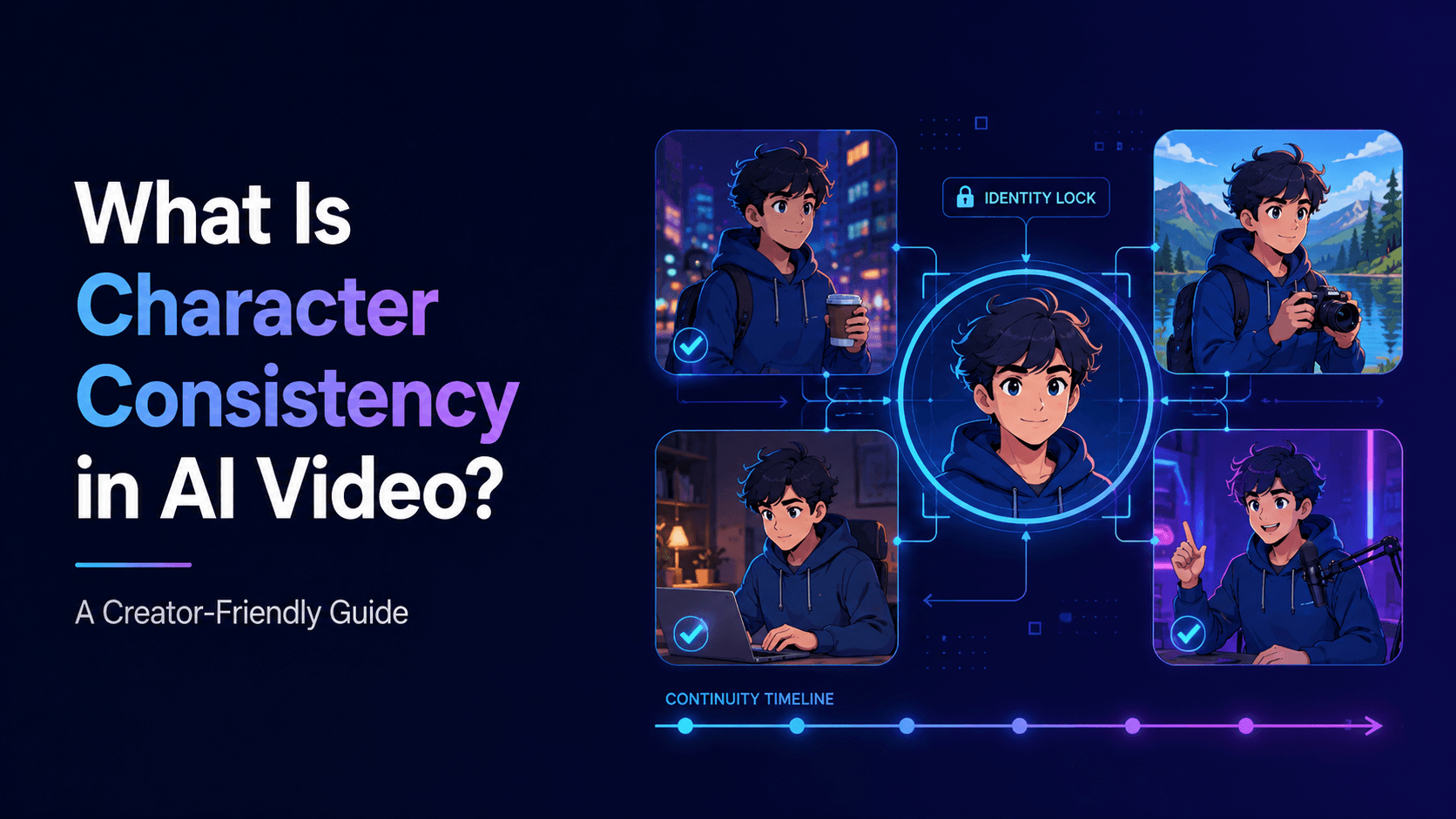
This matters for consistency.
If you are creating a product ad, the product must stay accurate. The logo, label, shape, and packaging cannot randomly change. If you are creating an anime video, the character should keep the same face, hairstyle, outfit, and art style. If you are animating a comic panel, the original composition and line art should remain recognizable.
Text-to-video can create interesting ideas, but image-to-video is often better when you already have an asset that must be preserved.
This is why image-to-video is popular for:
product video ads
anime character animation
comic panel animation
music visualizers
app promo videos
real estate promos
travel videos
AI portraits
educational diagrams
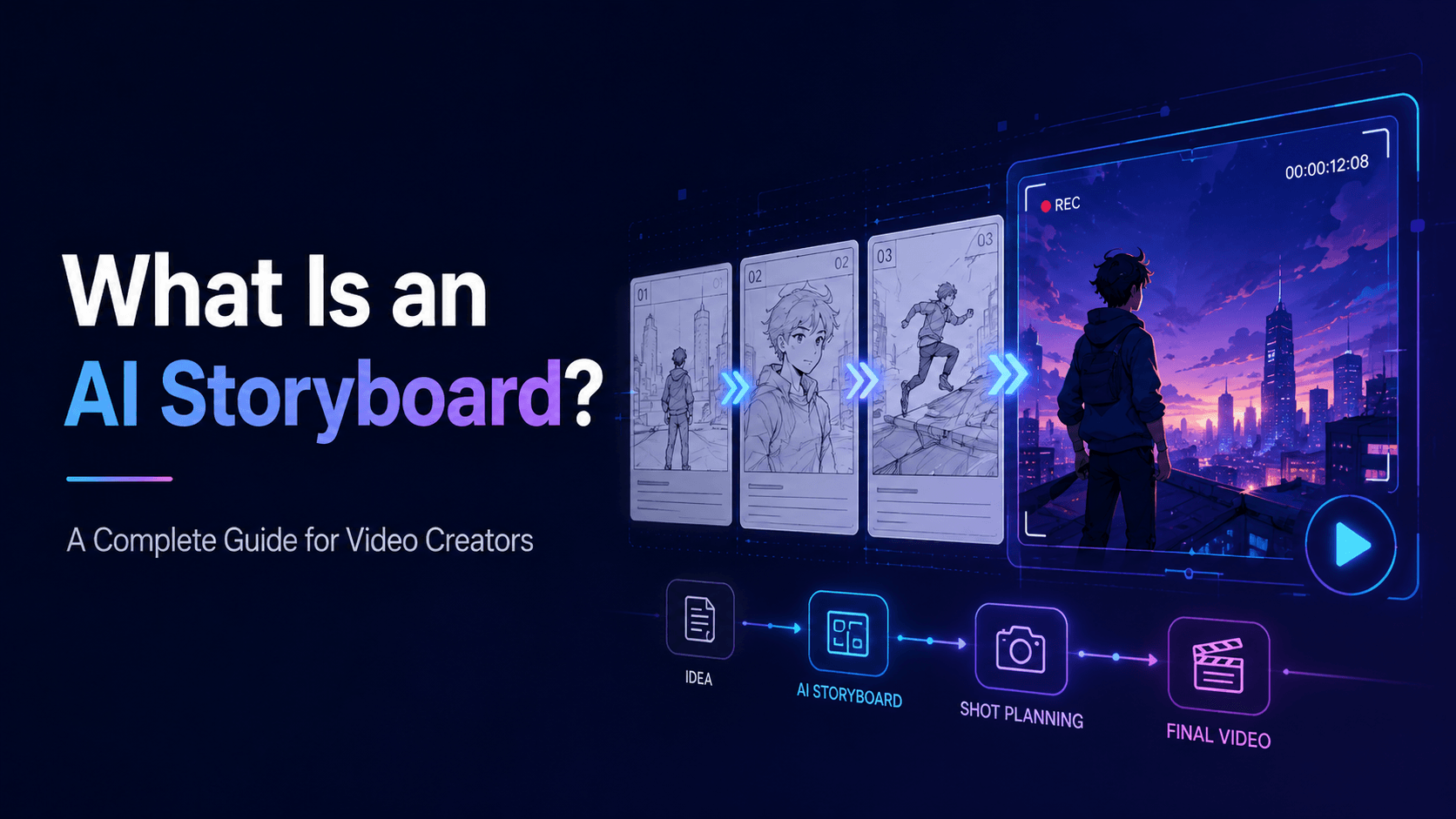
storyboard-to-video workflows
social media content
It gives creators a practical bridge between static assets and video content.
How Image-to-Video AI Works
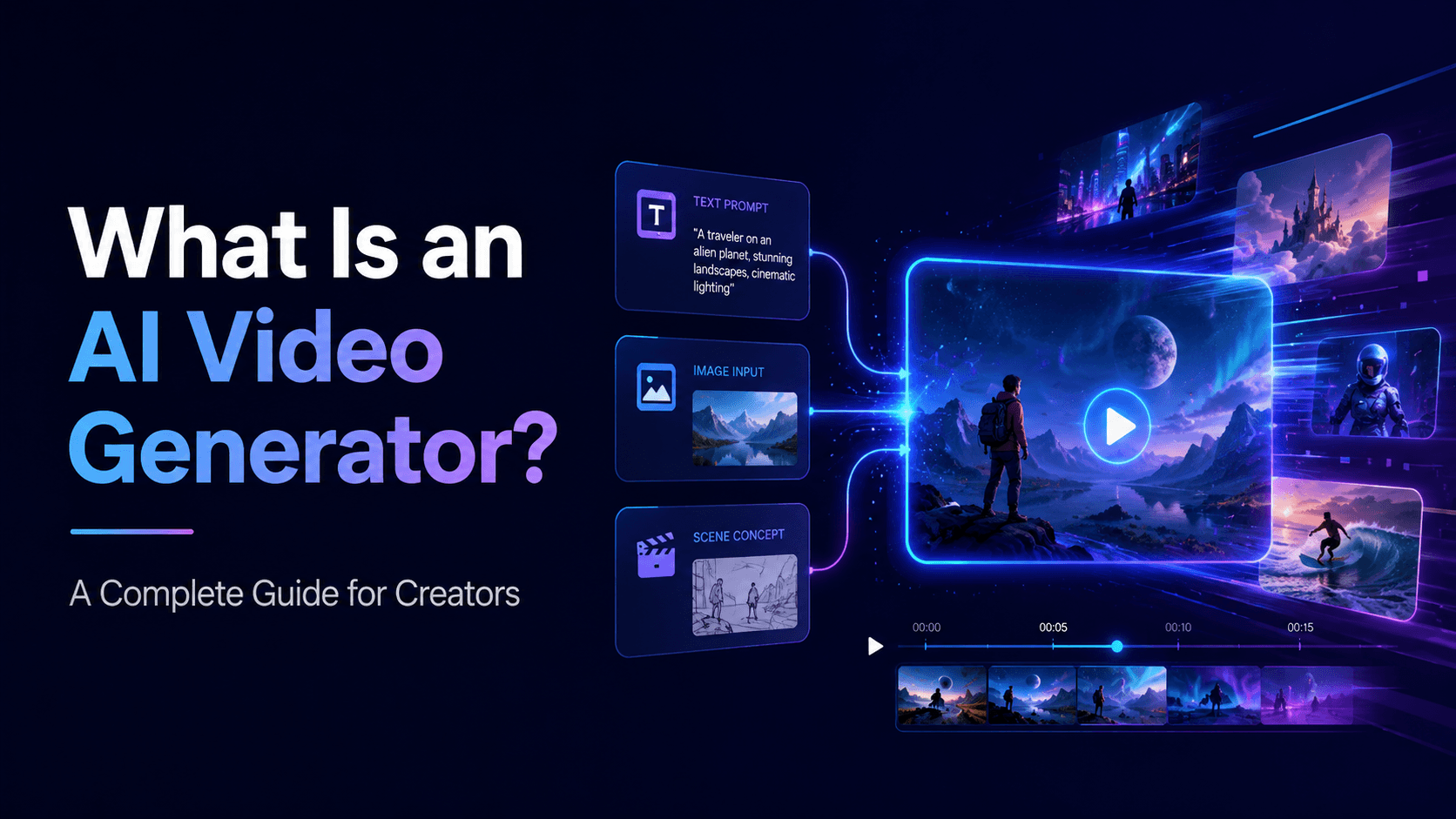
The creator uploads an image, then writes a prompt describing the desired motion. The AI model uses the image as the visual reference and generates a short video sequence that keeps the image’s subject while adding movement.
The prompt usually controls:
what moves
how the camera moves
what should stay unchanged
lighting changes
background motion
style preservation
aspect ratio
duration
restrictions
For example:
“Animate the source image with a slow camera push-in. The character blinks and hair moves gently in the wind. Preserve the exact face, outfit, hairstyle, body proportions, background, color palette, and cel-shaded anime style. No face morphing, no outfit changes, no style drift.”
The model then creates frames that appear to animate the image.
The key phrase is “appear to animate.” The AI is not always using traditional animation rigging. It is generating a video sequence that resembles motion. That is why prompts must be controlled. If the requested motion is too complex, the AI may invent new details or distort the subject.
Image-to-Video vs Text-to-Video
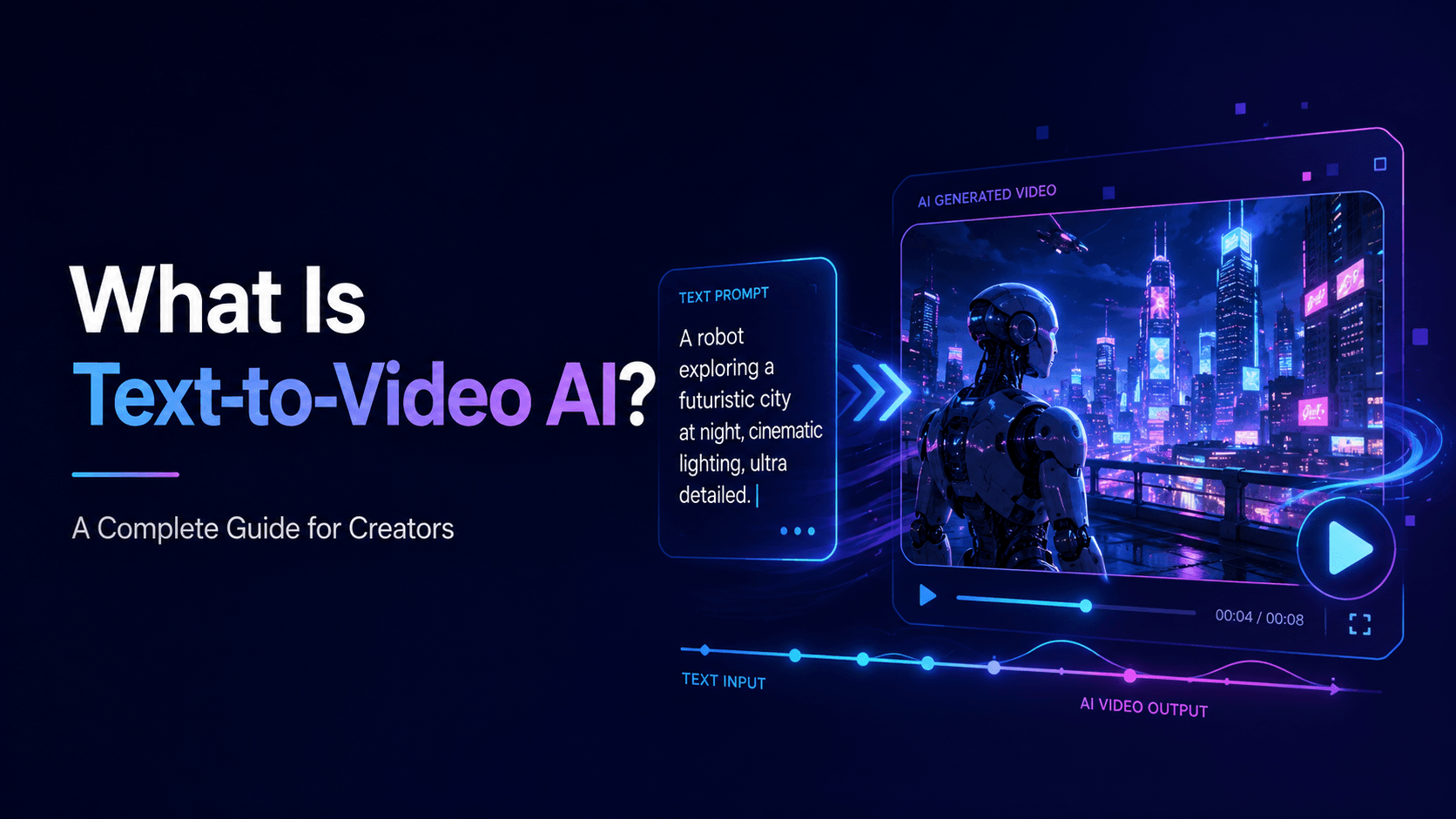
Text-to-video starts with a written description. Image-to-video starts with a visual reference.
Text-to-video is good for exploring new concepts when you do not have an image yet. It is flexible and useful for brainstorming scenes.
Image-to-video is better when you need to preserve a specific subject. If you have a product photo, character design, illustration, comic panel, or storyboard frame, image-to-video often gives more consistent results.
For example, if you write:
“Create a video of a cute anime cat detective.”
The AI must invent the cat. If you upload a specific cat detective image and write:
“Animate this cat detective with subtle motion while preserving the exact fur pattern, outfit, face, body shape, and anime style.”
The result is more likely to match your intended character.
This makes image-to-video especially useful for creators who already have visual assets.
Common Image-to-Video Use Cases
One major use case is product advertising. Ecommerce sellers, TikTok Shop creators, Shopify brands, and marketers can turn static product photos into short videos. Instead of shooting every product in a studio, they can create product hero shots, lifestyle scenes, before-and-after ads, unboxing-style clips, and CTA videos.
Another use case is anime and character animation. Creators can upload an original character and create clips for YouTube Shorts, TikTok, music videos, or story scenes.
Comic creators can animate manga panels, webtoon frames, or graphic novel art into short teasers. This is useful for promoting episodes on social platforms.
Musicians can animate cover art into visualizers or music video loops. A still album image can gain light movement, camera motion, atmosphere, or symbolic animation.
Educators can animate diagrams, maps, timelines, or illustrations. A static science diagram can become a short explainer.
Real estate and travel creators can animate property photos, hotel images, landscapes, or destination shots with subtle camera movement and atmosphere.
How to Write a Good Image-to-Video Prompt
A strong image-to-video prompt should protect the source image first, then describe motion.
Use this structure:
“Animate the source image with [specific motion]. Preserve [important visual details]. Add [camera, lighting, or environment motion]. Do not change [protected elements].”
Example for a character:
“Animate the source image with subtle controlled motion. The character slowly turns toward the camera and blinks. Preserve the exact face, hairstyle, outfit, body proportions, color palette, background composition, and anime art style. Add slight hair movement and soft light flicker. Camera: slow push-in. No face morphing, no outfit changes, no body warping, no style drift.”
Example for a product:
“Turn the source product photo into a premium product video. Preserve the exact product shape, logo, label, cap, color, packaging, material, and proportions. Add a slow camera push-in, soft studio lighting, and subtle reflection movement. No product warping, no label distortion, no new packaging details.”
Example for a comic panel:
“Animate this comic panel with a slow cinematic push-in and rain movement. Preserve the original line art, character design, panel composition, speech bubble placement, and color palette. Do not redraw the characters, change the art style, or distort the text.”
The more clearly you define what must stay unchanged, the more usable the result becomes.
Common Problems with Image-to-Video AI
Image-to-video AI can still produce errors. The most common problems include face drift, product warping, background distortion, hand issues, style changes, and unrealistic motion.
These issues often happen when the prompt asks for too much movement. A still image may not contain enough information for a full body turn, complex dance, object interaction, or dramatic camera orbit. The AI has to invent missing angles, and that can cause distortion.
The safest first motion is subtle: blinking, breathing, hair movement, light movement, slow push-in, gentle pan, slight product rotation, rain, smoke, clouds, or reflections.
Once a simple motion works, you can test more complex animation.
How Elser AI Helps with Image-to-Video
Elser AI helps creators turn still images into videos for practical use cases. You can upload a product photo, anime character, comic panel, app screenshot, travel photo, or visual concept, then generate motion from it.
For creators, this is useful because many already have images but not videos. Product sellers have product photos. Artists have illustrations. Musicians have cover art. Teachers have diagrams. Real estate agents have property photos. Game developers have concept art.
Elser AI helps convert those static assets into video content for social media, ads, educational content, storytelling, and promotion.
A good beginner workflow is:
Register on Elser AI.
Upload one image.
Write a simple motion prompt.
Generate a short clip.
Review what changed.
Refine the prompt.
Create variations for different platforms.
Start with subtle movement. Once the image stays stable, increase complexity.
Final Thoughts
Image-to-video AI is one of the most useful forms of AI video generation because it starts from something you already have. It can turn product photos, anime characters, comic panels, illustrations, album covers, app screenshots, real estate images, and travel photos into short videos.
The best results come from clear prompts and realistic motion. Tell the AI what to preserve, what to animate, how the camera should move, and what to avoid.
If you want to try image-to-video AI, start with Elser AI. Register, upload one strong image, and create a simple animated version. A static image can become a product ad, anime clip, comic teaser, music visual, or social video when the workflow is guided properly.