What Is an AI Video Generator? A Complete Guide for Creators
What Is an AI Video Generator?
An AI video generator is a tool that uses artificial intelligence to create video from inputs such as text prompts, images, product photos, character designs, storyboards, app screenshots, or existing visual references.
Instead of filming every scene with a camera or animating every frame manually, creators can describe what they want and let the AI generate a moving video clip. Depending on the tool, an AI video generator may support text-to-video, image-to-video, character animation, product video generation, lip sync, style transfer, motion control, or short-form video workflows.
For example, you can type:
“Create a cinematic video of a futuristic city at night with flying cars, neon reflections, and a slow camera push-in.”
Or you can upload a product photo and ask:
“Turn this product image into a premium 9:16 video ad with soft studio lighting, slow camera movement, and clean space for text.”
Or you can upload an anime character and generate:
“Animate this character with subtle blinking, hair movement, and a slow emotional camera push-in.”
That is the basic idea behind an AI video generator: it converts creative instructions or visual references into video.
How AI Video Generators Work
AI video generators use trained machine learning models to understand visual patterns, motion, composition, style, and prompt language. When a user provides a prompt or image, the model predicts a sequence of frames that match the input.
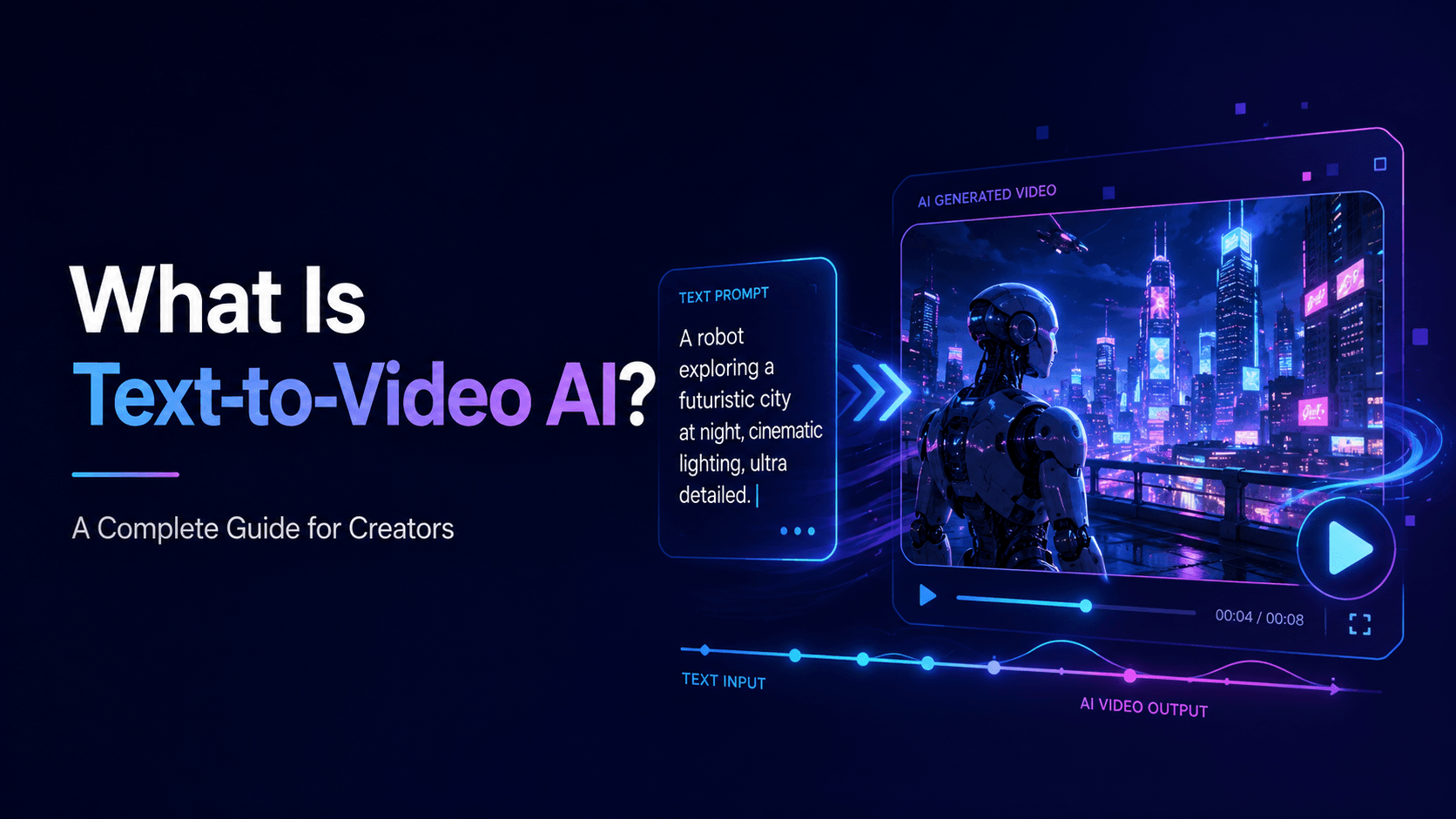
In text-to-video, the AI starts from a written description. The model must decide what the subject looks like, where the scene takes place, what moves, how the camera behaves, and what visual style to use.
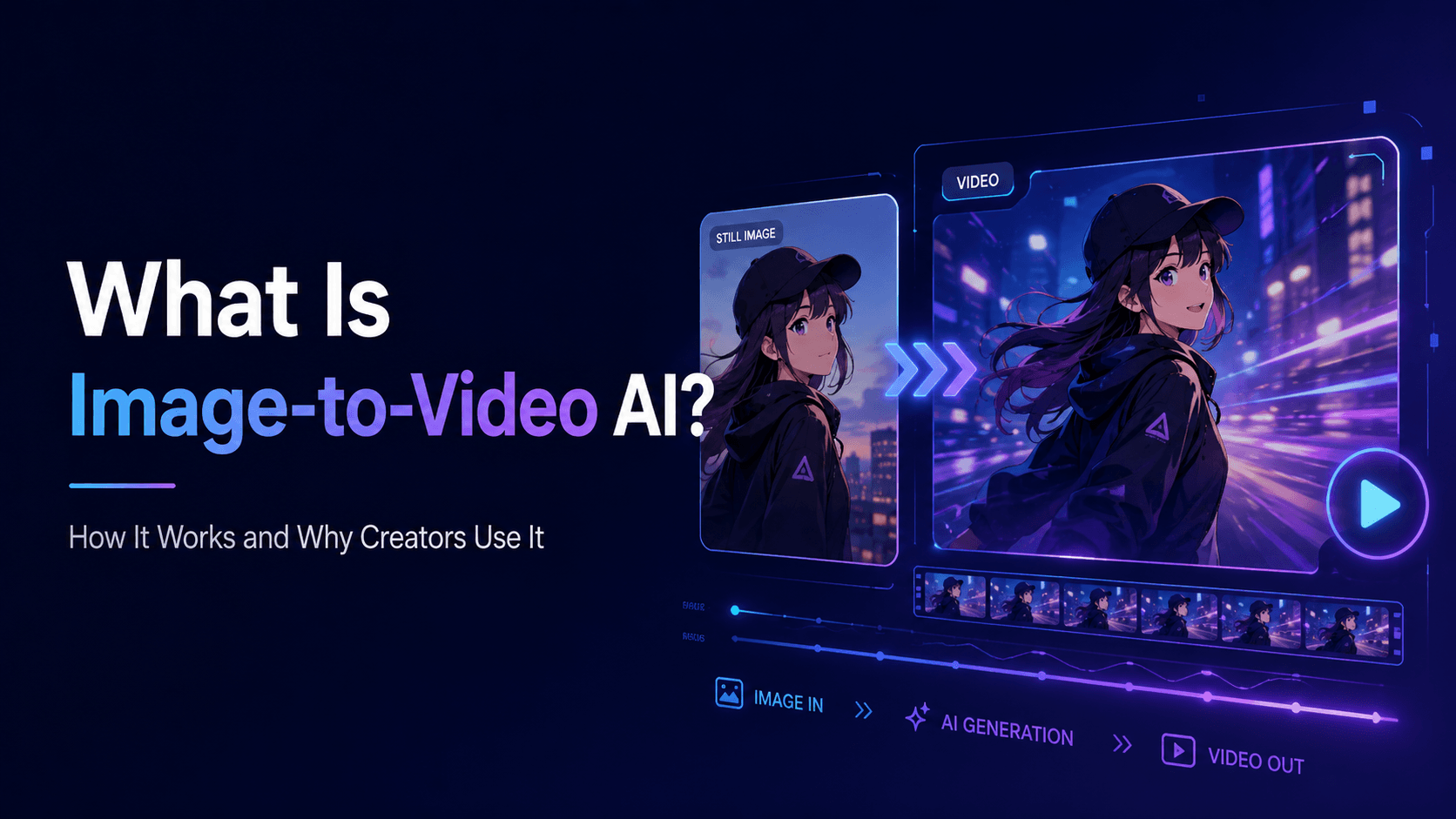
In image-to-video, the AI starts from an existing image. This usually gives the model more visual guidance because the character, product, composition, or style is already defined. The prompt then tells the AI how to animate the image.
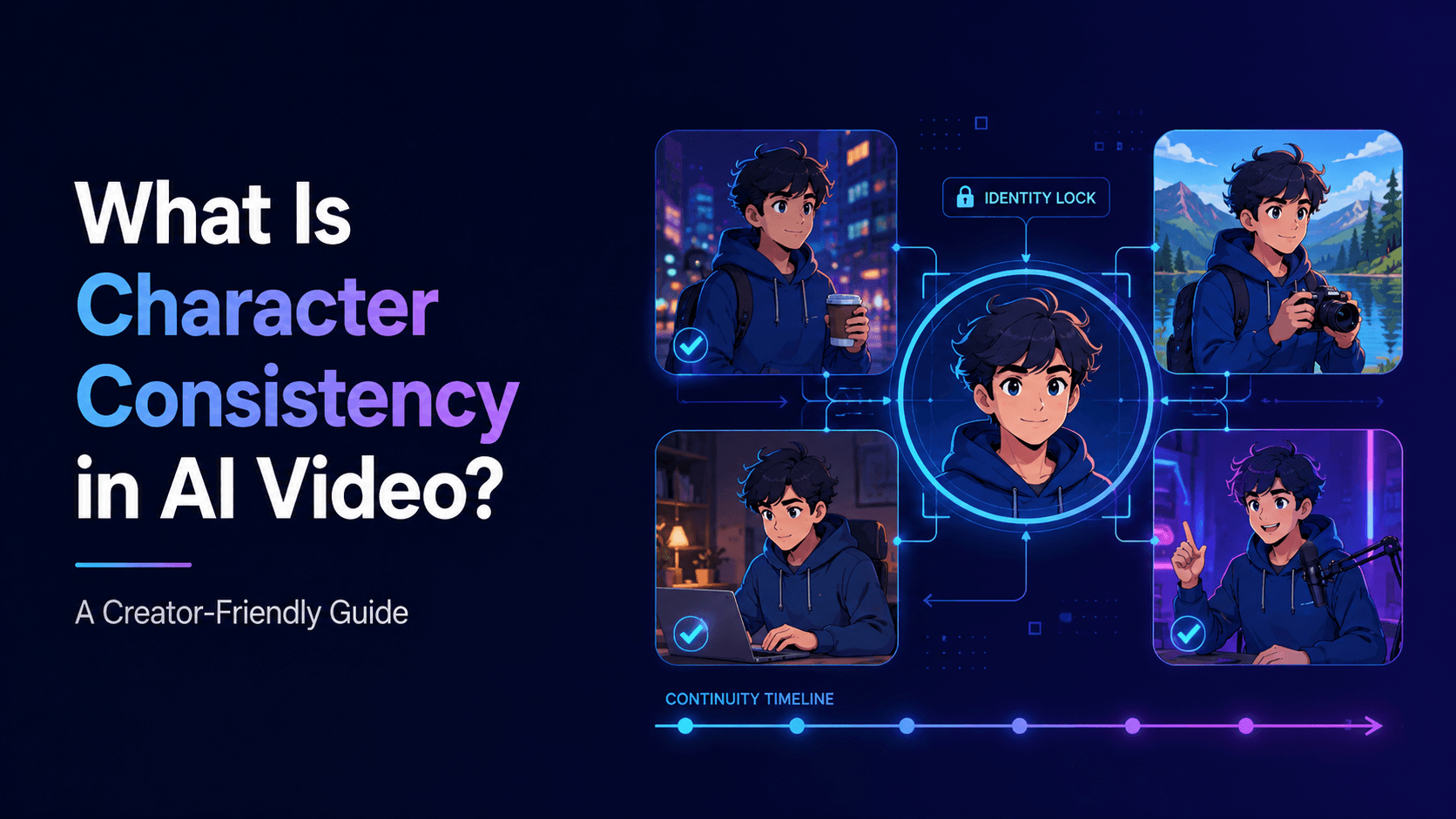
In character-based video generation, the creator may use reference images or identity prompts to keep the same character across different shots. In product videos, the challenge is preserving the exact product shape, label, logo, material, and proportions.
The final output is usually a short video clip. Creators can then edit multiple clips together, add music, voice, captions, sound effects, and final branding.
What Can You Make with an AI Video Generator?
AI video generators can be used for many creative and commercial purposes.
Creators use them to make:
AI animations
anime videos
YouTube Shorts
TikTok videos
Instagram Reels
product ads
app promo videos
music videos
comic panel animations
game trailers
travel promos
real estate videos
educational explainers
brand videos
story scenes
AI character videos
A solo creator might use an AI video generator to make a short anime episode from a character image. A small ecommerce brand might turn product photos into social media ads. A teacher might create animated visuals for a lesson. A musician might create a visualizer from cover art. A game developer might turn concept art into a teaser trailer.
The biggest advantage is speed. AI video generation makes it possible to test many ideas quickly without a full production crew.
Text-to-Video vs Image-to-Video
Most AI video generators support one or both of these workflows.
Text-to-video means the video is generated from a written prompt. It is useful when you do not have a source image or when you want to explore new concepts.
Example:
“Create a short cinematic video of a small robot walking through a rainy city street at night.”
Text-to-video is flexible, but it can be less predictable because the AI must invent the entire scene.
Image-to-video means the video is generated from an existing image. It is useful when you want to animate a specific character, product, illustration, comic panel, or photo.
Example:
“Animate this image with subtle motion. Preserve the character’s face, outfit, hairstyle, and style. Add blinking, hair movement, and a slow camera push-in.”
Image-to-video is often better when consistency matters. If you want a product to stay accurate or a character to remain recognizable, starting from an image is usually safer.
Elser AI supports creator-friendly workflows where users can start from visual assets and turn them into video. This makes it useful for product videos, anime characters, comic panels, and short-form content.
Why Prompt Quality Matters
An AI video generator is only as useful as the direction it receives. A vague prompt may produce a beautiful but unusable result.
Weak prompt:
“Make a cinematic product video.”
Better prompt:
“Create a vertical 9:16 product video from the reference image. Preserve the exact product shape, logo, label, packaging, color, material, and proportions. Place the product on a clean studio surface with soft shadows. Camera: slow push-in with subtle light sweep. Leave clean space at the top for text overlay. No product warping, no label distortion, no new packaging details.”
The second prompt is better because it defines what should move and what should not change.
Good prompts usually include subject, format, motion, camera, lighting, style, and restrictions. If the video is for social media, include aspect ratio and caption space. If the video includes a character, include identity details. If it includes a product, include accuracy rules.
Common Problems with AI Video Generators
AI video generators are powerful, but they are not perfect. Common issues include character inconsistency, face drift, distorted hands, product warping, unstable backgrounds, style changes, unrealistic camera movement, and broken transitions.
These problems are often caused by vague prompts, weak references, too much motion, or trying to generate too much in one clip.
For example, if you ask a character to run, turn, speak, gesture, and interact with an object in one short video, the model has to solve many difficult problems at once. It may distort the face or hands. A better approach is to split the video into smaller shots.
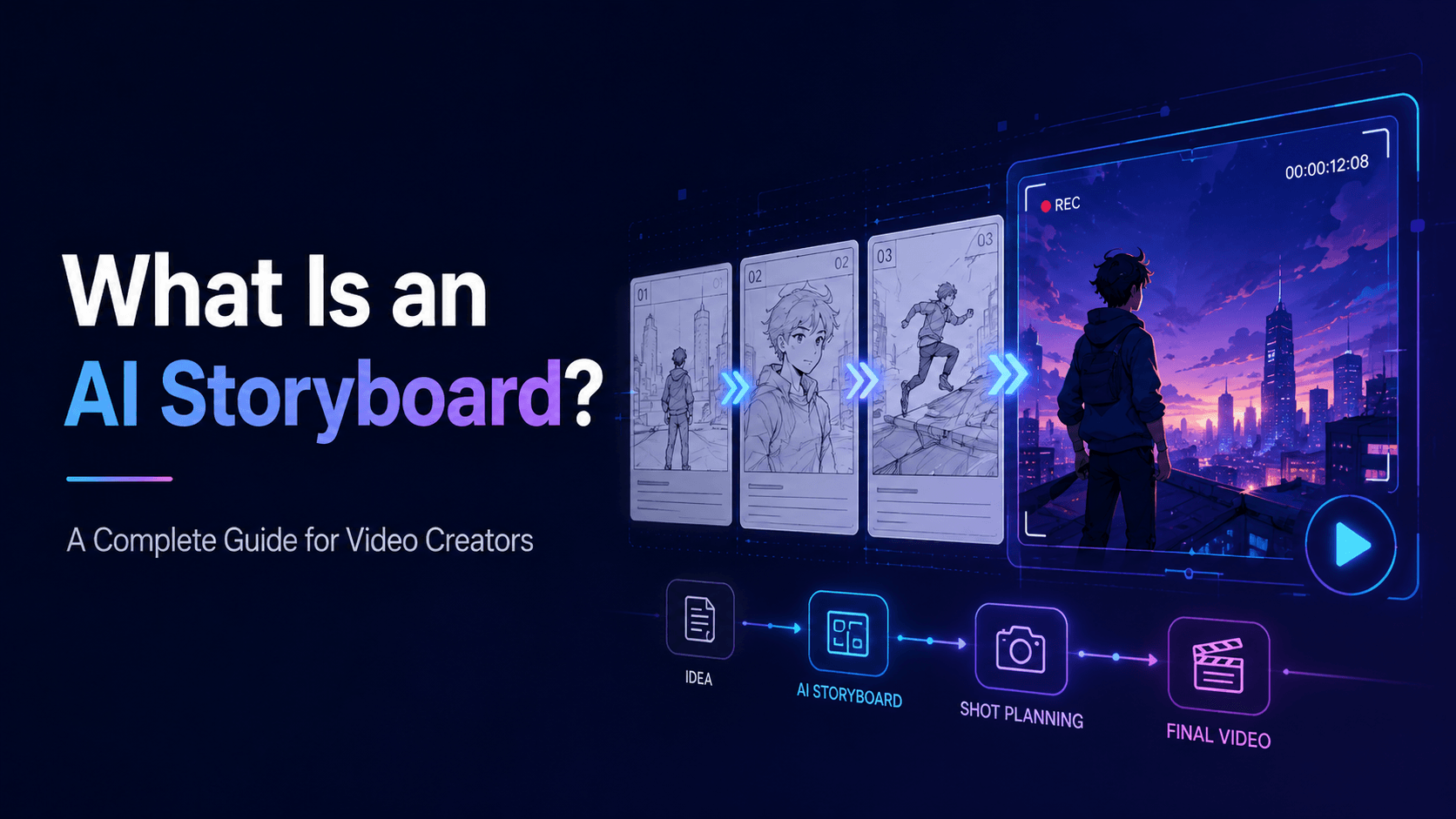
Professional AI video workflows usually involve generating short controlled clips, reviewing them, refining prompts, and editing clips together.
How Elser AI Helps Creators Use AI Video Generation
Elser AI helps creators use AI video generation in a more practical way. Instead of only generating random clips, creators can build workflows around images, characters, products, prompts, and short-form video goals.
For example, you can use Elser AI to:
turn product photos into AI video ads
animate anime characters
create AI Shorts
generate music video scenes
animate comic panels
create educational animations
make app promo videos
test visual variations
build consistent character scenes
If you are new to AI video generation, start simple. Register on Elser AI, upload one image, and generate a short video with subtle motion. Try a slow camera push-in, product rotation, blinking, background atmosphere, or gentle light movement. Once you understand the basics, you can create more complex scenes.
Who Should Use an AI Video Generator?
AI video generators are useful for many people:
content creators who need more video ideas
marketers who need product ads
artists who want to animate illustrations
musicians who need visualizers
teachers who need educational videos
game developers who need trailers
real estate agents who need property promos
travel creators who need destination videos
small businesses that need social content
anime creators who want character videos
The tool is especially useful when you have a strong idea but limited time, budget, or production resources.
Final Thoughts
An AI video generator is a tool that turns text, images, characters, products, and creative ideas into video. It can help creators produce animations, ads, short-form content, music visuals, educational explainers, trailers, and more.
The best results come from clear prompts, strong references, controlled motion, and careful review. AI video generation is not just about pressing a button. It is about directing the model.
If you want to try AI video generation, start with Elser AI. Register, upload a product photo, anime character, comic panel, or visual idea, and create your first AI-generated video. Once you learn how to guide the tool, AI video generation becomes a practical creative workflow.