What Is AI Lip Sync? A Complete Guide for Video Creators
What Is AI Lip Sync?
AI lip sync is the process of using artificial intelligence to match a character’s mouth movement to speech, singing, or audio. In simple terms, it makes a face look like it is speaking or singing the words in a voice track. The speaker can be a realistic person, an anime character, a cartoon mascot, a virtual influencer, a game character, a product spokesperson, or even a stylized animal character.
This technology is useful because voice alone often feels incomplete in video. When a character’s mouth moves naturally with the audio, the scene becomes more believable. A talking anime host feels more alive. A virtual product spokesperson feels more direct. A music video performance feels more connected to the song. A multi-character dialogue scene becomes easier to follow because viewers can see who is speaking.
AI lip sync is especially important for creators working with AI video, because many generated clips begin as silent visuals. You may create a character image, animate it into a short scene, add a voiceover, and then need the mouth movement to match the voice. AI lip sync helps close that gap between image, animation, and performance.
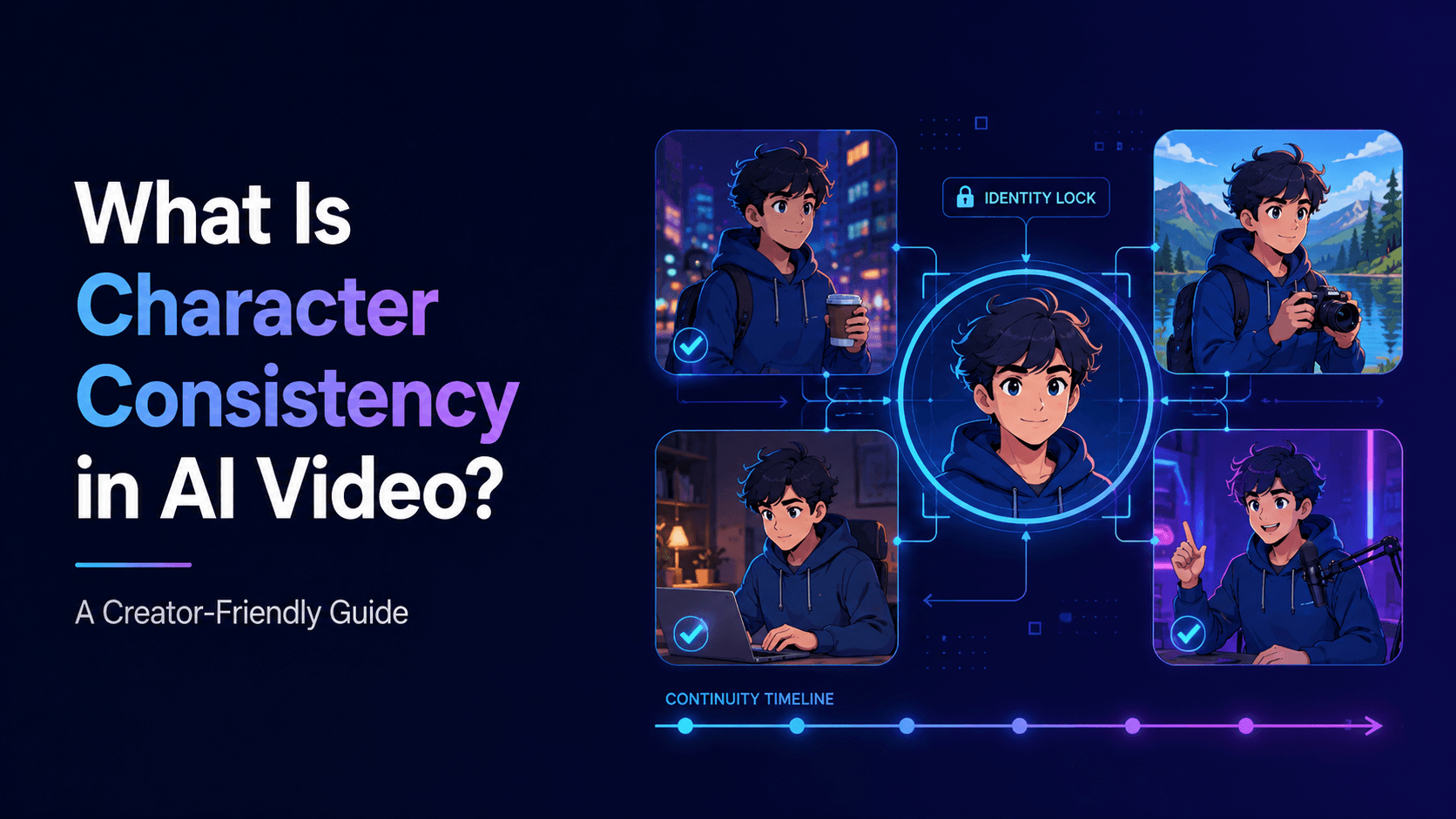
At the same time, lip sync is not just a technical effect. It affects identity, emotion, realism, and trust. If the mouth movement is too exaggerated, the character looks strange. If the face changes while speaking, the viewer loses character consistency. If the timing is off, the video feels unfinished. Good AI lip sync should support the performance without drawing attention to itself.
How AI Lip Sync Works
AI lip sync usually starts with two inputs: a face or video, and an audio track. The face may come from an image, a generated video, a character reference, or existing footage. The audio may be narration, dialogue, singing, voiceover, or translated speech. The AI analyzes the sound and generates mouth shapes that match the phonetic rhythm of the audio.
In a simple case, you might upload an anime character portrait and provide a short voice line. The AI then creates a video where the character’s lips move as if they are saying that line. In a more advanced workflow, you might generate a full character video first, then apply lip sync only to the speaking portions. For music videos, lip sync may be used for chorus close-ups, singer performance shots, or animated artist avatars.
The most important concept is that lip sync is not only about opening and closing the mouth. Natural speech involves small movements in the lips, jaw, cheeks, eyes, head, and expression. A believable talking character often needs subtle facial performance, not just mouth animation. If the rest of the face stays frozen while the mouth moves dramatically, the result can feel unnatural.
This is why creators should keep lip sync shots controlled. A stable close-up or medium close-up usually works better than a fast camera orbit or full-body action shot. When the face is clear and the motion is simple, the AI has a better chance of preserving identity while matching the audio.
Where AI Lip Sync Is Used
AI lip sync is useful in many creator workflows. One common use case is talking character videos. A creator can design an anime host, virtual teacher, brand mascot, or digital spokesperson, then use lip sync to make that character deliver lines. This works well for YouTube Shorts, TikTok explainers, product demos, educational videos, and recurring content series.
Another major use case is AI music videos. A singer, anime character, or virtual artist can appear to perform a song, especially during important chorus lines or emotional close-ups. Not every shot in a music video needs lip sync. In fact, using lip sync selectively often works better. A strong music video might combine performance close-ups, abstract visuals, story scenes, and atmospheric shots.
AI lip sync is also useful for multi-character dialogue. If two characters are having a conversation, lip sync helps viewers understand who is speaking. However, multi-character scenes are harder because the workflow must preserve multiple identities, voices, positions, and eye lines. For this reason, it is often better to generate separate speaking close-ups for each character rather than forcing two or three characters to speak continuously in one long shot.
Brands can also use AI lip sync for product explainers or localized marketing. A virtual spokesperson can explain a product feature, introduce an app, or present a short ad. Educational creators can use lip sync for lessons, language learning dialogues, animated tutors, and course introductions. The value is not simply that the mouth moves; the value is that the character feels present.
Common Problems with AI Lip Sync
AI lip sync can fail in several ways. The most obvious problem is timing mismatch, where the mouth movement does not align with the audio. Even a small delay can make the video feel wrong. Another issue is exaggerated mouth movement, where the character opens their mouth too widely or forms unnatural shapes. This is especially common with stylized anime or cartoon characters, because their face design is not always built for realistic speech motion.
Face drift is another major issue. During lip sync, the AI may slightly change the character’s face, mouth shape, jawline, eyes, or age. This breaks character consistency. A character may look correct before speaking, but become a different person once the mouth starts moving. For realistic characters, this can look unsettling. For anime characters, it can destroy the original design.
There can also be style drift. A clean 2D anime face might become semi-realistic when lip sync is applied. A cartoon mascot might gain strange human-like mouth shapes. A stylized animal character might lose its original charm. The more the lip sync system tries to force realistic mouth movement onto a stylized design, the more likely the result will feel wrong.
The final common problem is overuse. Some creators make every line a direct lip sync close-up, which can become visually boring. Real videos use cutaways, reaction shots, object shots, subtitles, and environmental visuals. Lip sync is powerful, but it should not carry the entire edit alone.
How to Get Better AI Lip Sync Results
The best AI lip sync results usually come from simple, controlled shots. Start with a clear face, good lighting, and stable framing. Avoid extreme angles, heavy shadows over the mouth, fast movement, or complex gestures during speech. If the character is speaking, let the shot focus on speaking. Do not also ask the character to run, fight, dance, turn fully around, hold objects, and perform detailed hand gestures at the same time.
Audio quality matters as well. A clean voice track usually produces better lip sync than noisy audio. Short lines are easier to control than long monologues. If you are making a YouTube Short or anime dialogue scene, write compact lines with clear rhythm. A short sentence with a strong expression often works better than a long paragraph.
For character consistency, always protect the identity in the prompt. Use language like:
“Preserve the exact face, eye shape, hairstyle, outfit, body proportions, color palette, and art style while the character speaks. Mouth movement should be subtle and natural. Do not change the face, age, hairstyle, outfit, or visual style.”
For anime characters, it is important to specify that the lip sync should match the anime style rather than forcing photorealistic mouth motion. A useful prompt line is:
“Use subtle anime-style mouth movement, not exaggerated realistic mouth shapes.”
This helps keep the character within the intended visual language.
AI Lip Sync and Elser AI Workflows
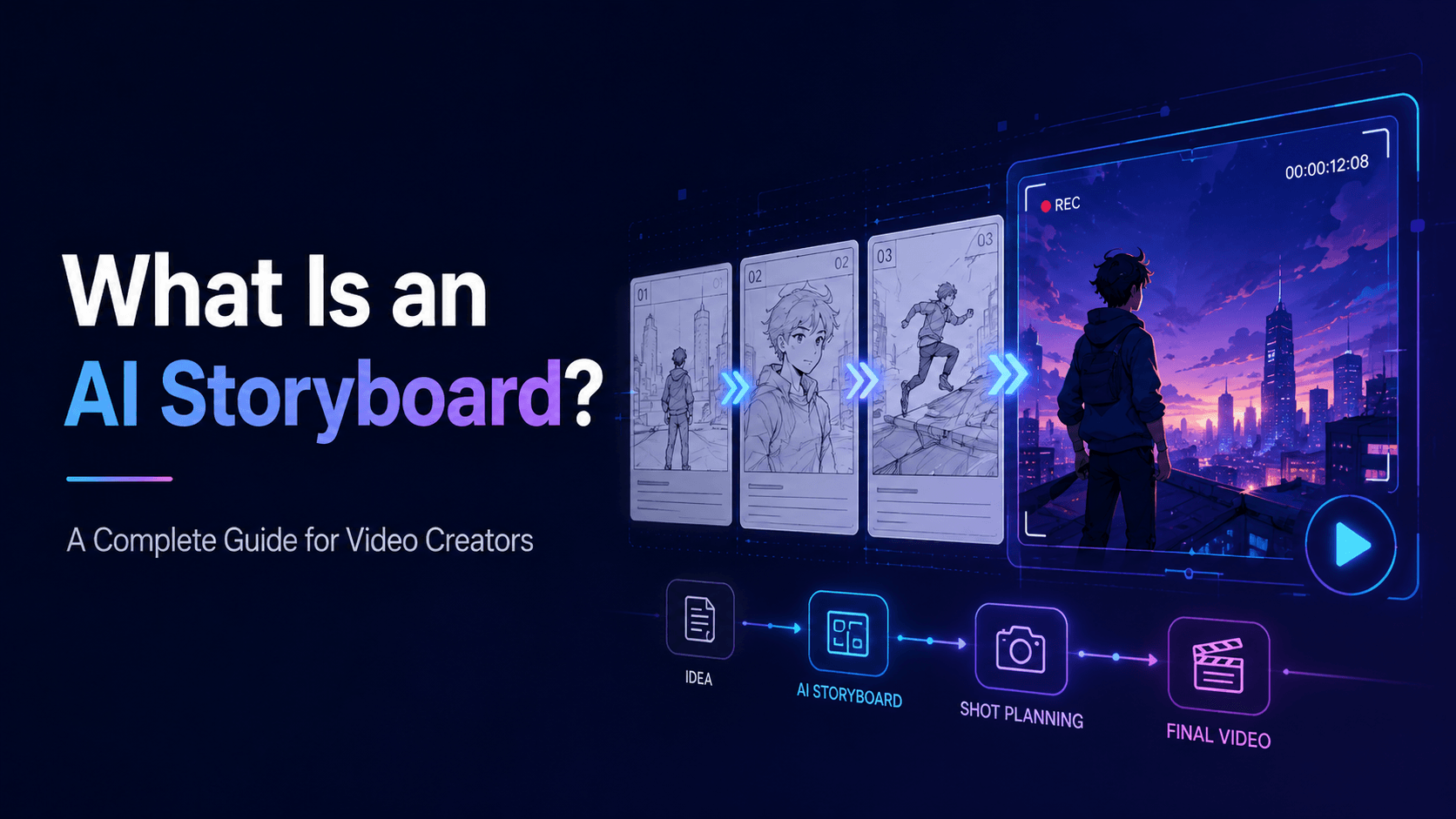
Elser AI fits naturally into lip sync workflows because many creators first need to create or animate the visual character before adding speech or performance. You can start by creating or uploading a character image, generate a short video scene, and then plan where the character should speak. The best approach is to build the scene in layers: character identity first, video motion second, voice third, lip sync fourth, and final editing last.
For example, if you are creating an anime explainer Short, you might first create a recurring anime host in Elser AI. Then generate a medium close-up where the character faces the camera with subtle motion. Next, prepare a short voiceover line. After lip sync is added, edit the clip with captions, background music, and a final CTA.
For a music video, you might use Elser AI to create the main visual world and character scenes, then apply lip sync only to key performance moments. The verse might show atmosphere and story, while the chorus uses a close-up of the singer performing. This creates a more professional rhythm than relying on lip sync for the entire video.
If you want to experiment, register on Elser AI and start with one simple test: create a character close-up, write one short line, and generate a lip sync version. Compare the face before and after. If the character remains stable, you can build longer scenes.
AI Lip Sync Prompt Template
A useful AI lip sync prompt should protect the face, define the speaking style, and keep the motion simple.
Template:
“Use the same character from the reference image. Preserve the exact face, eye shape, hairstyle, outfit, body proportions, color palette, and art style. The character speaks the provided audio with subtle, natural mouth movement. Camera remains stable in a medium close-up. Lighting is soft and clear. Keep the facial identity consistent during speech. No face morphing, no exaggerated mouth distortion, no age change, no style drift.”
Example:
“Use the same anime singer from the reference image. Preserve her exact face, large amber eyes, short black hair, red jacket, silver earrings, body proportions, and clean cel-shaded anime style. She sings the chorus line with subtle anime-style mouth movement and emotional expression. Camera remains stable in a close-up with a slow push-in. Lighting is soft neon pink and blue. No face morphing, no exaggerated realistic mouth shapes, no hairstyle changes, no outfit changes, no style drift.”
This kind of prompt gives the AI a narrow and clear job: make the character speak while staying the same character.
Final Thoughts
AI lip sync helps creators make characters appear to speak or sing by matching mouth movement to audio. It is useful for talking avatars, anime hosts, product spokespeople, educational videos, music videos, dialogue scenes, and short-form content.
The best lip sync results come from controlled shots, clear audio, simple dialogue, stable character references, and careful identity protection. Do not use lip sync as a shortcut for everything. Use it where speech or performance matters most, and support it with editing, captions, reaction shots, and sound design.
If you want to create talking characters or AI music video performances, start with Elser AI. Register, create or upload a character, generate a stable close-up, and test one short lip sync line. Once the character can speak without losing identity, you have the foundation for dialogue videos, music clips, educational content, and recurring AI characters.