What Is an AI Story Studio? A Complete Guide for Writers
An AI story studio is more than a prompt box that produces a random tale. It is a persistent creative workspace where a writer can begin a story, keep developing an existing draft, or reshape material that no longer works.
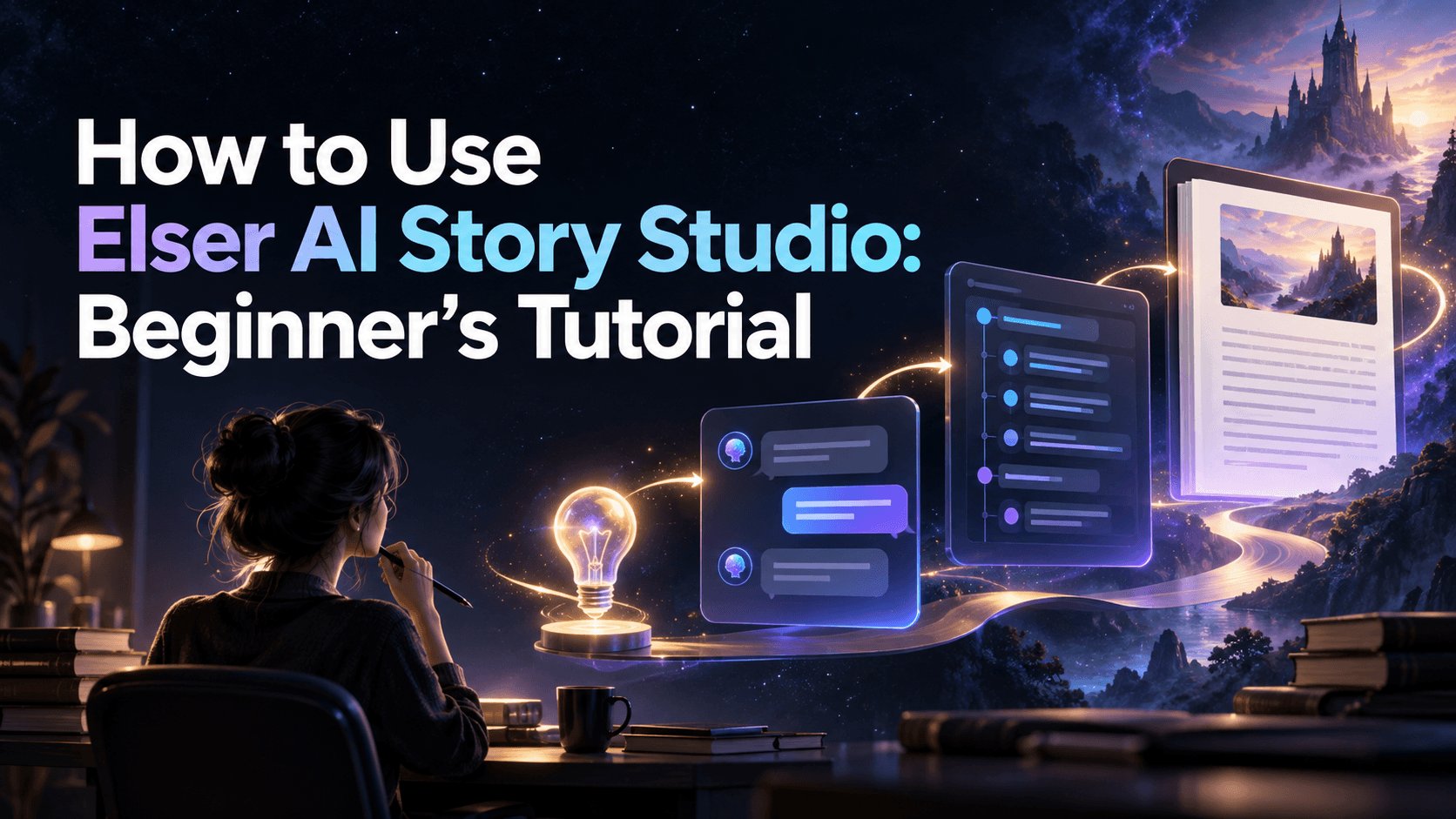
That distinction is visible in Elser AI Story Studio. Its workspace is organized around three starting actions—Create, Continue, and Adapt—and a conversational interface. You can begin with a sentence, a character, a scene, a conflict, or even a mood. Instead of treating the first response as final, you can question it, redirect the plot, revise a character, change the writing style, or ask for another ending.
The Three Jobs Inside Elser AI Story Studio
Create: turn a spark into a structured draft
Create is for a project that does not yet have usable prose. The starting input can be small:
A night-shift archivist discovers that one box contains letters dated tomorrow.
In Elser, this idea can be expanded through conversation into a setting, character relationships, a central conflict, possible plot directions, and an opening chapter. First ask for three interpretations of the premise. Select one, clarify the protagonist’s difficult choice, and then request a chapter plan.
Create is relevant to beginners, discovery writers, roleplayers, and creators who have an image or character but not yet a plot.
Continue: develop a story you already started
Continue is for existing material. Elser’s current page says you can provide a previous story, character description, or writing-style reference and keep expanding it in conversation.
The best input is a continuation packet:
- the existing passage or approved summary;
- fixed facts and world rules;
- what each character currently knows;
- unresolved questions;
- the emotional state at the end of the last scene;
- what the next scene must change.
This gives Elser a clear boundary and makes contradictions easier to detect.
Adapt: transform existing material deliberately
Adapt is for changing what a story is, not merely adding more. A writer can explore a new point of view, audience, genre, tone, plot direction, or ending.
For example, keep the characters and event order of a fantasy chapter but adapt it into a mystery told by the suspected thief. State what must remain and what may change. Without those rules, adaptation can become accidental replacement.
Why the Conversational Interface Matters
A static generator asks for one large prompt and returns one large answer. Story development rarely works that way. A writer needs to say:
- keep the setting but remove the prophecy;
- make the friendship the central conflict;
- preserve the ending and rewrite only the confrontation;
- show three alternatives before drafting;
- explain which earlier setup supports this twist.
Elser positions Story Studio as a co-writing conversation. The human still selects, rejects, combines, verifies, and rewrites. The conversation makes those decisions incremental rather than forcing everything into a perfect first prompt.
What You Can Produce
The current Elser page describes support for novels, chapter-based stories, short fiction, fanfiction, roleplay narratives, and genres including fantasy, science fiction, romance, mystery, and slice of life. It can help with settings, relationships, openings, continuations, rewritten scenes, and alternative endings.
After the draft, Elser says creators can retain the story in their library, export chapters, develop character assets from the story, or create scene concepts inside its broader creative ecosystem. Treat these as next-step options, not proof that a raw draft is publication-ready.
A Responsible First Project
Open Story Studio and choose Create. Enter one premise plus five constraints:
Format: 2,000-word short story
Protagonist: adult municipal diver Mara
Goal: qualify for a surface expedition
Disruption: she discovers the city is causing its own leaks
Tone: intimate mystery with cautious hope
Avoid: chosen-one plot, dream reveal, sudden rescue
Ask Elser for three story directions without prose. Choose one. Ask for five scenes with objective, opposition, revelation, decision, and consequence. Draft one scene, review it, and continue only from the approved version. Finally, use Adapt to test a different point of view or ending while protecting the original branch.
That exercise demonstrates the whole product more accurately than requesting a novel in one click.
Where Human Judgment Remains Essential
Elser can generate and reorganize text, but it cannot determine which experience is yours to express. Review continuity, factual claims, cultural detail, accidental similarity, pacing, and every publication decision. Do not upload confidential manuscripts until you understand current data handling and terms. For fanfiction or commercial work, review relevant rights separately.
FAQ
Is Elser AI Story Studio only for complete novels?
No. Its public page includes short stories, chapter-based work, fanfiction, roleplay, and experimental fiction as well as longer projects.
What is the difference between Create and Continue?
Create develops a new idea. Continue expands material that already exists and should preserve established context.
What does Adapt do?
It helps reshape existing material—for example its genre, viewpoint, tone, scene treatment, or ending—while the writer specifies what must stay fixed.
Is Story Studio free?
Elser currently states that free users receive limited story generations. Confirm the live allowance before quoting a number because plans can change.
Conclusion
Elser AI Story Studio is a conversational fiction workspace built around three real writing situations: starting, continuing, and adapting. Its value is not automatic authorship. It is the ability to move between premise, draft, critique, and revision without abandoning the project context. Start with one bounded goal, make every branch explicit, and keep editorial authority in human hands.