50 Image-to-Video Prompts for AI Animation: A Practical Prompt System for 2026
50 Image-to-Video Prompts for AI Animation
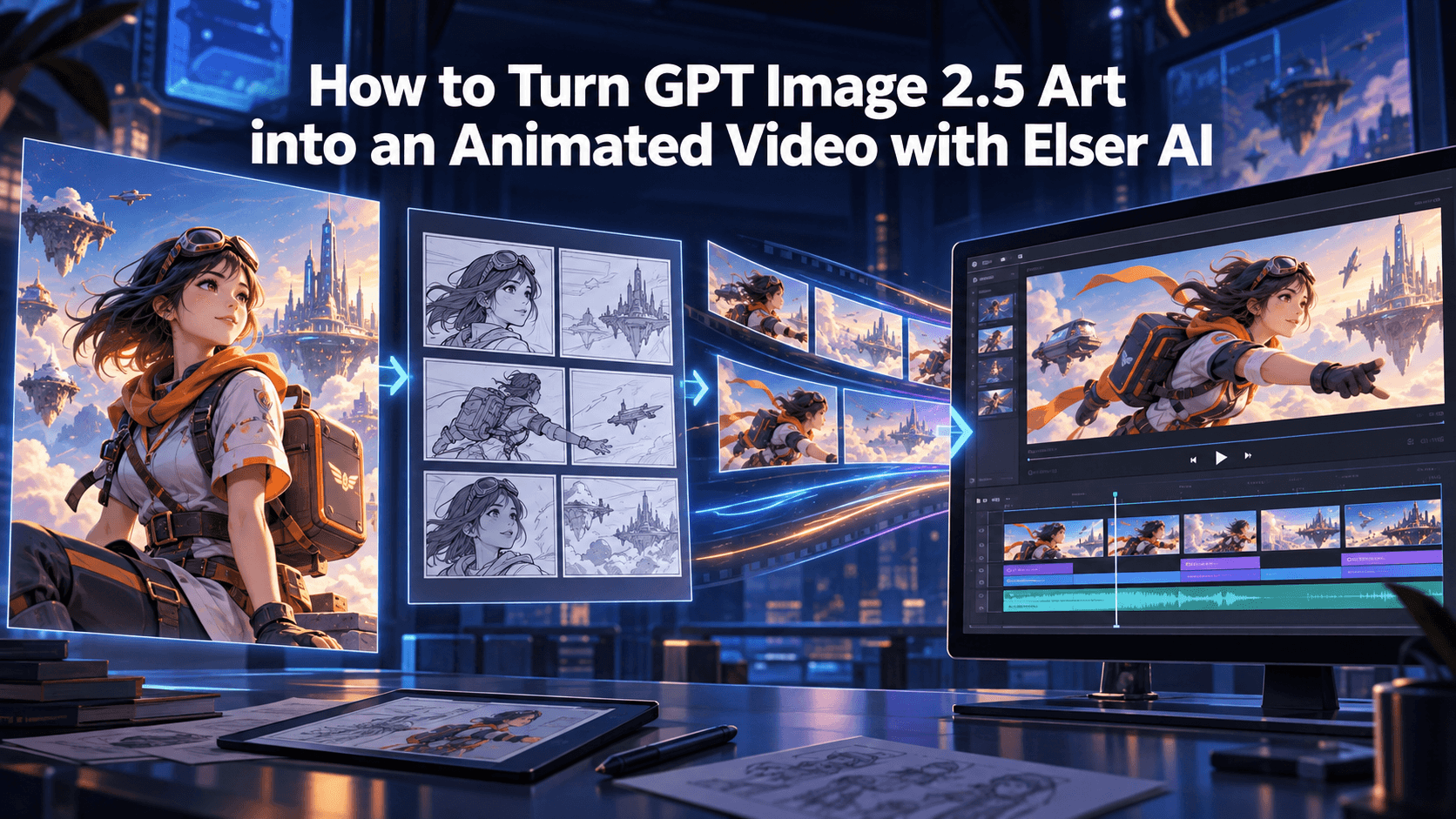
Image-to-video has quietly become one of the most useful workflows in AI content creation. Text-to-video is exciting, of course, but image-to-video gives creators something text alone often cannot: a stable visual starting point. When you already have a character design, a product photo, a comic panel, an anime illustration, or a brand mascot, you are no longer asking AI to invent everything from scratch. You are asking it to animate something that already exists.
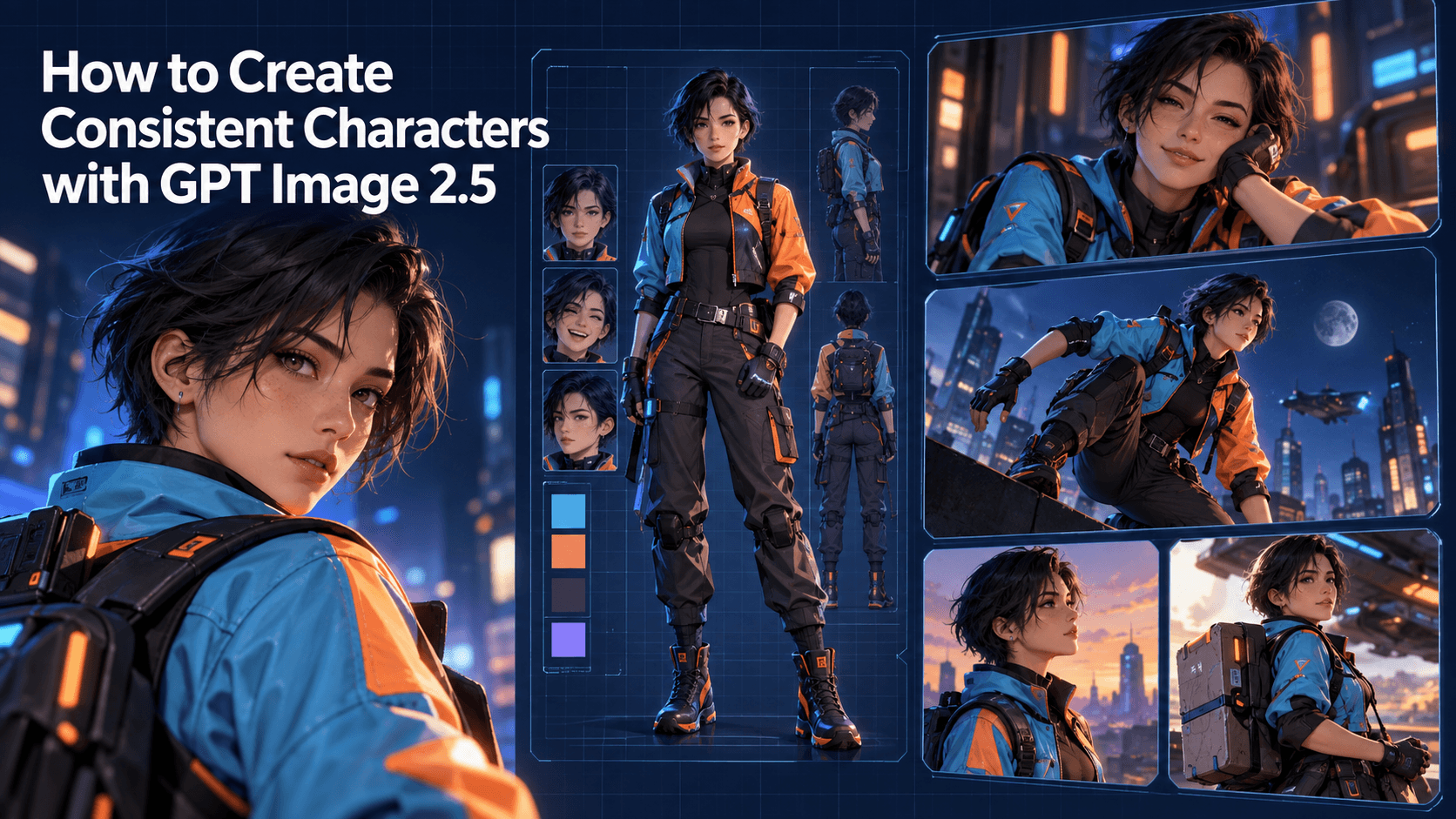
That difference matters. A strong source image can protect character identity, product shape, outfit design, color palette, and visual style. This is why image-to-video AI tools are now widely used for anime shorts, product ads, talking characters, TikTok visuals, YouTube Shorts, music videos, and AI animation experiments. But there is a catch: a good image does not automatically become a good video. The prompt still determines how the image moves, what stays fixed, what changes, and whether the final result feels controlled or chaotic.
Most bad image-to-video results come from the same mistake: the prompt asks for too much. A creator uploads a beautiful character image and writes, “Make this character run through a futuristic city, fight enemies, spin, jump, smile, and cinematic camera movement.” The model then has to invent hidden angles, new body positions, background changes, lighting changes, and motion physics all at once. That is when the face starts drifting, the outfit melts, and the image-to-video animation loses the original identity.
The better approach is to treat prompts as motion design instructions, not wish lists. Each prompt should define one core movement, one visual priority, and one stability rule. If the image contains a character, the prompt should protect identity. If it contains a product, the prompt should protect shape, logo, and material. If it is an anime scene, the prompt should protect the art style. If it is a social video, the prompt should leave space for captions and short-form composition.
That is also where a workflow platform like Elser AI becomes useful. Instead of testing random prompts across disconnected tools, you can start with a source image, generate controlled motion variations, compare outputs, and build repeatable image-to-video assets for your content pipeline. If you want to turn one character image into a series of animated scenes, or one product photo into several ad variations, you can register on Elser AI and build that workflow from the same visual anchor instead of starting over every time.
Below are 50 image-to-video prompts organized by production use case. You can copy them directly, but the real value is understanding the logic behind each group.
How to Use These Image-to-Video Prompts
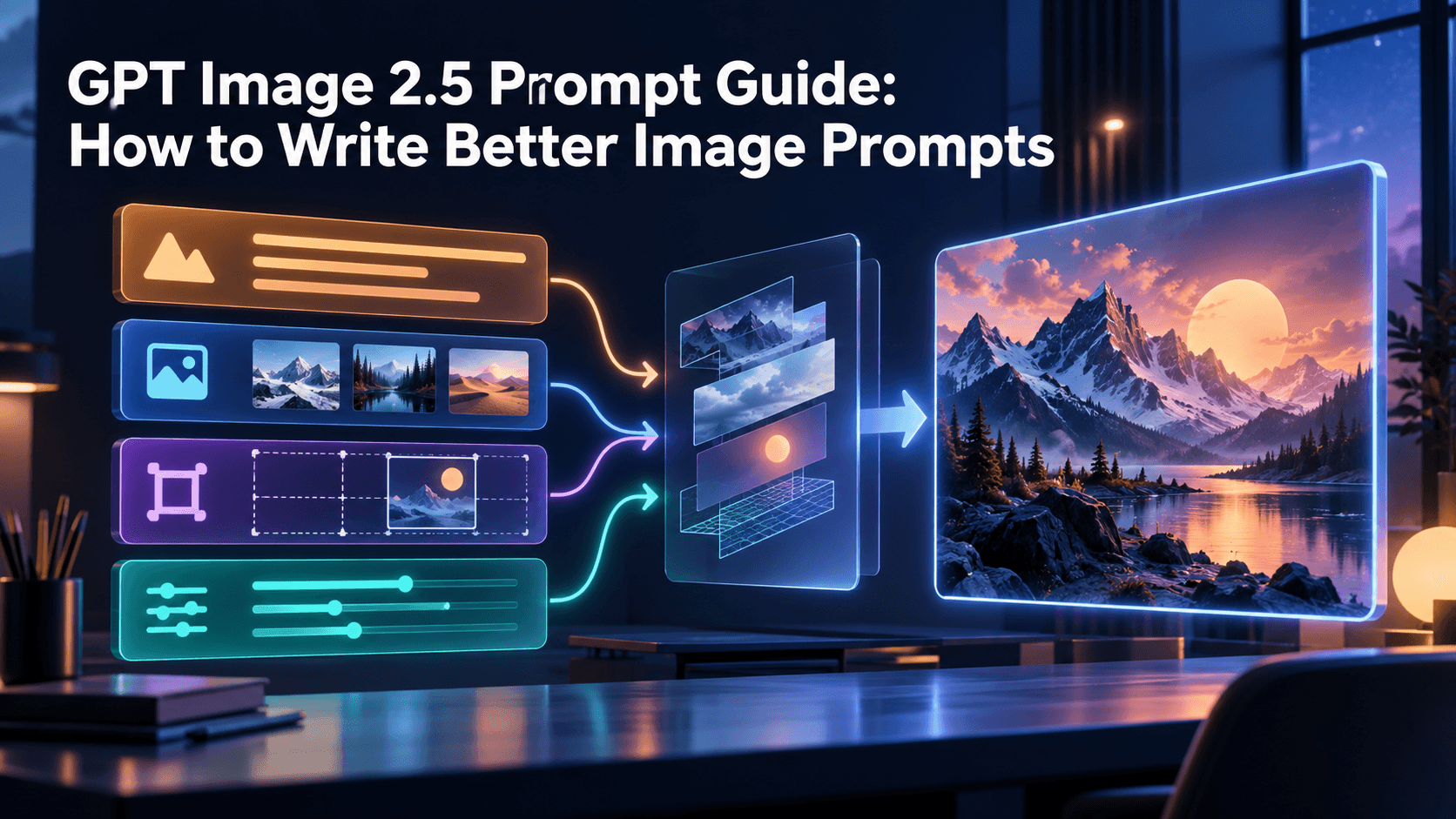
Before jumping into the list, use this simple structure:
“Animate the source image with [specific motion]. Preserve [identity/product/style details]. Camera: [movement]. Lighting: [mood]. Keep the output stable. Do not change [critical elements].”
This structure works because it separates motion from preservation. The model needs to know both what should move and what should not move.
A weak prompt says:
“Make this image cinematic and animated.”
A stronger prompt says:
“Animate the source image with a slow camera push-in and subtle hair movement. Preserve the exact character face, hairstyle, outfit, body proportions, and anime art style. Keep the background stable and lighting consistent. No face distortion, no outfit changes, no style drift.”
The second prompt gives the model a production brief. It is specific, controlled, and much easier to evaluate.
Character Animation Prompts
1. Subtle Portrait Animation
“Animate the source image with subtle breathing, soft blinking, and a gentle head movement. Preserve the exact face, hairstyle, outfit, body proportions, and original art style. Keep the camera stable and the lighting unchanged. No facial distortion, no identity drift, no outfit changes.”
2. Slow Head Turn
“Turn the still character image into a short video where the character slowly turns their head toward the camera. Preserve facial structure, eye shape, hair silhouette, outfit, and color palette. Use smooth natural motion with no warping.”
3. Emotional Smile Transition
“Animate the character from a neutral expression into a slight warm smile. Keep the same identity, same face shape, same hairstyle, and same clothing. The motion should be subtle and emotionally natural, not exaggerated.”
4. Wind in Hair
“Animate only the character’s hair and clothing with a soft breeze. The character remains mostly still, looking forward. Preserve the face, outfit, body proportions, and visual style exactly.”
5. Looking Down then Back Up
“Animate the character slowly looking down, pausing briefly, then looking back toward the viewer. Keep the facial identity and outfit unchanged. Use soft cinematic lighting and stable framing.”
6. Character Reaction Shot
“Create a short reaction shot from the source image. The character’s eyes widen slightly and their expression shifts from calm to surprised. Preserve the original face, hairstyle, outfit, and art style.”
7. Idle Character Loop
“Animate the image as a seamless idle loop. Add subtle breathing, blinking, and small posture movement. The final frame should closely match the first frame so the animation can loop smoothly.”
8. Over-the-Shoulder Turn
“Animate the character turning slightly over their shoulder, as if reacting to someone behind them. Keep the same character identity, outfit, hairstyle, and body shape. Use controlled motion without camera shake.”
9. Confident Pose Motion
“Animate the character shifting into a more confident pose, with a slight chin raise and subtle shoulder movement. Preserve all identity details and clothing design. Clean, stable motion.”
10. Soft Anime Expression Change
“Animate the anime character with a gentle expression change from thoughtful to hopeful. Preserve the same anime face design, eye style, hairstyle, outfit, and background atmosphere.”
Cinematic Image-to-Video Prompts
11. Slow Push-In
“Animate the image with a slow cinematic camera push-in toward the subject. Keep the subject stable and preserve all identity or product details. Use shallow depth of field and soft background motion.”
12. Parallax Depth Motion
“Create a cinematic parallax effect where the foreground, subject, and background move at slightly different speeds. Preserve the original image composition and subject identity. No distortion.”
13. Light Sweep
“Animate a subtle light sweep moving across the subject from left to right. Keep the subject still and stable. Preserve all details, colors, and materials from the source image.”
14. Atmospheric Fog Movement
“Add slow-moving atmospheric fog in the background while keeping the subject unchanged. Camera remains mostly still. Preserve the original mood, lighting, and visual style.”
15. Foreground Reveal
“Animate the camera slowly moving past a blurred foreground object to reveal the subject more clearly. Keep the subject’s identity and design unchanged. Cinematic depth, smooth motion.”
16. Golden Hour Shift
“Animate the scene with a subtle golden-hour lighting shift. The subject remains stable while warm light gradually intensifies. Preserve all facial, clothing, and style details.”
17. Static Frame with Living Background
“Keep the main subject completely stable while animating small background details such as lights, leaves, particles, or distant movement. Preserve the original composition.”
18. Cinematic Dolly-In
“Animate a smooth dolly-in toward the subject with minimal camera shake. Keep the subject perfectly consistent. Add subtle depth-of-field change for a cinematic effect.”
19. Slow Camera Pan
“Animate the image with a slow horizontal camera pan. Preserve subject identity and composition. Avoid stretching, warping, or changing the original visual style.”
20. Dramatic Lighting Pulse
“Animate a subtle dramatic lighting pulse in the environment while keeping the subject unchanged. The mood should feel cinematic and controlled, not flashy.”
Product Photo to Video Prompts
21. Clean Product Hero Video
“Turn the product photo into a clean ecommerce product video. Keep the product shape, logo, label, color, packaging, and material exactly the same. Use a slow camera push-in, soft studio lighting, and realistic shadows.”
22. Luxury Product Rotation
“Animate the product with a slow premium rotation on a clean surface. Preserve the exact product design, label, logo, proportions, and material. Elegant lighting, minimal background.”
23. Product Light Reflection
“Animate subtle reflections moving across the product surface. Keep the product completely unchanged. Use a premium commercial style with clean studio lighting.”
24. Beauty Product Ad
“Create a short beauty product video from the source image. Keep the bottle, cap, label, logo, and color accurate. Add soft water reflections and gentle camera movement.”
25. Tech Product Desk Scene
“Place the product in a modern desk environment with subtle camera motion. Keep the product unchanged and accurate. Natural lighting, clean ecommerce aesthetic, no product warping.”
26. TikTok Product Hook
“Create a vertical short-form product video with a quick but smooth reveal. Keep the product shape, color, logo, label, and packaging exactly the same. Leave clean space for text overlay.”
27. Product Feature Close-Up
“Animate a close-up of the product feature area. Camera slowly moves toward the key detail. Preserve all product design elements and avoid label distortion.”
28. Lifestyle Product Scene
“Turn the product image into a realistic lifestyle video. Place it naturally in a clean home setting. Keep the product accurate and unchanged. Warm natural light, smooth camera pan.”
29. Product Unboxing Feel
“Create a subtle unboxing-style product reveal. The packaging opens or becomes visible in a clean, controlled way. Preserve product branding, shape, and label accuracy.”
30. Ecommerce Loop Video
“Create a seamless product loop where the product gently rotates and returns to the starting position. Keep all product details unchanged. Clean background, premium ecommerce style.”
Anime and Illustration Animation Prompts
31. Anime Close-Up Push-In
“Animate the anime illustration with a slow push-in toward the character’s face. Preserve the exact anime art style, eye design, hairstyle, outfit, and color palette.”
32. Hair and Clothing Breeze
“Add gentle wind movement to the anime character’s hair and clothing. Keep the face, body proportions, outfit, and background style stable.”
33. Anime City Lights
“Animate the background city lights flickering softly behind the character. The character remains stable with subtle blinking. Maintain the original anime style.”
34. Manga Panel to Motion
“Turn this manga-style panel into a short animated scene. Add subtle camera movement and environmental motion while preserving line art, character design, and panel composition.”
35. Anime Rain Scene
“Animate rain falling softly around the character. Keep the character identity, hairstyle, outfit, and style unchanged. Add subtle reflections and emotional atmosphere.”
36. Power-Up Moment
“Animate the character with a soft glowing aura and slight hair movement. Keep the body shape, face, outfit, and anime style consistent. Avoid exaggerated transformation.”
37. Quiet Emotional Scene
“Animate a quiet anime emotional moment. The character blinks slowly and slightly lowers their gaze. Preserve all identity and style details. Minimal camera motion.”
38. Anime Background Parallax
“Animate the anime scene with layered parallax movement between foreground, character, and background. Preserve the original illustration style and character identity.”
39. Comic-to-Anime Transition
“Animate the static comic image into a subtle anime-style motion shot. Keep the original character design and line quality while adding controlled movement.”
40. Anime Opening Shot
“Create an anime opening-style shot from the source image. Slow camera push-in, dynamic background light, gentle hair movement, and stable character identity.”
Social Media and Short-Form Prompts
41. Vertical Creator Hook
“Create a vertical 9:16 short-form video from the image. Use a fast but smooth camera push-in during the first second. Preserve the subject identity and leave space for captions.”
42. Before-and-After Reveal
“Animate a before-and-after reveal using the source image as the main subject. Keep the subject stable. Use a clean transition and avoid distortion.”
43. Caption-Friendly Motion
“Animate the image with subtle subject motion and a clean empty area at the top for text overlay. Keep the subject centered and identity stable.”
44. Loop-Friendly Social Clip
“Create a short looping animation where the final frame matches the first frame. Use subtle movement, stable subject identity, and clean vertical framing.”
45. Reaction Meme Clip
“Animate the character with a quick expressive reaction while preserving face, hairstyle, outfit, and style. Keep the motion exaggerated but controlled.”
46. Music Visual Motion
“Animate the image with rhythmic lighting pulses and subtle camera movement, as if synced to music. Keep the subject stable and preserve the original style.”
47. Fast Product Reveal
“Create a short product reveal designed for social media. Use quick motion, clean framing, and strong product accuracy. No logo distortion, no shape changes.”
48. AI Character Intro
“Animate the character as if introducing themselves in a short video. Add subtle hand movement, blinking, and friendly expression. Preserve all identity details.”
49. Short Story Opening Shot
“Turn the image into the opening shot of a short story. Slow camera movement, atmospheric lighting, and subtle subject motion. Preserve character and style consistency.”
50. Cinematic End Card Loop
“Animate the image as a polished end-card loop with gentle camera motion, soft lighting, and stable subject identity. Leave space for logo or CTA text.”
How to Turn These Prompts into a Real Workflow
The best way to use these prompts is not to copy all 50 randomly. Pick one source image and test three controlled motion directions: one subtle, one cinematic, and one social-first. For example, if you have an anime character, test a subtle portrait animation, an anime close-up push-in, and a vertical creator hook. If you have a product image, test a clean product hero video, a TikTok product hook, and an ecommerce loop.
This is where creators often start to see the value of a structured tool like Elser AI. Instead of treating prompt testing as guesswork, you can create a repeatable pipeline: upload your image, apply a motion prompt, compare outputs, refine the motion, and build multiple video variations from the same visual asset. If you want to create AI animation for YouTube Shorts, TikTok, product ads, anime scenes, or branded content, registering on Elser AI gives you a faster way to move from one good image to a full set of usable videos.
The deeper point is simple: image-to-video is not just animation. It is asset multiplication. One image can become a product ad, a cinematic shot, a story opening, a social hook, and a looping background. The quality depends on how clearly you control motion and how carefully you protect the original subject.
Final Thoughts
Image-to-video AI is powerful because it starts from something concrete. A source image gives the model a visual anchor, but the prompt determines whether that anchor stays stable or gets lost. If you want better results, stop writing vague prompts like “make it move” and start writing production instructions: define the motion, protect identity, control the camera, preserve style, and keep the output useful for the platform where it will appear.
The 50 prompts above are not just examples. They are building blocks for real AI animation workflows. Use them to test motion, create variations, and turn static visuals into short-form videos, cinematic scenes, ecommerce ads, anime clips, or character-driven content.
And if you want to do it without rebuilding your workflow from scratch every time, start with Elser AI. Upload one image, choose a motion direction, generate your first version, and then build variations from there. That is how a single visual idea becomes a full AI video content system.