AI OC Maker vs Picrew: Which Is Better for Original Characters?
An AI OC maker is better when you need a character designed from a detailed written brief, while Picrew is better when you want to assemble a portrait from an artist’s prepared parts. Neither is universally superior. The right choice depends on whether your priority is open-ended visual exploration, predictable assembly, artist-defined style, repeatable variants, or permitted usage.
If you already know the character’s role, silhouette, clothes, materials, and distinctive features, Elser AI OC Maker lets you describe those decisions and generate visual directions. If you prefer to choose hair, eyes, clothing, and accessories from a fixed menu, Picrew can be faster and more controlled.
Editorial note: Picrew and Elser AI are separate services. This comparison is independent and is not an endorsement or partnership claim. Always check the specific image maker’s rules and the current terms of any AI service before publishing or commercializing an image.
The practical difference: assembly versus generation
Picrew is a platform for image makers created by individual artists. A maker typically offers a defined set of illustrated parts: face shapes, hair, eyes, clothes, colors, and accessories. You assemble a result within that maker’s visual system. This makes the outcome predictable, but the available combinations are limited to what the creator supplied.
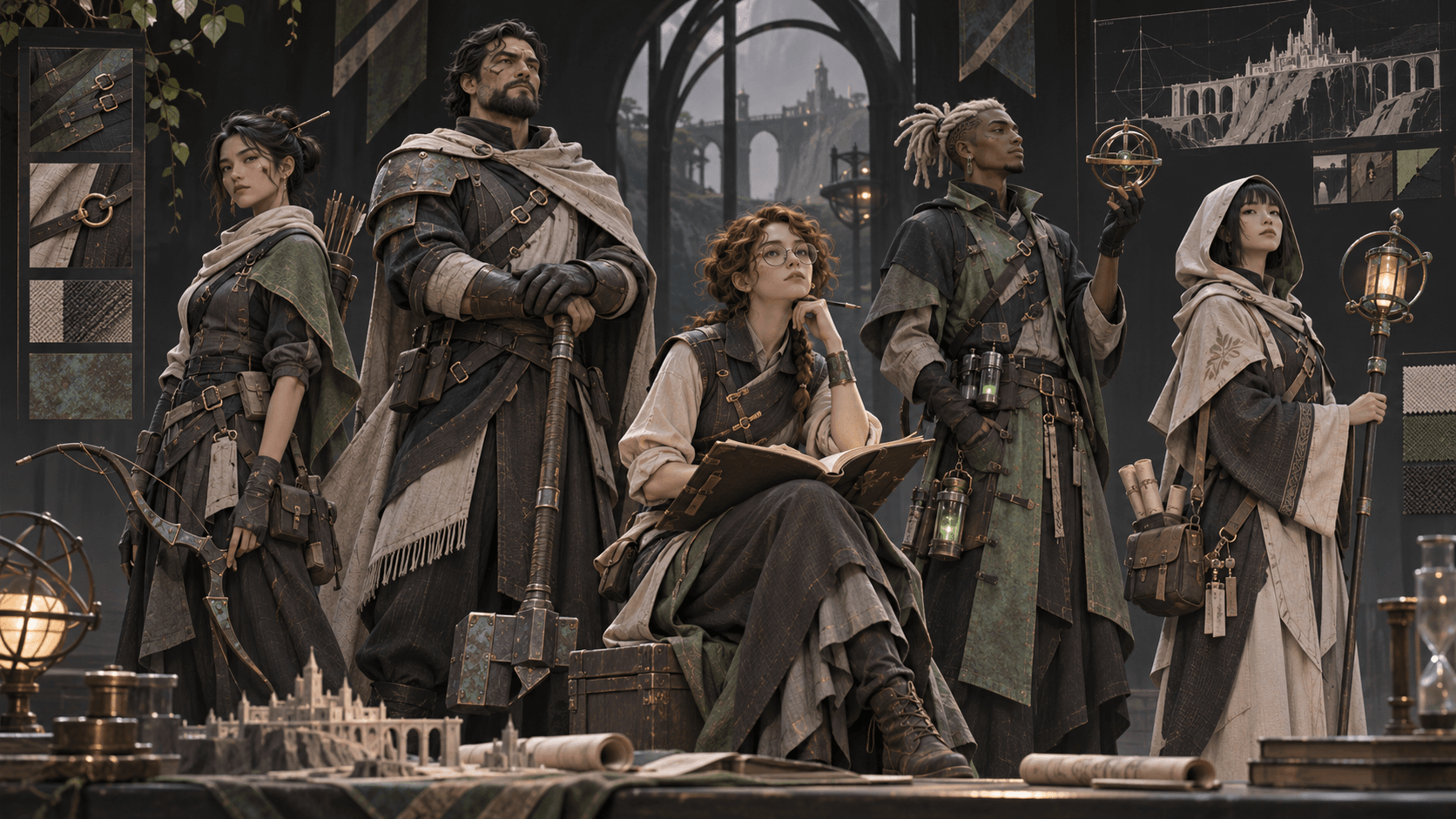
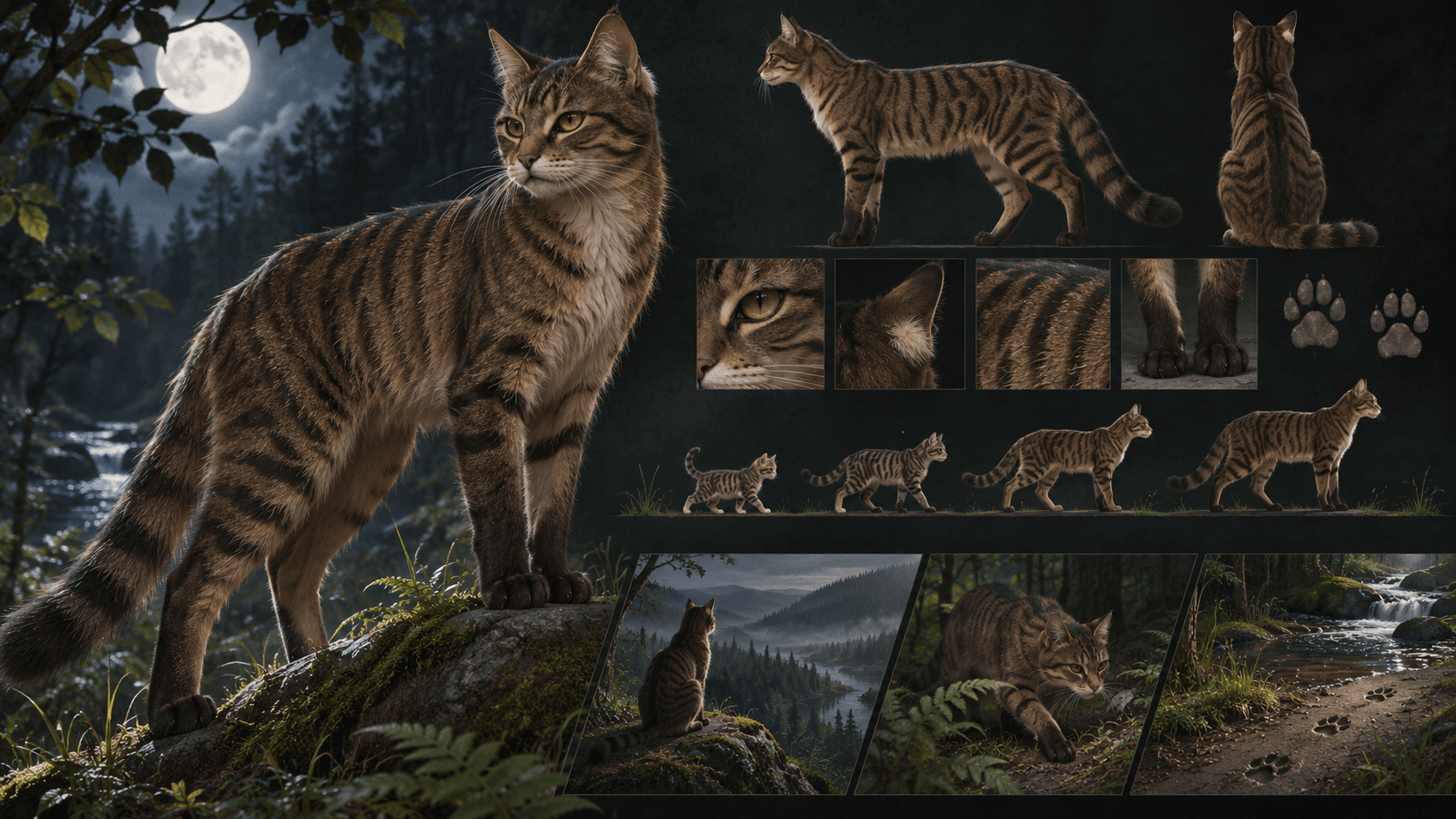
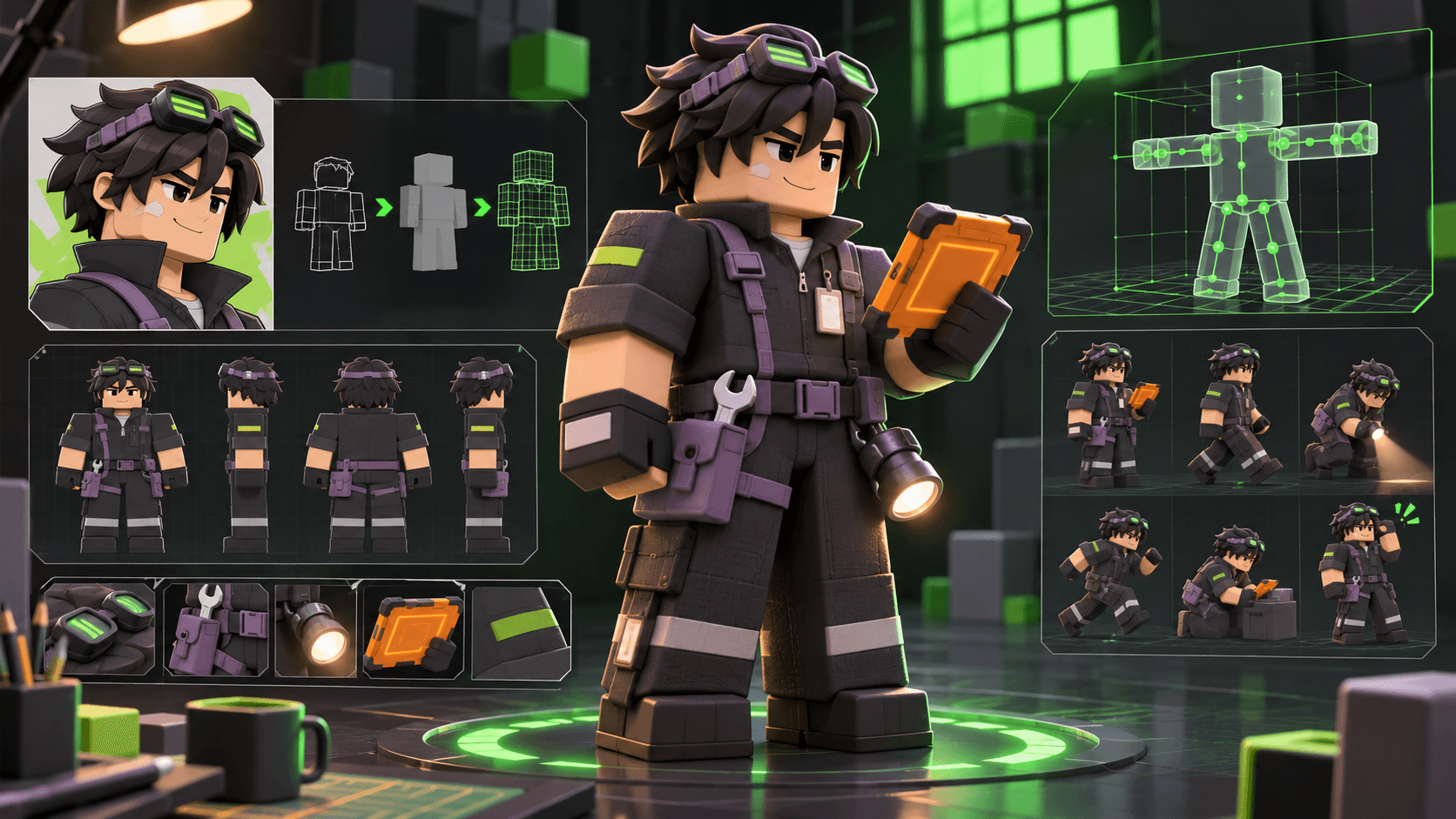
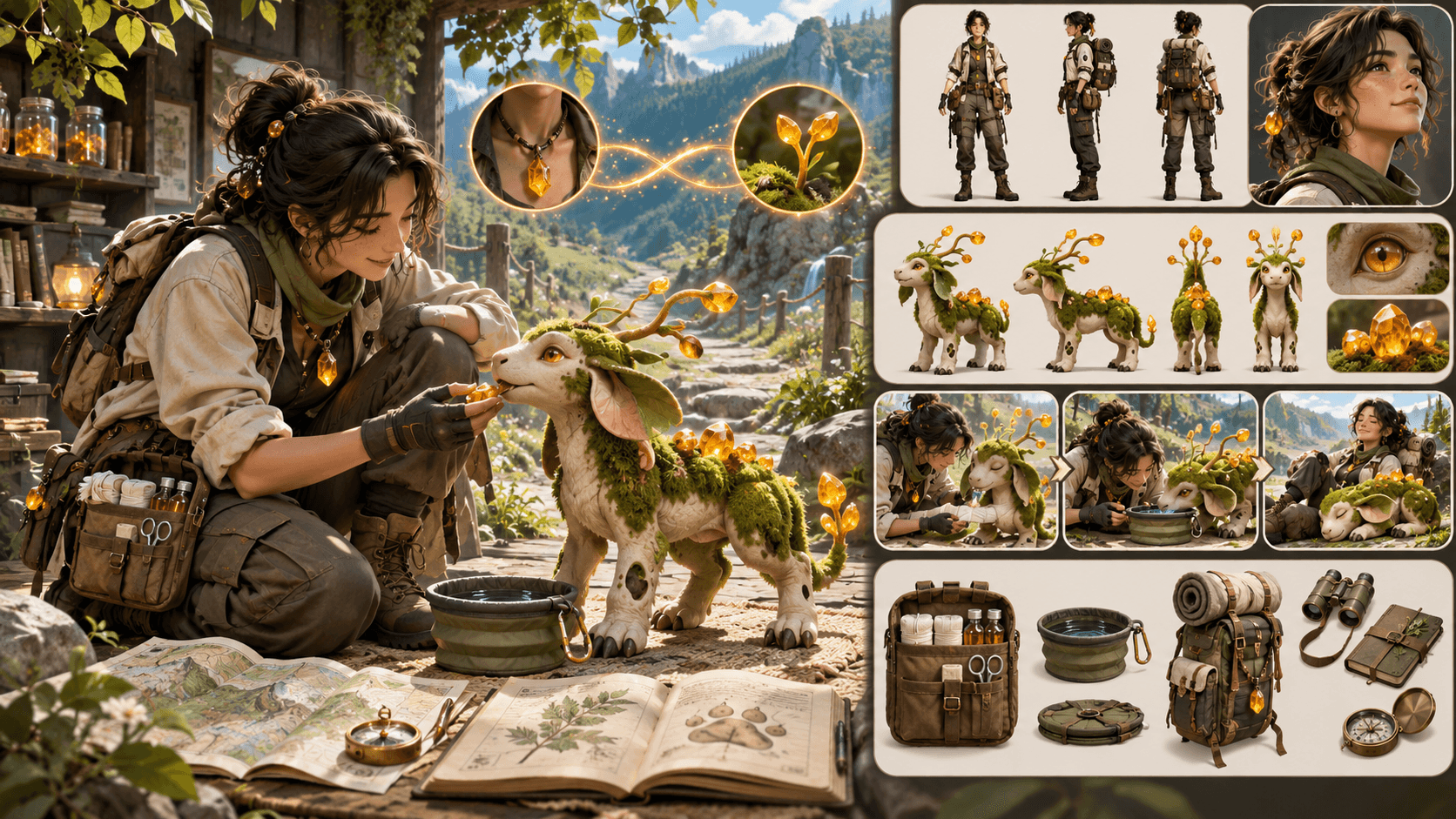
An AI OC maker generates an image from a description, optional reference, and selected attributes. Instead of asking “which jacket is available?”, you can specify the jacket’s construction, material, age, fit, and relationship to the character’s world. The design space is broader, but generated details may vary between attempts and still need human review.
This difference changes the creative task. Picrew asks you to curate from a menu. AI asks you to write a design brief, evaluate alternatives, reject weak results, and preserve the decisions that make the character yours.
Which tool gives you more design control?
Picrew provides strong local control over the options a maker exposes. If a creator includes six hairstyles and eight jackets, you can choose exactly which one appears. You can usually reproduce the same combination by selecting the same parts again. The limitation is that you cannot request a seventh hairstyle or redesign a jacket unless that option already exists.
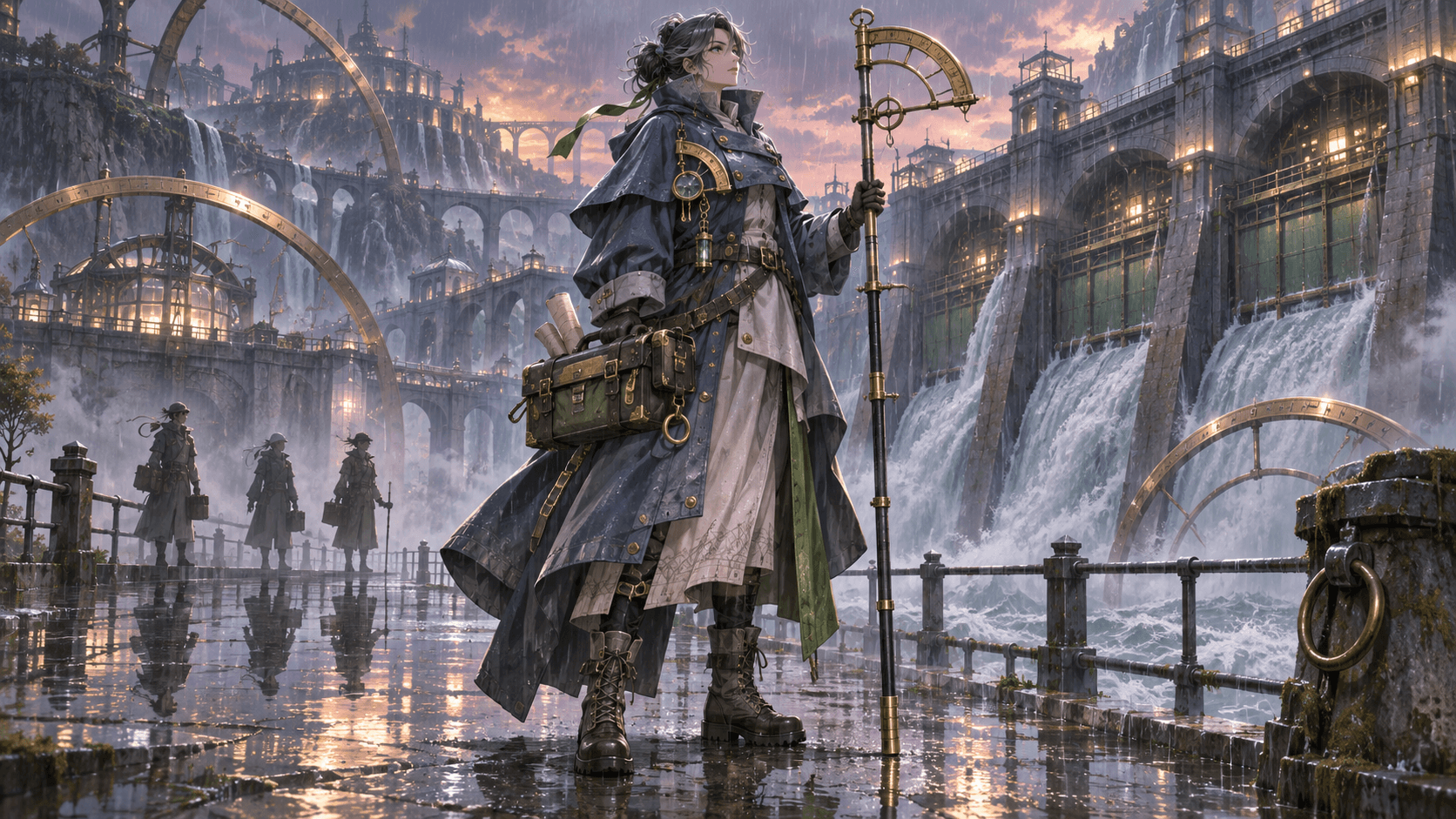
AI control is more open-ended but less deterministic. A prompt can describe an asymmetrical rain cape, repaired ceramic armor, or a courier’s map case that a fixed menu may not offer. Elser AI also exposes tags for attributes such as style, age, body, hair, eyes, face, skin, tops, bottoms, materials, and accessories. Those controls help turn a loose idea into a structured brief.
The trade-off is interpretation. A model may simplify a prop, change a fastening, or make a costume less practical than requested. Treat the first image as a design proposal, not a final specification. If a detail must remain exact, record it in a character brief and verify every output.
Use Picrew when the maker’s style is the point
Picrew is especially useful when you love a particular creator’s drawing style and their available options already match your character. It can also be a low-friction way to create a profile portrait, test a color combination, or communicate a rough concept to friends.
Every Picrew maker has its own permissions. Personal use, icons, edits, redistribution, and commercial use can differ. Do not assume the platform-wide name gives you a universal license. Open the maker’s description and check its permitted uses. Picrew’s published guidelines also require creators to disclose AI-generated material when it is used in a maker.
Choose Picrew when:
- you want a result in a specific participating artist’s style;
- the available parts already represent the character;
- you prefer selection over prompt writing;
- you need a simple portrait rather than a full design exploration;
- the maker’s usage rules fit your project.
Use an AI OC maker when the brief is specific
AI becomes useful when the character has requirements that cannot be expressed through a fixed dress-up menu. A game writer might need a desert mechanic with heat-resistant layers, a prosthetic hand designed for fine tools, and a silhouette that reads clearly at thumbnail size. Those requirements describe function, not merely appearance.
Start by defining the character’s job, environment, movement, and one contradiction. Then specify only the visible consequences. “A cautious courier” is abstract; “keeps both hands free, wears a weatherproof cross-body map case, and checks the road over one shoulder” gives the image system observable information.
Use Elser AI OC Maker when:
- you need a full visual concept rather than a fixed portrait kit;
- you want to explore multiple silhouettes or outfit directions;
- a reference image should guide rather than completely determine the design;
- the character needs unusual materials, props, or nonhuman features;
- you are prepared to review and refine generated options.
For stronger briefs, read the OC Maker Prompt Guide before generating.
Compare the tools by the task you need to complete
| Task | Picrew | AI OC maker | | --- | --- | --- | | Build a profile portrait quickly | Strong when a suitable maker exists | Strong, but may require prompt iteration | | Match a particular artist-made kit | Excellent | Not the correct goal | | Request an unusual prop or costume | Limited to supplied parts | Flexible, subject to generation accuracy | | Reproduce an exact selection | Usually straightforward | Can vary between generations | | Explore many visual directions | Limited by the maker | Broad, but requires active curation | | Check usage rights | Per-maker rules | Service terms plus input/output rights | | Create production-ready character assets | Usually a concept reference | Still requires review, cleanup, and consistency testing |
The final row matters. Neither route automatically produces a rigged model, animation-ready turnaround, legally cleared brand mascot, or perfectly consistent sequence. Those are separate production tasks.
A hybrid workflow is often the most useful
You do not have to choose only one tool. A creator can use a permitted Picrew result to discover preferences, then write an independent character brief that explains what matters: compact silhouette, triangular glasses, warm gray coat, lime stitching, and guarded expression. Do not ask an AI system to copy a participating artist’s style or reproduce protected characters. Extract your own design decisions instead.
The reverse workflow also works. Generate several original directions with Elser AI, select one concept, and then redraw or commission a definitive version. The generated image becomes a conversation aid, not a substitute for the artist’s final interpretation.
When using a reference image, separate inspiration from replication. List the high-level properties you need—palette balance, garment layering, energetic pose—and remove identifiable protected elements. The OC Maker Prompt Guide shows how to replace vague style requests with observable character decisions.
Test originality before you publish
Whichever tool you use, ask four questions:
- Can you describe the character without naming another franchise or artist?
- Does the design show the character’s role, environment, and behavior?
- Are the signature elements functional, or are they random decoration?
- Have you checked the usage rules for the tool, maker, references, and project?
If the answer to the first question is no, return to the concept. Change deeper layers such as role, goal, constraints, silhouette, movement, materials, and relationships. Adding a new hair color to a recognizable existing design is not enough.
Our guide to making an OC look original instead of generic provides a structured originality audit.
Create a character from your own brief
Write a five-line brief covering role, world, silhouette, functional outfit, and one unmistakable detail. Then create three genuinely different directions—not three color swaps—and compare what each version communicates.
Create an original character with Elser AI OC Maker. Review the result as concept art, confirm the current usage terms, and refine the character before using it in a public or commercial project.
Frequently asked questions
Is Picrew an AI character generator?
Picrew is primarily a platform for creator-made image makers assembled from prepared visual parts. Individual makers may have different production methods, and Picrew publishes disclosure guidance for AI-generated materials.
Can I use a Picrew character commercially?
Only if the specific maker’s permissions allow it. Rules vary by creator, so check the description and prohibited uses for that maker rather than assuming all Picrew images share one license.
Can an AI OC maker reproduce the same character perfectly?
Not automatically. References and structured prompts can improve continuity, but generated details can drift. Approve a canonical design and inspect each output.
Which option is better for someone who cannot draw?
Picrew is easier when a suitable maker already contains the needed parts. AI is more flexible when the character requires custom features. Both still require creative decisions and rights checks.