Best AI Video Generators with Consistent Characters in 2026: What Actually Works Across Multiple Scenes?
Best overall for complete stories: Elser AI
Best standalone reference system: Runway
Best for cinematic multi-shot video: Kling 3.0 Omni
Best for performance-driven footage: Luma Ray3
Best emerging multimodal option: Gemini Omni
There is a particular kind of frustration every AI filmmaker eventually meets.
You create a wonderful opening shot. Your protagonist has exactly the right face, hairstyle, jacket, and slightly tired expression. Then you generate the next scene and suddenly the jacket is blue, the eyes are wider, and your supposedly 25-year-old hero appears to have aged through three difficult tax seasons.
That is character drift.
It remains one of the biggest obstacles between making an impressive AI clip and producing an actual story. A single beautiful shot can tolerate randomness. A short film, anime episode, advertisement, or music video cannot.
The good news is that the best AI video generators with consistent characters have moved beyond prompt-only generation. Modern tools can use reference images, saved character identities, reference videos, storyboards, keyframes, and performance footage to preserve a subject across different scenes.
The less exciting news is that “consistent” does not mean perfect. No current system guarantees an identical character under every camera angle, costume change, lighting condition, and action. What the better platforms provide is a controlled workflow that reduces drift and makes errors easier to correct.
What Character Consistency Really Means
Most comparisons judge consistency by looking at the face. That is only the beginning.
A tool may reproduce the same face but change the clothes. Another may maintain the costume but soften the character’s facial structure. Some models are convincing in a single ten-second clip but lose the identity when you begin a new generation.
That is why this guide evaluates more than raw video quality. I considered how each platform approaches reference control, cross-shot production, scene planning, multi-character work, audio, and correction.
The Short Answer
For creators making complete character-led stories, Elser AI is the strongest overall option because character design, reusable identities, storyboarding, video generation, voices, and lip sync live in one production workflow.
Runway has one of the clearest standalone reference systems for generating a person across new settings. Kling 3.0 Omni is particularly capable when you want multiple shots, dynamic movement, and native audiovisual generation. Luma Ray3 is useful when performance and identity preservation need to work together. Gemini Omni is a powerful emerging multimodal option, although it is newer and its practical availability may vary.
1. Elser AI: Best Overall for Character-Led Stories
Most AI video tools begin with the shot. Elser AI begins closer to where storytellers begin: with the character and the project.
That distinction matters. If you create ten scenes independently and try to repair continuity afterward, you are asking the model to rediscover your character ten times. A better method is to approve the character first, establish the visual rules, organize the scenes, and then generate from that shared foundation.
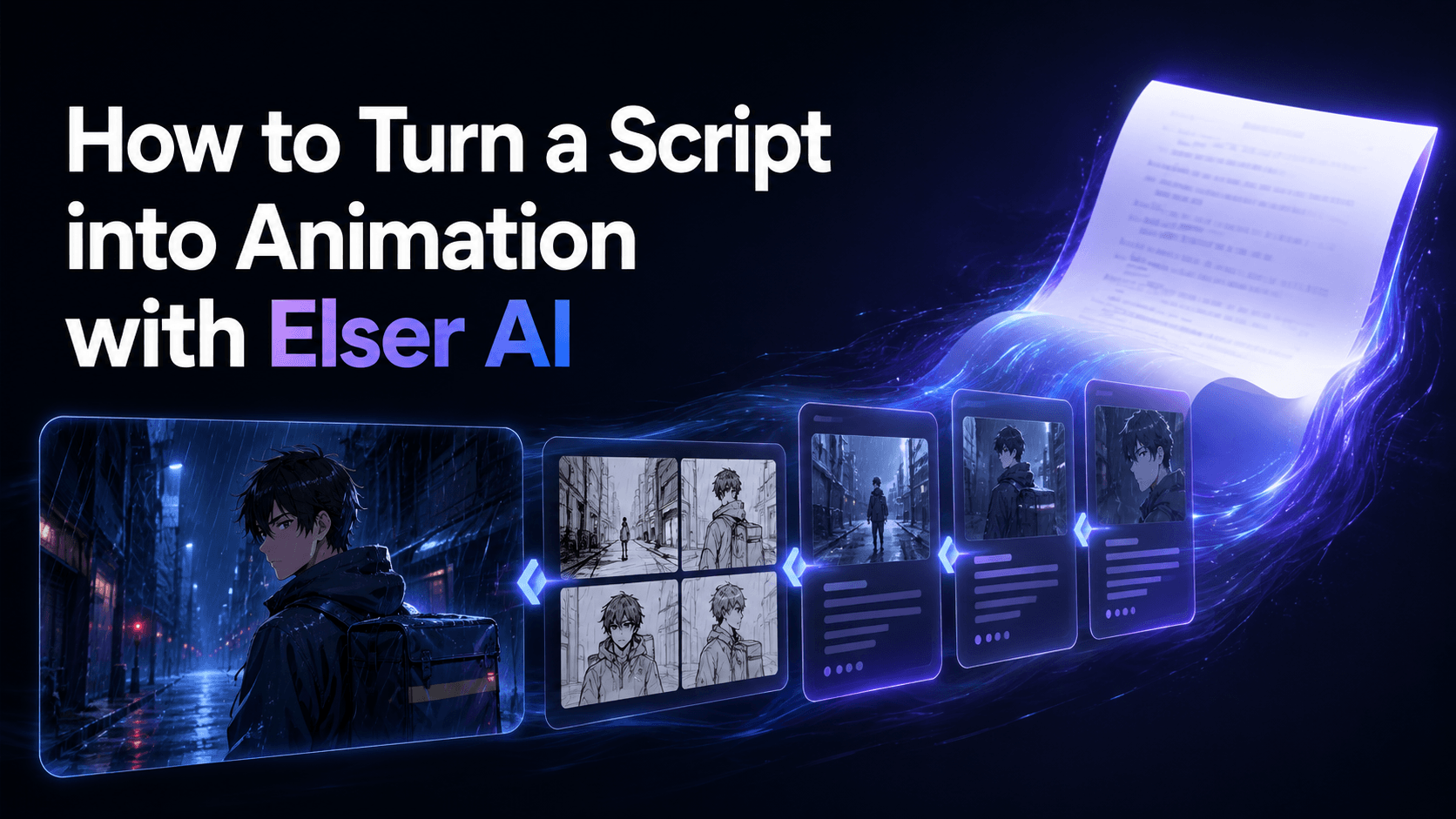
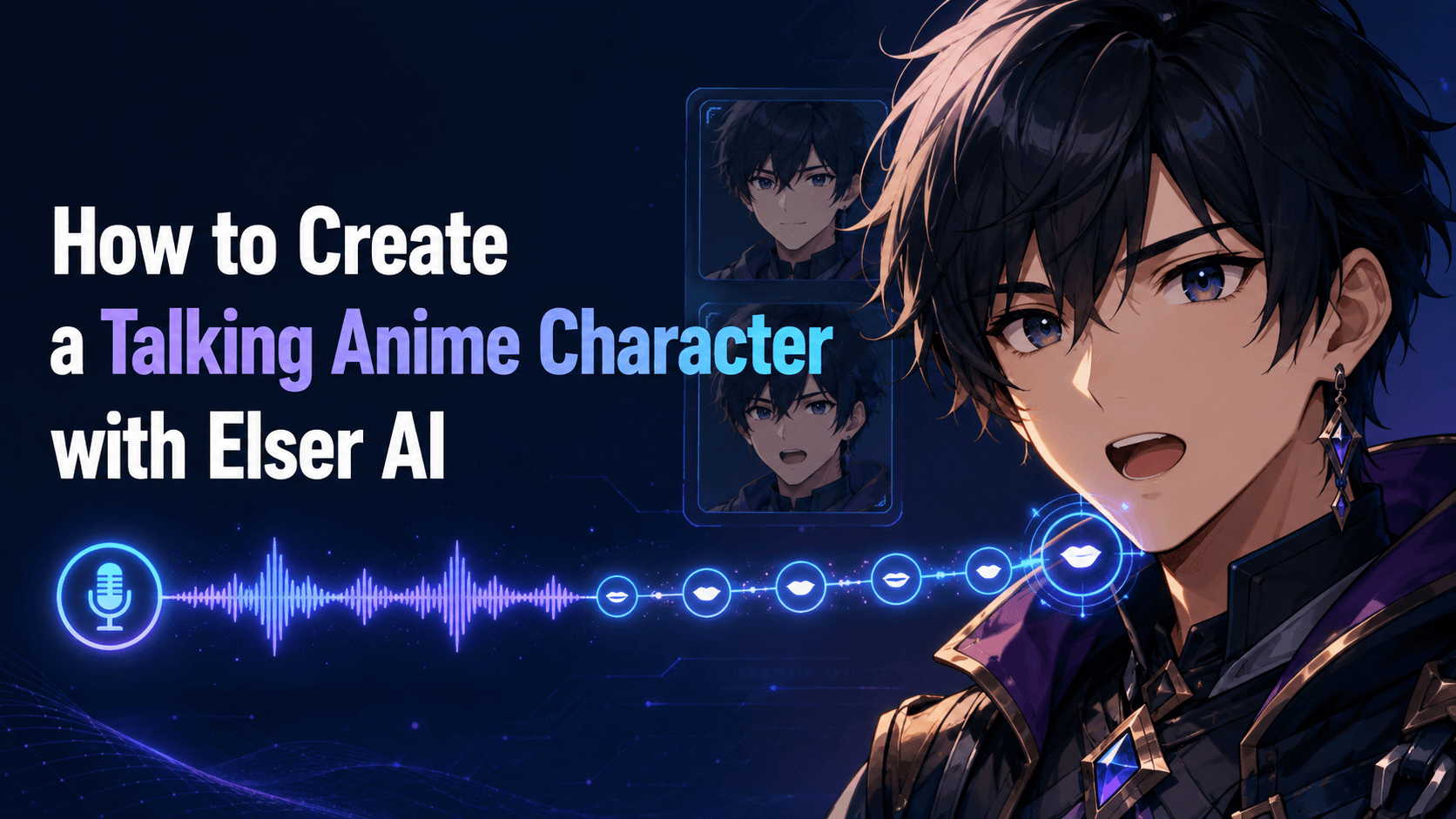
Elser AI combines an OC maker and AI character generator with storyboarding, image generation, video generation, voice cloning, sound generation, and lip sync. Its storyboard tool can turn a script or scene description into panel-by-panel visual planning, including suggested camera angles and shot direction. (Art, Videos ...)
Why this workflow improves consistency
Character consistency is not produced by one magic button. It comes from repeatedly controlling the same information:
- Who the character is
- Which traits are fixed
- What the character is wearing
- Where the scene takes place
- Which details may change
- Which reference should guide each shot
Elser AI lets creators build around reusable character identities instead of relying on a slightly different paragraph of descriptive text for every generation. The approved character can then move through storyboards, images, and animated scenes.
This is especially valuable for anime and stylized storytelling. Small changes in eye shape, hair silhouette, costume markings, or color design can make an illustrated character look like a different person. A character-centered platform reduces the number of times those design decisions must be reinvented.
Best use cases
Elser AI is a strong fit for:
- Anime shorts and episodic stories
- Character-led TikTok and YouTube series
- Animated music videos
- Original-character projects
- Webcomic-to-video adaptation
- Multi-scene advertisements
- Talking characters with recurring voices
- Projects requiring storyboards, animation and audio
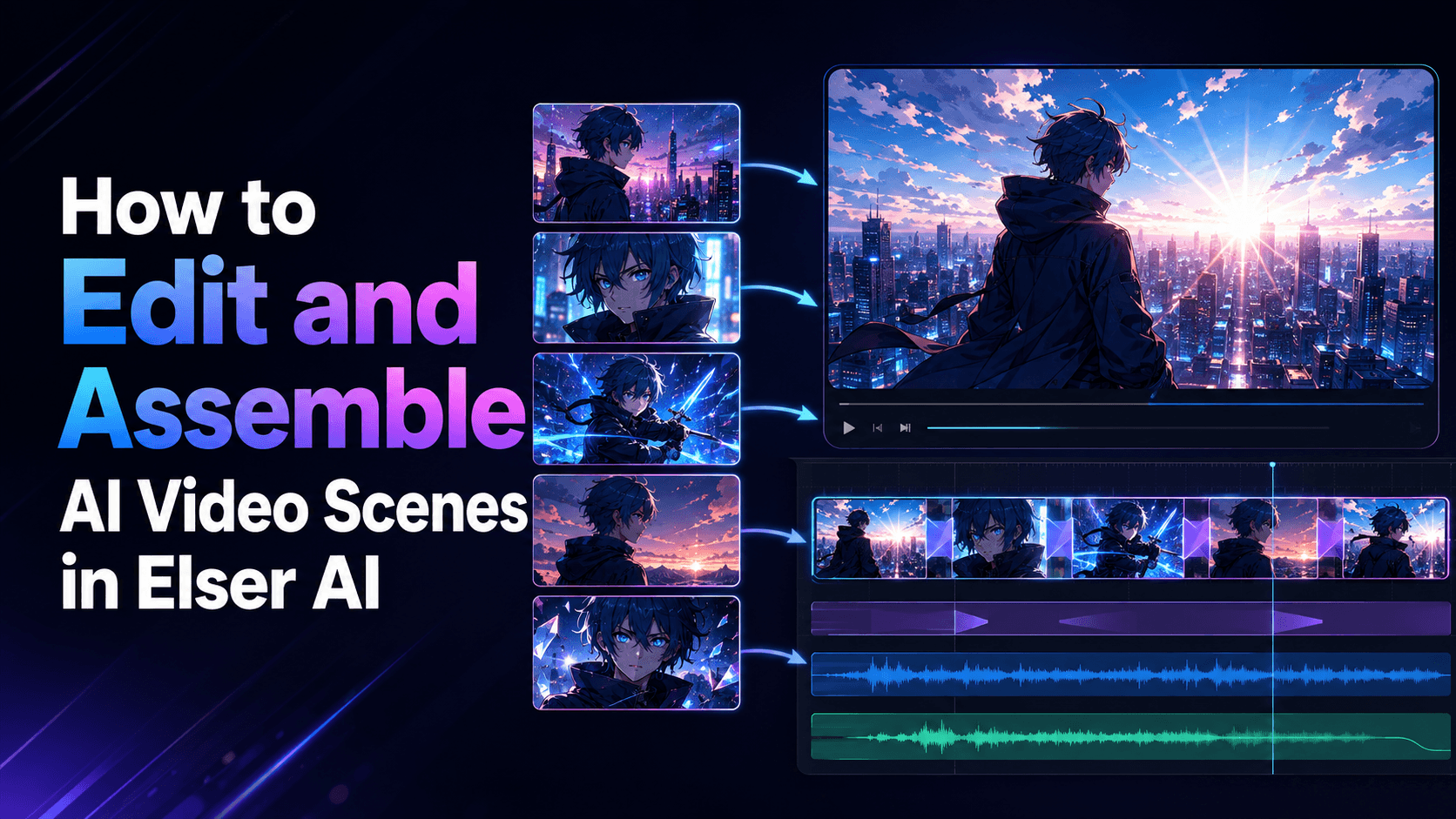
It also solves a practical problem that rankings often overlook: finishing. A creator may generate a consistent face in one tool, animate it in another, create speech in a third, and synchronize the mouth in a fourth. Every transfer introduces more work and another opportunity for the character to change.
With Elser AI, the wider production chain stays connected. That makes it my top recommendation for solo creators and small teams trying to finish a coherent piece rather than merely test a model.
You can register for Elser AI and test the workflow with a short three-shot scene before committing to a longer project. Start with a front-facing reference, a medium shot, and one simple movement. That small test tells you far more than a spectacular but isolated demo.
Verdict: Best for creators who need persistent characters inside a complete story-production workflow.
2. Runway: Best Standalone Character Reference System
Runway’s Gen-4 References system is one of the more established approaches to consistent AI characters. Runway states that Gen-4 can place a character across different locations, lighting conditions, and visual treatments from a single reference image. Its supporting tools also connect references with image generation, video generation, and performance capture. (runwayml.com)
Runway is at its best when you think like a director rather than a prompt collector.
Create a clean reference image first. Generate the character in the required location and composition as a still frame. Approve that frame, then animate it. This two-stage approach usually gives you more control than jumping directly from text to video.
Runway’s Act-Two also allows creators to provide a driving performance and a character reference. The system transfers movement, expressions, and speech from the performance to the target character. (help.runwayml.com)
That is useful for:
- Dialogue scenes
- Presenter-style characters
- Controlled facial performances
- Music and dance performances
- Stylized characters driven by human acting
There are limits. Multi-character dialogue can require a more involved workflow, and Runway’s own guidance explains that Act-Two processes single-character inputs, even though multiple outputs can be combined into a conversation. (help.runwayml.com)
Runway also behaves more like a sophisticated creative toolkit than a ready-made episodic production system. You still need to maintain your character bible, shot list, continuity notes, and final assembly.
Verdict: Best for experienced creators who want fine control over reference-driven images, shots, and performances.
3. Kling 3.0 Omni: Best for Dynamic Multi-Shot Sequences
Kling 3.0 represents a meaningful shift from generating single clips toward directing connected audiovisual scenes.
Its Elements system can build a reusable character from a reference video or several images. According to Kling’s documentation, creators can use two to four reference images for an element, while a character video may also provide appearance and voice information. Kling 3.0 Omni is designed to remember referenced characters, objects, and scenes as the camera changes. (ir.kuaishou.com)
Kling is particularly attractive when the character needs to do something substantial. Walking, dancing, fighting, interacting with an environment, or moving through a cinematic camera shot can expose weaknesses that remain hidden in a quiet portrait.
The 3.0 generation also supports multi-shot construction and synchronized sound, making it useful for:
- Action scenes
- Music videos
- Product narratives
- Cinematic dialogue
- Trailers
- Short scenes with multiple camera setups
The key is to avoid treating “multi-shot” as permission to overload the prompt. A sequence with a clear subject, location, action, and progression is more reliable than a miniature screenplay containing six locations and three costume changes.
Kling is a powerful generation engine, but planning still matters. Using it through a broader workflow such as Elser AI gives creators a place to define characters and storyboards before spending credits on final motion.
Verdict: Best for creators who prioritize motion, camera direction, native audio, and connected cinematic shots.
4. Luma Ray3: Best for Preserving a Performance
Luma’s Ray3 family takes an interesting route to consistency: it can preserve a performance while changing the character or visual treatment.
Ray3’s Character Reference feature supports creating a consistent character across shots from a single reference image. Ray3 Modify adds video-to-video tools, keyframes, and controls intended to preserve or replace a character while retaining useful elements of the original performance. (lumalabs.ai)
This is valuable when text prompting alone is too vague. If you need a character to turn, pause, lean forward, or deliver a specific expression, recording a rough performance gives the model clearer motion to follow.
Luma is especially useful for:
- Actor-led AI scenes
- Character replacement
- Restyled live-action footage
- Dance and movement
- Facial performance
- Controlled start and end states
- Cinematic video-to-video transformations
Model selection requires attention. Luma’s own documentation notes that character-reference support differs across Ray versions. For example, Ray3 supports Character Reference, while some other variants prioritize speed, resolution, or different controls. (lumalabs.ai)
This is a small but important EEAT point: do not assume every model carrying the same product-family name has identical capabilities. Check the current model and settings before building the workflow.
Verdict: Best when human performance, motion retention, and character transformation are more important than generating every action from text.
5. Gemini Omni and Veo: Best Emerging Multimodal Workflow
Google’s current creative ecosystem combines reference-aware generation with cinematic video capabilities.
Gemini Omni can accept image, text, video, or audio references and turn them into a cohesive output. Google’s official prompt guidance specifically recommends adding a reference when the goal is to keep a character, object, or environment consistent. (deepmind.google)
Veo adds video generation with audio and supports detailed direction for subject, action, setting, camera, dialogue, and sound. Together, these tools point toward a more unified workflow in which visual identity, motion, speech, and environmental audio can be directed through multiple forms of input. (Google DeepMind)
The potential is substantial, especially for filmmakers who already use Google’s creative tools. Reference-aware multimodal generation can reduce the need to express every visual fact through text.
Still, Gemini Omni is newer than the established workflows above. Access, limits, and exact capabilities may differ between Gemini, Flow, developer products, subscriptions, and regions. It is worth testing, but I would not build a production deadline around an assumed feature without first confirming it in the account being used.
Verdict: A highly promising choice for creators who want multimodal references and Google’s audiovisual generation, but practical access should be verified first.
What About Sora?
A current 2026 comparison should not recommend Sora as an active consumer option without qualification.
OpenAI discontinued the Sora web and app experiences on April 26, 2026, and states that the Sora API will be discontinued on September 24, 2026. That makes Sora unsuitable as a forward-looking recommendation for a new recurring-character workflow. (OpenAI ...)
This is a useful reminder that AI tool lists age quickly. Before investing in a production pipeline, check whether the model is actively supported, available in your region, and intended to remain accessible.
The Workflow That Produces More Consistent Characters
The generator matters, but the workflow matters nearly as much.
Build a character reference pack
Do not rely on one dramatic close-up. Create a clean reference pack containing:
- Front portrait
- Three-quarter portrait
- Full-body view
- Neutral expression
- Clear costume and color details
- Important accessories
- Optional side profile
Keep the design readable. Tiny jewelry, complex fabric patterns, and inconsistent asymmetry are frequent sources of drift.
Separate fixed and flexible traits
Write two short lists.
Fixed traits: face shape, eye color, hairstyle, age, body type, signature outfit and accessories.
Flexible traits: expression, pose, camera angle, lighting, weather and temporary props.
This tells you what must survive each generation and what may change naturally.
Plan before animating
Create a storyboard and approve the still frame for every important shot. Fixing an incorrect face in a still image is faster and cheaper than discovering the problem after video generation.
For a 30-second scene, six carefully designed shots are usually better than one uncontrolled request for an entire sequence.
Change one difficult variable at a time
Do not introduce a new costume, extreme camera angle, complicated action, and dramatic lighting in the same generation. Lock the identity first. Then add complexity gradually.
Review continuity, not just beauty
Compare every output with the approved reference. Ask:
- Is this unmistakably the same person?
- Did the apparent age change?
- Are hair shape and color stable?
- Did the costume lose important features?
- Does the voice still belong to the character?
- Does the location logically connect to the previous shot?
A beautiful scene that breaks continuity is still a failed scene.
Final Verdict
The best AI video generator for consistent characters depends on whether you need a strong model or a complete production system.
Runway provides an excellent reference-led creative toolkit. Kling 3.0 Omni combines character elements with energetic multi-shot audiovisual generation. Luma Ray3 is compelling for performance-based character work. Gemini Omni and Veo offer an ambitious multimodal direction.
But when the goal is a finished story with reusable characters, planned scenes, animation, voices, and lip sync, Elser AI is the strongest overall recommendation. It treats consistency as a project-level problem rather than a single-generation feature.
That is the right way to think about AI storytelling. The objective is not to generate the same face twice by luck. It is to build a character who can survive an entire story.
Create a consistent AI character and turn it into a complete video with Elser AI.