Best AI Video Generators with Lip Sync in 2026: 7 Tools for Talking and Singing Characters
Best overall for animated stories: Elser AI
Best for multilingual localization: HeyGen
Best for performance capture: Runway
Best dedicated lip-sync API: Sync Labs
Best for fast social edits: CapCut
A character can look perfect and still feel lifeless the moment they speak.
Poor lip sync is surprisingly distracting. The timing may be technically close, yet something still feels wrong: the jaw barely moves, emotion disappears, the mouth floats over the face, or every syllable receives the same tiny open-and-close motion.
The best AI video generators with lip sync do more than match lips to audio. They coordinate mouth shapes, jaw motion, facial expression, head movement, timing, and sometimes the body performance around the speech.
Different tools solve different versions of this problem. A multilingual business presenter does not need the same workflow as a singing anime character. A developer processing thousands of clips needs something different from a TikTok creator animating one portrait.
This guide focuses on practical fit rather than claiming that one tool is universally best.
How I Evaluated the Tools
I looked at six factors:
- Accuracy between speech and visible mouth movement
- Natural facial and head motion
- Support for illustrated or stylized characters
- Voice generation or voice cloning
- Multilingual dubbing
- Integration with the wider video workflow
I also considered whether the tool works from a still image, an existing video, a generated character, or a live driving performance.
1. Elser AI: Best Overall for Animated Character Stories
Elser AI is the strongest option for creators who need lip sync as part of a complete animated story.
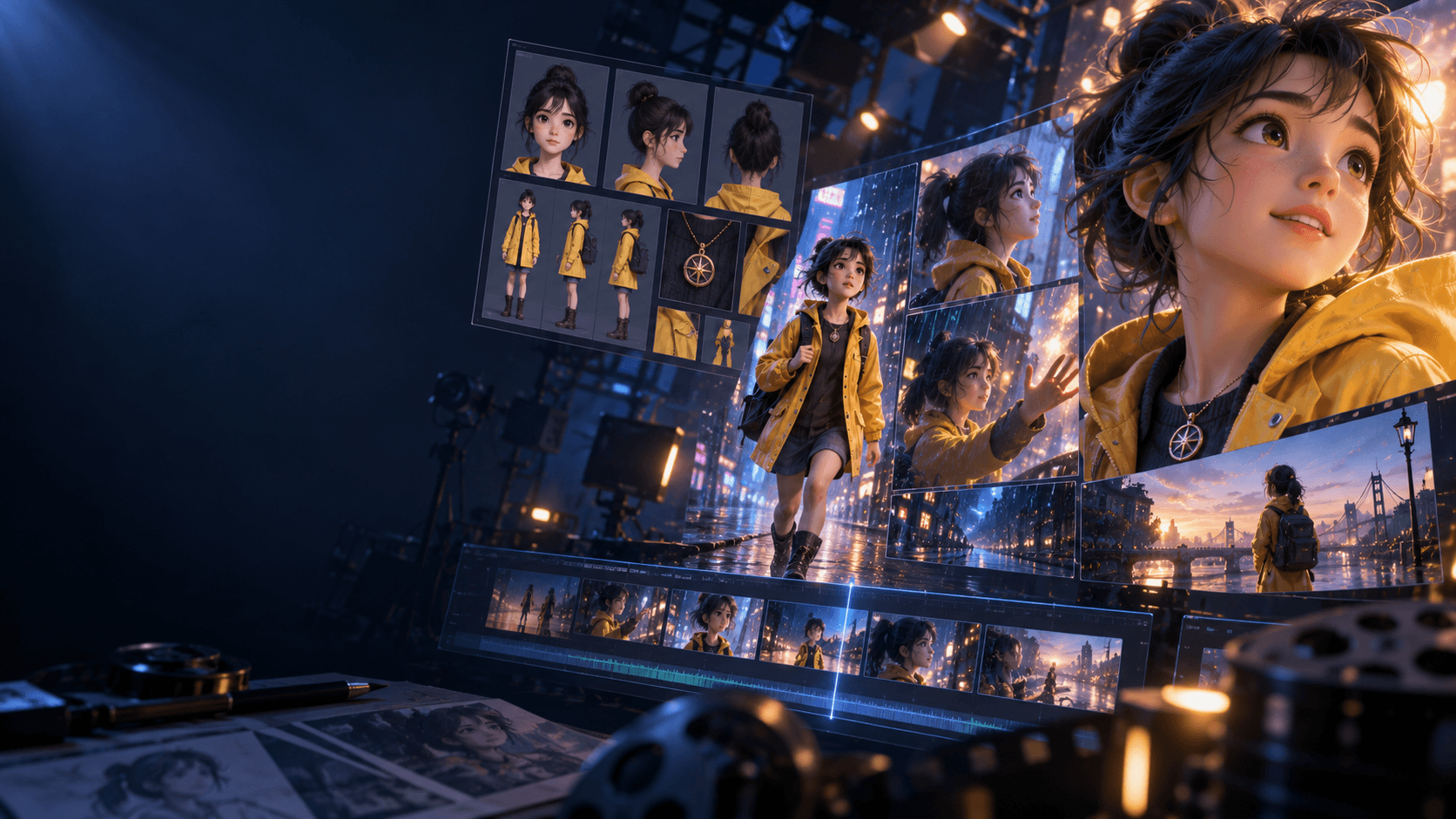
A dedicated lip-sync tool can modify the mouth, but it does not necessarily know who the character is, what happened in the previous shot, which voice belongs to them, or how the scene fits into a wider production. Elser AI connects those pieces.
Its platform includes character generation, storyboarding, video generation, voice cloning, music, sound effects, and AI lip sync. The audio workflow lets creators generate music from text or lyrics, use a cloned voice for singing or narration, synchronize that performance with the character, and add scene-specific effects. (elser.ai)
Best uses
Elser AI is particularly suitable for:
- Talking anime characters
- Animated dialogue scenes
- Virtual singers
- Anime music videos
- Recurring character voices
- Story-driven YouTube Shorts
- Original-character series
- Clips mixing dialogue, music and sound effects
The value lies in continuity. You can establish an approved character, give them a recognizable voice, plan their scene, animate it, and apply lip sync without rebuilding the project elsewhere.
A better lip-sync workflow
Generate or record the voice first. Then create the speaking shot around that performance.
Use a medium close-up or close-up with a clearly visible face. Avoid covering the mouth with hair, hands, cups, microphones, or extreme shadows. Keep the camera stable during the most important line.
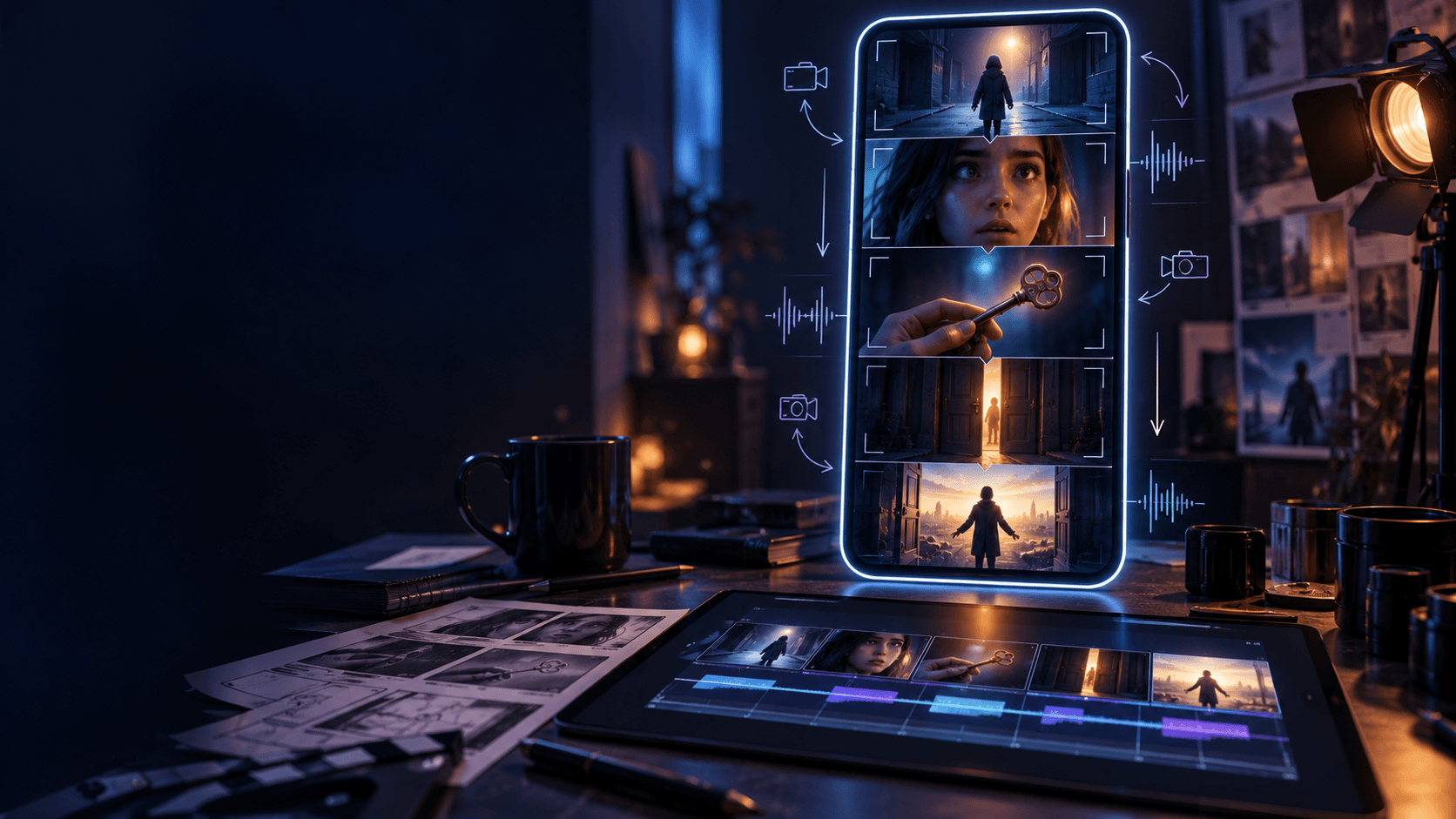
For dialogue between two characters, use conventional coverage:
- Two-shot to establish the scene
- Close-up of Character A speaking
- Reaction shot of Character B
- Close-up of Character B replying
This is easier to synchronize and usually more cinematic than forcing two generated characters to speak simultaneously in one wide shot.
You can register for Elser AI and test a short line before producing an entire scene. Ten seconds of dialogue is enough to assess the voice, mouth movement, character stability, and emotional performance.
Verdict: Best for creators who want lip sync inside an end-to-end anime and animated-video workflow.
2. HeyGen: Best for Multilingual Video Localization
HeyGen is built around presenters, avatars, translation, and localization.
Its video translator supports more than 175 languages and is designed to preserve the speaker’s tone while adjusting lip movement for translated speech. Creators can translate an existing video or produce avatar content in several languages from one script. (heygen.com)
This makes HeyGen well suited to:
- Product demonstrations
- Training material
- Educational videos
- International YouTube channels
- Sales messages
- Corporate announcements
- Talking-photo content
- Presenter-led marketing
HeyGen can also create a talking avatar from a still portrait and offers limited free access for testing. Its main advantage is scale: a company can adapt one presenter video for many markets without re-recording every language.
That strength is also its boundary. HeyGen is more naturally associated with presenters and localization than cinematic anime storytelling. It can animate a photo, but it is not primarily a storyboard-to-anime production environment.
Verdict: Choose HeyGen when the real problem is translating and localizing a human or avatar presenter.
3. Runway: Best for Expressive Performance Capture
Runway offers two useful approaches.
Its Lip Sync tool supports text-to-speech or audio-driven generation. Its more advanced Act-Two workflow uses a driving performance video and transfers motion, speech, and expressions to a character reference. (help.runwayml.com)
Act-Two is important because convincing speech involves more than the lips. A performer tilts their head, shifts posture, raises an eyebrow, pauses, and reacts physically to what they are saying.
With a driving performance, creators can control those choices instead of asking the model to invent them.
Runway is a strong choice for:
- Dramatic monologues
- Expressive dialogue
- Stylized performance transfer
- Character presentations
- Actor-led animation
- Music performances
- Scenes requiring body gestures
For multi-character dialogue, Runway recommends processing the visible speakers separately and assembling the results. Act-Two applies the lip sync and expressions of each driving performance to the corresponding character. (help.runwayml.com)
That approach requires more setup than automatic lip sync, but it gives directors greater emotional control.
Verdict: Best for creators who are willing to perform the scene and want that acting preserved.
4. Kling AI: Best for Cinematic Dialogue and Singing Clips
Kling offers several audio-driven routes.
Its dedicated Lip Sync feature accepts uploaded audio or text-to-speech. Its Avatar tools animate character images with voiceovers and expression instructions, while current video models also support synchronized audio and dialogue-oriented generation. (app.klingai.com)
Kling’s lip-sync API documentation supports common video inputs with durations from 2 to 60 seconds, subject to format, resolution, and file-size requirements. (KlingAI Open Platform)
Kling is useful for:
- Cinematic monologues
- Music-video close-ups
- Singing characters
- Stylized avatars
- Product presenters
- Dialogue inside generated scenes
- Performance clips with camera movement
Its motion generation is a meaningful advantage. Some lip-sync tools produce a talking head that remains strangely still. Kling can create a more cinematic scene around the performance.
For precise dialogue, however, generate the visual performance and lip sync deliberately rather than trusting native audio to produce the exact final line. Native audiovisual generation is excellent for discovery, but a separately approved voice track provides better control over wording, timing, and brand consistency.
Verdict: Choose Kling for visually active dialogue and singing shots that need more than a stationary face.
5. Sync Labs: Best Dedicated Lip-Sync Platform and API
Sync Labs focuses specifically on lip sync and visual dubbing.
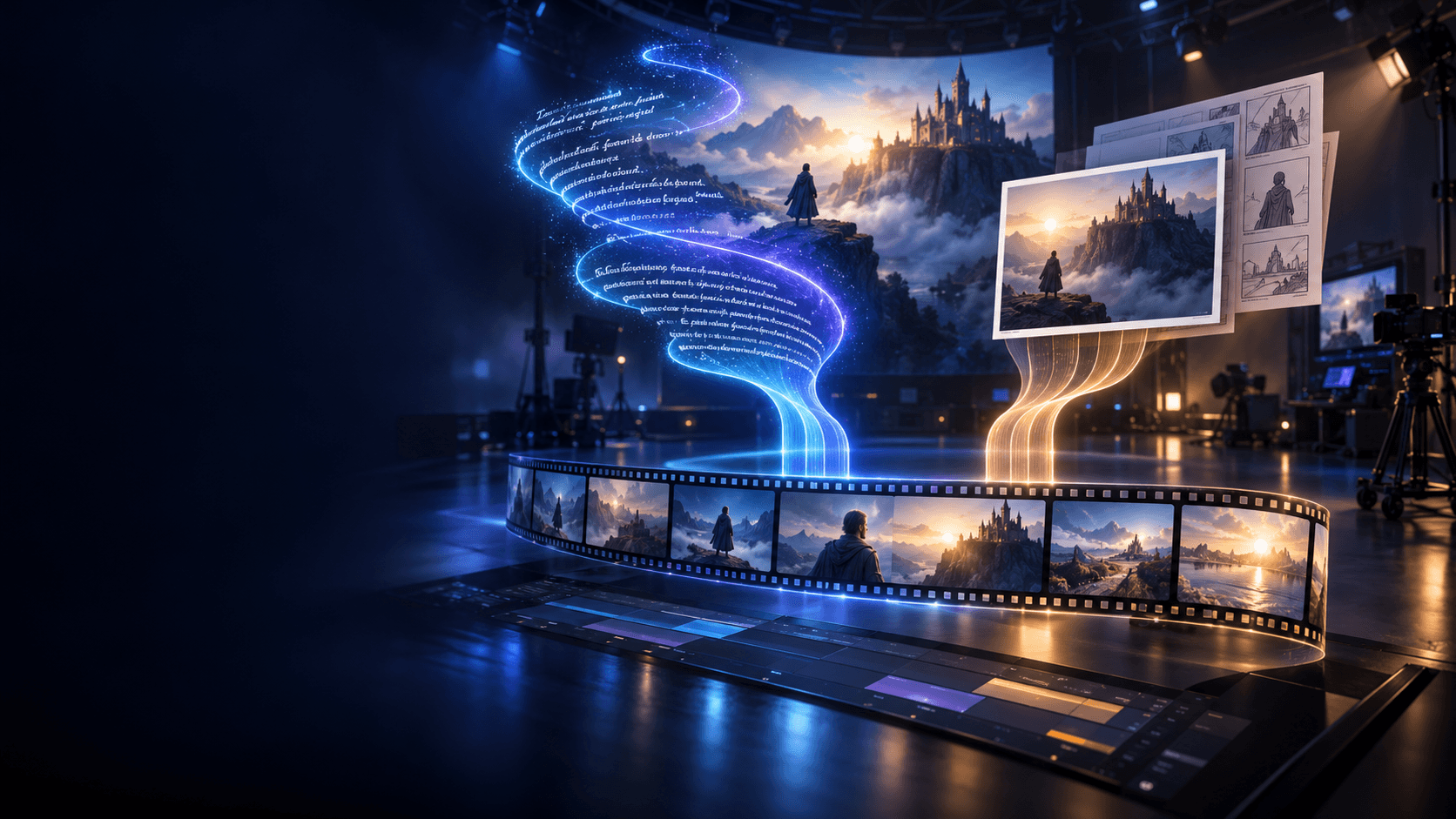
Its workflow takes video or image input plus audio or text and returns media with mouth movement matched to the target speech. It offers multiple models with different speed and quality trade-offs, along with Python and TypeScript SDKs and integrations for production workflows. (ai lipsync and visual dubbing)
That specialization makes Sync Labs a strong fit for:
- Film dialogue replacement
- Advertising variations
- Automated localization
- High-volume content pipelines
- Developer integrations
- Post-production studios
- Existing footage that needs new speech
It also integrates with tools such as Adobe Premiere, ComfyUI, and ElevenLabs, which is useful for teams with an established production stack. (sync.so)
Sync Labs is not trying to write your story or design your character. It is the specialist you call after the footage and audio already exist.
That makes it powerful but narrower than Elser AI. A solo anime creator may prefer an integrated workflow, while a studio or software product may prefer a focused API.
Verdict: Best for professional visual dubbing and developers building lip sync into a larger system.
6. Hedra: Best for Longer Talking-Character Videos
Hedra’s avatar-video workflow is driven by audio. The character in an uploaded image lip-syncs and moves to the supplied track, with supported workflows extending to longer talking-head content. (hedra.com)
Hedra is useful for:
- Talking illustrations
- Long-form character narration
- Podcast-style videos
- Educational characters
- Social avatars
- Single-speaker storytelling
- Audio-led performances
Its speaker-selection system also lets users indicate which character in an image should speak, which is helpful when the source image contains more than one figure. (hedra.com)
The tool is strongest when the scene revolves around one speaking subject. It is less naturally suited to a complete multi-scene anime production with recurring locations, shot planning, action, and several speaking characters.
Verdict: Choose Hedra when you have an image and a longer audio track and need a convincing speaking character quickly.
7. CapCut: Best for Quick Social Lip Sync
CapCut’s strength is accessibility.
Its AI lip-sync tool is designed to align voice and video for TikTok, Reels, short films, and other social content. It works with real people, avatars, and playful subjects, while the surrounding editor provides captions, effects, music, timing controls, and export tools. (capcut.com)
CapCut is a sensible choice for:
- TikTok dialogue
- Short meme clips
- Reels and Shorts
- Fast dubbing
- Talking-photo edits
- Lyrics and singing content
- Final assembly after generating footage elsewhere
It is particularly useful as a finishing tool. Generate an original character and animated scene in Elser AI, then use CapCut when you need social captions, platform-specific effects, or detailed timeline adjustments.
Its limitation is the same as its strength: it is a broad, convenient editor. It does not provide the same character and story-production depth as an animation-focused platform or the same specialized pipeline control as Sync Labs.
Verdict: Best for creators who need fast, approachable lip sync inside a social-video editor.
What About Adobe Firefly?
Adobe Firefly supports video translation, voice matching, and lip sync, particularly for localization and enterprise workflows. Adobe also provides Translate and Lip Sync APIs for creating transcriptions and synchronized video dubs. (Adobe Firefly)
It is a credible option for organizations already using Adobe products. However, creators should distinguish Firefly’s translation and dubbing features from lip sync inside every generated-video mode. Availability can differ by product, plan, and workflow.
That distinction matters. “The platform offers lip sync” does not necessarily mean every model or video-generation screen supports the same feature.
Why Lip Sync Sometimes Looks Wrong
Even excellent tools produce weak results when the source material is unsuitable.
The face is too small
Lip sync requires enough visible facial information. Use a medium close-up or close-up for important dialogue.
The mouth is obstructed
Hands, hair, microphones, masks, and extreme shadows make the task harder.
The audio is messy
Music, echo, overlapping speakers, and background noise can confuse timing. Use a clean dialogue stem.
The delivery is too fast
Rapid speech requires many precise mouth shapes in little time. Slow the delivery slightly and add natural pauses.
The head turns too far
A moderate three-quarter angle can work, but a full profile or rapid turn reduces visible mouth information.
Several people speak at once
Process speakers separately whenever possible. Conventional editing is often more believable than simultaneous generated dialogue.
Singing is treated like ordinary speech
Singing stretches vowels, changes breathing, and exaggerates mouth shapes. Use a tool and mode designed for singing or audio-driven performance, then test the chorus before processing the full track.
A Professional Lip-Sync Workflow
First, lock the script. Do not generate a performance for dialogue that is still changing.
Second, approve the voice. Confirm pronunciation, emotion, pacing, and pauses.
Third, prepare the visual. Keep the face visible and the shot stable enough for synchronization.
Fourth, process one speaker at a time.
Fifth, review frame by frame around difficult consonants and long vowels. Watch the jaw and cheeks, not just the lips.
Finally, place the synchronized shot back into the edit and add room tone, music, and effects. A perfectly synchronized mouth can still feel artificial if the audio has no relationship with the environment.
Responsible Use
Lip-sync technology can make someone appear to say words they never spoke. Use it only with footage, voices, characters, and likenesses you own or are authorized to modify.
For translated or synthetic media, disclose the use of AI when the context could otherwise mislead viewers. Obtain clear consent before cloning a person’s voice or altering their speech.
These are not minor legal footnotes. They are part of producing trustworthy content.
Final Verdict
Choose HeyGen for multilingual presenters, Runway for performance capture, Kling for cinematic speaking or singing scenes, Sync Labs for professional post-production and APIs, Hedra for long talking-character content, and CapCut for fast social edits.
Choose Elser AI when lip sync is one part of a larger animated story.
Its advantage is not merely that the mouth moves with the voice. The same platform can help create the character, preserve their identity, plan their scenes, generate their video, establish their voice, synchronize their dialogue, and complete the soundtrack.
That is what turns a talking image into a character.
Create a talking or singing animated character with Elser AI.