How to Create Consistent Characters with AI for Story Videos
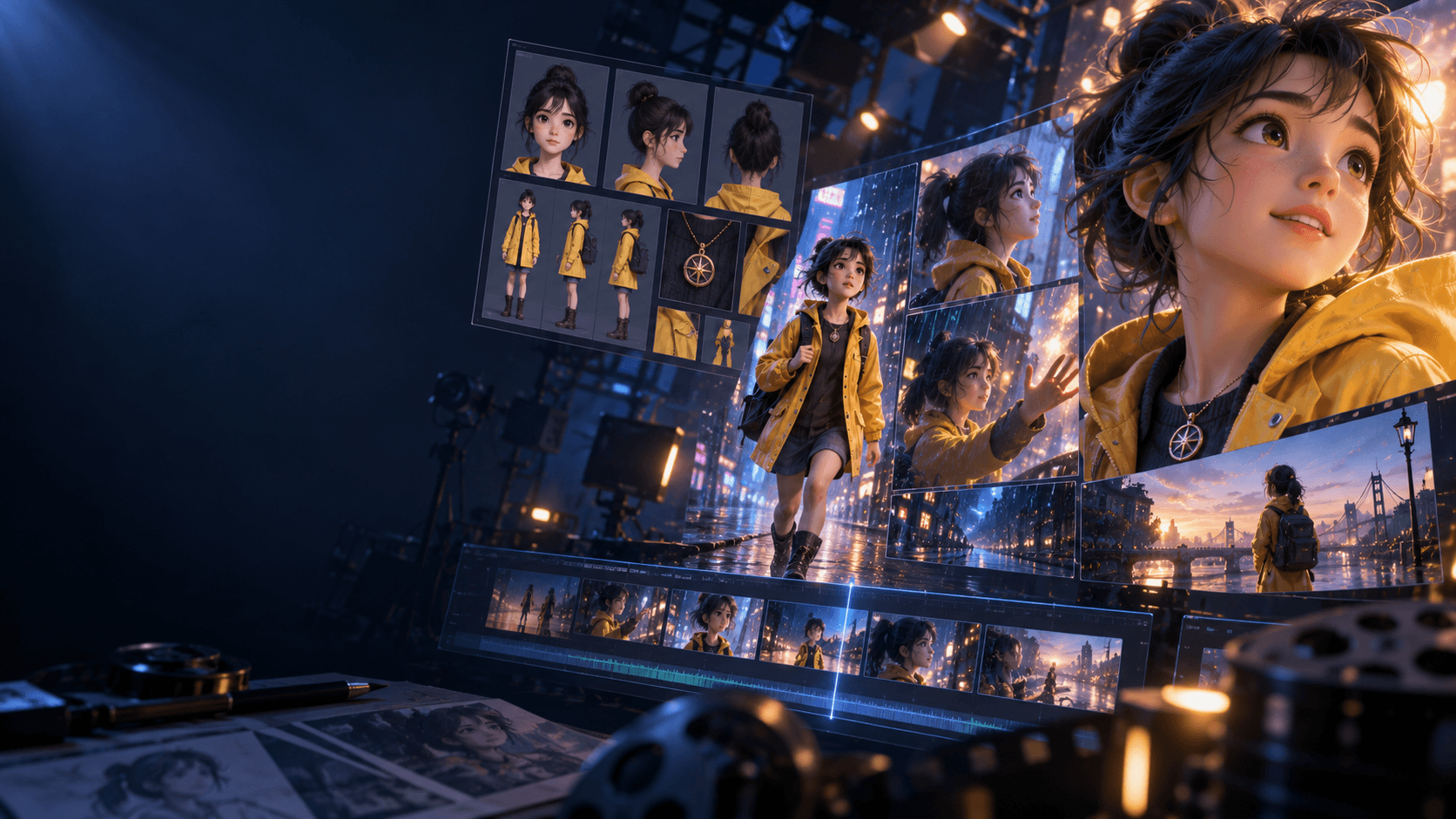
If you want better story videos, you need better character consistency. A scene falls apart fast when the main character changes face shape, outfit logic, or overall vibe between shots. That is why consistency is less about one perfect prompt and more about building a repeatable system.
Quick Answer
To create consistent characters with AI:
1. lock one approved reference
2. define an identity description you reuse
3. separate fixed traits from scene-specific traits
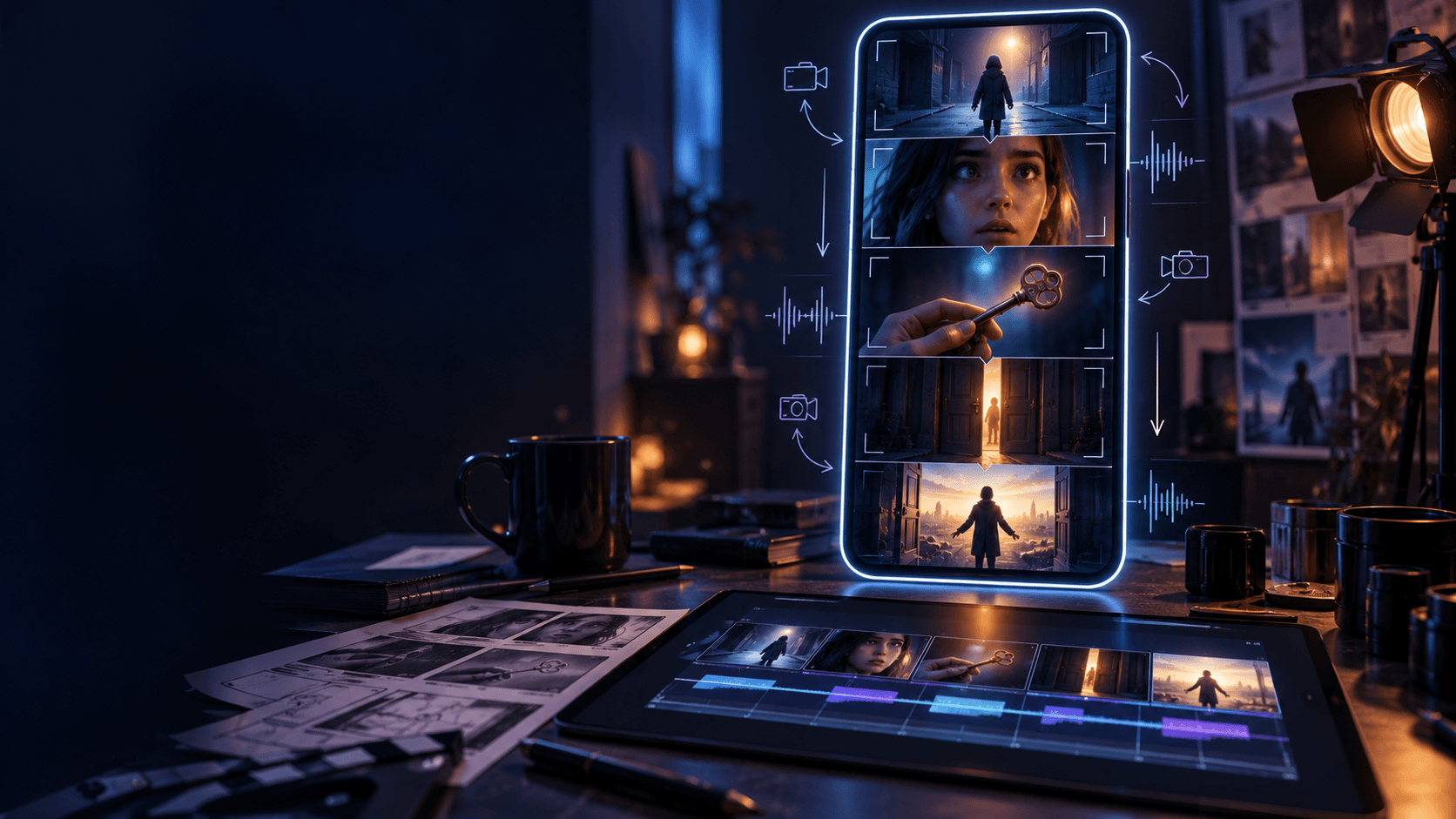
4. storyboard before scene generation
5. compare every new frame against the reference, not your memory
Step 1: Build a Stable Reference
Start with one main source image or a small set of approved variations. A strong [AI character maker] workflow helps because it lets you define identity before motion or scene changes complicate things.
Step 2: Split Fixed Traits From Variable Traits
Your prompt should have two layers:
- fixed identity traits: hair, silhouette, outfit logic, age impression
- variable scene traits: pose, emotion, lighting, camera angle
That split keeps the character stable without making every shot look identical.
This is one of the most useful consistency habits because it stops you from rewriting the whole identity every time the scene changes.
Step 3: Use the Right Supporting Page
If the character is anime or fandom-oriented, an [anime OC maker] can be a better fit than a broad generic workflow because the visual language is more specific from the start.
Step 4: Plan the Shots Before You Generate Them
Many consistency problems are actually planning problems. If every shot is random, every generation has to solve too many variables. An [AI Storyboard Generator] narrows the choices and gives each scene a clearer purpose.
Step 5: Keep Comparing Against the Source
Do not compare each new image against the previous image. Compare it against the original approved reference or reference set. That is how you notice drift early.
A Practical Character Consistency Checklist
Before accepting a new frame, check:
- face shape
- hair structure
- outfit silhouette
- color logic
- emotional tone
If two or more of those feel off, the frame is probably drifting, even if it still looks attractive by itself.
Where Most Consistency Workflows Fail
Most character-consistency workflows fail because creators:
- change the core prompt too often
- generate scenes before planning them
- rely on memory instead of references
- treat every shot like a new design task
Consistency is usually a system problem, not a talent problem.
What to Save in Your Reference Pack
If you want better results later, save:
- one main portrait
- one side or three-quarter angle
- one expression variant
- one motion-ready pose
That small pack is usually enough to keep later shots much more stable.
Which Scenes Are Hardest for Consistency
Character drift usually gets worse in:
- extreme angle changes
- heavy action scenes
- dramatic lighting shifts
- outfit changes
If those scenes matter, spend more time on references before you generate them.
FAQ
Why do AI characters change so much between scenes?
Because prompts shift, references are weak, or the shots were never planned well enough to preserve identity.
What matters most for character consistency?
A strong reference plus a reusable identity description usually matters more than adding more adjectives.
Can consistency hold across video too?
Yes, especially when the workflow begins with stable stills and planned shots instead of random motion generation.
If character continuity matters to your workflow, use [Elser AI] with the AI character maker and AI Storyboard Generator before you animate anything.