Elser AI Studio Mode Explained: Advanced Controls for Professional AI Video Creators
Most AI video generators are designed to make content creation as simple as possible. Type a prompt, click Generate, and wait for the result. That approach works well for beginners, but experienced creators often run into a familiar problem: they want more control than a single prompt can provide.
As AI-generated videos become longer, more cinematic, and more consistent, creators need tools that let them refine every stage of production—from scripting and scene composition to camera movement and character continuity. That’s where Studio Mode comes in.
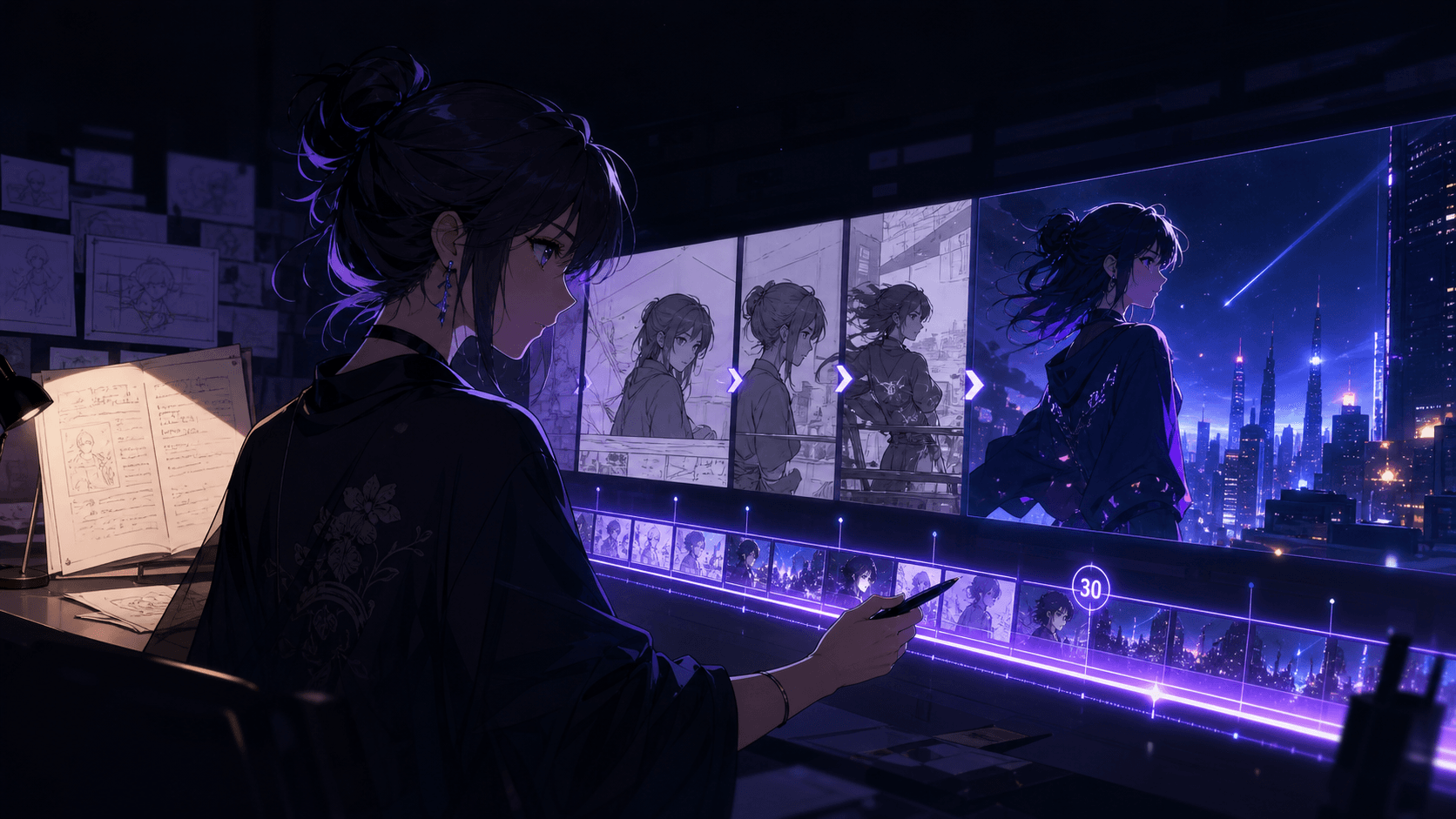
Instead of relying on one-click generation, Elser AI Studio Mode gives creators a workspace built for iteration. You can break a project into individual scenes, fine-tune prompts, adjust pacing, and maintain creative consistency without restarting from scratch.
Whether you're producing marketing videos, AI anime, educational explainers, or branded social content, Studio Mode is designed to help you move from "good enough" to professional-quality results.
Why Professional Creators Need More Than One-Click AI
The latest generation of AI models—including GPT-5.6 for writing, Google's Veo, Runway, Kling, and Seedance—have significantly improved video quality. They understand longer prompts, produce smoother motion, and generate more realistic scenes than earlier models.
Yet even with these advances, AI is still a collaborative tool rather than a complete replacement for creative direction.
Professional creators rarely accept the first output. Instead, they:
- Rewrite prompts multiple times
- Experiment with different camera angles
- Adjust scene timing
- Replace weak shots
- Improve character consistency
- Refine pacing before publishing
A single all-in-one prompt makes those revisions difficult. If one scene doesn't work, you often have to regenerate the entire video.
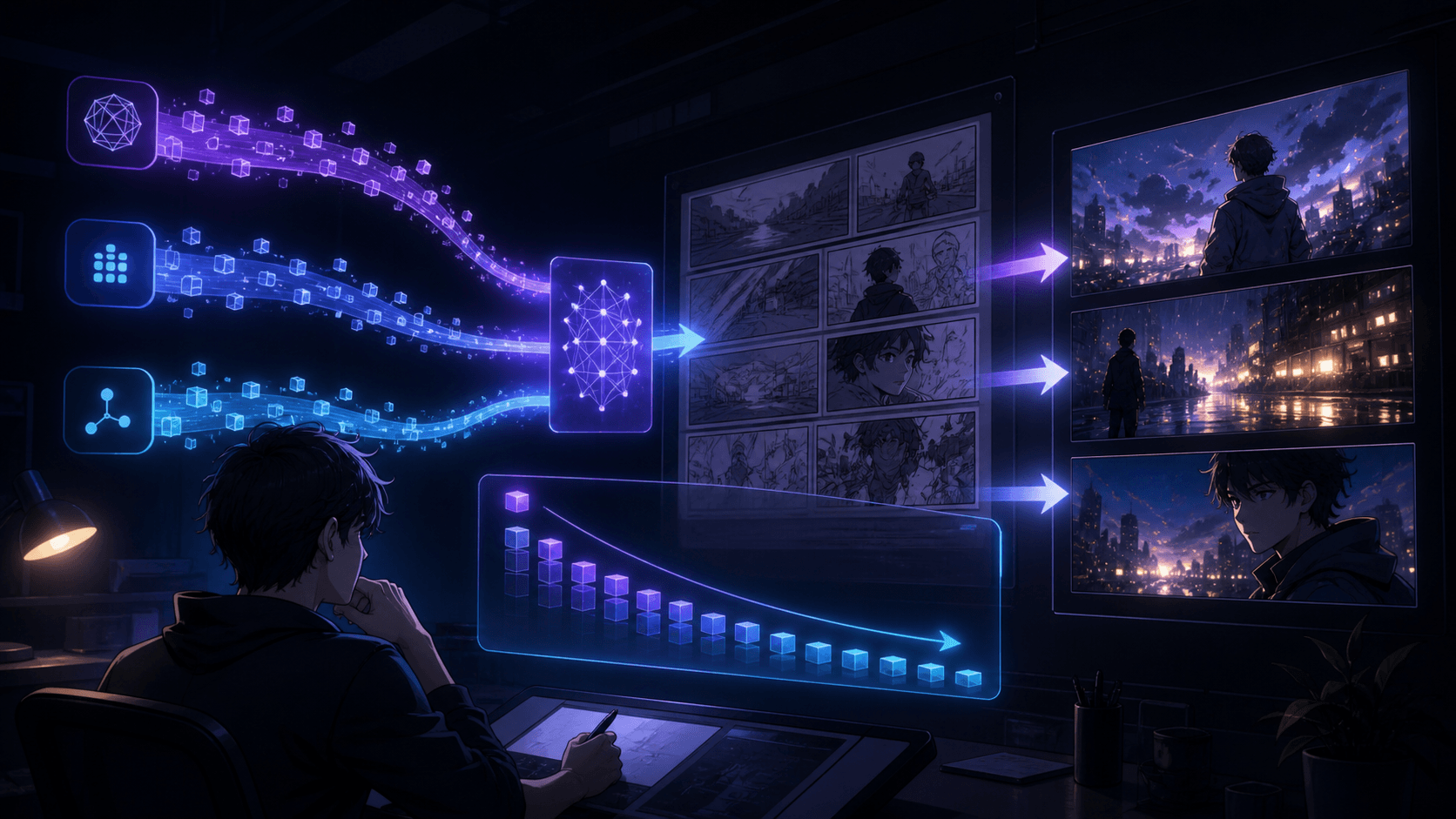
Studio Mode solves that problem by allowing creators to treat a video as a collection of editable scenes rather than one fixed generation.
That approach saves time while giving you far more creative flexibility.
Scene-by-Scene Editing Makes Better Videos
One of the biggest advantages of Studio Mode is the ability to work scene by scene.
Instead of thinking about your project as a two-minute video, think of it as twelve short scenes, each with its own purpose.
For example, a product commercial might include:
- Opening hook
- Product reveal
- Feature demonstration
- Customer problem
- Solution
- Social proof
- Call to action
Each section requires different visuals, different pacing, and sometimes even a different visual style.
When every scene is editable independently, making improvements becomes much easier.
Imagine your opening shot lacks impact.
Instead of regenerating the entire project, you can simply replace the first scene while keeping everything else intact.
That kind of modular workflow mirrors how traditional film editors work, making Studio Mode especially valuable for creators who publish regularly.
Advanced Prompt Controls Lead to Better Results
Many beginners assume that AI quality depends entirely on the underlying model.
In reality, prompt quality often has an even greater impact.
Studio Mode encourages more structured prompting by allowing you to refine instructions for individual scenes.
Instead of writing a generic prompt like:
"A futuristic city."
You can be much more specific:
"A neon-lit futuristic city at dawn, cinematic drone shot moving slowly between skyscrapers, reflective wet streets after rain, soft atmospheric fog, realistic lighting, hopeful mood."
The additional context gives AI clearer creative direction.
When refining prompts, consider describing:
- Camera movement
- Lighting
- Time of day
- Environment
- Subject appearance
- Mood
- Color palette
- Composition
- Motion speed
The more intentional your instructions, the fewer regeneration cycles you'll typically need.
Many experienced creators treat prompting as a form of creative direction rather than a technical command.
Keep Characters Consistent Across Every Scene
Character consistency has become one of the most important challenges in AI video creation.
Earlier AI systems often generated different faces, clothing, hairstyles, or proportions between scenes. While newer models have improved significantly, maintaining continuity still requires thoughtful planning.
Studio Mode makes this process easier by letting creators build projects around consistent scene descriptions rather than isolated prompts.
When introducing a character, define their visual identity clearly and reuse those details throughout the project.
For example:
- Clothing style
- Hair color
- Facial features
- Age
- Accessories
- Personality
- Body language
Rather than rewriting everything each time, maintain a consistent descriptive framework across scenes.
This approach is especially valuable for recurring characters in AI anime, educational series, branded mascots, or long-form storytelling.
The result is a video that feels intentional instead of fragmented.
Fine-Tune Camera Movement and Visual Rhythm
Great videos don't just show interesting visuals—they guide the viewer's attention.
Camera movement plays a major role in how audiences experience a story.
Instead of relying entirely on default AI motion, Studio Mode encourages creators to think like directors.
Ask yourself:
- Should the opening begin with a wide establishing shot?
- Would a slow push-in create more emotion?
- Does a tracking shot better showcase the product?
- Should this moment feel energetic or calm?
Alternating between wide shots, medium shots, and close-ups creates visual variety while keeping viewers engaged.
Pacing matters just as much.
A fast-cut montage might work well for an action sequence, while a slower rhythm is often better for tutorials or emotional storytelling.
By adjusting scenes individually, Studio Mode gives you much finer control over the overall viewing experience.
Build a Repeatable Workflow Instead of Starting Over
One overlooked advantage of Studio Mode is efficiency.
Professional creators rarely build every project from scratch.
Instead, they develop repeatable workflows.
For example:
1. Generate a script.
2. Divide it into scenes.
3. Create visual prompts.
4. Review each scene.
5. Replace weak generations.
6. Add subtitles.
7. Export multiple aspect ratios.
8. Publish across platforms.
Once this process is established, future projects become significantly faster.
Teams can also collaborate more effectively when projects are organized scene by scene rather than as a single generation.
For businesses producing regular marketing content, this consistency can reduce production time while improving overall quality.
If you're creating videos every week, Studio Mode becomes less of an advanced feature and more of a long-term productivity tool.
Who Benefits Most from Studio Mode?
Studio Mode isn't only for filmmakers.
Its structured workflow makes it valuable across a wide range of industries.
Content creators can produce YouTube videos, Shorts, TikTok clips, and serialized content with greater consistency.
Marketing teams can create product launches, promotional campaigns, and brand videos while maintaining a unified visual identity.
Educators can build engaging lessons that combine narration, animation, diagrams, and clear scene progression.
Agencies benefit from faster revisions and easier client feedback because individual scenes can be updated without recreating entire projects.
Even solo creators find that Studio Mode scales with their ambitions. What begins as a simple social media workflow can grow into a reliable production system for larger creative projects.
Common Mistakes When Using Advanced AI Video Controls
Having more control also means more opportunities to overcomplicate a project.
One common mistake is adding excessive detail to every prompt. While specificity helps, overly complex instructions can sometimes produce inconsistent results. Focus on the details that matter most for each scene.
Another mistake is changing visual style too frequently. Switching between radically different aesthetics without a narrative reason can make a video feel disjointed. Establish a clear visual language early and maintain it throughout the project.
Some creators also spend too much time chasing the "perfect" generation. AI video production is iterative by nature. Small refinements across multiple versions usually deliver better outcomes than endlessly regenerating the same scene.
Finally, don't overlook storytelling. Advanced controls should enhance your narrative—not distract from it. Viewers remember compelling ideas far longer than technically impressive visuals.
Create Professional AI Videos with Greater Creative Control
As AI video technology continues to evolve, the difference between beginner content and professional content is becoming less about the underlying model and more about the workflow behind it.
Studio Mode is built for creators who want that extra layer of creative control. By breaking projects into manageable scenes, refining prompts with intention, and iterating efficiently, you can produce videos that feel more polished, more consistent, and more engaging.
If you're ready to move beyond one-click generation, Studio Mode offers a practical path toward professional AI video production. Start with a simple project, experiment with scene-level editing, and gradually build a workflow that matches your creative goals.
The more you create, the more you'll discover that professional-quality AI videos aren't the result of a single perfect prompt—they're the outcome of thoughtful direction, careful refinement, and the right creative tools.