How to Fix Character Inconsistency in AI Videos: A Practical Creator’s Guide for 2026
Your first AI video shot looks perfect. The character has the right face, the right outfit, the right mood, and exactly the kind of style you imagined.
Then you generate the second shot.
Suddenly, the same character has a slightly different nose. The hair is longer. The jacket changed color. The eyes look unfamiliar. By the third scene, your “main character” has basically become their distant cousin.
That is character inconsistency, and it is one of the most common problems in AI video generation.
The frustrating part is that the video may still look beautiful. The lighting might be cinematic. The motion might be smooth. The background might be impressive. But if the character does not look like the same person from one scene to the next, the whole story falls apart.
For creators making anime shorts, product videos, YouTube Shorts, animated ads, music videos, or story-driven AI films, character consistency is not a small detail. It is the difference between a random AI clip and something that feels like a real production.
The good news is that fixing character inconsistency in AI videos is very possible. You do not need to rely on luck. You need a better workflow.
In this guide, we will break down why AI video characters change, how to keep them stable, and how to build a repeatable character workflow using Elser AI.
Why AI Characters Change Between Scenes
AI video models do not understand your character the same way a human director or animator does. They do not automatically know that “Mira, the girl with short silver hair and a red scarf” must remain exactly the same across five scenes.
Each generation is influenced by your prompt, reference image, camera angle, lighting, style words, motion request, and scene description. If those inputs change too much, the model starts to reinterpret the character.
That is why common problems happen:
The face becomes sharper or softer.
The character looks older or younger.
The hairstyle changes.
The outfit gains new details.
The body proportions shift.
The art style moves from anime to semi-realistic.
The character’s expression no longer matches their personality.
The model is not trying to ruin your video. It is trying to fill in missing information. If you do not give it a stable identity anchor, it guesses.
And when AI guesses, continuity breaks.
Start with a Strong Character Reference
The first step to fixing character inconsistency is creating a strong character reference.
A vague image is not enough. A single beautiful portrait may look great, but it might not contain enough information for multi-scene video generation. If the image only shows the face, the model has to invent the outfit and body. If the image only shows a full-body pose from far away, the model may lose facial details. If the image has heavy shadows, the model may misread hair color, eye color, or clothing.
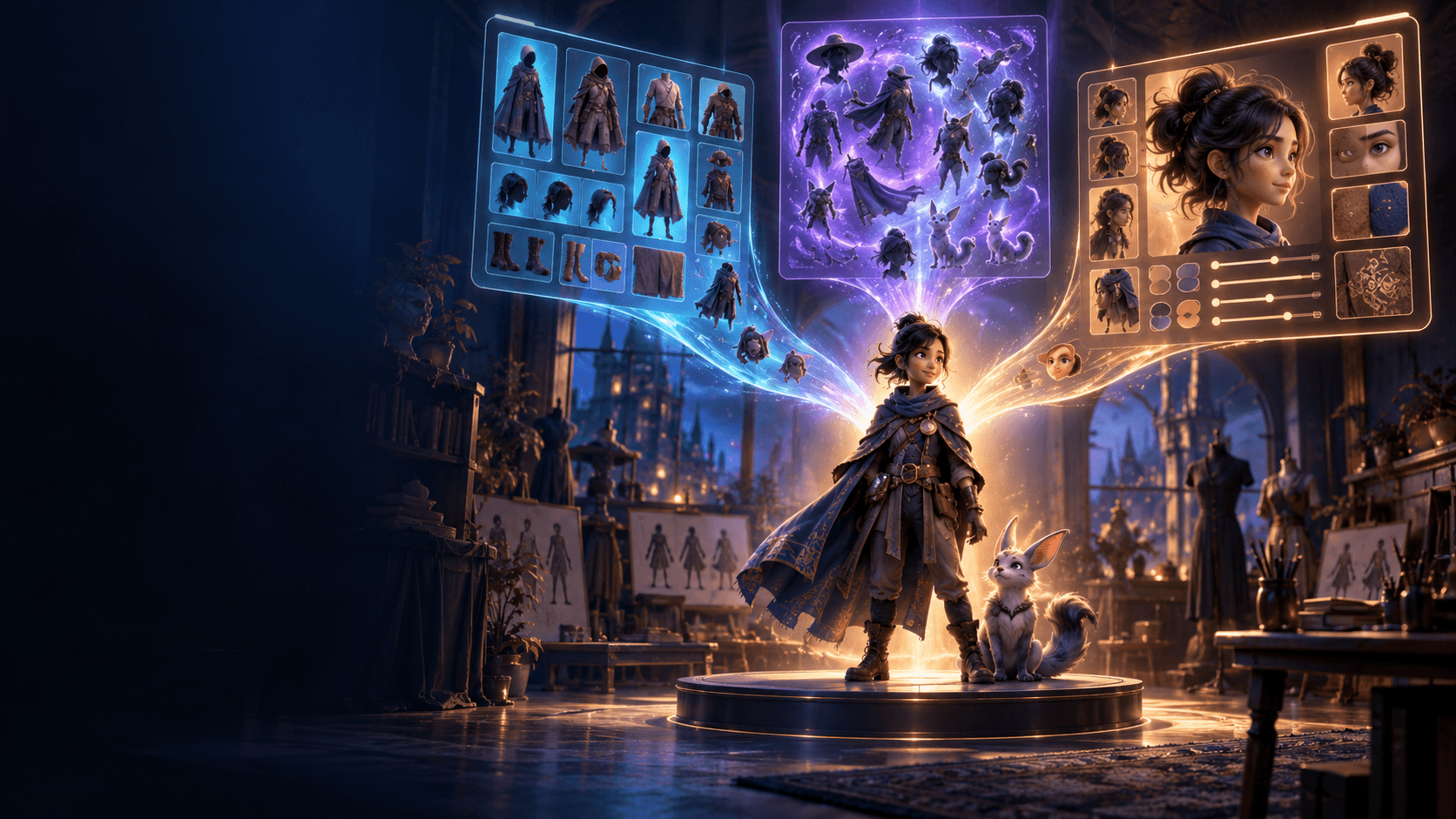
A strong AI character reference should show:
The face clearly.
The hairstyle clearly.
The full outfit.
Important accessories.
The body proportions.
The color palette.
The character’s overall style.
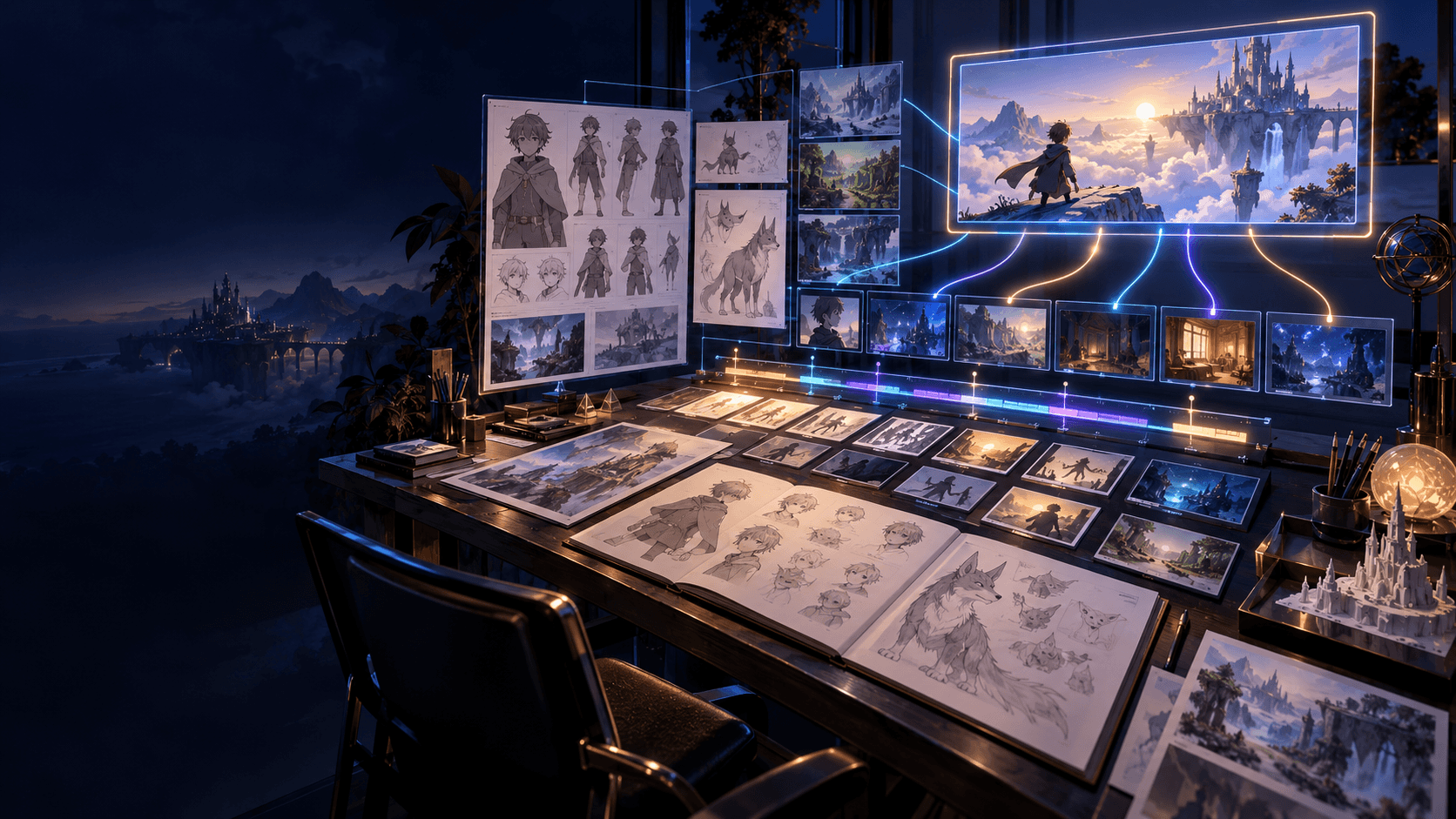
For story-based videos, it is even better to create a mini reference sheet: front view, side view, three-quarter view, and one or two expressions. This gives the model more stable visual information to work with.
In Elser AI, you can create or upload a character image and reuse it across your AI video workflow. This is especially useful if you are building a recurring anime character, brand mascot, virtual spokesperson, or YouTube Shorts character. Instead of starting from a new prompt every time, you start from a consistent visual identity.
Think of the reference image as your character bible. The better it is, the more stable your videos become.
Use the Same Identity Block in Every Prompt
A lot of creators accidentally create inconsistency by rewriting the character description in every scene.
Scene one says:
“A cute anime girl with silver hair and a red scarf.”
Scene two says:
“A brave young heroine with white hair in a fantasy village.”
Scene three says:
“A beautiful cinematic anime warrior with pale hair and a dramatic outfit.”
To a human, these may all sound like the same character. To an AI model, they can sound like three related but different characters.
The fix is simple: use the same identity block every time.
For example:
“Use the same character from the reference image. Preserve her exact face shape, eye color, hairstyle, hair length, outfit, accessories, body proportions, and anime art style. Do not change her identity between shots.”
Then add the scene action after that.
Example:
“Use the same character from the reference image. Preserve her exact face shape, silver bob haircut, blue eyes, red scarf, navy jacket, black boots, slim body proportions, and clean anime art style. She walks through a quiet train station at night, looking around with a nervous expression. Camera slowly pushes in. Soft neon lighting. Do not change her face, outfit, hairstyle, age, or style.”
This structure works because it separates identity from action.
Identity should stay fixed.
Action can change.
Setting can change.
Camera can change.
Emotion can change.
But the character should remain the same.
Avoid Style Words That Accidentally Redesign the Character
Words like “cinematic,” “beautiful,” “realistic,” “cute,” “Pixar-style,” “anime-inspired,” “fashion editorial,” and “high fantasy” can all influence how a character looks.
These words are not bad. They are powerful. The problem is using them carelessly.
If your first prompt says “cute anime style” and your second prompt says “cinematic realistic fantasy style,” the model may shift the face, body, lighting, and clothing to match the new style.
Instead of changing the whole style, apply the style to the scene.
Better:
“Keep the same anime character design and original art style. Add cinematic lighting to the environment only.”
Or:
“Preserve the original character design. The background should feel more dramatic, but the character’s face, outfit, and proportions must remain unchanged.”
This is especially important for AI anime videos, AI comic-to-video workflows, and consistent character video generation. The more you mix style words, the more the model may reinterpret the character.
Keep Clothing Stable
Viewers recognize characters through faces, but they also recognize them through clothing.
If your character wears a red scarf in scene one and a black cape in scene two, viewers may think it is a different person. If your product mascot changes its logo, color, or costume between shots, the brand identity weakens.
When you want continuity, say so directly:
“Keep the exact same outfit from the reference image.”
For more control, describe the outfit precisely:
“Keep the same red scarf, navy cropped jacket, white shirt, black pleated skirt, knee-high socks, and brown boots. Do not add armor, coats, hats, jewelry, or new accessories.”
This matters even more for commercial videos. If you are making an AI product ad with a consistent spokesperson, an ecommerce mascot, or a recurring YouTube Shorts character, outfit drift can make the content look unprofessional.
Elser AI is useful here because you can build a repeatable workflow around the same reference character and generate multiple scenes without constantly rebuilding the visual identity from scratch.
Break the Video into Short Scenes
Trying to generate a full story in one long video prompt is one of the fastest ways to lose consistency.
A prompt like this is too much:
“The character wakes up, walks outside, runs through a city, fights a monster, falls into a portal, lands in a forest, cries, laughs, and flies away.”
That is not one shot. That is a whole episode.
For better character consistency, break the story into short, controlled scenes.
Scene 1: Character wakes up and opens her eyes.
Scene 2: Character stands at the window.
Scene 3: Character walks down the street.
Scene 4: Character sees something strange.
Scene 5: Close-up reaction.
Each scene should have one main action. Use the same reference image and identity block for each scene.
This method gives you far more control. If one scene fails, you regenerate that scene instead of losing the entire video.
It also makes your final edit feel more intentional. Good AI video production is not just generation. It is directing, selecting, and assembling.
Use Camera Angles That Protect Identity
Some camera angles are harder for AI models than others.
Extreme top-down shots, fast spins, heavy motion blur, dark lighting, and faraway wide shots can make the character harder to preserve. If the model cannot clearly see the face and outfit, it starts inventing details.
For important continuity shots, use safer camera language:
Medium shot.
Three-quarter view.
Clean close-up.
Stable camera.
Slow push-in.
Soft natural lighting.
Visible face and outfit.
Once the character is established, you can experiment with more dramatic shots. But do not use the most difficult camera movement in the first scene. Let the audience recognize the character first.
Use Negative Prompts Without Overloading Them
Negative prompts can help reduce inconsistency, but they should be focused.
Good negative prompt terms include:
“Different face, different hairstyle, different outfit, changed eye color, changed age, changed body proportions, face morphing, identity drift, extra accessories, style change.”
A practical negative prompt might be:
“Do not change the character’s face, hairstyle, outfit, age, body proportions, eye color, or art style. No random costume changes. No facial distortion. No identity drift.”
Avoid writing a giant list of every possible mistake. Too many negative terms can make the prompt messy. The goal is to protect the character’s core identity, not confuse the model.
Build a Character Consistency Checklist
Before you publish or continue generating scenes, review each clip with a simple checklist:
Does the face match the reference?
Does the hairstyle match?
Does the outfit match?
Does the body shape match?
Does the art style match?
Does the character feel like the same person?
Would a viewer understand this is the same character?
If the answer is no, fix the scene early. Do not keep generating more clips on top of a broken character design.
A professional AI video workflow is not about accepting the first output. It is about choosing the best output and improving weak shots.
A Prompt Template You Can Use
Use this template for consistent AI character videos:
“Use the same character from the reference image. Preserve the exact face shape, eye color, hairstyle, hair length, outfit, accessories, body proportions, and overall art style. The character is [short identity description]. In this scene, [specific action]. The setting is [location]. Camera: [shot type and movement]. Lighting: [lighting]. Mood: [emotion]. Keep identity consistent across the whole clip. Do not change the character’s face, outfit, hairstyle, age, body proportions, or style.”
Example:
“Use the same character from the reference image. Preserve the exact round face, blue eyes, short silver hair, red scarf, navy jacket, black skirt, brown boots, and clean anime art style. In this scene, she steps into a quiet train station at night and looks around nervously. Camera: medium shot with a slow push-in. Lighting: soft blue neon and warm station lights. Keep identity consistent across the whole clip. Do not change her face, outfit, hairstyle, age, body proportions, or style.”
Why Elser AI Helps with Character Consistency
Character consistency is not only a model problem. It is a workflow problem.
You need to create references, test prompts, generate scenes, compare outputs, and reuse the same identity across different video ideas. If your workflow is scattered across too many tools, it becomes harder to stay consistent.
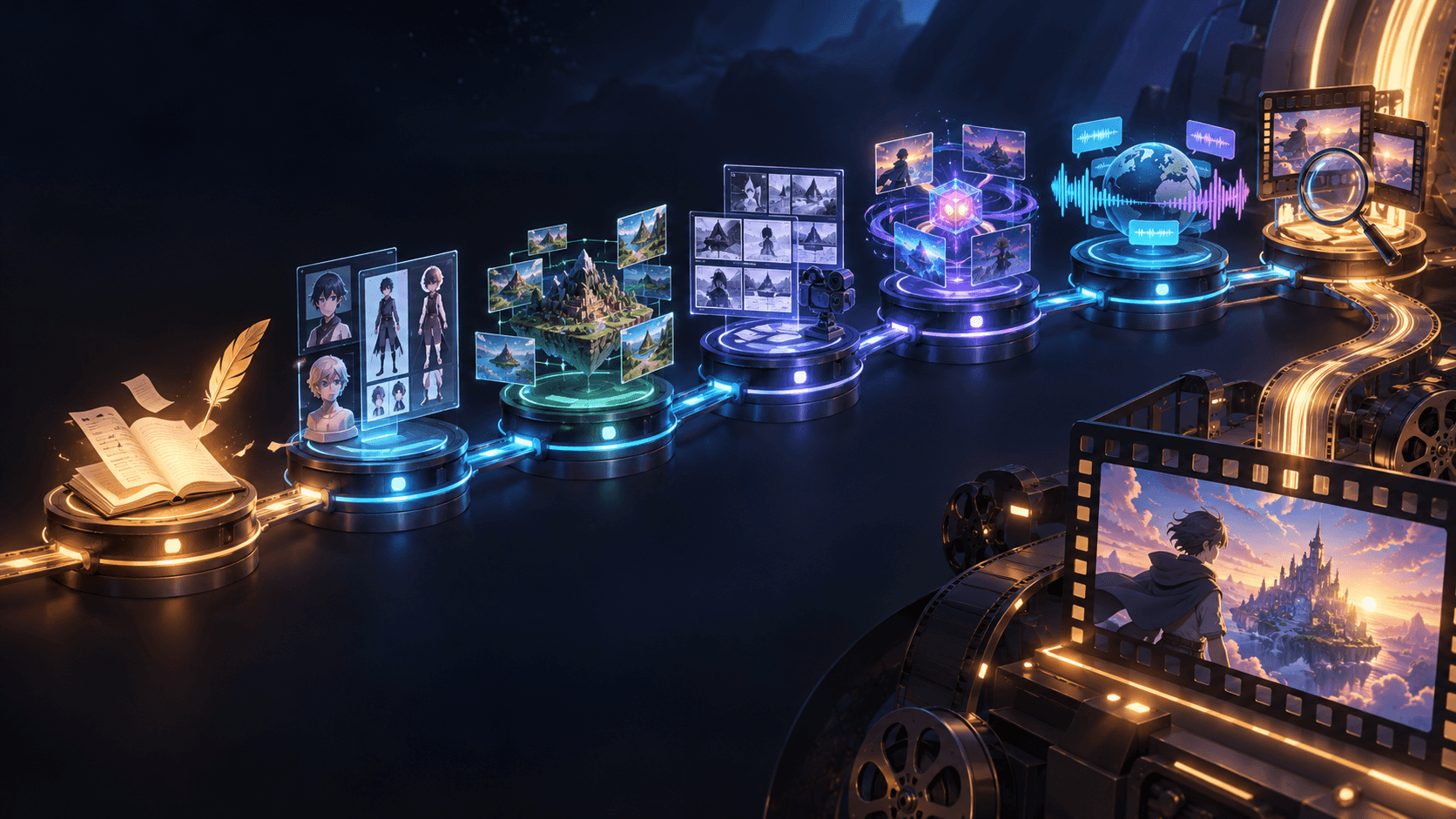
Elser AI is built for creators who want to move from character idea to visual content more smoothly. You can create or upload character references, turn images into videos, test scene prompts, and build content around recurring characters.
That makes it useful for:
AI anime shorts.
AI YouTube Shorts characters.
Brand mascots.
Story videos.
AI comic-to-video workflows.
Product spokesperson videos.
Music video characters.
Instead of treating each clip like a separate experiment, you can build a reusable character pipeline.
Final Thoughts
Fixing character inconsistency in AI videos is not about finding one magic prompt. It is about giving the model stable information and directing it like a real production.
Start with a strong reference. Use the same identity block. Keep clothing stable. Avoid style drift. Break your story into short scenes. Review each output carefully.
AI video models are getting better fast, but the best results still come from creators who plan well.
If you want to make AI videos with consistent characters for anime, ads, YouTube Shorts, music videos, or story content, try building your next workflow in Elser AI. Create one strong character reference, generate your first scene, then keep that identity stable across every shot.
That is how a random AI clip becomes a real character-driven video.