One-Person Animation Studio: How Elser AI Connects Script, Storyboard, Characters, Voiceover, and Editing
Can One Person Produce an Animated Short?
A solo creator can write a story, design characters, generate storyboards, create animated shots, add voices, and assemble a short film. The difficulty is not that any one step is impossible. The difficulty is managing the entire pipeline.
Traditional animation production divides work among writers, directors, storyboard artists, character designers, animators, voice actors, sound designers, editors, and producers. A solo creator has to make all of those decisions while also learning different tools and transferring assets from one stage to another.
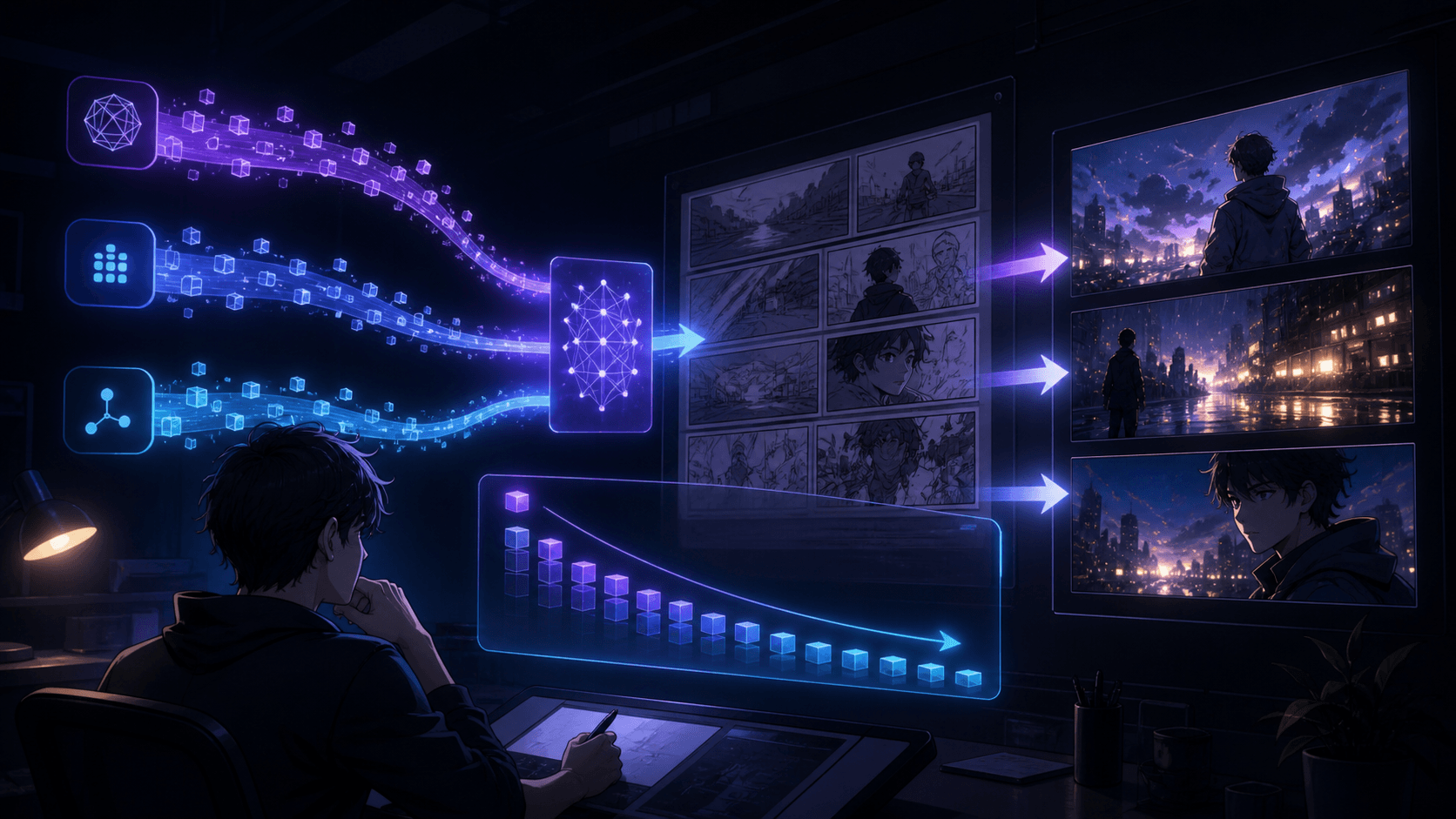
Elser AI is built around a more connected approach. Its official AI animation page says Elser Anime combines AI script generation, storyboard creation, character design, voiceovers, music generation, and smart editing. The platform homepage also includes anime imagery, comics, AI video, full anime production, and an AI storyboard agent.
It would be inaccurate to say AI removes every production challenge. Creators still need to direct the story, select outputs, manage continuity, review quality, and make editorial decisions. The advantage is that one person can now manage more of the animation pipeline inside one creative ecosystem.
The Problem with a Fragmented Animation Workflow
A fragmented workflow may look like this:
- write the script in one application
- create character images in another
- draw storyboards in another
- animate images in several video tools
- generate voice in a separate service
- add music elsewhere
- edit in another application
- manually organize every file
Every transfer introduces friction. Character descriptions may change. Aspect ratios may not match. File names become confusing. The storyboard may no longer match the generated clips. Voice timing may conflict with shot duration. The creator spends more time coordinating tools than making the story better.
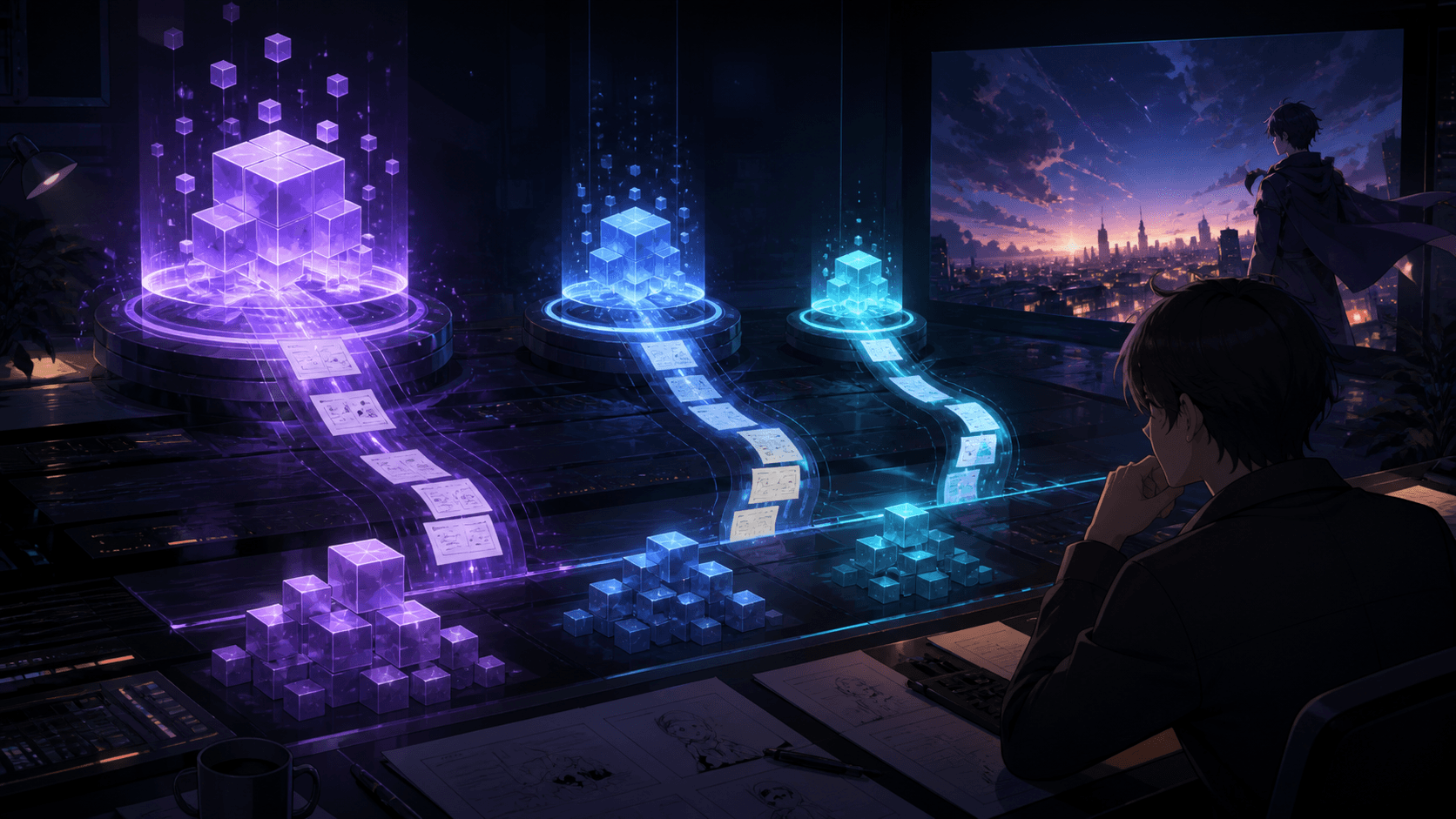
Elser AI’s value proposition is workflow connection. Its Story Architect content describes developing narrative material such as plot outlines, character profiles, dialogue, and scenes, while its Storyboard Studio converts written material into structured visual sequences. Those sequences can then move into image and video workflows.
This turns the platform into something closer to a compact production workspace rather than a single-purpose image or video generator.
Stage 1: Script and Story Development
Every animation begins with a decision about what happens.
A good short script should define:
- the main character
- the character’s immediate goal
- the obstacle
- the visual turning point
- the final payoff
- the intended duration and platform
A solo creator should keep the first project small. One location, one or two characters, one central event, and a short duration are enough.
Elser AI’s animation workflow supports beginning from an idea or script. Its Story Architect workflow is described as helping creators develop plot outlines, character profiles, dialogue, and complete scenes.
A practical starting request might be:
“Create a 45-second anime short about a nervous delivery girl who discovers that the package she is carrying contains a tiny dragon. Use one rainy city location, minimal dialogue, and a final comedic reveal.”
The purpose of AI script assistance is not to accept the first draft automatically. It is to produce a structure the creator can revise.
Stage 2: Character Creation
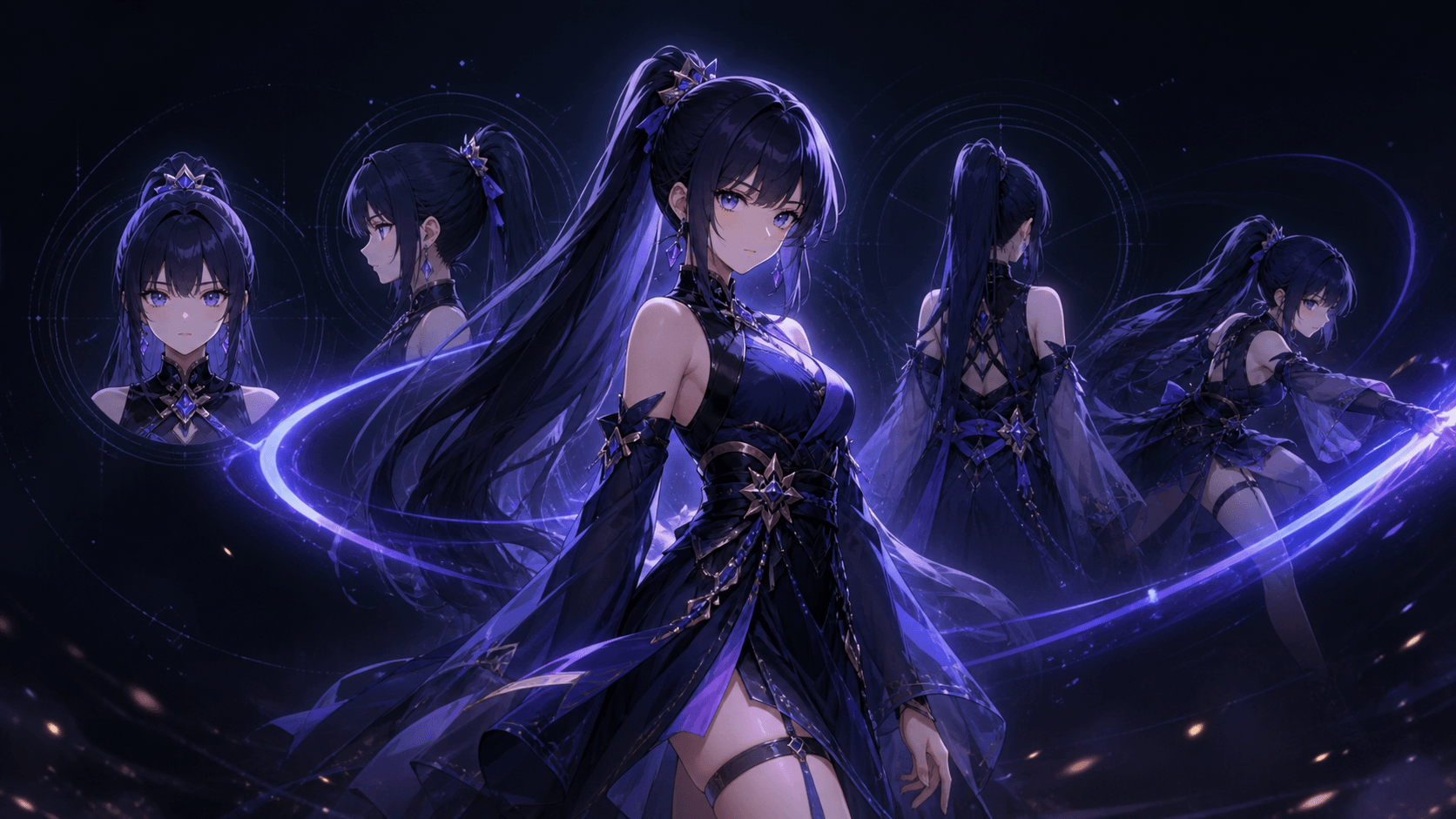
Characters are the anchor of a story-driven animation. The creator needs an approved design before generating several video shots.
Elser AI presents itself as an anime generator and original-character maker. Its homepage includes character creation alongside comics, storyboards, and animation, and its company announcement describes customization of appearance, personality, hairstyle, and clothing.
A character profile should include both visual and narrative information:
Visual identity
- face and eyes
- hairstyle
- outfit
- proportions
- palette
- accessories
- art style
Performance identity
- personality
- posture
- typical expressions
- speaking style
- movement style
For example:
“Mina is a young courier with short black hair, amber eyes, a yellow rain jacket, black shorts, white sneakers, and a red delivery badge. She is responsible but easily startled. Her movements are cautious, and her expressions shift quickly from serious to confused.”
Save one approved character image and one fixed identity description. Reuse both throughout the project.
Stage 3: Storyboard Creation
A storyboard converts the script from language into visible decisions.
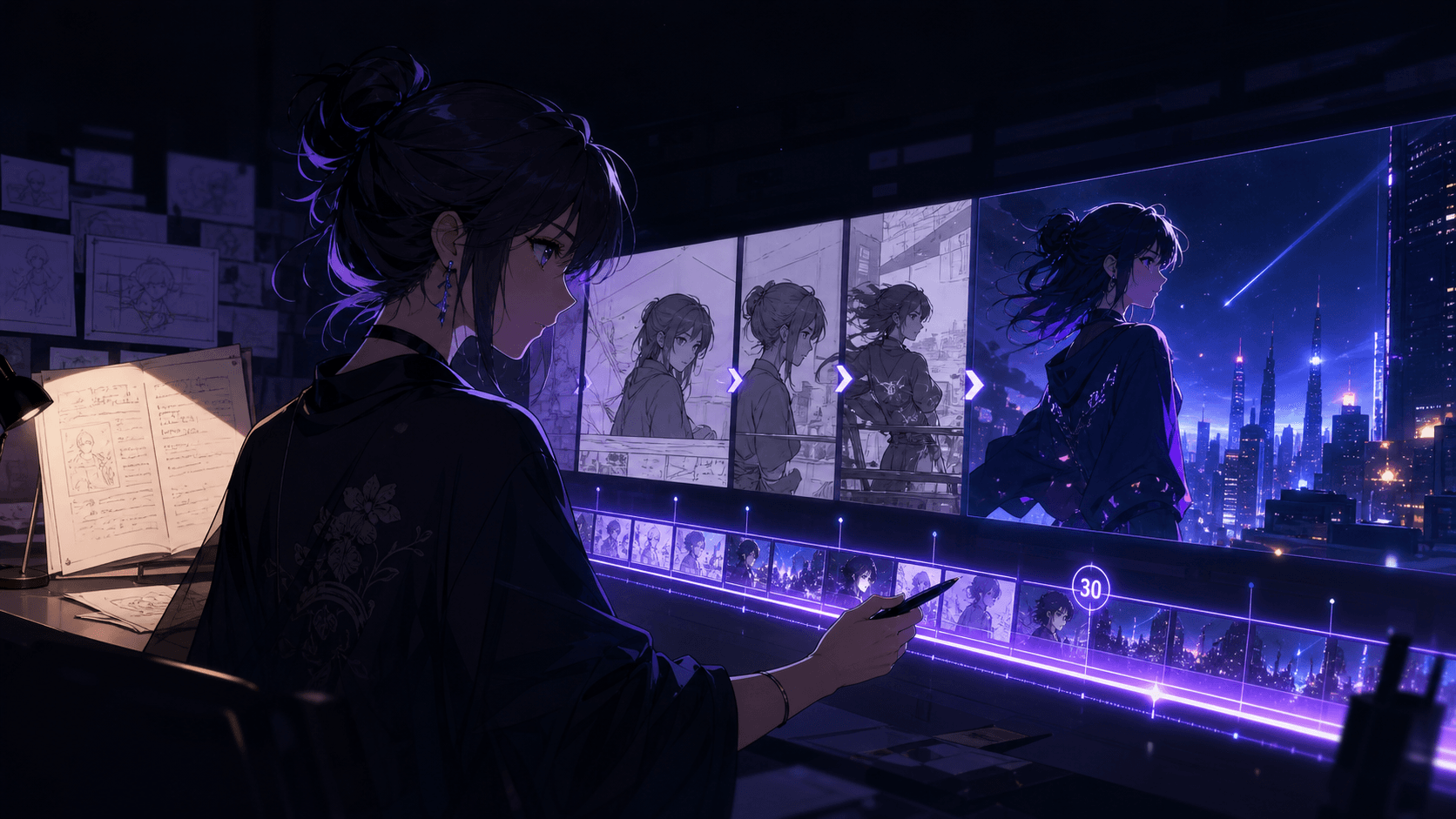
Elser AI’s Storyboard Studio transforms ideas, scripts, dialogue, and directions into structured storyboards, panel layouts, and camera-angle sequences. This is especially useful for a solo creator because it forces the project to answer production questions before expensive or time-consuming generations begin.
Each storyboard panel should include:
- shot number
- duration
- framing
- character position
- main action
- dialogue or narration
- camera movement
- transition
- required reference assets
A short scene might use:
1. Wide alley establishing shot.
2. Mina enters carrying the package.
3. Close-up of the package glowing.
4. Mina looks down in confusion.
5. The package whispers.
6. Shadows appear behind her.
7. She opens the package.
8. Tiny dragon emerges.
The storyboard also reveals difficult shots. A complex hand interaction, crowd scene, chase, or multi-character conversation may need to be divided into simpler clips.
Stage 4: Image and Video Generation
Once the character and storyboard are approved, the creator can generate the visual material.
Elser AI supports anime-style image generation, comic creation, video animation, and image-to-video. Its image-animation pages say users can upload a still image and convert it into a dynamic video, including anime scenes, movie shots, or drama clips.
A useful solo-production method is:
1. Generate or approve a key image for each shot.
2. Check character and location consistency.
3. Animate the approved image.
4. Produce several variations of important shots.
5. Select the strongest usable section.
6. Move to the next storyboard panel.
This is more controlled than generating every scene directly from text. The key image becomes a visual checkpoint.
Elser AI also integrates different model workflows, including image-to-video and text-to-video options. For example, its Wan integration page describes cinematic video generation, still-image animation, digital-human creation, and synchronized audiovisual content.
The creator can therefore choose a workflow based on the shot rather than forcing one model to solve every problem.
Stage 5: Voiceover and Dialogue
Voice gives characters timing and personality. But dialogue can also make AI animation harder, especially when several characters speak in one shot.
Elser AI’s animation page includes AI voiceover and music generation, while its image animator supports voiceovers, lip syncing, and recorded voice.
For a solo workflow:
- keep individual lines short
- assign one speaker per close-up
- generate reaction shots separately
- use off-screen dialogue when lip sync is unnecessary
- avoid making several characters speak simultaneously
- match the voice line to the actual shot duration
A two-character exchange is often easier as:
- Character A speaks.
- Character B reacts.
- Character B responds.
- Character A reacts.
This also resembles conventional editing and produces clearer dramatic rhythm.
Stage 6: Music and Sound Design
Music should support the story rather than fill empty space. Sound effects make generated scenes feel physically connected.
Elser AI includes music generation in its animation workflow and presents sound effects, voice, and music as parts of image-animation production.
A solo creator does not need a dense soundtrack. Focus on:
- ambience for the location
- character movement sounds
- important object sounds
- transition effects
- one musical theme
- silence before the payoff
For the courier scene, rain ambience can run throughout. A soft magical hum begins when the package glows. The music stops before the package opens. The dragon’s appearance receives one short comic sound.
This is enough to make the scene feel designed.
Stage 7: Editing and Final Review
Editing determines whether separate generations become one story.
The creator should review:
- whether each shot advances the story
- whether character appearance remains stable
- whether the camera direction feels consistent
- whether audio begins and ends naturally
- whether the pacing fits the platform
- whether any shot can be shortened
- whether a transition needs a cutaway or sound bridge
Elser AI lists smart editing as part of its animation workflow, helping connect the generated assets into a more complete production process.
The solo creator still acts as the final editor. AI can provide versions, but the creator decides what belongs in the finished short.
A Practical One-Person Studio Workflow
A repeatable workflow might look like this:
Day or session 1: Development
- write the one-sentence premise
- generate a short outline
- approve the script
- create the character profile
Day or session 2: Preproduction
- generate character references
- build the storyboard
- simplify difficult shots
- write shot prompts
Day or session 3: Production
- create key images
- animate each shot
- generate alternatives
- select usable clips
Day or session 4: Postproduction
- add dialogue and lip sync
- create music and effects
- assemble the edit
- export platform versions
A simpler social short may compress these stages into one session. A longer or more ambitious animation may require more review. The point is that the same person can manage the full process without building a large studio team.
Who Benefits Most from This Workflow?
A connected Elser AI workflow is particularly useful for:
- independent animators
- webtoon and manga creators
- YouTube Shorts creators
- TikTok storytellers
- musicians creating visual narratives
- teachers producing animated explanations
- small brands making character-led content
- game developers creating concept trailers
- writers testing scenes before full production
The platform’s Creative Partner Program also describes creator benefits such as membership access, monthly credits, early access to models and features, style packs, and performance-related rewards for qualifying content. Eligibility and current program terms should be verified on the live program page.
Free Access and When to Upgrade
Elser AI states that its image animation generator provides a free trial. Its pricing page includes multiple subscription tiers with different quotas and premium access. Pricing and promotional discounts may change, so users should review the current page before purchasing.
Start free when:
- testing the platform
- developing the first character
- animating one or two shots
- comparing visual styles
- learning the workflow
Consider a paid plan when:
- producing a complete short
- generating multiple alternatives
- working with recurring characters
- publishing content regularly
- needing larger monthly quotas
- requiring higher-quality or premium generation features
A subscription is most valuable when the platform becomes part of a repeatable content pipeline rather than a one-time experiment.
Final Thoughts
Elser AI does not turn one person into a traditional studio department by department. It gives one creator access to a connected set of tools covering story development, characters, storyboards, video generation, voice, music, and editing.
The creator still provides judgment, taste, consistency, and final direction. But the amount of production that can be managed by one person is significantly broader when the stages are connected.
Register for Elser AI and begin with a small project: one character, one location, and six to eight shots. Use the free access to validate the workflow. When the process becomes repeatable, upgrading can provide the credits and production capacity needed to run a genuine one-person animation studio.