Say Goodbye to “Plastic” Motion: How to Create More Fluid AI Animation with Elser AI
Why AI Animation Sometimes Looks Like Plastic
AI-generated animation can look polished in a still frame but unnatural once it begins moving. Characters may glide instead of walk, facial expressions may change without physical cause, arms may move independently from the body, clothing may appear rigid, and the camera may drift through the scene without intention.
Creators often describe this result as “plastic motion.” The problem is not necessarily low resolution. A high-resolution video can still feel artificial if its movement lacks weight, timing, continuity, and clear physical motivation.
Elser AI provides animation, image-to-video, character, storyboard, voice, music, and editing workflows in one platform. Its official pages also expose different video-generation options rather than limiting every project to one fixed workflow.
However, no platform can guarantee that every prompt will produce perfectly fluid movement. Motion quality depends on the selected model, source image, prompt, action complexity, shot duration, camera instructions, and the number of subjects in the scene. Better results come from directing the animation more carefully.
What Makes Motion Feel Fluid?
Fluid motion does not mean constant or exaggerated movement. It means the viewer can understand how one pose leads into the next.
Natural-looking movement usually contains:
- anticipation before a major action
- acceleration and deceleration
- connected body movement
- stable contact with the ground or objects
- secondary motion in hair and clothing
- consistent facial identity
- camera movement that supports the action
- enough time for an action to complete
A character turning their head should not instantly rotate from one pose to another. The eyes may move first, followed by the head and shoulders. Hair may respond slightly after the turn. The motion should settle before the next action begins.
AI video models do not always infer these details correctly from a vague prompt. The creator needs to simplify the action and provide clearer direction.
Start with a Strong Reference Image
Image-to-video is often more controllable than asking a model to invent the character and movement at the same time. A reference image defines the face, hairstyle, outfit, body proportions, art style, and starting pose.
Elser AI’s image animation workflow allows users to upload an image and transform it into video. Its official pages describe applications involving anime scenes, movie shots, drama clips, music, voiceovers, lip sync, and sound effects.
The reference image should have:
- a clearly visible subject
- readable body structure
- minimal visual obstruction
- enough space around the character
- lighting consistent with the intended scene
- a pose that can naturally lead into the requested movement
If the character is cropped tightly at the waist, asking for full-body walking may require the model to invent most of the body. If the hands are hidden, detailed hand interaction becomes less predictable. If the starting pose is physically awkward, the generated motion may inherit that instability.
Choose a source image that already supports the intended action.
Ask for One Main Action per Shot
One of the most common causes of artificial motion is overloading the prompt.
A weak prompt might say:
“The character runs into the room, turns around, picks up a cup, drinks, smiles, waves to the camera, and sits down.”
This contains several changes in body position, object interaction, facial expression, and camera focus. Even advanced video models may struggle to preserve the character and environment throughout the entire sequence.
A stronger workflow separates the scene:
- Shot 1: character enters the room.
- Shot 2: character notices the cup.
- Shot 3: close-up of the hand approaching the cup.
- Shot 4: character takes one sip.
- Shot 5: character smiles.
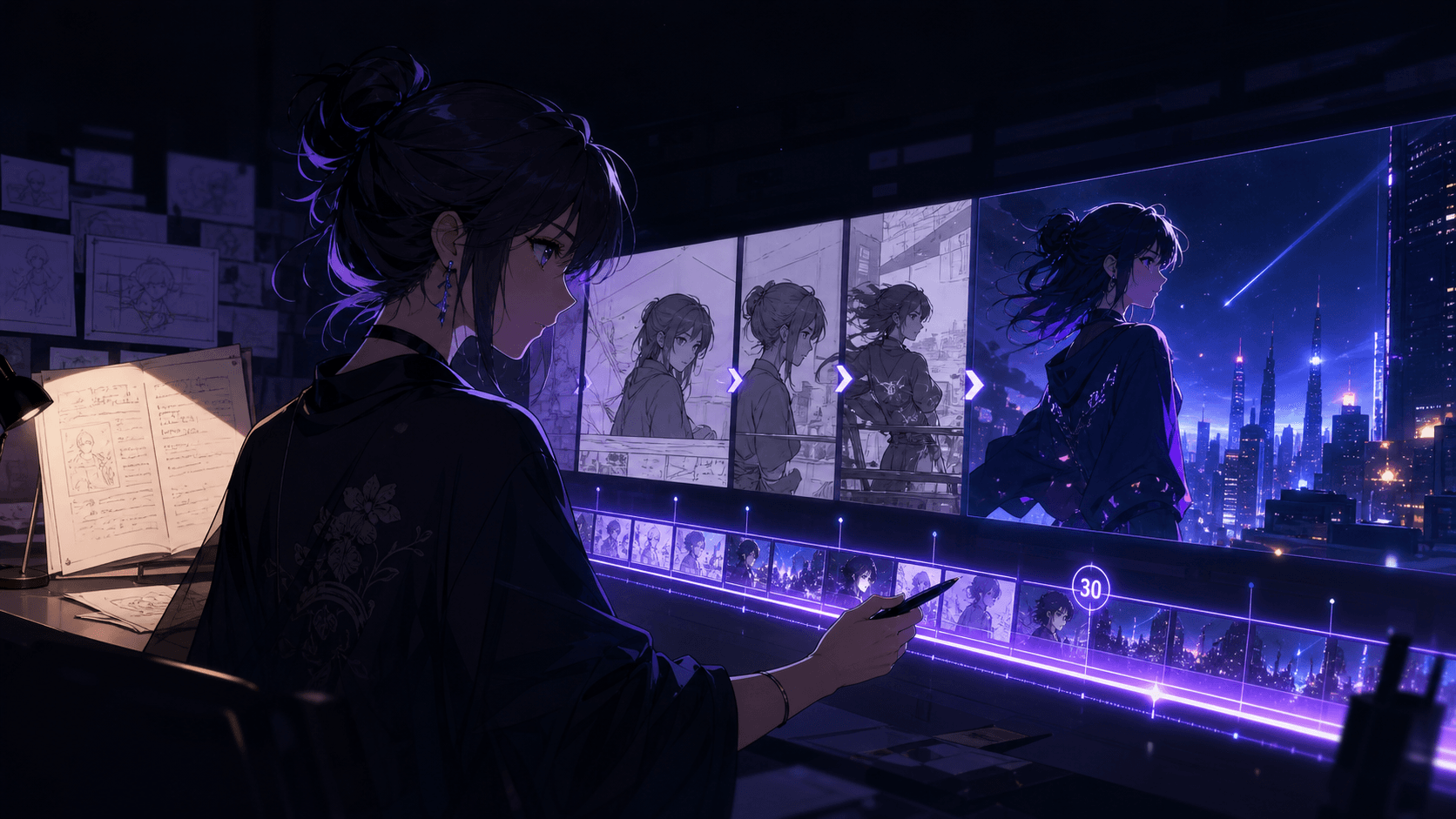
Elser AI’s storyboard workflow is useful here because it can translate scripts and scene directions into panel and camera sequences before video generation begins.
One main action per shot reduces ambiguity and gives the motion enough time to develop.
Describe Motion, Not Only Appearance
Many prompts spend most of their words describing the character and almost none describing how the movement should occur.
Instead of:
“Beautiful anime girl in a red coat, cinematic, high quality, detailed lighting.”
Write:
“The character notices something off-screen. Her eyes move first, followed by a subtle head turn and a small shift of the shoulders. Her coat and hair respond gently to the movement. She settles into the final pose. Camera remains stable in a medium close-up.”
The second prompt provides timing and physical order.
Useful motion language includes:
- slowly shifts weight
- takes one controlled step
- turns naturally from the shoulders
- pauses before reacting
- reaches forward with minimal hand movement
- hair follows the head movement
- clothing responds softly to the motion
- movement eases into the final pose
- feet remain planted
- camera remains stable
Avoid filling prompts with general adjectives such as “dynamic,” “epic,” and “powerful” unless you also explain the action.
Control the Camera
Artificial motion is sometimes caused by the camera rather than the character. If both move aggressively, the viewer may not understand the action.
Use a stable camera for complex character movement. Use a simple camera move when the character is mostly still.
A useful rule is:
- Complex character action → simple camera
- Simple character action → more expressive camera
For example, a subtle facial reaction can support a slow push-in. A running or fighting scene may work better with a stable side view or one controlled tracking move.
Do not combine orbiting, zooming, tilting, handheld shake, and rapid subject movement in one short prompt unless chaos is intentionally part of the visual language.
Elser AI’s storyboard tools support camera-angle planning before generation, making it easier to decide whether the motion should come from the subject or the camera.
Use Secondary Motion Carefully
Secondary motion gives animation life. Hair moves after the head. Clothing responds to the body. Rain crosses the frame. Steam rises. Shadows shift. A tail reacts after an animal turns.
But too many secondary elements can make the scene unstable.
Choose one or two:
- gentle hair movement
- subtle coat movement
- slow rain
- drifting dust
- moving reflections
- soft background lights
- light smoke
- a restrained tail or ear reaction
The main action should remain visually dominant. If the entire background, camera, clothing, hair, particles, lighting, and character move at once, the result may feel noisy rather than fluid.
Preserve the Character While It Moves
Motion quality is not useful if the character changes identity during the shot.
Repeat the fixed character details:
“Preserve the exact face, eye shape, hairstyle, outfit, body proportions, color palette, and cel-shaded anime style throughout the motion.”
Then specify what may change:
“Only the head, eyes, shoulders, hair, and coat move naturally.”
This distinction matters. It tells the model which visual properties are permanent and which are animated.
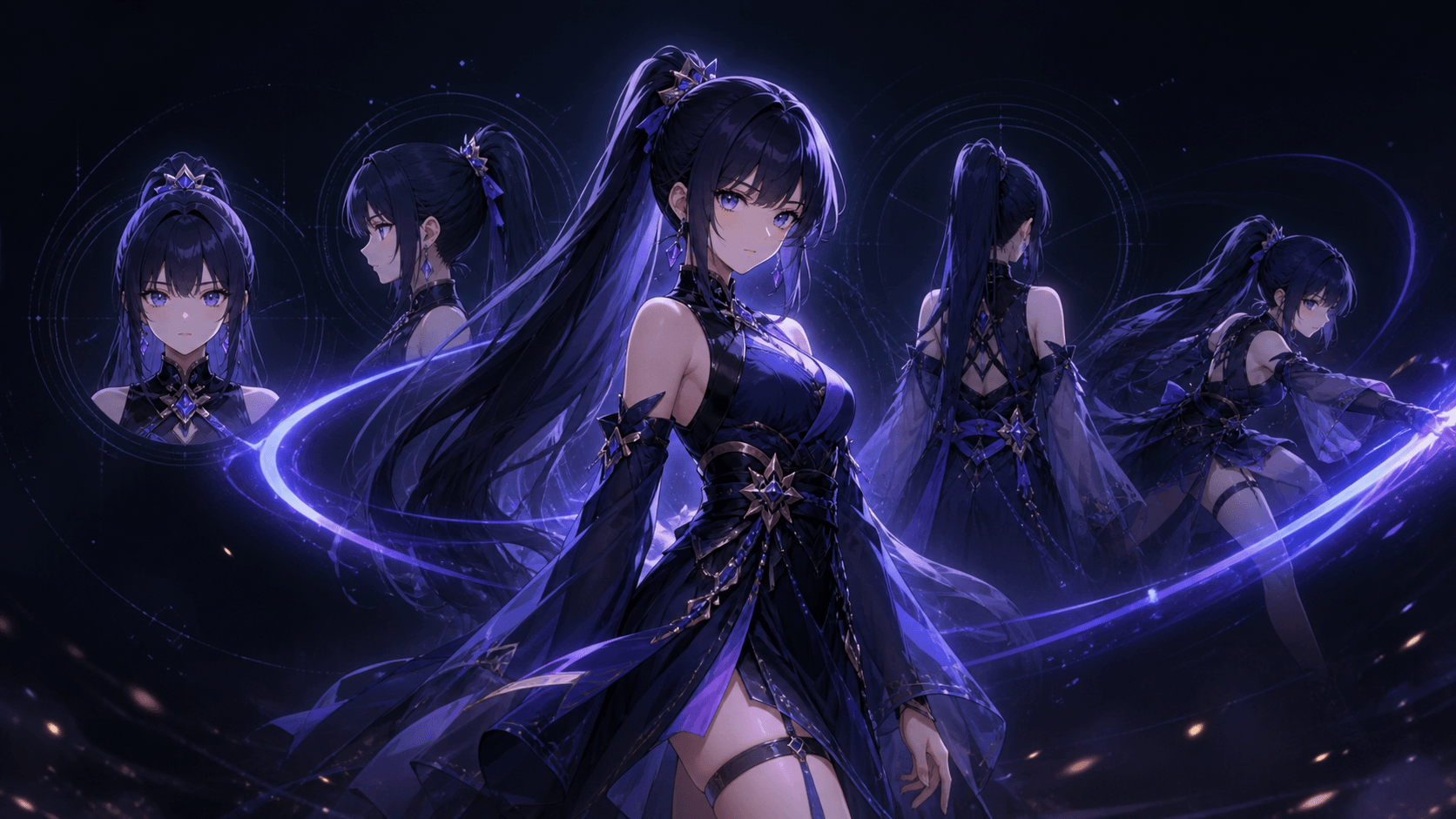
Elser AI is positioned around original-character creation, consistent anime workflows, storyboards, and video production. Its platform allows creators to develop character visuals before using them in later video stages.
For recurring animation, create one approved character reference and reuse it across shots rather than generating a new version from text every time.
Match the Motion Style to the Artwork
A realistic walking prompt may not suit a simplified manga drawing. A flat anime character may look strange if the model adds highly realistic facial muscles or skin motion. A stylized animal should not suddenly move like a human actor unless that is part of the design.
State the intended animation language:
- subtle anime-style movement
- limited-animation aesthetic
- expressive webtoon motion
- hand-drawn 2D timing
- cinematic illustrated motion
- soft 3D character animation
- realistic product movement
For anime, a strong prompt could say:
“Use restrained anime-style motion rather than photorealistic facial movement. Preserve the original line art and cel shading.”
For a comic panel:
“Keep the original panel composition and line art. Animate only the eyes, hair, rain, and camera push-in.”
Elser AI supports anime, comics, manga, storyboards, and animated video workflows, so the platform is most effective when the requested motion matches the original visual format.
Add Sound After the Visual Motion Is Stable
Sound can make motion feel more believable, but it should not hide weak animation.
First generate a visually stable clip. Then add footsteps, clothing movement, wind, impacts, voice, music, or ambient sound. Elser AI’s image animator and anime workflow support music, voiceover, lip sync, and sound-related production stages.
Sound should correspond to visible events. A footstep should align with ground contact. A door sound should occur when the door moves. An impact should happen at the action’s peak. Incorrect timing can make otherwise good motion feel disconnected.
A Better Elser AI Motion Workflow
Use this workflow for smoother results:
1.1 Define the shot
Write one sentence describing the main action.
“An anime courier looks down at a glowing package and slowly reacts.”
1.2 Choose the starting image
Use a clear reference image with the character, pose, and framing already close to the intended shot.
1.3 Protect identity
Repeat the face, hair, outfit, proportions, and style that must remain unchanged.
1.4 Describe the order of motion
“Eyes move first, followed by a slight head turn and shoulder shift.”
1.5 Limit the camera
Use a stable medium shot or one slow push-in.
1.6 Add one or two secondary movements
Hair and coat respond gently.
1.7 Generate several variations
Compare motion logic, identity stability, and usable duration rather than selecting only by visual spectacle.
1.8 Trim the strongest section
A generated clip may contain three excellent seconds and two weaker seconds. Keep the strongest part.
1.9 Add audio and edit
Use sound to reinforce the motion and connect it to adjacent shots.
Prompt Template for More Fluid Motion
“Animate the reference image into a [format] video. Preserve the exact character face, hairstyle, outfit, body proportions, color palette, and art style. The character performs one controlled action: [action]. Movement begins with [anticipation], continues through [main motion], and eases naturally into [final pose]. Add subtle secondary movement in [hair/clothing/environment]. Camera: [stable framing or one simple move]. Keep body structure, ground contact, and character identity stable. Avoid sudden pose changes, sliding movement, uncontrolled camera drift, rigid limbs, and style changes.”
Example:
“Animate the reference anime character into a vertical 9:16 shot. Preserve her amber eyes, short black hair, yellow rain jacket, compact proportions, and clean cel-shaded style. She hears a sound behind her. Her eyes shift first, followed by a gradual head turn and a slight shoulder movement. Her hair and jacket respond gently and settle naturally. Camera remains stable in a medium close-up with a very slow push-in. Avoid sudden rotation, face drift, sliding, rigid shoulders, and photorealistic style changes.”
Free Testing and Paid Production
Elser AI states that its image animation generator offers a free trial, while higher-quality output and premium features require a subscription. Its pricing page includes several plan levels and monthly quota options, although current prices and promotions should always be checked directly on the live page.
Use the free trial to test:
- whether the character stays consistent
- how the platform handles subtle motion
- which model suits the visual style
- how many iterations a typical shot requires
- whether the output fits the intended platform
A paid plan becomes more relevant when producing multiple shots, generating variations, working at higher volume, or maintaining a recurring animation series.
Final Thoughts
There is no verified basis for claiming that every Elser AI video becomes exactly 40% more fluid. Motion quality cannot be reduced to one universal percentage without a documented test methodology, comparison set, and repeatable benchmark.
What Elser AI does provide is a connected environment for character creation, storyboarding, image-to-video generation, voice, music, and editing, together with access to multiple creative workflows.
The most reliable way to reduce plastic-looking motion is to direct the animation properly: start from a strong reference, use one action per shot, describe the order of movement, control the camera, limit secondary motion, and preserve identity explicitly.
Register for Elser AI, begin with one simple character shot, and test several controlled-motion variations. When the workflow becomes repeatable, a paid plan can support the additional generations and iterations needed for a complete animated short.