
Define tu personaje
Escribe una descripción en el cuadro de texto o elige rápidamente etiquetas (Género, Estilo, Pelo, etc.) para definir el aspecto de tu OC.
Usa nuestra herramienta de creación con IA para diseñar fácilmente un OC extraordinario de Video Game.
Video Game Creador de OC

Haz clic o arrastra para subir la imagen
Formatos PNG, JPG, JPEG, WEBP, máx. 10 MB

Sin resultados aún
Escribe una descripción en el cuadro de texto o elige rápidamente etiquetas (Género, Estilo, Pelo, etc.) para definir el aspecto de tu OC.

Arrastra una imagen a la zona de subida si quieres que la IA siga una base o postura concreta.

Elige la relación de aspecto (p. ej. 1:1) y haz clic en Generar para dar vida a tu héroe único.
Usa el Creador de OC de Videojuegos para crear OC de videojuegos para arte de fans, builds de rol y pantallas de presentación en Elser AI, además de soporte para el generador de personajes de videojuegos.
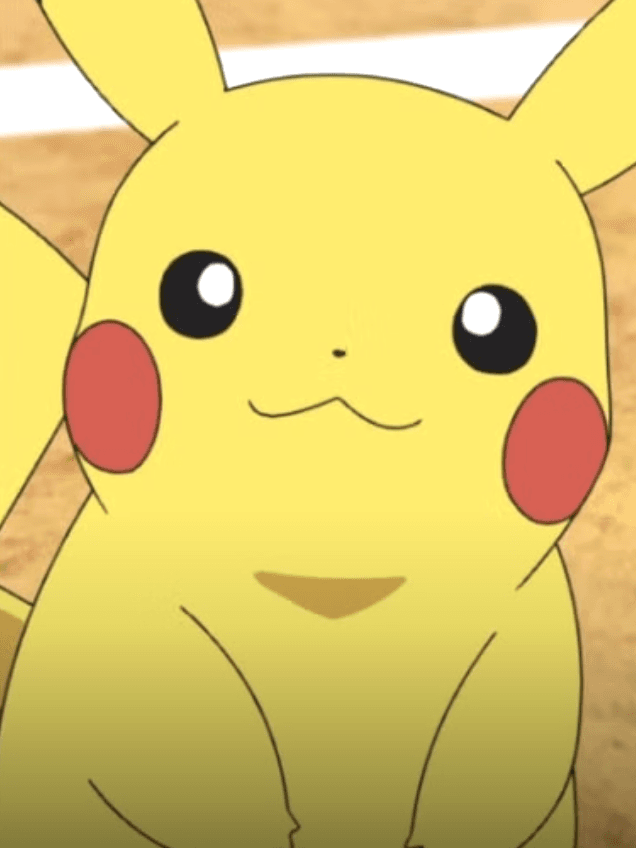
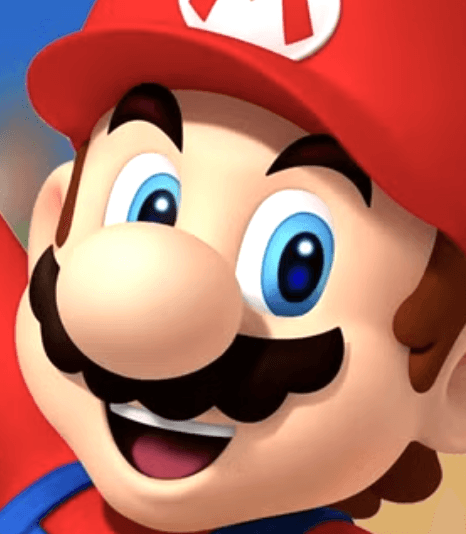
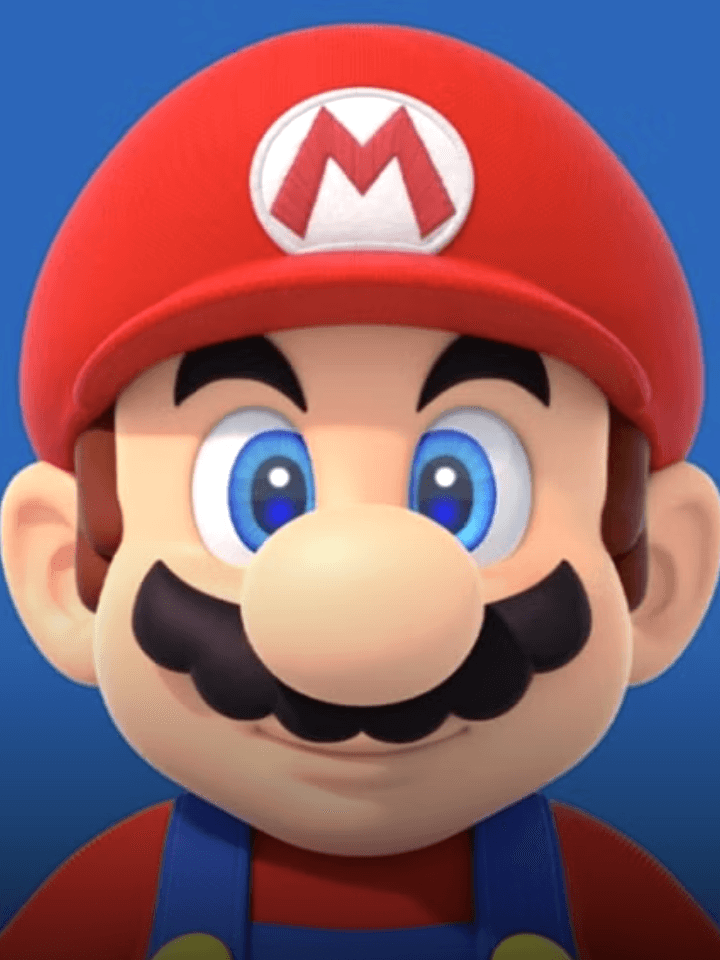

La mayoría de los personajes de fans mejoran una vez que separas el trabajo de concepto del trabajo de pulido. También facilita mantener la idea utilizable una vez que pasas de la primera imagen. Son más útiles cuando quieres que el diseño sobreviva a más de un caso de uso para las listas de gremios.
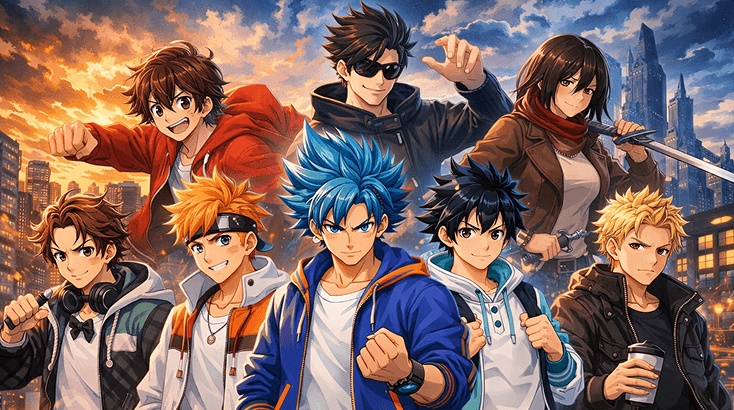
Esto es útil cuando el personaje todavía se ve borroso en tu cabeza. Comienza con un rival sigiloso, usa la identidad de clase como gancho y deja que las piezas de equipo realicen parte del trabajo pesado antes de ajustar la silueta con el Generador de Imágenes de IA Nanobanana 2 de Elser AI.
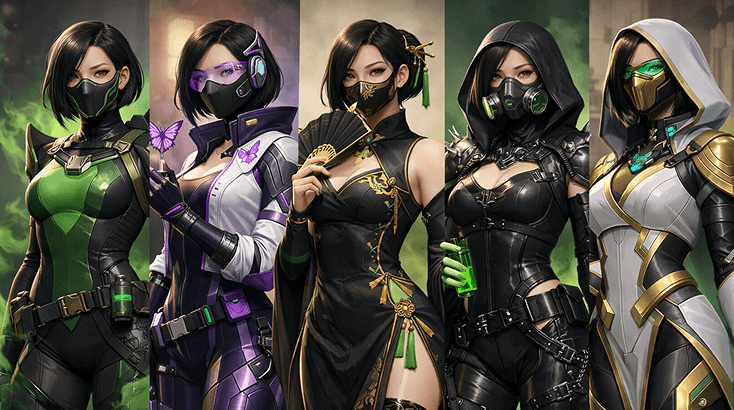
Un diseño creíble suele construirse en los detalles, no en la palabra clave. Usa esta parte para probar marcadores de rango o facción, armas o herramientas, y el equilibrio de colores hasta que el personaje se sienta finalmente a gusto en escenas como los retratos de selección de nivel, luego puliza el aspecto a través del Creador de OC de Pokemon.
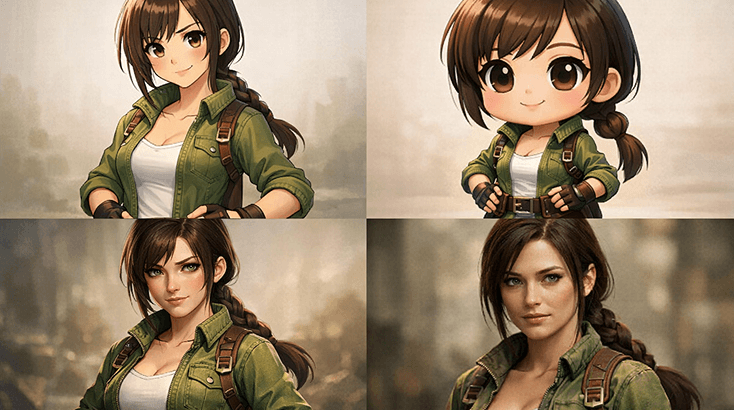
Esta parte es para la segunda ola de ideas: atuendos alternativos, versiones de rivalidad y composiciones de tarjetas de demostración de habilidades más potentes. Cuando el personaje esté listo para salir de la etapa de hoja de referencia, el Creador de OC de Marvel facilita la transición.
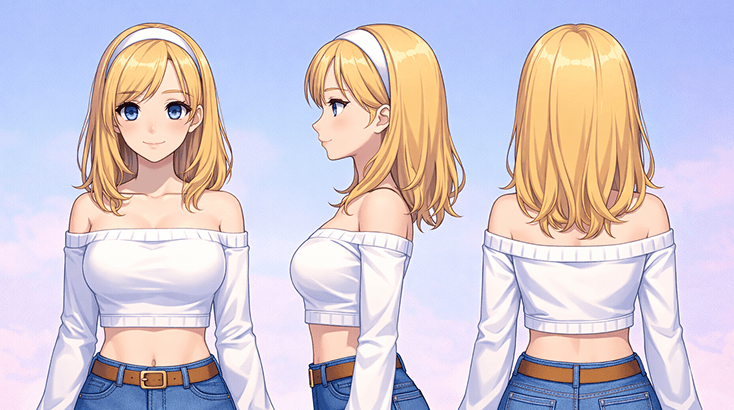
Los diseños de fans más fuertes usualmente insinúan una vida fuera del retrato. Trabaja con comunidades de fans de videojuegos, la intención de la escena y el papel del personaje en un reparto más grande, luego convierte eso en algo más tangible con Anime PFP Maker.
Crea tu creador de OC de videojuegos en tres sencillos pasos, empezando por el papel y terminando con una versión que realmente puedes reutilizar para conceptos de mods.
Empieza por el papel que desempeña el personaje, el ámbito emocional en el que se mueve y una pista visual que los distinga inmediatamente del desorden visual.
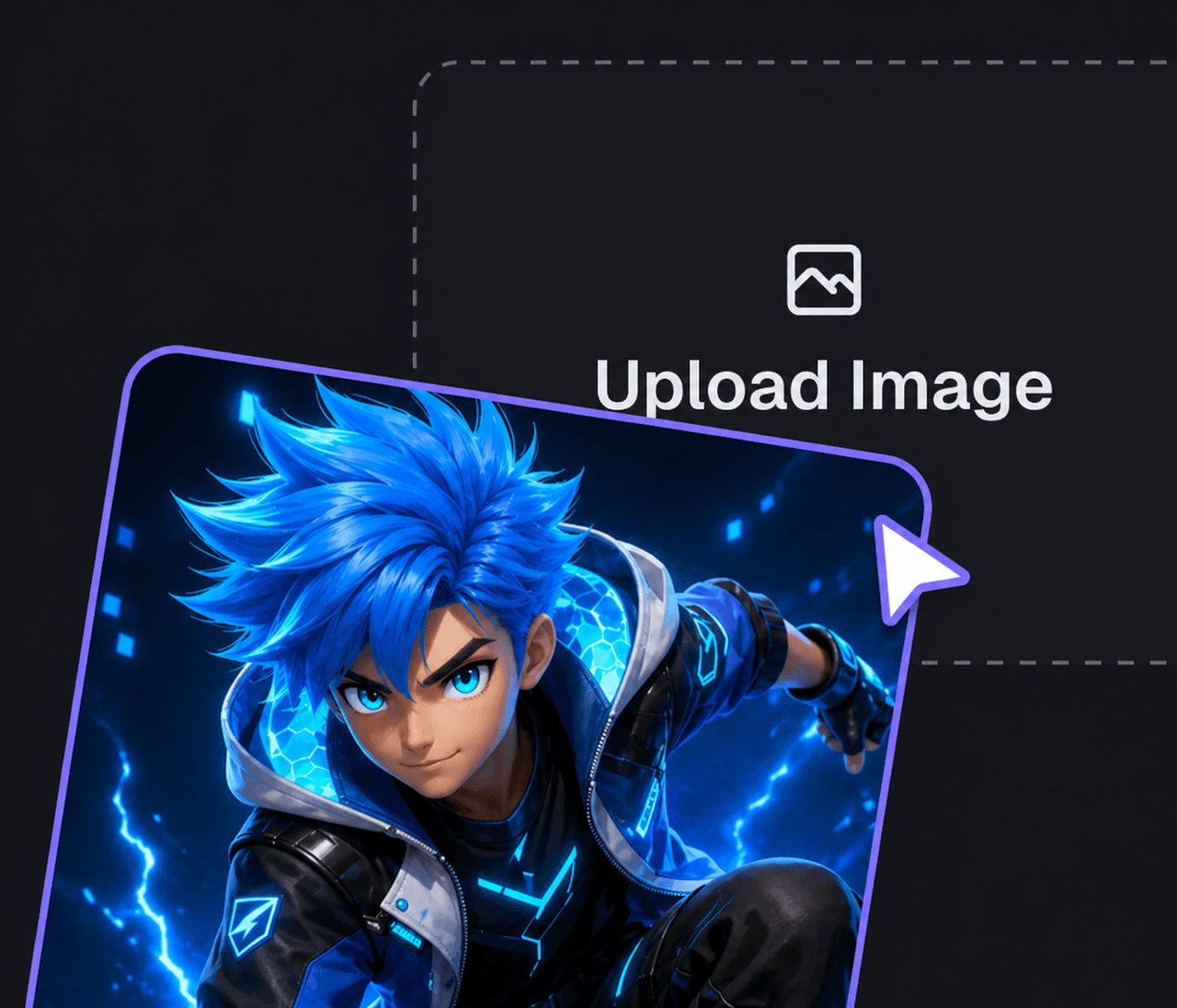
Agrega la identidad de clase, piezas de equipo y suficiente lógica de escena para que el personaje se sienta nativo del escenario. Si necesitas un repaso de estilo más pulido, compara la dirección de la solicitud con VTuber Avatar Maker.
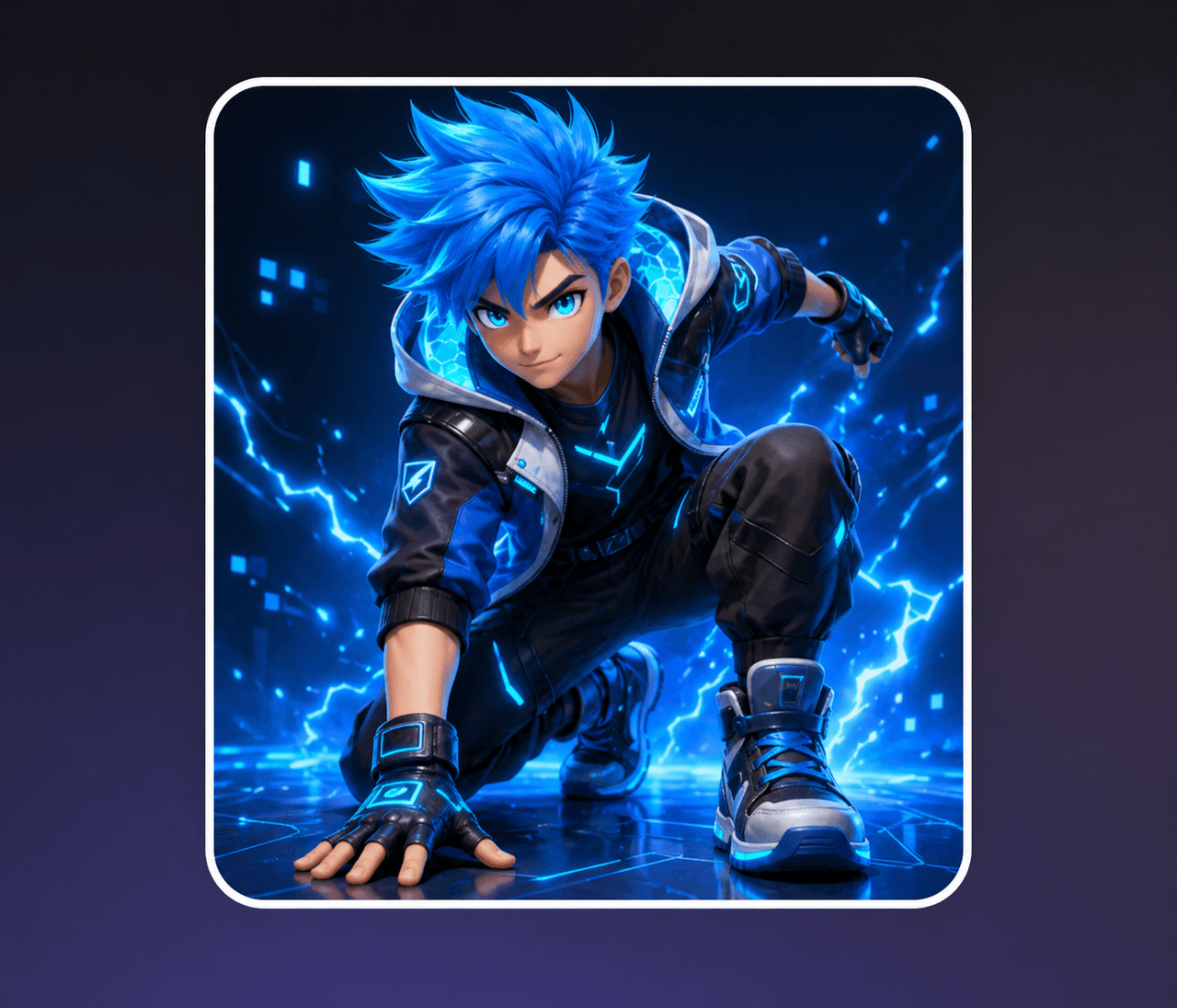
Mantén el borrador más fuerte, guarda 1-2 alternativas y solo entonces expande a las alineaciones de grupo o la atmósfera de apoyo. Si quieres probar el ambiente alrededor del personaje, AI Character Maker es un seguimiento útil.
Muchas herramientas de personajes se detienen en la estética superficial. Esta página del creador de OC de videojuegos es más útil cuando quieres que el diseño resista poses alternativas, repasos de estilo más pulidos y ideas de historia más grandes construidas alrededor de alineaciones de grupo.
No tienes que adivinar todo de una sola vez. Es más fácil probar las opciones de loadout, accesorios codificados para videojuegos y elecciones de roles de manera temprana, lo que generalmente significa menos revisiones desordenadas más adelante.
Cuando quieras que el personaje se sienta más definido después del primer borrador, Script To Video te da un camino más sólido hacia una presentación centrada en el movimiento sin descartar la identidad de clase ni las piezas de equipo que ya hacen que el diseño sea legible.
Si el diseño necesita más contexto de campaña, historia o escena más adelante, AI Image Animator puede ayudarte a recontextualizar el mismo personaje para promociones, enganches o empaques más amplios creados alrededor de borradores de avatares y retratos de selección de nivel.
If you want to branch out instead of rerunning the same prompt for video game oc maker, compare Pokemon OC Maker with Anime PFP Maker. One keeps you closer to loadout choices, while the other gives you a different presentation route for video game concept passes.
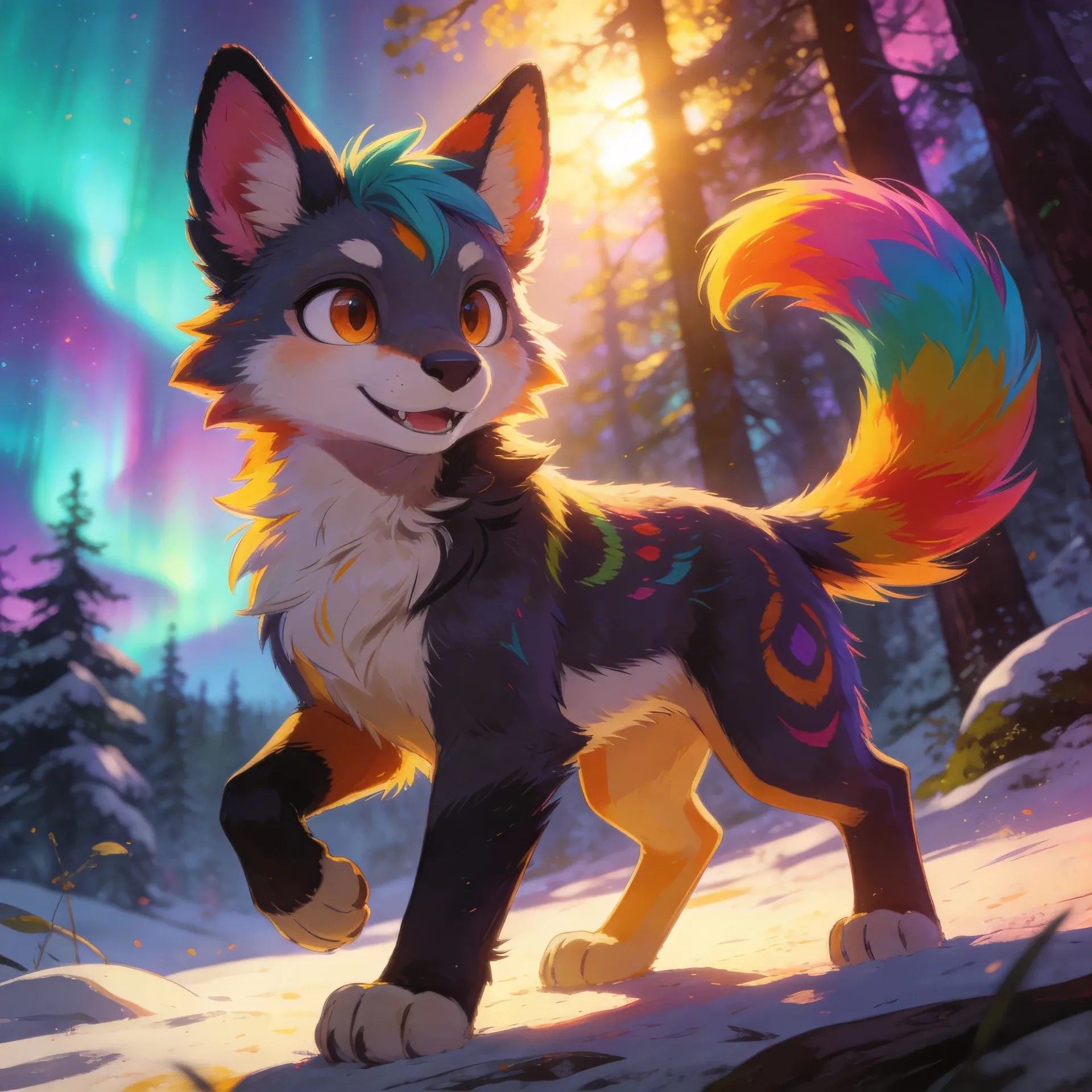
Fursona OC Maker
Fursona OC Maker
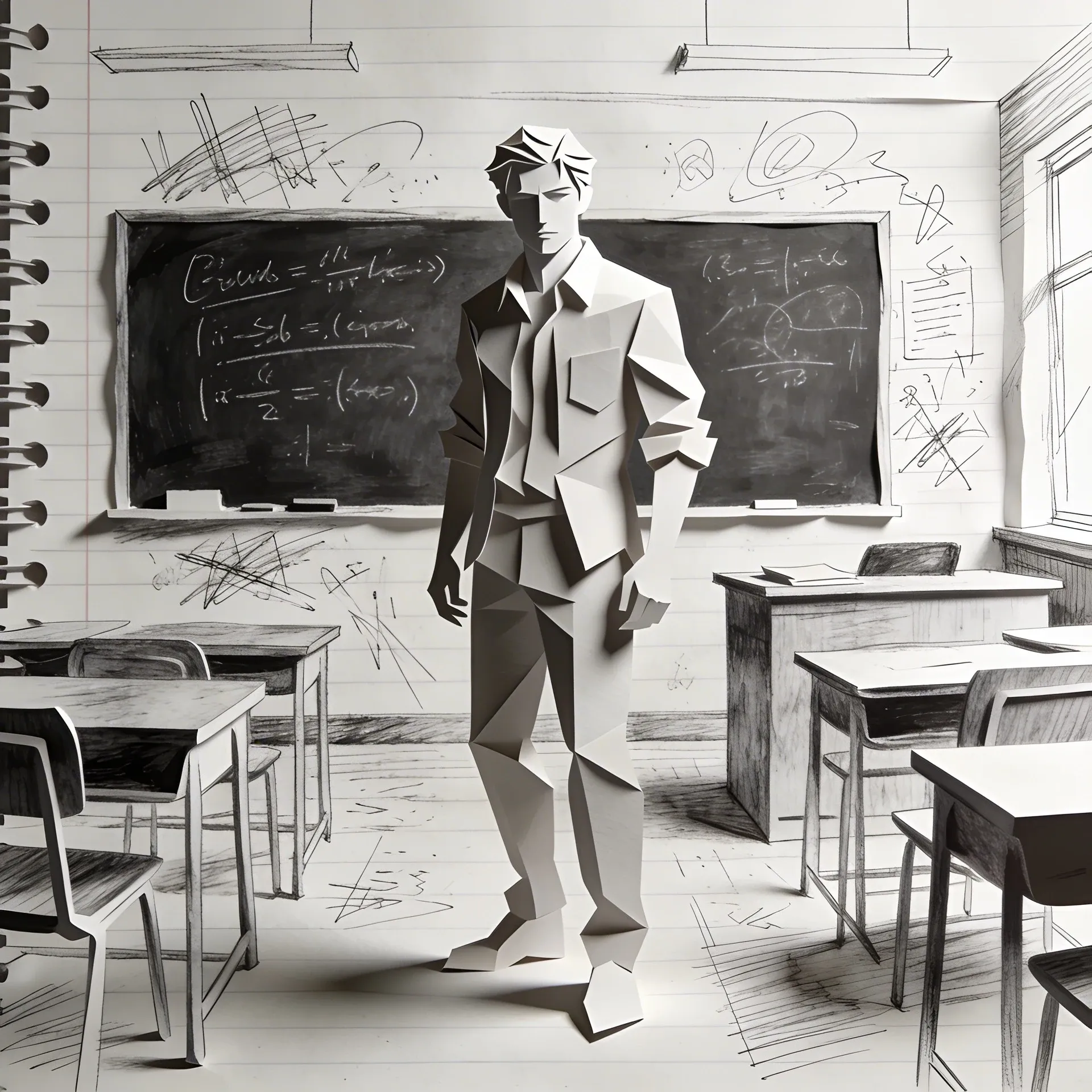
FPE OC Maker
FPE OC Maker
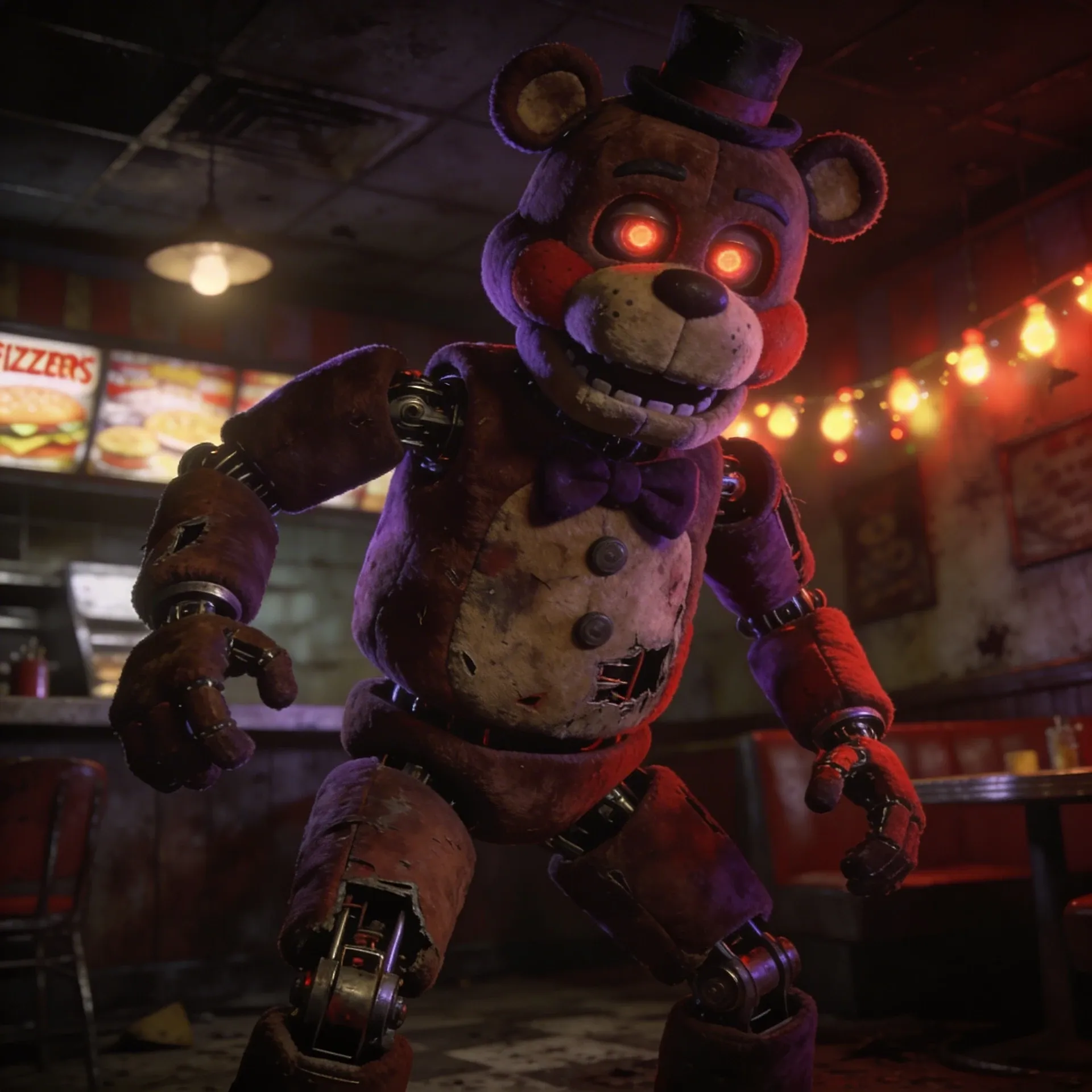
FNAF OC Maker
FNAF OC Maker
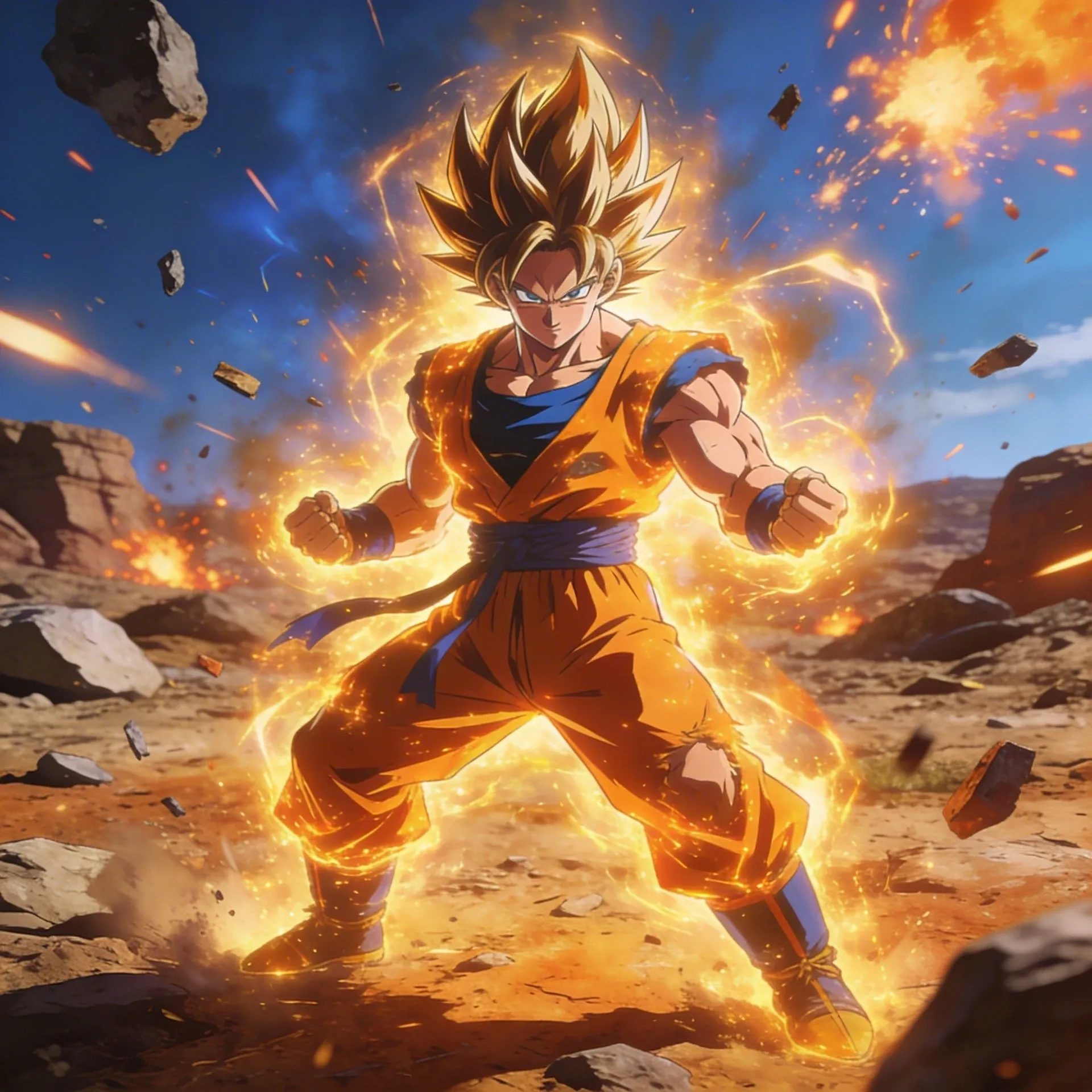
Dragon Ball OC Maker
Dragon Ball OC Maker
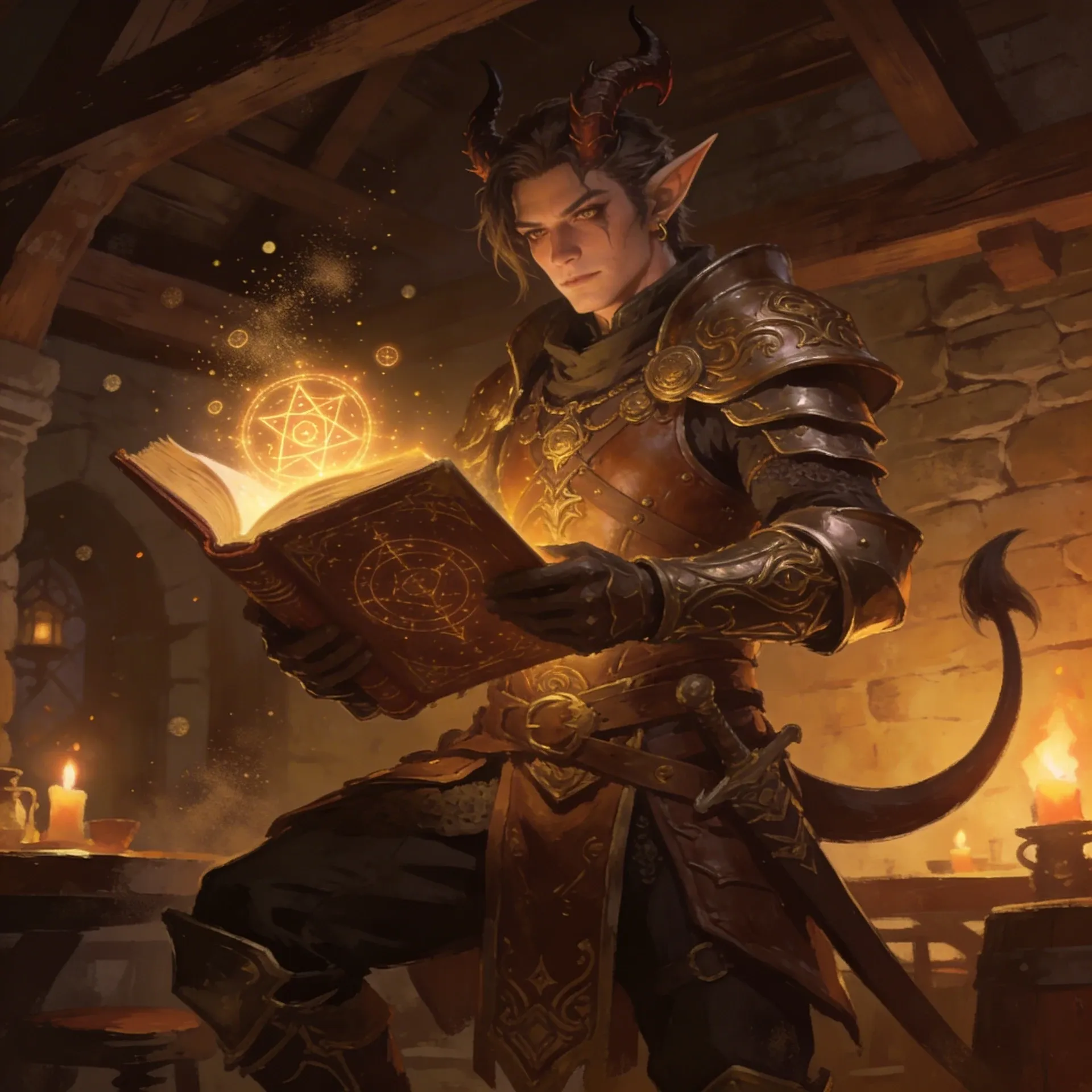
DnD Character Maker OC Maker
DnD Character Maker OC Maker
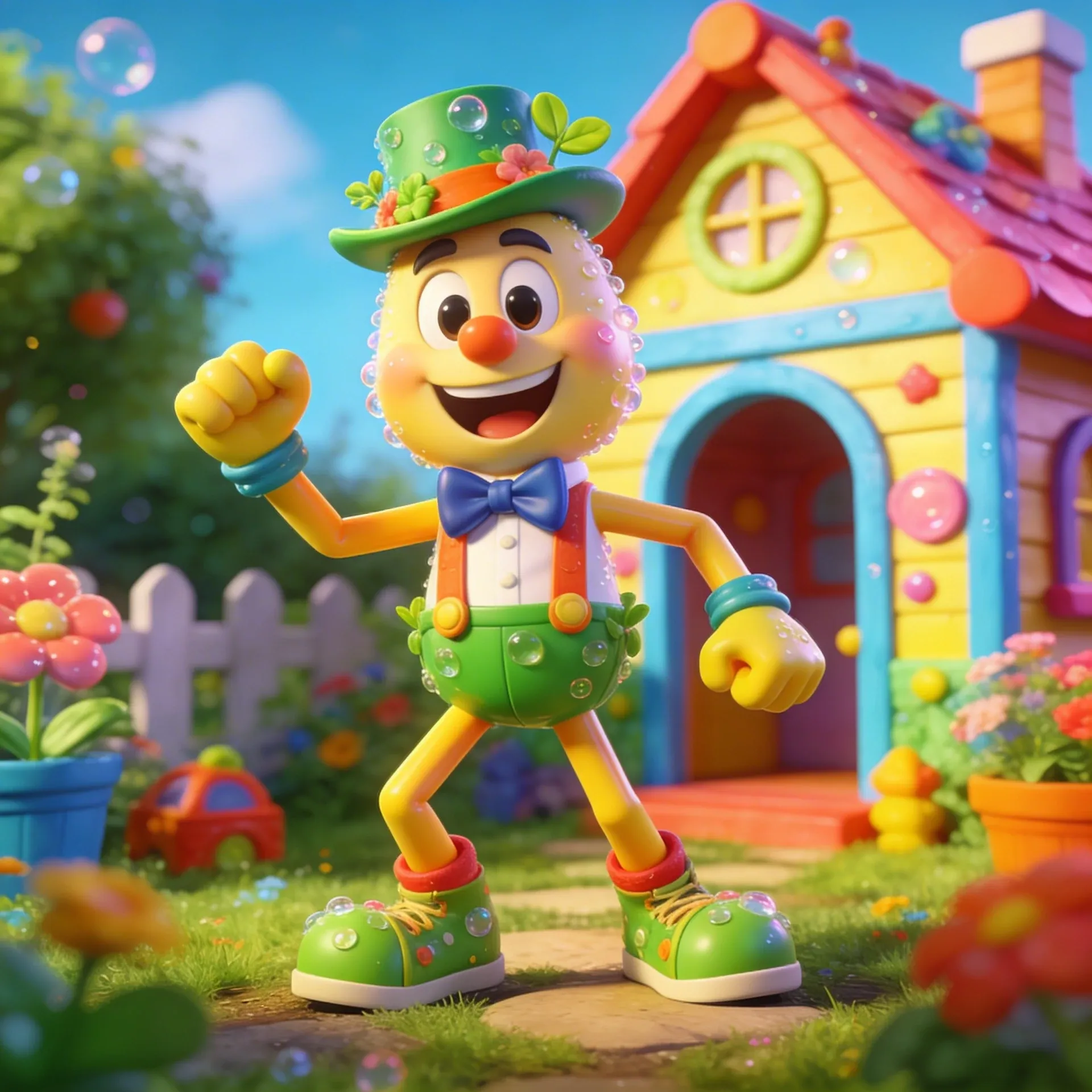
Dandy's World OC Maker
Dandy's World OC Maker
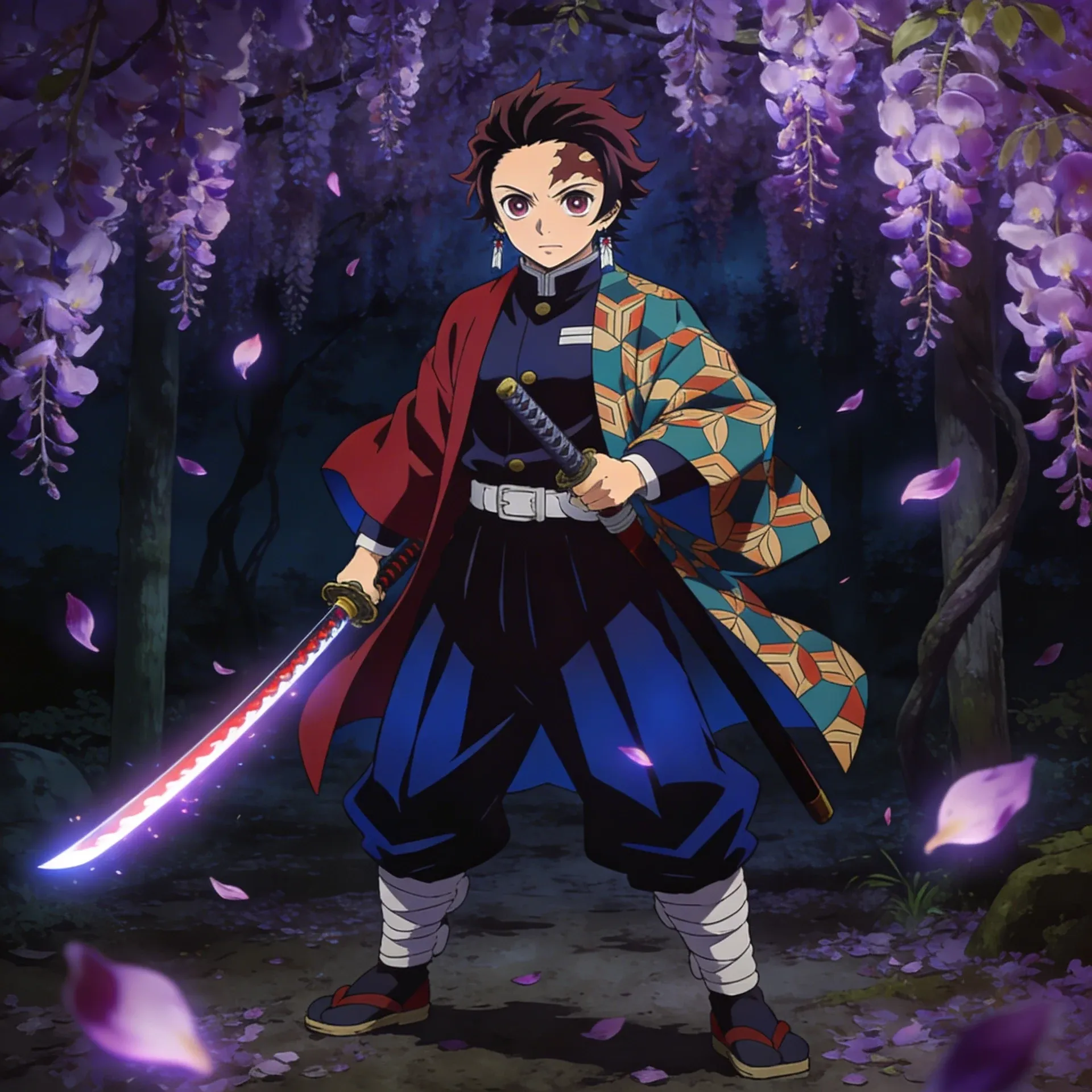
Demon Slayer OC Maker
Demon Slayer OC Maker
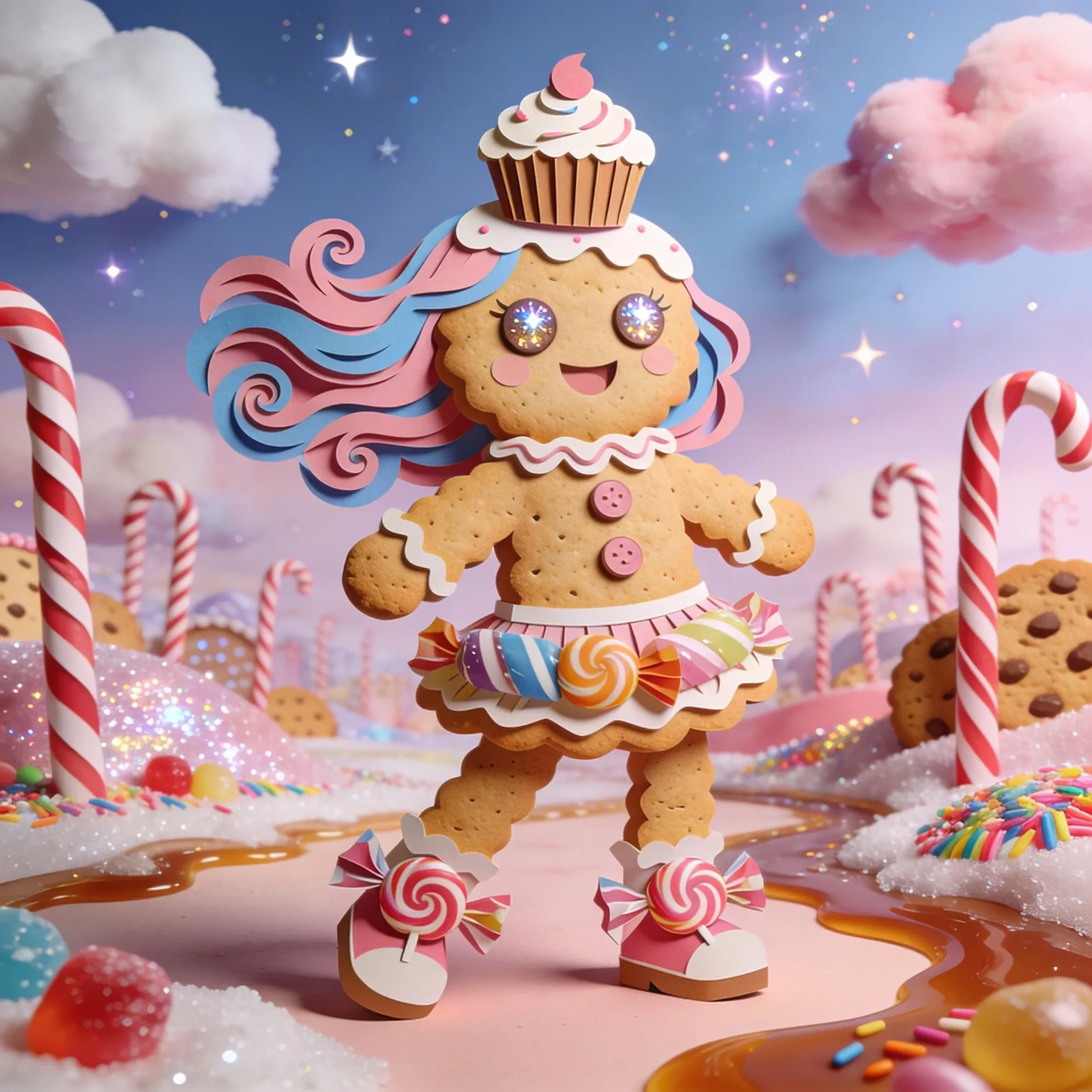
Cookie Run Kingdom OC Maker
Cookie Run Kingdom OC Maker
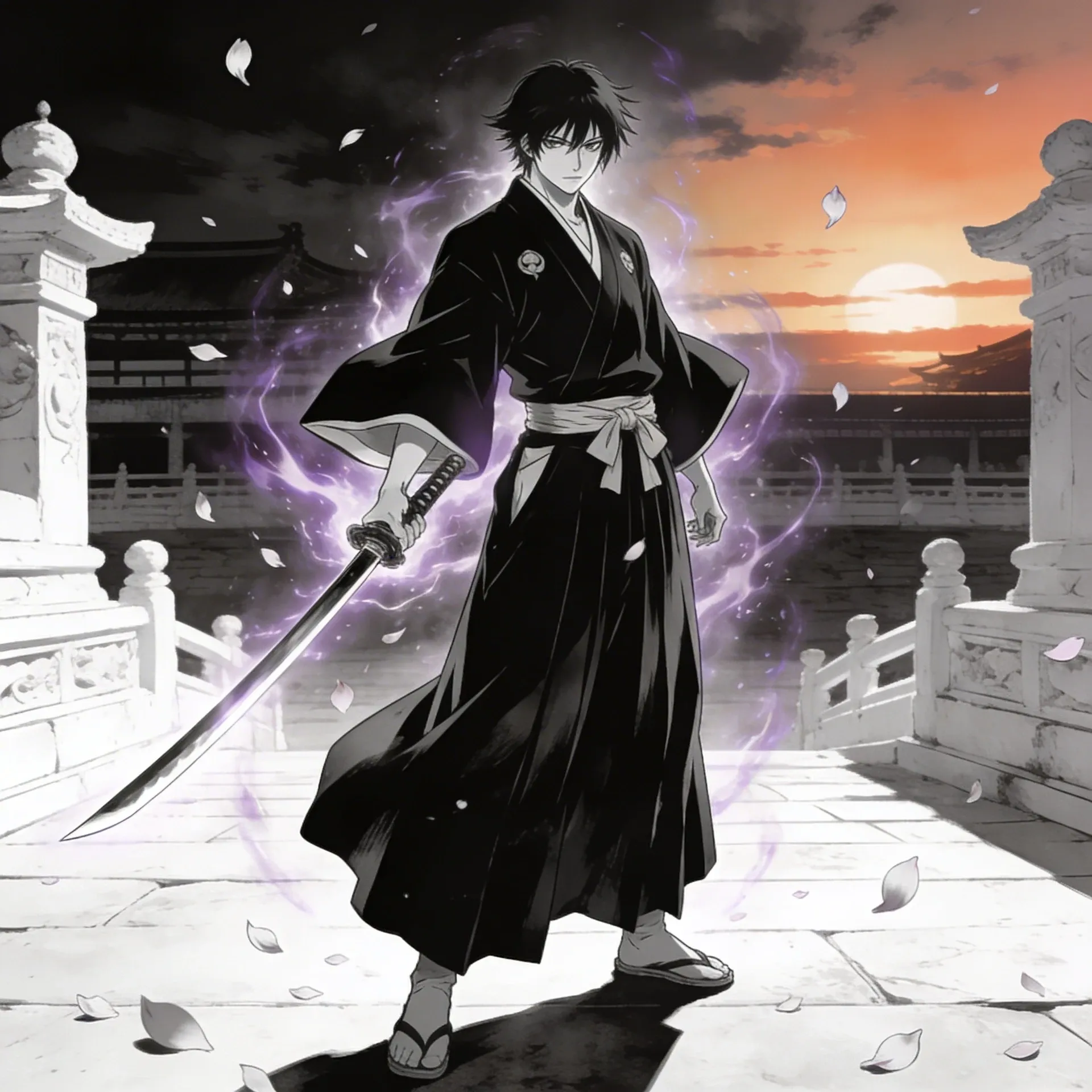
Bleach OC Maker
Bleach OC Maker
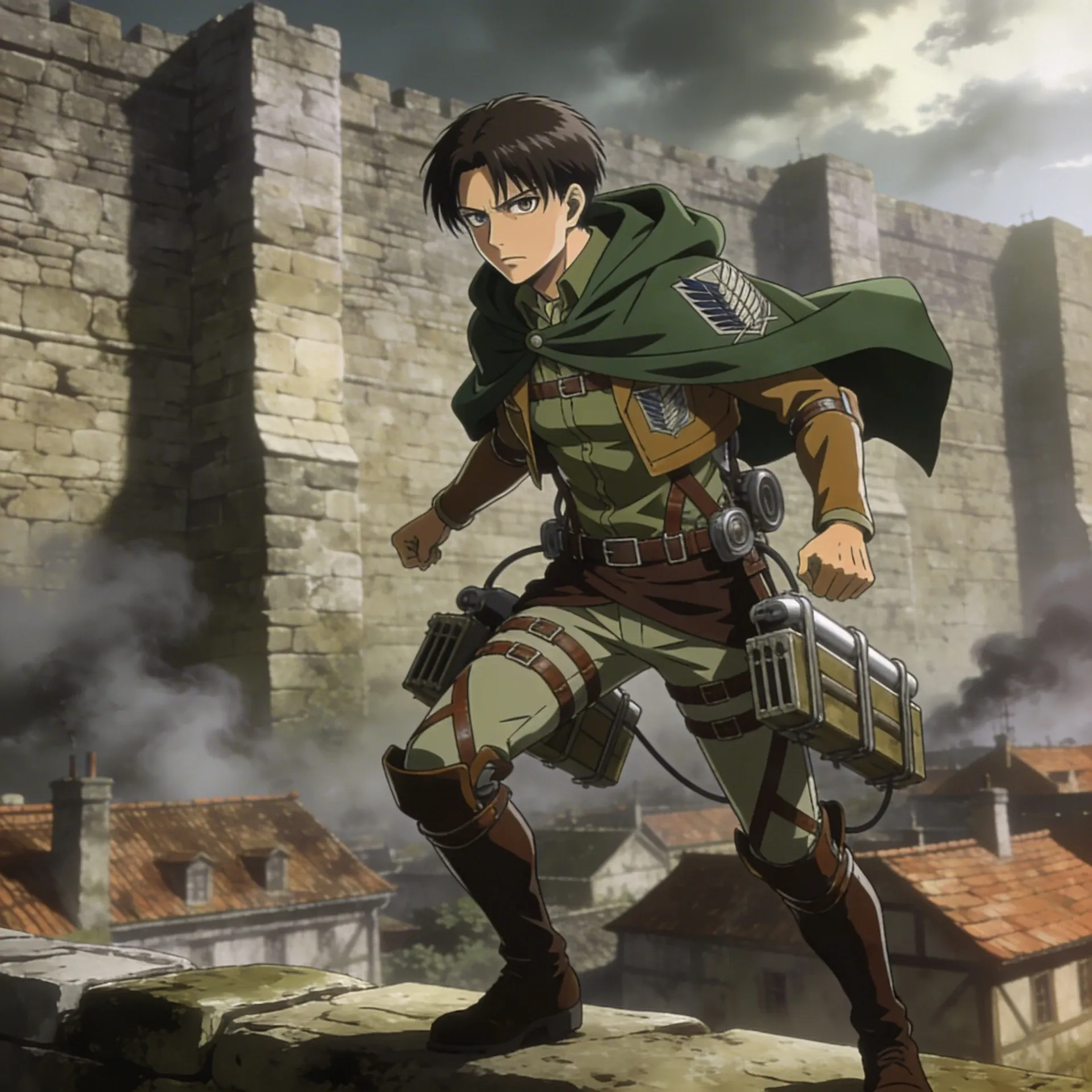
Attack on Titan OC Maker
Attack on Titan OC Maker
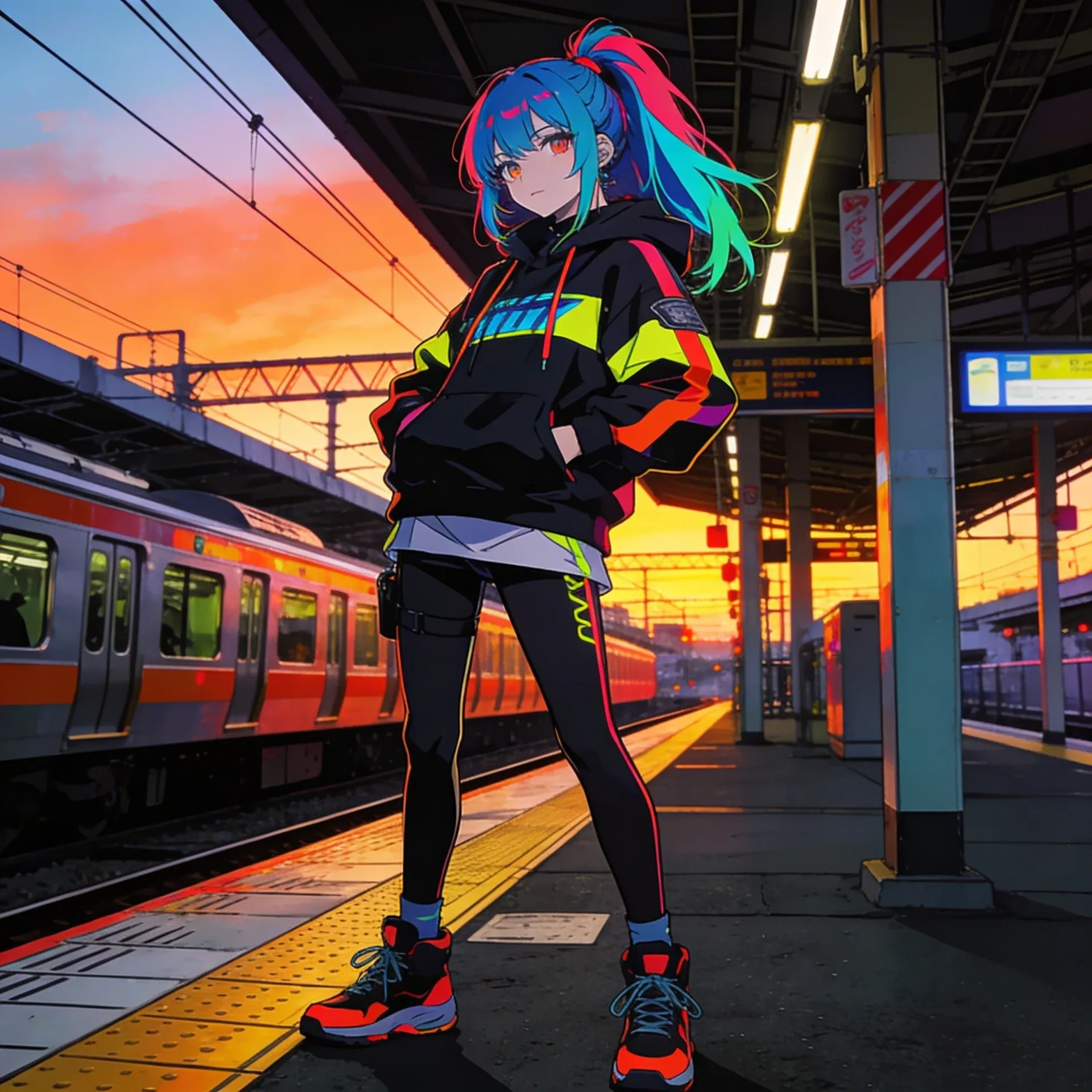
Anime OC Maker
Anime OC Maker
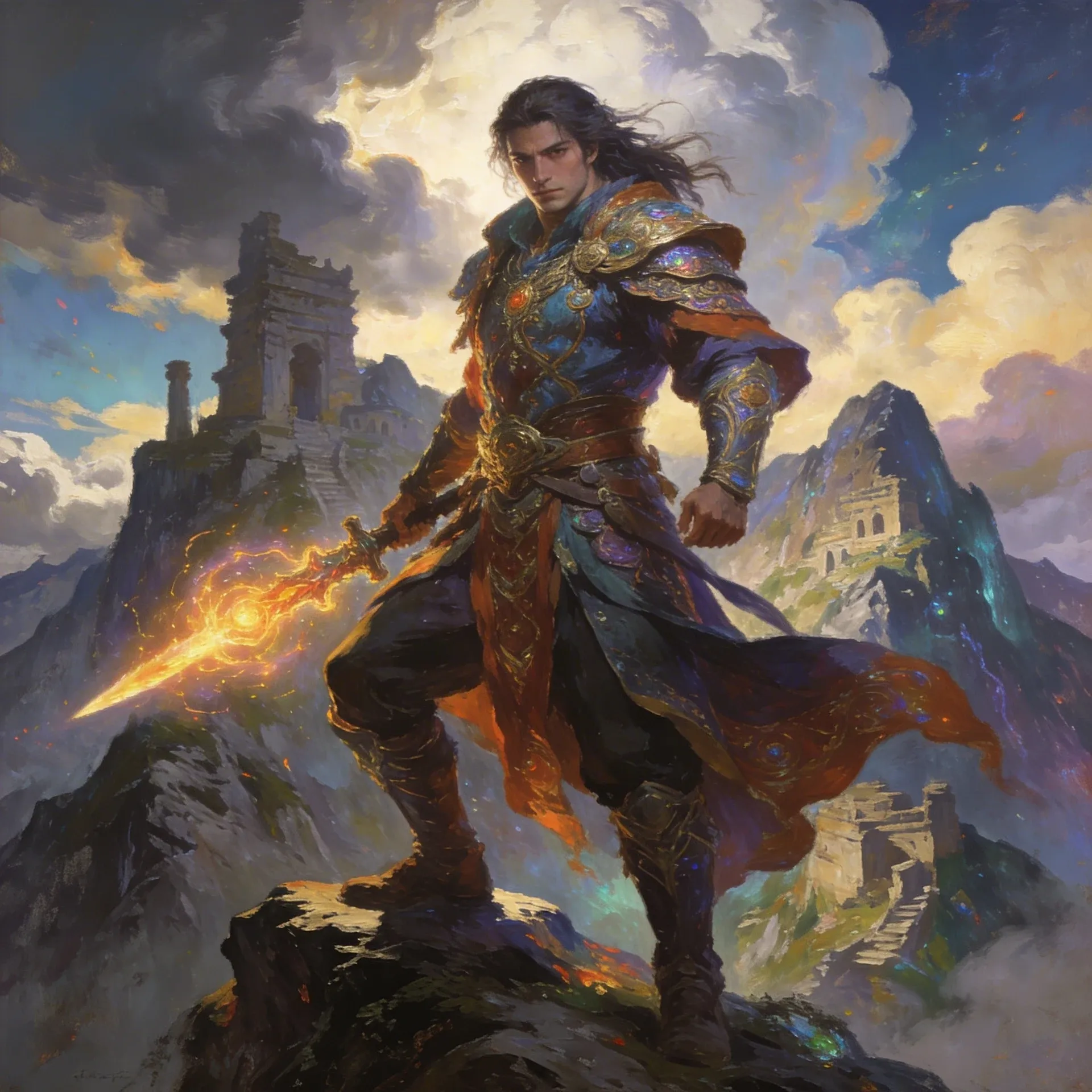
AI Fantasy OC Maker
AI Fantasy OC Maker
Usa estas ideas del creador de OC de videojuegos como puntos de partida, no como indicaciones fijas. Si quieres comparar el resultado con estilos adyacentes, mira el Marvel OC Maker o el VTuber Avatar Maker y nota qué cambios hay en el tono, la presentación y los detalles del inventario.
Once your video game oc maker design is stable, use related product pages to clean up rendering, test motion, or expand the concept into quest-ready profiles and supporting scenes.
AI Anime Art Generator
AI Anime Art Generator
AI Animation Video Generator
AI Animation Video Generator
AI Character Generator
AI Character Generator
AI Music Generator
AI Music Generator
AI Emoji Generator
AI Emoji Generator
AI Comic Generator
AI Comic Generator
AI Superhero Generator
AI Superhero Generator
AI Cartoon Generator
AI Cartoon Generator
Furry AI Generator
Furry AI Generator
AI Fantasy Art Generator
AI Fantasy Art Generator
AI Manga Generator
AI Manga Generator
AI Meme Generator
AI Meme Generator
Comienza por decidir el rol del personaje, un gancho visual y el tipo de retratos de selección de nivel que quieras que el diseño apoye. Luego agrega opciones de equipo y accesorios codificados para videojuegos capa por capa para que la solicitud siga siendo legible en lugar de volverse detalles aleatorios.
La mayoría de la gente obtiene mejores resultados al decidir el rol primero, luego agregar la identidad de la clase, piezas de equipo y un objetivo de escena como alineaciones de grupo. Eso le da al generador algo más claro con lo que trabajar.
La opción gratuita exacta puede cambiar, así que revisa la página de precios para ver la configuración actual. Esa página es el lugar más confiable para confirmar cuánto puedes probar antes de comprometerte.
Sí. Funciona bien cuando puedes describir el rol del personaje, su vibra y uno o dos detalles definidos, incluso si no puedes dibujarlos de forma clara tú mismo.
Comienza con una guía de misiones, elige un efecto de habilidad definido, luego agrega skins y calcomanías y un objetivo de escena como las fichas de personajes de videojuegos. Muchos creadores también verifican que la idea base tenga sentido con el Generador de Videos de IA Kling 3 antes de comprometerse con la versión final.
Sí. Una solicitud de nombre o historia de fondo a menudo le da más dirección al diseño, porque te obliga a pensar en el rol, el estatus y el tipo de introducciones a los combates a las que pertenece el personaje.
Es más fácil mantener el mismo personaje a lo largo de las revisiones, porque puedes ampliar la idea a páginas como el Generador de Imágenes de IA Nanobanana 2 o el Creador de OC de Pokemon sin perder los efectos de habilidad o las composiciones de escena que hicieron que la idea funcionara en un principio.
Sí. Una vez que el personaje se siente estable, el Generador de Imágenes de IA Nanobanana 2 y el Creador de OC de Pokemon hacen mucho más fácil llevar la idea a fichas de personajes de videojuegos, tomas de presentación o pruebas de movimiento cortas creadas alrededor de mejoras desde el inicio hasta el fin del juego.
Si la idea del personaje ya está en tu cabeza, esta es una forma rápida de convertirla en un perfil de grupo que se sienta más claro, más específico y más fácil de seguir construyendo.