
Define tu personaje
Escribe una descripción en el cuadro de texto o elige rápidamente etiquetas (Género, Estilo, Pelo, etc.) para definir el aspecto de tu OC.
Usa nuestra herramienta de creación con IA para diseñar fácilmente un OC extraordinario de Weirdcore.
Weirdcore Creador de OC

Haz clic o arrastra para subir la imagen
Formatos PNG, JPG, JPEG, WEBP, máx. 10 MB

Sin resultados aún
Escribe una descripción en el cuadro de texto o elige rápidamente etiquetas (Género, Estilo, Pelo, etc.) para definir el aspecto de tu OC.

Arrastra una imagen a la zona de subida si quieres que la IA siga una base o postura concreta.

Elige la relación de aspecto (p. ej. 1:1) y haz clic en Generar para dar vida a tu héroe único.
Crea un Weirdcore OC con el Creador de Weirdcore OC para ideas de avatar, hojas de fiesta y hojas de equipo en Elser AI, además de indicaciones relacionadas para generadores de personajes de weirdcore.
El conjunto de funciones está diseñado para ayudar con los indicadores visuales específicos de weirdcore, las pieles y calcomanías, y todos los lugares donde una buena idea suele mezclarse en el ruido. En conjunto, hacen que la página se sienta más como un espacio de trabajo que como un generador. Las secciones a continuación están creadas para creadores que necesitan más de un borrador afortunado.
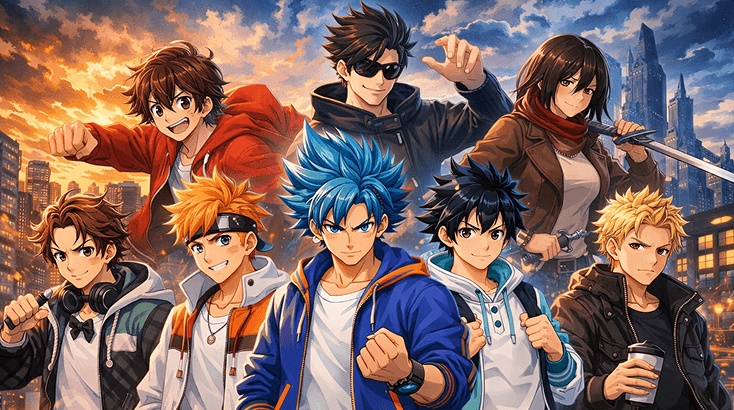
Si el diseño se desvía constantemente, vuelve a lo esencial: rol, estado de ánimo y un detalle visual memorable. Un repaso rápido por el Animador de Imágenes IA de Elser AI suele ser útil una vez que sabes que el personaje necesita indicadores visuales específicos de weirdcore más marcados o pieles y calcomanías más claras.
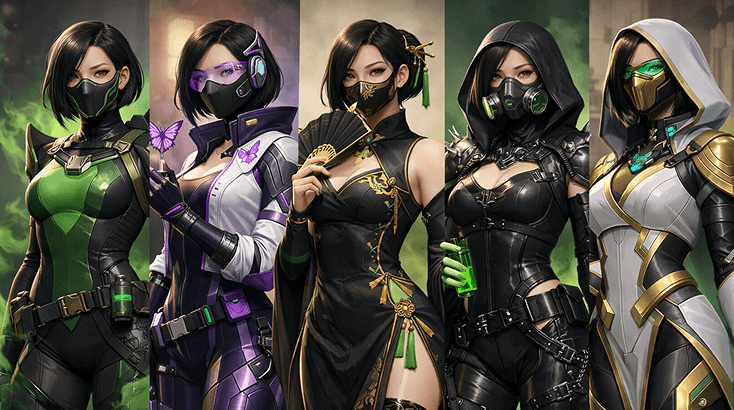
Si el primer borrador se siente cercano pero no convincente, la pieza que falta suele ser la disciplina de estilizado. Ajusta las siluetas de capa o abrigo, modifica los accesorios de utilidad y asegúrate de que el personaje funcione en tomas de héroes en dúo; el Generador de Guiones Gráficos con IA es útil cuando necesitas ese control adicional.
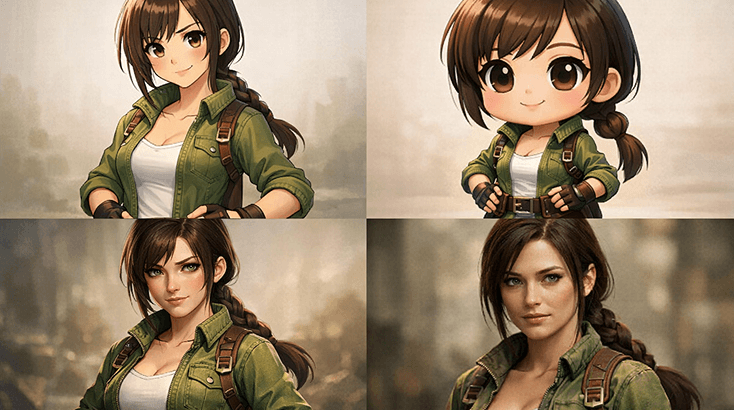
Después de la primera versión sólida, la mayoría de los creadores quieren más que una pose estática. Guarda el diseño, prueba trajes de ascenso de rango y lleva el diseño a tarjetas de galería de villanos; el Juego de Rol con IA es una buena transición cuando quieres movimiento o más energía en la escena.
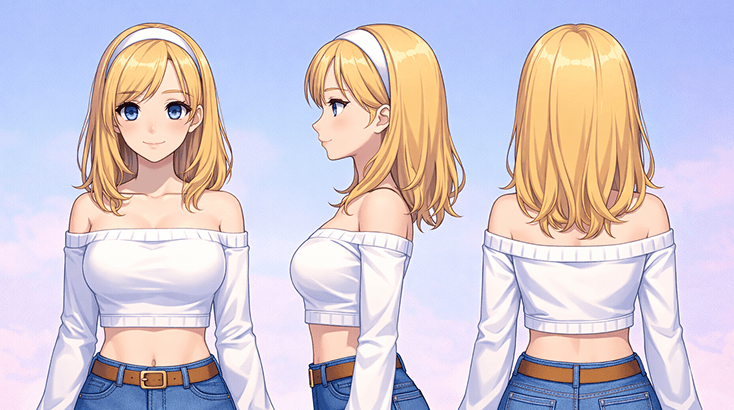
Un OC memorable generalmente necesita un motivo para existir más allá de una buena imagen. Usa esta etapa para averiguar el lugar del personaje en las listas de gremios, cómo se comporta en las pantallas de presentación y en qué tipos de composiciones de escenas pertenece, luego esboza esas secuencias con más claridad con el AI Sound Effect Generator.
Trata esta página del creador de OC Weirdcore como un pase de diseño corto: define el concepto, afina las señales como la identidad de clase, luego mantén la versión más sólida.
Comienza por el rol que desempeña el personaje, el ámbito emocional en el que se mueve y una señal visual que lo distingue inmediatamente de una identidad sin jugabilidad.
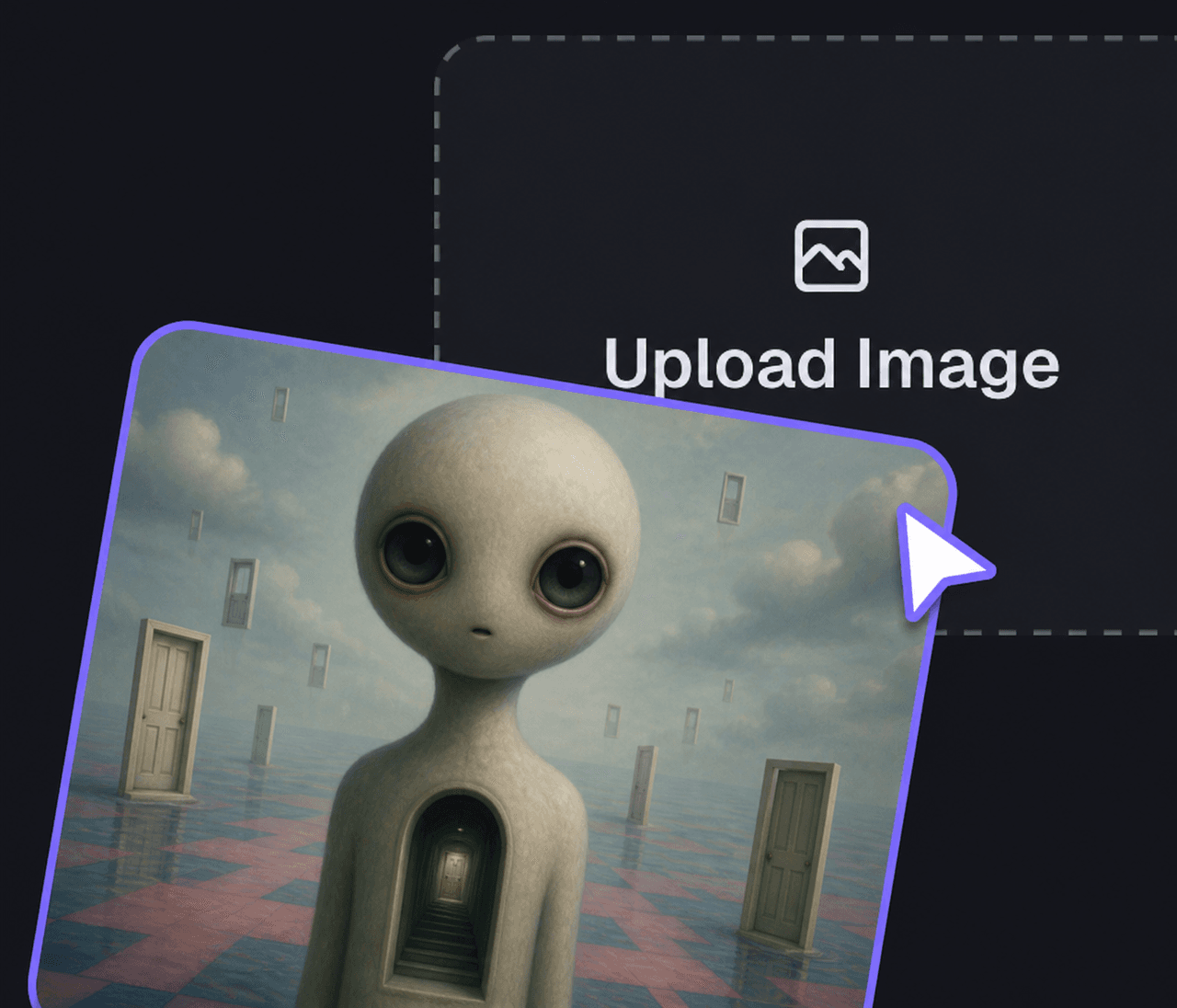
Añade señales visuales específicas de Weirdcore, skins y calcomanías, y suficiente lógica de escena para que el personaje se sienta nativo del escenario. Si necesitas un pase de estilo más pulido, compara la dirección del prompt con el Editor de Imágenes.
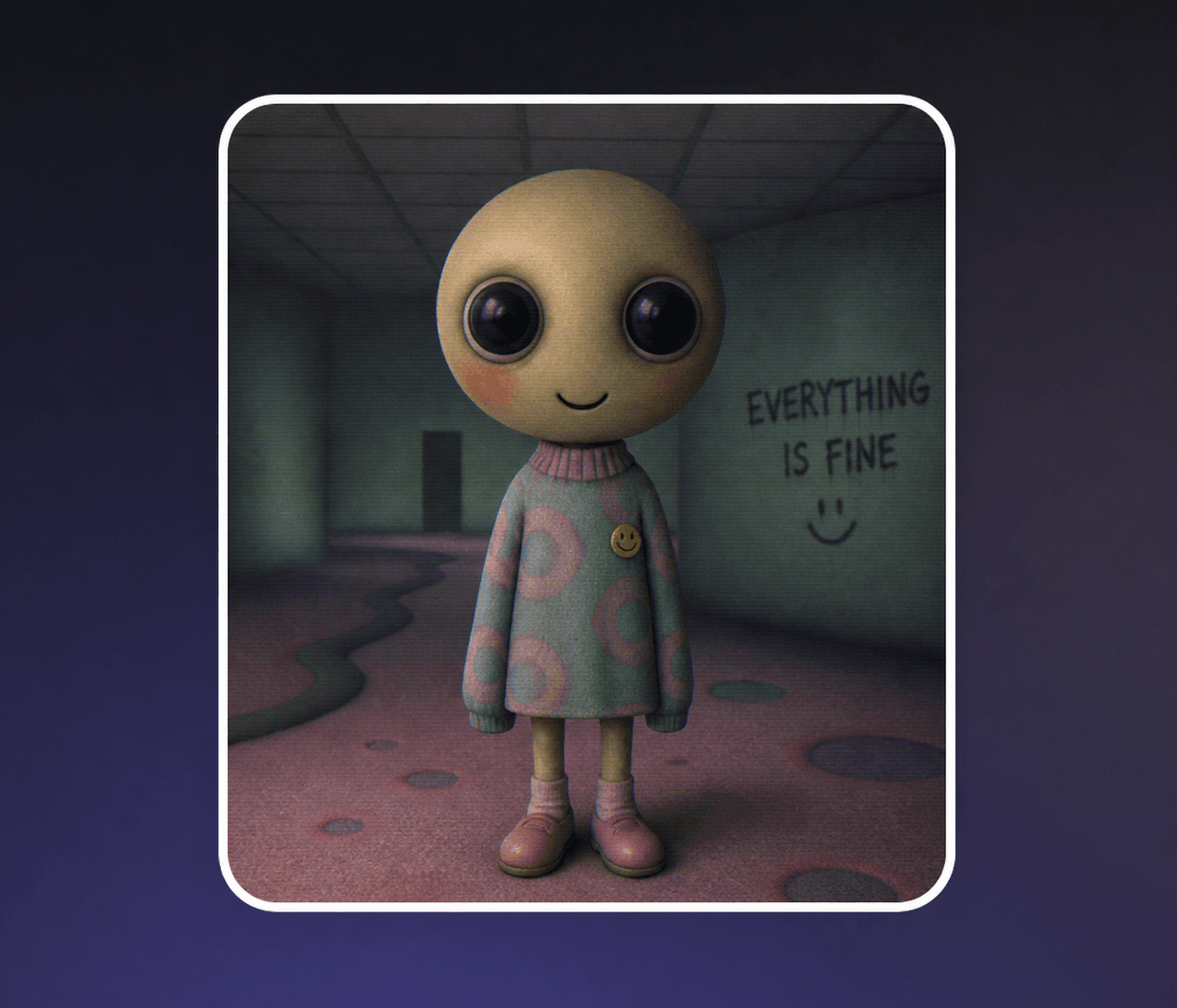
Mantén el borrador más sólido, guarda 1-2 alternativas y solo entonces expande las introducciones en azoteas de ciudades o la atmósfera de apoyo. Si quieres probar el estado de ánimo alrededor del personaje, el Generador de Anime de IA es un seguimiento útil.
Lo que hace que este flujo de trabajo de Weirdcore sea útil es lo fácil que pasa del borrador inicial a un trabajo de revisión más pulido una vez que sabes qué partes del personaje deben mantenerse fijas, especialmente detalles como skins y calcomanías.
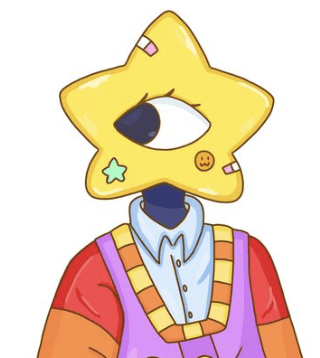
Muchos generadores pueden crear una imagen atractiva. La ventaja más fuerte aquí es poder seguir refinando la misma idea sin perder el rol, la atmósfera o el gancho visual que la hicieron interesante.
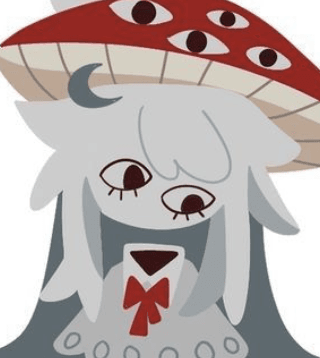
Cuando quieras que el personaje se sienta más definido después del primer borrador, Kling 3 AI Video Generator te ofrece un camino más sólido hacia presentaciones cargadas de movimiento sin descartar las indicaciones visuales o las skins y calcomanías específicas de weirdcore que ya hacen que el diseño sea legible.
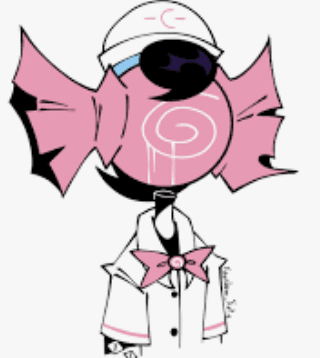
Si el diseño necesita más contexto de campaña, historia o escena más adelante, Nanobanana 2 AI Image Generator puede ayudarte a recontextualizar al mismo personaje para promociones, ganchos visuales o empaques más amplios construidos alrededor de ideas de skins y tomas de héroe en dúo.
Sometimes the fastest way to improve weirdcore oc maker is to look sideways. Try Pokemon OC Maker for adjacent fandom energy, then use AI Character Sheet Generator when you want a different visual format for scenes like comic cover mockups.
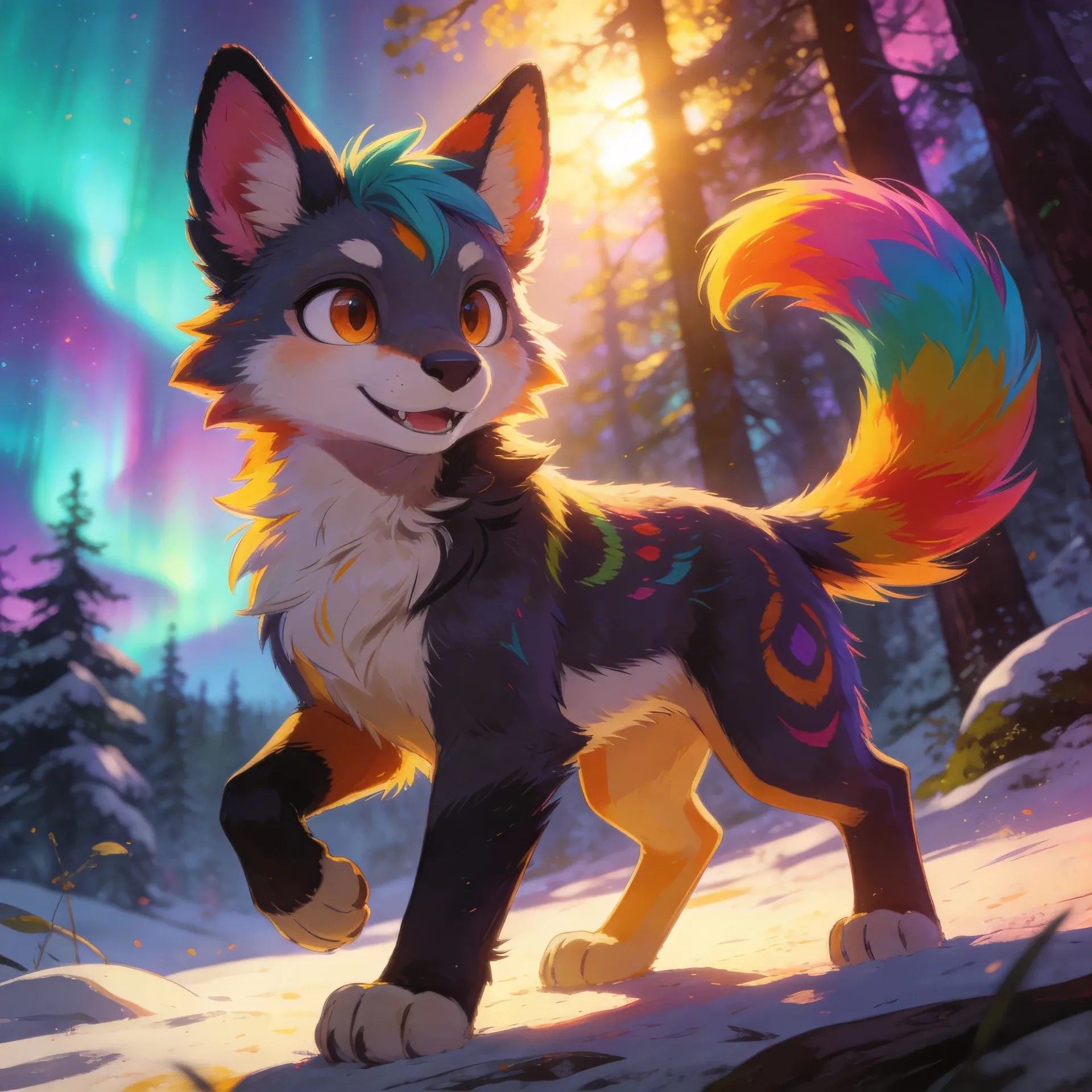
Fursona OC Maker
Fursona OC Maker
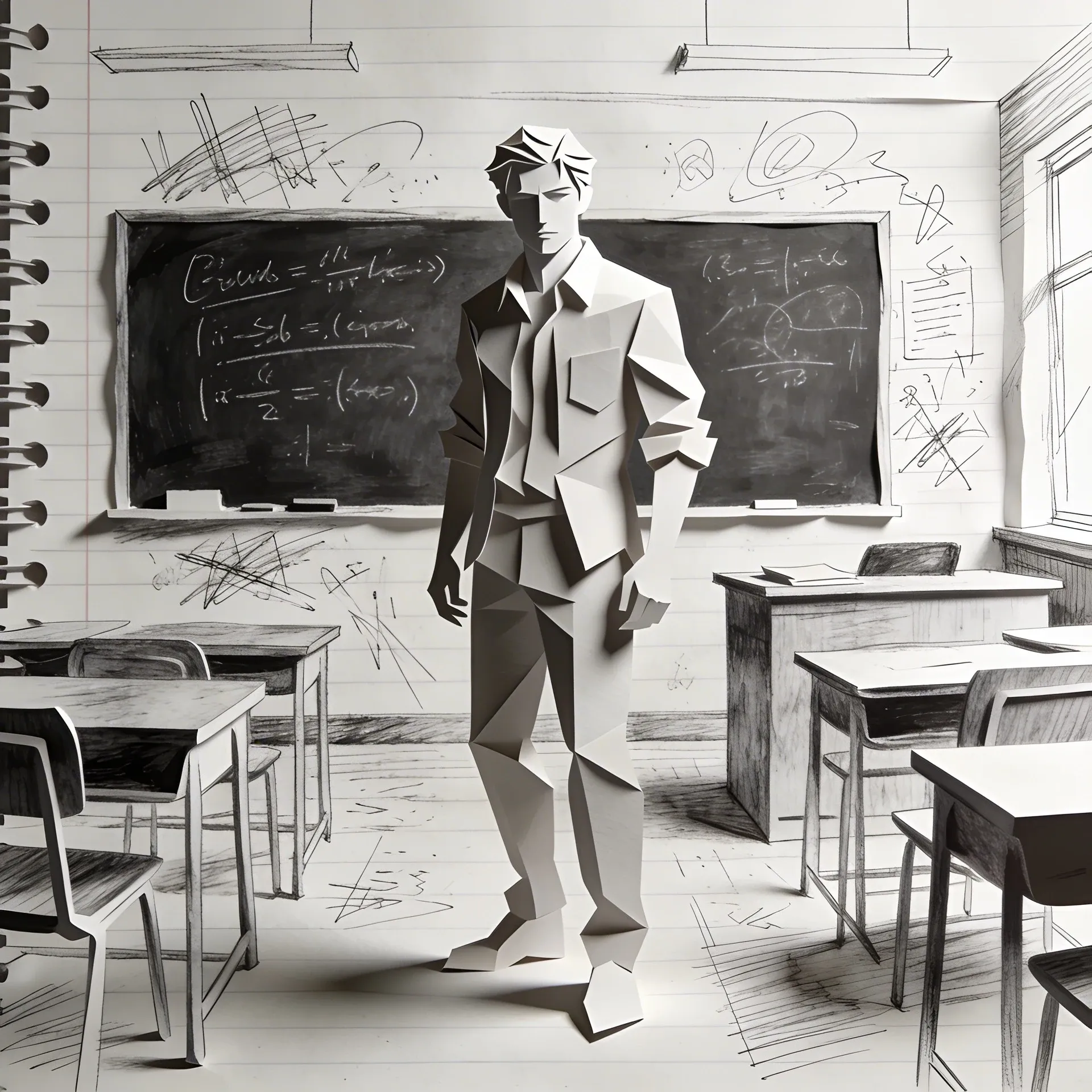
FPE OC Maker
FPE OC Maker
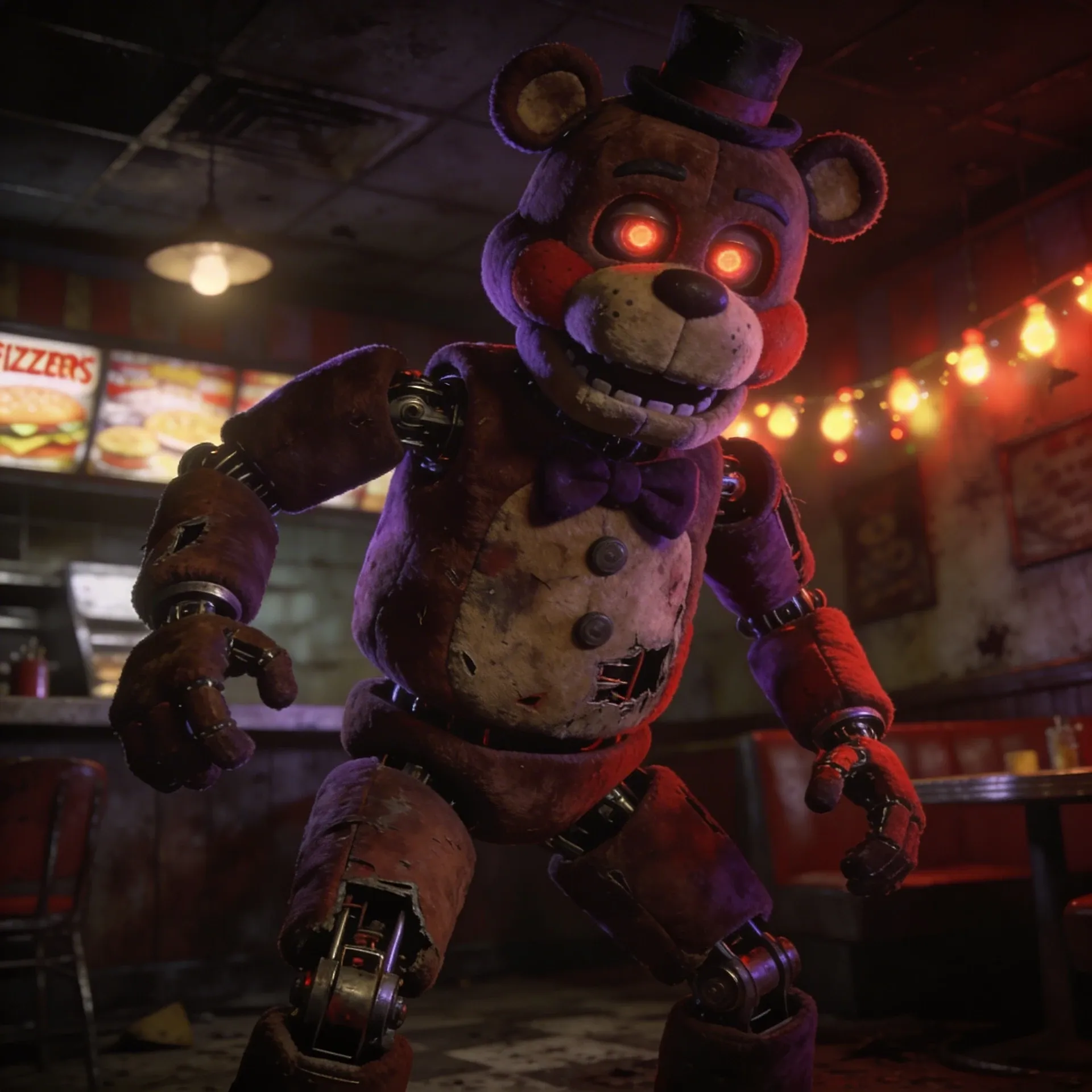
FNAF OC Maker
FNAF OC Maker
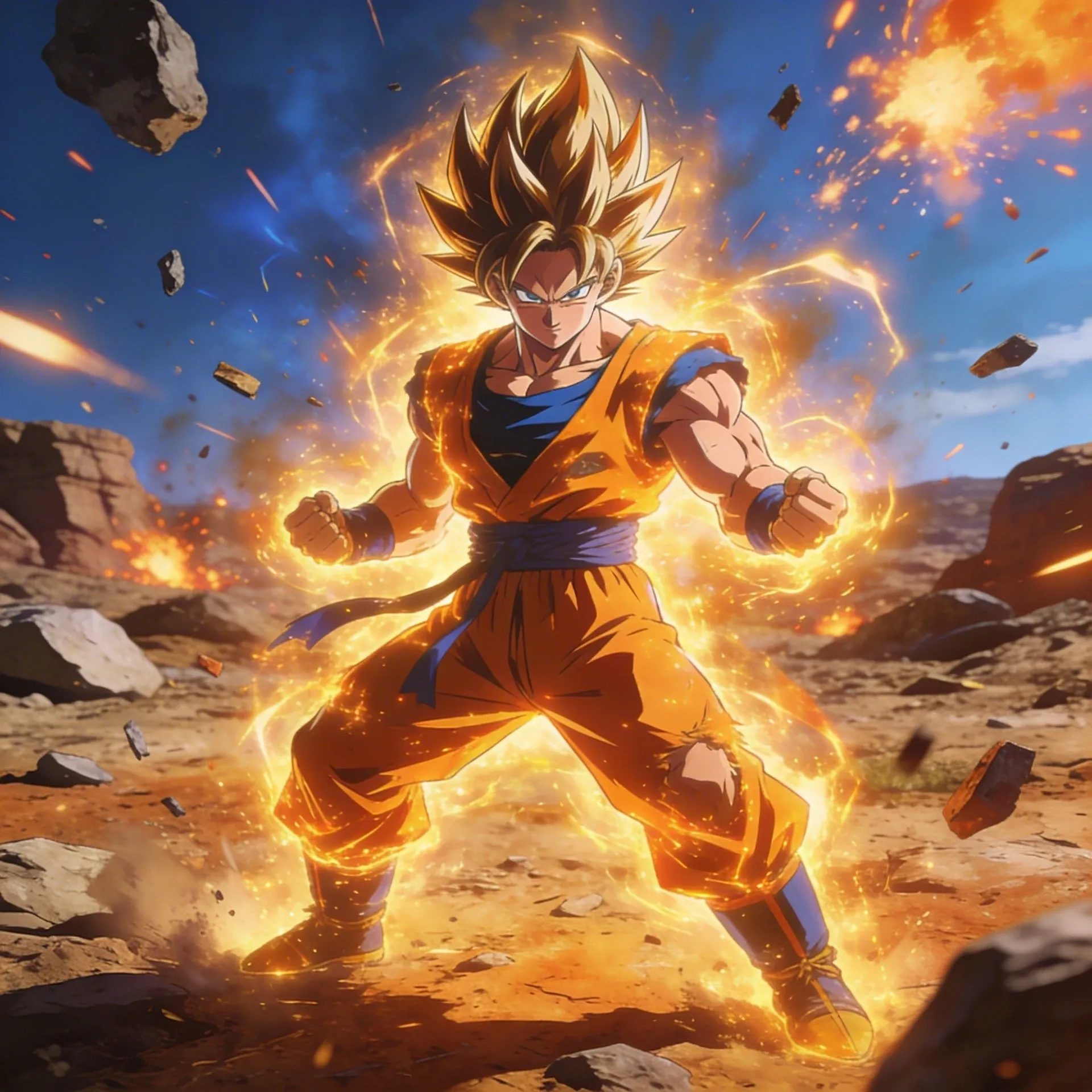
Dragon Ball OC Maker
Dragon Ball OC Maker
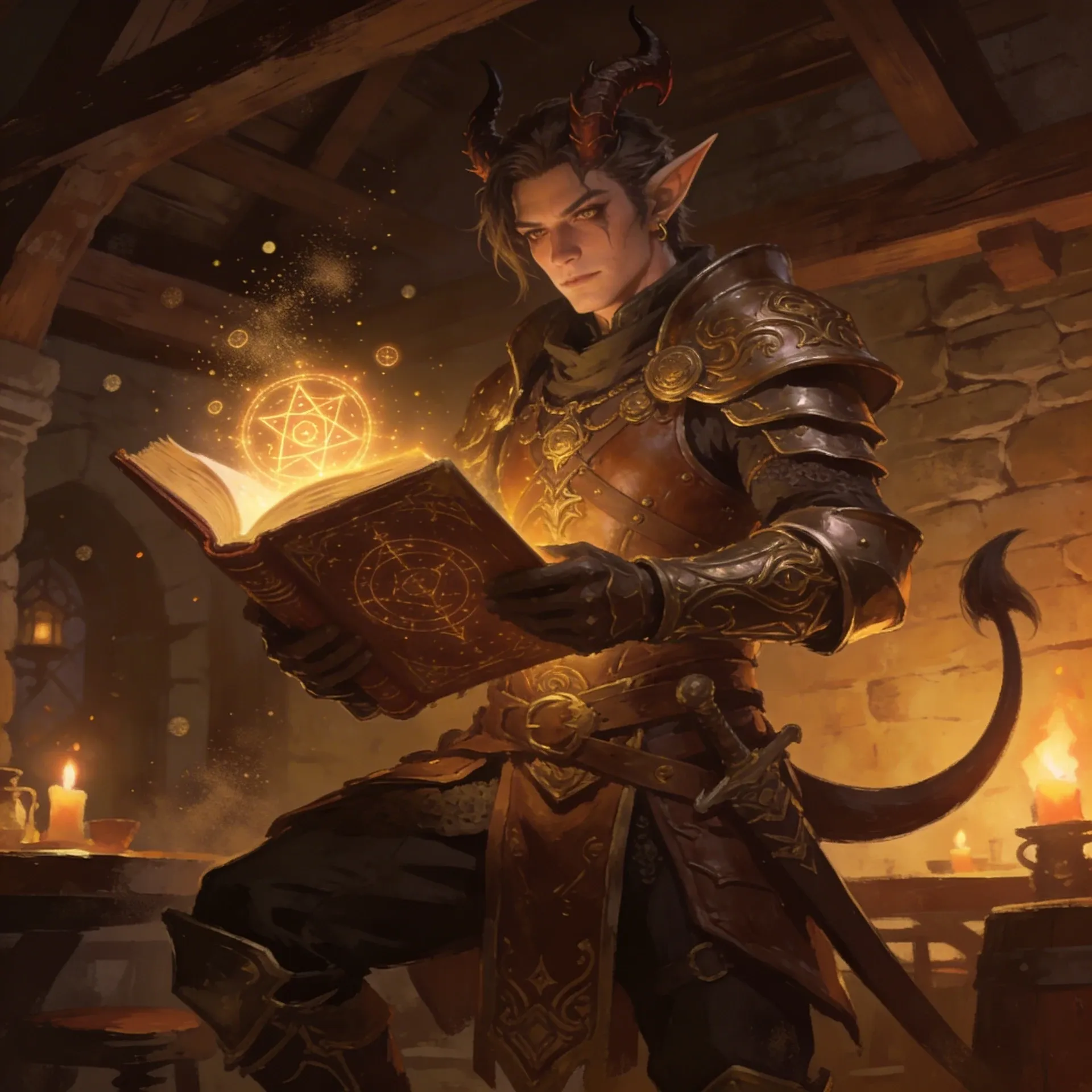
DnD Character Maker OC Maker
DnD Character Maker OC Maker
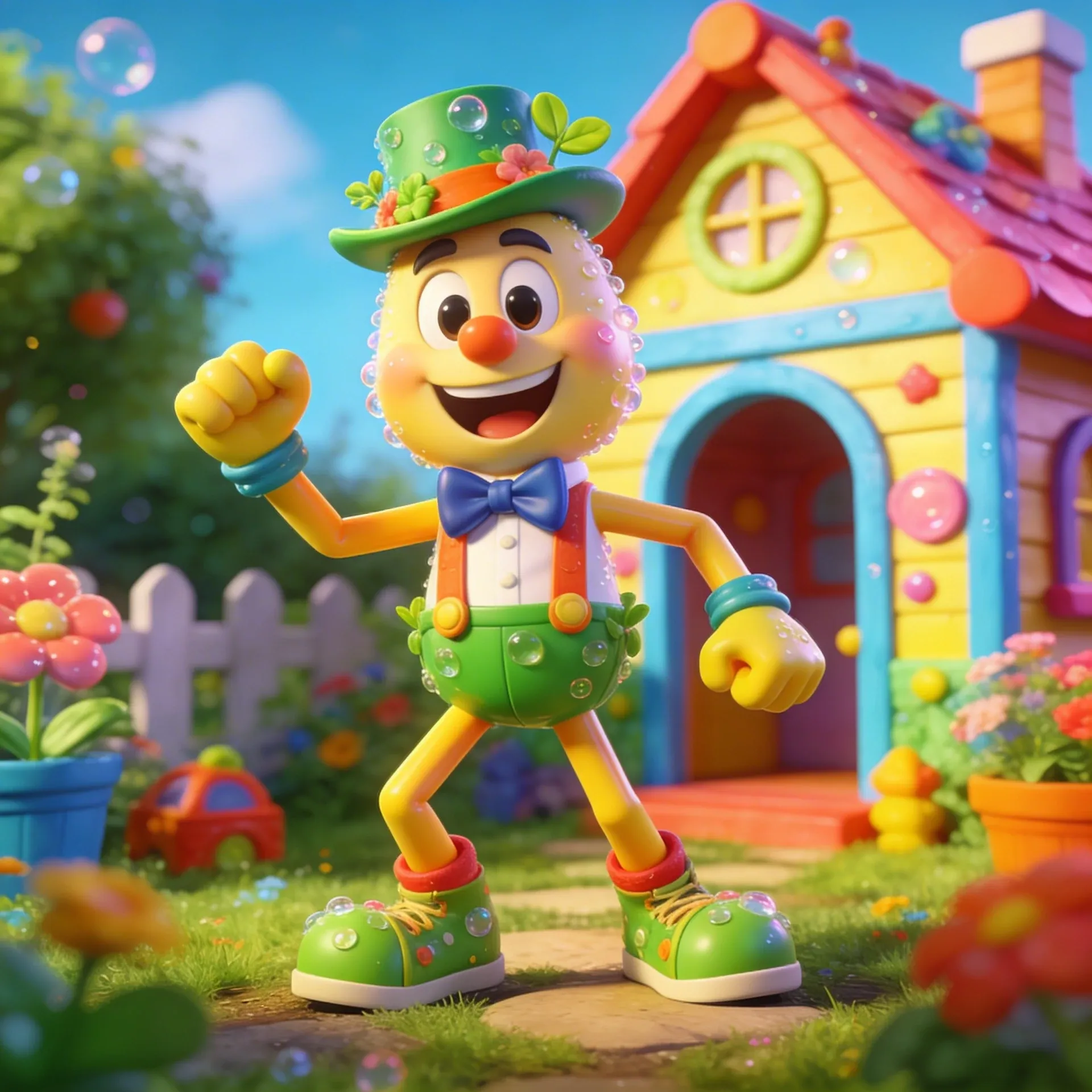
Dandy's World OC Maker
Dandy's World OC Maker
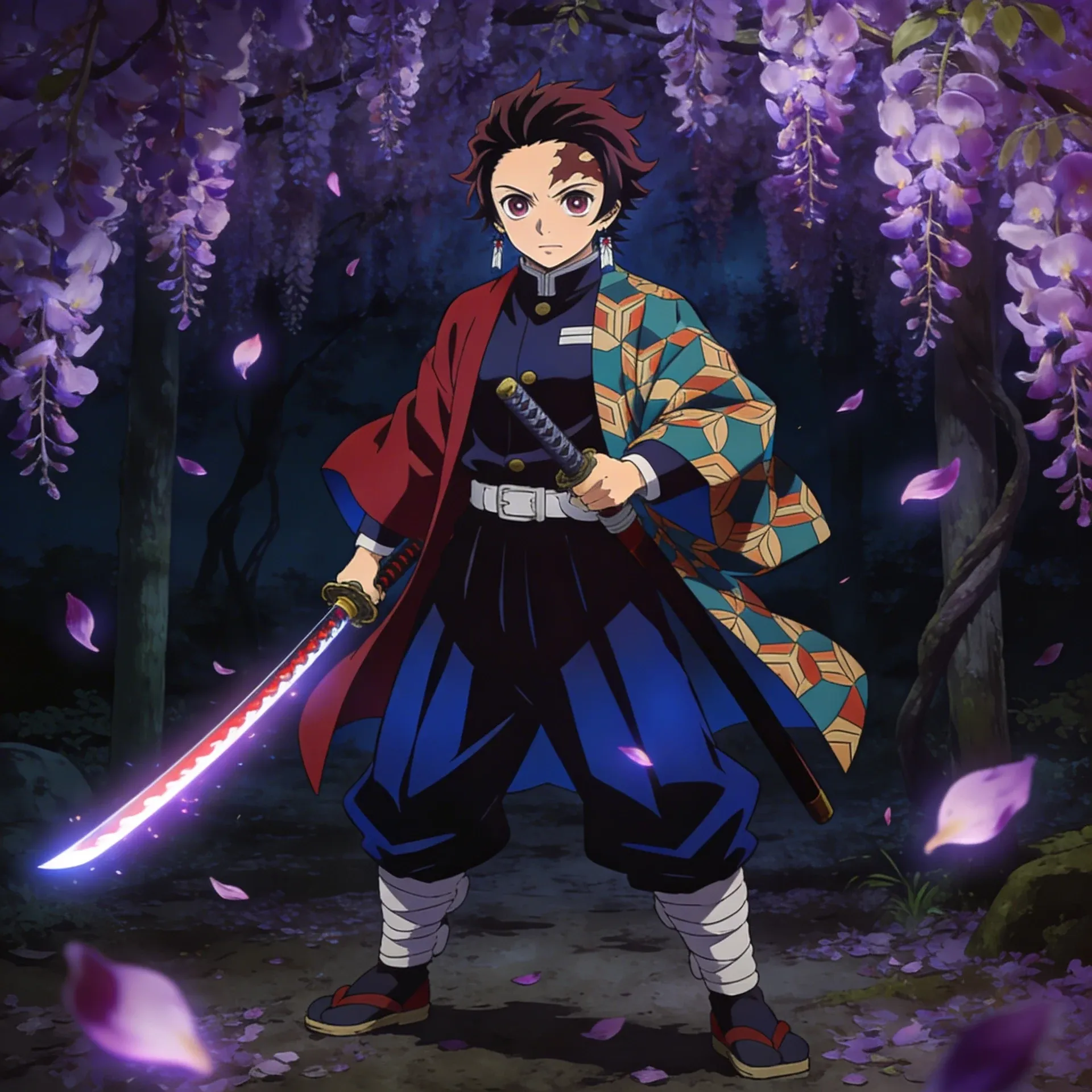
Demon Slayer OC Maker
Demon Slayer OC Maker
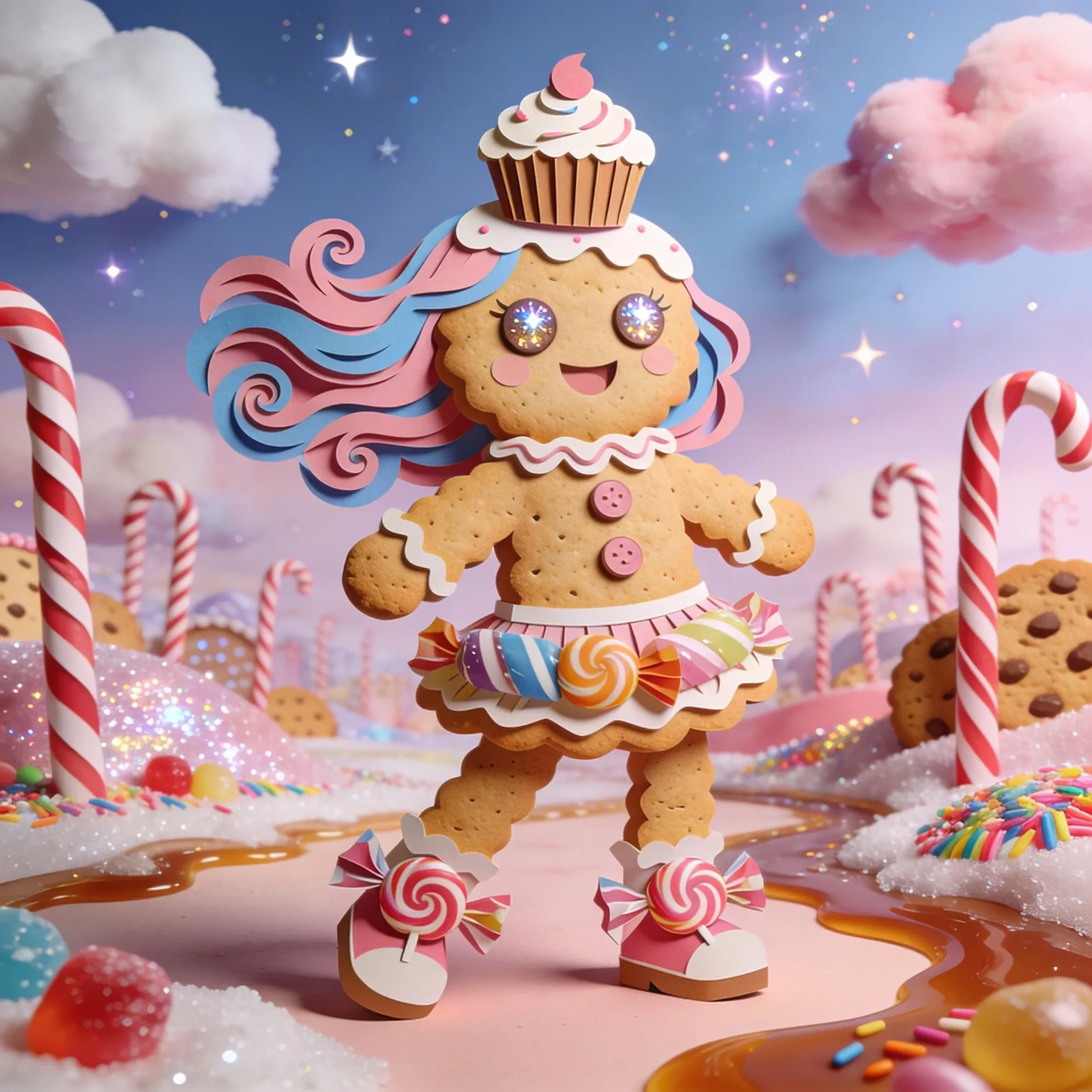
Cookie Run Kingdom OC Maker
Cookie Run Kingdom OC Maker
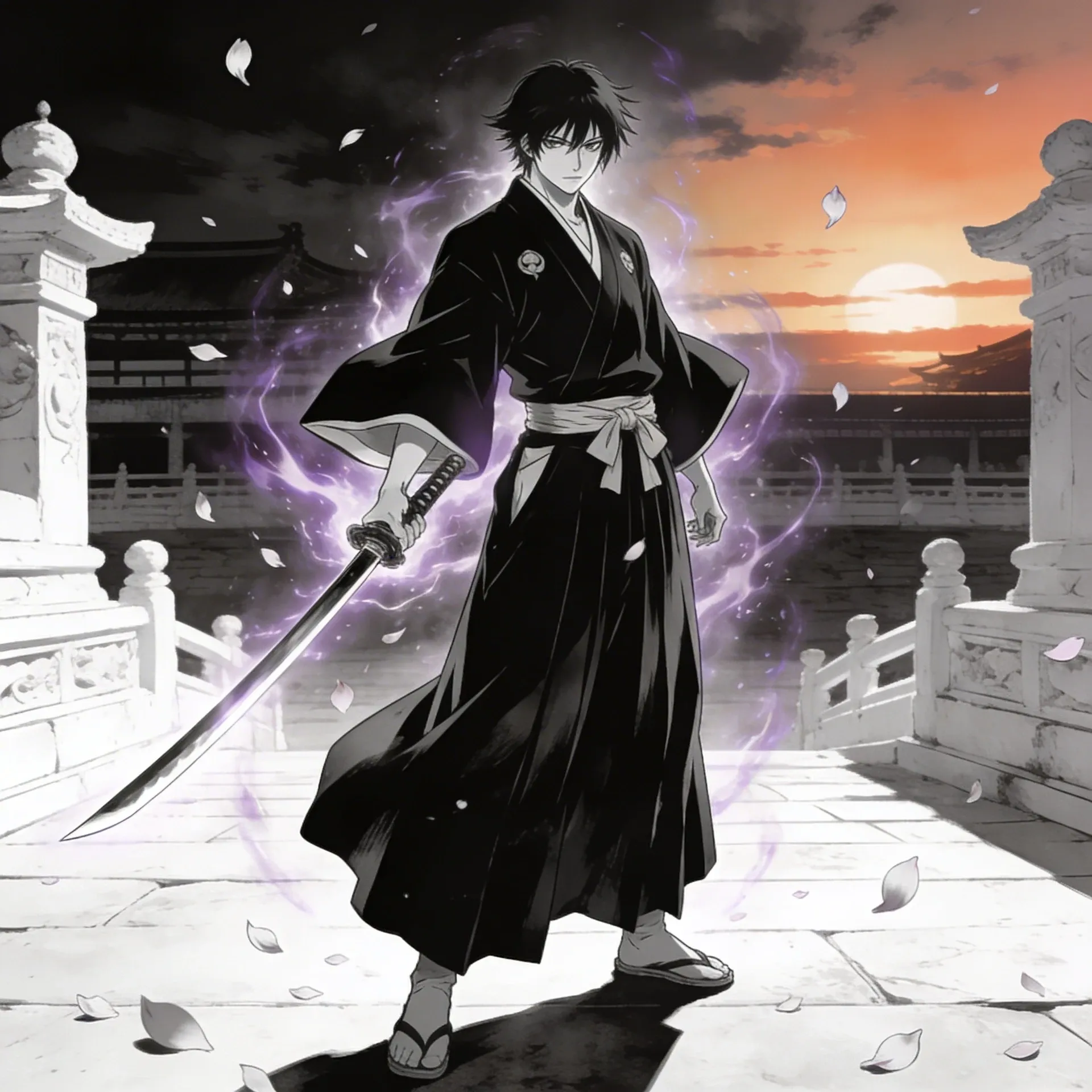
Bleach OC Maker
Bleach OC Maker
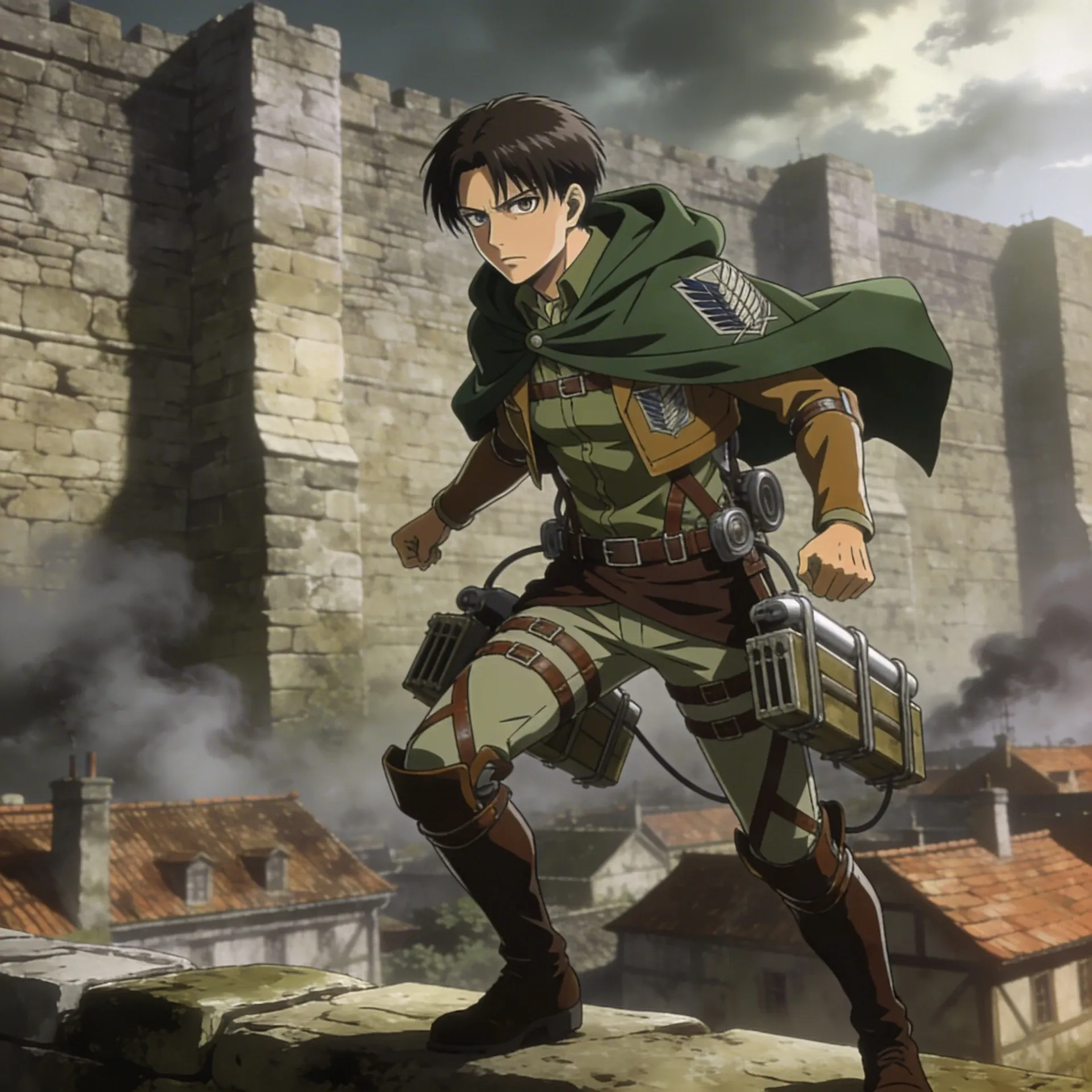
Attack on Titan OC Maker
Attack on Titan OC Maker
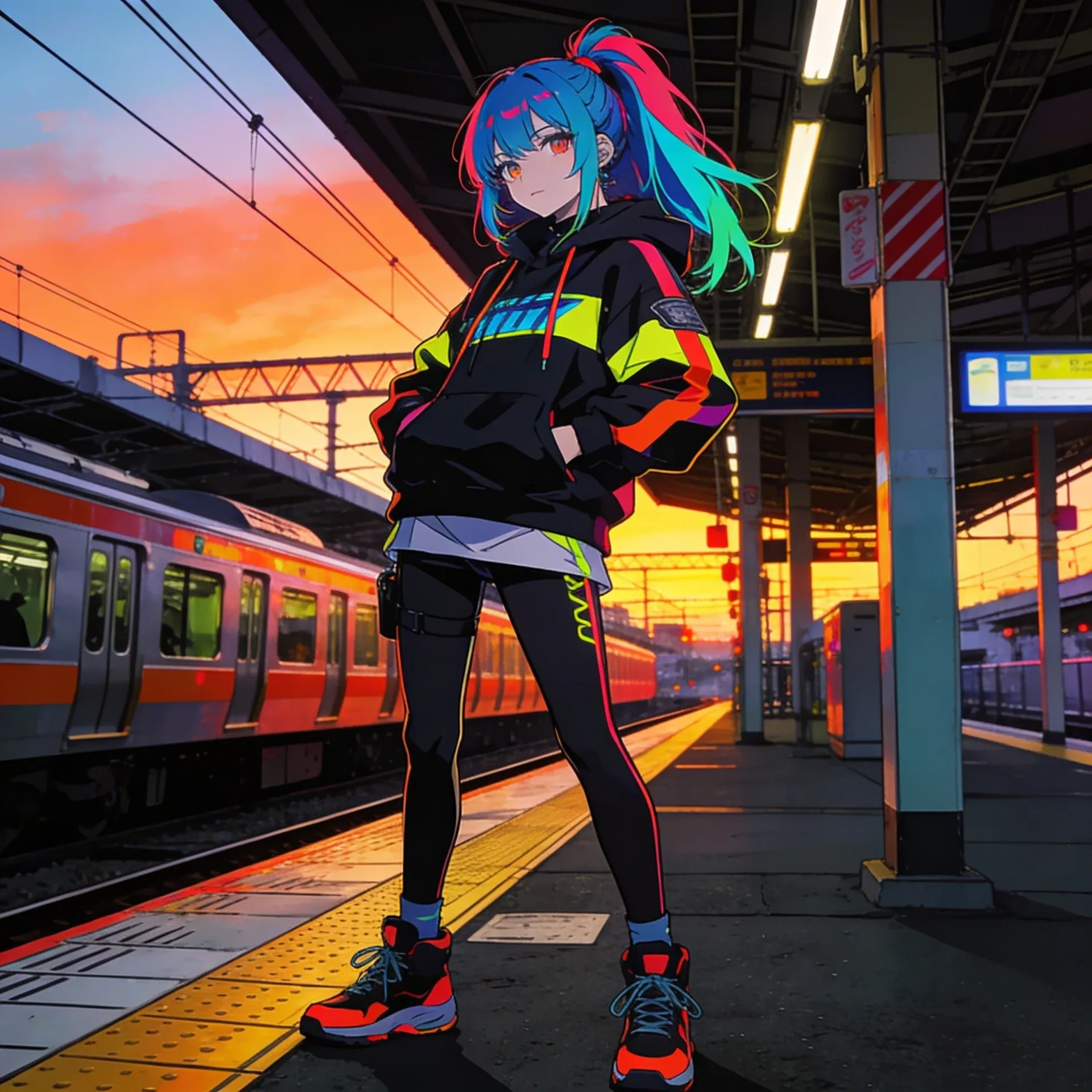
Anime OC Maker
Anime OC Maker
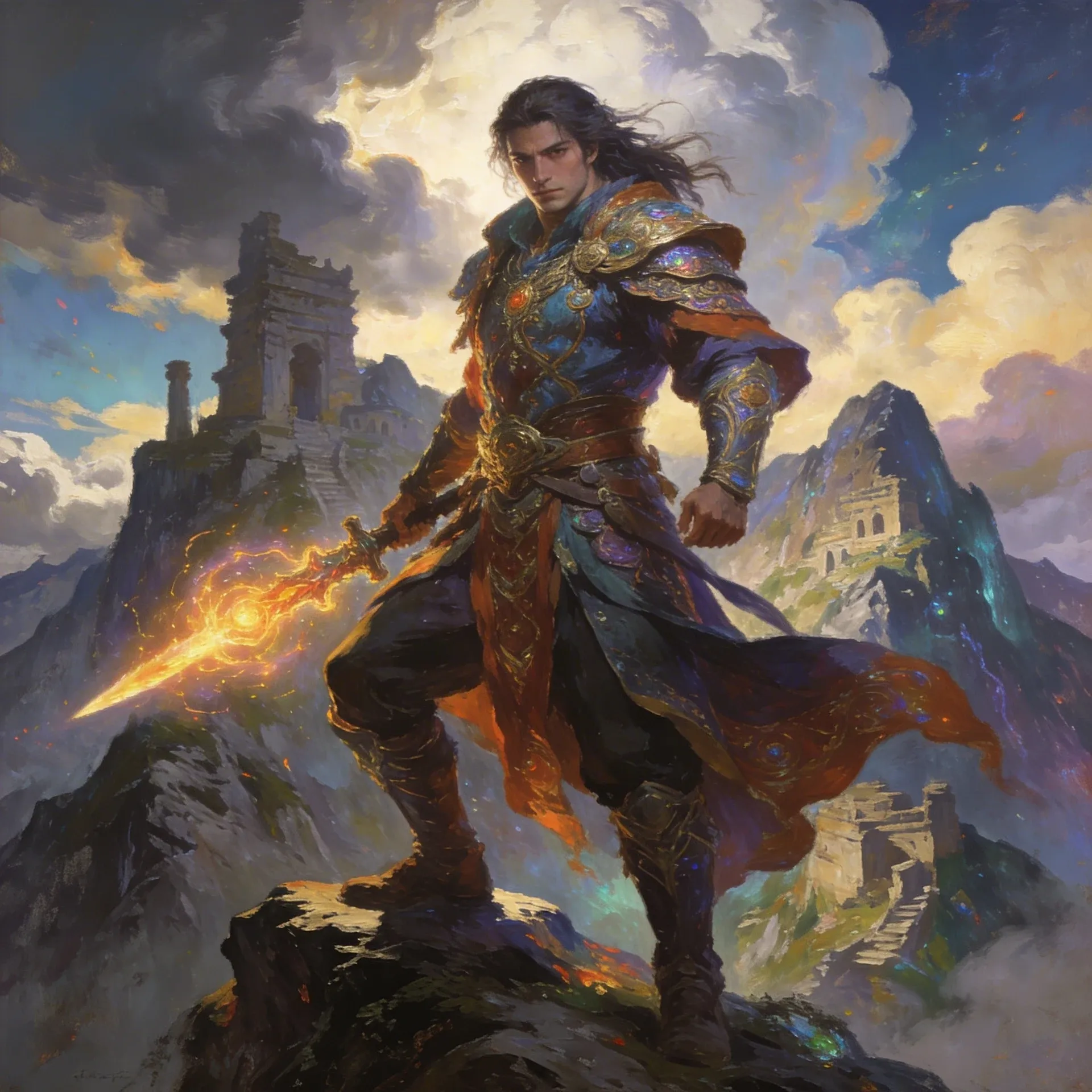
AI Fantasy OC Maker
AI Fantasy OC Maker
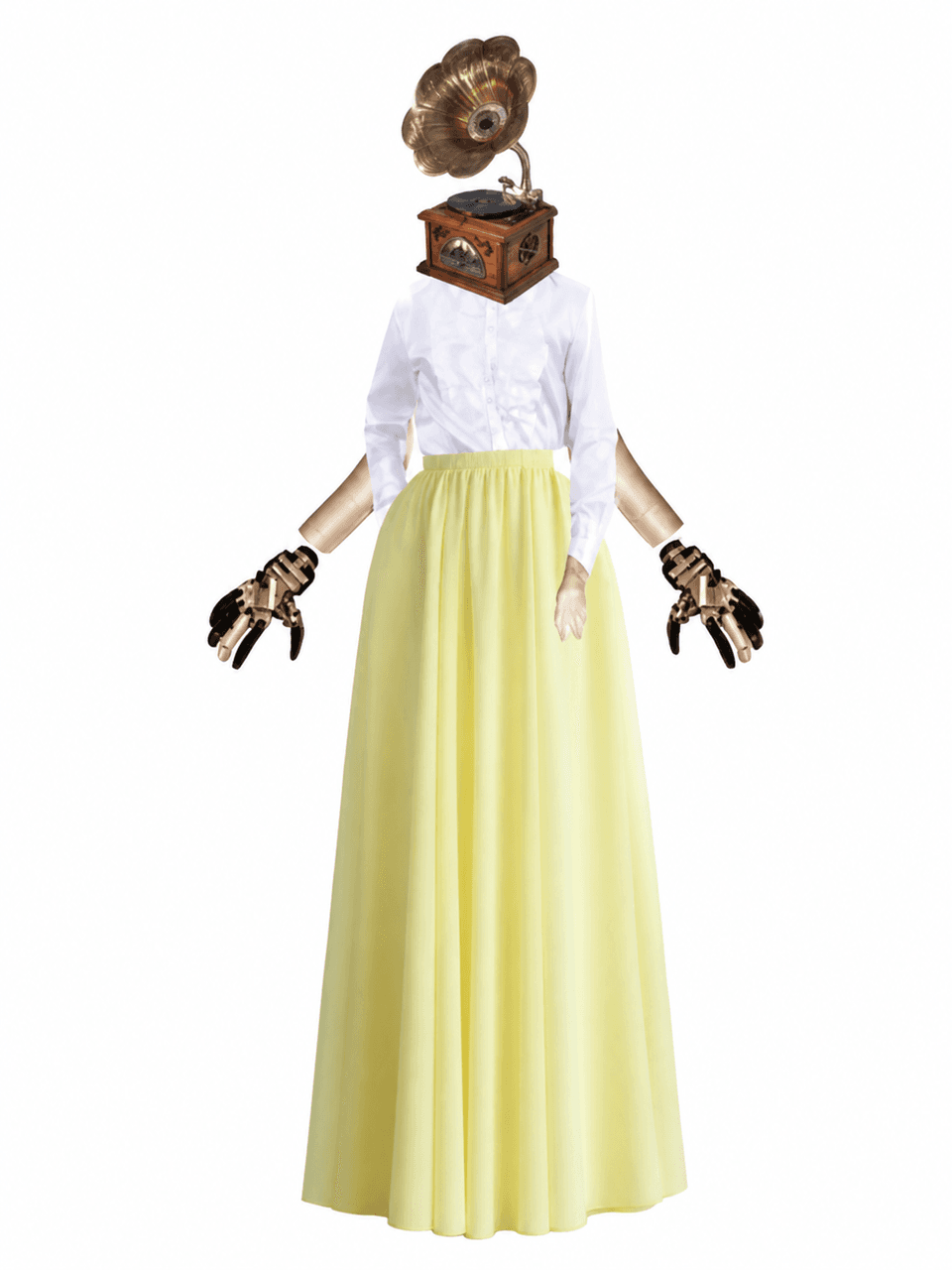
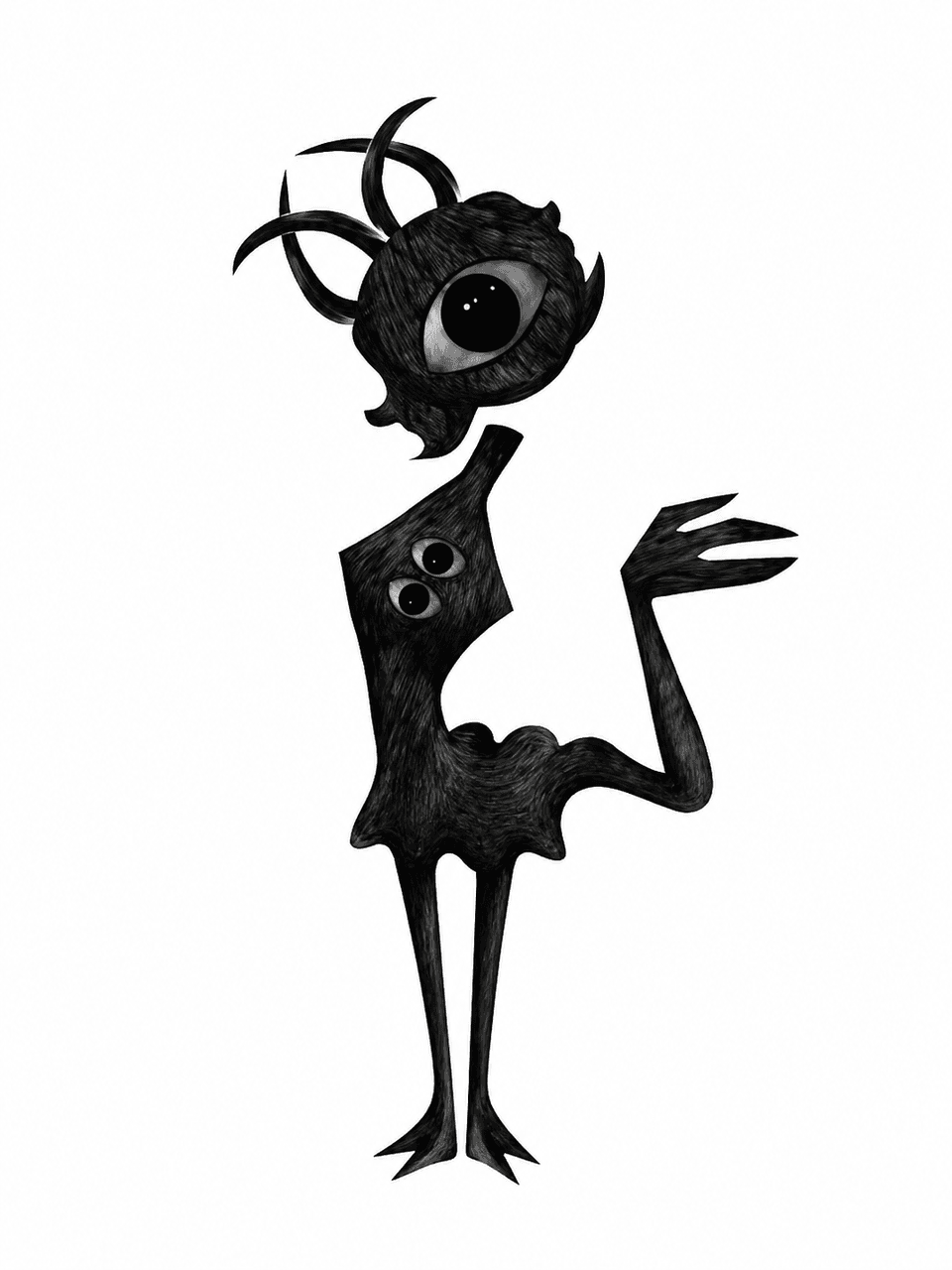
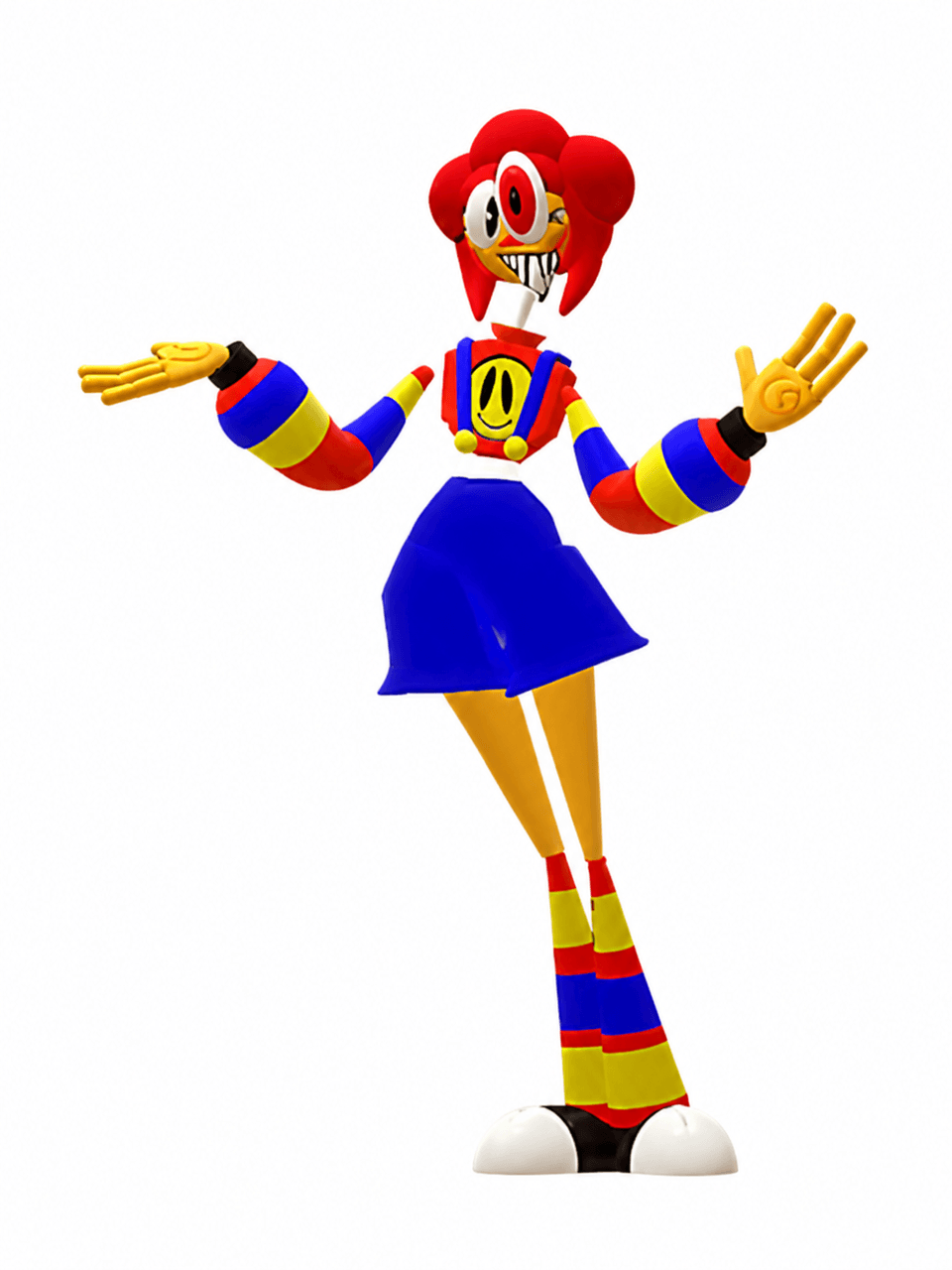
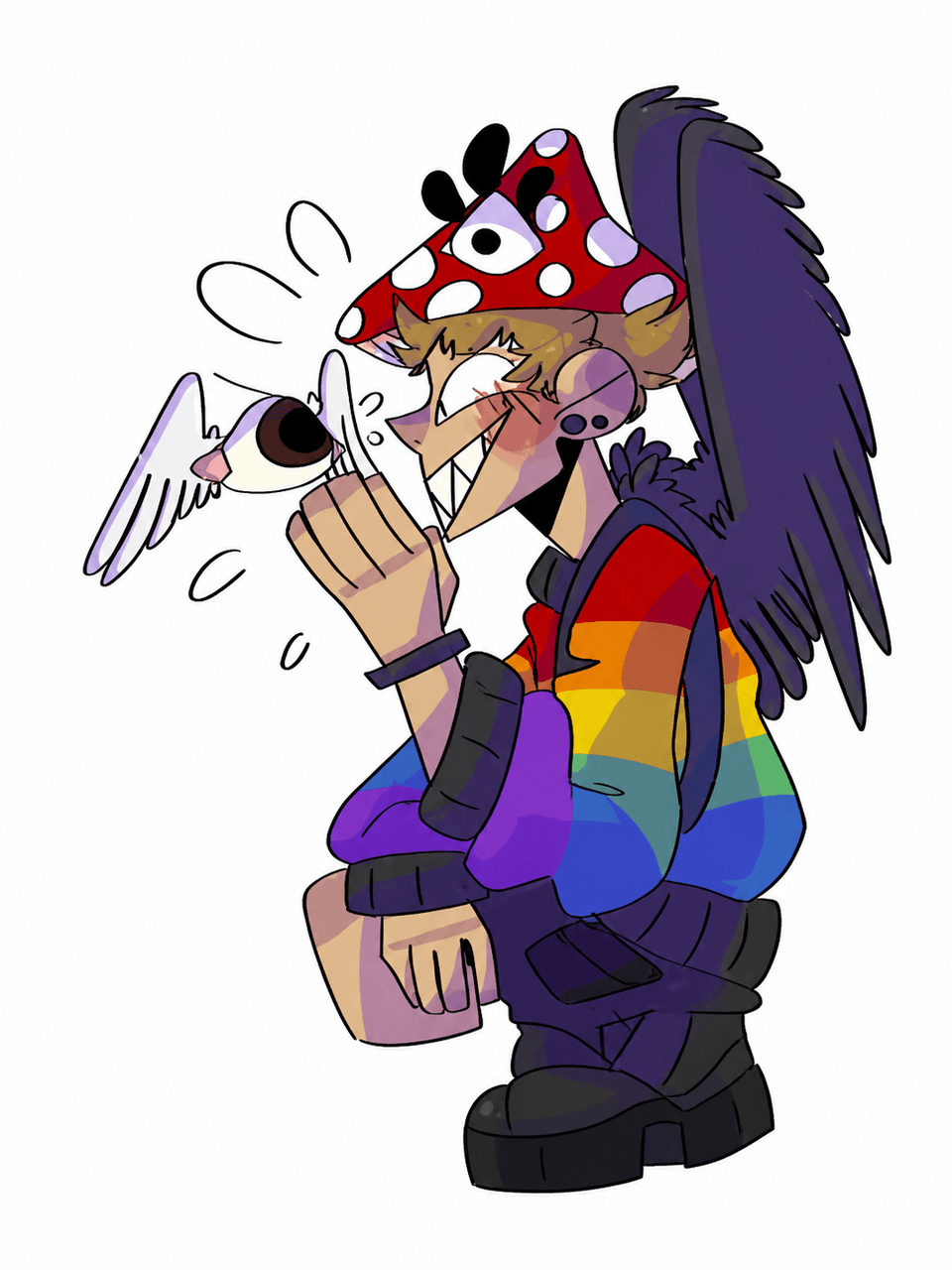
Estos ejemplos del Creador de OC de Weirdcore están aquí para mostrar la variedad: trabajos de hojas de referencia más pulidos, variaciones listas para escenas y conceptos más orientados a la personalidad. También puedes comparar esa variedad con el Creador de OC de Marvel o el Creador de PFP de Anime cuando quieras una segunda opinión sobre las piezas de equipo.
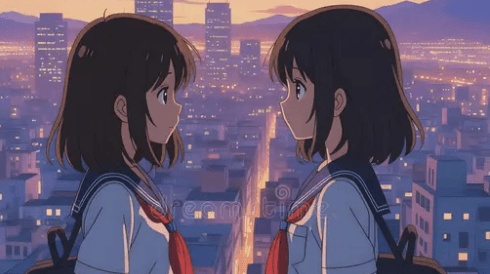
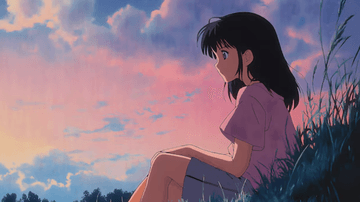
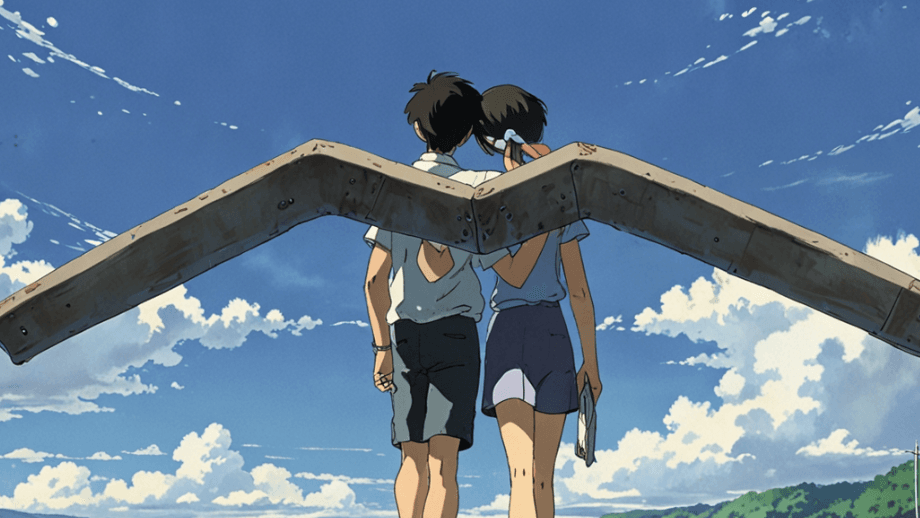
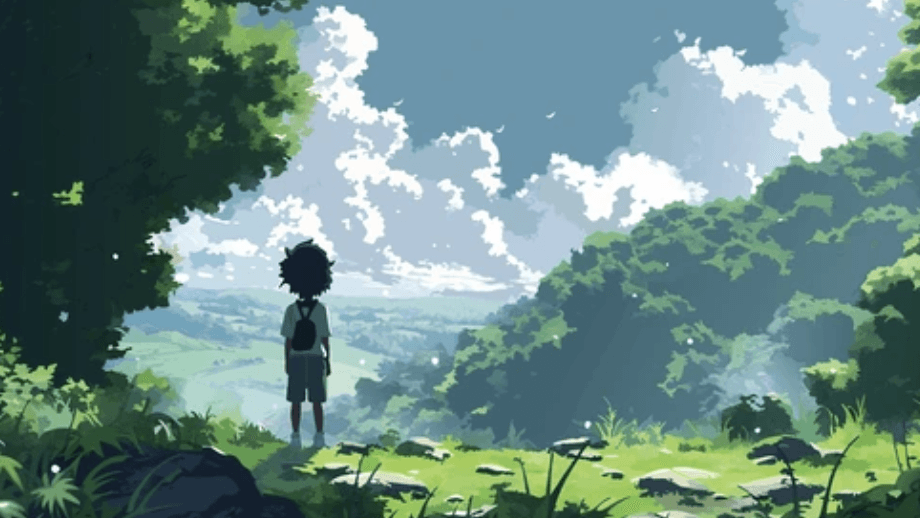
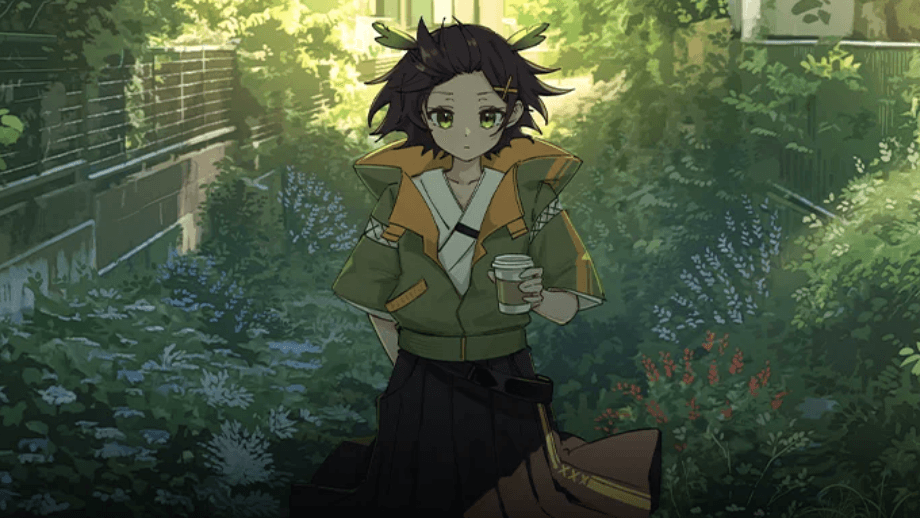
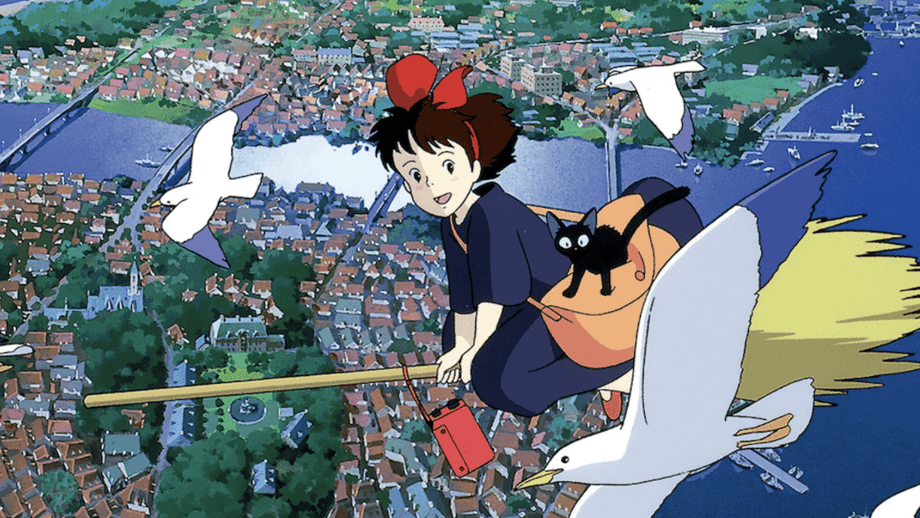
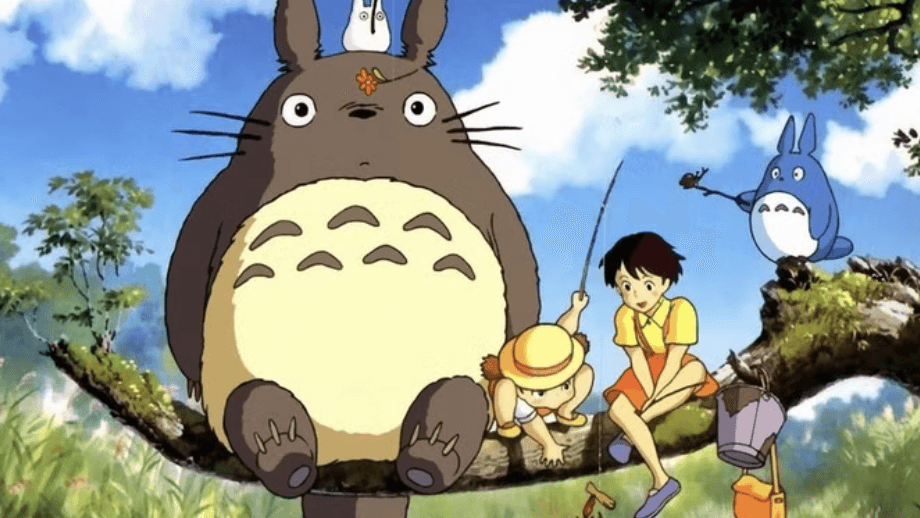
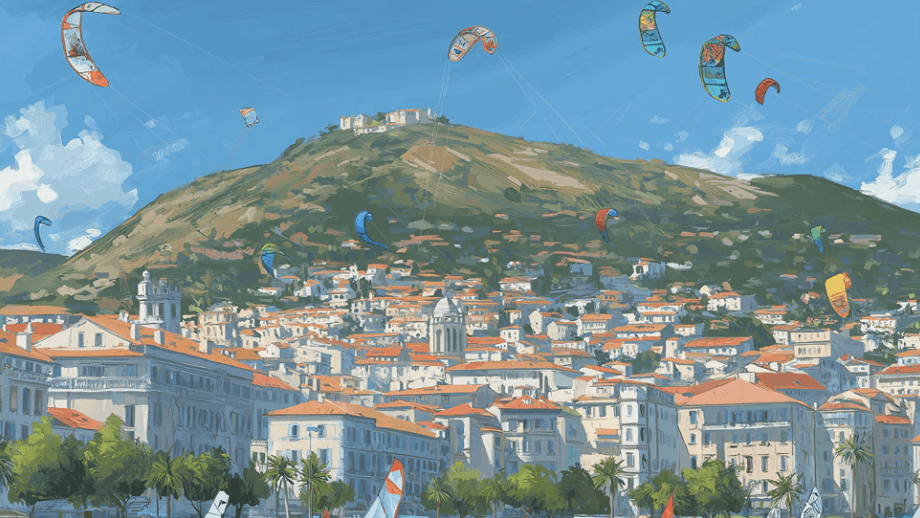
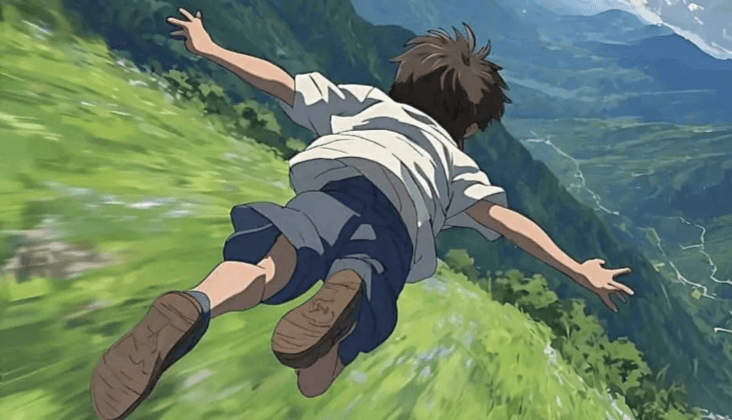
After the weirdcore oc maker feels right, the next useful step is usually polish or expansion. These tools help with animation, scene planning, cleanup, and the extra assets that make a character feel finished for mod concepts.
AI Anime Art Generator
AI Anime Art Generator
AI Animation Video Generator
AI Animation Video Generator
AI Character Generator
AI Character Generator
AI Music Generator
AI Music Generator
AI Emoji Generator
AI Emoji Generator
AI Comic Generator
AI Comic Generator
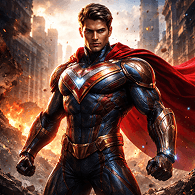
AI Superhero Generator
AI Superhero Generator
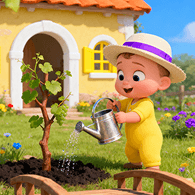
AI Cartoon Generator
AI Cartoon Generator
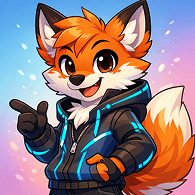
Furry AI Generator
Furry AI Generator
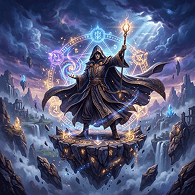
AI Fantasy Art Generator
AI Fantasy Art Generator
AI Manga Generator
AI Manga Generator
AI Meme Generator
AI Meme Generator
La forma más sencilla de usarlo es establecer el rol primero, elegir un detalle fuerte al estilo weirdcore y solo luego agregar insignias de rango más un objetivo de escena como tomas de héroe dúo. Si el concepto base aún se siente poco definido, los creadores a menudo comparan con Photo To Avatar antes de bloquear la versión final.
Normalmente comienza con el trabajo, el estado de ánimo y un enganche visual memorable del personaje, luego agrega señales visuales específicas de weirdcore, skins y calcomanías. Este enfoque funciona mucho mejor que intentar volcar todas las ideas en el primer prompt.
Los planes y los créditos pueden cambiar con el tiempo, por lo que la página de precios es la mejor fuente de detalles de acceso actualizados. Es la forma más sencilla de ver si una prueba más ligera se adapta a lo que necesitas.
Normalmente sí. La gran diferencia es la flexibilidad: puedes desarrollar arte de introducción en estilo weirdcore, poses alternativas y apariencias dañadas en combate, en lugar de quedarte dentro de un diseño de creador fijo.
Comienza con un avatar inicial, elige una paleta de colores nocturna de ciudad impactante, luego agrega accesorios con temática weirdcore y un objetivo de escena como pantallas de presentación. Muchos creadores también verifican que el concepto base tenga sentido con Photo To Avatar antes de comprometerse con la versión final.
Sí. Una solicitud de nombre o historia de fondo a menudo le da más dirección al diseño, porque te obliga a pensar en el rol, el estatus y el tipo de arte de introducción en estilo weirdcore al que pertenece el personaje.
Es más fácil mantener el mismo personaje a lo largo de las revisiones, porque puedes ampliar la idea hasta páginas como Random Cartoon Character Generator o AI Character Maker sin perder las paletas de colores nocturna de ciudad ni las iteraciones del concepto weirdcore que hicieron que el concepto funcionara en un principio.
Sí. Una vez que el personaje se sienta estable, Random Cartoon Character Generator y AI Character Maker hacen mucho más fácil desarrollar el concepto en pantallas de presentación, tomas de presentación o pruebas de movimiento cortas creadas alrededor de skins de eventos.
Usa Elser AI para pasar de un boceto de personaje vago a un concepto de avatar que realmente puedes reutilizar para perfiles, escenas o proyectos de fans de mayor duración.