
Définir ton personnage
Saisis une description dans la zone de texte ou choisis rapidement des étiquettes (Genre, Style, Cheveux, etc.) pour définir l'apparence de ton OC.
Utilisez notre outil de création IA pour concevoir facilement un OC extraordinaire de ENA.
ENA Créateur OC

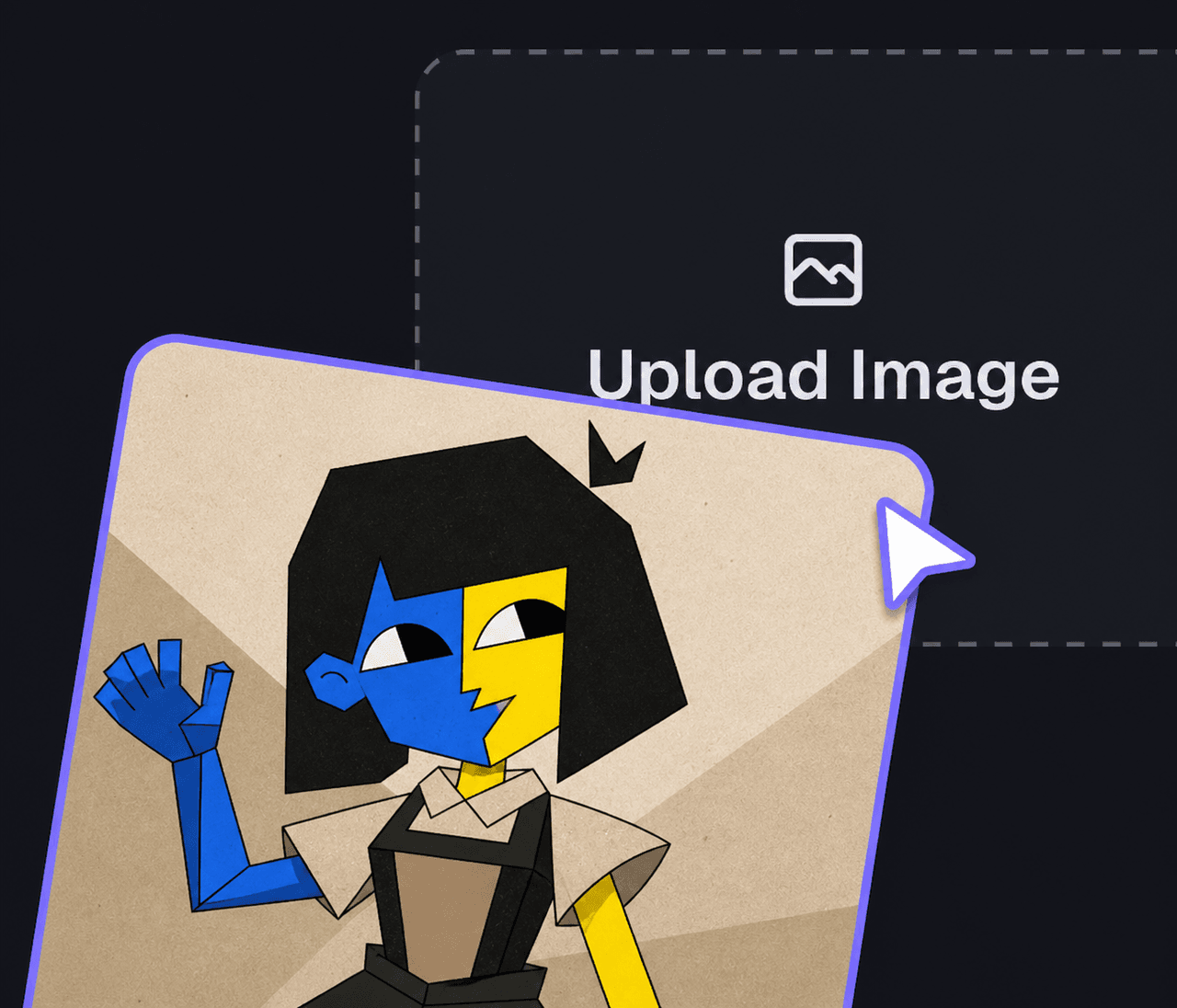
Cliquez ou glissez pour télécharger l'image
Formats PNG, JPG, JPEG, WEBP, max. 10 Mo

Aucun résultat pour l'instant
Saisis une description dans la zone de texte ou choisis rapidement des étiquettes (Genre, Style, Cheveux, etc.) pour définir l'apparence de ton OC.

Glisse une image dans la zone de téléchargement si tu veux que l'IA suive une base ou une pose précise.

Choisis le format d'image (ex. 1:1) et clique sur Générer pour donner vie à ton héros unique.
Créez votre ENA OC avec ENA OC Maker pour des dispositions de casting, des œuvres de réaction et des concepts de groupes d'amis sur Elser AI, ainsi que des recherches sur les créateurs de personnages ENA associées.
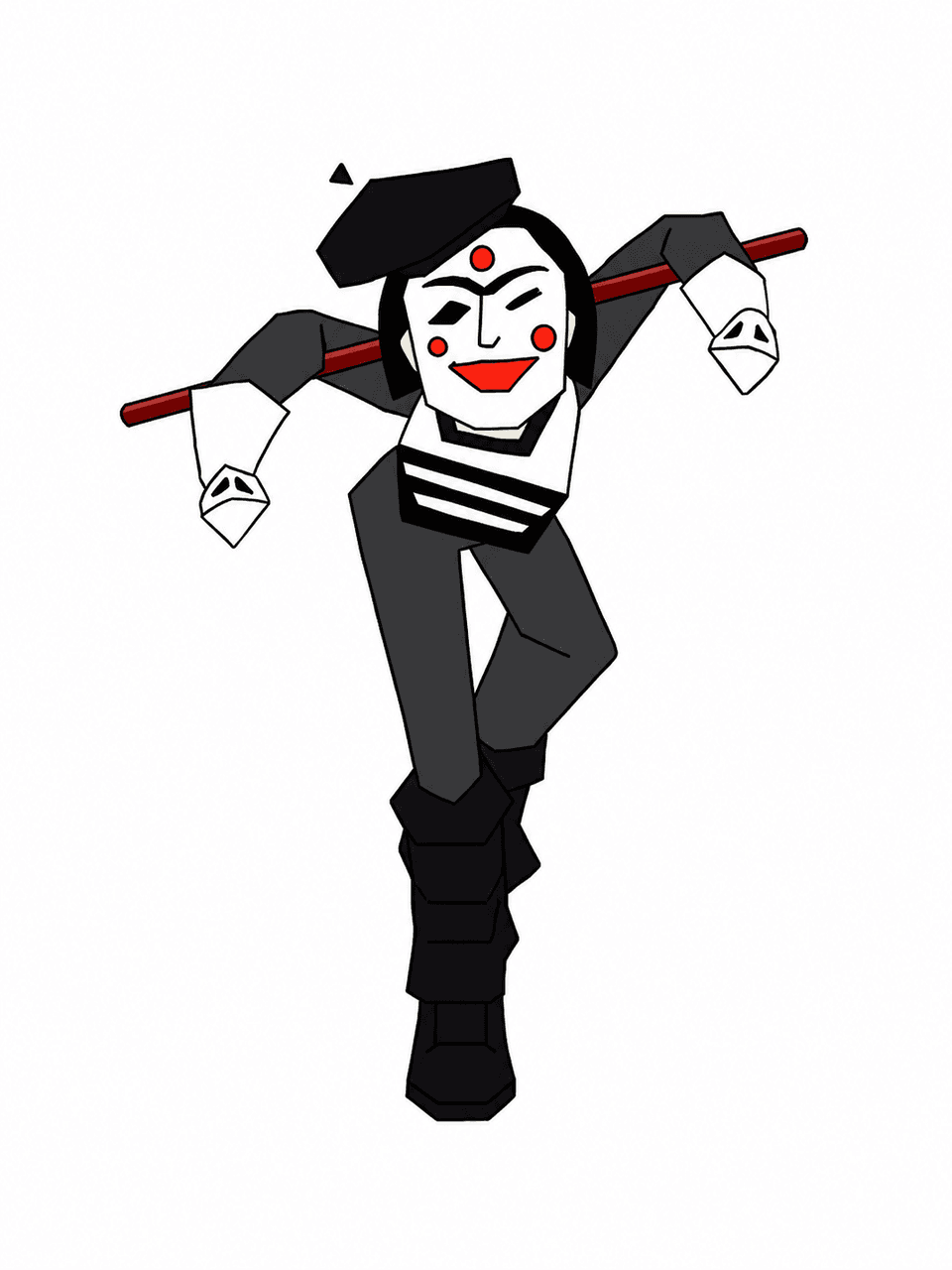
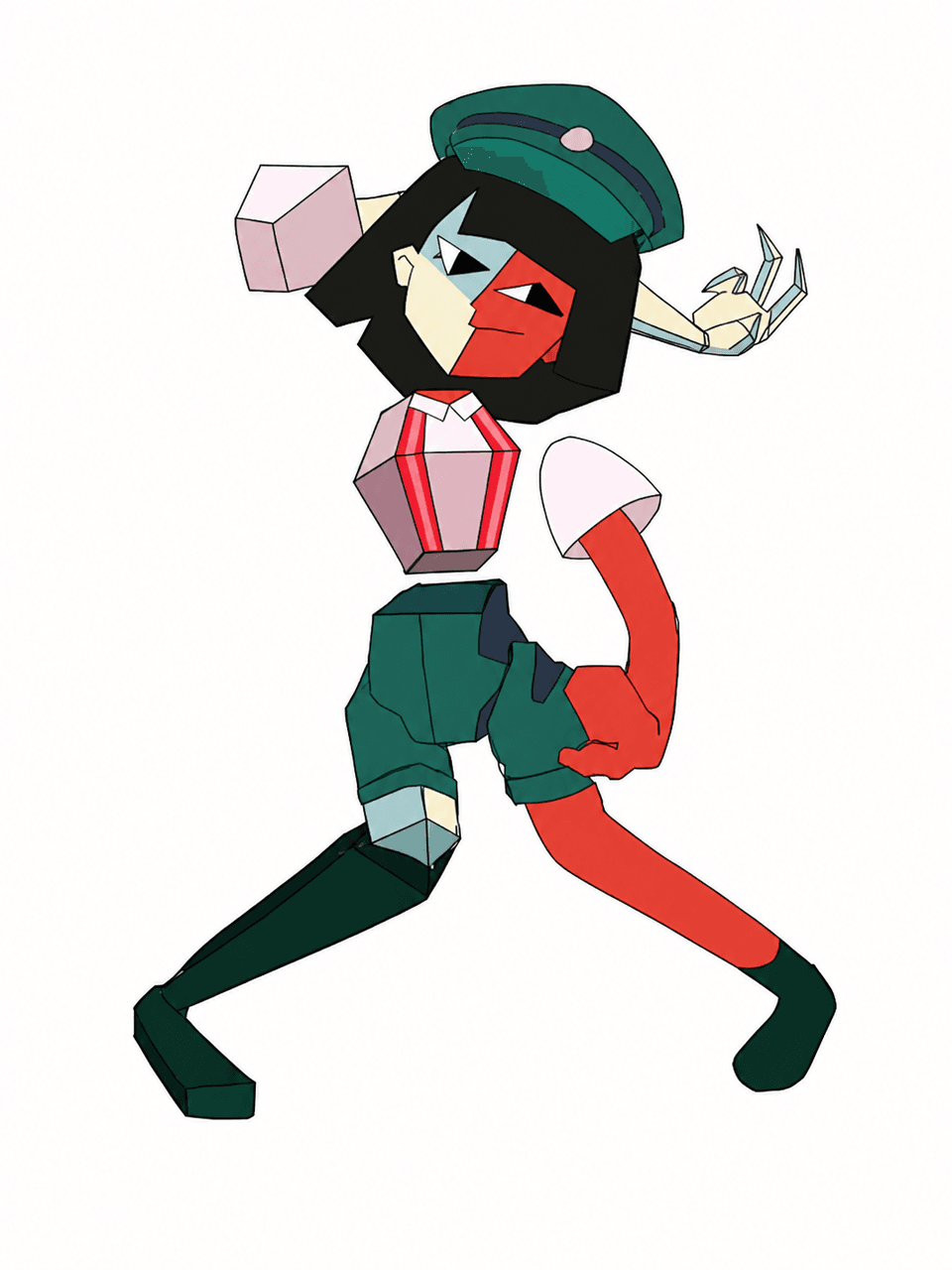
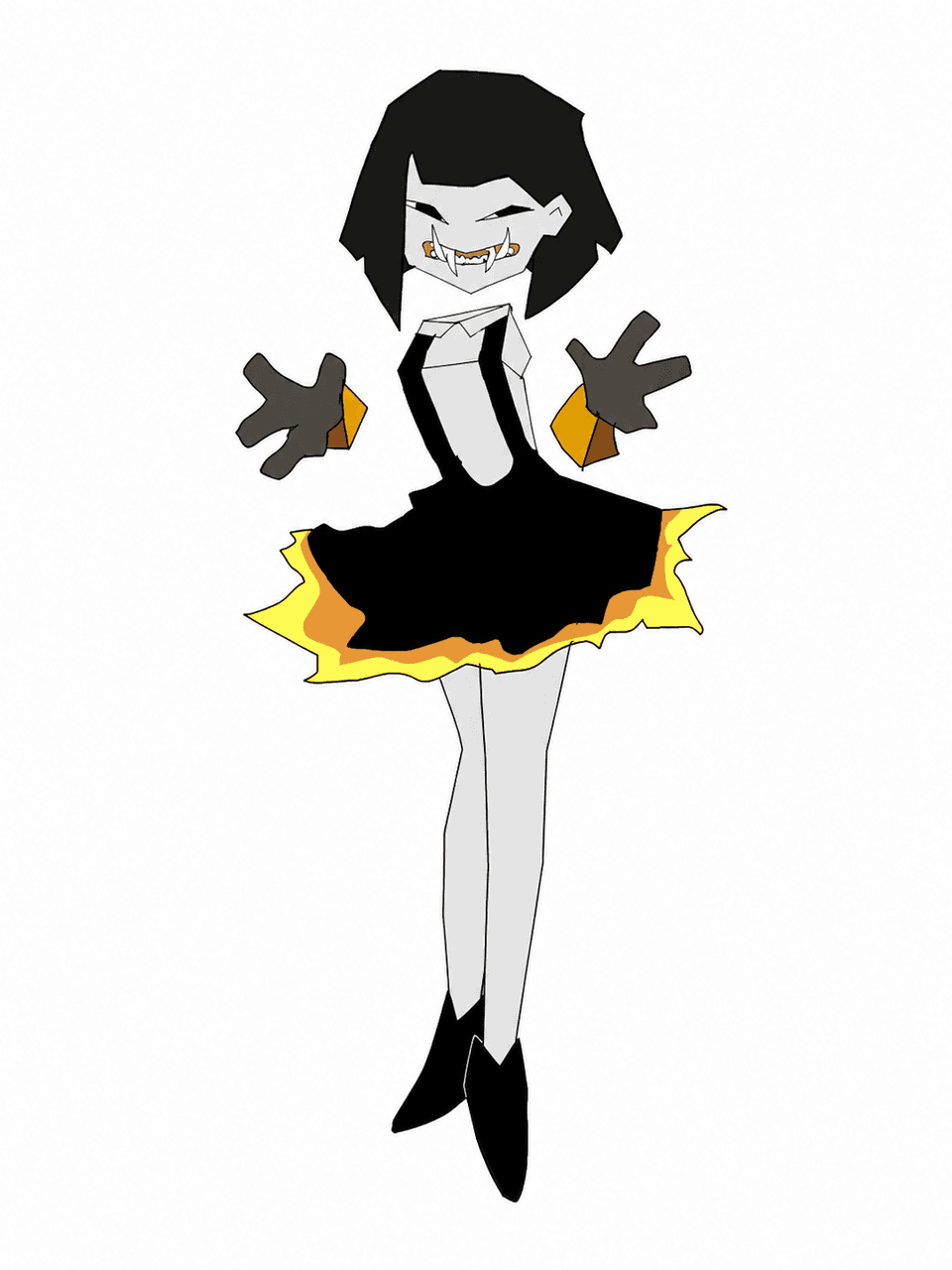
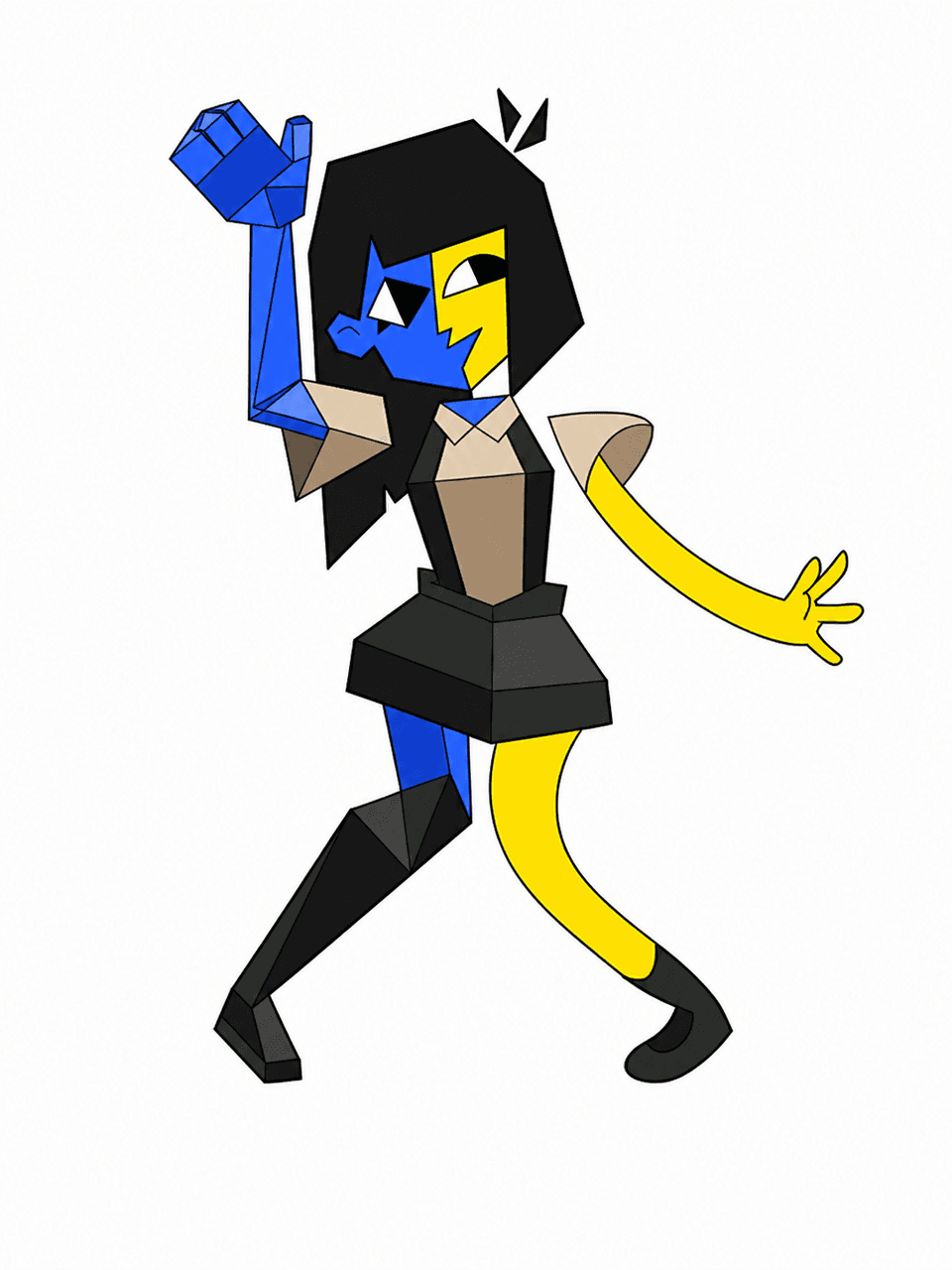
Une page utile inspirée par ENA devrait aider à prendre des décisions, pas seulement à produire un résultat. Utilisez-la pour d'abord définir l'identité fondamentale, puis passer aux versions alternatives, aux scènes et au contexte narratif construit autour des cartes de dispositions de casting. Cette structure est importante car la plupart des créateurs cherchent vraiment à garder le même personnage cohérent entre les révisions.
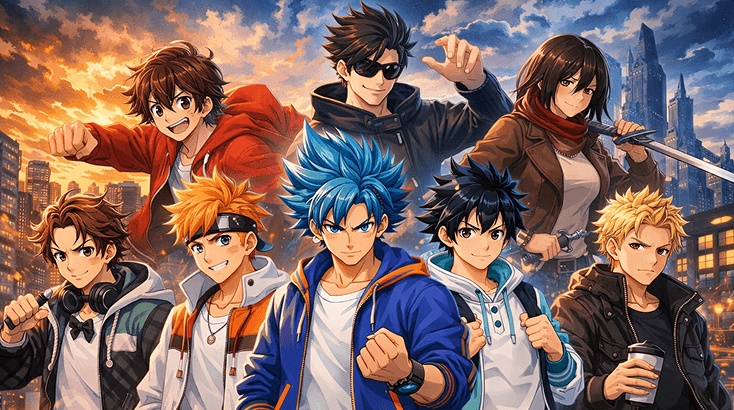
La première passe doit répondre à une seule question : le personnage est-il immédiatement compréhensible ? Commencez par un complice meilleur ami, une silhouette plus nette et un langage de formes clair, puis utilisez le Jeu de Rôle IA d'Elser AI pour stabiliser les parties qui semblent encore floues.
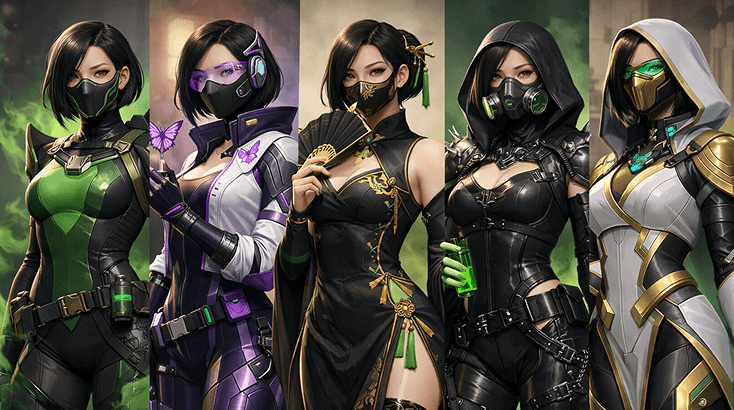
La plupart des designs inspirés par ENA dépendent des petits choix. C'est ici que vous ajustez les grandes expressions faciales, les accessoires codés ENA et la lisibilité des scènes pour que le personnage paraisse intentionnel, et que le Générateur De Storyboards IA vous aide une fois que vous voulez un rendu plus net.
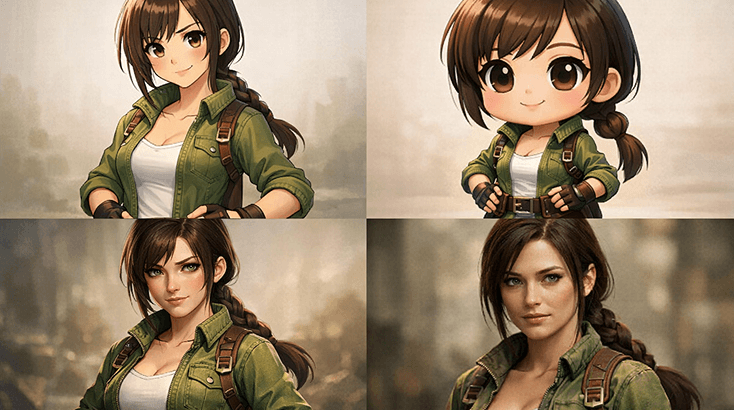
Les bonnes pages d'OC ne sont pas seulement pour un portrait. Elles devraient également prendre en charge les modifications de vacances, les révisions basées sur des scènes et ce genre d'intros en style affiche que les gens utilisent réellement dans les espaces fan. C'est ici que le Générateur D'Effets Sonores IA devient utile.
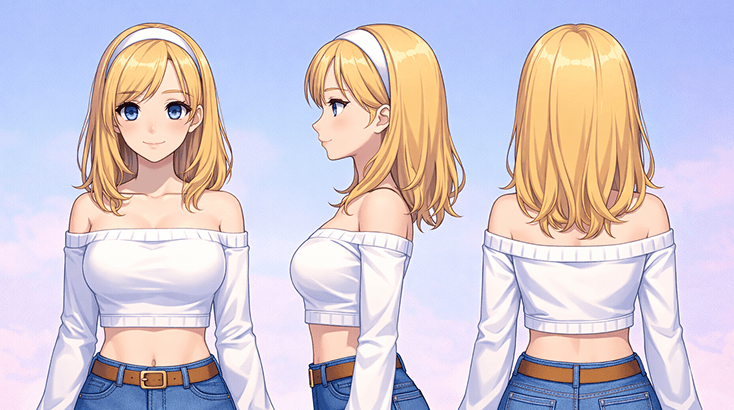
Vous n'avez pas besoin d'un roman complet, mais vous avez besoin d'une logique narrative suffisante pour que le design paraisse vivant. Construisez autour des documents de liste de personnages, des frictions relationnelles et des feuilles d'expression concrètes, puis utilisez Script To Video lorsque vous souhaitez que les scènes paraissent moins abstraites.
Commencez par le métier du personnage dans le monde, ajoutez les détails qui rendent ce OC Ena compréhensible, puis affinez la meilleure version en poses de style épisode.
Commencez par le rôle que joue le personnage, la ligne émotionnelle dans laquelle il évolue, et un indice visuel qui le distingue immédiatement des choix de couleurs unies.
Intégrez un langage de formes clair, des échanges de costumes et une logique de scène suffisante pour que le personnage se sente natif du décor. Si vous avez besoin d'un passage de style plus soigné, comparez la direction du prompt avec l'éditeur d'images.
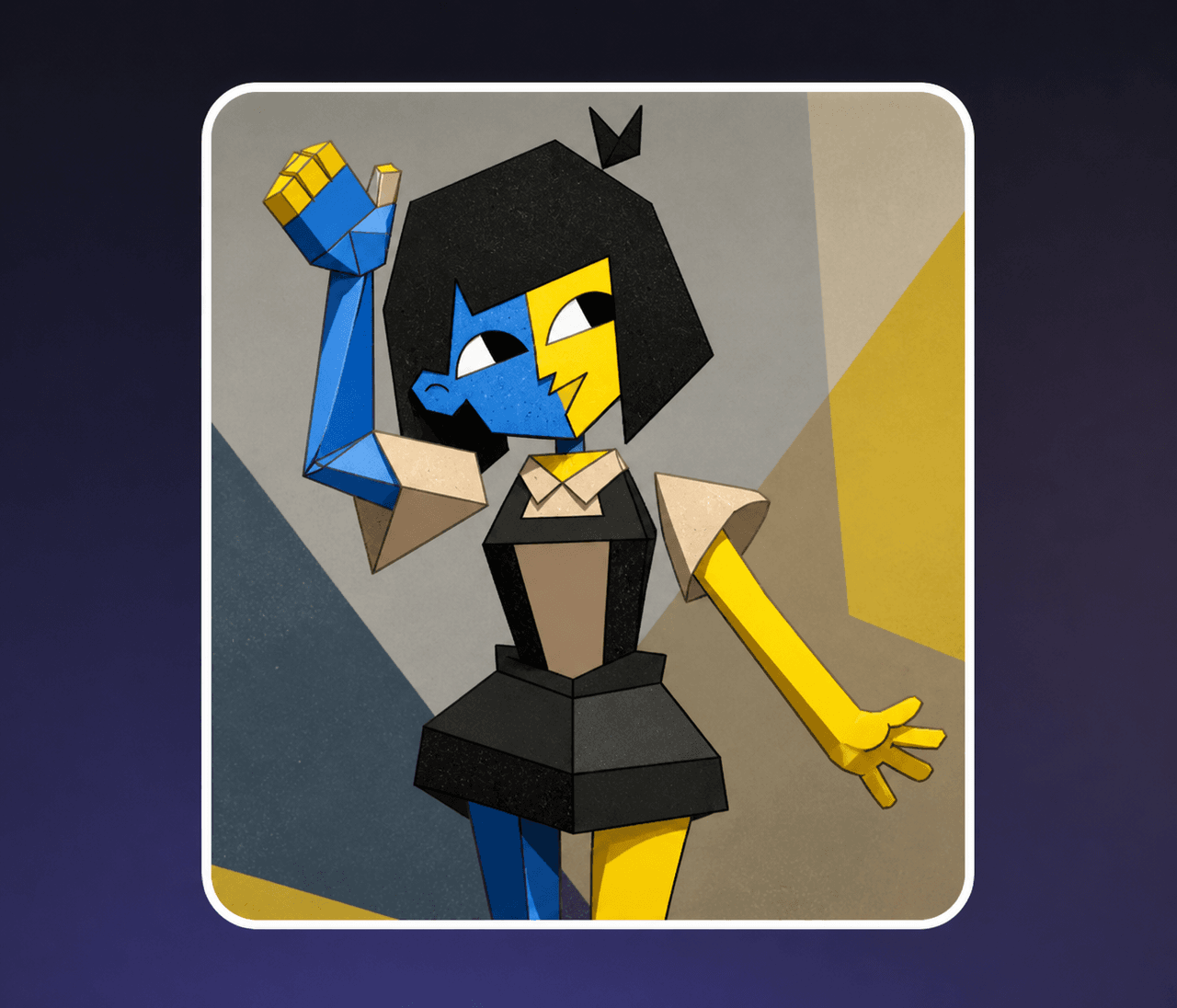
Gardez la version la plus solide, enregistrez 1 à 2 alternatives, et seulement alors étendez-vous en cartes de liste de distribution ou en atmosphère complémentaire. Si vous souhaitez tester l'ambiance autour du personnage, le Générateur d'Anime AI est un suivi utile.
Cette page de créateur de OC Ena est plus efficace lorsque vous avez besoin de continuité : le même personnage peut passer d'une idée esquissée à une logique de scène plus soignée tout en restant une seule personne plutôt qu'une pile de prompts déconnectés, avec de la place pour des feuilles d'expression plus tard.
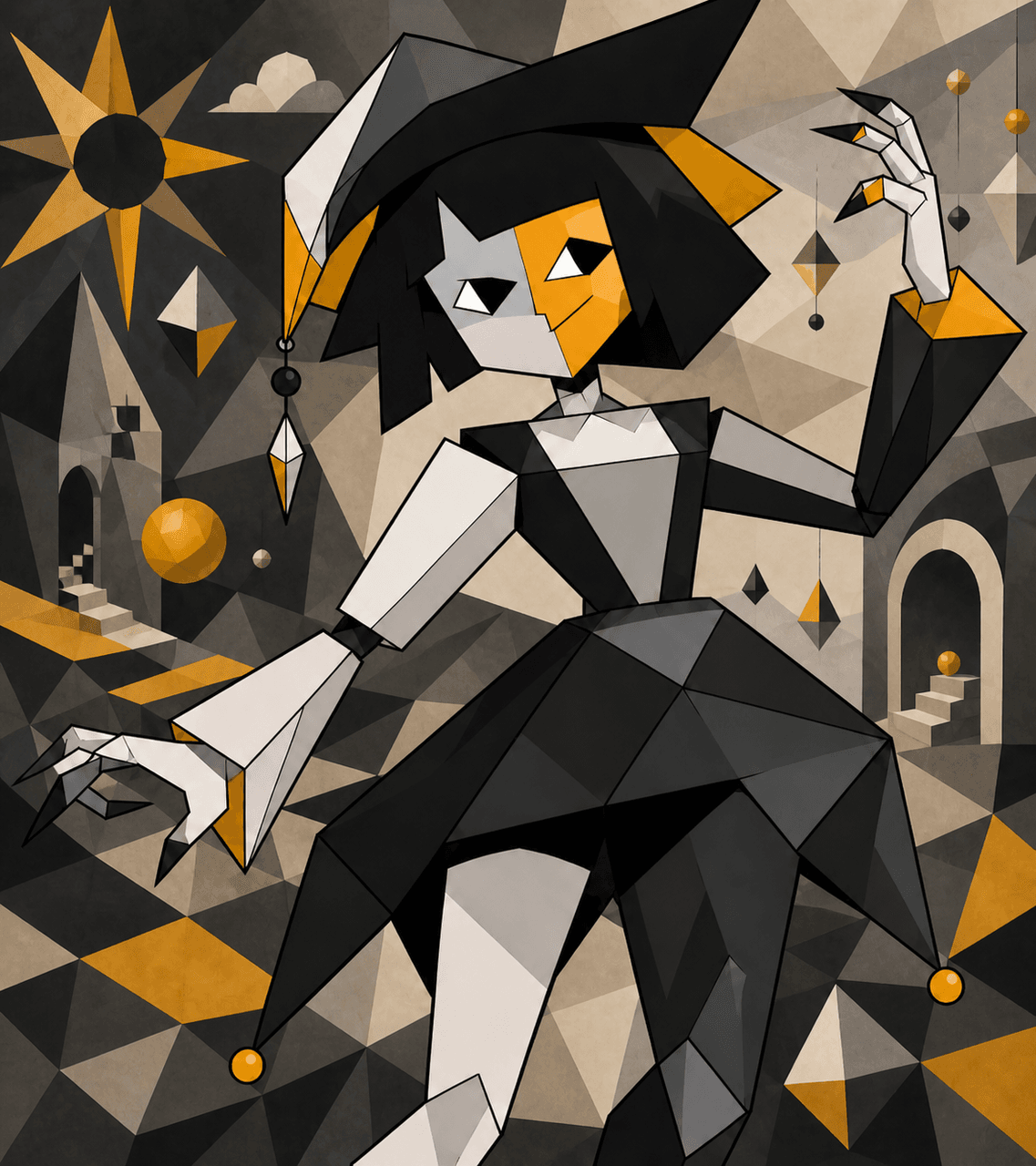
Obtenir un brouillon utilisable plus vite est important car la plupart des créateurs veulent tester plusieurs directions avant de se décider. Ce flux de travail rend cette étape moins aléatoire et plus intentionnelle.
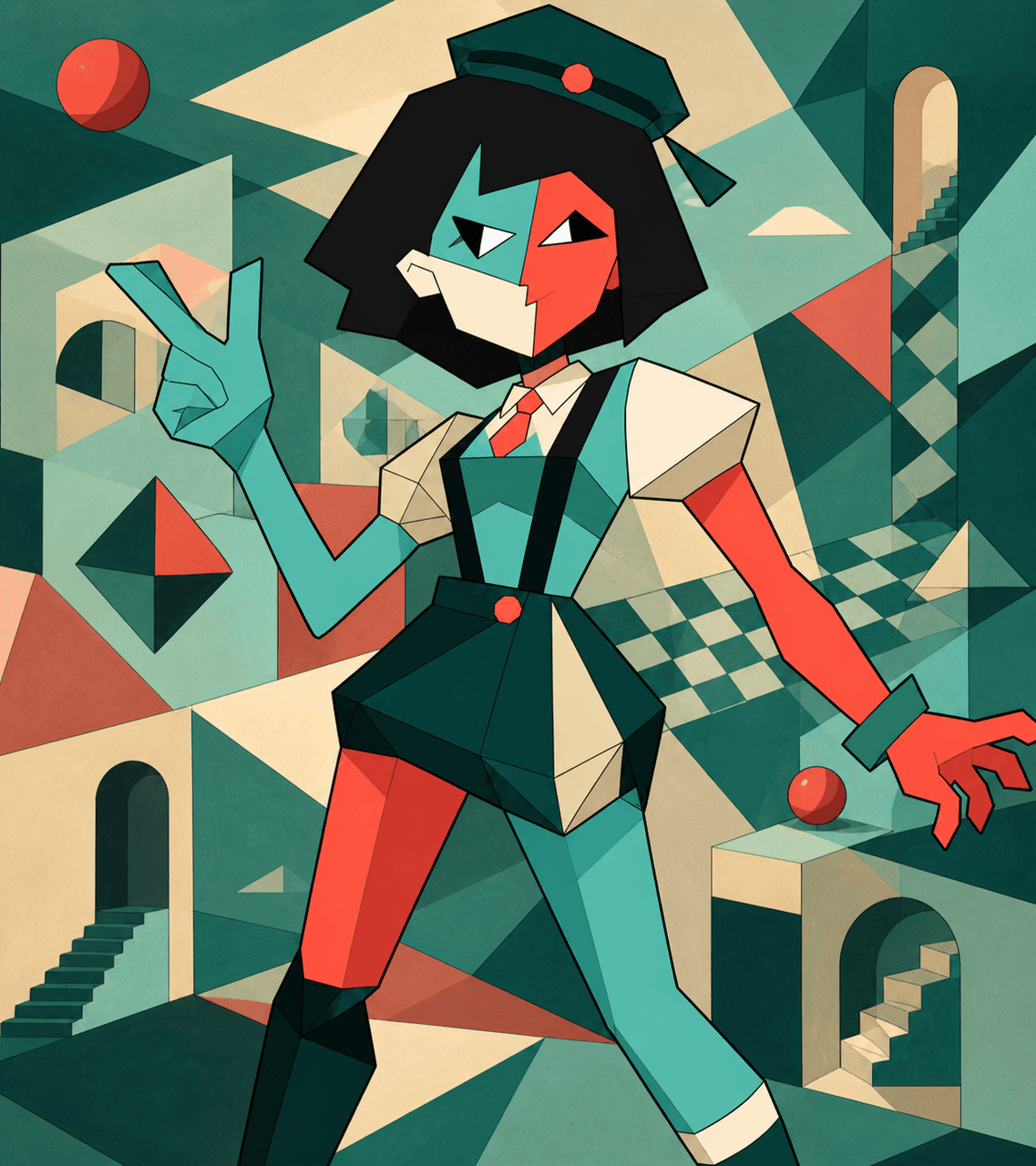
Lorsque vous souhaitez que le personnage paraisse plus défini après le premier brouillon, Kling 3 AI Video Generator vous offre une voie plus solide vers une présentation axée sur le mouvement sans perdre le langage de formes clair ou les échanges de costumes qui rendent déjà le design lisible.
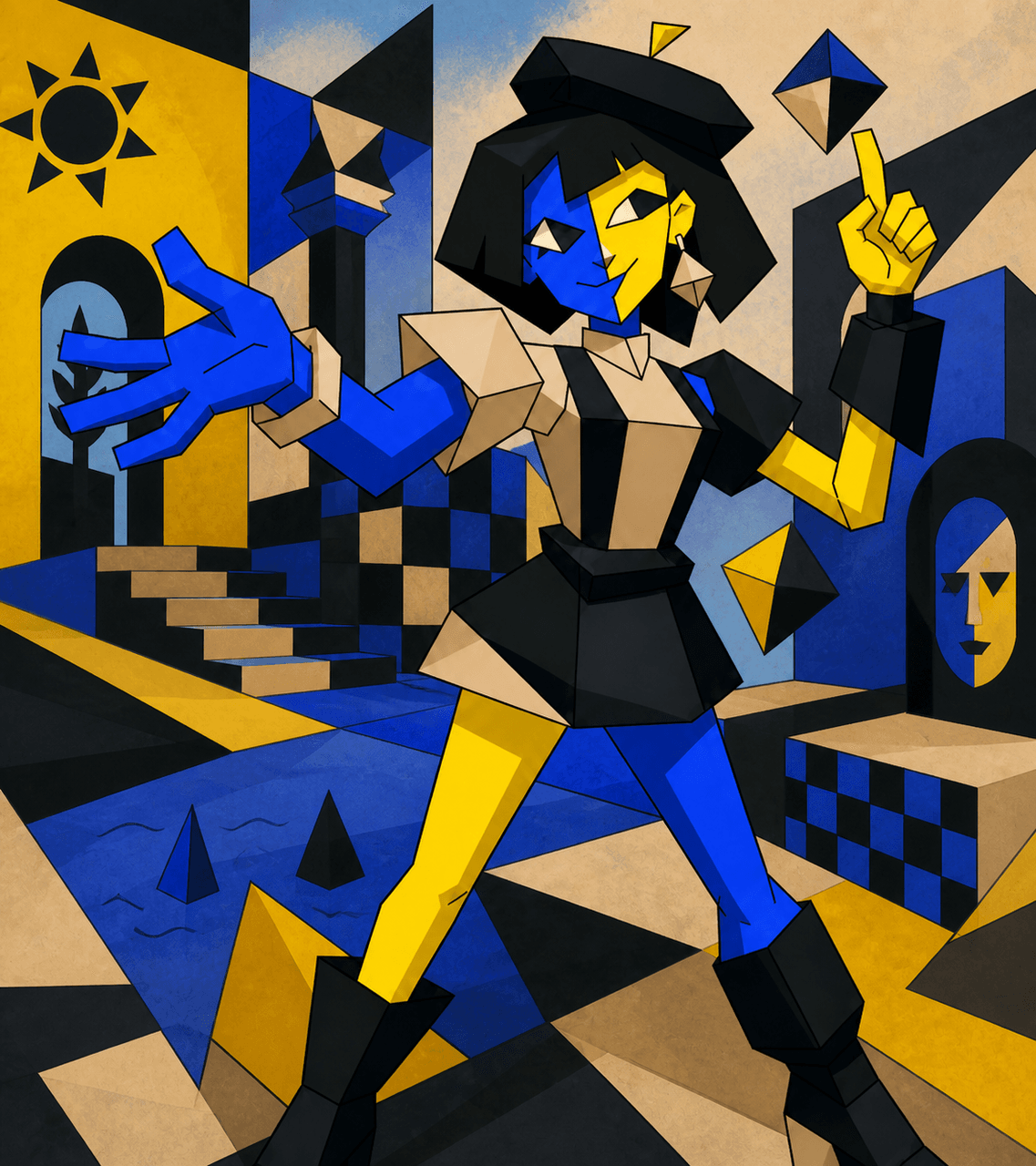
Si le design a besoin de plus de contexte de campagne, d'histoire ou de scènes plus tard, Nanobanana 2 AI Image Generator peut vous aider à recadrer le même personnage pour des promotions, des hooks ou un packaging plus large construit autour des passes de concept ena et des scènes de gags épisodiques.
This section works best as a sanity check for ena oc maker tone and format. Compare MLP OC Maker with Random Cartoon Character Generator and see which route gives the character better legs before you commit to avatar use.
Fursona OC Maker
Fursona OC Maker
FPE OC Maker
FPE OC Maker
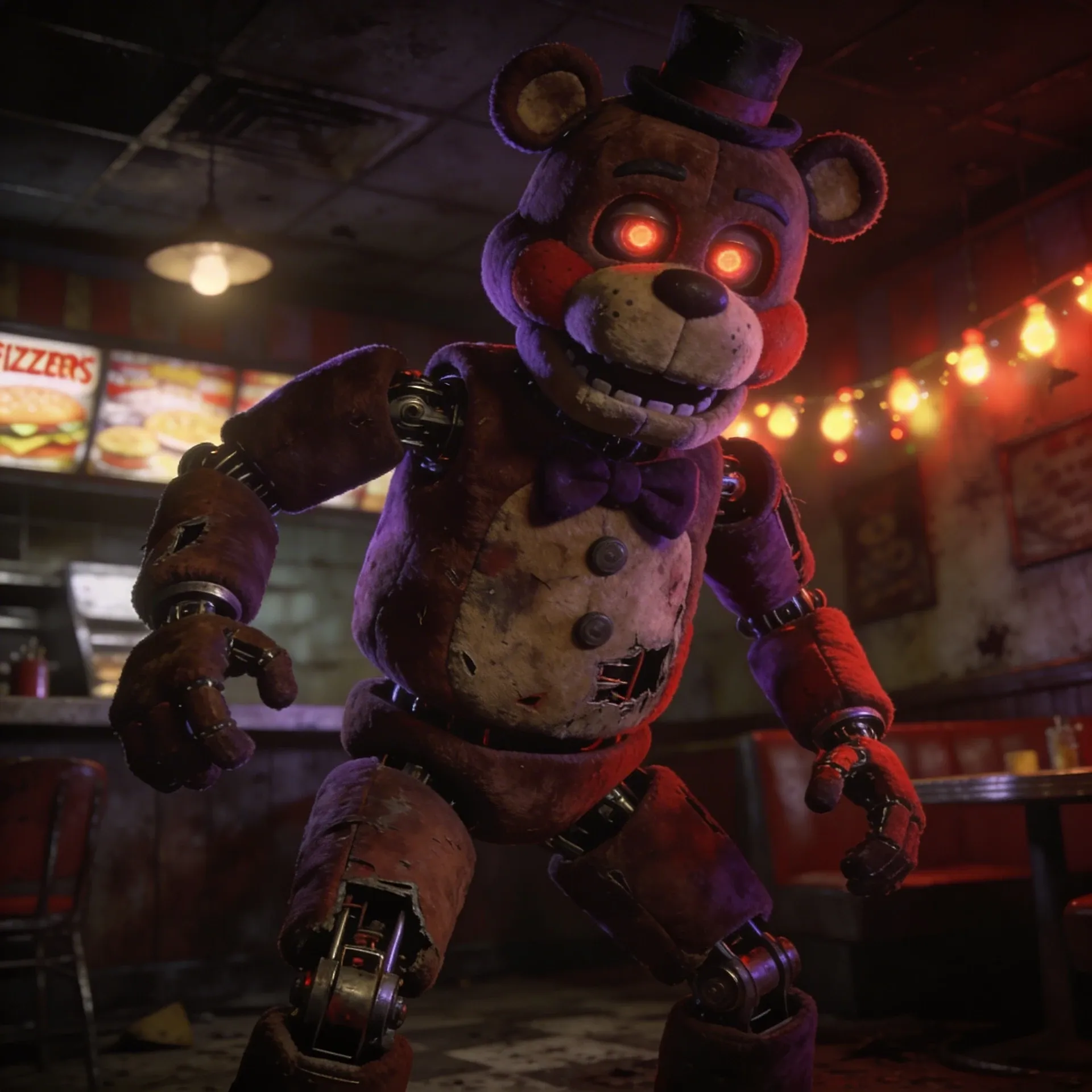
FNAF OC Maker
FNAF OC Maker
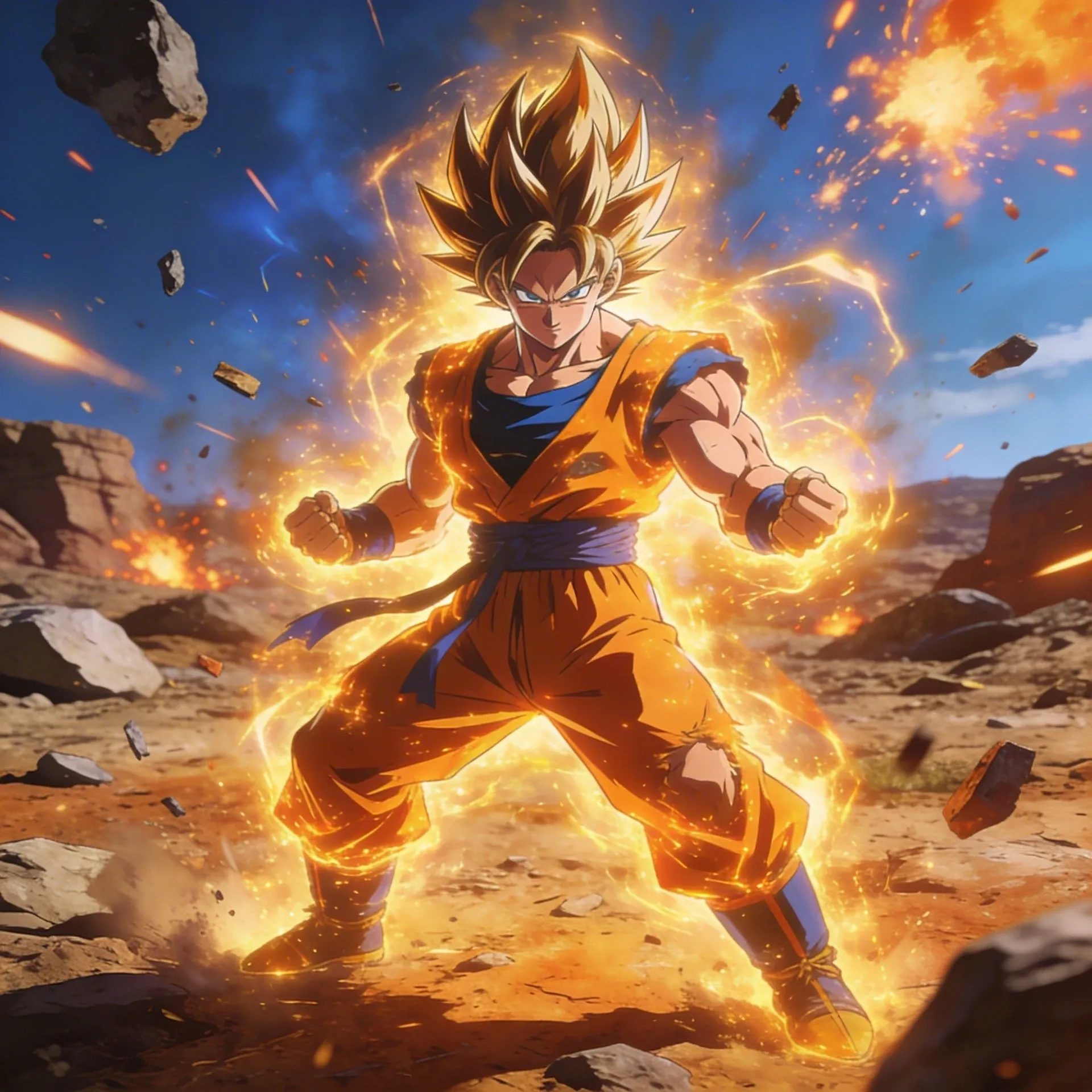
Dragon Ball OC Maker
Dragon Ball OC Maker
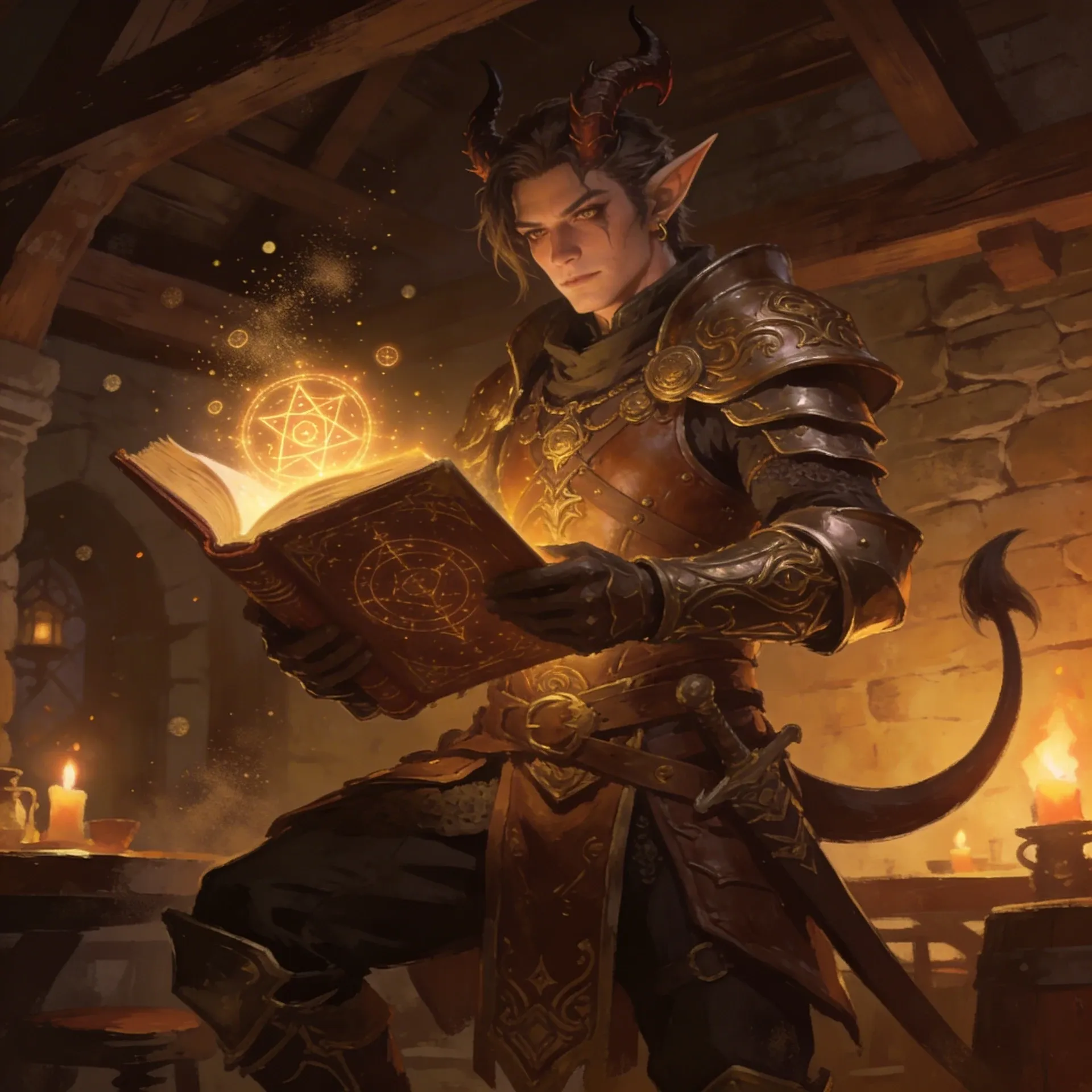
DnD Character Maker OC Maker
DnD Character Maker OC Maker
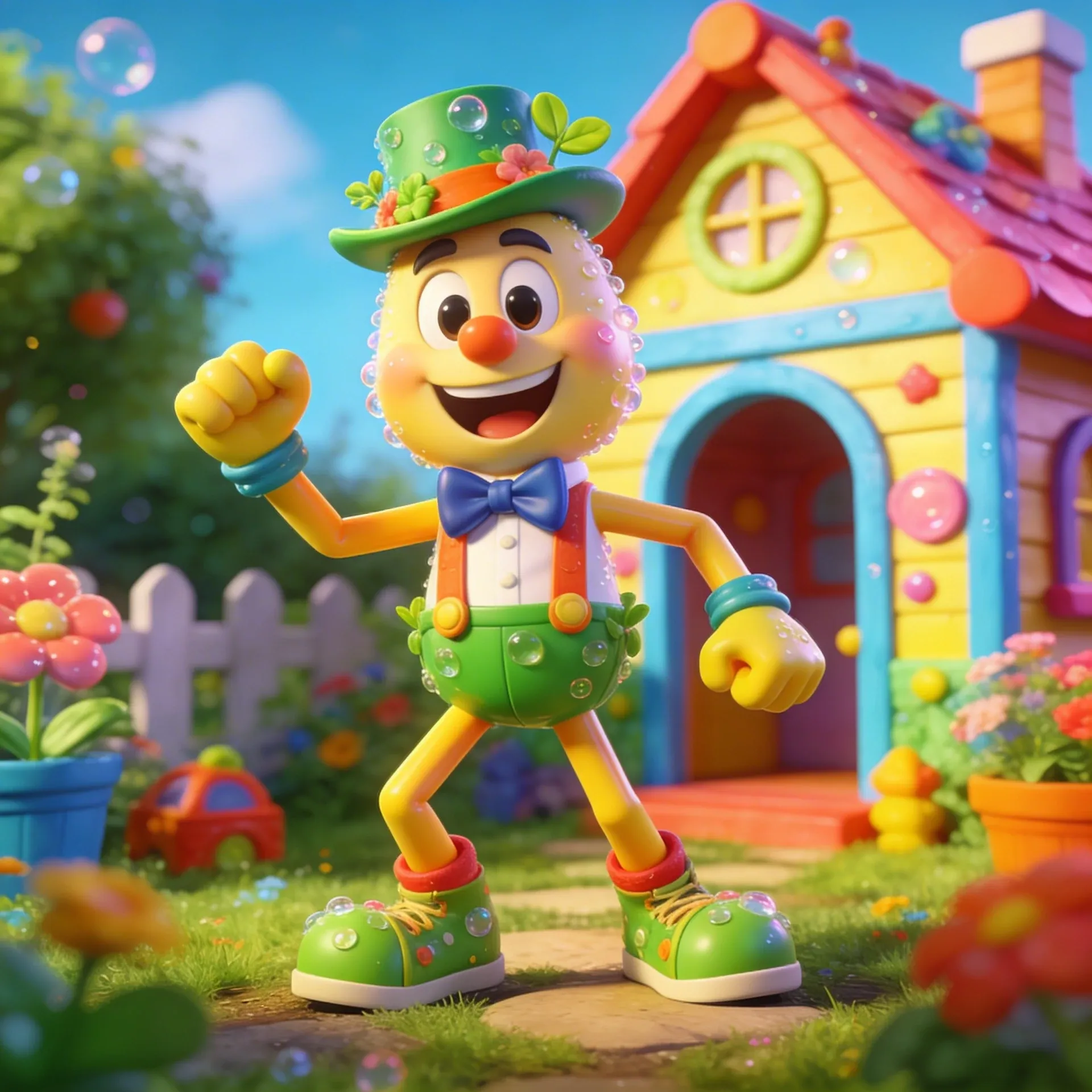
Dandy's World OC Maker
Dandy's World OC Maker
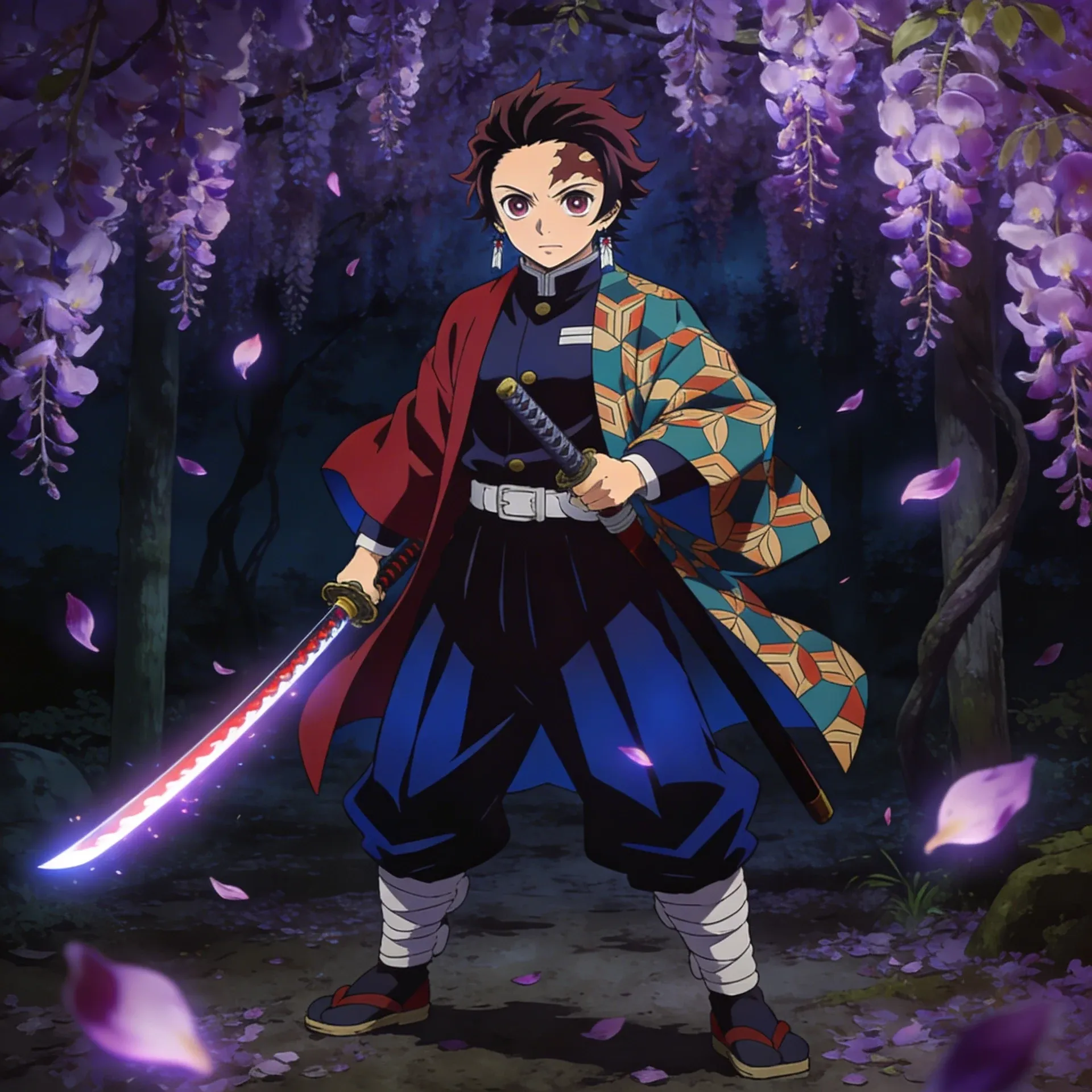
Demon Slayer OC Maker
Demon Slayer OC Maker
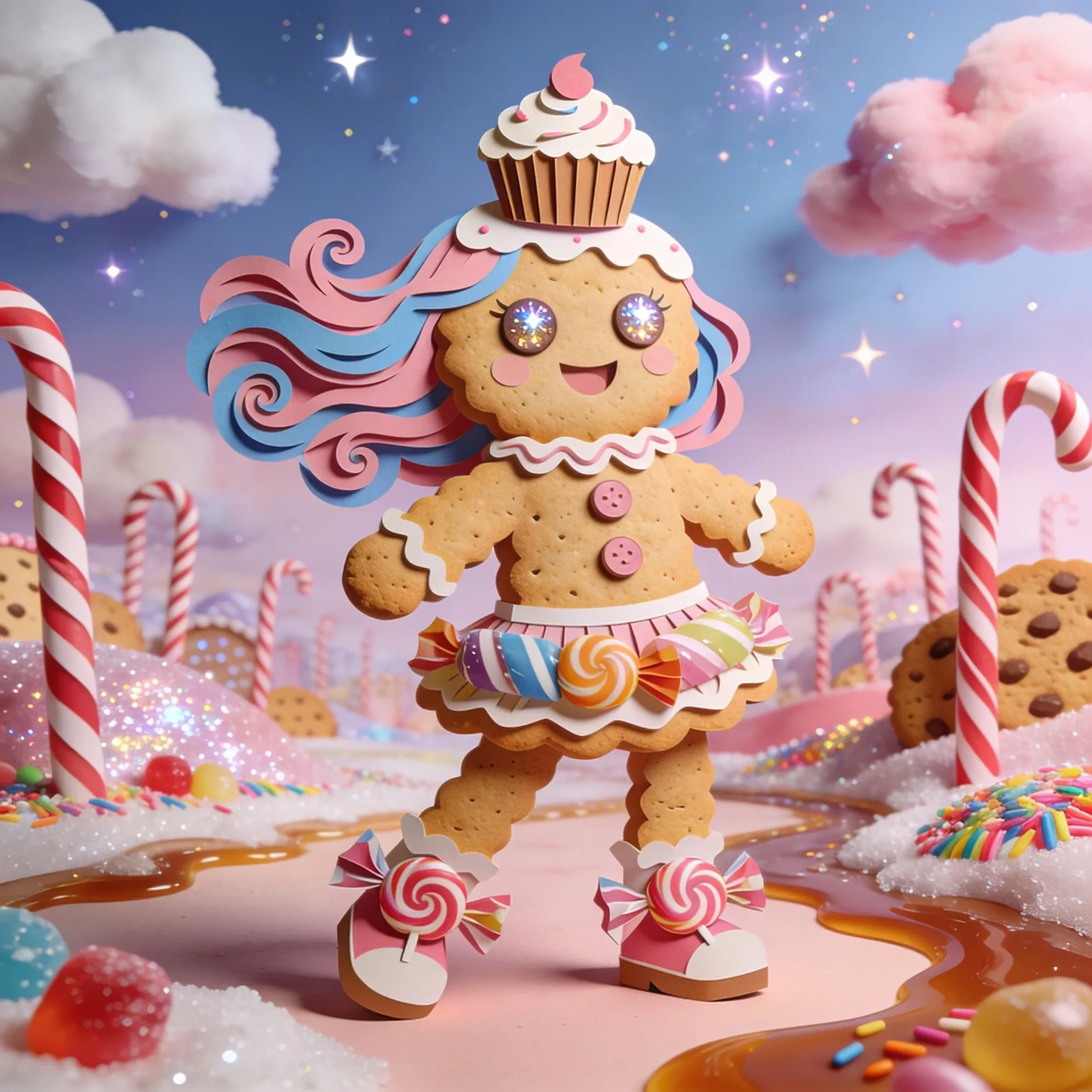
Cookie Run Kingdom OC Maker
Cookie Run Kingdom OC Maker
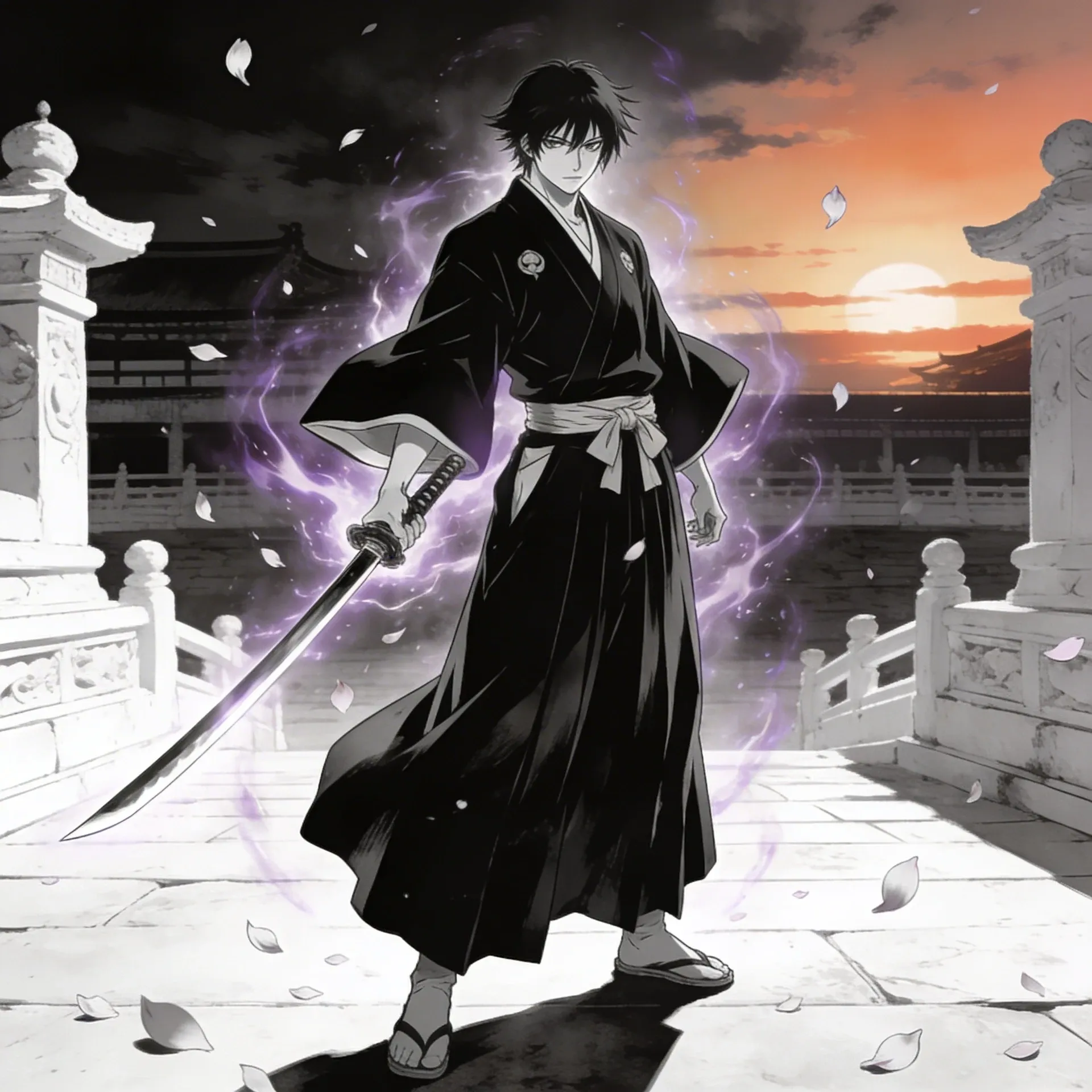
Bleach OC Maker
Bleach OC Maker
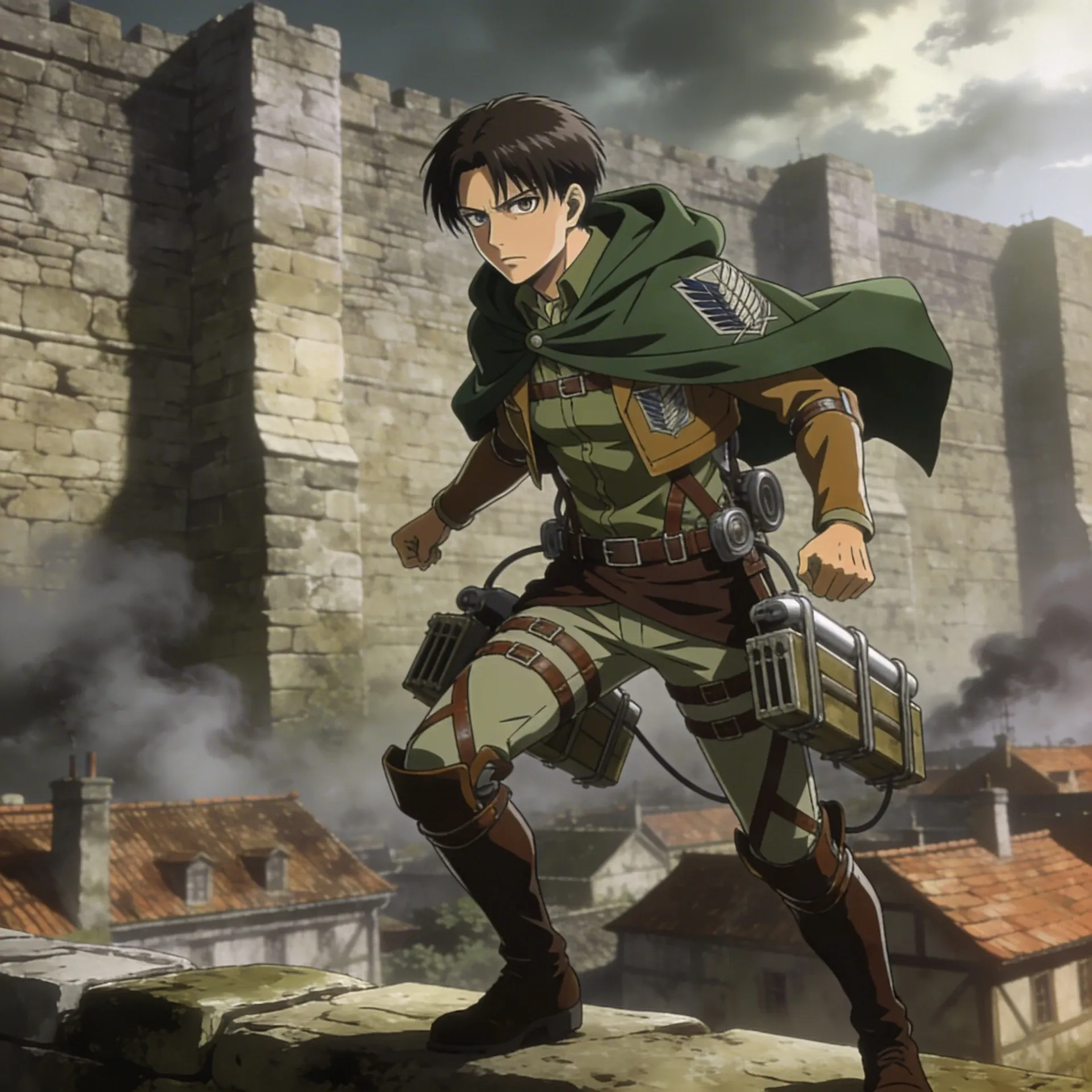
Attack on Titan OC Maker
Attack on Titan OC Maker
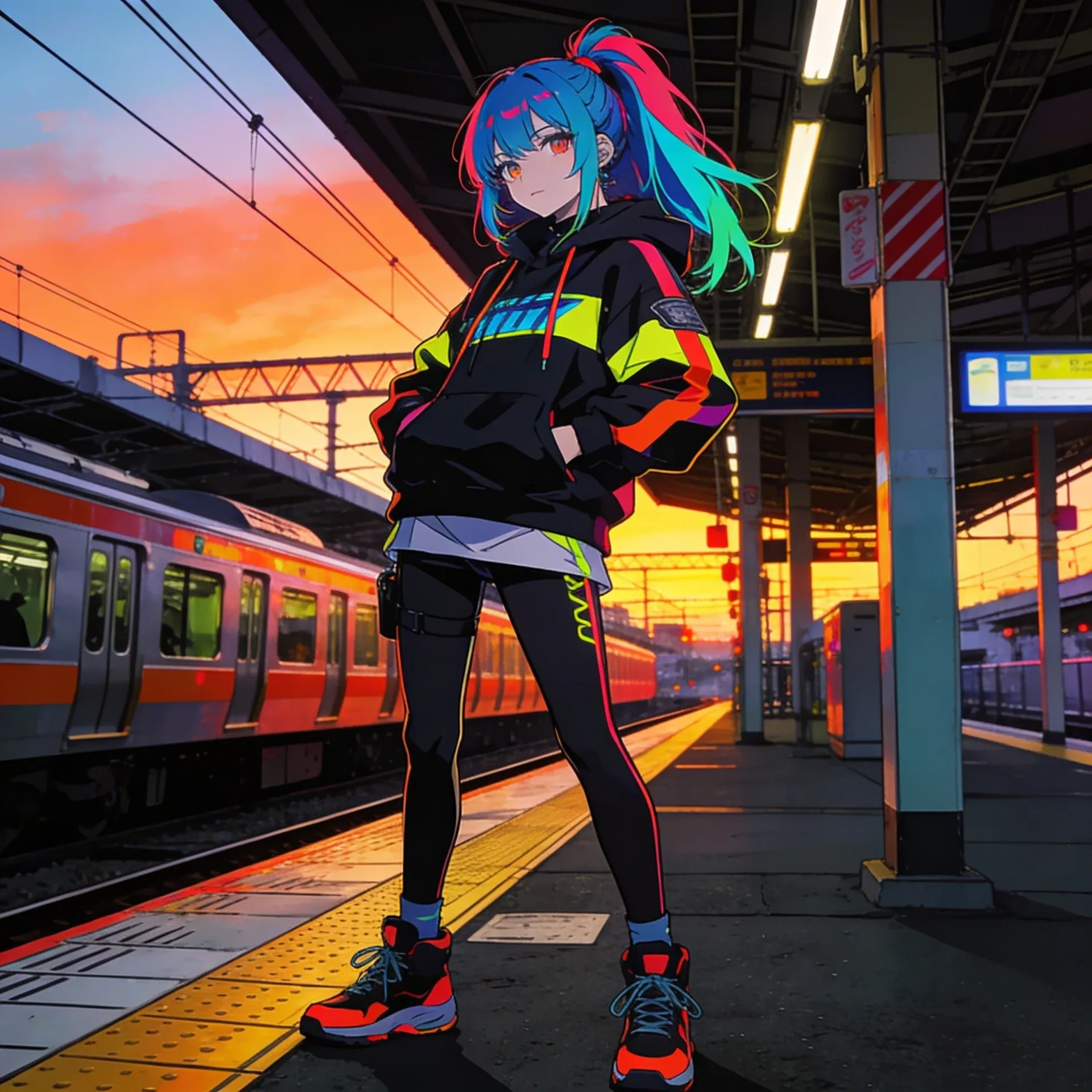
Anime OC Maker
Anime OC Maker
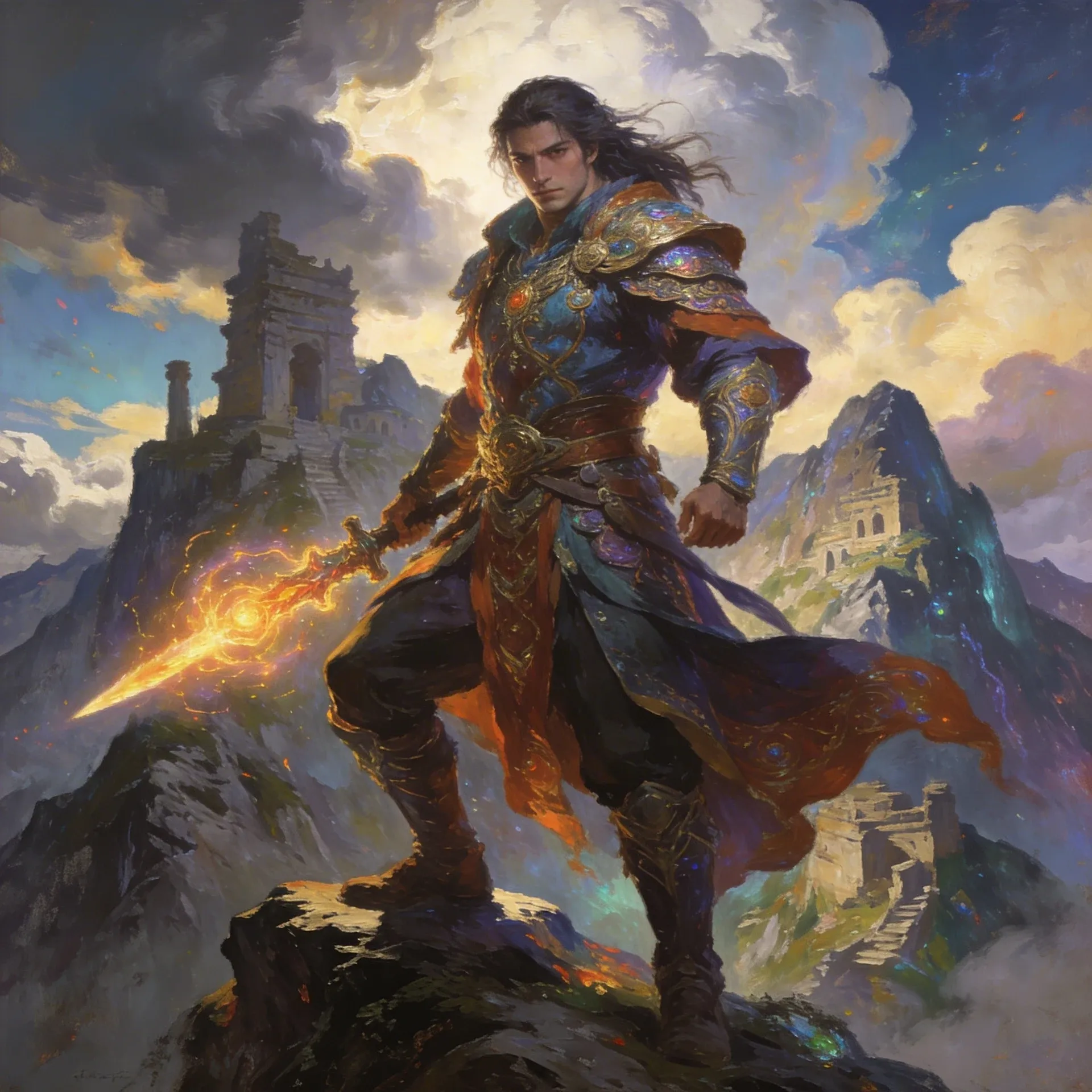
AI Fantasy OC Maker
AI Fantasy OC Maker
Chaque exemple de créateur d'OC Ena oriente la page dans une direction légèrement différente pour que vous puissiez voir ce qui correspond réellement à votre personnage. Lorsque vous souhaitez un autre point de référence stylistique, comparez avec le créateur d'OC Monster High ou le Générateur d'avatars de dessins animés avant de choisir un chemin pour les concepts de groupe d'amis.
If you plan to keep building on your ena oc maker, the tools below are the practical follow-up set: polish the art, add movement, sketch the scenes, and generate supporting media without losing details like toy-like props.
AI Anime Art Generator
AI Anime Art Generator
AI Animation Video Generator
AI Animation Video Generator
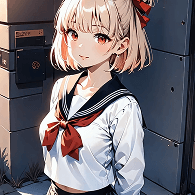
AI Character Generator
AI Character Generator
AI Music Generator
AI Music Generator
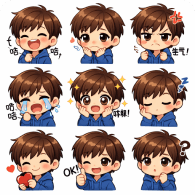
AI Emoji Generator
AI Emoji Generator
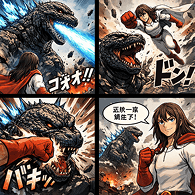
AI Comic Generator
AI Comic Generator
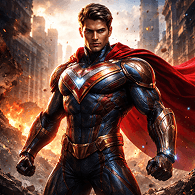
AI Superhero Generator
AI Superhero Generator
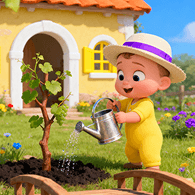
AI Cartoon Generator
AI Cartoon Generator
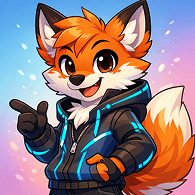
Furry AI Generator
Furry AI Generator
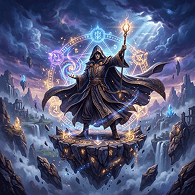
AI Fantasy Art Generator
AI Fantasy Art Generator
AI Manga Generator
AI Manga Generator
AI Meme Generator
AI Meme Generator
Commencez par l'idée générale en premier : qui est le personnage, ce qui doit le rendre compréhensible d'un coup d'œil et à quelles scènes gags épisodiques le design appartient. Ensuite, affinez les indices visuels spécifiques à Ena et les accessoires à motifs jusqu'à ce que le résultat soit suffisamment stable pour les invites artistiques de la communauté.
La plupart des personnes obtiennent de meilleurs résultats en décidant d'abord du rôle, puis en ajoutant un langage de forme clair, des échanges de tenues et un objectif de scène tel que les cartes de présentation de la distribution. Cela donne au générateur quelque chose de plus clair sur lequel travailler.
L'option gratuite exacte peut changer, donc consultez la page de tarification pour la configuration actuelle. Cette page est l'endroit le plus fiable pour confirmer ce que vous pouvez tester avant de vous engager.
En pratique, les personnes désignent généralement le même type de flux de travail. La différence est moins liée à la terminologie qu'à savoir si la page aide avec les tenues en blocs de couleur et les feuilles d'expressions réutilisables au lieu d'une seule image.
Choisissez une idée de silhouette, gardez le langage des accessoires répétable et assurez-vous que la palette de couleurs soutient le rôle au lieu de le contrer. Si la première version semble encore peu définie, le Générateur d'effets sonores IA est un bon endroit pour affiner l'apparence de base.
Vous pouvez créer des idées de scènes drôles, des poses de réaction, des designs alternatifs et des bios plus complètes pour les invites artistiques de la communauté.
Il est plus facile de conserver le même personnage à travers les révisions, car vous pouvez étendre l'idée vers des pages comme Script To Video ou Image Editor sans perdre les accessoires en forme de jouet ou les œuvres prêtes pour des icônes qui ont fait fonctionner le concept au départ.
Oui. Une fois que le personnage semble stable, Script To Video et Image Editor rendent beaucoup plus facile de transformer le concept en feuilles d'expressions, de plans de révélation ou de courts tests de mouvement construits autour de looks de parodie de héros.
Commencez ici si vous souhaitez que le personnage paraisse plus complet qu'une planche d'humeur peu définie et plus flexible qu'une seule image unique.