
Définir ton personnage
Saisis une description dans la zone de texte ou choisis rapidement des étiquettes (Genre, Style, Cheveux, etc.) pour définir l'apparence de ton OC.
Utilisez notre outil de création IA pour concevoir facilement un OC extraordinaire de Sprunki.
Sprunki Créateur OC

Cliquez ou glissez pour télécharger l'image
Formats PNG, JPG, JPEG, WEBP, max. 10 Mo

Aucun résultat pour l'instant
Saisis une description dans la zone de texte ou choisis rapidement des étiquettes (Genre, Style, Cheveux, etc.) pour définir l'apparence de ton OC.

Glisse une image dans la zone de téléchargement si tu veux que l'IA suive une base ou une pose précise.

Choisis le format d'image (ex. 1:1) et clique sur Générer pour donner vie à ton héros unique.
Créez des OC Sprunki avec le Créateur d'OC Sprunki pour les listes de casting, l'art de réaction et les concepts de groupes d'amis sur Elser AI, en plus de la prise en charge du générateur de personnages Sprunki.
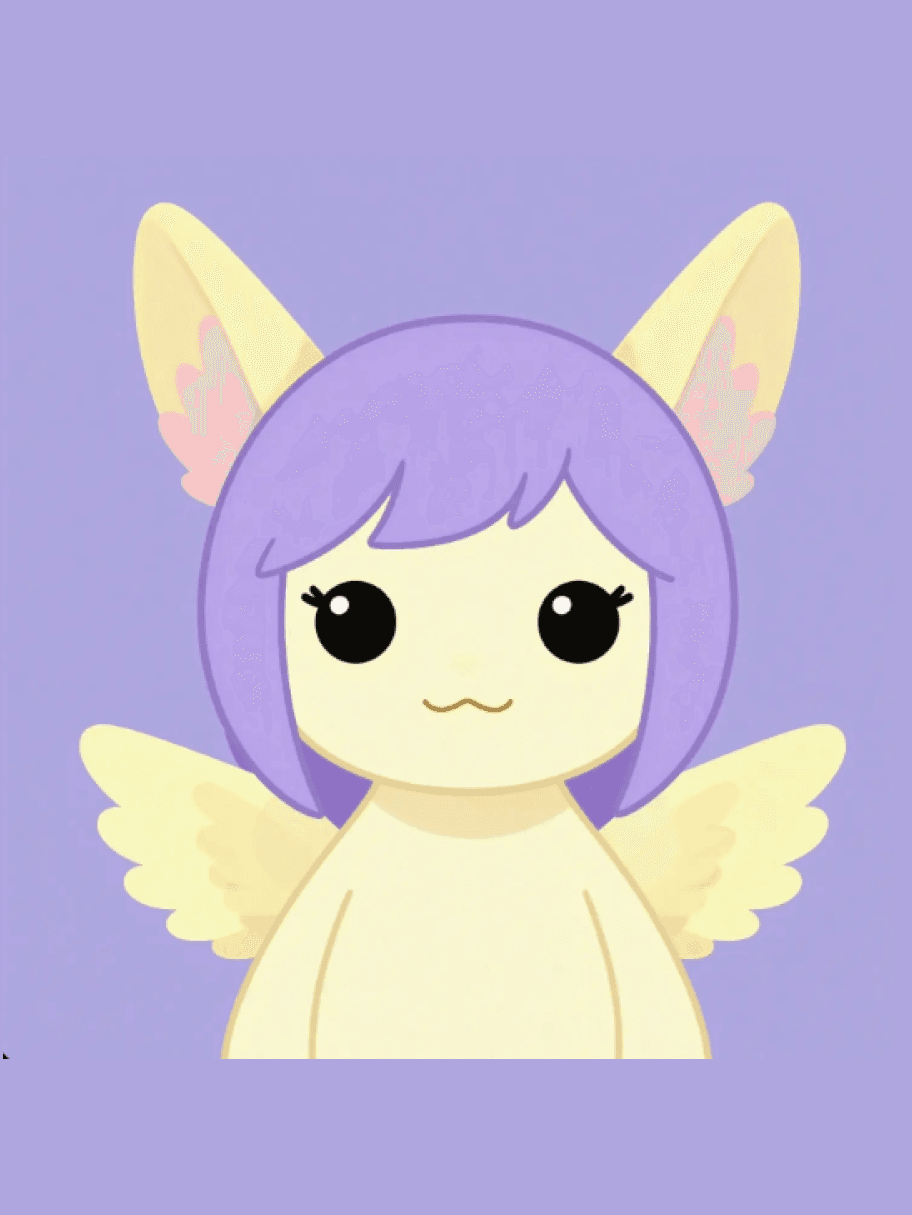
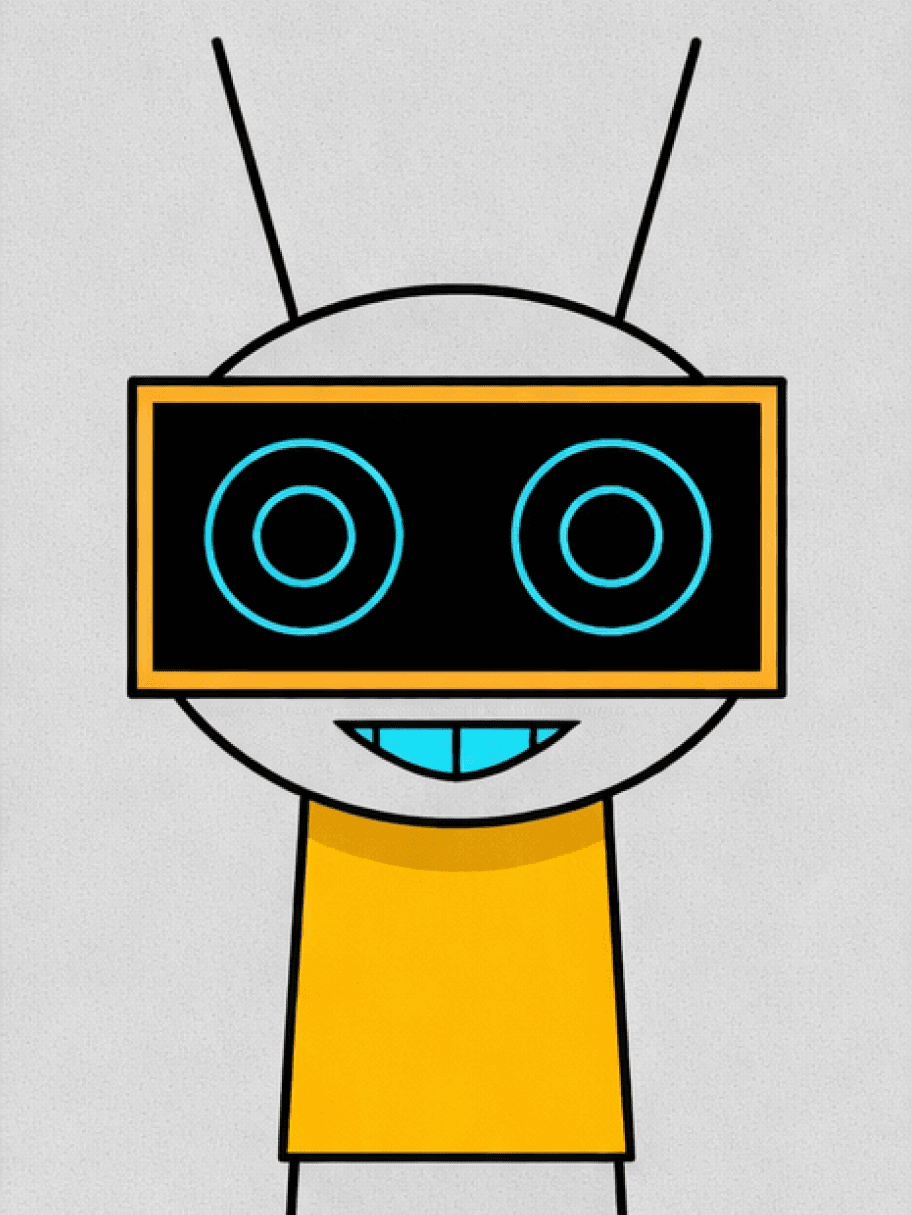
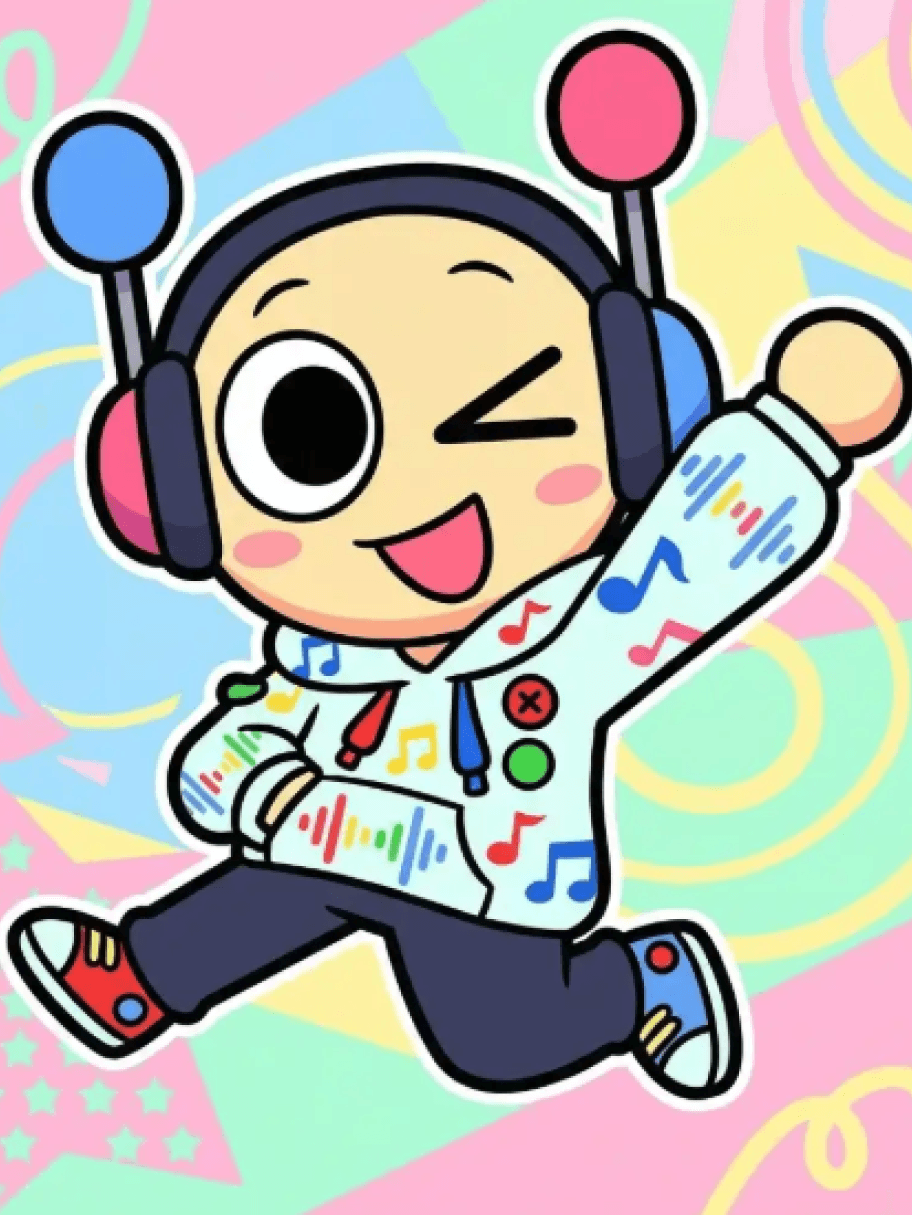
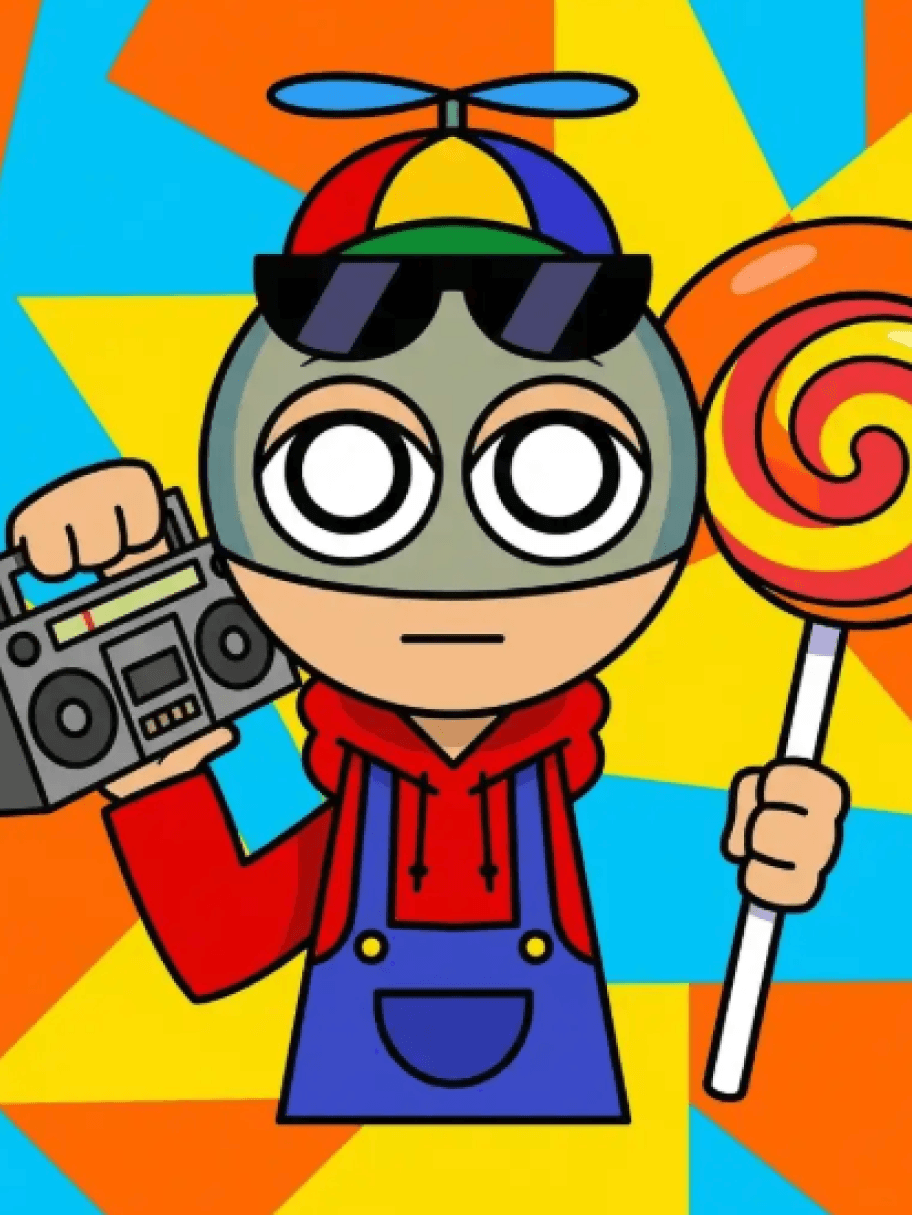
L'ensemble de fonctionnalités est conçu pour aider avec les silhouettes à contraste élevé, les échanges de costumes et tous les endroits où une bonne idée se perd généralement dans le bruit. Il facilite également le maintien de l'idée utilisable une fois que vous dépassez la première image. Les sections ci-dessous sont conçues pour les créateurs qui ont besoin de plus qu'une seule ébauche chanceuse.
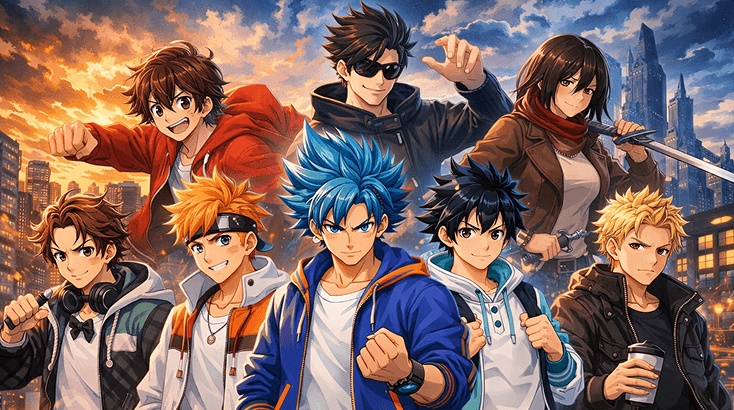
Si le design continue de dévier, revenez au rôle, à l'ambiance et à un détail visuel mémorable. Un rapide passage par le jeu de rôle par IA d'Elser AI aide généralement une fois que vous savez que le personnage a besoin de silhouettes à contraste élevé plus marquées ou d'échanges de costumes plus clairs.
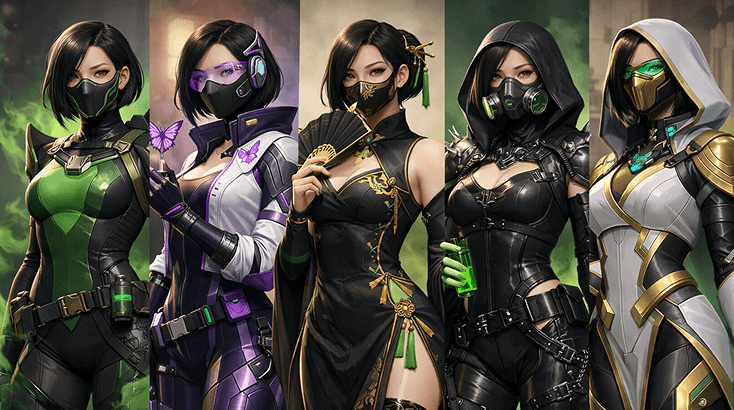
Si la première ébauche semble proche mais pas convaincante, la pièce manquante est souvent la discipline de stylisme. Affinez les détails de style Sprunki, ajustez les accessoires codés Sprunki et assurez-vous que le personnage fonctionne toujours dans des poses de réaction ; le Générateur de Storyboard par IA est utile quand vous avez besoin de ce contrôle supplémentaire.
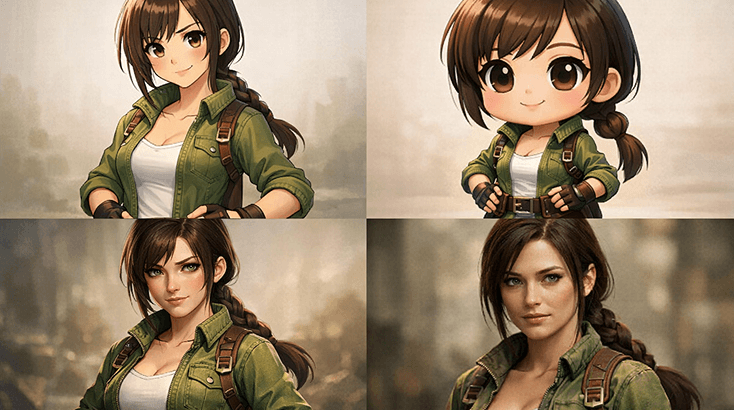
Après la première version solide, la plupart des créateurs veulent plus qu'une pose statique. Enregistrez le design, testez des tenues de journées d'école et transformez-le en portraits style autocollant ; le Générateur d'Effets Sonores par IA est un bon transfert quand vous voulez du mouvement ou plus d'énergie de scène.
Traitez cette page de créateur de personnages OC Sprunki comme une courte phase de design : définissez le concept, affinez les indices comme les accessoires de type jouet, puis conservez la version la plus efficace.
Commencez par le rôle que joue le personnage, la tonalité émotionnelle dans laquelle il s'inscrit, et un indice visuel qui le distingue immédiatement des choix de couleurs unies.
Ajoutez des silhouettes à fort contraste, des échanges de tenues et suffisamment de logique de scène pour que le personnage semble natif du décor. Si vous avez besoin d'une phase de style plus soignée, comparez la direction de la demande avec l'éditeur d'images.
Conservez la version la plus aboutie, enregistrez 1 à 2 alternatives, et seulement alors développez l'art d'introduction Sprunki ou l'ambiance de soutien. Si vous souhaitez tester l'ambiance autour du personnage, le générateur d'anime AI est un suivi utile.
Ce qui rend ce flux de travail Sprunki utile, c'est la facilité avec laquelle il passe de la première version à un travail de révision plus affiné une fois que vous savez quelles parties du personnage doivent rester fixes, en particulier les détails comme les échanges de tenues.
De nombreux générateurs peuvent produire une image esthétique. Le véritable avantage ici est de pouvoir continuer à affiner la même idée sans perdre le rôle, l'ambiance ou l'élément accrocheur visuel qui la rendait intéressante.
Lorsque vous souhaitez que le personnage paraisse plus percutant après la première version, Kling 3 AI Video Generator vous offre une voie plus solide pour une présentation axée sur le mouvement sans abandonner les silhouettes à contraste élevé ou les échanges de tenues qui rendent déjà le design lisible.
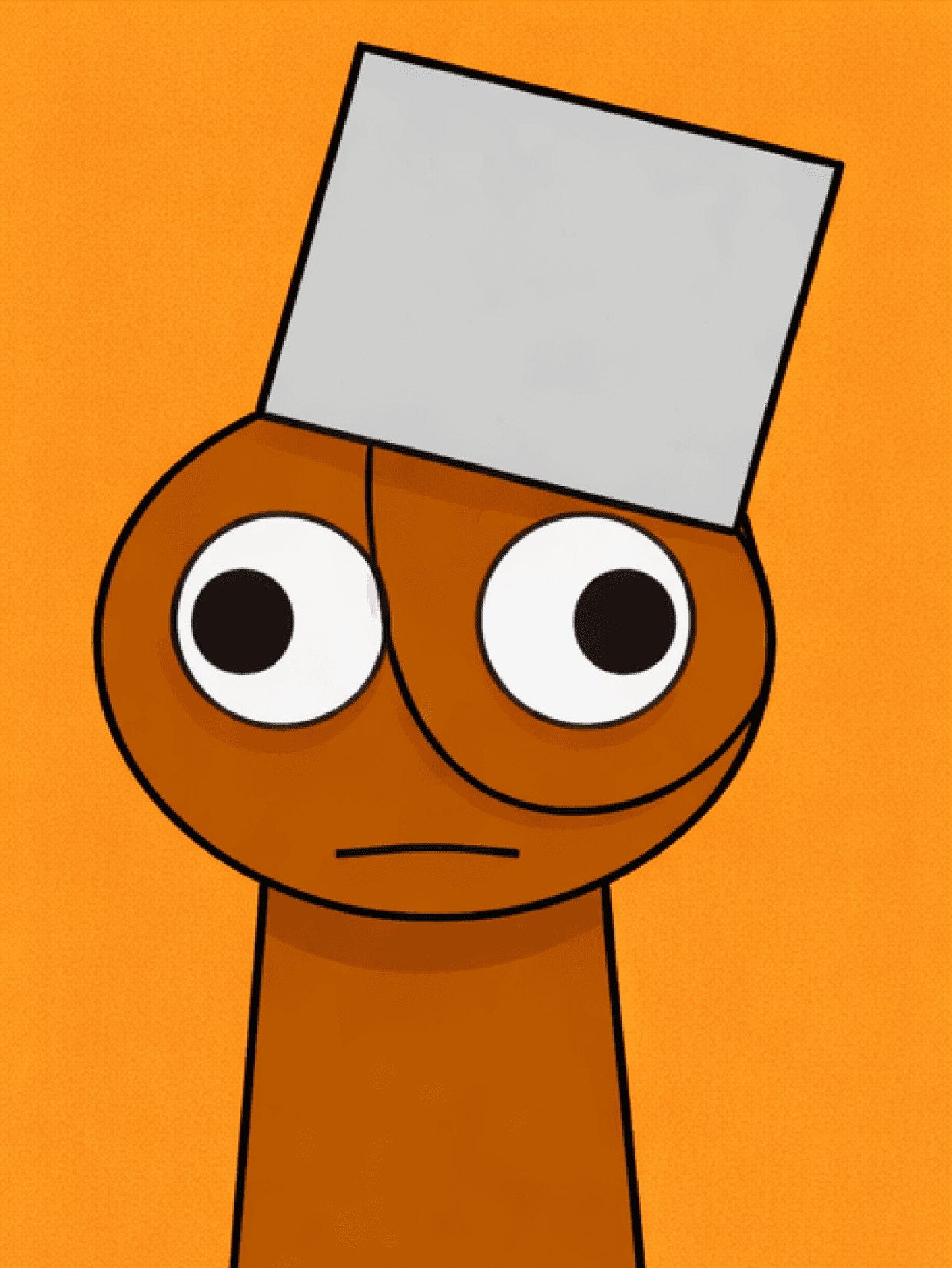
Si le design a besoin de plus de contexte de campagne, d'histoire ou de scène par la suite, Nanobanana 2 AI Image Generator peut vous aider à recadrer le même personnage pour des promotions, des accroches ou un emballage plus large construit autour des versions de concept Sprunki et des poses de réaction.
Sometimes the fastest way to improve sprunki oc maker is to look sideways. Try MLP OC Maker for adjacent fandom energy, then use Random Cartoon Character Generator when you want a different visual format for scenes like sprunki character sheets.
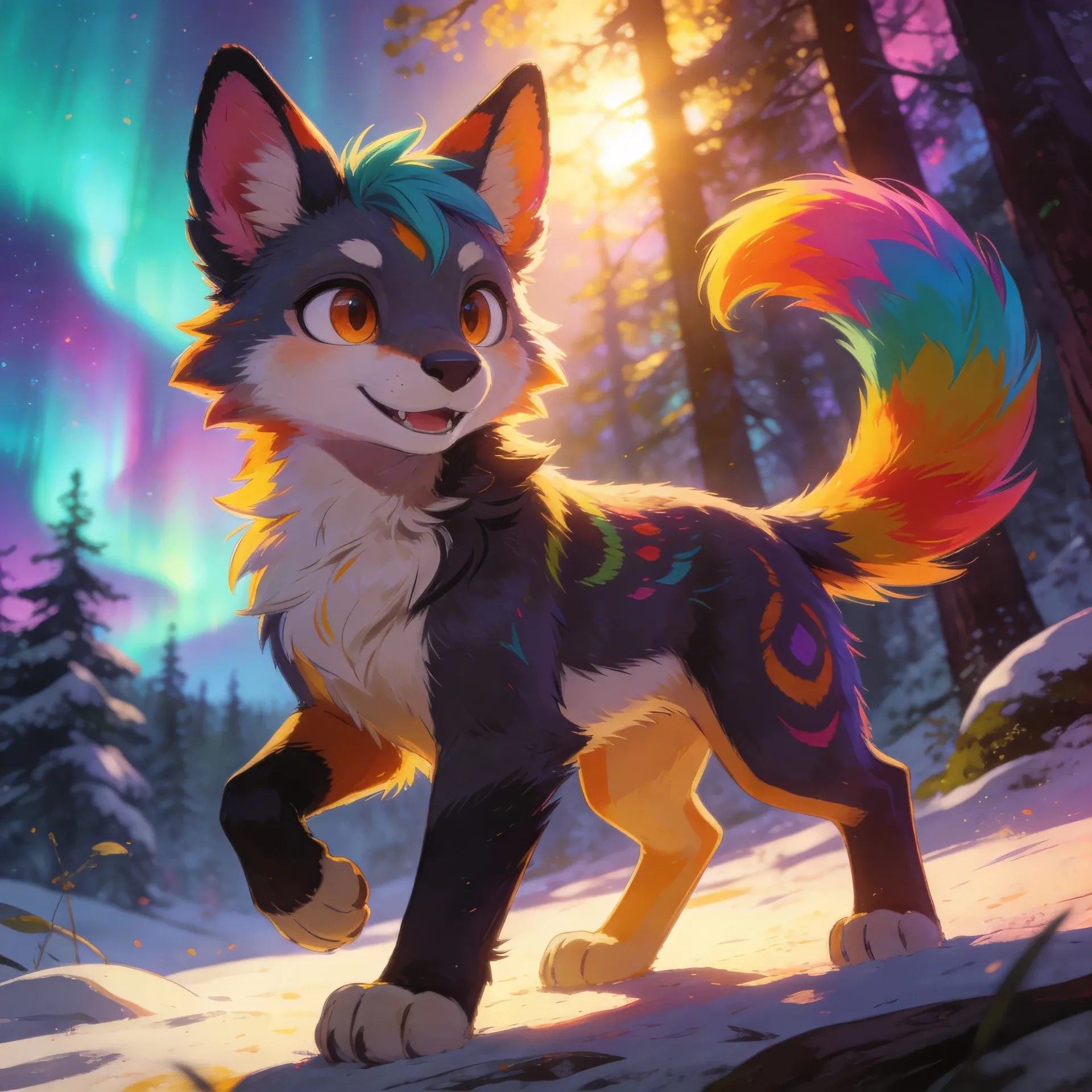
Fursona OC Maker
Fursona OC Maker
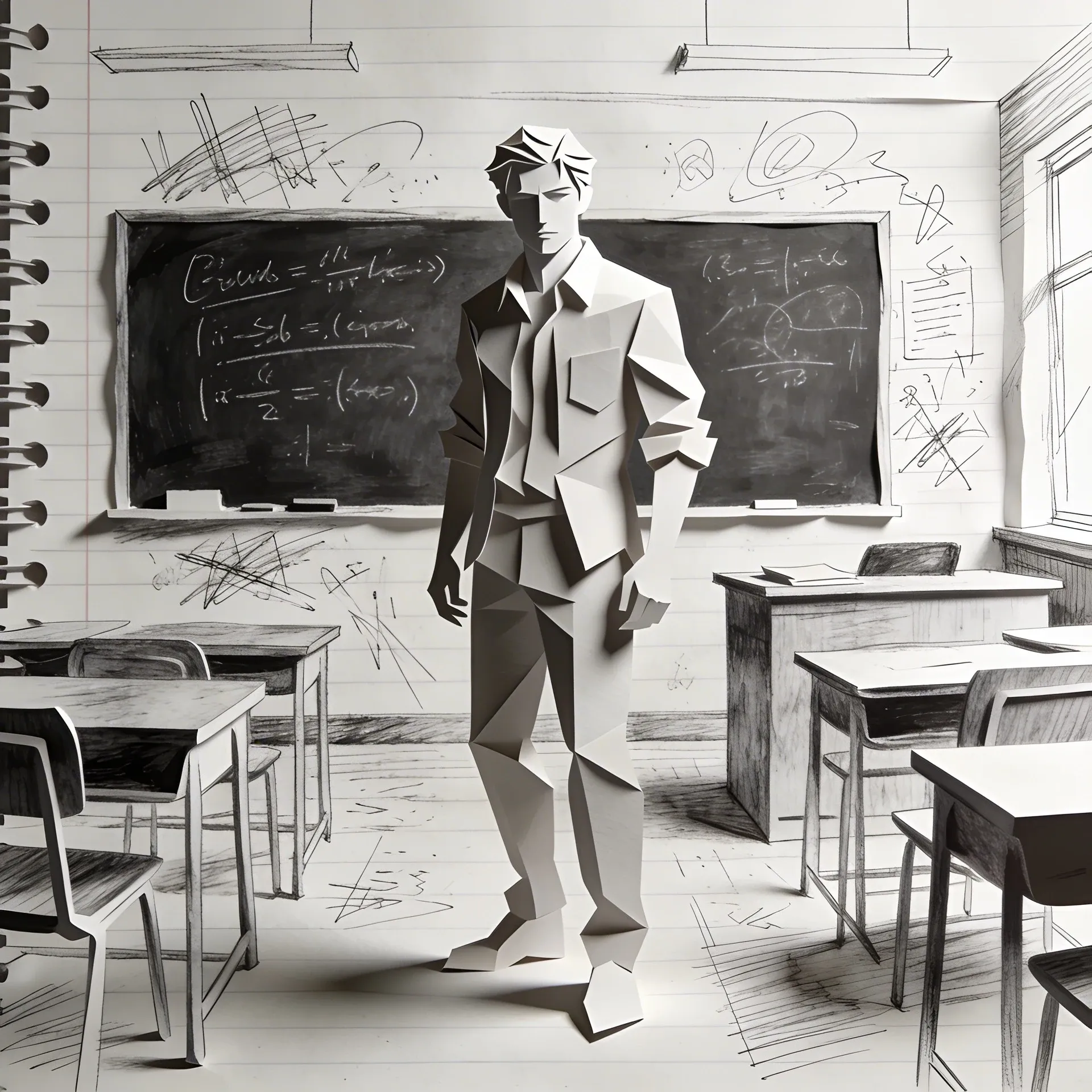
FPE OC Maker
FPE OC Maker
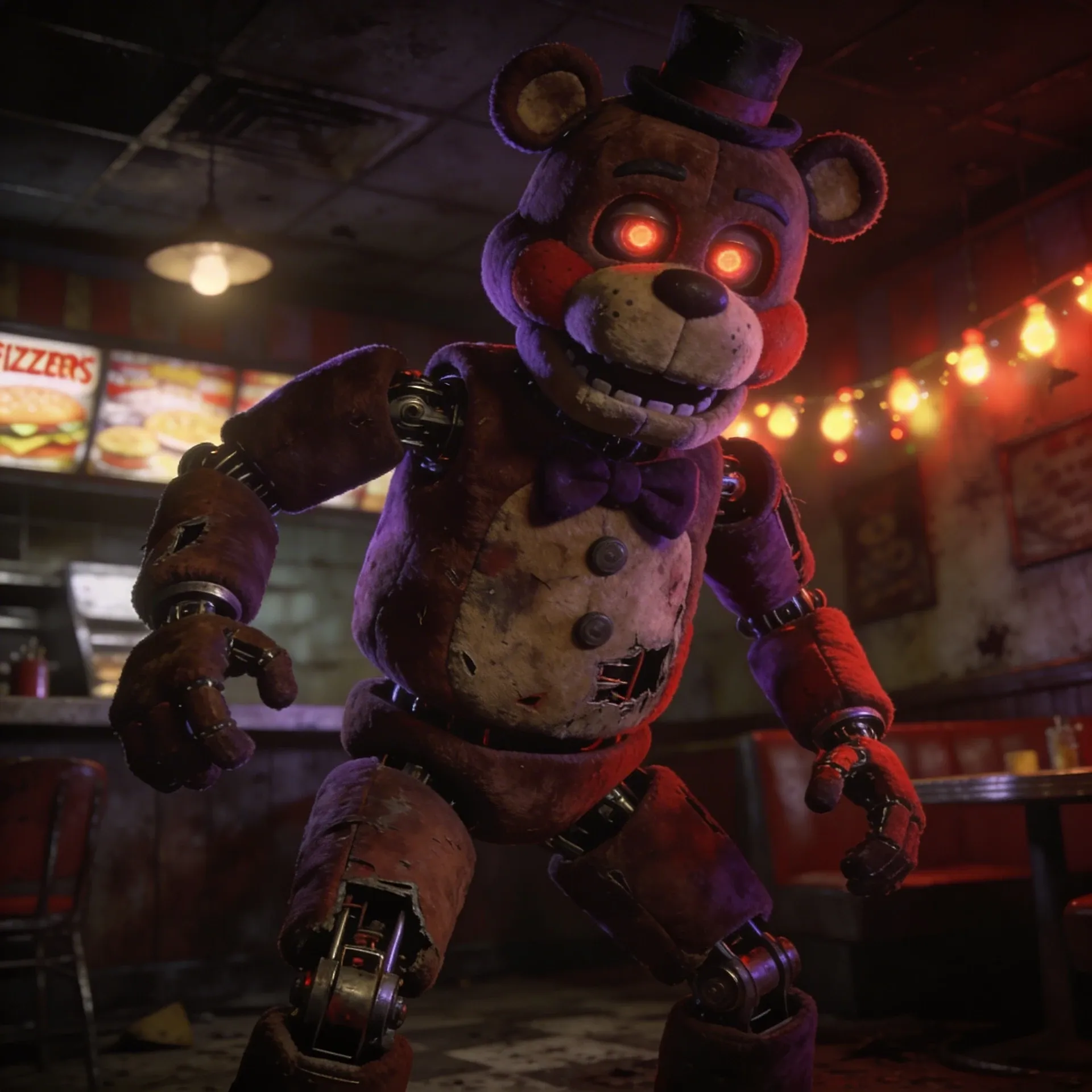
FNAF OC Maker
FNAF OC Maker
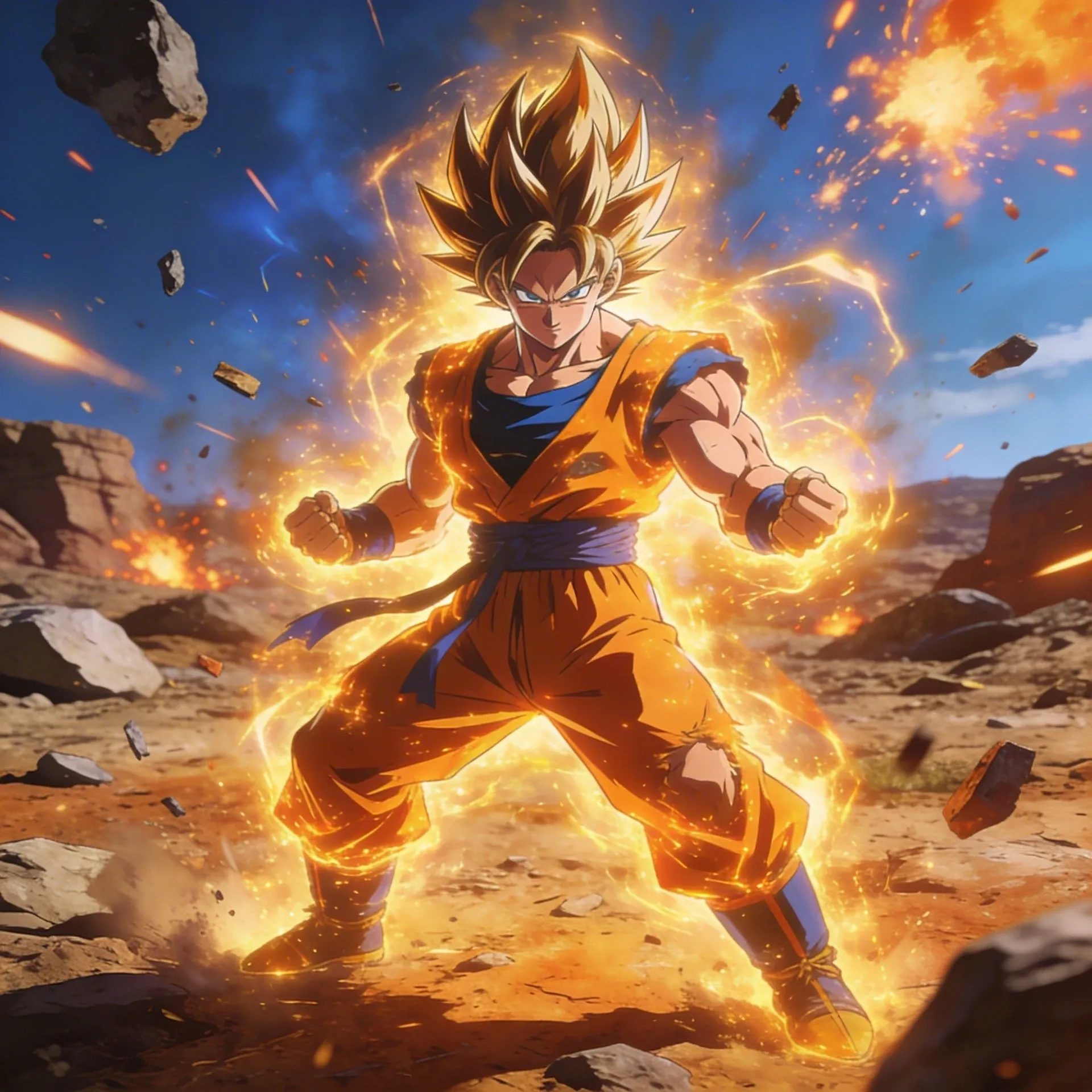
Dragon Ball OC Maker
Dragon Ball OC Maker
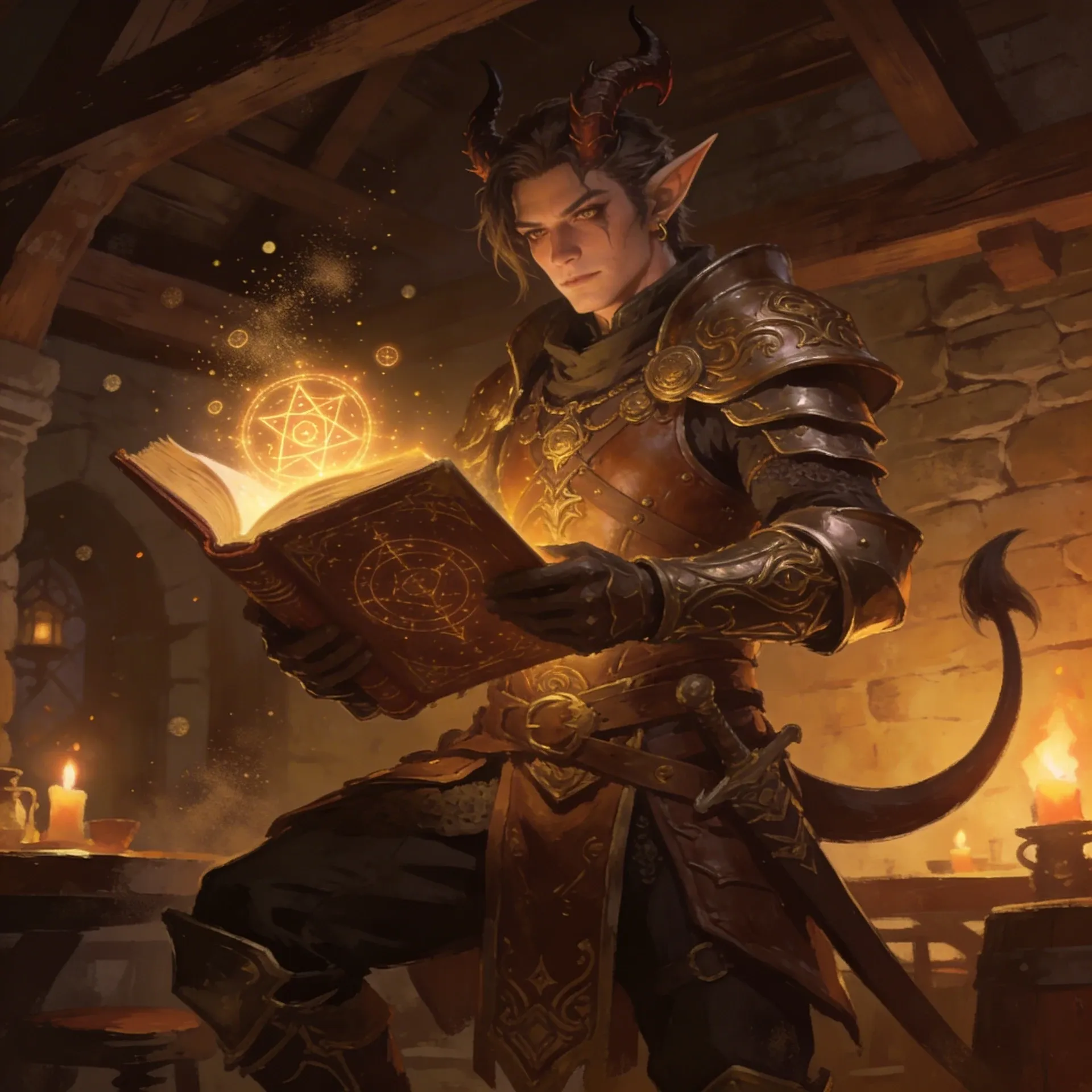
DnD Character Maker OC Maker
DnD Character Maker OC Maker
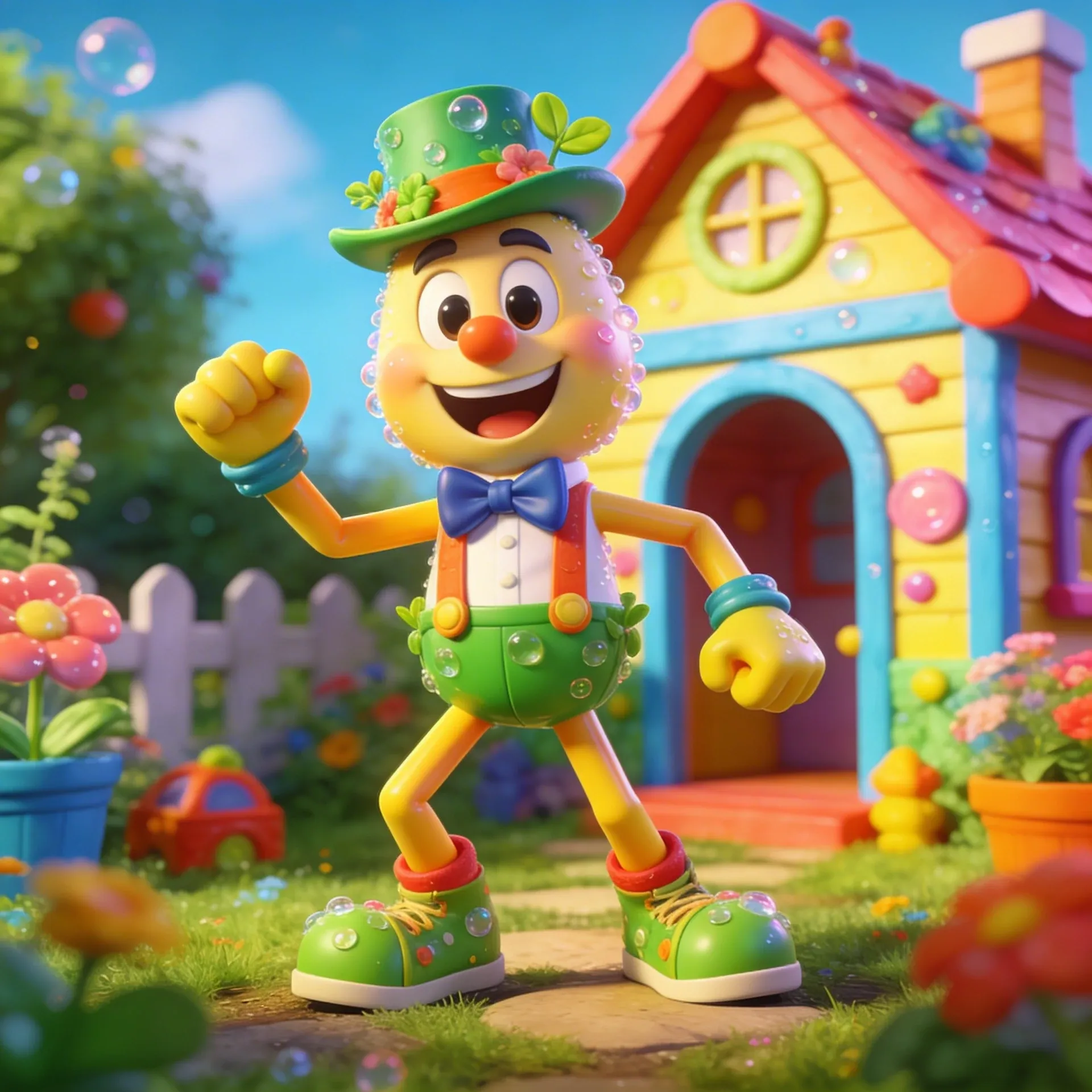
Dandy's World OC Maker
Dandy's World OC Maker
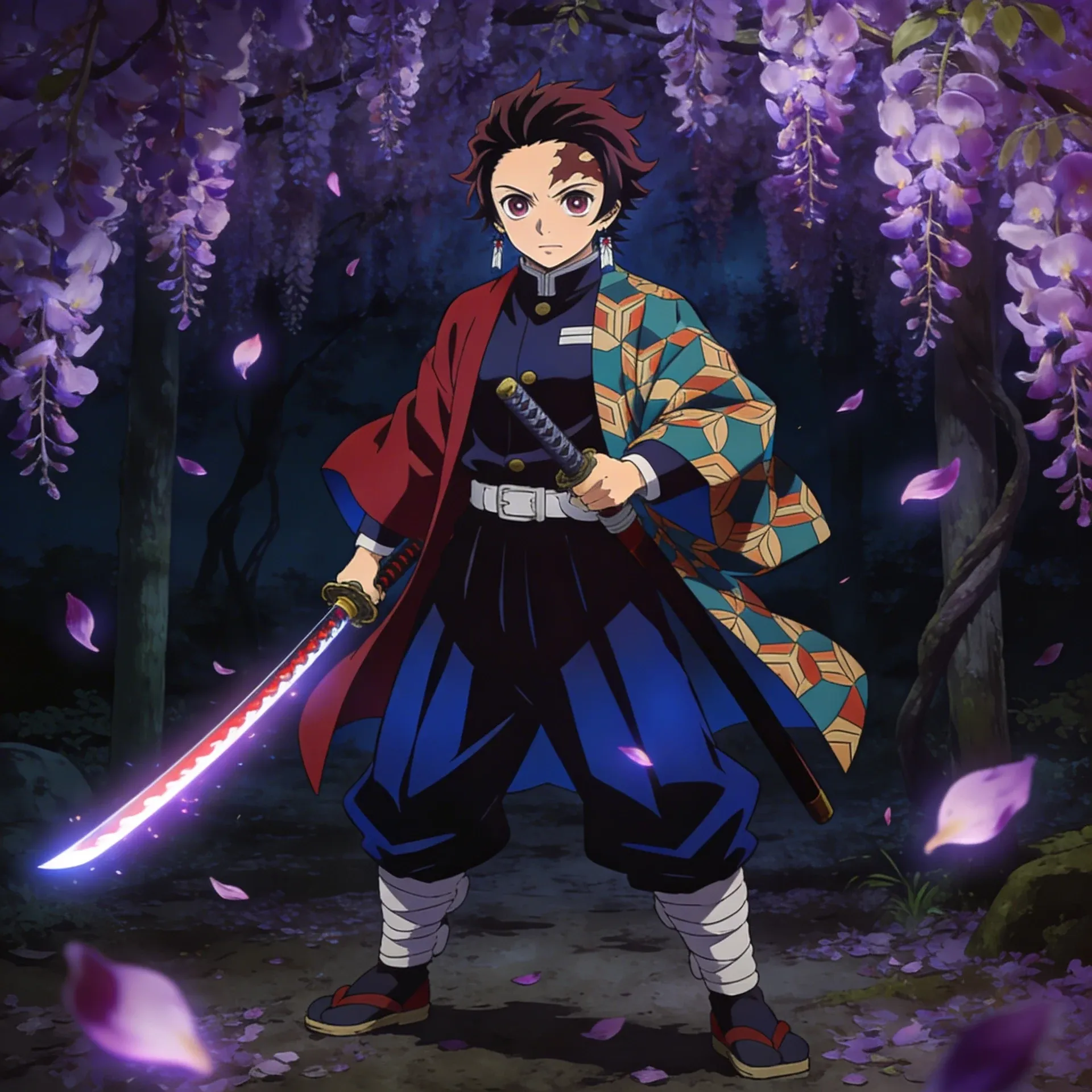
Demon Slayer OC Maker
Demon Slayer OC Maker
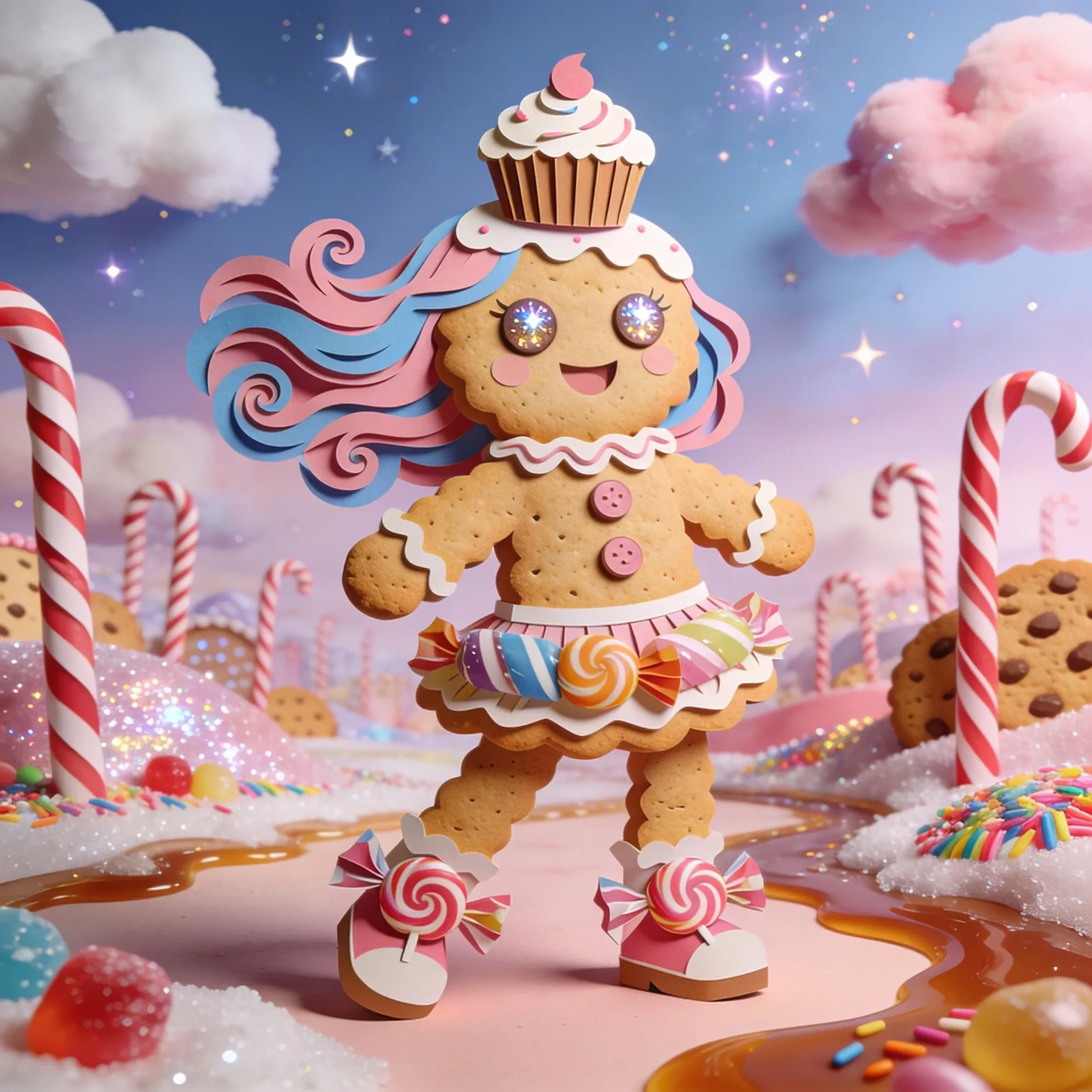
Cookie Run Kingdom OC Maker
Cookie Run Kingdom OC Maker
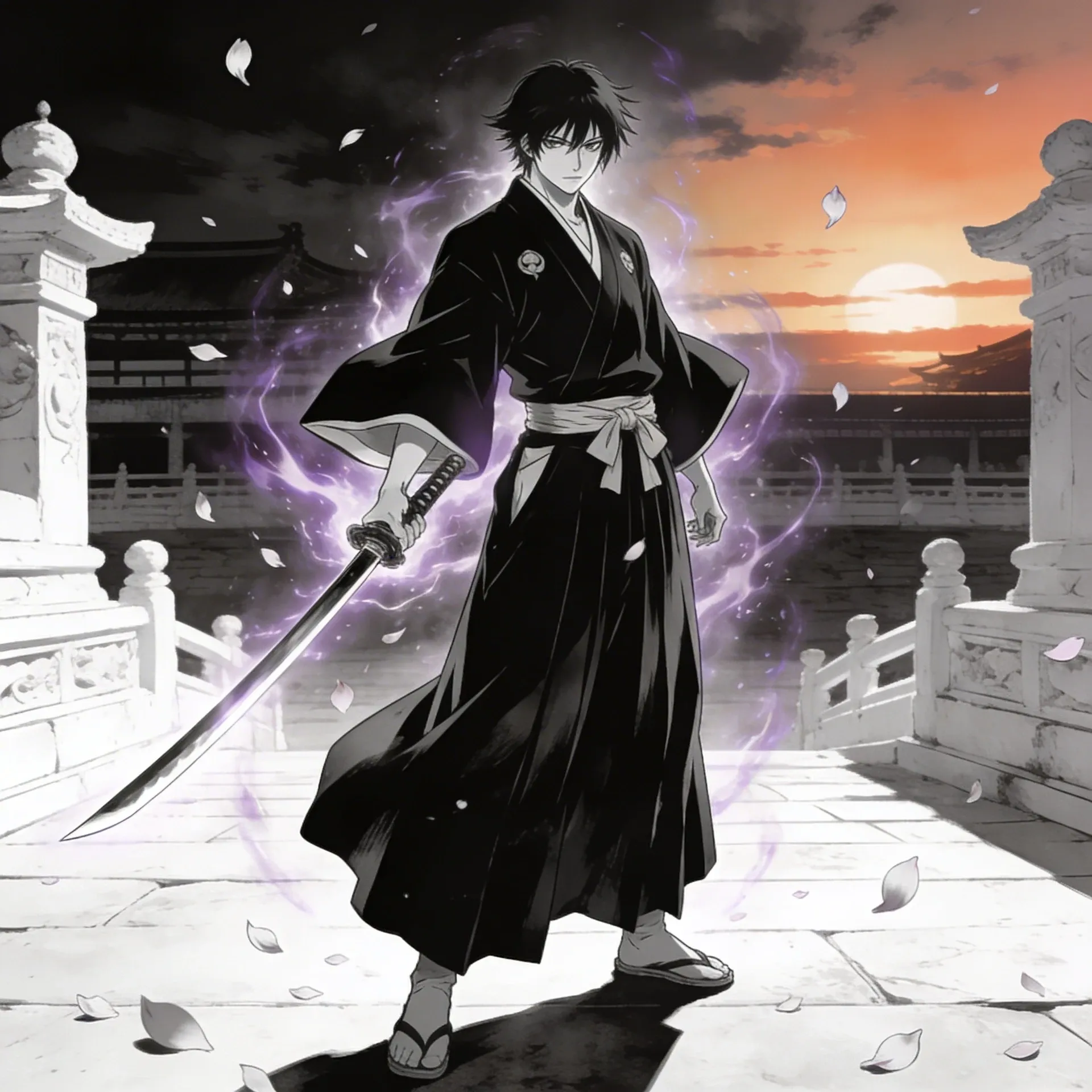
Bleach OC Maker
Bleach OC Maker
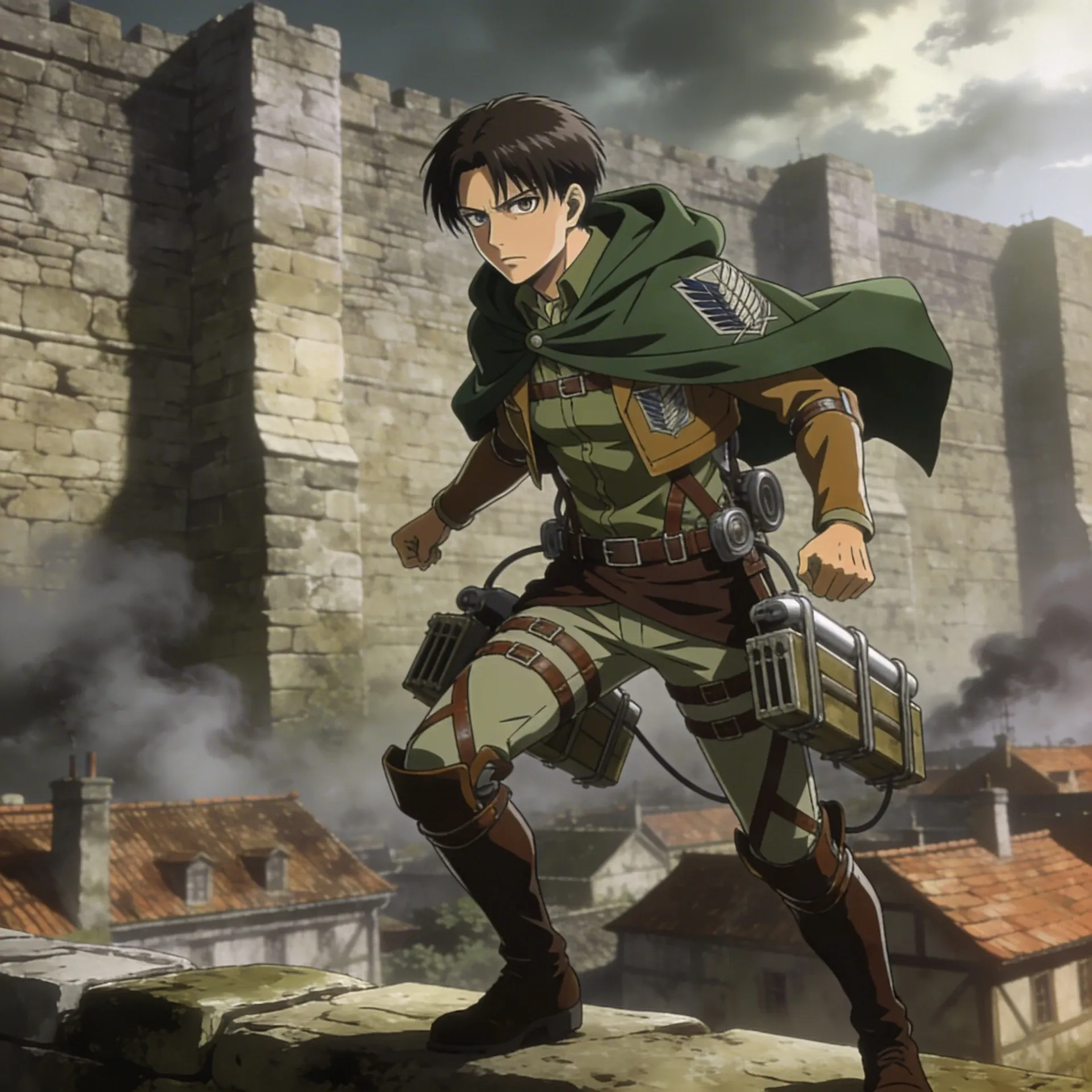
Attack on Titan OC Maker
Attack on Titan OC Maker
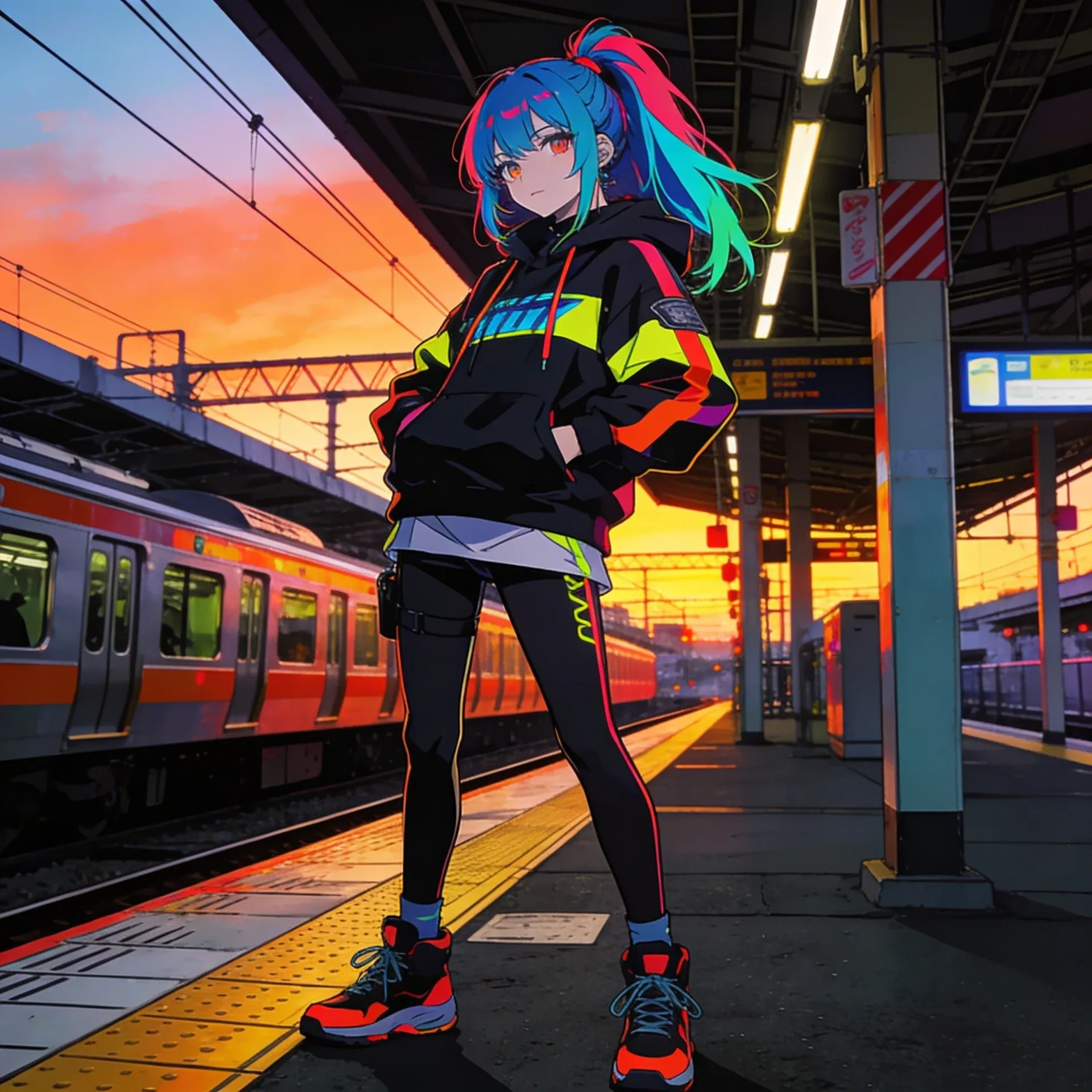
Anime OC Maker
Anime OC Maker
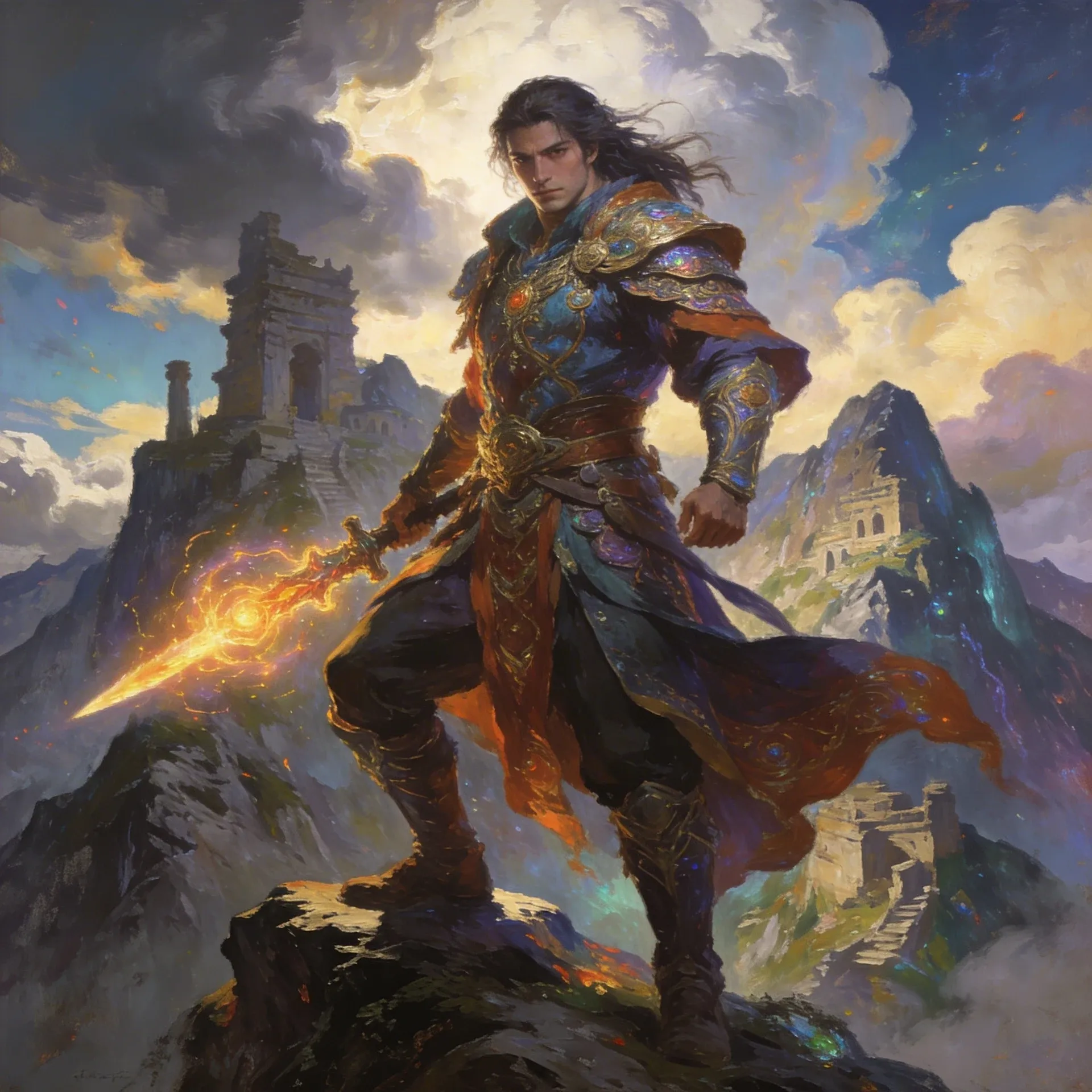
AI Fantasy OC Maker
AI Fantasy OC Maker
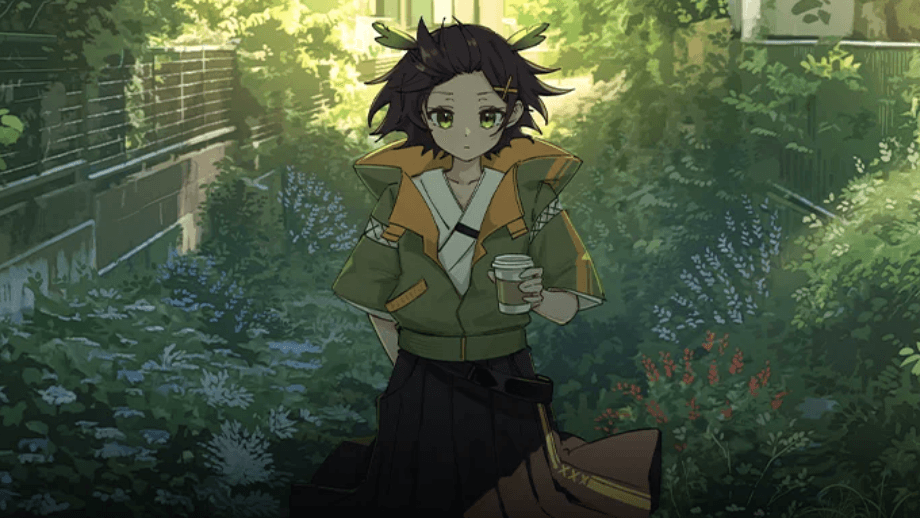
Ces exemples de créateurs d'OC Sprunki sont là pour montrer la diversité : travaux de feuille de référence plus soignés, variations prêtes pour des scènes et des concepts axés sur la personnalité. Vous pouvez également comparer cette diversité avec le créateur d'OC Monster High ou le Générateur d'avatars de dessins animés lorsque vous souhaitez avoir un deuxième avis sur les autocollants et les badges.

After the sprunki oc maker feels right, the next useful step is usually polish or expansion. These tools help with animation, scene planning, cleanup, and the extra assets that make a character feel finished for sprunki fan communities.
AI Anime Art Generator
AI Anime Art Generator
AI Animation Video Generator
AI Animation Video Generator
AI Character Generator
AI Character Generator
AI Music Generator
AI Music Generator
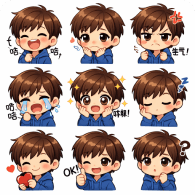
AI Emoji Generator
AI Emoji Generator
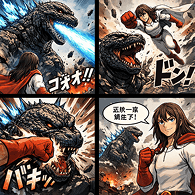
AI Comic Generator
AI Comic Generator

AI Superhero Generator
AI Superhero Generator
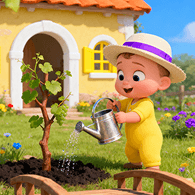
AI Cartoon Generator
AI Cartoon Generator
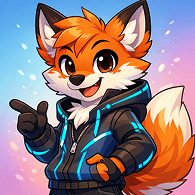
Furry AI Generator
Furry AI Generator
AI Fantasy Art Generator
AI Fantasy Art Generator
AI Manga Generator
AI Manga Generator
AI Meme Generator
AI Meme Generator
La manière la plus simple de l'utiliser est de définir d'abord le rôle, de choisir un accessoire graphique marqué, puis seulement d'ajouter des accessoires à motifs ainsi qu'un objectif de scène comme des poses de réaction. Si le concept de base semble encore flou, les créateurs comparent souvent leur projet au Sonic OC Maker avant de valider la version finale.
Cela commence généralement par le métier, l'humeur du personnage et un élément visuel mémorable, puis on ajoute des silhouettes à fort contraste et des changements de tenue. Cette approche fonctionne beaucoup mieux que d'essayer de mettre toutes les idées dans le premier prompt.
Les plans et les crédits peuvent évoluer au fil du temps, c'est pourquoi la page de tarification est la meilleure source pour obtenir les détails d'accès actuels. C'est le moyen le plus simple de voir si un essai plus léger correspond à vos besoins.
Généralement oui. La grande différence est la flexibilité : vous pouvez partager des feuilles d'expression, des poses alternatives et des looks de parodie de héros au lieu de vous limiter à une mise en page de constructeur fixe.
Commencez par un rival impassible, choisissez un langage de formes fort et clair, puis ajoutez des détails de sac à dos et un objectif de scène comme des cartes de liste de casting. De nombreux créateurs vérifient également la cohérence du concept de base avec le Sonic OC Maker avant de se lancer dans la version finale.
Vous pouvez créer des idées de scènes drôles, des feuilles d'expression, des designs alternatifs et des bios plus complètes pour les demandes d'art communautaire.
Il est plus facile de conserver le même personnage à travers les révisions, car vous pouvez étendre l'idée vers des pages comme le Générateur d'avatars anime et le Générateur d'auties en IA sans perdre le langage de formes clair ou l'art prêt pour les icônes qui a fait fonctionner le concept au départ.
Oui. Une fois que le personnage semble stable, le Générateur d'avatars anime et le Générateur d'auties en IA rendent beaucoup plus facile la transformation du concept en cartes de liste de casting, de plans de révélation ou de tests de mouvement courts conçus autour de montages de vacances.
Utilisez Elser AI pour passer d'une esquisse de personnage vague à un concept de style épisode que vous pouvez réellement réutiliser pour des profils, des scènes ou des projets de fans à long terme.