
Define Your Character
Enter a description in the Prompt box or quickly select Tags (Gender, Style, Hair, etc.) to define your OC's look.
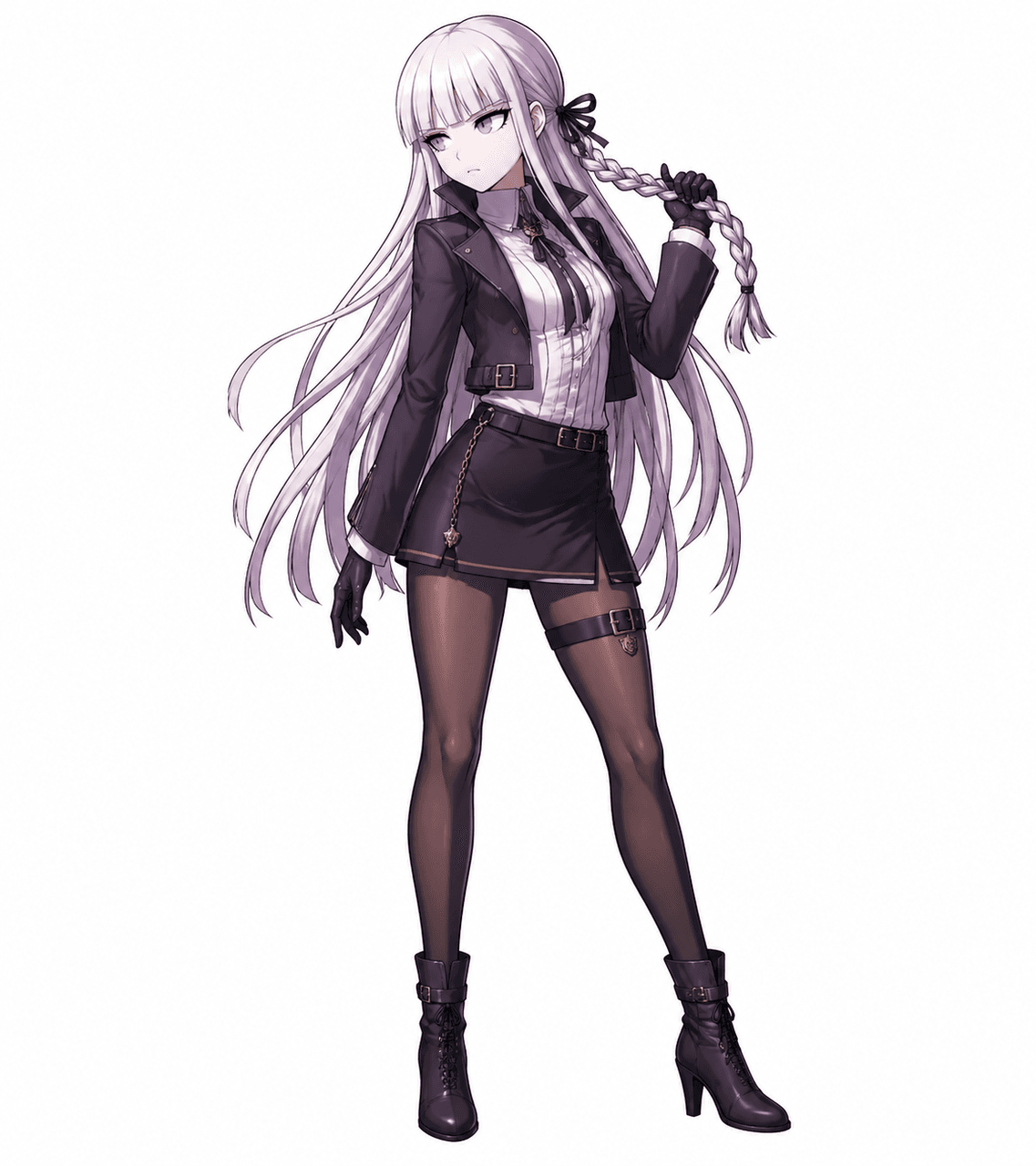
Use our AI creation tool to effortlessly design extraordinary Danganronpa OC.
Danganronpa OC Maker

Click or drag to upload image
Supports PNG, JPG, JPEG, WEBP formats, max 10MB

No output yet
Enter a description in the Prompt box or quickly select Tags (Gender, Style, Hair, etc.) to define your OC's look.

Drag and drop an image into the Upload Image area if you want the AI to follow a specific base or pose.

Select your preferred aspect ratio (e.g., 1:1) and click Generate to bring your unique character to life!
Use Danganronpa OC Maker to build Danganronpa OC for fan art, roleplay, and variation sheets on Elser AI, plus support for danganronpa oc ai generator prompts.
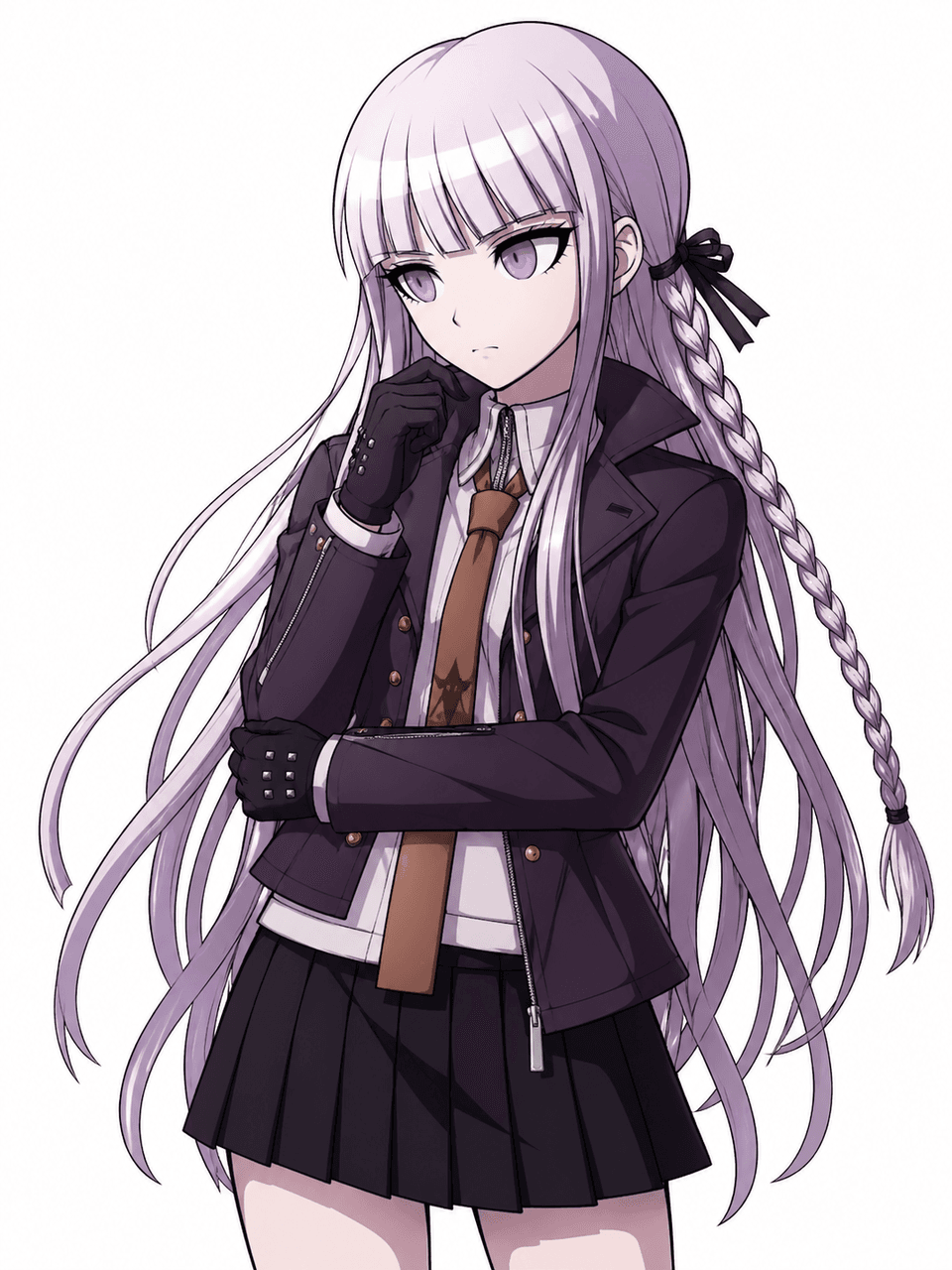

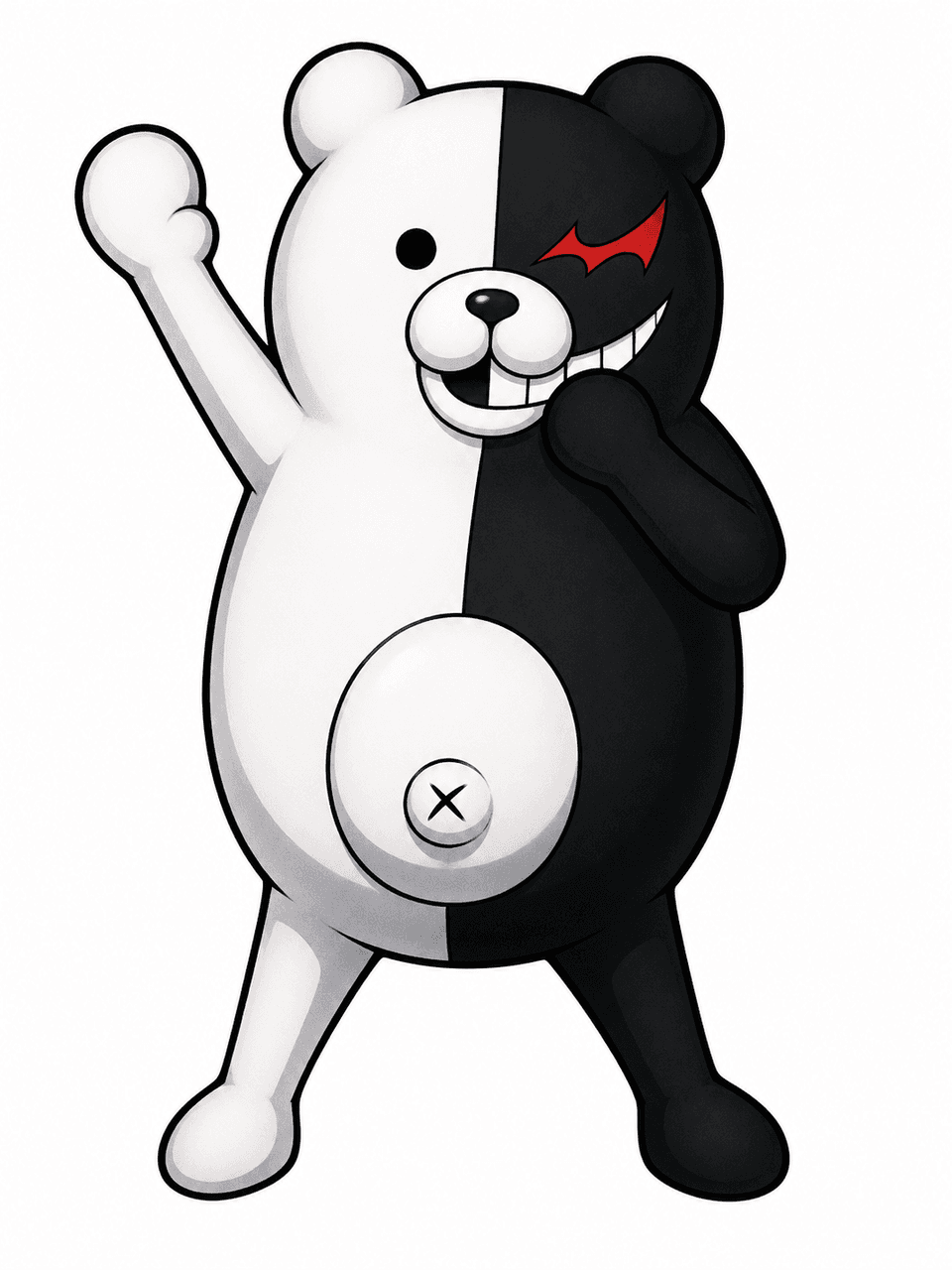
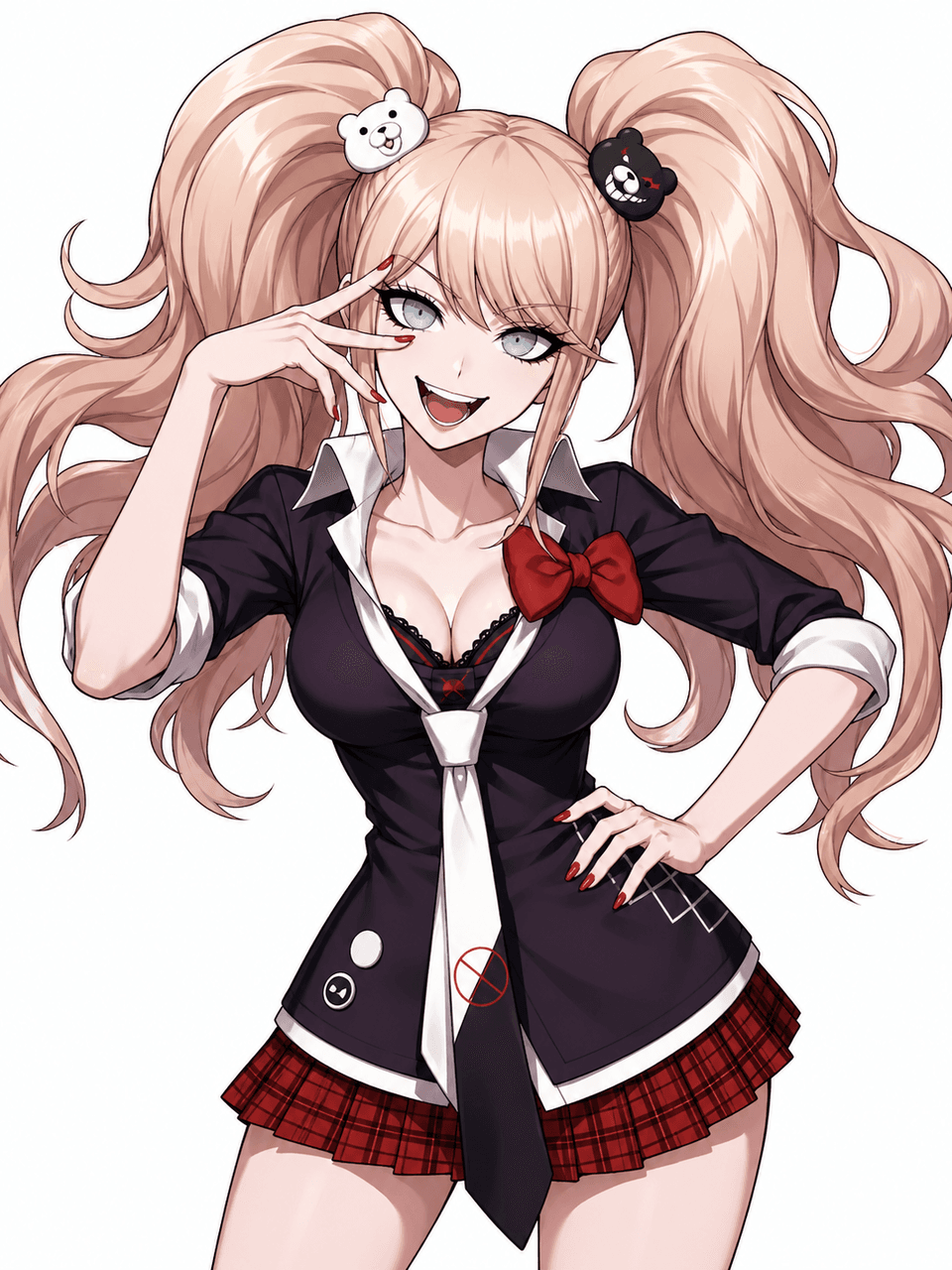
A useful danganronpa-inspired page should help with decisions, not only output. Use them to lock the core identity first, then push into alternates, scenes, and story context built around story beats. That is what turns a decent first pass into a design you can keep building on.
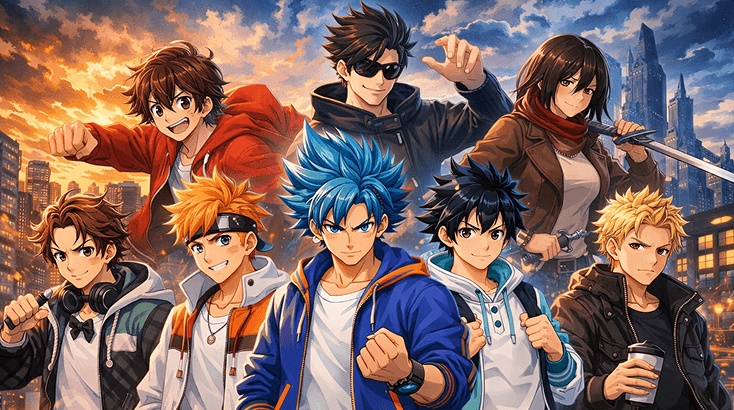
The early pass should answer one question: does the character read immediately? Start there with a quiet foil, a cleaner silhouette, and intentional palette choices, then use Elser AI's Kling 3 AI Video Generator to stabilize the parts that still feel vague.
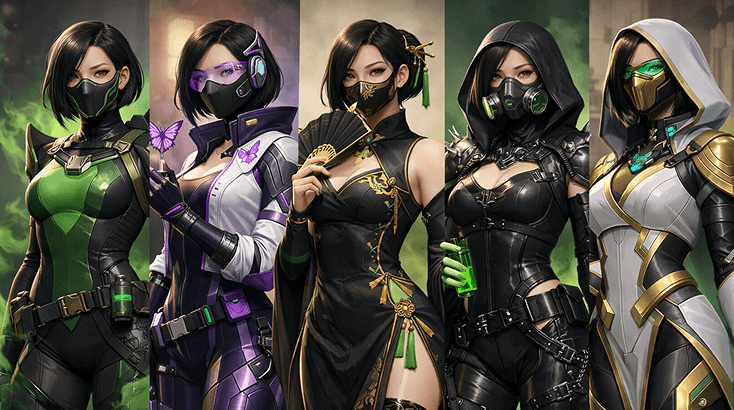
Most danganronpa-inspired designs live or die on the smaller choices. This is where you tune scene-friendly expressions, danganronpa-coded accessories, and scene readability so the character feels intentional, and Nanobanana 2 AI Image Generator helps once you want a cleaner finish.
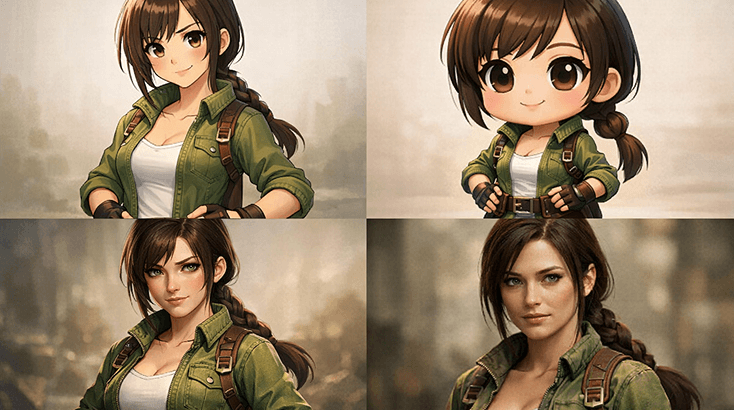
Good OC pages are not only for one portrait. They should also support combat versions, scene-based revisions, and the kind of danganronpa character sheets people actually use in fan spaces. That is where Sonic OC Maker becomes useful.
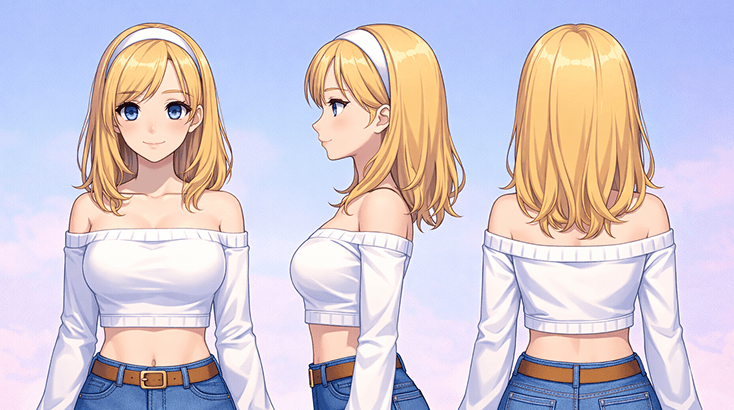
You do not need a full novel, but you do need enough story logic for the design to feel alive. Build around visual notes, relationship friction, and a concrete danganronpa intro art, then use Helluva Boss OC Maker when you want the scenes to feel less abstract.
Start with the character's job in the world, add the details that make this danganronpa oc maker readable, then push the best version further into presentation cards.
Start with the role the character plays, the emotional lane they live in, and one visual cue that immediately separates them from too much styling with no hook.
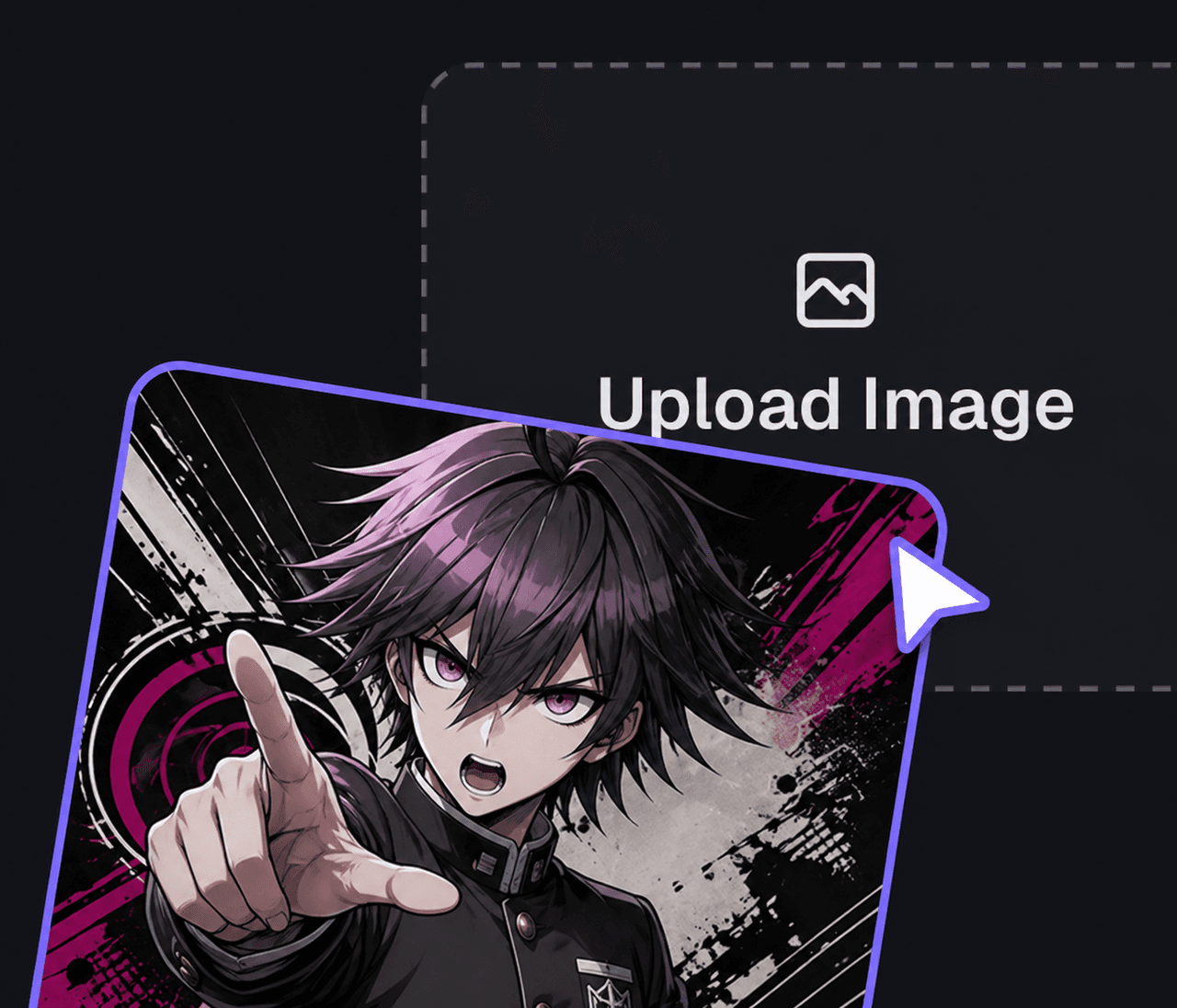
Layer in intentional palette choices, repeatable design markers, and enough scene logic to make the character feel native to the setting. If you need a cleaner style pass, compare the prompt direction with Anime Avatar Generator.
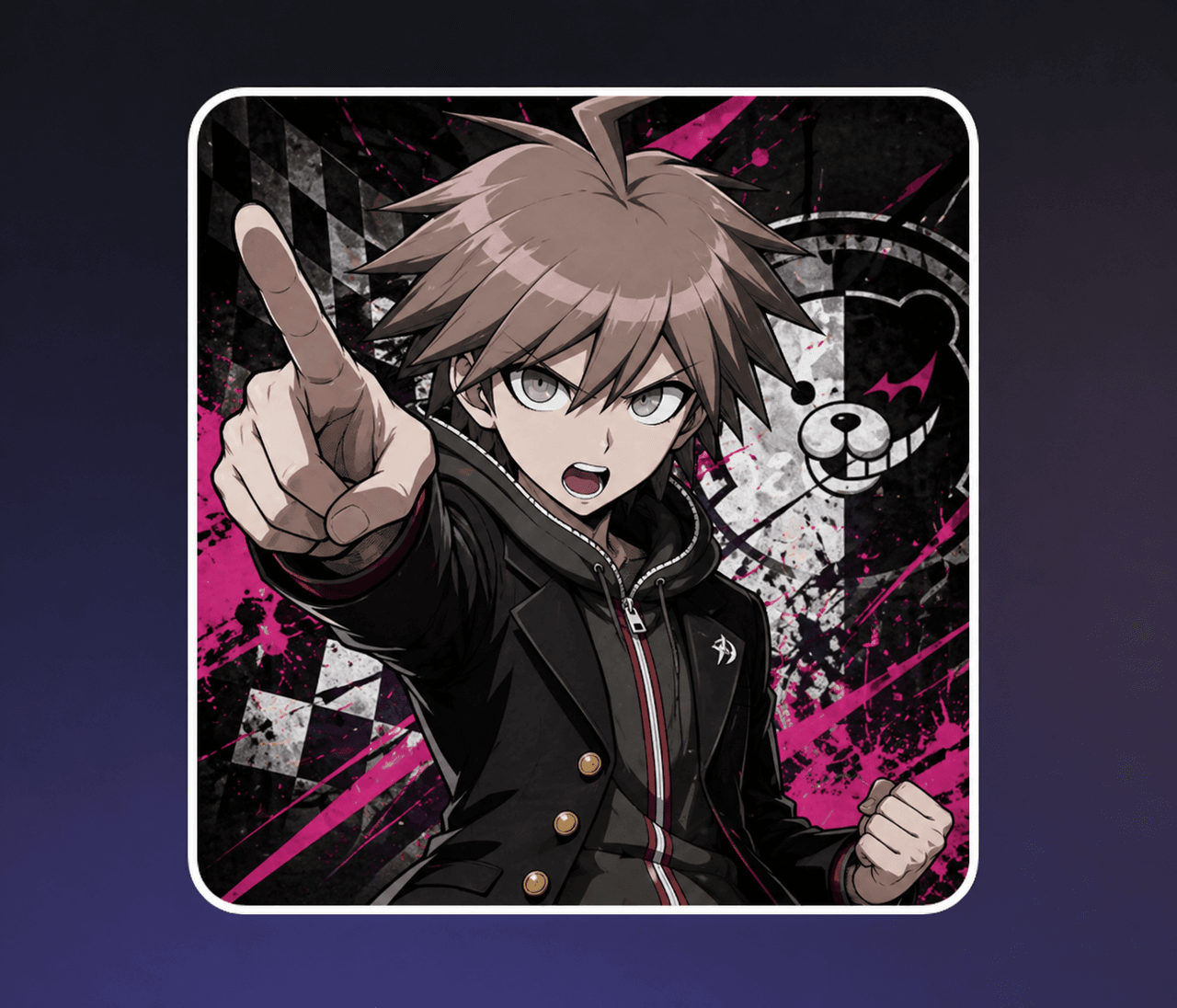
Keep the strongest draft, save 1-2 alternates, and only then expand into story beats or supporting atmosphere. If you want to test mood around the character, AI Character Sheet Generator is a useful follow-up.
What makes this danganronpa workflow useful is how easily it moves from first draft to sharper revision work once you know which parts of the character should stay fixed, especially details like repeatable design markers.
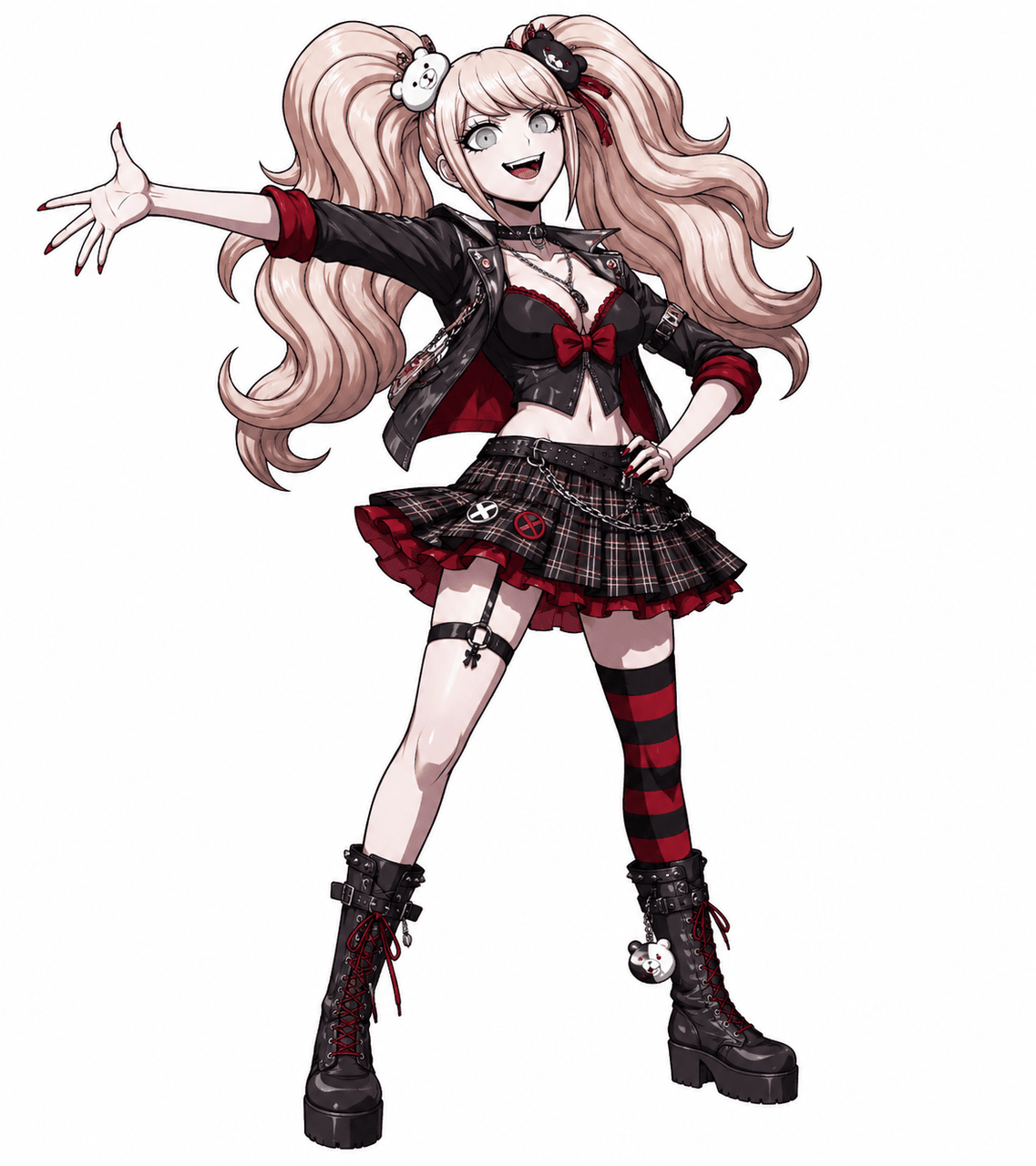
Plenty of generators can produce one good-looking image. The stronger advantage here is being able to keep refining the same idea without losing the role, vibe, or visual hook that made it interesting.
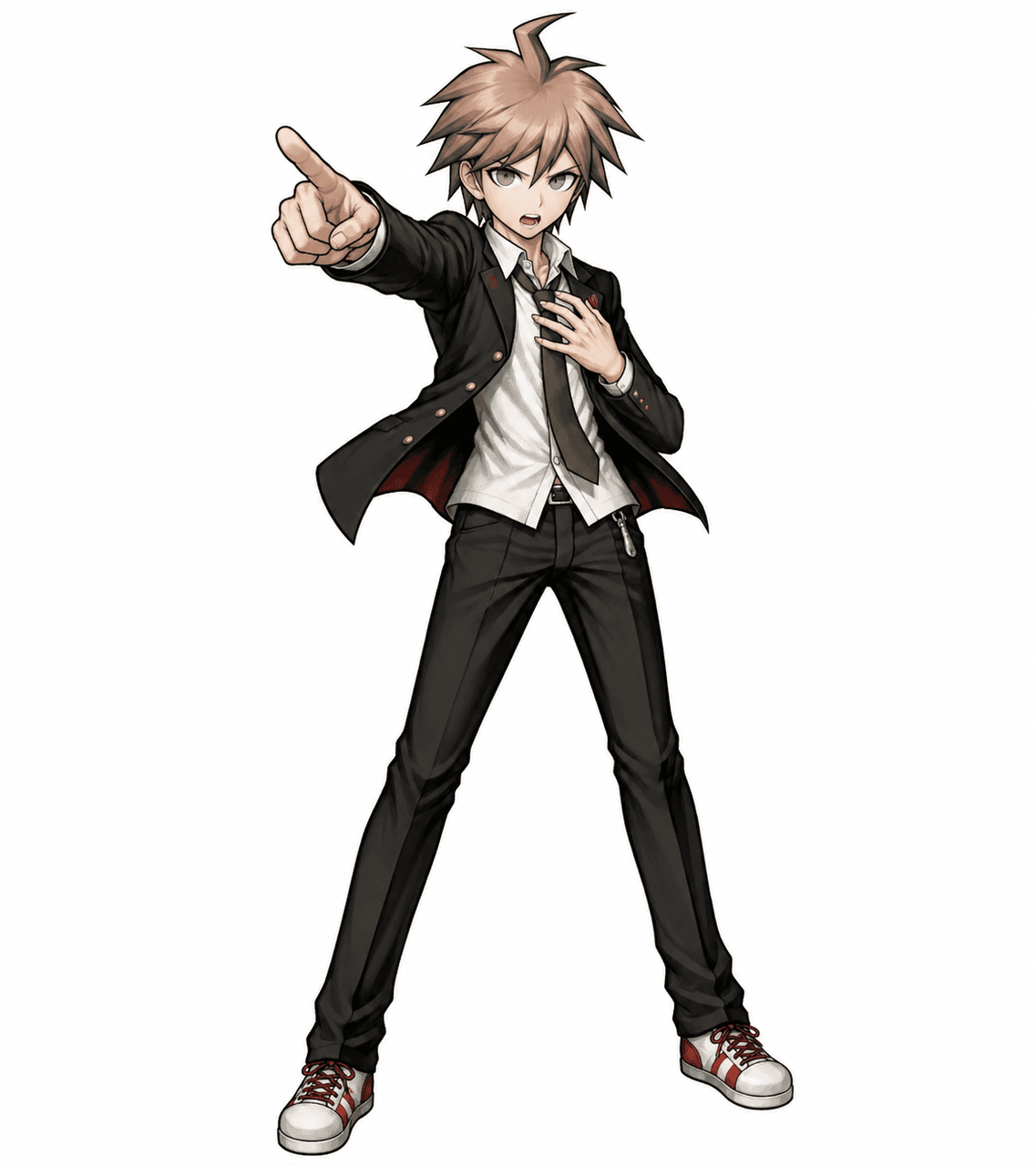
When you want the character to feel sharper after the first draft, AI Character Maker gives you a stronger path into motion-heavy presentation without throwing away the intentional palette choices or repeatable design markers that already make the design readable.
If the design needs more campaign, story, or scene context later, AI Storyboard Generator can help you reframe the same character for promos, hooks, or broader packaging built around danganronpa concept passes and social-ready crops.
This section works best as a sanity check for danganronpa oc maker tone and format. Compare Sonic OC Maker with Anime Avatar Generator and see which route gives the character better legs before you commit to profile use.
Fursona OC Maker
Fursona OC Maker
FPE OC Maker
FPE OC Maker
FNAF OC Maker
FNAF OC Maker
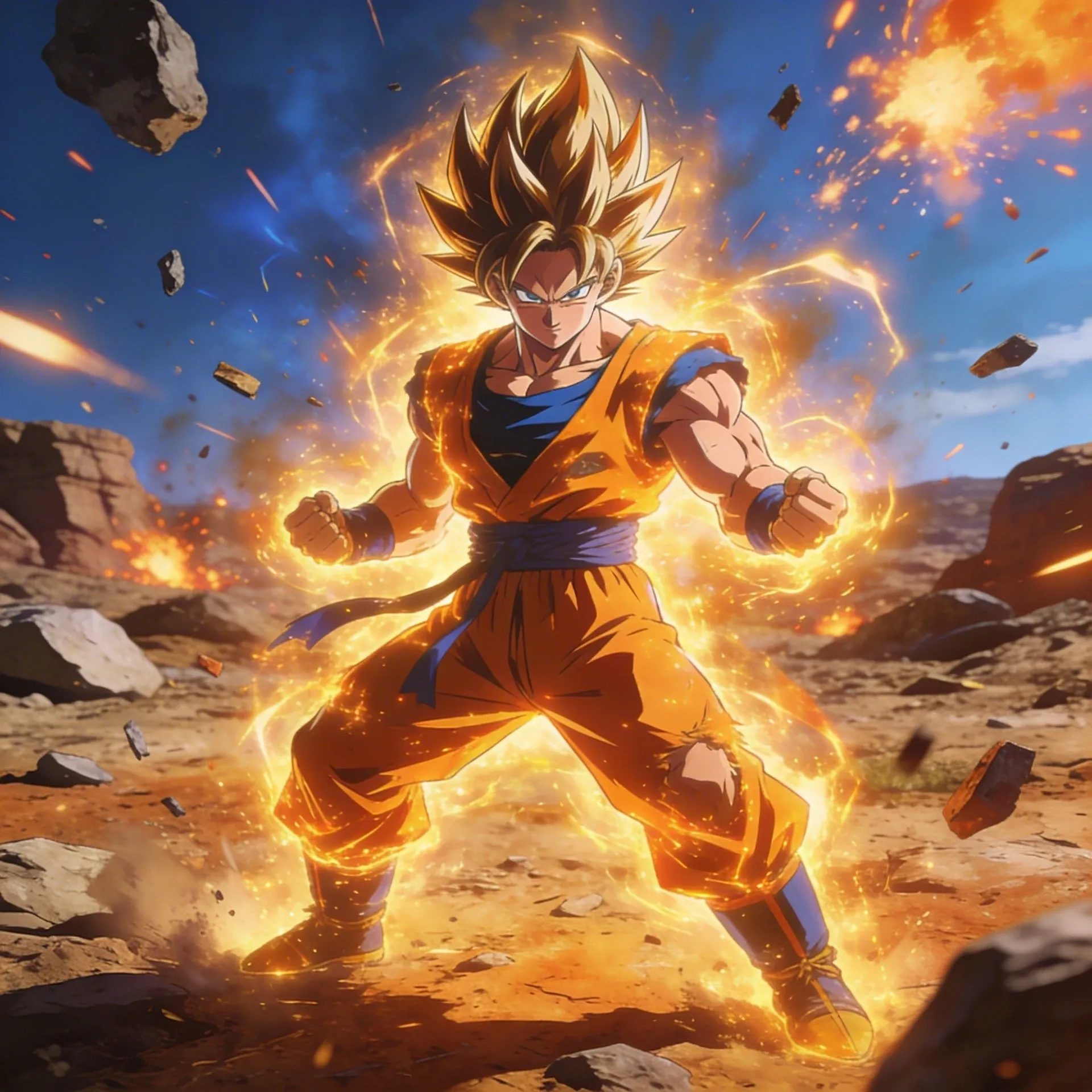
Dragon Ball OC Maker
Dragon Ball OC Maker
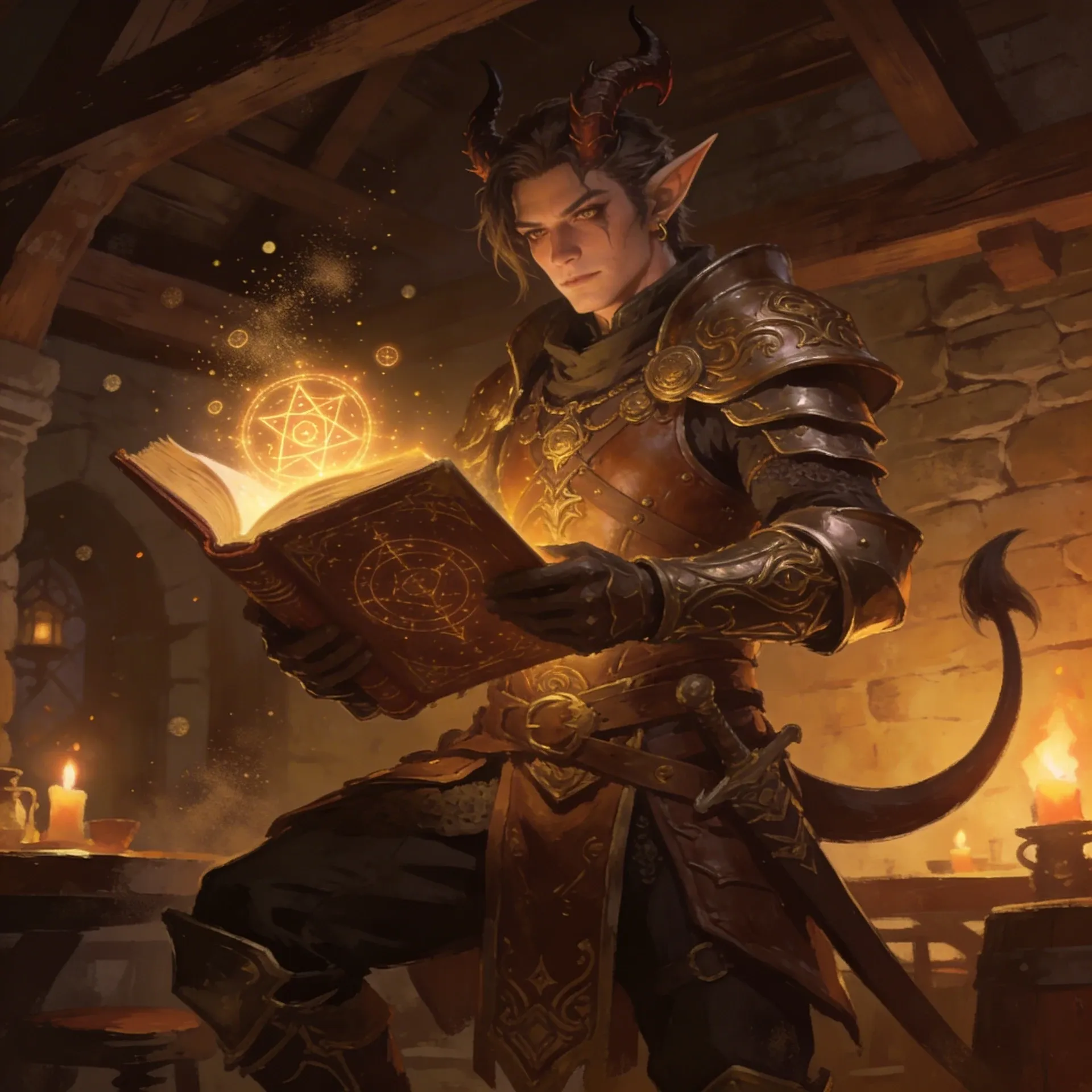
DnD Character Maker OC Maker
DnD Character Maker OC Maker
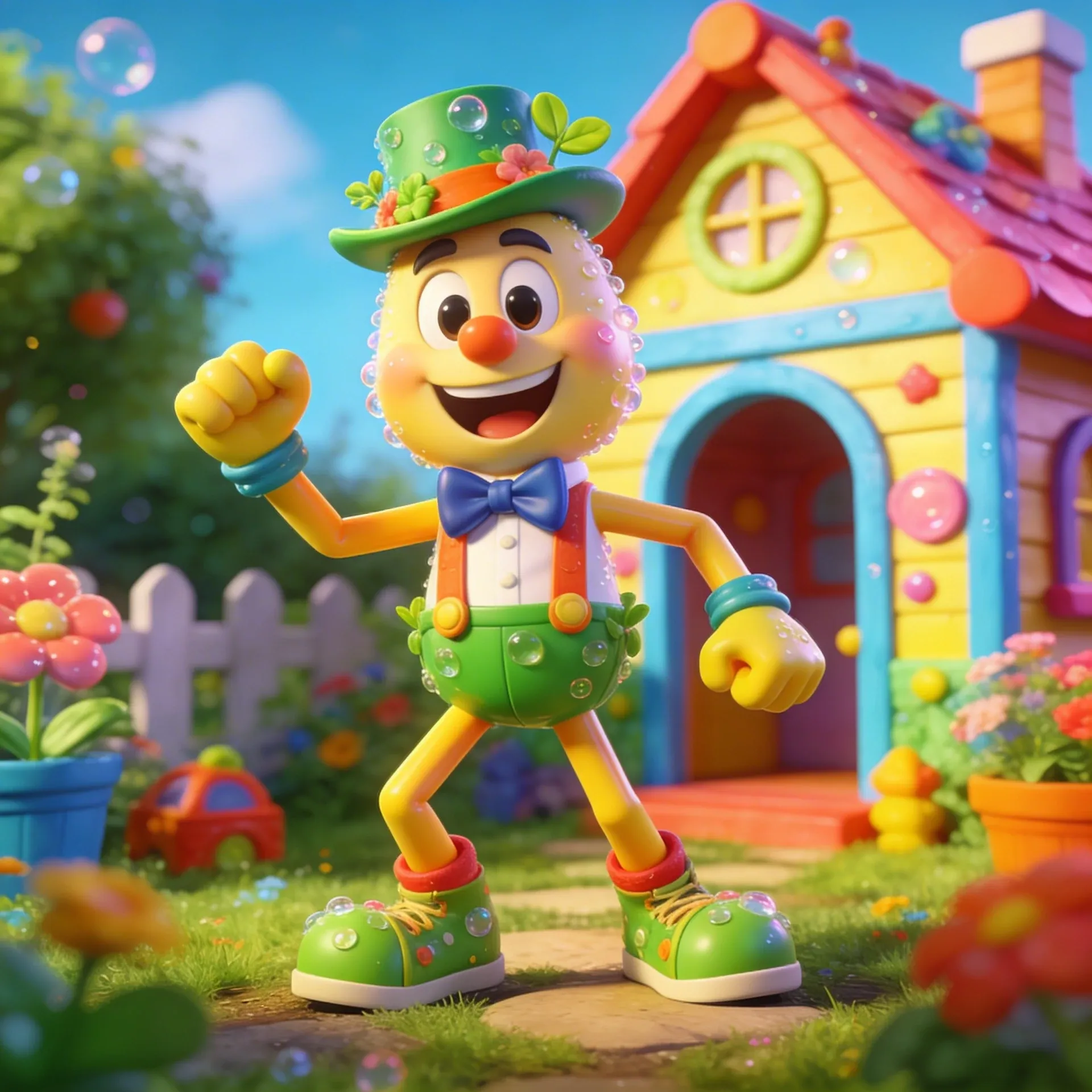
Dandy's World OC Maker
Dandy's World OC Maker
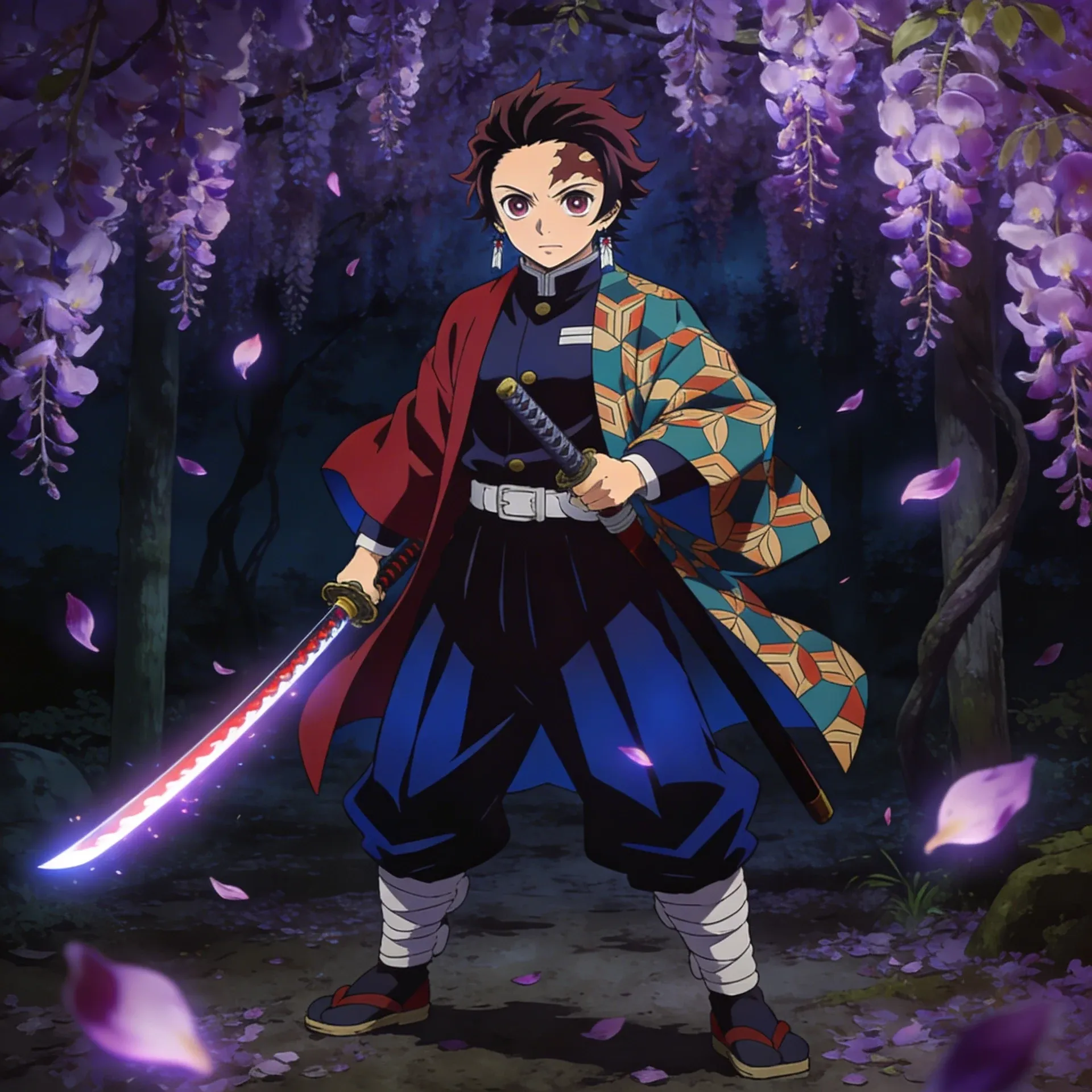
Demon Slayer OC Maker
Demon Slayer OC Maker
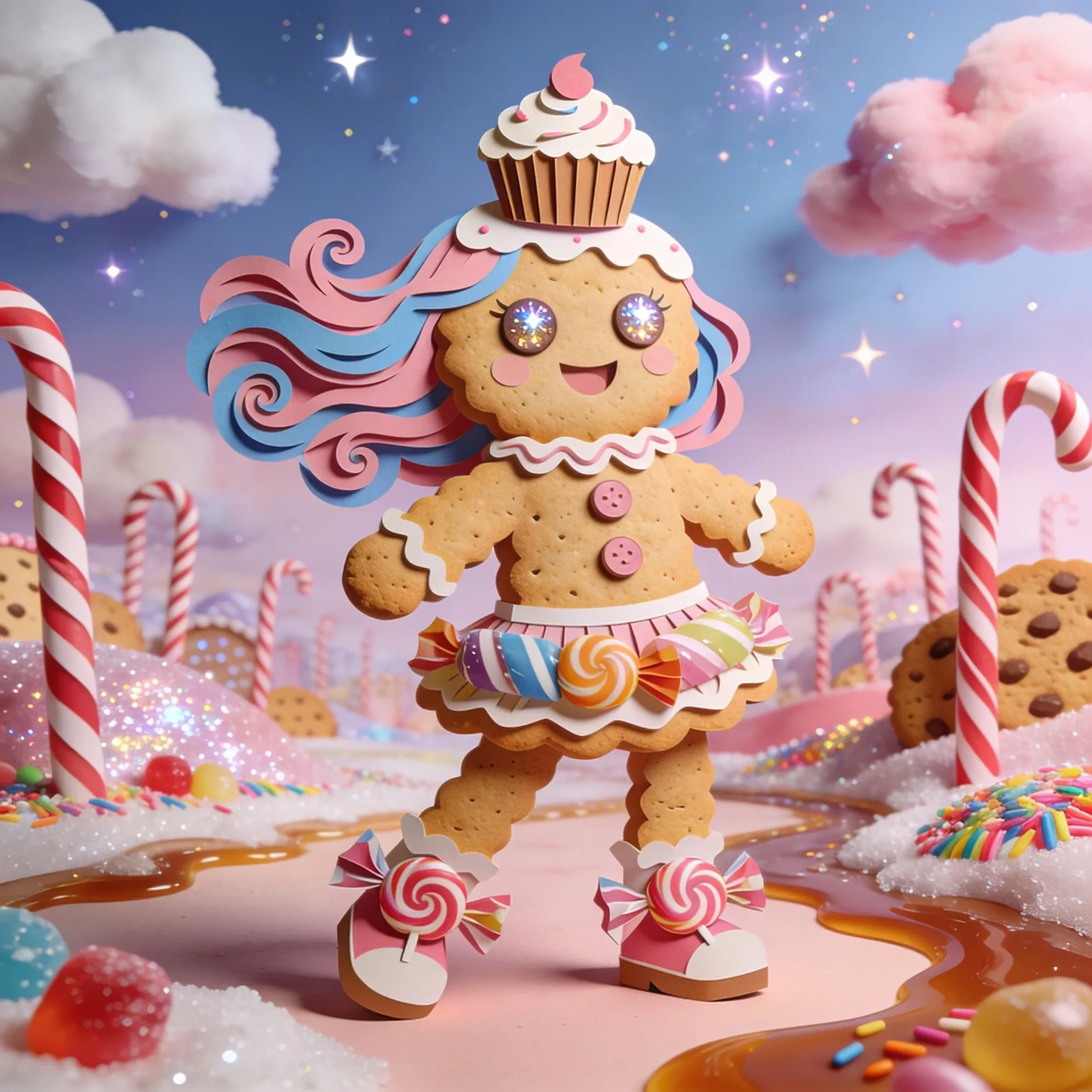
Cookie Run Kingdom OC Maker
Cookie Run Kingdom OC Maker
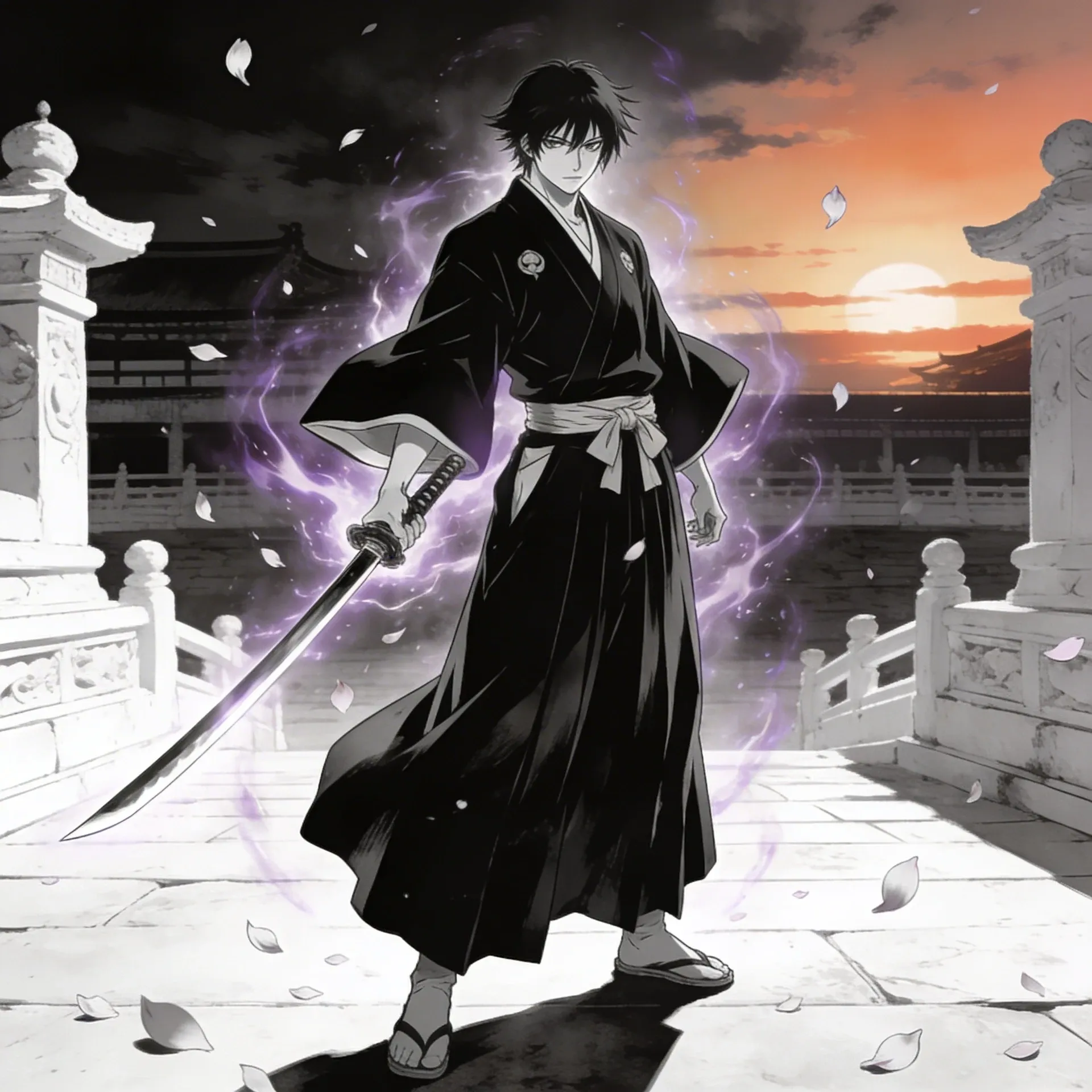
Bleach OC Maker
Bleach OC Maker
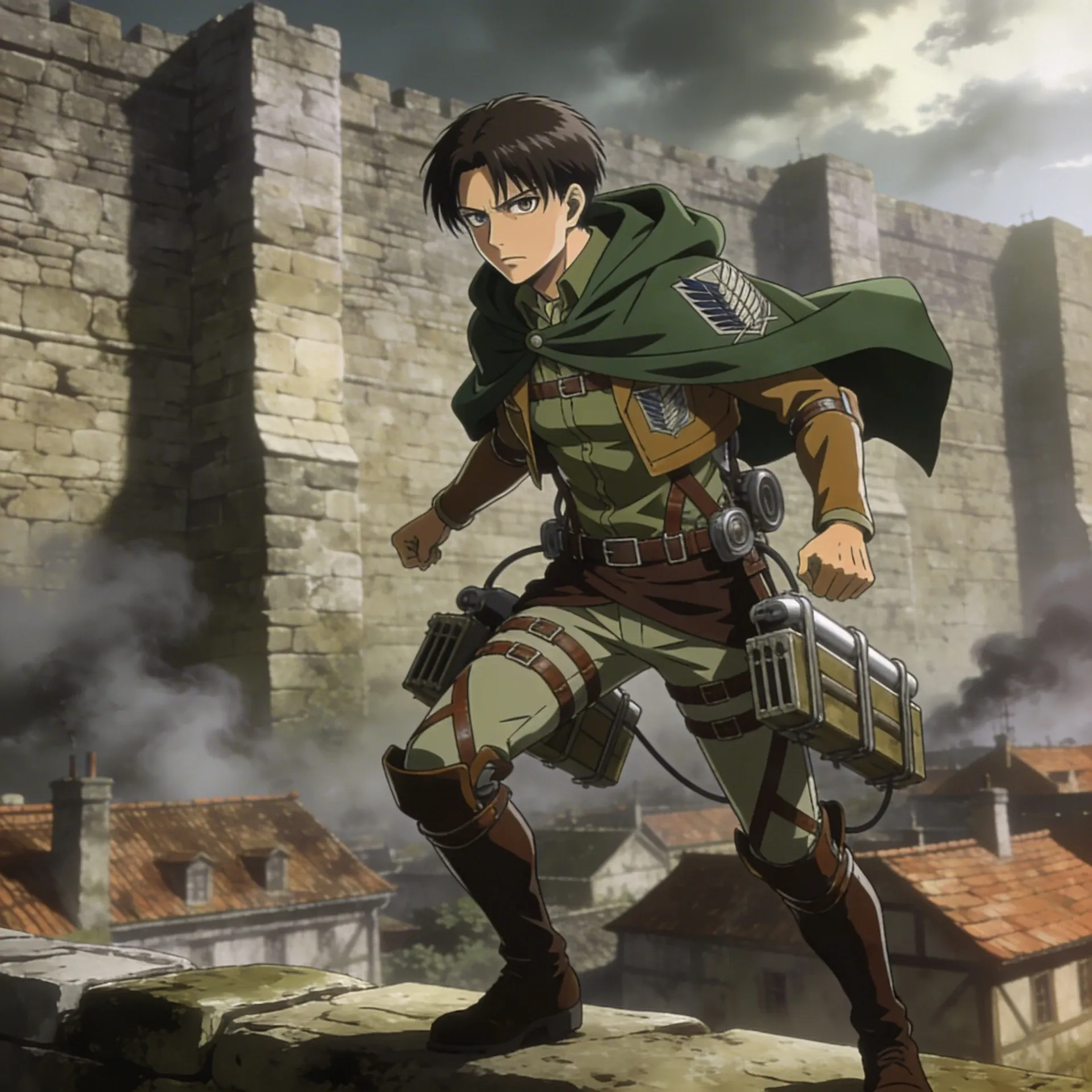
Attack on Titan OC Maker
Attack on Titan OC Maker
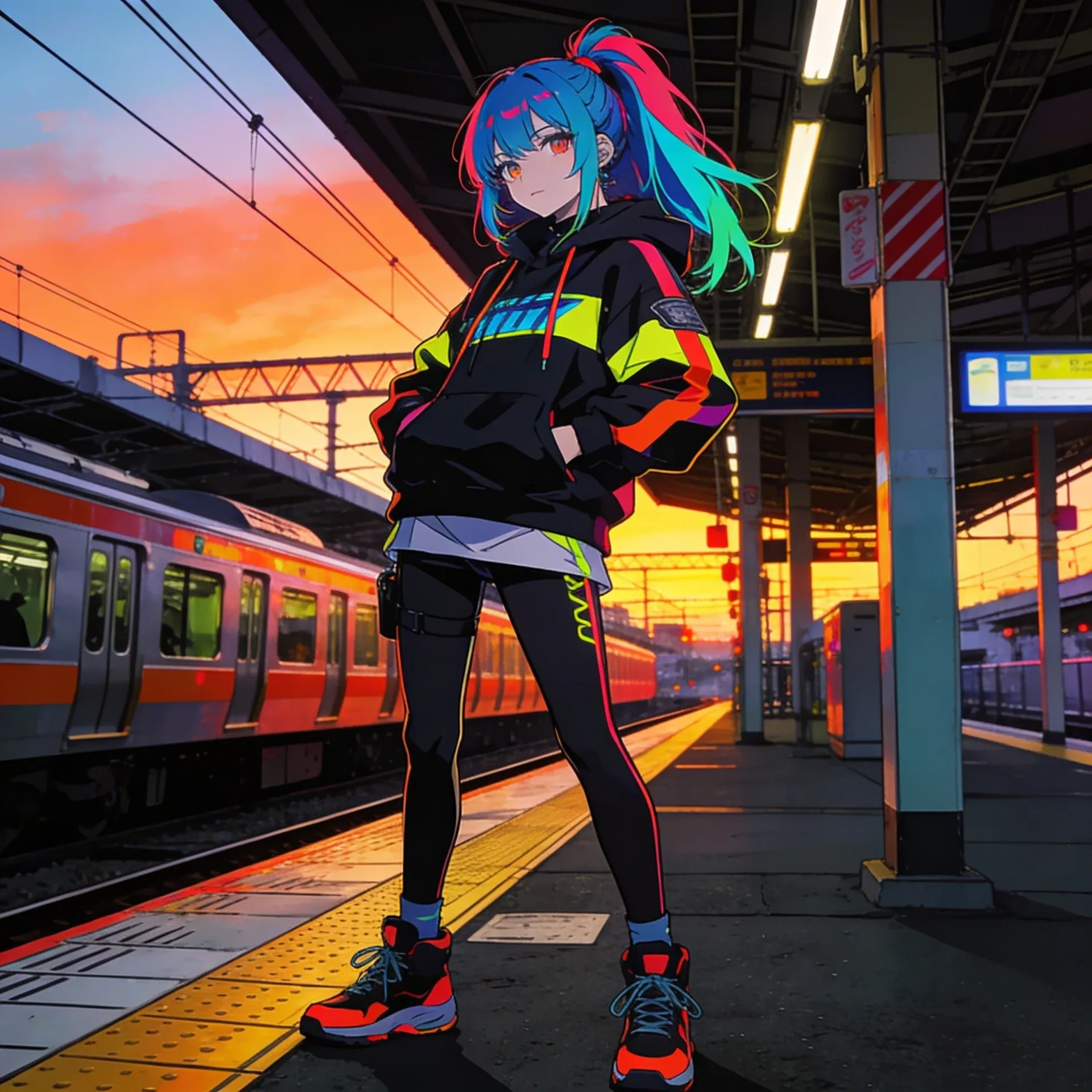
Anime OC Maker
Anime OC Maker
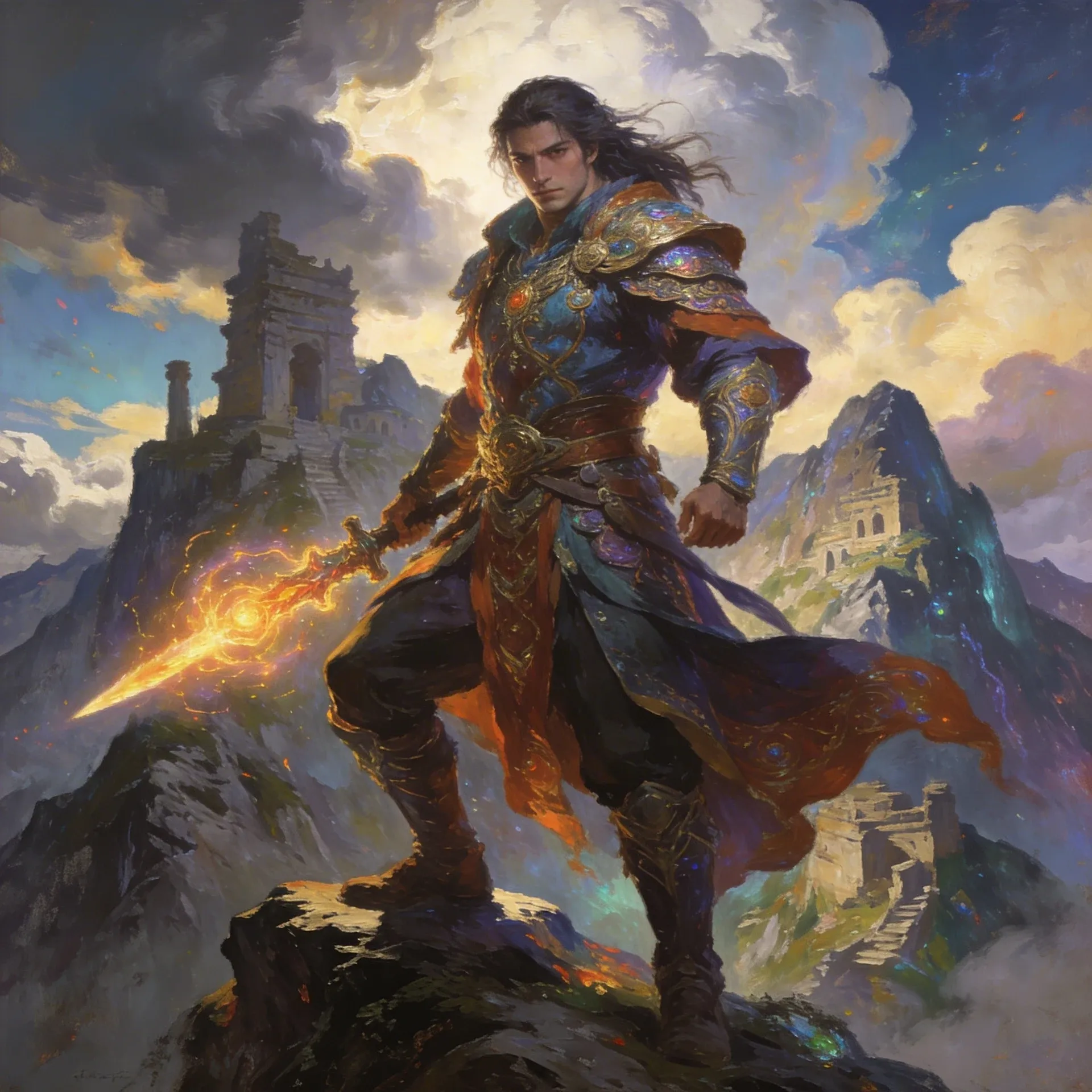
AI Fantasy OC Maker
AI Fantasy OC Maker
Each danganronpa oc maker example pushes the page in a slightly different direction so you can see what actually fits your character. When you want another style checkpoint, compare with Helluva Boss OC Maker or AI Character Sheet Generator before choosing a path for variation sheets.

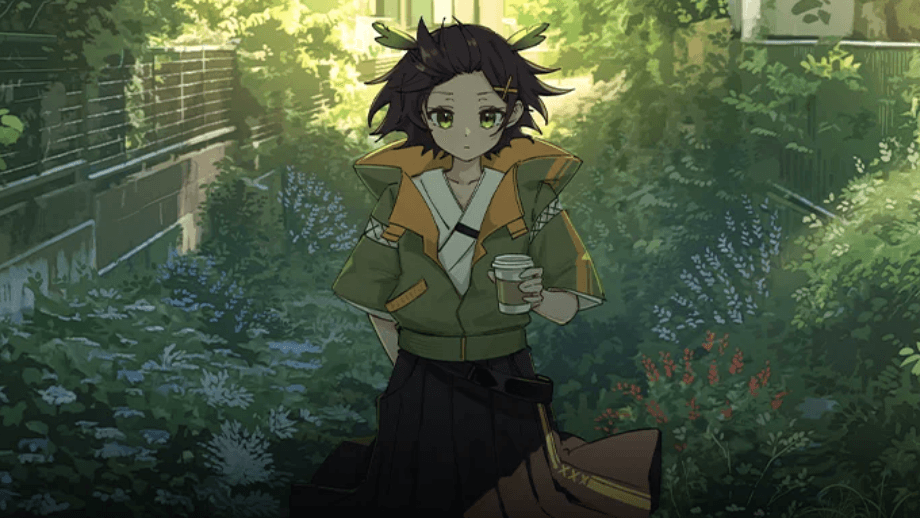

If you plan to keep building on your danganronpa oc maker, the tools below are the practical follow-up set: polish the art, add movement, sketch the scenes, and generate supporting media without losing details like world-matching styling.
AI Anime Art Generator
AI Anime Art Generator
AI Animation Video Generator
AI Animation Video Generator
AI Character Generator
AI Character Generator
AI Music Generator
AI Music Generator
AI Emoji Generator
AI Emoji Generator
AI Comic Generator
AI Comic Generator

AI Superhero Generator
AI Superhero Generator
AI Cartoon Generator
AI Cartoon Generator

Furry AI Generator
Furry AI Generator
AI Fantasy Art Generator
AI Fantasy Art Generator
AI Manga Generator
AI Manga Generator
AI Meme Generator
AI Meme Generator
Begin with the broad idea first: who the character is, what should make them readable at a glance, and which social-ready crops the design belongs in. After that, refine repeatable accessories and symbolic add-ons until the result feels stable enough for creative experiments.
It usually starts with the character's job, mood, and one memorable visual hook, then layers in intentional palette choices and repeatable design markers. That approach works much better than trying to dump every idea into the first prompt.
Plans and credits can change over time, which is why the pricing page is the best source for current access details. It is the easiest way to see whether a lighter trial fits what you need.
Usually yes. The big difference is flexibility: you can push group lineups, alternate poses, and alternate palettes instead of staying inside one fixed builder layout.
Start with a mentor type, choose one strong world-matching styling, then add layered outfits and a scene goal like danganronpa intro art. Many creators also sanity-check the base concept with Anime Avatar Generator before they commit to the final version.
Yes. Style-specific versions usually work better when you define what changes and what stays fixed, especially around scene-friendly expressions and danganronpa-coded accessories.
It is easier to keep the same character moving across revisions because you can extend the idea into pages like AI Character Sheet Generator or Hazbin Hotel OC Maker without losing the world-matching styling or scene art that made the concept work in the first place.
Yes. Once the character feels stable, AI Character Sheet Generator and Hazbin Hotel OC Maker make it much easier to push the concept into danganronpa intro art, reveal shots, or short motion tests built around future redesigns.
Start here if you want the character to feel more complete than a loose moodboard and more flexible than a single one-off image.