
定义你的角色
在提示词框中输入描述,或快速选择标签(性别、风格、发型等)来定义你的OC外观。
使用我们的AI创作工具,轻松设计非凡的原神OC。
原神OC角色生成器

点击或拖拽上传图片
支持 PNG、JPG、JPEG、WEBP 格式,最大 10MB

暂无输出
在提示词框中输入描述,或快速选择标签(性别、风格、发型等)来定义你的OC外观。

如果你想让AI遵循特定的基础形象或姿势,可以将图片拖放到上传区域。

选择你喜欢的宽高比(如1:1),然后点击生成,让你的独特角色栩栩如生!
使用《原神》OC创作工具打造可用于同人美术作品、跑团设定表及对战对决的《原神》原创角色,同时支持《原神》OC人工智能生成提示词,可在Elser AI平台使用
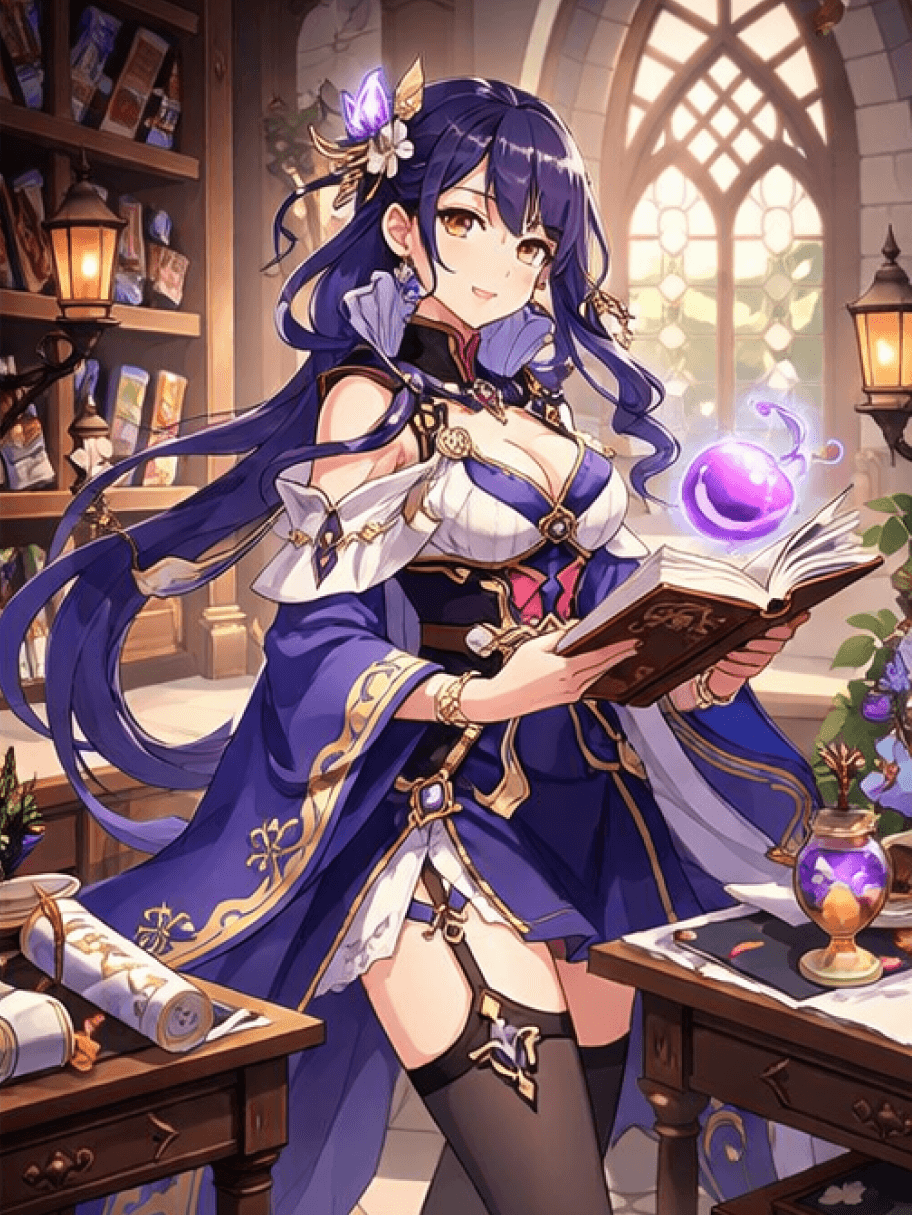
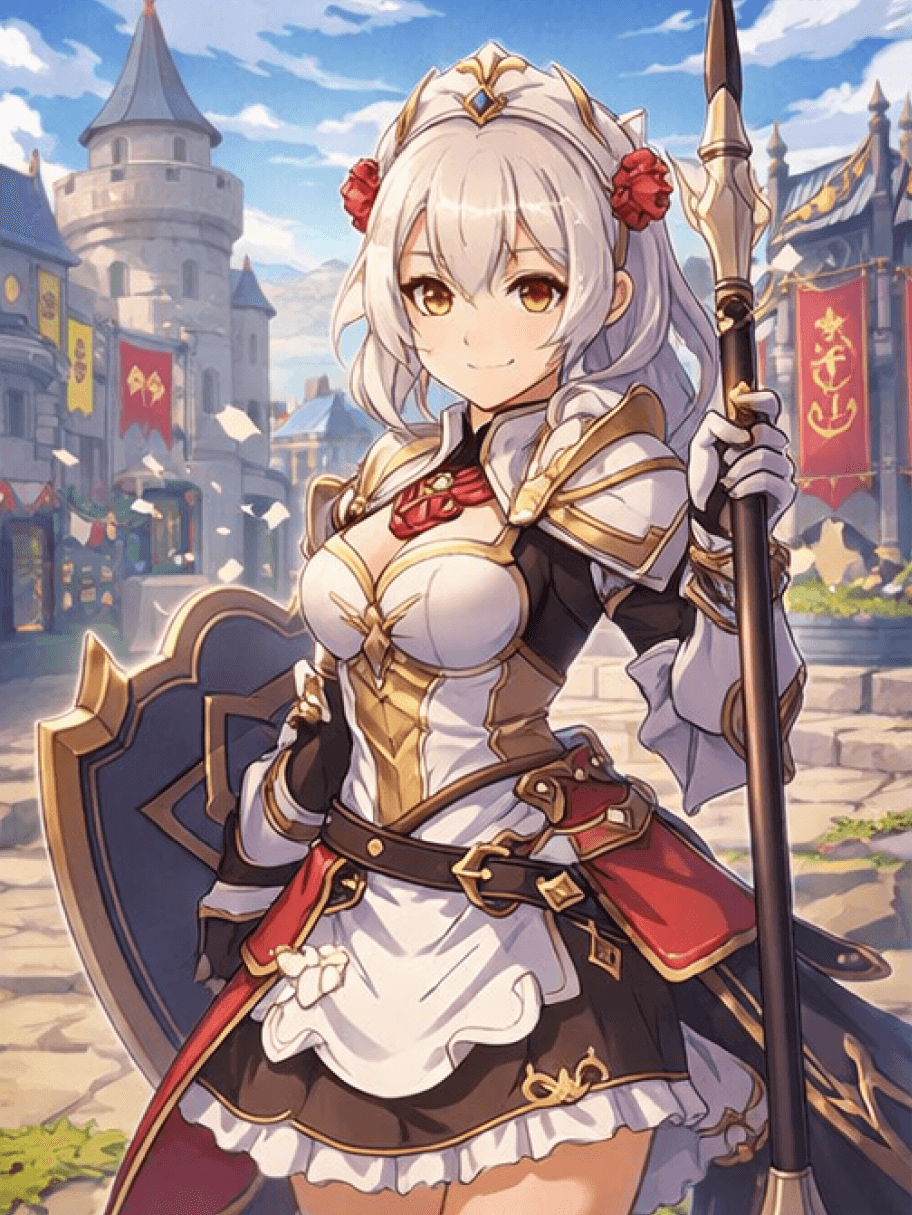
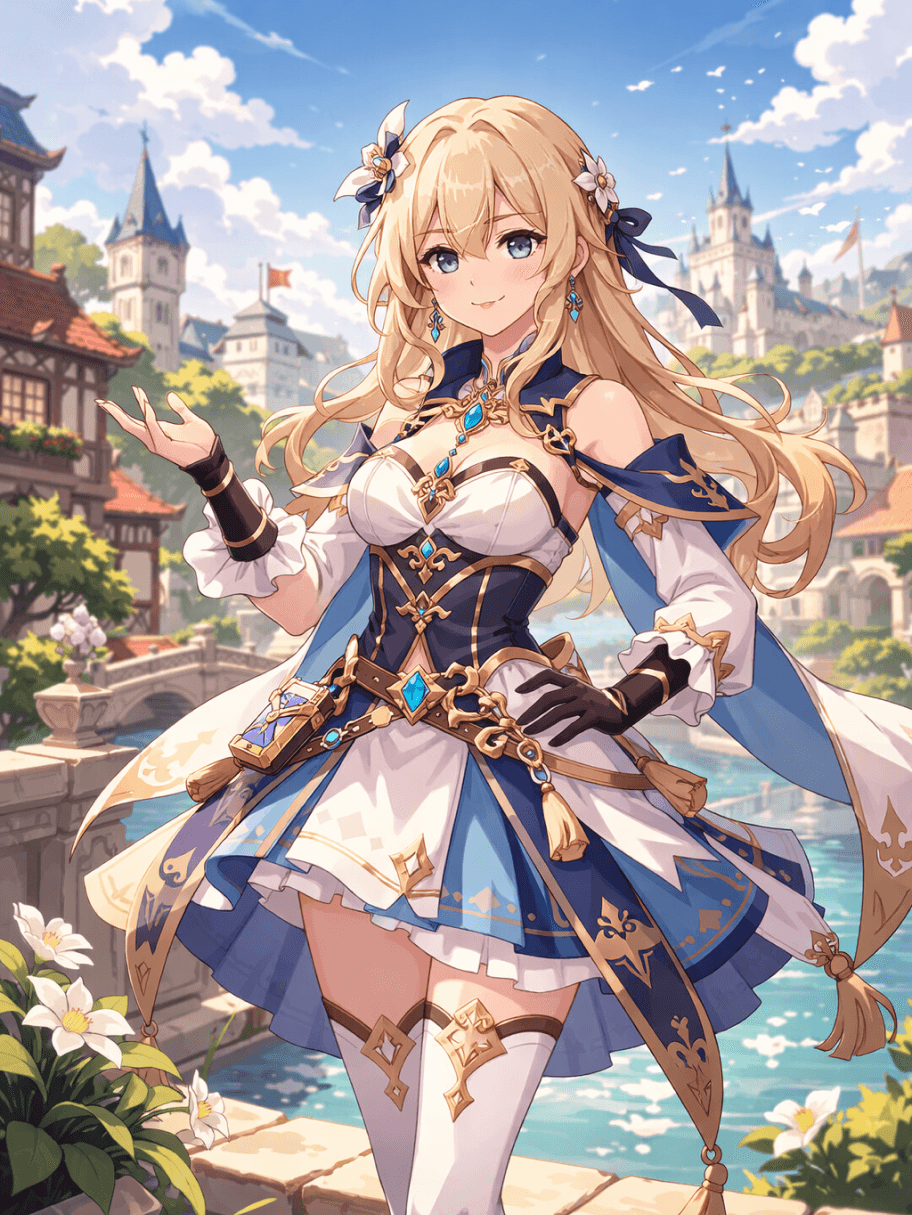
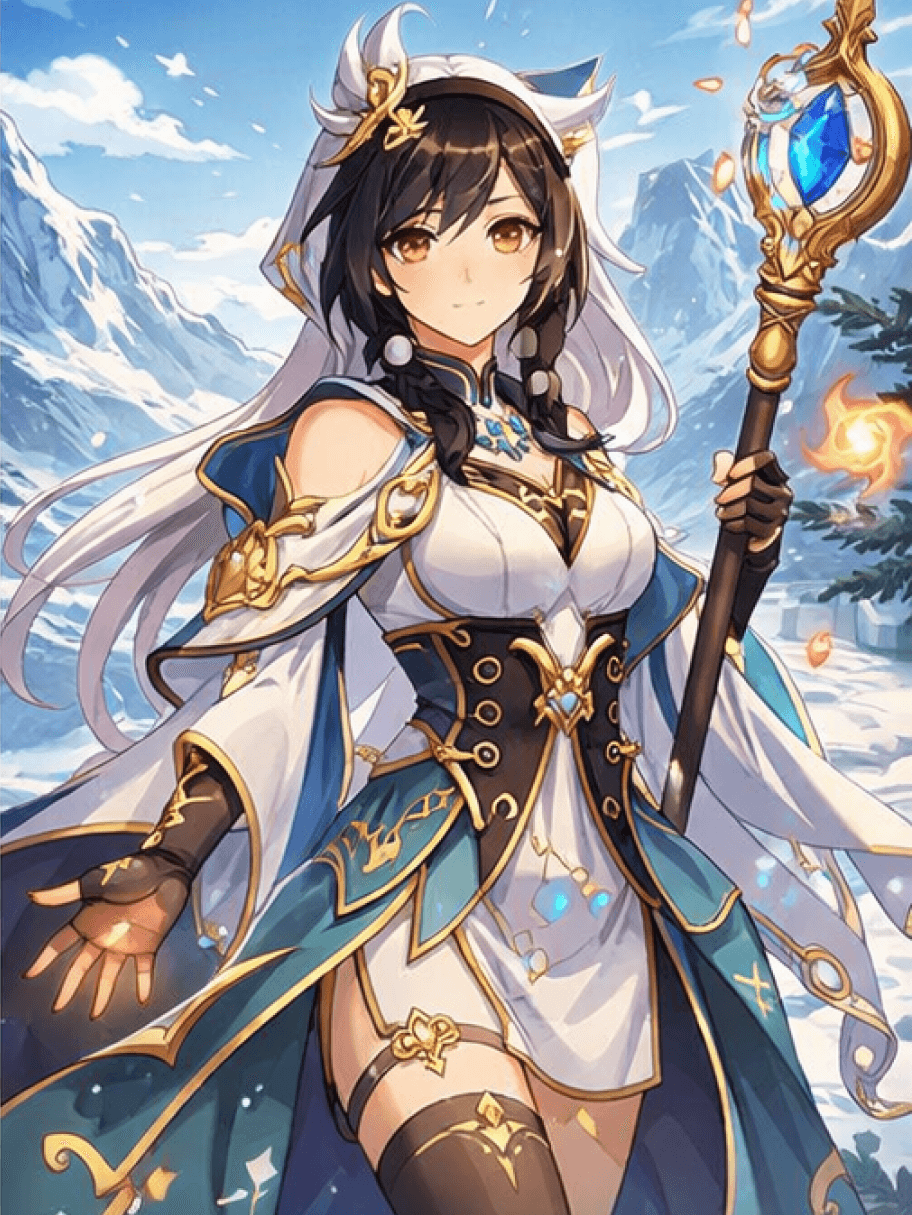
请将本页面视为多次设计迭代环节而非单次提示输入,以此使用可获得最佳效果。这种创作结构至关重要,因为大多数创作者都希望角色在多轮修改中保持人设统一。我们的目标是通过氛围感眼妆造型、带有象征意义的饰品等细节,让角色形象更具体、可复用,且更好地融入游戏世界观
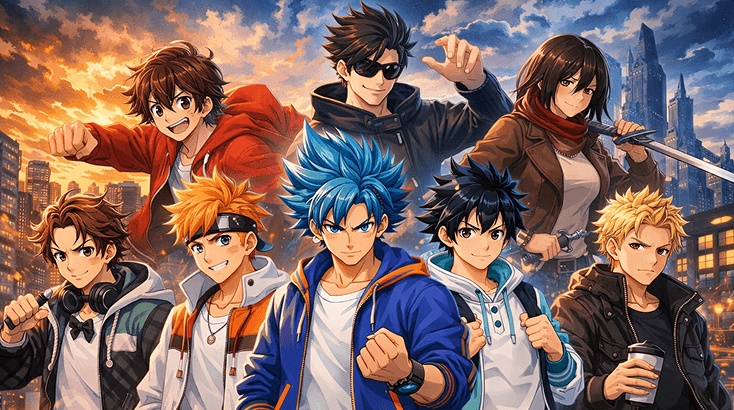
当你脑海中的角色形象还较为模糊时,该工具将非常实用。你可以先从辅助职业角色入手,先用氛围感眼妆造型作为人设亮点,再依托带有象征意义的饰品完成核心人设搭建,最后可通过Elser AI的《鬼灭之刃》OC创作工具细化角色轮廓
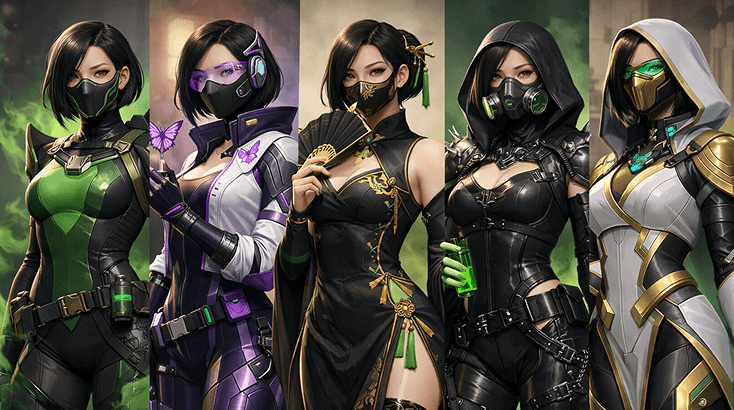
可信的角色设计往往源于细节而非关键词。你可以通过该模块测试带有身份标识的配饰、层次感外套与色彩搭配,直到角色完美适配《原神》开场插画类场景画面,最后可通过动画头像生成器优化整体形象
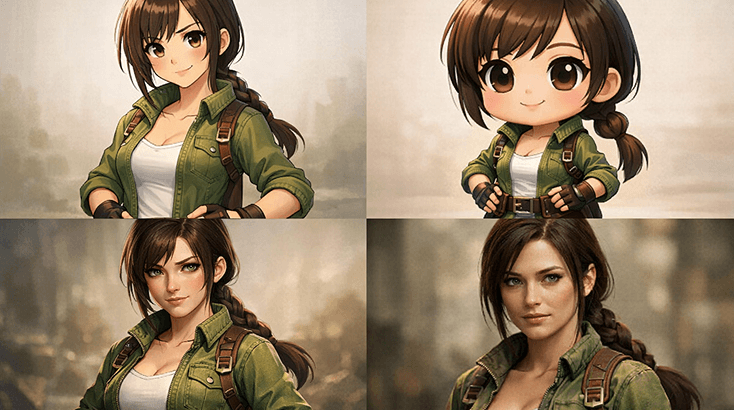
该模块用于第二阶段的创意拓展:打造换装造型、对战版本及更具《原神》祈愿海报风格的艺术构图。当角色完成设定表阶段的设计后,AI奇幻艺术生成器可帮助你更轻松地完成后续转化
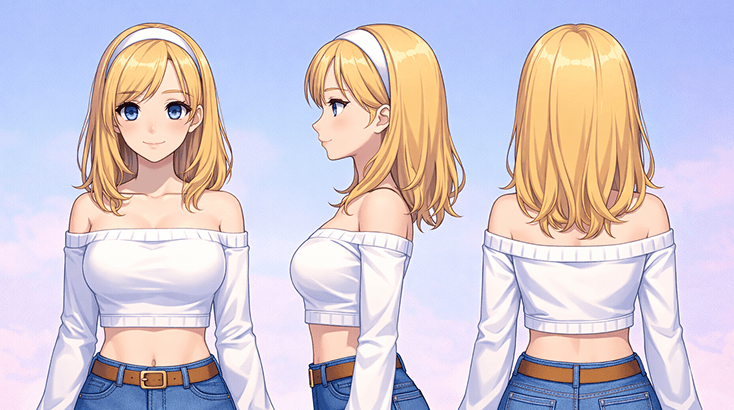
最优秀的同人设计通常会暗示角色立绘之外的人生。先梳理角色演绎档案、剧情场景立意,以及该角色在更大阵容中的定位,再借助AI Anime Generator将其转化为更具体的形象。
通过三步简单流程打造你的genshin oc制作工具,从确定角色定位起步,最终得到可在原神同人社区中复用的成品版本。
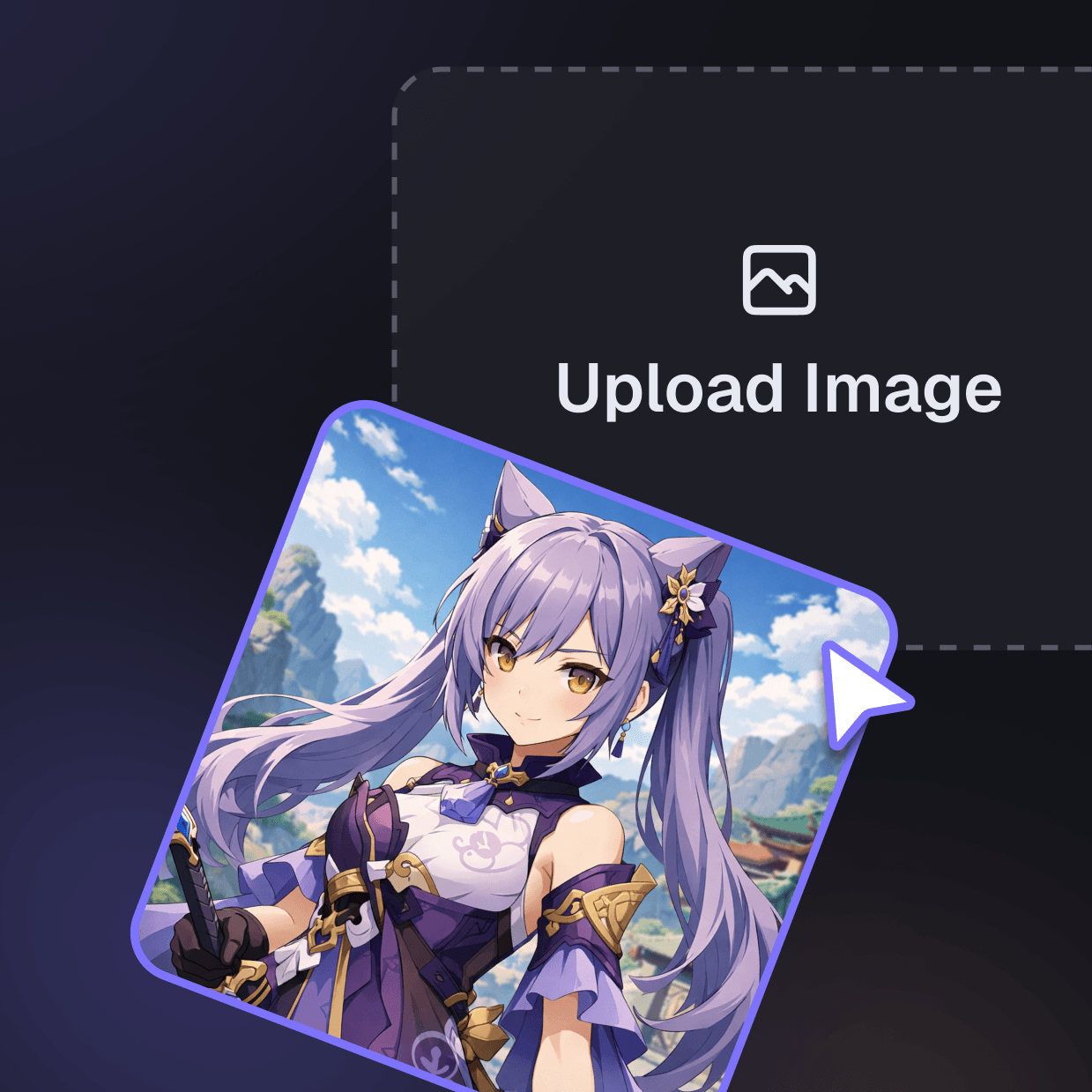
从角色的定位、所处的情感赛道,以及一个能让其迅速区别于千篇一律制式服装的视觉特征开始着手。

加入极具辨识度的眼部造型、带有象征意义的饰品,以及足够的场景逻辑,让角色完全适配该世界观设定。若你需要优化风格使其更简洁,可以将提示词方向与AI Character Maker进行对比参考。

保留最出彩的初稿,保存1-2个备选方案,之后再拓展为原神角色档案或配套氛围设定。若你想要测试角色的情绪氛围,AI Storyboard Generator是实用的后续工具。
这套genshin oc maker制作流程的优势不仅在于速度快捷,还能在你测试角色情绪氛围、修改方案以及制作后续配套素材时,保持角色创意的连贯性,同时不会丢失围绕极具辨识度眼部造型打造的核心吸引力。
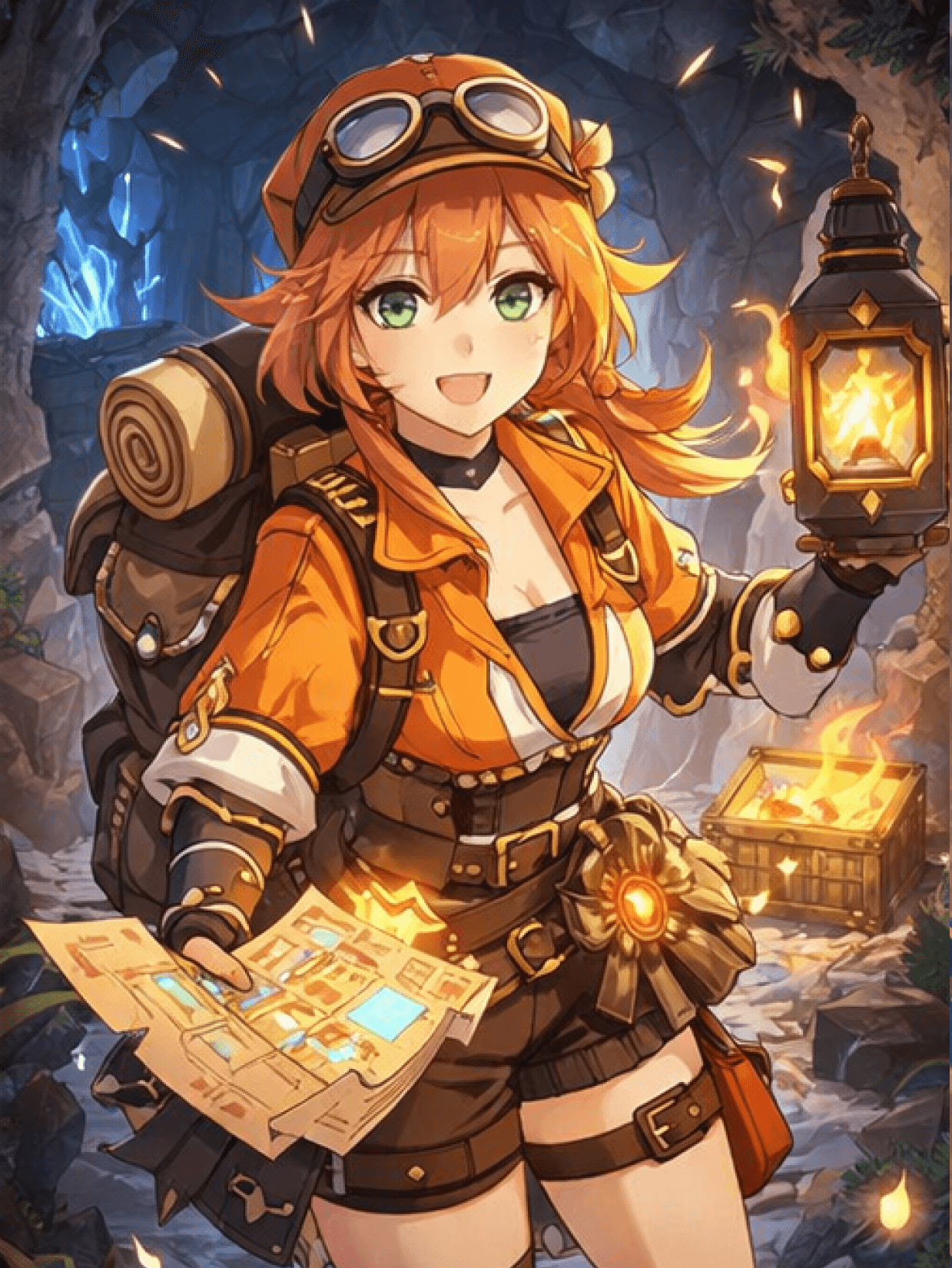
能够同时兼顾视觉风格与内容背景的页面更具价值。正因如此,让同一个角色贯穿原神开场美术及后续改版素材会大有裨益。
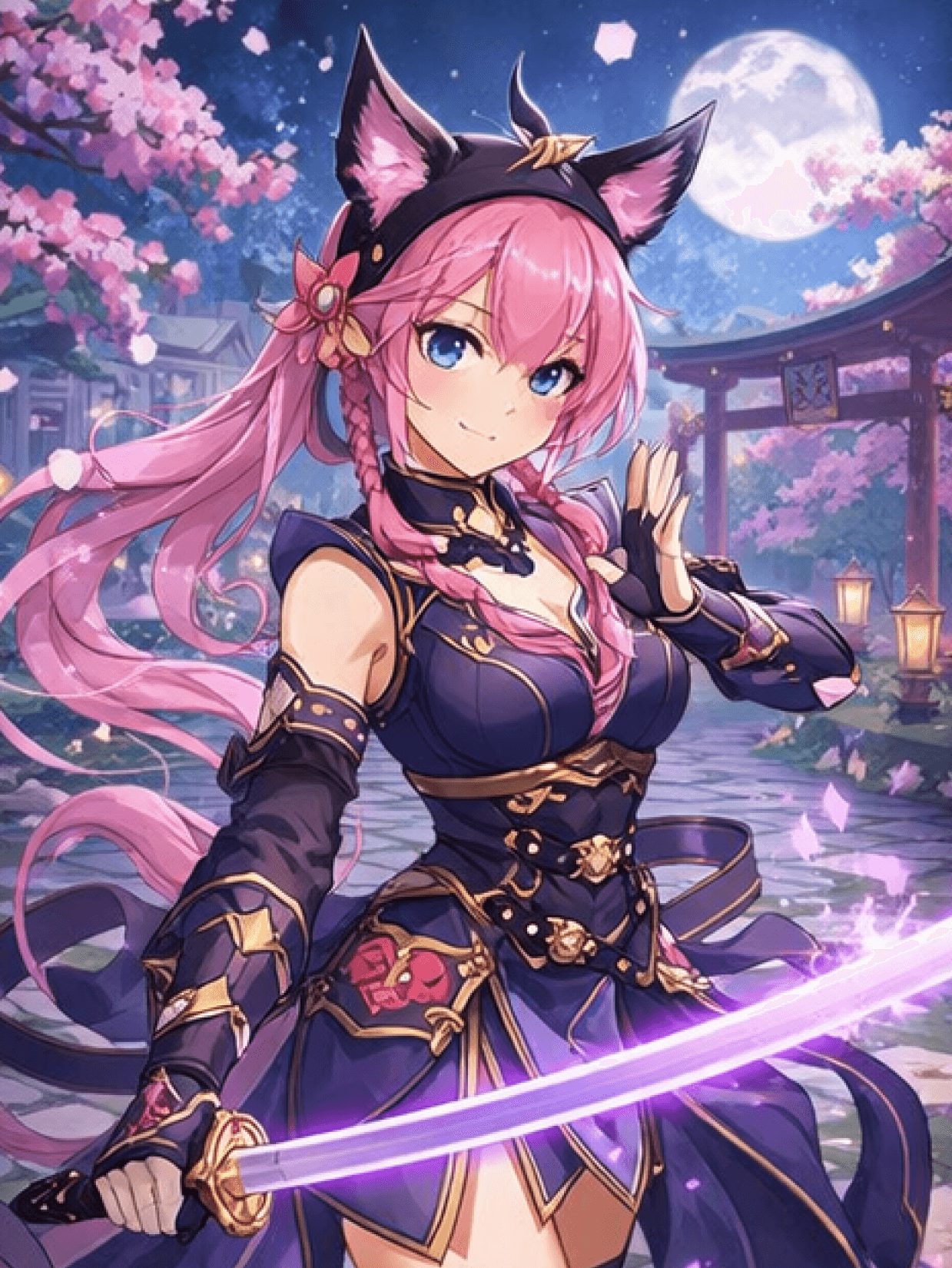
当你希望初稿后的角色更具辨识度时,AI Roleplay能为你提供更适配高动态呈现的创作路径,同时保留原本就让设计清晰易读的亮眼眼部造型与标志性配饰。
如果后续设计需要更多活动、剧情或场景相关的背景设定,AI Sound Effect Generator可帮你重新打造同一角色,用于围绕场景草稿和原神开场美术制作的宣传物料、引流钩子或更全面的包装内容。
If you want to branch out instead of rerunning the same prompt for genshin oc maker, compare Naruto OC Maker with Anime Avatar Generator. One keeps you closer to battle-worn accents, while the other gives you a different presentation route for intro art.
Fursona OC Maker
Fursona OC Maker
FPE OC Maker
FPE OC Maker
FNAF OC Maker
FNAF OC Maker
Dragon Ball OC Maker
Dragon Ball OC Maker
DnD Character Maker OC Maker
DnD Character Maker OC Maker
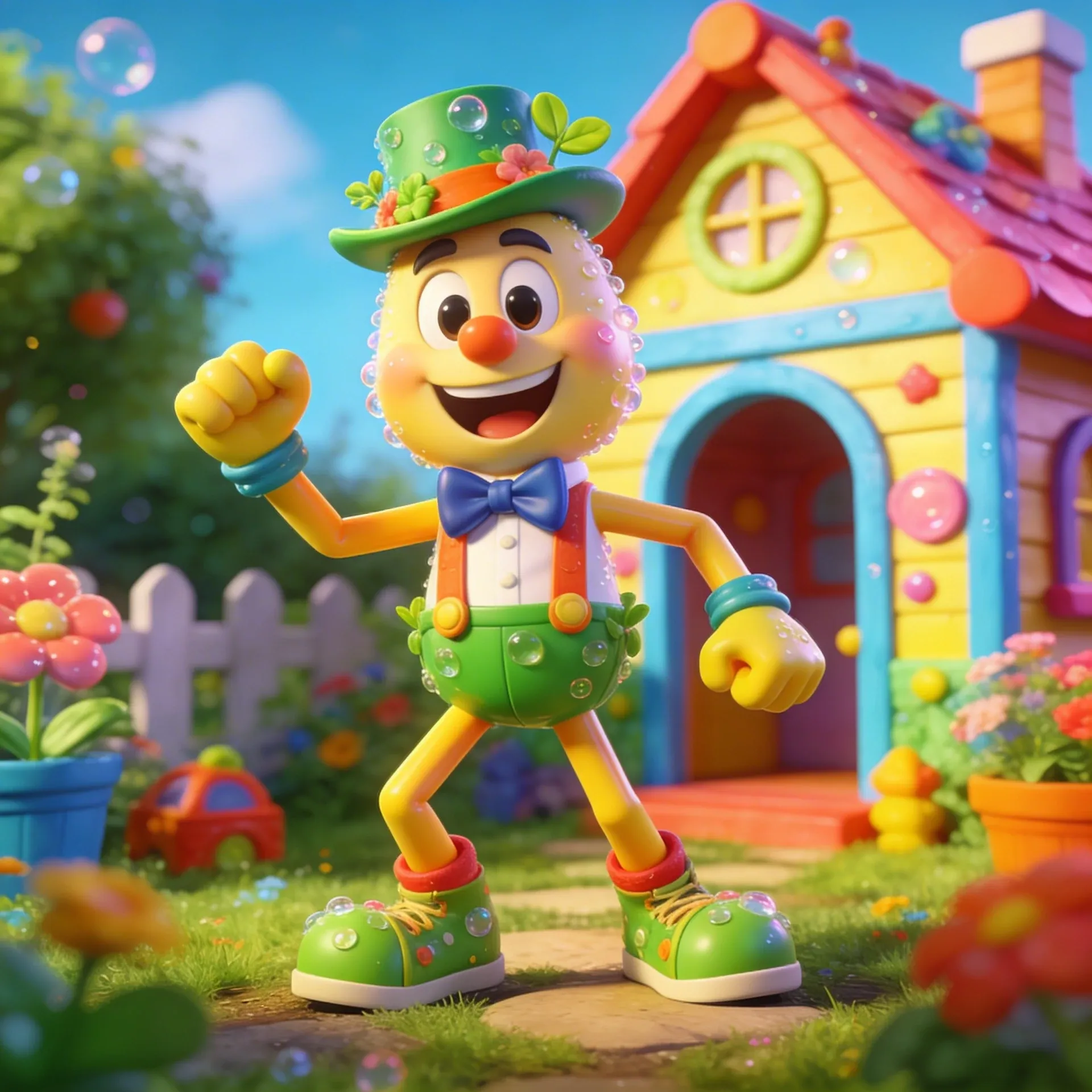
Dandy's World OC Maker
Dandy's World OC Maker
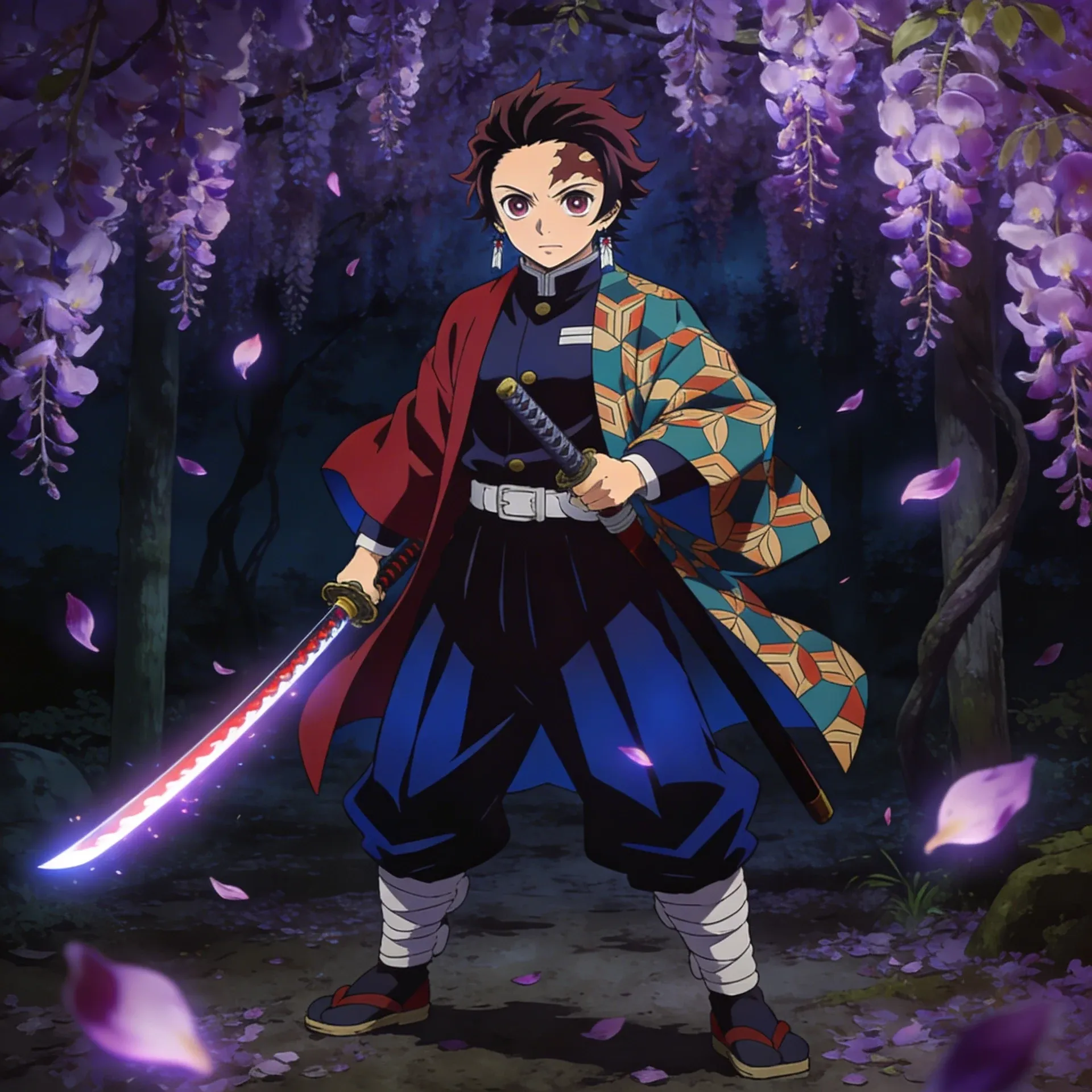
Demon Slayer OC Maker
Demon Slayer OC Maker
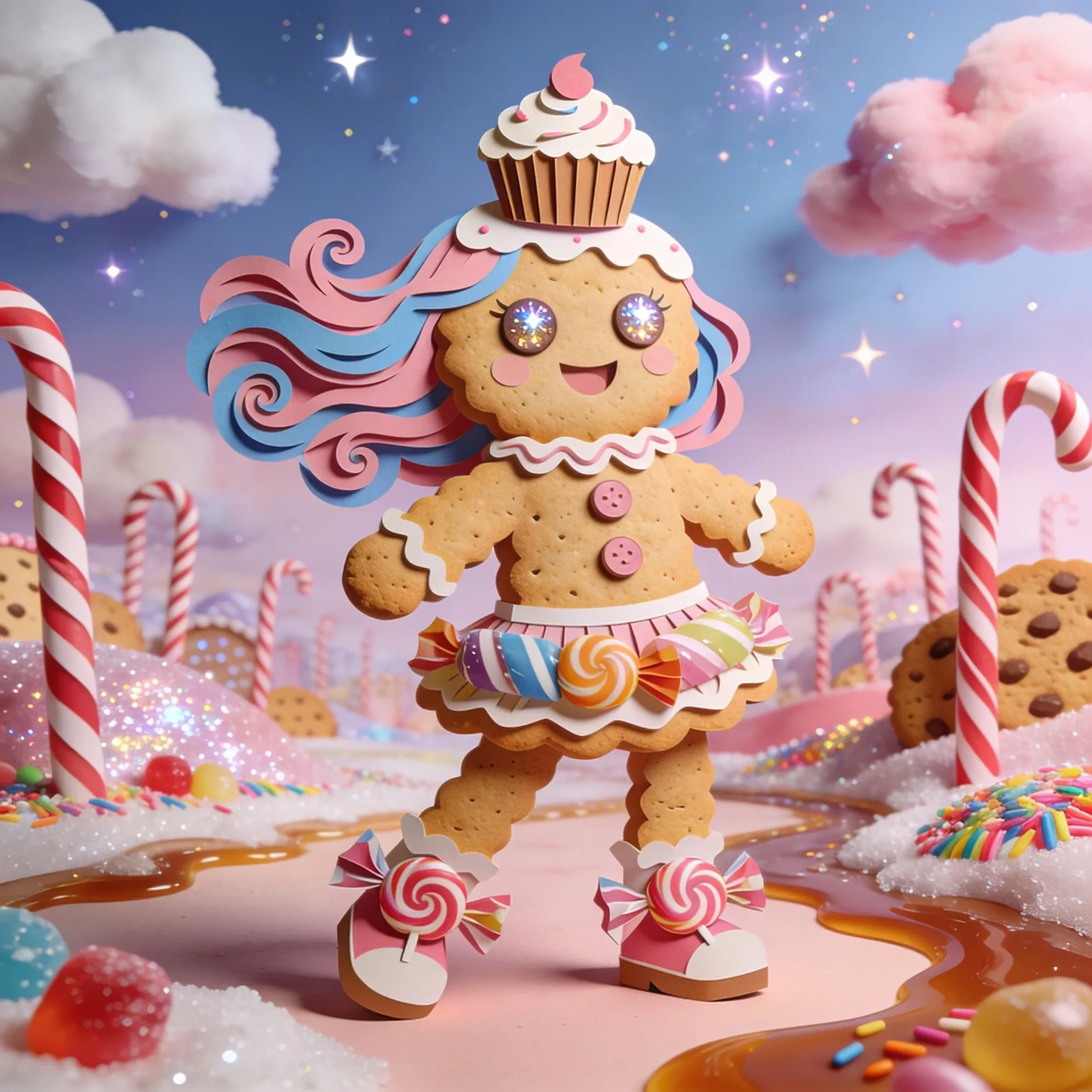
Cookie Run Kingdom OC Maker
Cookie Run Kingdom OC Maker
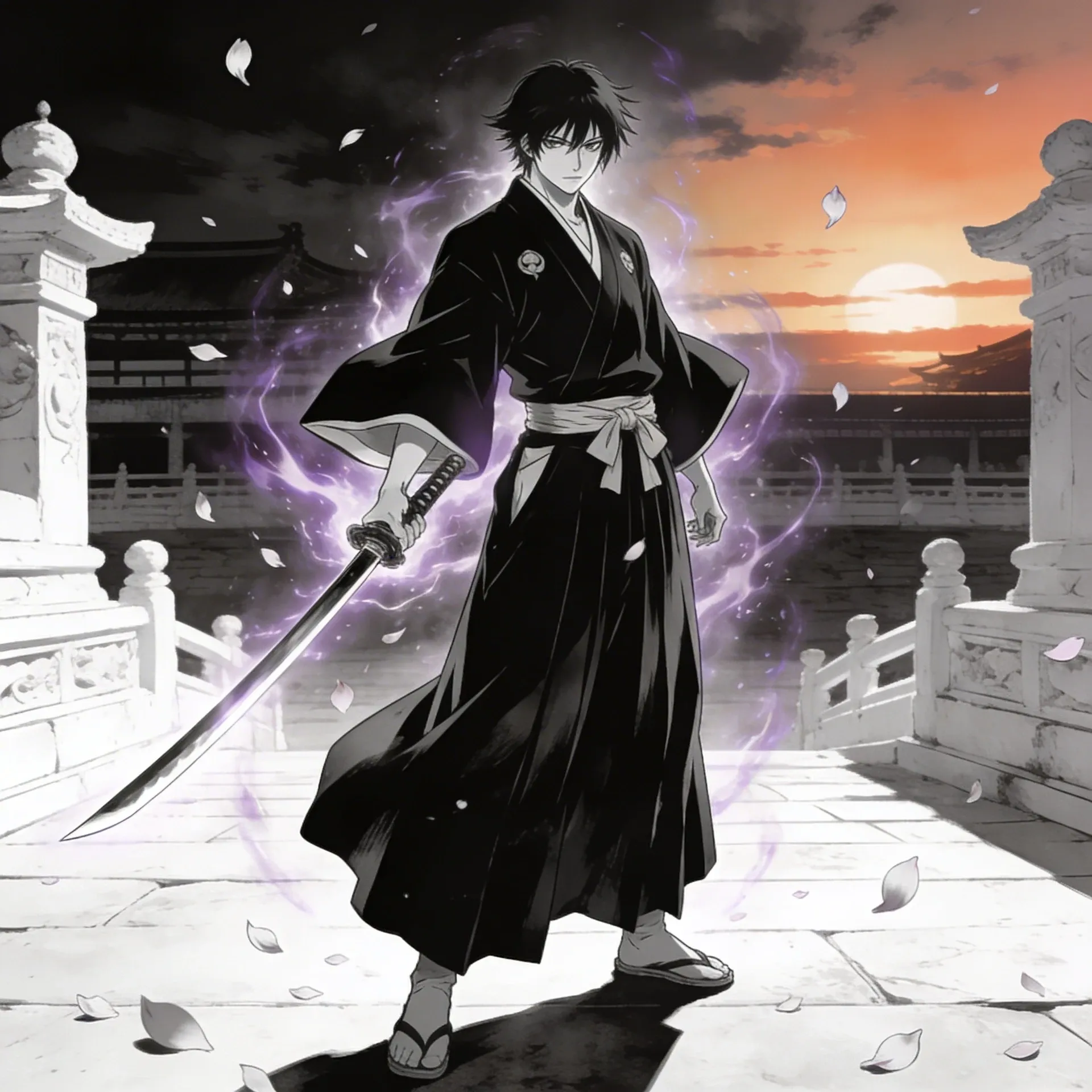
Bleach OC Maker
Bleach OC Maker
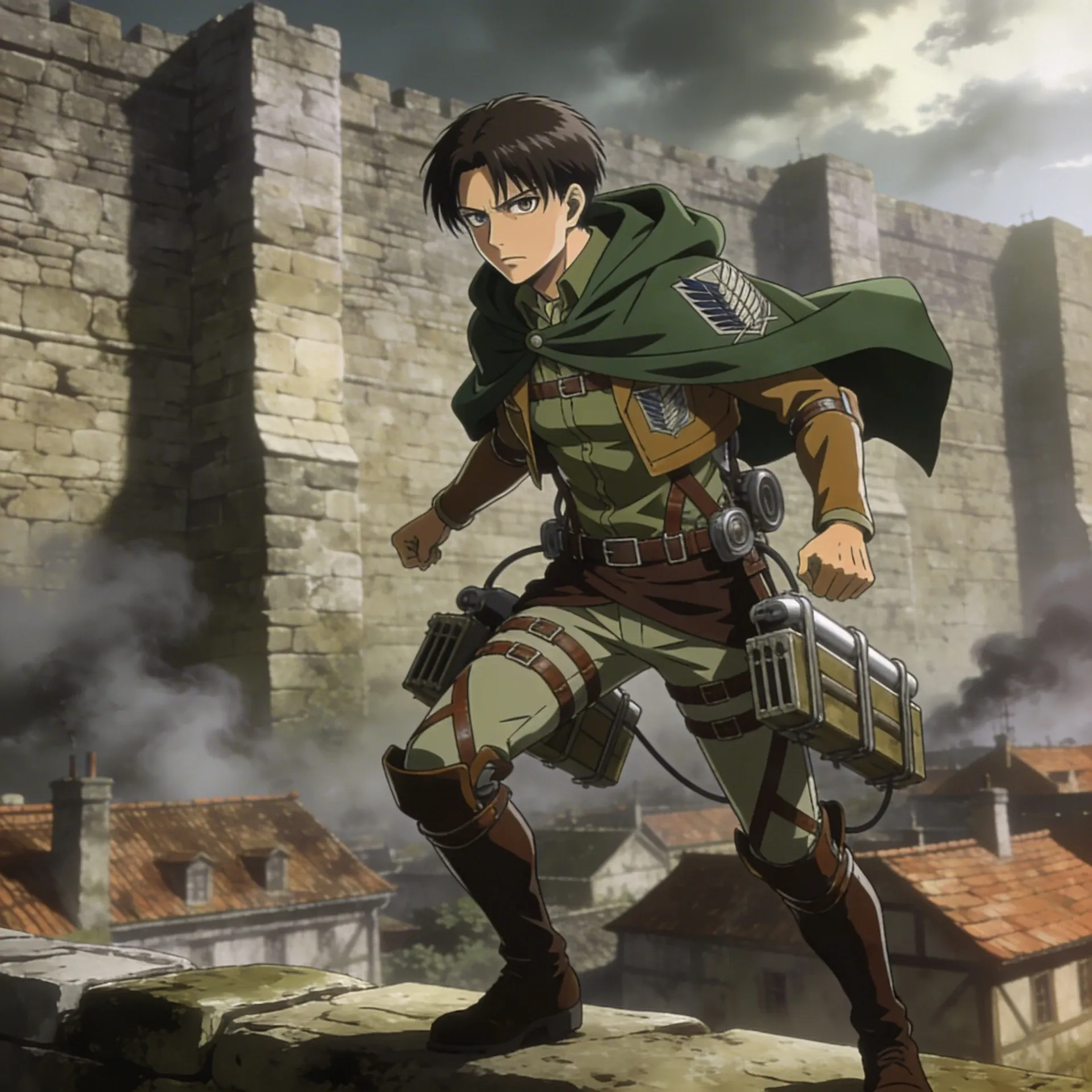
Attack on Titan OC Maker
Attack on Titan OC Maker
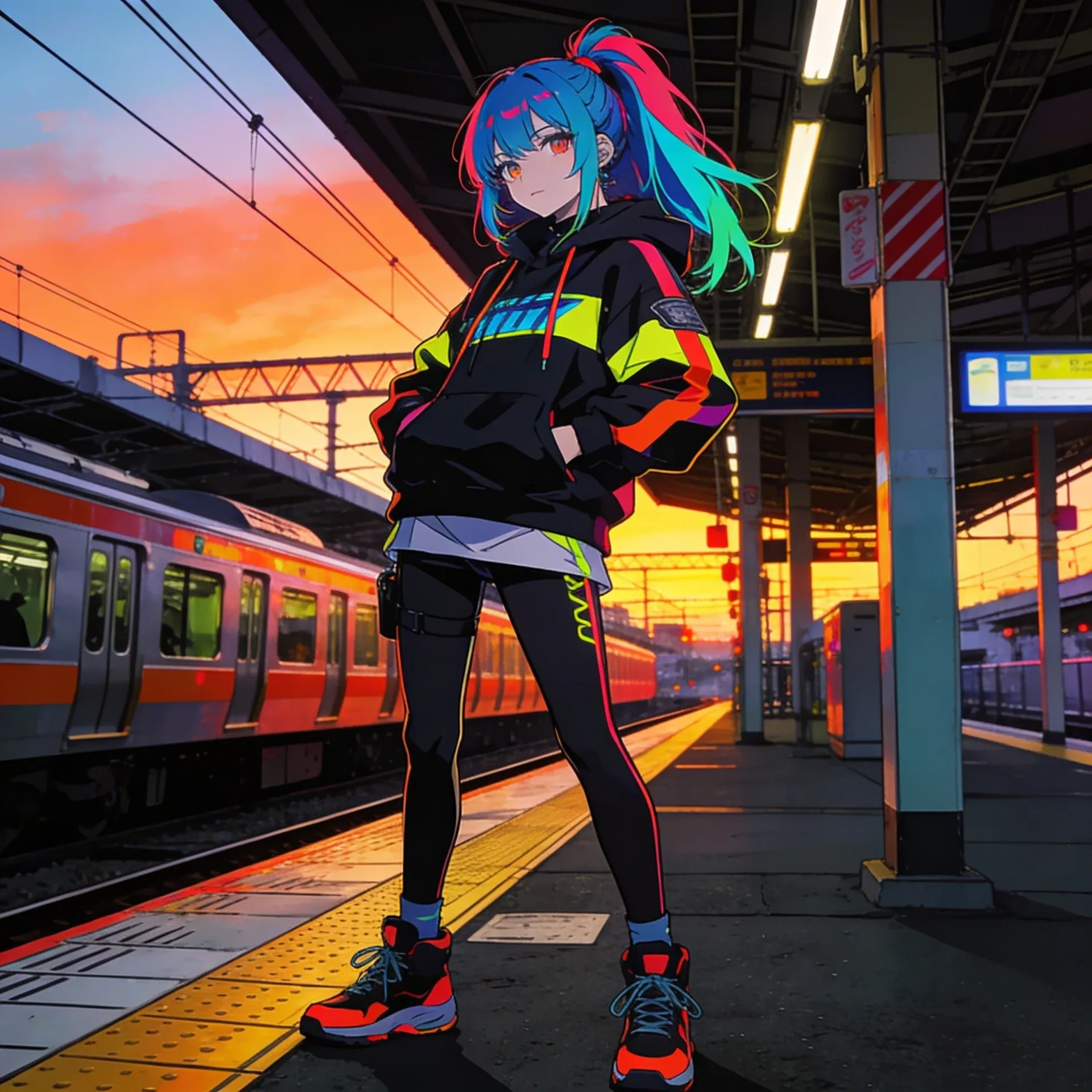
Anime OC Maker
Anime OC Maker
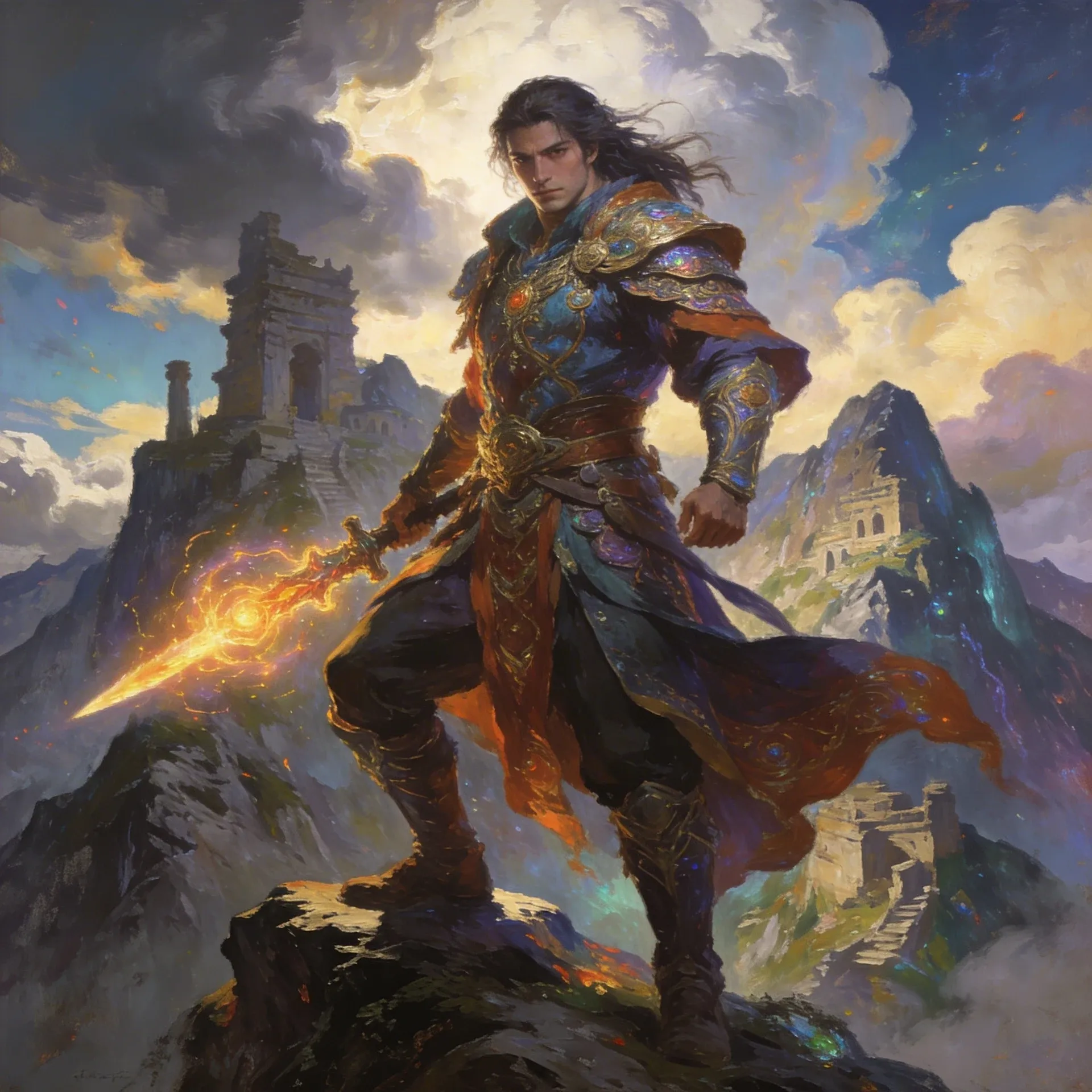
AI Fantasy OC Maker
AI Fantasy OC Maker
请将这些原神OC Maker创意灵感作为创作起点,而非固定提示词。若您希望将生成结果与相近风格进行对比,可参考鬼灭之刃OC Maker或AI奇幻艺术生成器,观察其在色调、呈现方式与地域特色面料上的差异。
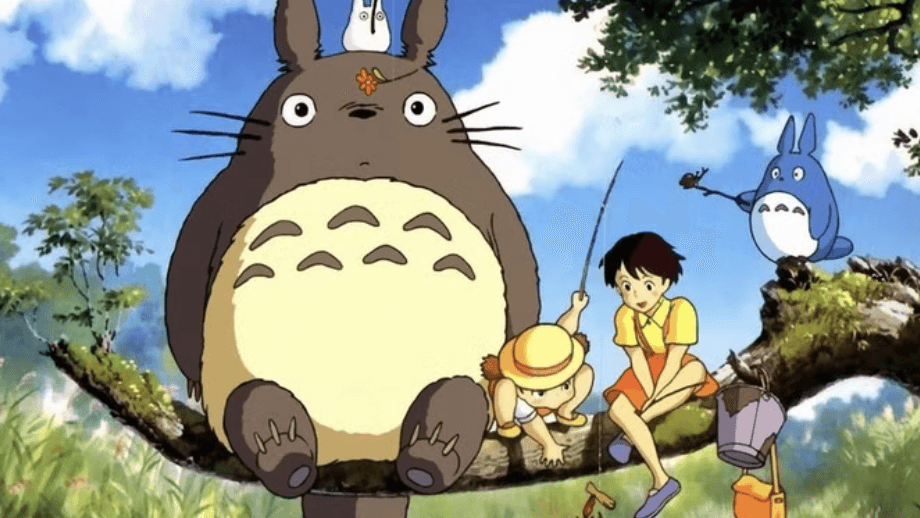

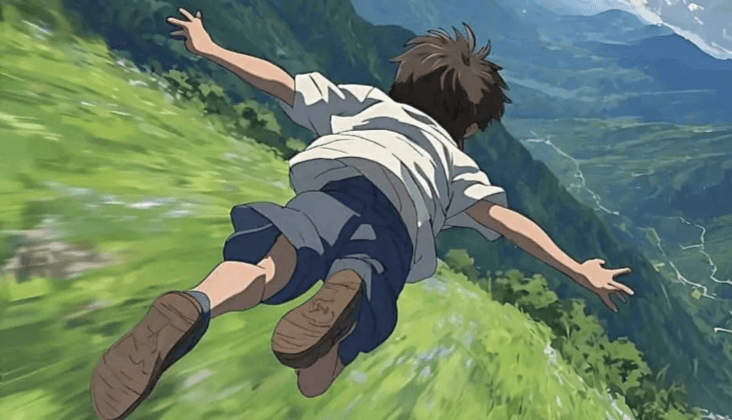
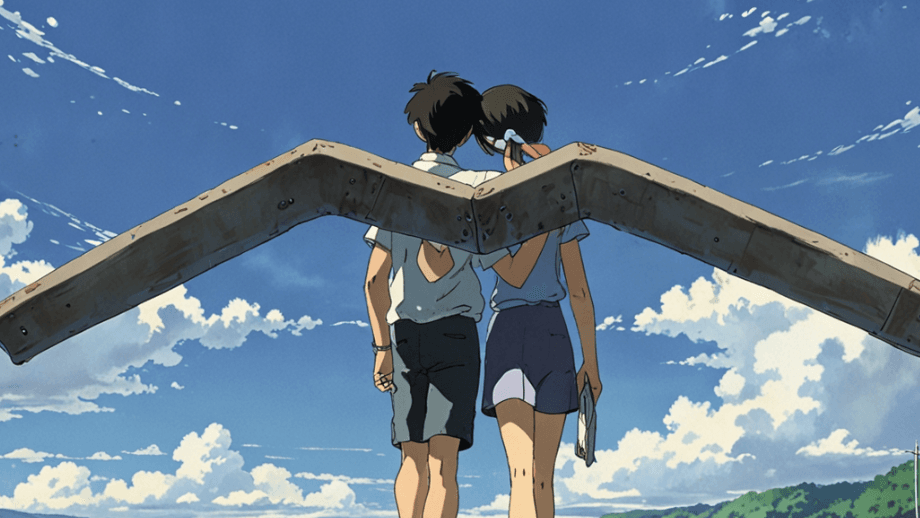
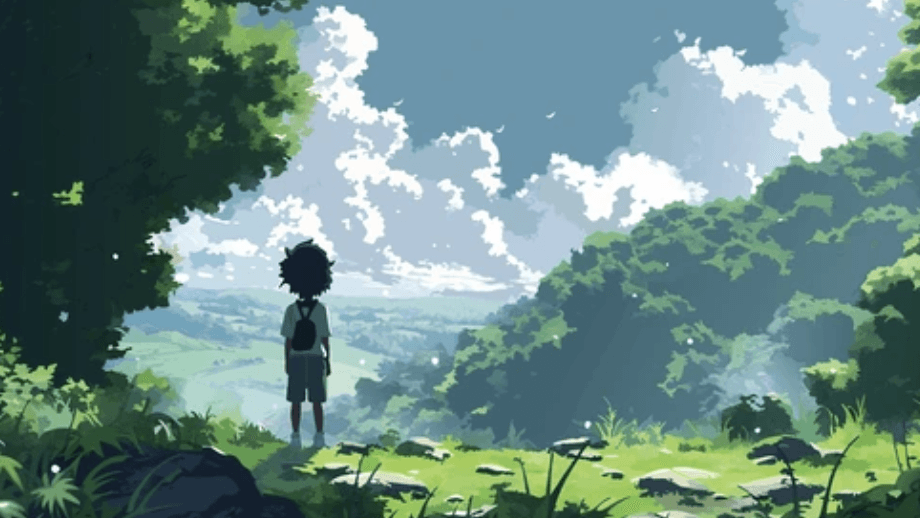


Once your genshin oc maker design is stable, use related product pages to clean up rendering, test motion, or expand the concept into reference sheets and supporting scenes.
AI Anime Art Generator
AI Anime Art Generator
AI Animation Video Generator
AI Animation Video Generator
AI Character Generator
AI Character Generator
AI Music Generator
AI Music Generator
AI Emoji Generator
AI Emoji Generator
AI Comic Generator
AI Comic Generator
AI Superhero Generator
AI Superhero Generator

AI Cartoon Generator
AI Cartoon Generator
Furry AI Generator
Furry AI Generator
AI Fantasy Art Generator
AI Fantasy Art Generator
AI Manga Generator
AI Manga Generator
AI Meme Generator
AI Meme Generator
先确定角色的定位、一个视觉亮点,以及你希望该设计搭配的原神开场美术风格。然后逐层添加战斗磨损细节和武器剪影,这样提示词就能保持可读性,不会乱成一堆无关细节。
操作流程很简单:选择角色定位,确定能让角色一目了然的核心特征,再搭配醒目的眼部造型和带有象征意义的饰品进行细化扩展。这些识别要素越具体,生成的内容就越不会显得千篇一律。
使用权限可能会变动,如需查看当前可使用的范围,最稳妥的方式是前往定价页面。这也是对比轻量使用与高频创作需求差距的最快途径。
通常可以。最大的区别在于灵活性:你可以生成角色立绘特写、不同姿态的造型以及新手受训时期的形象,而非局限于单一固定的生成器布局。
先设定为地域流浪者形象,选择一个极具原神特色的核心视觉标识,再添加徽章细节和诸如地域开场剧情这类场景目标。许多创作者在敲定最终版本前,还会先用《电锯人》原创角色生成器对基础构思进行可行性校验。
可以。添加角色名称或背景故事提示,通常能为角色设计提供更明确的方向,因为这会促使你思考角色的定位、身份,以及该角色适配何种类型的角色立绘特写。
同一个角色在多次修改后仍能保持设定统一,因为你可以将构思延伸至《哈利·波特》原创角色生成器或AI角色立绘生成器这类工具中,不会丢失让该构想最初成立的原神特色视觉标识或剧情亮点。
可以。当角色设定趋于稳定后,借助《哈利·波特》原创角色生成器和AI角色立绘生成器,能更轻松地将构想拓展为地域开场剧情、正式展露镜头或是围绕时间线跳跃变体制作的短动态测试素材。