咒术回战OC角色生成器

使用我们的AI创作工具,轻松设计非凡的咒术回战OC。

咒术回战OC角色生成器

咒术回战OC角色生成器咒术回战OC角色生成器
0/1000
(可选)

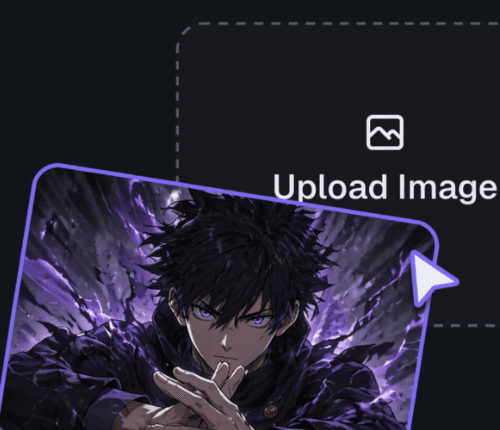
点击或拖拽上传图片

支持 PNG、JPG、JPEG、WEBP 格式,最大 10MB

No output yet

暂无输出

如何使用 OC Maker

定义你的角色

定义你的角色

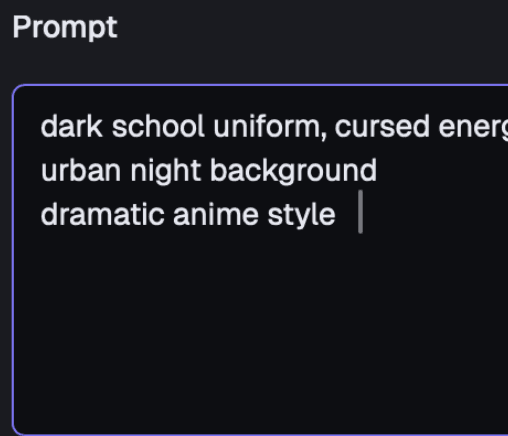
在提示词框中输入描述,或快速选择标签(性别、风格、发型等)来定义你的OC外观。

添加参考图(可选)

添加参考图(可选)

如果你想让AI遵循特定的基础形象或姿势,可以将图片拖放到上传区域。

设置并生成

设置并生成

选择你喜欢的宽高比(如1:1),然后点击生成,让你的独特角色栩栩如生!

Jujutsu Kaisen OC Maker For Character Sheets | Elser AI

Create Jujutsu Kaisen OC with Jujutsu Kaisen OC Maker for mission-style art, OC bios, and intro art on Elser AI, plus jujutsu kaisen ai generator coverage.

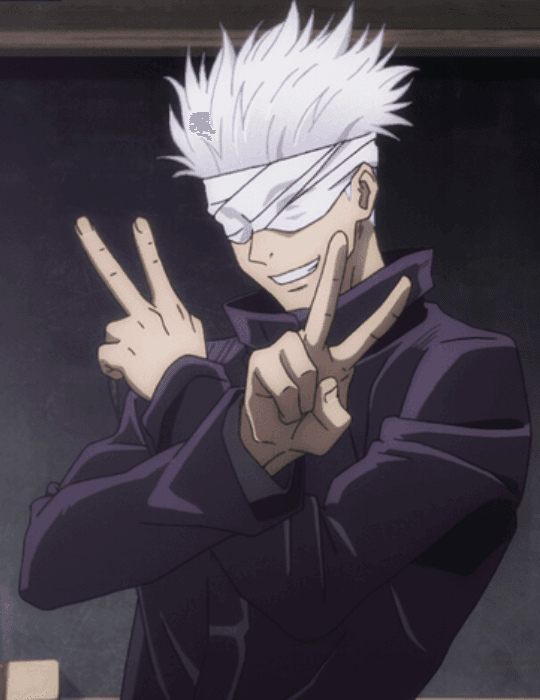
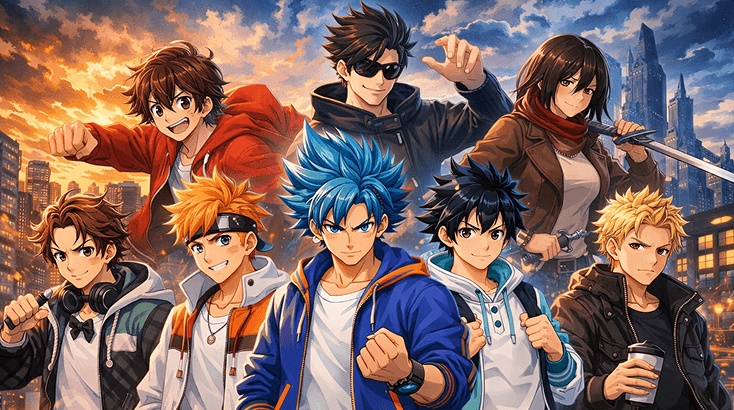
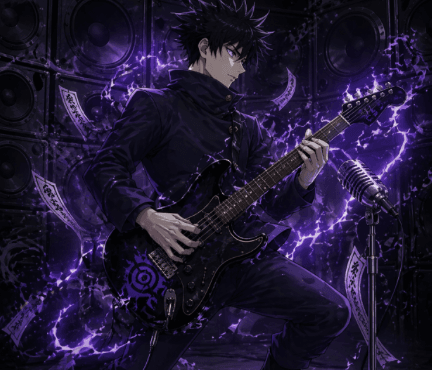
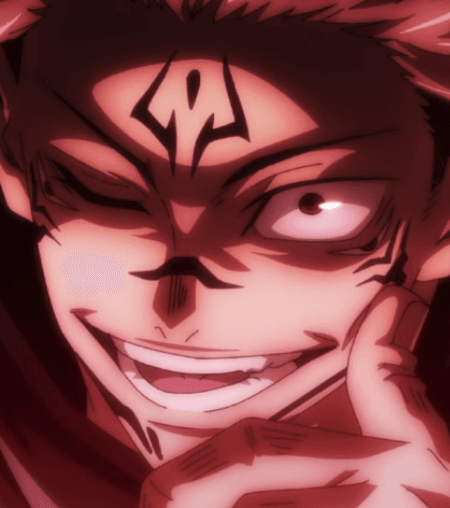
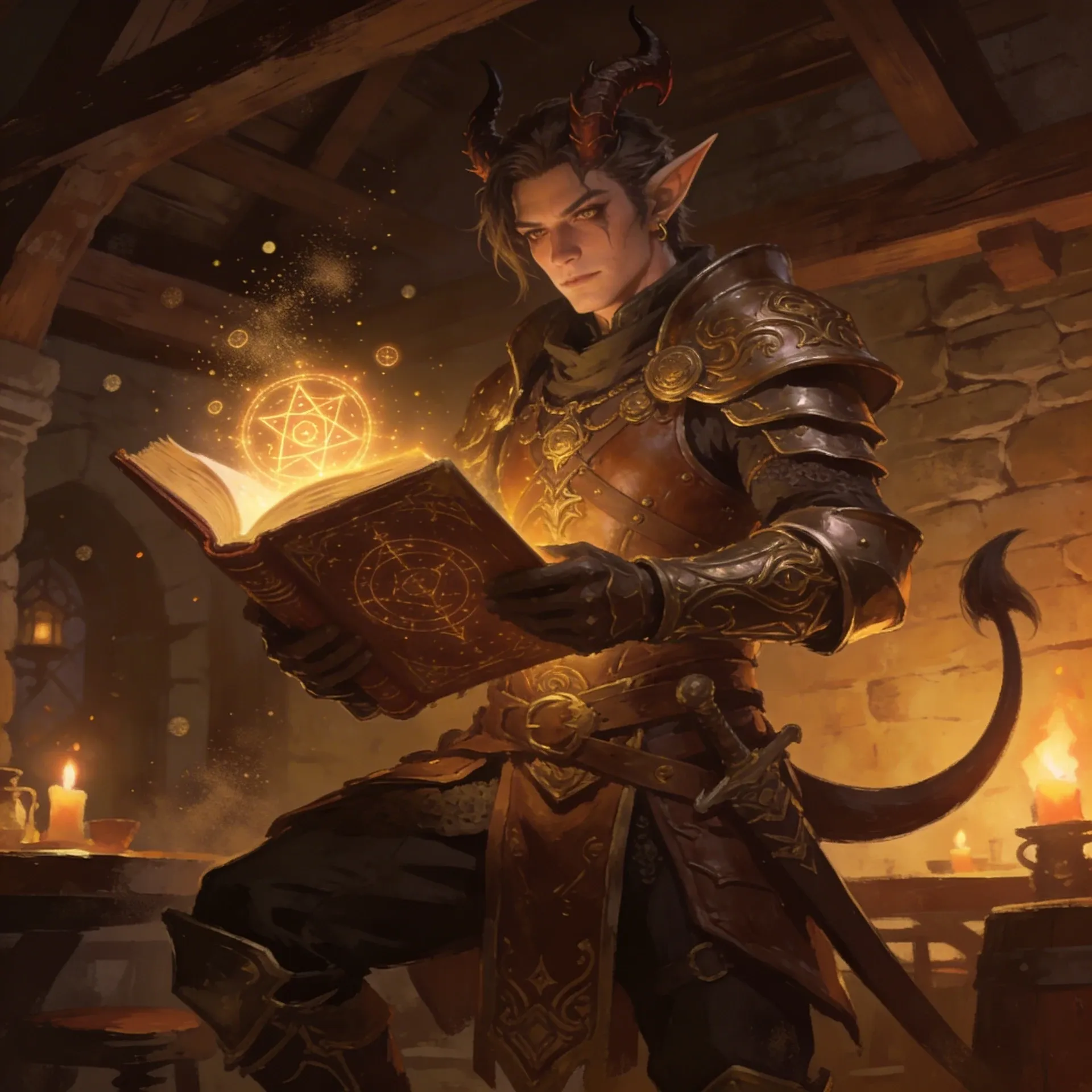
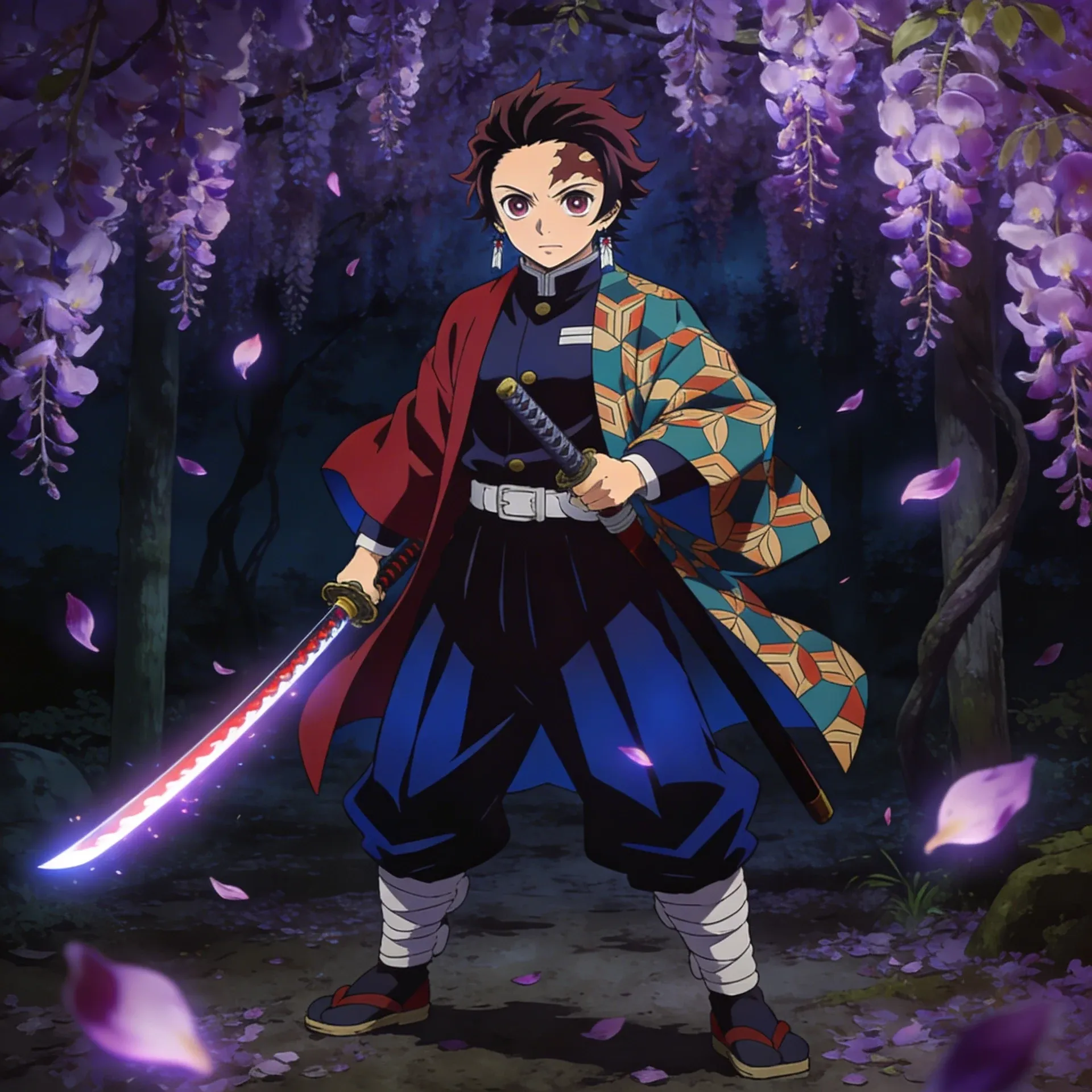
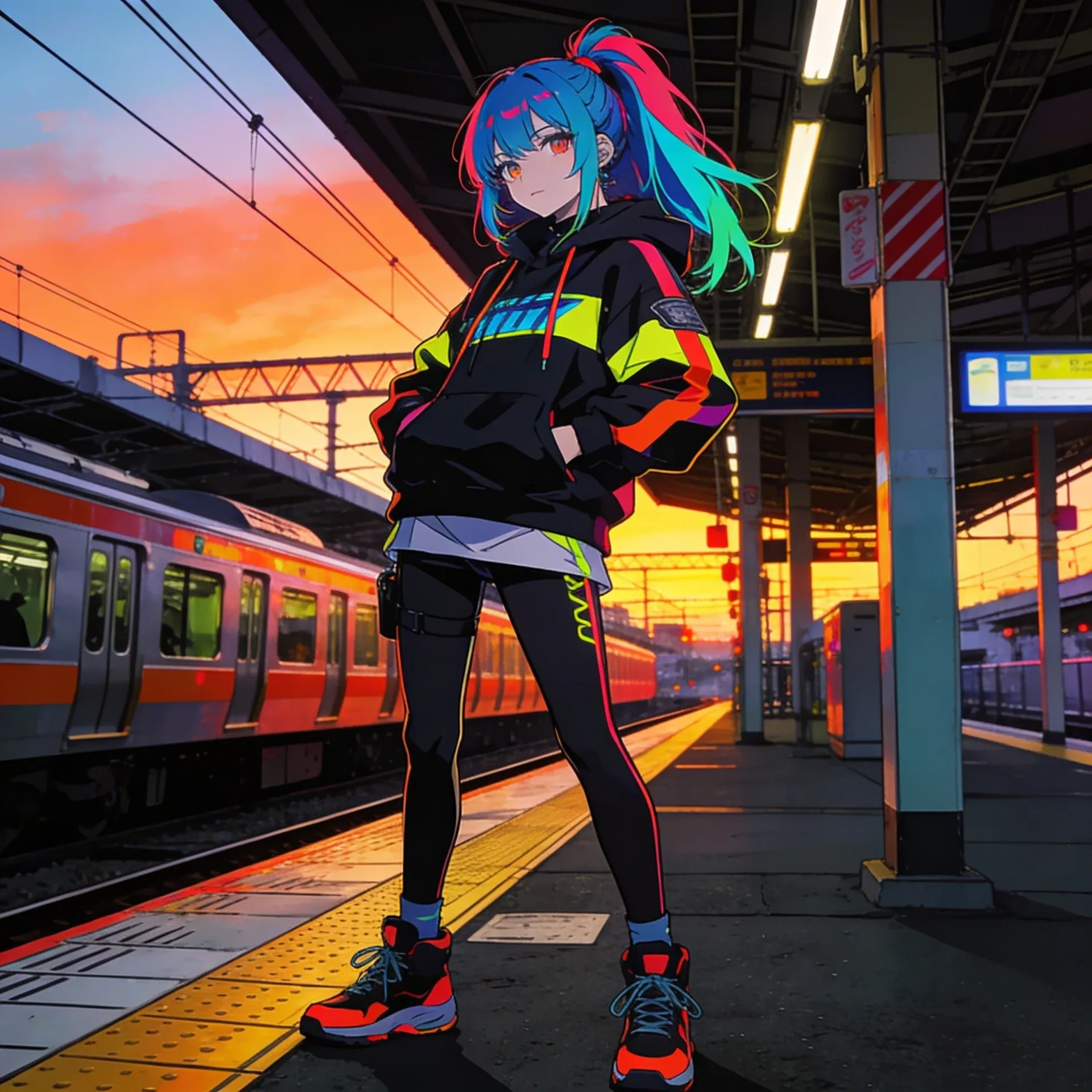
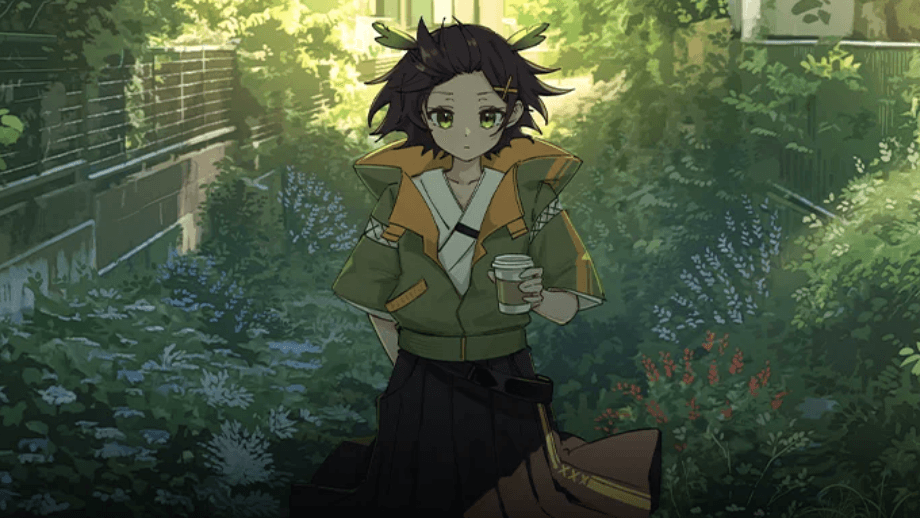
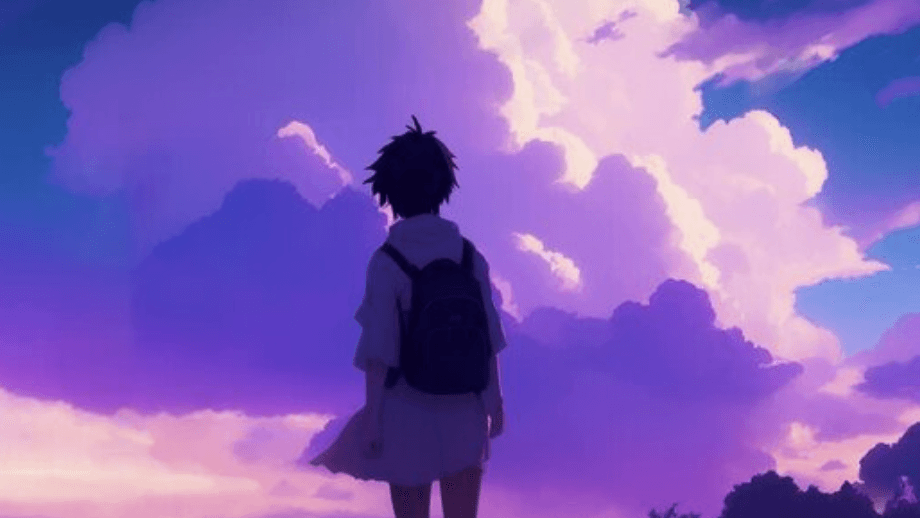
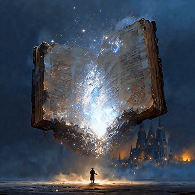
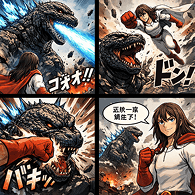
Jujutsu Kaisen OC Maker interface showing support specialist with jujutsu kaisen-style details for jujutsu kaisen intro art
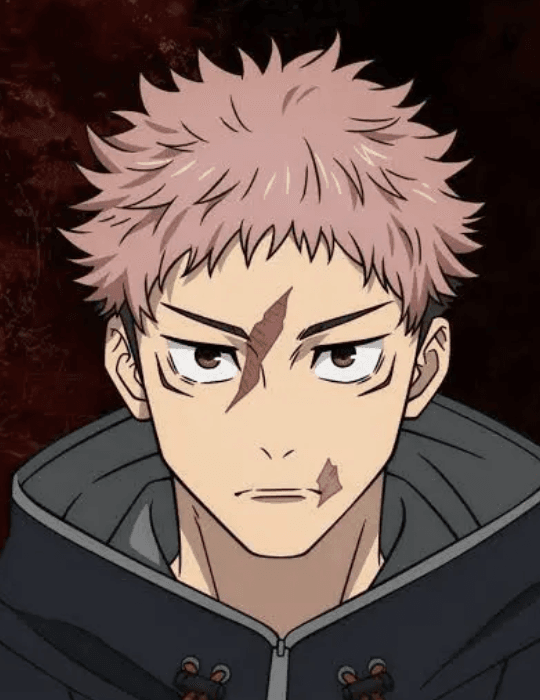
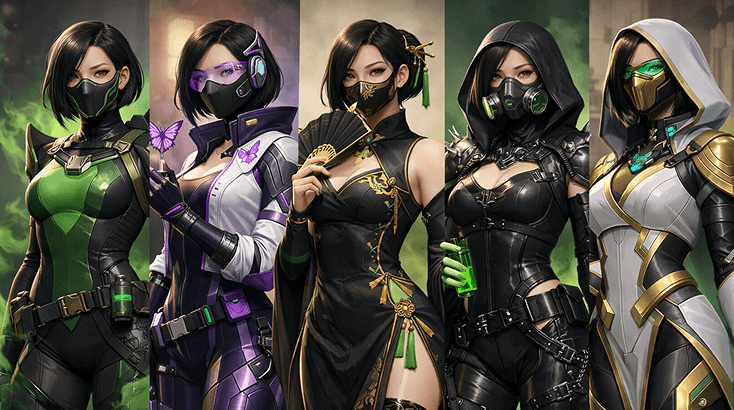
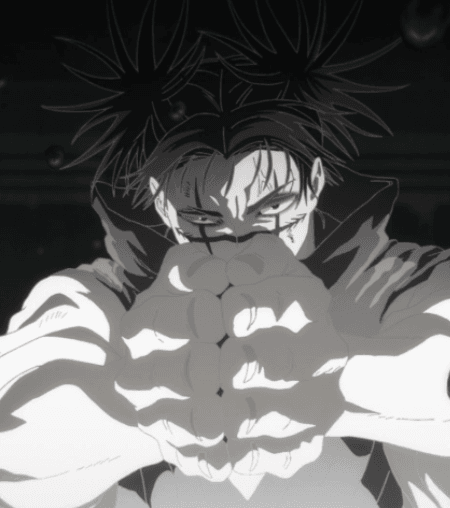
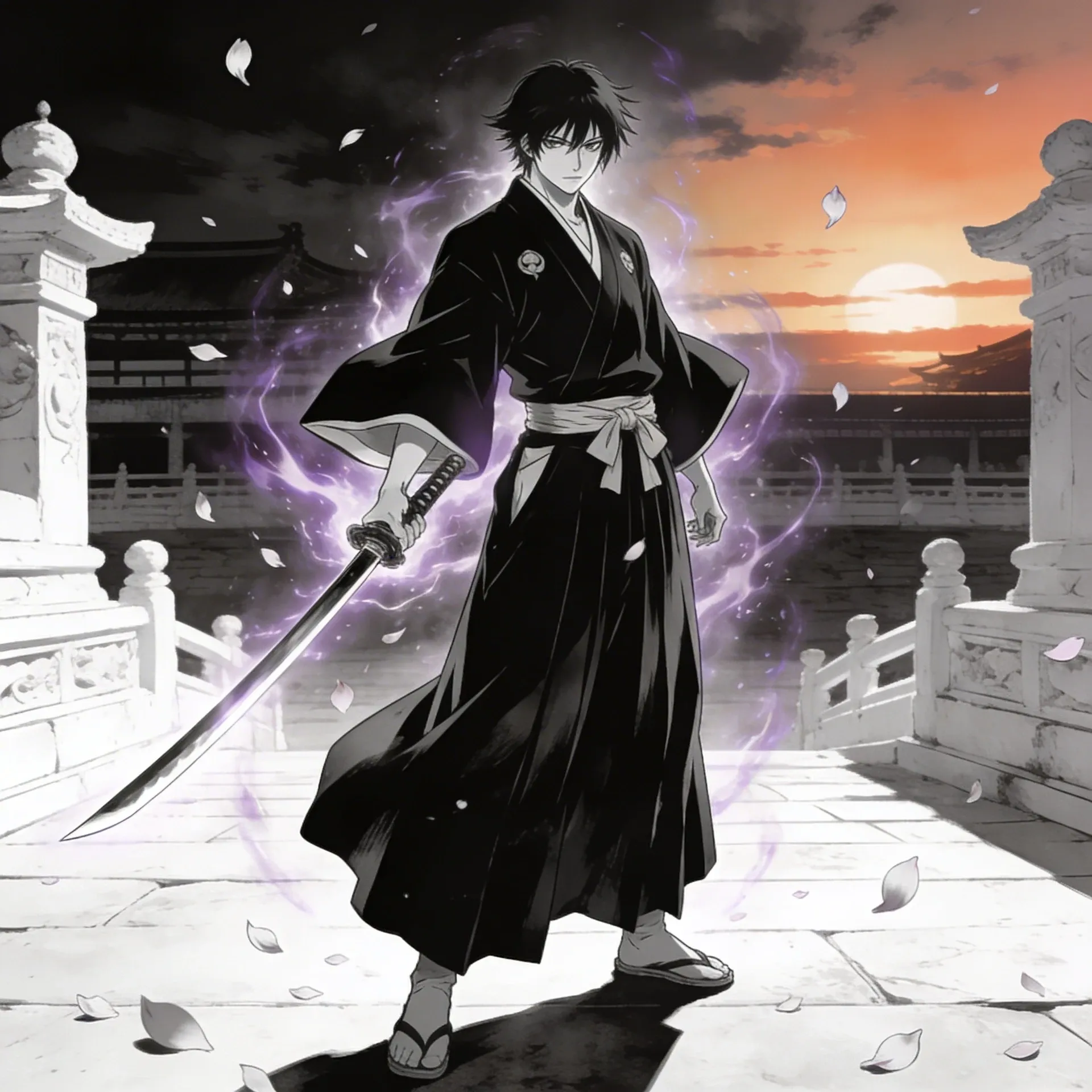
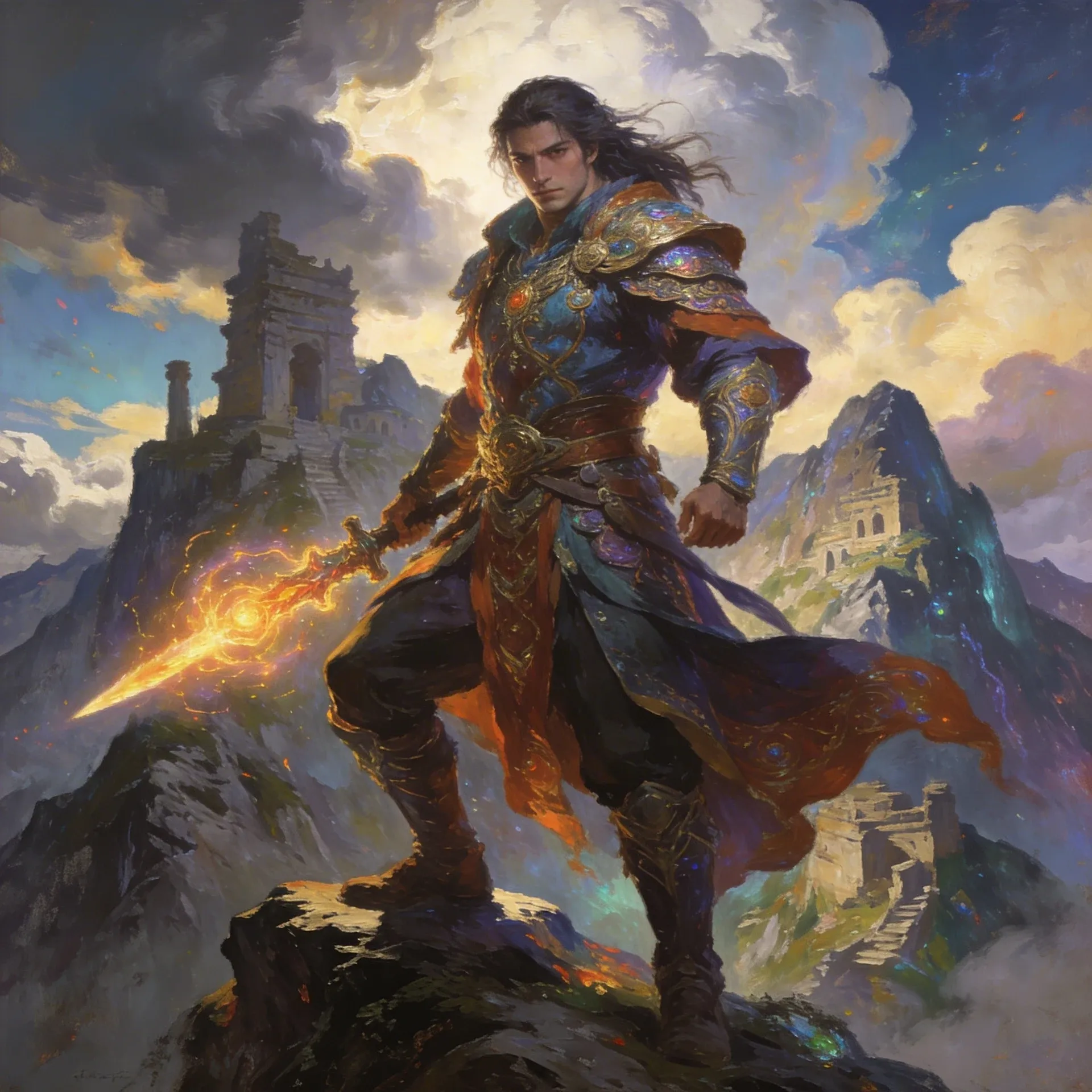
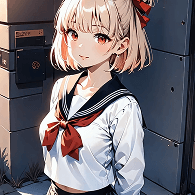
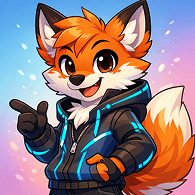
Jujutsu Kaisen OC Maker feature preview for team lineups and faction colors
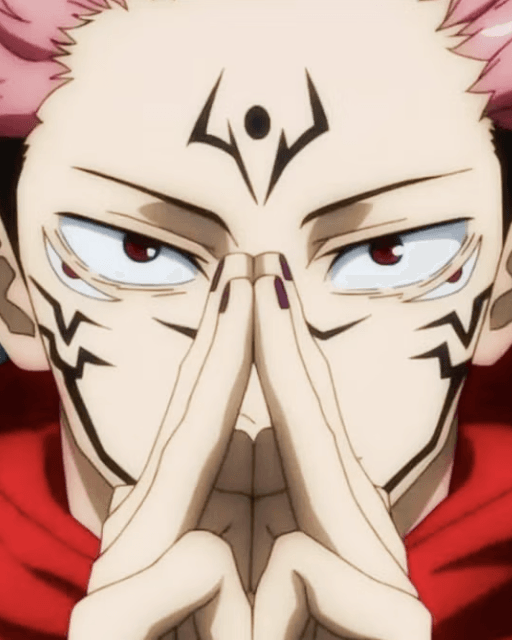
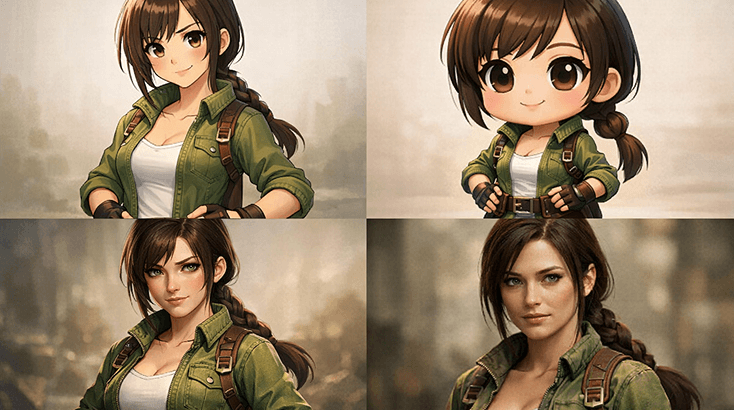
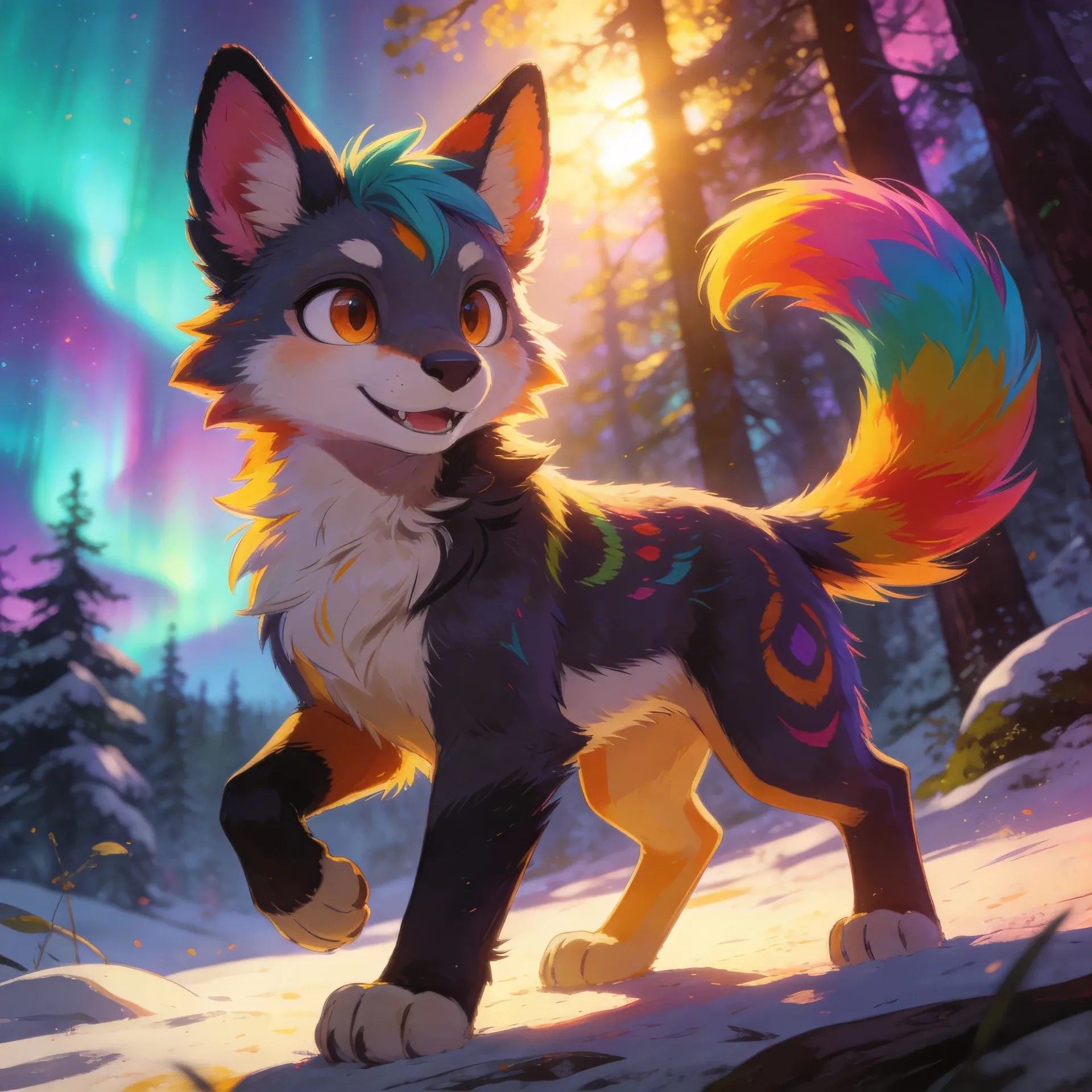
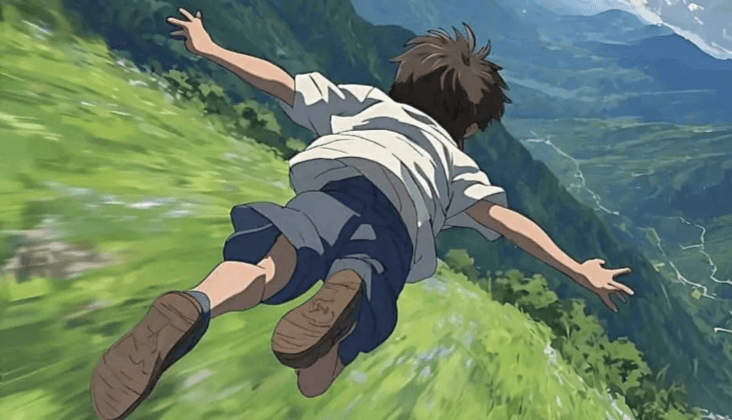
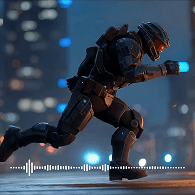
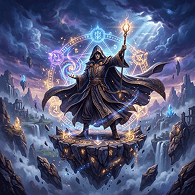
Jujutsu Kaisen OC Maker workflow step showing insignia details before jujutsu kaisen concept passes
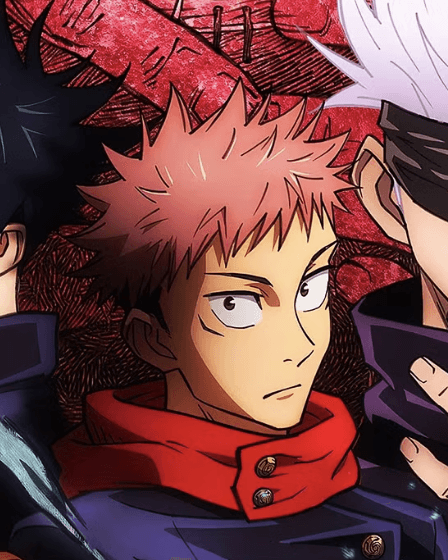
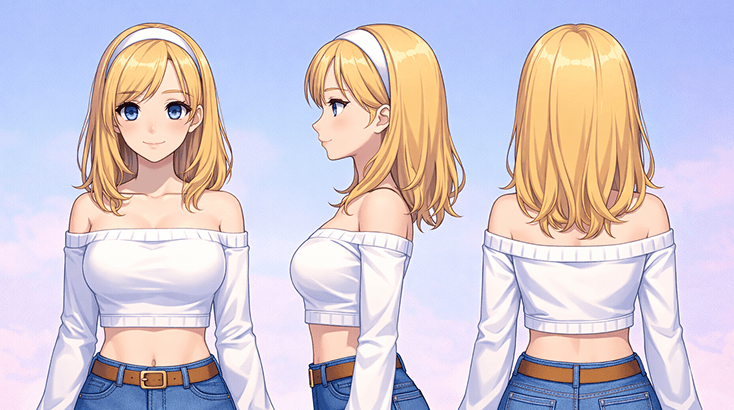
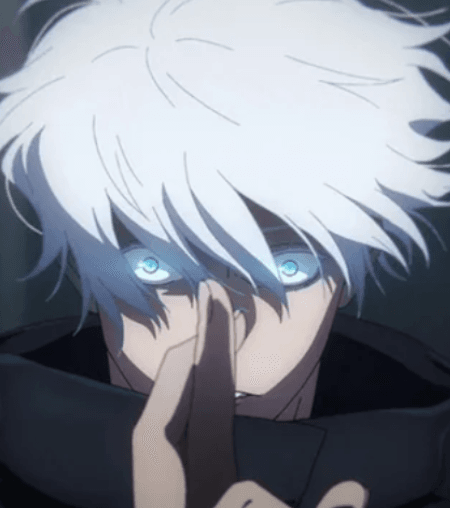
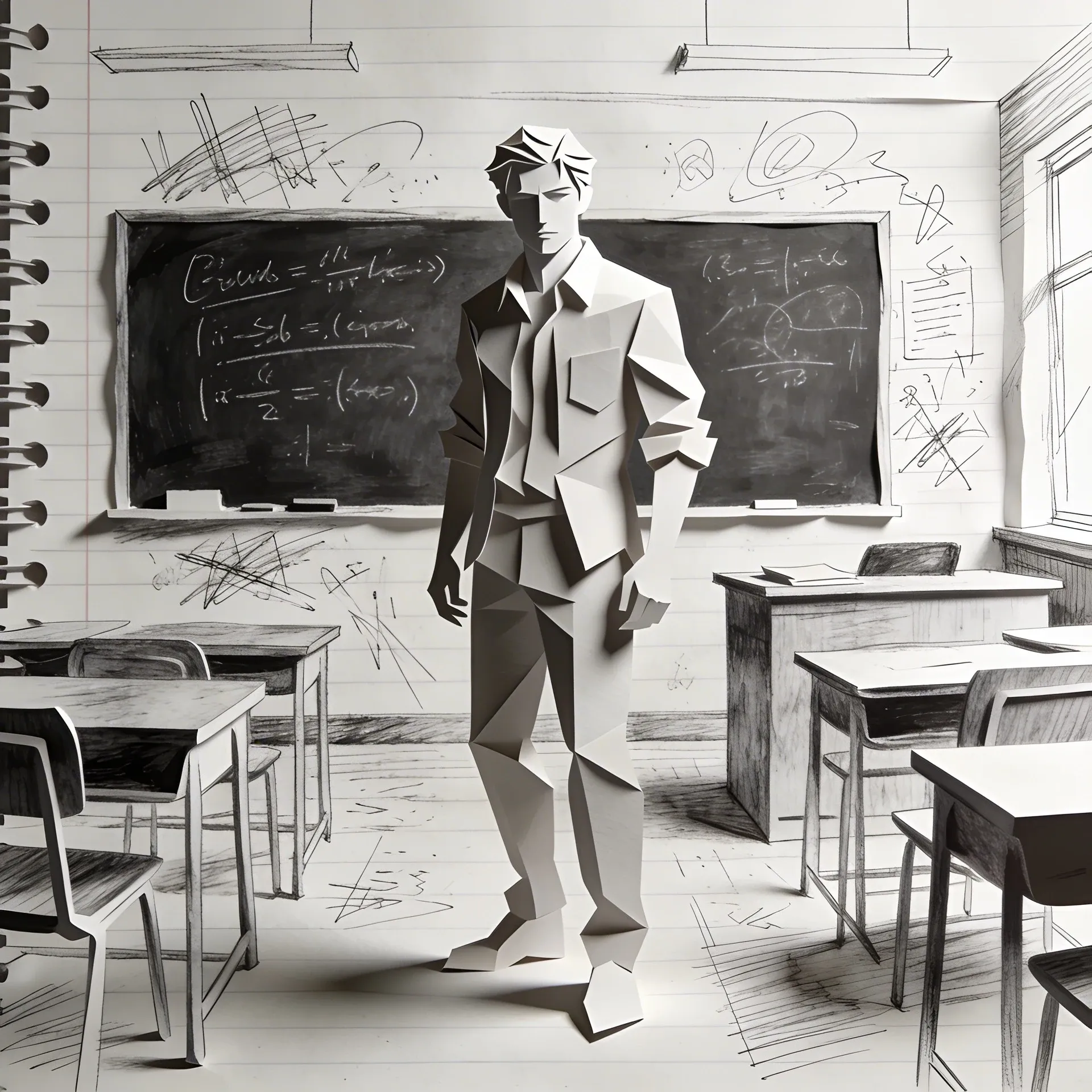
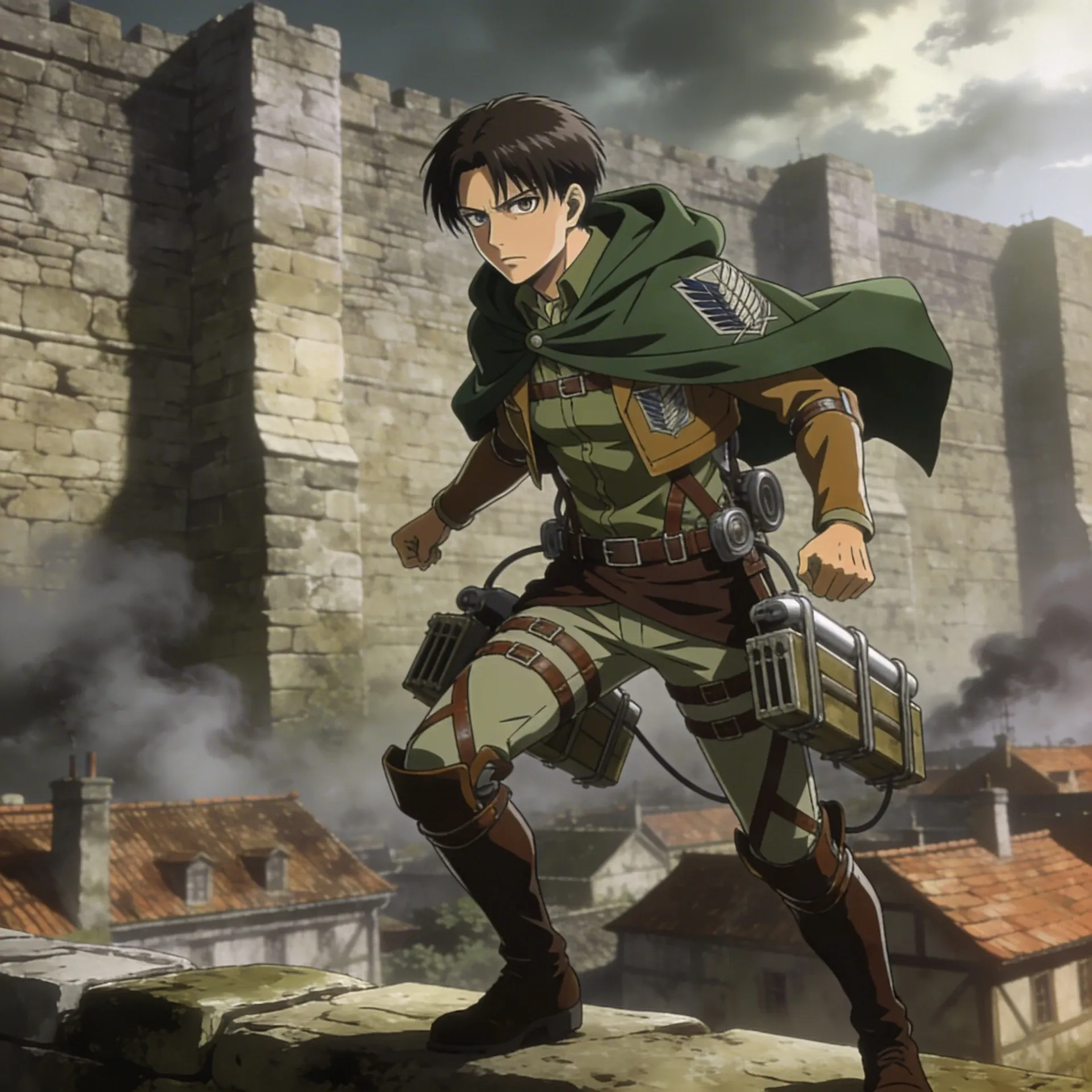
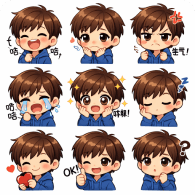
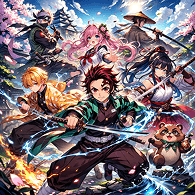
Jujutsu Kaisen OC Maker example featuring lead fighter in story arc reveal art

Jujutsu Kaisen Font Generator Features That Make Character Creation Easier

These features are here to tighten visual logic, keep the OC readable, and make later revisions easier. That is what turns a decent first pass into a design you can keep building on. A character page becomes more useful when each section solves a different design problem.

Jujutsu Kaisen font generator first-pass direction

Jujutsu Kaisen Font Generator For First-Pass Character Direction

If the design keeps drifting, strip it back to role, mood, and one memorable visual detail. A quick pass through Elser AI's AI Sound Effect Generator usually helps once you know the character needs stronger jujutsu kaisen-style details or clearer symbolic jewelry.

Jujutsu Kaisen creator style identity

Jujutsu Kaisen Creator For Style-Specific Identity

If the first draft feels close but not convincing, the missing piece is often styling discipline. Tighten jujutsu kaisen-specific visual cues, adjust layered outerwear, and make sure the character still works in mission posters; AI Image Animator is helpful when you need that extra control.

Jujutsu Kaisen AI art generator variants

Jujutsu Kaisen AI Art Generator For Variants, Scenes, And Alt Versions

After the first strong version, most creators want more than a static pose. Save the design, test younger trainee versions, and push it into training moments; Script To Video is a good handoff when you want motion or more scene energy.

How to make jujutsu kaisen in infinite craft

How To Make Jujutsu Kaisen In Infinite Craft For Story Weight And World Context

A memorable OC usually needs a reason to exist beyond one good image. Use this stage to figure out the character's place in roleplay bios, how they behave in rival face-offs, and what kind of relationship notes they belong in, then sketch those beats more clearly with Image Editor.

How To Make Jujutsu Kaisen In Infinite Craft With Elser AI

Treat this jujutsu kaisen oc maker page like a short design pass: set the concept, tighten cues like dramatic eye styling, then keep the strongest version.

Define character role and hook

Define The Character Role And Hook

Start with the role the character plays, the emotional lane they live in, and one visual cue that immediately separates them from generic uniforms.

Add world cues and reference details

Add World Cues And Reference Details

Layer in jujutsu kaisen-style details, symbolic jewelry, and enough scene logic to make the character feel native to the setting. If you need a cleaner style pass, compare the prompt direction with Nanobanana 2 AI Image Generator.

Generate and review best version

Generate, Review, And Push The Best Version

Keep the strongest draft, save 1-2 alternates, and only then expand into team lineups or supporting atmosphere. If you want to test mood around the character, Kling 3 AI Video Generator is a useful follow-up.

Why Choose Jujutsu Kaisen OC Maker On Elser AI

This jujutsu kaisen oc maker page is stronger when you need continuity: the same character can move from sketchy idea to cleaner scene logic while still feeling like one person rather than a stack of disconnected prompts, with room for alt outfits later on.

Cleaner design decisions

Cleaner Design Decisions While You Iterate

Getting to a usable draft faster matters because most creators want to test a few directions before they settle. This workflow makes that part feel less random and more intentional.

Better for OCs needing depth

Better For OCs That Need More Than Surface Style

When you want the character to feel sharper after the first draft, Naruto OC Maker gives you a stronger path into motion-heavy presentation without throwing away the jujutsu kaisen-style details or symbolic jewelry that already make the design readable.

Smoother jump to scene work

A Smoother Jump From Character Idea To Scene Work

If the design needs more campaign, story, or scene context later, Demon Slayer OC Maker can help you reframe the same character for promos, hooks, or broader packaging built around scene drafts and mission posters.

Explore Jujutsu Kaisen OC Maker Ideas Created With Elser AI

These jujutsu kaisen oc maker examples are here to show range: cleaner ref-sheet work, scene-ready variations, and more personality-driven concepts. You can also compare that range with Demon Slayer OC Maker or AI Fantasy Art Generator when you want a second opinion on jujutsu kaisen-coded accessories.

Support Specialist example with jujutsu kaisen-style details and symbolic jewelry
Lead Fighter example with jujutsu kaisen-specific visual cues and layered outerwear
Quiet Strategist example with signature techniques and energy effects
Runaway Prodigy example with faction colors and insignia details
Mentor Figure example with crest-like details and jujutsu kaisen-coded accessories
Rival Recruit example with battle-worn accents and uniform trims
Gallery image 7
Gallery image 8
Gallery image 9
Gallery image 10
Gallery image 11
Gallery image 12

Frequently Asked Questions about Jujutsu Kaisen OC Maker

The easiest way to use it is to set the role first, choose one strong status-marking accessories, and only then add weapon silhouettes plus a scene goal such as mission posters. If the base concept still feels loose, creators often compare against AI Character Maker before locking the final version.

Most people get better results by deciding the role first, then adding jujutsu kaisen-style details, symbolic jewelry, and one scene goal such as team lineups. That gives the generator something clearer to work with.

The exact free option can change, so check the pricing page for the current setup. That page is the most reliable place to confirm how much you can test before you commit.

In practice, people usually mean the same kind of workflow. The difference is less about terminology and more about whether the page helps with signature techniques and reusable alt outfits instead of only one image.

Start with a quiet strategist, choose one strong faction colors, then add insignia details and a scene goal like rival face-offs. Many creators also sanity-check the base concept with AI Character Maker before they commit to the final version.

Yes. A name or backstory prompt often gives the design more direction because it forces you to think about role, status, and what kind of jujutsu kaisen character sheets the character belongs in.

It is easier to keep the same character moving across revisions because you can extend the idea into pages like AI Storyboard Generator or AI Roleplay without losing the faction colors or story hooks that made the concept work in the first place.

Yes. Once the character feels stable, AI Storyboard Generator and AI Roleplay make it much easier to push the concept into rival face-offs, reveal shots, or short motion tests built around mentor-era looks.

Create Your Jujutsu Kaisen OC Maker In Minutes

Use Elser AI to move from a vague character sketch to a story-ready concept you can actually reuse for profiles, scenes, or longer-running fan projects.